Getting hit with an Instagram Story ban can be confusing. Sometimes your Story is removed. Sometimes you cannot post at all. In other cases, Instagram limits part of the Story feature without giving a very clear explanation. In this guide, you will learn what an Instagram Story ban usually means, why it happens, how to fix it, and what you can do to avoid the same problem again.
What Does an Instagram Story Ban Mean?
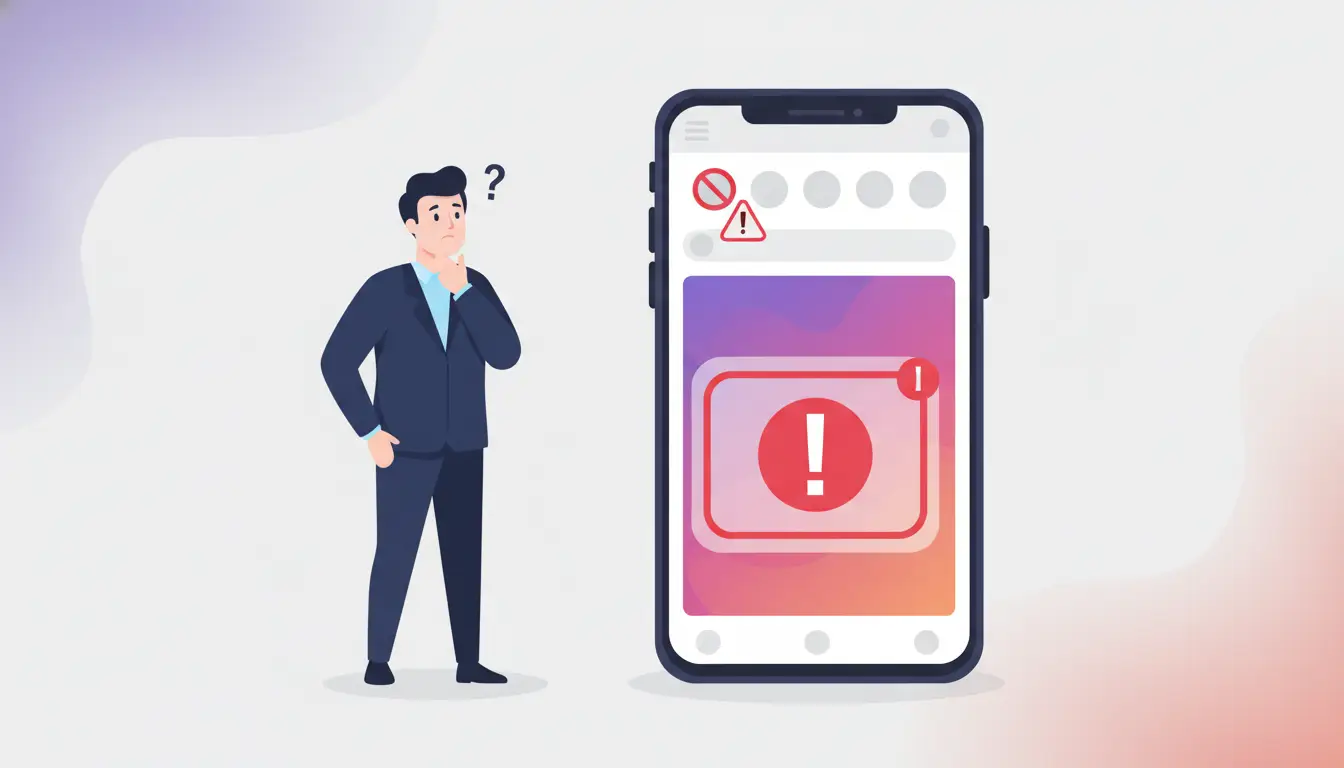
When people say Instagram Story ban, they usually do not mean one single official Instagram term. In real use, it can mean a few different things: your Story was removed, you cannot post a Story, or part of the Story feature is temporarily limited. Instagram’s Account Status can show removed content, including stories, when it was taken down for breaking the rules.
Story removed vs. Story posting restricted
A removed Story and a restricted Story are not the same thing. If a Story is removed, Instagram decided that the content should not stay up. If Story posting is restricted, the problem is usually with your ability to use the feature, not just one piece of content. For example, you may tap to post and find that Instagram will not let the Story go live, even though the Story itself is not showing as removed. If Instagram removes content by mistake, it lets users request a review through Account Status.
Temporary Instagram Story ban vs. wider account restriction
Sometimes the issue only affects Stories. Other times it is part of a wider account problem. A temporary Instagram Story ban may stop you from posting Stories for a while, while a broader account restriction can affect other actions too. That is why it helps to check Account Status instead of guessing based only on one failed post. If Instagram sees repeated violations, removed content may also affect your account standing.
What Instagram usually tells you when a Story is limited or removed
Instagram does not always use the exact phrase Instagram Story ban. More often, users see a removal notice, a warning about rule-breaking content, or a message telling them that a feature is limited. If your Story was removed, Instagram may show it in Account Status and give you the option to ask for a review. If the issue looks more like a broken feature than a content violation, Instagram also tells users to report the technical problem through the app.
Why Instagram Story Bans Happen
Now that we have defined what an Instagram Story ban can look like, the next question is why it happens. In most cases, Instagram does not limit Stories for no reason. The issue usually comes from either the content itself, repeated user reports, or account behavior that looks risky. Instagram says it removes content that goes against its Community Guidelines and uses both technology and user reports to make those decisions.
Story content that may violate Instagram’s rules
Some Stories get removed because the content crosses Instagram’s rules. This can include things like nudity, sexual content, scams, harassment, hate, or other harmful material. Instagram also says it removes content that breaks its Community Guidelines, including content in Stories. For example, a Story that includes violent threats, explicit adult content, or misleading scam-style claims may be taken down even if it was only meant to stay up for 24 hours.
How repeated reports can lead to Story removal or limits
Reports matter too. Instagram says it uses a combination of technology and reports from users when deciding what to remove. That does not mean every reported Story will be taken down, but repeated reports can bring more review to your content. In some cases, a Story may be removed or made less visible after enough concerns are raised. This is one reason an Instagram Story ban can sometimes feel sudden, especially if the creator did not expect the Story to look risky to others.
Why suspicious activity or third-party tools can trigger restrictions
Not every Story problem is about the Story itself. Sometimes the issue comes from account behavior. Suspicious activity, hacked posting, or connected third-party apps can all raise risk signals. Instagram tells users to remove suspicious third-party apps and secure the account if unauthorized content appears. It also lets users manage which apps and websites still have access to their Instagram account. So if an Instagram Story ban happens while you are using outside tools, repeated automation, or unusual login patterns, the restriction may be tied to account safety rather than just one Story post.
How to Check If Your Instagram Story Was Banned
After looking at the common causes, the next step is to confirm what actually happened. This matters because low reach and a real Instagram Story ban are not the same thing. The best place to start is not your views. It is Instagram’s own account tools. Instagram says Account Status can show content removed from your account, including stories.
How to check removed Stories in Account Status
Open Account Status first. If Instagram removed your Story for a rules issue, that is where you may see it. Instagram also says you can check the status of a review request in Account Status or in your Support Inbox. So if a Story disappeared and you want to know whether it was removed by Instagram, this is the clearest place to check.
Signs your Story feature is temporarily restricted
Sometimes the Story itself is not removed, but your ability to use the feature is limited. In that case, you may see a warning, a failed post, or a feature that does not work as expected. Instagram’s Help Center says users can report technical problems through the app, which is useful when the Story tool seems broken but you do not see a removal notice.
When low views are not the same as an Instagram Story ban
Low views alone do not prove an Instagram Story ban. Stories can get fewer views for many normal reasons, such as posting time, audience activity, or weak engagement. A real Story ban is more likely to involve one of these signs: a removal notice, a restriction message, or a visible record in Account Status. If none of those appear, it may be a reach problem, not a ban.
How to Fix an Instagram Story Ban
Once you confirm the problem, the next step is to fix it the right way. Do not guess. Start with Instagram’s own review and support tools. Instagram says you can ask for another review if your content was removed, and you can also track removed stories in Account Status.
How to request a review if your Story was removed
If Instagram removed your Story and you think it was a mistake, open Account Status and look for the removed content. Instagram says you can request a review there. In some cases, you may also see updates in your Support Inbox. This is the best first step because it uses Instagram’s official appeal flow instead of random workarounds.
What to change before reposting a Story
Before reposting, change the part that may have caused the problem. Remove risky text, misleading claims, graphic images, or anything that could look like spam or a rule violation. If you were using suspicious third-party apps, remove their access first. Instagram says users can review and remove connected apps and websites from their account settings.
When to wait, and when to contact Instagram support
If the issue looks like a temporary limit, waiting may be the best move. But if the Story feature seems broken, you keep seeing errors, or the problem does not match any removal notice, report it through the app. Instagram says users can report a technical problem directly from Instagram. Also keep in mind that Instagram does not offer general public phone support, so the in-app support path is the normal one.
How Long Does an Instagram Story Ban Last?
This is one of the most common follow-up questions, and the honest answer is: it depends. Instagram does not publish one fixed timeline for every Instagram Story ban. The length usually depends on what caused the problem and whether it affected only one Story or your account more broadly. Instagram does make clear that repeated removals can affect your account standing, which is why some limits end quickly while others get more serious.
How long temporary Story restrictions usually last
A temporary Story restriction often lasts from a short cooling-off period to a few days, especially when the issue looks more like a feature limit or suspicious activity than a major policy violation. In some cases, Instagram shows a message with an end time. In others, users simply have to wait and try again later. The key point is that temporary restrictions are usually shorter than content-removal or account-level penalties.
Why repeat violations can lead to longer limits
If the same kind of problem keeps happening, the restriction can last longer or become more serious. Instagram says that if you repeatedly post content that gets removed for breaking the rules, you may lose access to your account. It also allows some first-time strikes to be removed in limited cases, which shows that repeat history matters.
When a Story issue becomes an account-level problem
A Story issue becomes an account-level problem when it is no longer just about one removed Story or one failed upload. If your account standing drops, or Instagram starts limiting broader actions, the problem has moved beyond Stories. That is why checking Account Status matters: it helps you see whether this is a one-off Story issue or part of a bigger account restriction.
How to Avoid Instagram Story Bans in the Future
Once you recover from an Instagram Story ban, the goal is simple: do not trigger the same problem again. The safest approach is to keep both your content and your account behavior clean. Instagram removes content that breaks its rules, and it also warns users to be careful with suspicious third-party apps connected to their account.
Safer Story posting habits that lower risk
Start with simple habits. Post content you can clearly stand behind. Avoid anything that could look like spam, scams, harassment, or other rule-breaking material. If Instagram removes something by mistake, you can ask for a review, but it is better to avoid risky uploads in the first place. A good rule is this: if a Story looks pushy, misleading, or too aggressive, slow down and edit it before posting.
Why risky links, stickers, hashtags, or repeated uploads can cause problems
A Story does not need to be obviously offensive to cause trouble. Repeated uploads, spammy hashtags, or suspicious links can still raise risk. Instagram tells users to avoid suspicious links and also lets people report spam and scams directly, which shows how seriously that behavior is treated. In practice, a Story packed with clickbait text, repeated tags, and the same link over and over is more likely to look unsafe than a simple, normal Story.
How to keep account behavior looking normal
Normal account behavior matters too. If you use third-party apps, review them and remove any you do not trust. Instagram says active third-party apps and websites may still have access to your account, and it warns users to be careful before giving outside tools that access. So if you want to lower the chance of another Instagram Story ban, keep your posting rhythm normal, avoid suspicious automation, and clean up unused connected apps.
When a Separate Browsing Setup Helps More Than Another Quick Fix
First, it is important to be clear: DICloak is not a fix for Story content that was removed for breaking Instagram’s rules. If a Story was taken down because of the content itself, the real fix is still to review the post, remove risky elements, and follow Instagram’s appeal process. DICloak is not a shortcut around that.
When DICloak makes sense for multi-account Story workflows
DICloak makes more sense when the real challenge is not one banned Story, but a larger multi-account workflow. For agencies, social media teams, affiliate marketers, e-commerce operators, or anyone handling many accounts on one device, basic browser use can get messy fast. DICloak is designed for that kind of setup, with features like profile sharing, permission settings, data isolation, operation logs, website access restrictions, and security protection mode. So it is not really a Story-ban fix. It is a more structured way to manage multiple Instagram environments safely and efficiently.
How isolated browser profiles help keep Instagram sessions separate
Where DICloak becomes useful is in the browsing setup around the work. It is an antidetect browser built for isolated browser profiles, customizable fingerprints, and proxy setup. That means each Instagram account can run in its own separate browser profile instead of sharing the same cookies, sessions, and settings. If you manage more than one account, that kind of separation can make the workflow cleaner and easier to control.
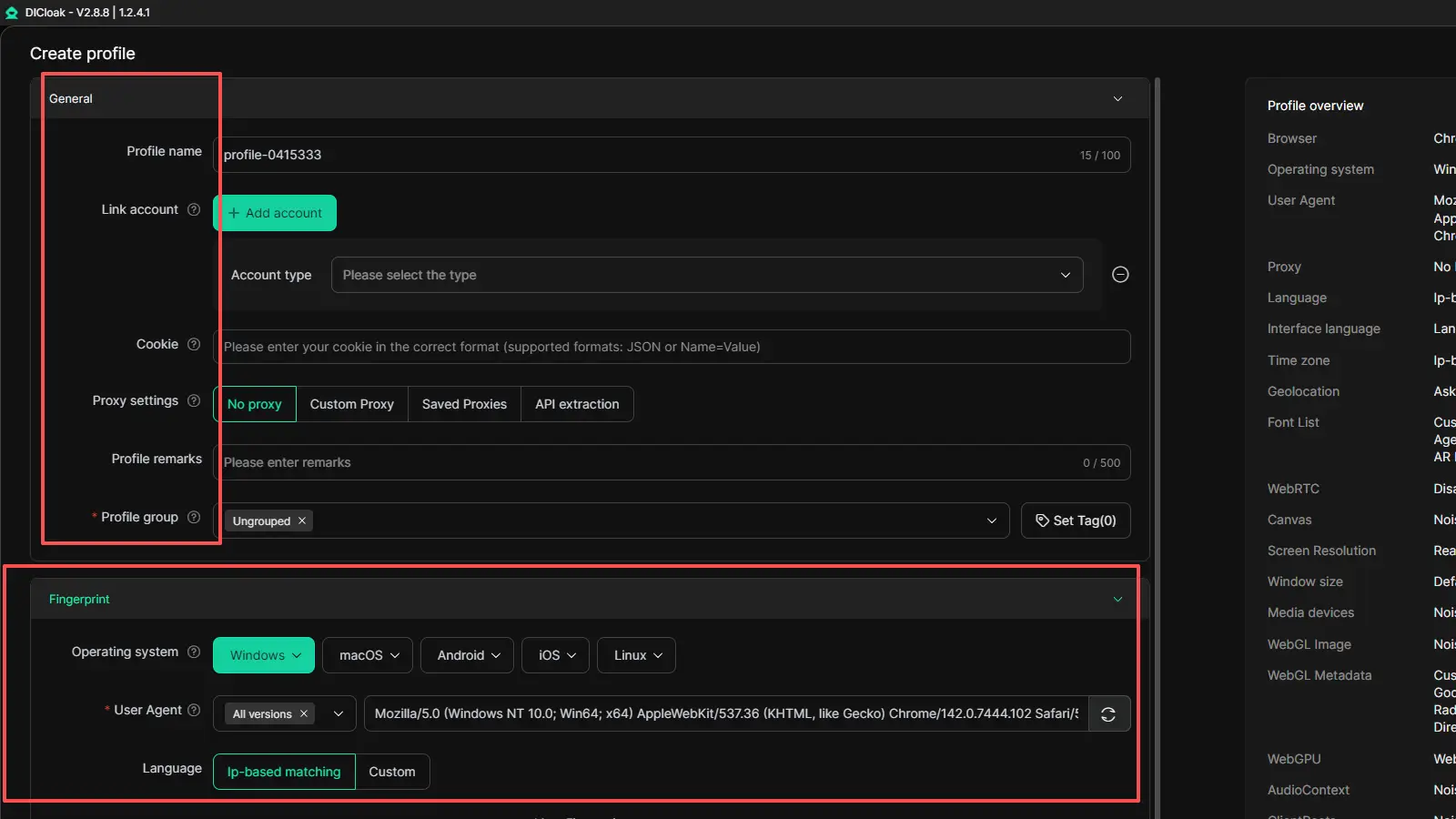
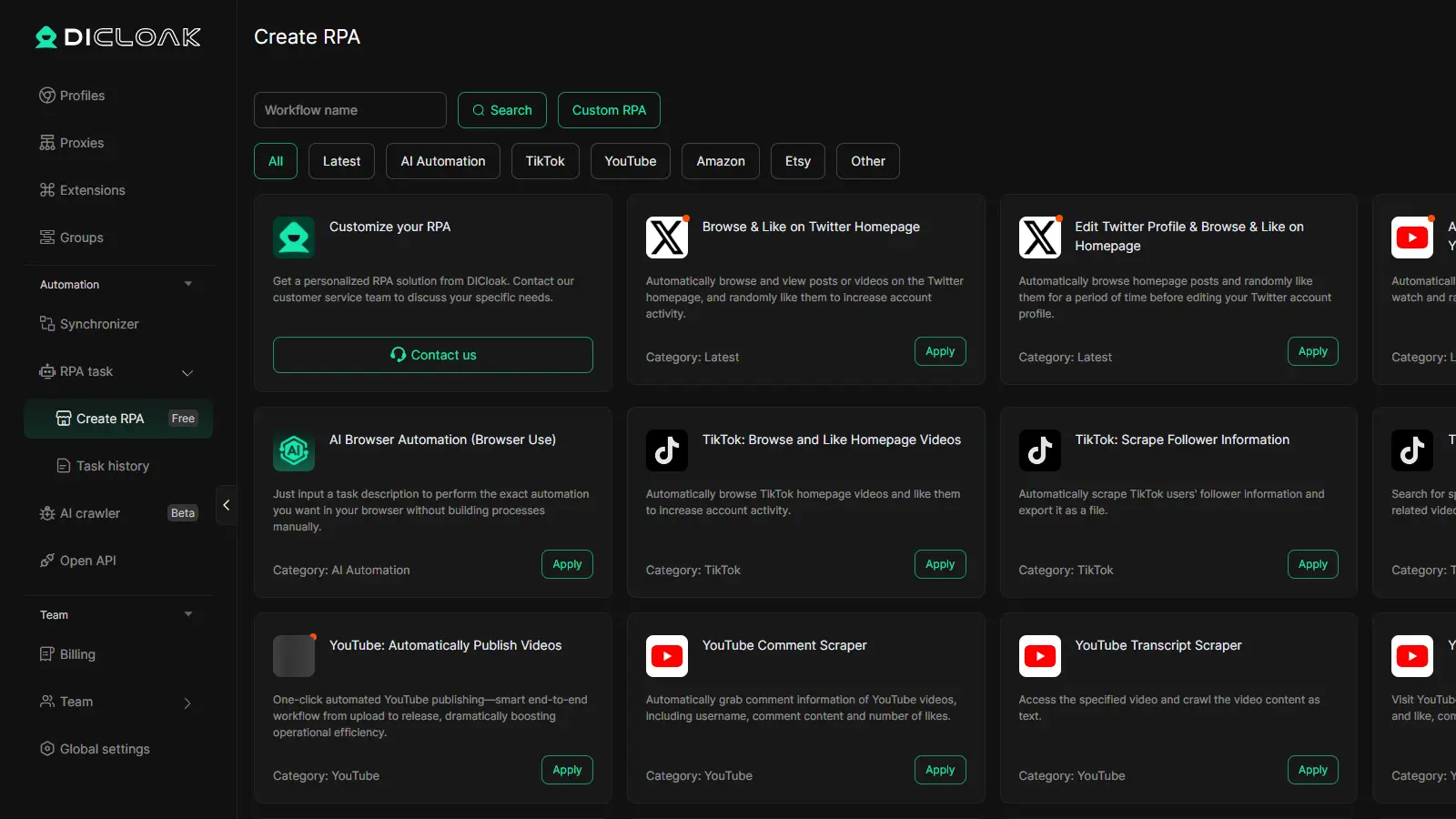
It also includes tools like bulk operations, built-in RPA, and a synchronizer, which can help when the work involves repeated actions across many profiles.
FAQs about Instagram Story Ban
Q1: What does an Instagram Story Ban mean?
An Instagram Story Ban usually means Instagram has limited part of your Story activity. This can include a Story being removed, a temporary block on posting Stories, or a wider restriction linked to your account. It is not always one fixed warning, so the exact problem can look different from one account to another.
Q2: How long does an Instagram Story Ban last?
An Instagram Story Ban can last for a short time or much longer, depending on the reason. Some temporary limits may end after a cooling-off period, while repeated violations can lead to longer restrictions. If the problem affects your full account status, the impact can last beyond just one Story.
Q3: How can I fix an Instagram Story Ban?
To fix an Instagram Story Ban, first check whether your Story was removed or whether the Story feature was restricted. If Instagram removed the Story by mistake, you can request a review. Before posting again, remove anything risky, such as misleading text, unsafe links, or content that may break Instagram’s rules.
Q4: Can an Instagram Story Ban happen even if my account is private?
Yes. An Instagram Story Ban can still happen on a private account. Privacy settings do not stop Instagram from reviewing Stories for rule violations, spam signals, or suspicious activity. A private account may have a smaller audience, but it still has to follow the same platform rules.
Q5: How can I avoid another Instagram Story Ban in the future?
The best way to avoid another Instagram Story Ban is to keep both your content and your account behavior normal. Post carefully, avoid risky links or spam-like Story elements, and do not rely on suspicious third-party tools. If you manage more than one account, keeping your workflow organized can also help reduce future problems.
Conclusion
An Instagram Story Ban can feel frustrating, especially when Instagram does not explain the problem in a very clear way. In many cases, the issue is temporary and can be fixed by checking Account Status, reviewing the content, and avoiding the same trigger again. The most important thing is to figure out whether the problem came from the Story itself, suspicious account behavior, or a wider account restriction. Once you know that, it becomes much easier to recover and lower the chance of another Instagram Story Ban in the future.
 Web Proxy Tools
 Free Tools
 Cookie Plugin
 UA Generator
 MAC Address Generator
 IP Generator
 IP Address List
 2FA Code Generator
 World Clock
 Anonymous Check
 WebRTC Leak Test
 UUID Generator
 Free Web Proxy Site
 Proxy Checker
 FB Ad Checker
 AI Web Scraping
 Free SMM Tools
 Twitter Shadowban Checker
 Instagram Name Checker
 UTM Generator
 Username Generator
 AI Hashtag Generator
 LinkedIn Headline Generator
 Social Media Image Resizer