More than 70% of shoppers on TikTok say they’ve found new brands through short videos, according to TikTok for Business. But most new sellers still struggle with one problem: turning casual viewers into buyers who actually check out. The usual advice, post daily, follow trends, use hashtags, rarely fills a cart unless you understand what really drives TikTok sales.
The real issue isn’t just getting seen. On TikTok, the platform’s Shop feature, creator partnerships, and live selling tools work differently from standard e-commerce sites like Shopify or Amazon. Small sellers often miss key steps, like linking their product catalog, setting up secure payments, or handling the flood of quick questions during a live. That’s why learning how to sell on tiktok means more than just posting videos; it’s about building a workflow that connects your audience to checkout without losing trust or momentum.
This guide breaks down the process step by step, from account setup to closing your first sale, so you know exactly what to check, which tools to use, and how to avoid the most common mistakes. Whether you’re starting from scratch or moving your shop online, here’s how real sellers go from zero to first order on TikTok.
What You Need to Know Before Selling on TikTok
Selling on TikTok isn’t just about posting a product video and waiting for orders. The platform has rules, seller types, and built-in features that shape how you connect with buyers. If you skip these basics, you risk wasting time or getting restricted before your shop even opens. Learning how to sell on tiktok starts with knowing who’s allowed to sell, what TikTok Shop actually provides, and the main risks new sellers face.
Who Can Sell on TikTok: Eligibility and Account Types
TikTok selling is open to both business and personal accounts, but the difference matters. A business account unlocks analytics, product links, and TikTok Shop access, while a personal account limits you to basic content and fewer selling tools. Age and country rules are strict: sellers must be at least 18 years old, and TikTok Shop is only available in select regions like the US, UK, and Southeast Asia. If you try to sell from an unsupported country, your account may get flagged or blocked.
| Account Type |
Features |
Shop Access |
Age Limit |
| Business |
Analytics, Shop, Links |
Yes |
18+ |
| Personal |
Basic Content Only |
No |
13+ |
What TikTok Shop Actually Offers Sellers
TikTok Shop lets you list products directly, connect your catalog, and run checkout in-app. Payments are handled by TikTok’s secure system, so buyers don’t have to leave the app. The shop dashboard tracks orders, returns, and messages. Sellers can boost visibility with live shopping events and short product clips. The most critical insight: If you skip account verification or mislabel your products, you risk instant removal, so double-check all setup steps before going live.
How to Set Up Your TikTok Shop and Start Selling
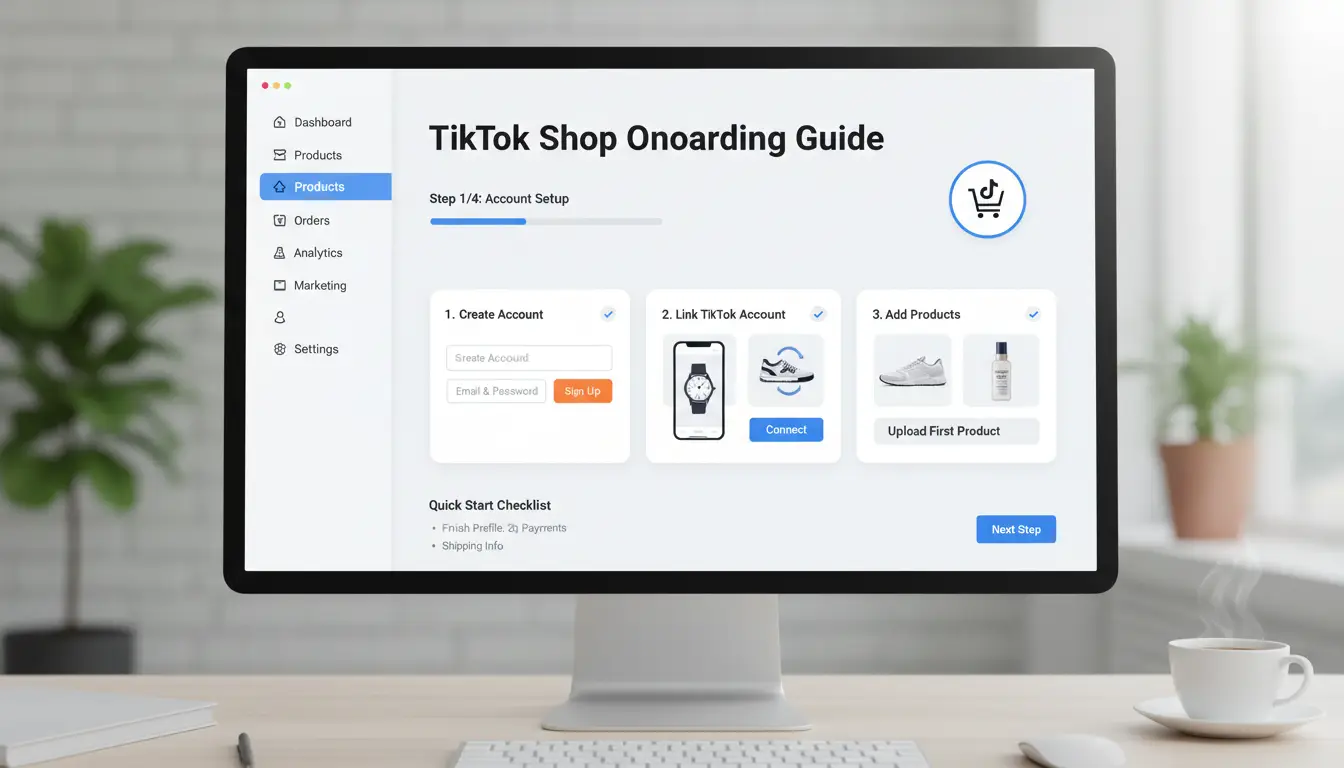
Getting your shop live on TikTok means more than just uploading products. Real sellers focus on details that control account approval, product visibility, and smooth checkout. If you want to learn how to sell on tiktok without missing key steps, start by following this checklist.
Registering for TikTok Seller Center
Start by signing up on the TikTok Seller Center. You’ll need to provide a government-issued ID, business license, and basic contact details. The platform checks your documents and usually verifies accounts in 1–3 days. Make sure your name matches your business paperwork, accounts with mismatched info may get rejected. Keep your phone handy for two-factor verification.
Listing Your Products: Best Practices
Upload sharp, real photos, blurry or stolen images get flagged. Write clear descriptions that explain what buyers actually get. Set pricing with both your cost and competitor listings in mind. Track inventory closely; TikTok auto-hides products that run out. For best results, combine carousel images with short video demos.
Connecting Payment and Shipping Options
TikTok Shop supports major payment methods like credit cards, PayPal, and local wallets. Link your bank account or payment processor for payouts. Set up shipping by choosing from TikTok’s partner couriers or adding your own fulfillment service. Double-check rates and delivery times, slow shipping leads to negative reviews and fewer repeat buyers.
If you want to know how to sell on tiktok and avoid early mistakes, pay close attention to these setup steps. Missing one detail can delay your first sale by days or even weeks.
How to Create Content That Actually Sells on TikTok
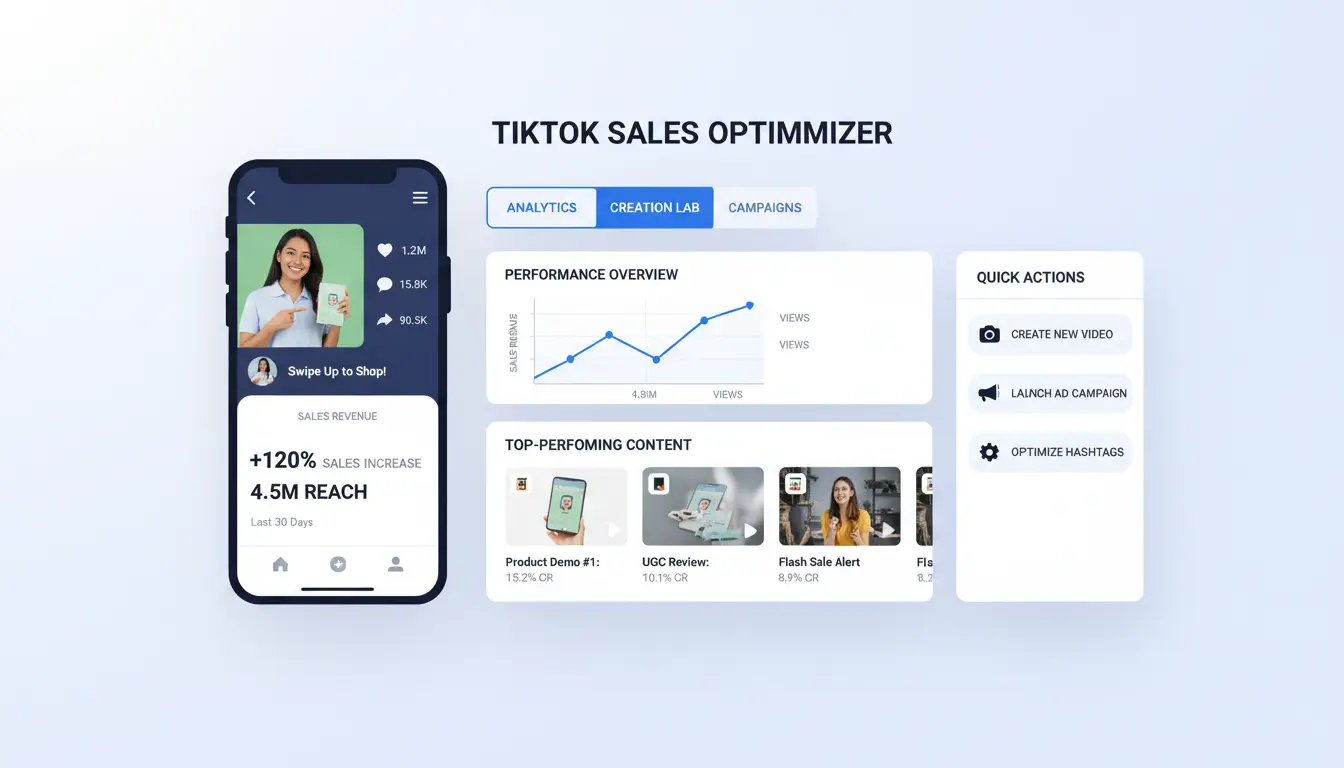
Content drives sales on TikTok, but not all videos connect with buyers. Getting real results means showing your product in a way that sparks trust, answers questions, and makes people want to click. Sellers who master this part of how to sell on tiktok keep viewers interested, and turn views into orders.
Showcasing Products in Action
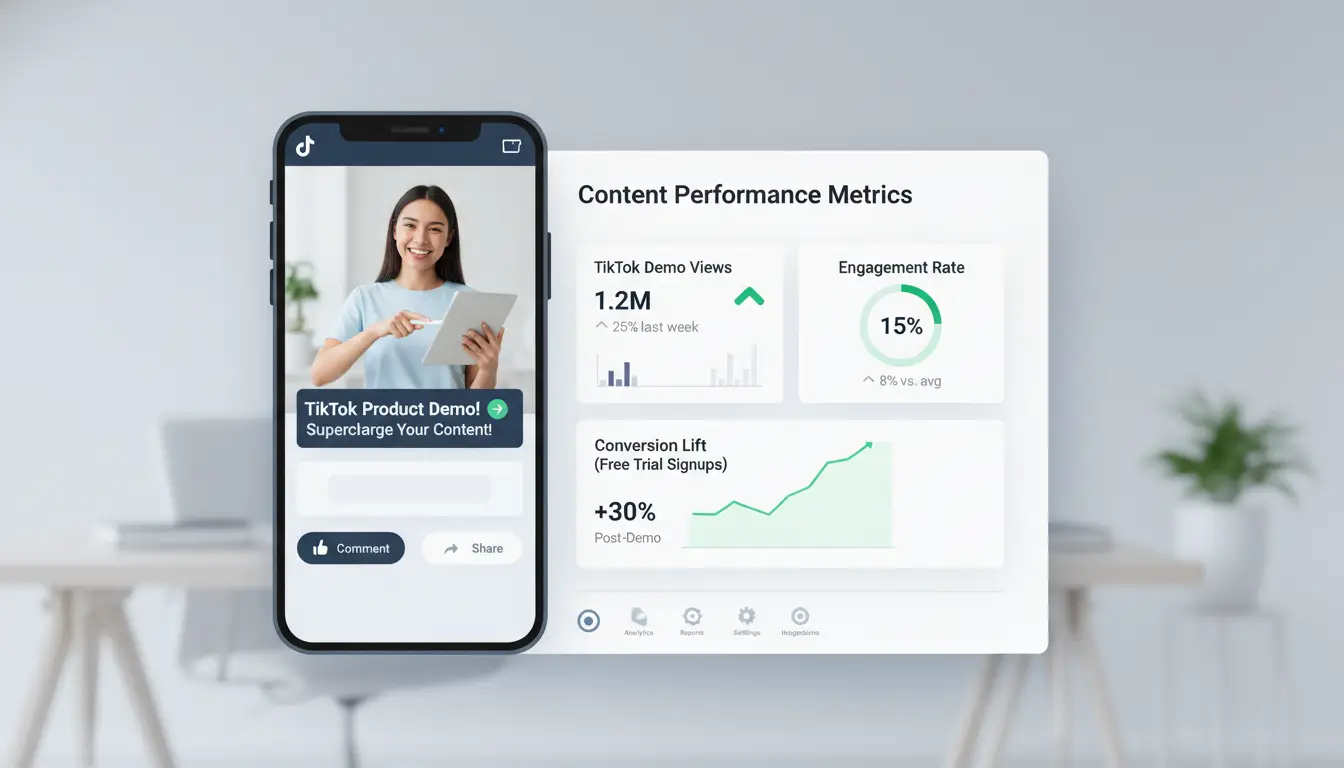
Buyers want proof, not just promises. Demo videos work because they show how your product solves a real problem or fits into daily life. For example, show a water bottle handling a drop test or how shoes look on real feet, not just on a shelf. Tutorials work too, breaking down how to use or style the product step by step. Featuring user-generated content, like real customer videos or reviews, adds trust and makes your offer feel legit.
Storytelling and Brand Building
A good brand story gives people a reason to care. Share what inspired your product, who it helps, or the story behind your small business. Linking your offer to popular trends or TikTok challenges can push your videos to new audiences. Sellers often join trending hashtags or remix viral sounds, but always add their own twist to stand out.
Leveraging TikTok’s Discovery Engine
Hashtags and smart posting times help the algorithm notice your content. Use 3-5 targeted hashtags, mixing broad and niche tags, to reach more buyers. Posting when your target customers are online, often evenings or weekends, boosts views. Consistency matters more than luck: steady posting tells TikTok you’re active, raising your odds of landing on the For You Page. That’s the shortcut to real sales when learning how to sell on tiktok.
How to Use TikTok Ads and Live Shopping to Boost Sales
Running ads and live shopping events gives you control over who sees your products and when. If you want to master how to sell on tiktok, start by matching your product type and budget to the right tools. Sellers who mix paid ads with live shopping often see faster results than those who rely on organic posts alone.
Choosing the Right TikTok Ad Format
Not every ad drives the same results. In-feed ads show up in users’ For You feeds and work well for new brands or product launches. Spark ads boost existing organic videos, letting you target users who already interacted with your content. Here’s a quick comparison:
| Ad Type |
Best For |
Cost Control |
| In-feed |
Awareness, new offers |
Full budget set |
| Spark |
Engagement, retargeting |
Flexible spend |
(Source: TikTok Business Help Center)
Targeting is just as important as format. Use TikTok’s interest and behavior filters to reach people who match your ideal customer, don’t waste ad spend on a random audience.
Running Live Shopping Events
Live shopping is where “how to sell on tiktok” meets real-time action. Plan out your script, highlight bestsellers, and set up quick replies for common questions. Pin product links during the stream so buying is one tap away. The best hosts answer questions fast and use clear calls to action, like “add to cart now for a discount.”
Tracking Ad Performance and ROI
You can track clicks, sales, and follower growth with TikTok’s built-in analytics or connect Shopify for deeper data. Watch which videos or lives bring the most sales, then shift your budget to the top performers. Don’t guess, let the numbers show what really works.
How to Avoid Common Mistakes and Account Risks When Selling on TikTok
Selling on TikTok can move fast, but most mistakes happen before you even list a product. If you’re learning how to sell on tiktok, start by checking your account setup and sales workflow, one slip can trigger restrictions or even a ban. The biggest risks are hidden in policy details, account signals, and how you handle multiple accounts.
Why Accounts Get Restricted or Banned
TikTok’s moderation system flags accounts for violating community guidelines, copyright rules, or posting misleading offers. Even using the wrong hashtags or links can trigger a review. Suspicious activity, like logging in from different devices or IPs, sudden spikes in follower growth, or rapid changes to your bio, often leads to temporary blocks. Missing these signs early is the main reason sellers lose access right when sales pick up.
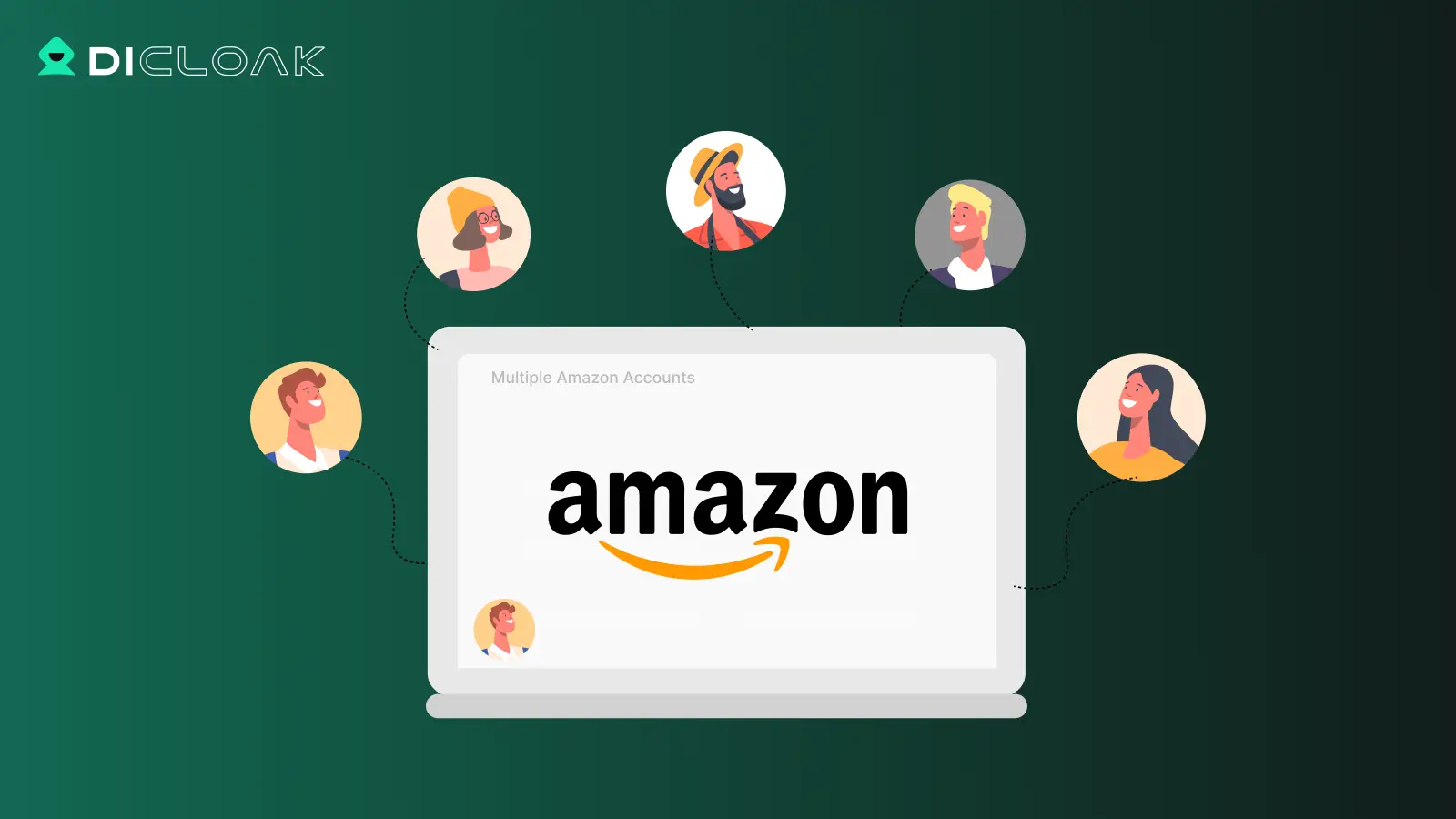
Using several accounts, whether for different products or markets, gets risky fast. TikTok tracks device fingerprints and IP addresses to spot linked accounts. To avoid cross-linking, keep each account on its own device or browser profile, and always use separate proxies. You can use DICloak to create isolated browser profiles and bind proxies for each account. This keeps your sales channels from being flagged together.
What to Do If You’re Flagged or Restricted
If your account is restricted, check TikTok’s notifications for the exact reason. Submit an appeal through the app, attach screenshots that show your compliance, and remove any flagged content. Recovery works best if you act fast, most sellers regain access in under 48 hours if they fix the issue and follow up.
How DICloak Helps E-Commerce Sellers Run Multiple TikTok Accounts Safely
Running several TikTok accounts is risky for sellers. TikTok flags accounts that share browser fingerprints, IPs, or device patterns, often triggering bans or ad rejections. Sellers who skip isolation steps usually lose accounts fast, even if they follow basic "how to sell on tiktok" guides.
Isolated Browser Profiles for Each TikTok Account
You can use DICloak to create a separate browser profile for each TikTok account. This masks digital fingerprints and keeps IPs apart with proxy integration. It blocks TikTok from linking accounts, so you avoid sudden bans or balance freezes.
Automating Repetitive Tasks and Ad Campaigns
Tools like DICloak let you build RPA flows for posting, liking, and ad management. Instead of manual copy-paste, you can schedule bulk uploads and automate campaign tweaks. That means you handle more accounts without missing key steps or breaking TikTok’s rules.
Team Collaboration and Secure Data Management
DICloak supports profile sharing with permission controls. Your team can access accounts safely without exposing passwords. All login credentials are encrypted, so even if one device is lost, accounts stay protected. Keeping browser profiles isolated is what actually reduces TikTok ban risk when scaling up.
How to Handle Fulfillment, Shipping, and Customer Service After Sales
Selling on TikTok isn’t just about grabbing attention, it’s about keeping buyers happy after they click “buy.” The real work starts once orders come in. If you want to master how to sell on tiktok, handling fulfillment, shipping, and support efficiently will make or break your reputation.
Efficient Order Processing
Batch processing helps small sellers stay organized. Instead of handling each order as it arrives, set fixed times to process multiple orders together. You can use order management tools like Shopify to automate order notifications, which saves time and reduces mistakes. Automatic alerts for “order received,” “shipped,” and “delivered” keep buyers informed. If you sell during live streams, set up real-time response templates for quick follow-up.
Shipping Solutions and Tracking
Choosing reliable carriers is key. Compare rates and delivery times from USPS, FedEx, and UPS:
| Carrier |
Typical Delivery Time |
Tracking Included |
Notes |
| USPS |
2-5 days |
Yes |
Budget option |
| FedEx |
1-3 days |
Yes |
Fastest |
| UPS |
1-5 days |
Yes |
Flexible |
Buyers expect tracking info right after shipping. Always upload tracking numbers to TikTok Shop or your linked storefront so customers can see delivery progress.
Customer Service Best Practices
Quick replies reduce cancellations. Use canned responses for common questions, but personalize when needed. If a buyer requests a return or refund, follow clear steps, confirm the issue, offer prepaid return labels, and process refunds fast. Fast, transparent support keeps buyers coming back.
When Selling on TikTok Makes Sense, and When It Doesn’t
Products That Perform Best on TikTok
Not every product fits TikTok. Fast-moving categories, like beauty, gadgets, and fashion, do best. Items with visual appeal (think bold colors or unique features) can go viral if shown in short, catchy videos. Trending products often ride hashtag challenges or influencer demos. If your product looks good on camera and sparks quick reactions, TikTok is worth testing.
Challenges and Limitations to Consider
Big competition means your videos can get buried unless you catch the algorithm’s attention. TikTok changes its rules often, so what works one week can flop the next. Handling orders quickly is tough, buyers expect fast replies and shipping. Scaling up is tricky if you can’t keep pace with sudden surges or manage returns.
When Other Platforms Might Be a Better Fit
Some sellers find Shopify or Amazon easier for catalog management and logistics. Here’s a quick view:
| Platform |
Best For |
Checkout |
| TikTok |
Viral, visual goods |
In-app, fast |
| Shopify |
Full control |
Custom, flexible |
| Amazon |
Large scale |
Prime, secure |
Hybrid selling, posting on TikTok, but linking to a store, can balance reach and reliability. Choosing TikTok depends on your product’s viral potential and your workflow.
Frequently Asked Questions
Can I sell on TikTok without a business license?
To use TikTok Shop, you usually need a business license because TikTok wants to verify sellers. If you don’t have one, you can still learn how to sell on TikTok by promoting products as an affiliate or using personal accounts to direct viewers to other online stores. Always check local laws before selling.
How many TikTok accounts can I manage for selling?
TikTok allows one personal and one business account per user. Managing more may risk suspension. If you want to learn how to sell on TikTok using several accounts, use separate devices and emails. Avoid logging in and out often, as TikTok may flag this as suspicious.
What are the best ways to promote products on TikTok?
Create short, eye-catching videos showing your product in action. Use trending music and hashtags. Run TikTok ads to reach more people. Partner with influencers who match your brand. These strategies help you learn how to sell on TikTok and reach new customers fast.
How do I avoid getting my TikTok seller account banned?
Follow TikTok’s rules: don’t use fake info, avoid copyright issues, and never spam. Don’t sell banned items like weapons. Respond to customer complaints quickly and honestly. Keep your content original and follow how to sell on TikTok guidelines to stay safe.
Is TikTok Shop available in every country?
No, TikTok Shop is not available everywhere. As of 2024, it works in countries like the US, UK, Indonesia, and a few others. If your country isn’t on the list, you can still promote products and link to outside shops, but you can’t use TikTok Shop features directly.
Building a successful TikTok sales strategy depends on understanding your audience, creating authentic content, and leveraging TikTok's unique features like livestreams and product links. By consistently engaging viewers and optimizing your approach based on analytics, you can turn views into loyal customers. Try DICloak For Free
 Web Proxy Tools
 Free Tools
 Cookie Plugin
 UA Generator
 MAC Address Generator
 IP Generator
 IP Address List
 2FA Code Generator
 World Clock
 Anonymous Check
 WebRTC Leak Test
 UUID Generator
 Free Web Proxy Site
 Proxy Checker
 FB Ad Checker
 AI Web Scraping
 Free SMM Tools
 Twitter Shadowban Checker
 Instagram Name Checker
 UTM Generator
 Username Generator
 AI Hashtag Generator
 LinkedIn Headline Generator
 Social Media Image Resizer