In 2026, simple automation scripts are a massive liability for your business. If you rely on basic tools like Selenium or Puppeteer without protection, you will face immediate account bans. Major platforms like Facebook, Amazon, and LinkedIn now use advanced AI to analyze your device's hardware, not just your IP address.
This makes gathering reliable data intelligence impossible with old methods. Standard scripts shout "I am a robot" to security systems. To scale your operations safely, you need bot detection 2026 countermeasures that basic code cannot provide. You must move from simple scripts to a robust infrastructure layer.
To complement this discussion around scaling web data operations and workflows, here’s an excellent resource on turning fragmented data into actionable AI insights, showing how teams structure scraped data into AI‑ready pipelines for analysis and business value.
The Change of Canvas Fingerprint Spoofing in Modern Anti-Bot Systems
Websites track how your browser renders graphics and text. This technique is called Canvas Fingerprinting. Every computer draws a slightly different hidden image based on its specific graphics card, drivers, and operating system.
Standard scraping scripts do not hide this. Even if you change your IP address, your Canvas Hash remains the same. If you manage 50 accounts, the platform sees 50 logins from different locations but the exact same hardware. This is a clear signal of bot activity.
To avoid detection, you need canvas fingerprint spoofing. This technology does not just block the readout. Instead, it adds unique "noise" to the drawing process. This makes every single browser profile appear as a completely different, valid device.
WebGL and AudioContext: The Invisible Signals Killing Your Scrapers
Beyond the canvas, platforms analyze your hardware deeply. They look at your WebGL (graphics) and AudioContext (sound) configurations. These are invisible signals that kill your scrapers silently.
- WebGL Readouts: These reveal your exact GPU vendor and renderer model.
- AudioContext: This measures how your specific hardware stack processes sound waves.
If you run a script on a server, these signals are often missing or identical across all threads. A security system will see 100 accounts with the exact same AudioContext signature. That is mathematically impossible for 100 random real users. This mismatch triggers "Chain Bans," where the platform links and locks every account you own instantly. You need tools that randomize these parameters for every session.
Why Human-Like Interaction is Non-Negotiable
Bots usually act perfectly. Humans do not. Modern behavioral analysis tracks mouse movements, scroll speeds, and typing rhythm to identify non-human traffic.
A traditional script jumps instantly from one button to another. It clicks with zero latency. This mechanical precision is a red flag. To bypass filters, you need software that emulates human flaws. This includes:
- Curved Mouse Paths: Moving the cursor into a natural arc, not a straight line.
- Random Pauses: Stopping briefly while scrolling, just like a user reading content.
- Variable Typing: Key presses that happen at irregular intervals.
High-value data intelligence operations now require "Headful" browsers. These are real visual browsers that render the full page. They prove to the security AI that a real "person" is behind the screen, protecting your assets from being flagged as bots.

How an Antidetect Browser for Web Scraping Neutralizes Fingerprinting
To solve these detection issues, you need more than just a proxy. You need an Antidetect Browser for Web Scraping. This software does not simply block tracking attempts. Instead, it manages your entire digital footprint to make you look like a legitimate user. It acts as a control center that spoofs every hardware signal your computer sends out. By replacing your real data with consistent, fake details, you avoid the "red flags" that trigger bans.
Achieving Browser Profile Isolation for High-Volume Operations
The biggest risk in multi-account management software is cross-contamination. In a standard browser like Chrome, websites can often read shared data across different tabs. This includes local storage, indexedDB, and cached files. If one account reveals a leak, the platform links it to all your other tabs.
An antidetect browser solves this through browser profile isolation. It creates a secure, virtual container for every single profile.
- Separate Cookies: Each profile has its own cookie jar. Data seldom leaks from Account A to Account B.
- Local Storage Sandbox: The browser creates a unique file path for every session.
- Cache Segmentation: Images and scripts are downloaded separately for each profile.
This means you can run 50 distinct accounts on one computer. To the website, they appear as 50 different people on 50 different computers.
Advanced WebRTC Leak Prevention: Securing Your Real Network Identity
Using a proxy hides your public IP address, but it is not enough. Modern browsers use a feature called WebRTC (Web Real-Time Communication) for video and audio calls. This protocol can bypass your proxy and reveal your real local IP address to the website.
Many amateur scrapers simply disable WebRTC. This is a mistake. 99% of real users have WebRTC enabled. Turning it off makes your browser look suspicious immediately.
A professional Antidetect Browser for Web Scraping handles this with smart webrtc leak prevention. It keeps the protocol active but alters the data it transmits. The browser injects a fake local IP address that matches your proxy's location. The website sees a "healthy" connection with no leaks, while your true identity remains hidden.
Mimicking Mobile Traffic with Android Emulator for Scraping Capabilities
Websites trust mobile traffic more than desktop traffic. Real users are increasingly on their phones. To scrape difficult platforms like TikTok or Instagram, you must look like a mobile device.
Changing your "User Agent" string to say "Android" is not enough. The website will check your screen resolution, touch events, and battery status. If these do not match a phone, you get banned.
Advanced tools now include a built-in android emulator for scraping. This feature simulates a complete mobile environment. It mimics:
- Touch Interfaces: It translates mouse clicks into "tap" events.
- Mobile Screen Sizes: It renders the page with correct mobile dimensions and pixel density.
- System Sensors: It provides fake data for battery life and gyroscope movement.
By using browser fingerprinting protection that mimics mobile hardware, you gain access to the cleaner, mobile-optimized versions of websites. This often results in faster scraping and fewer CAPTCHAs.
Key Evaluation Metrics for Choosing an Antidetect Browser for Web Scraping
Understanding technical features like mobile emulation is important, but choosing the right software is a business decision. You are not just buying a private tool; you are investing in multi-account management software that serves as the foundation of your revenue.
The best Antidetect Browser for Web Scraping does more than hide your IP. It must fit into your daily workflow, support your team, and scale as your operation grows. If the tool is too hard to use or lacks automation, it will slow you down. Here are the three critical metrics you must evaluate before purchasing a subscription.
API Robustness and CI/CD Integration for Enterprise Workflows
If you plan to scale beyond 10 accounts, you cannot rely on manual clicking. You need automation. A professional browser must allow your custom scripts to control it. This is where an API (Application Programming Interface) becomes essential.
For web scraping, the browser should integrate smoothly with popular automation libraries like Puppeteer, Playwright, or Selenium. This allows your developers to write code that opens the browser, navigates to a page, and extracts data without human help.
In an enterprise environment, look for CI/CD support. This stands for Continuous Integration and Continuous Deployment. It means your scraping bots can update and run automatically whenever your team pushes new code. If a browser does not support a local API or headless mode, it will become a bottleneck for any serious data operation.
Team Collaboration Browser Features: Managing VAs and Shared Access
Security is the biggest challenge when working with Virtual Assistants (VAs) or remote teams. In the past, you had to share usernames and passwords in a spreadsheet. This is a massive security risk. If a VA leaves, they take your credentials with them.
A modern team collaboration browser solves this with "Cloud Session Sharing." This feature allows you to grant access to a specific browser profile without revealing the login details.
- No Passwords Shared: The VA launches the profile and is already logged into the account (like Facebook or Amazon) via saved cookies.
- Role-Based Access: You can restrict users. For example, a "Manager" can delete profiles, but a "User" can only launch them.
- Revoke Instantly: If a team member quits, you simply remove their access in the software. You do not need to change passwords for every account.
Realism vs. Cost: Finding the Sweet Spot for Fingerprint Accuracy
Not all browser fingerprinting protection is created equal. There is always a trade-off between the quality of the fingerprint and the monthly cost per profile.
- High-Value Accounts: For a Facebook Ad account spending $5,000 a month, you need the highest quality protection. You want tools that offer "noise" generation and highly accurate Canvas hashes. These features cost more but protect your assets.
- Disposable Scrapers: If you are running 1,000 temporary accounts to scrape public data, you might prioritize speed and low cost over perfect disguise.
You must calculate your "Cost Per Profile." Some platforms charge per seat, while others charge for bandwidth. Select a tool that aligns with the value of the accounts you are protecting. Do not overpay for premium security on disposable accounts, but never use cheap tools for your main business assets.
Top 6 Antidetect Browser for Web Scraping Platforms
Now that you understand the technical requirements, it is time to select your infrastructure. Finding the right Antidetect Browser for Web Scraping is not about picking the cheapest option. It is about finding a tool that fits your business model, whether you run high-stakes ad accounts or scrape millions of data points.
Below is a breakdown of the best antidetect tools 2026 has to offer. We evaluated these platforms based on automation capabilities, fingerprint accuracy, and team collaboration features.
Quick Comparison Matrix
| Platform |
Business Use Case |
Free Plan Availability |
Starting Price |
| DICloak |
Enterprise Automation & Scaling |
Yes (5 Profiles) |
$8/month |
| Dolphin {anty} |
Affiliate Marketing & Ads |
Yes (10 Profiles) |
$10/month |
| Incogniton |
Team Isolation & Privacy |
Yes (10 Profiles) |
$29.99/month |
| Browser.lol |
Disposable/Virtual Sessions |
Yes |
$9/month |
| Octo Browser |
Multi-Accounting |
No |
€29/month |
| MoreLogin |
Mobile & Android Emulation |
Yes (2 Profiles) |
$9/month |
DICloak: Precision Automation and Advanced Fingerprint Mastery

DICloak stands out as the superior choice for businesses that need to scale operations safely. It is not just a privacy tool; it is a complete workspace for managing digital assets. If you need robust browser fingerprinting protection combined with powerful automation, this is the industry leader.
The platform excels in multi-account management software features. It allows you to synchronize actions across multiple windows instantly. This means if you click a button in one window, 50 other accounts do the same thing. This is critical for efficient account farming and data entry. Additionally, its cloud synchronization helps your team see the same browser state, no matter where they are located.
Key Features:
- Synchronizer: Replicates mouse and keyboard events across unlimited profiles.
- RPA Automation: Built-in "no-code" robot to automate repetitive tasks like warming up accounts.
- Mobile Simulation: Advanced iOS and Android fingerprinting.
- Team Roles: Granular control over who can access or edit specific profiles.
Pros:
- High-quality fingerprint consistency avoids bans.
- Free plan includes generous features for testing.
- Supports both residential and mobile proxy integration seamlessly.
Cons:
- Currently available only on Windows and macOS.
Verdict: The best overall Antidetect Browser for Web Scraping for teams that prioritize security and automation speed.
Dolphin{anty}: The Affiliate Marketer’s Choice for Rapid Scaling
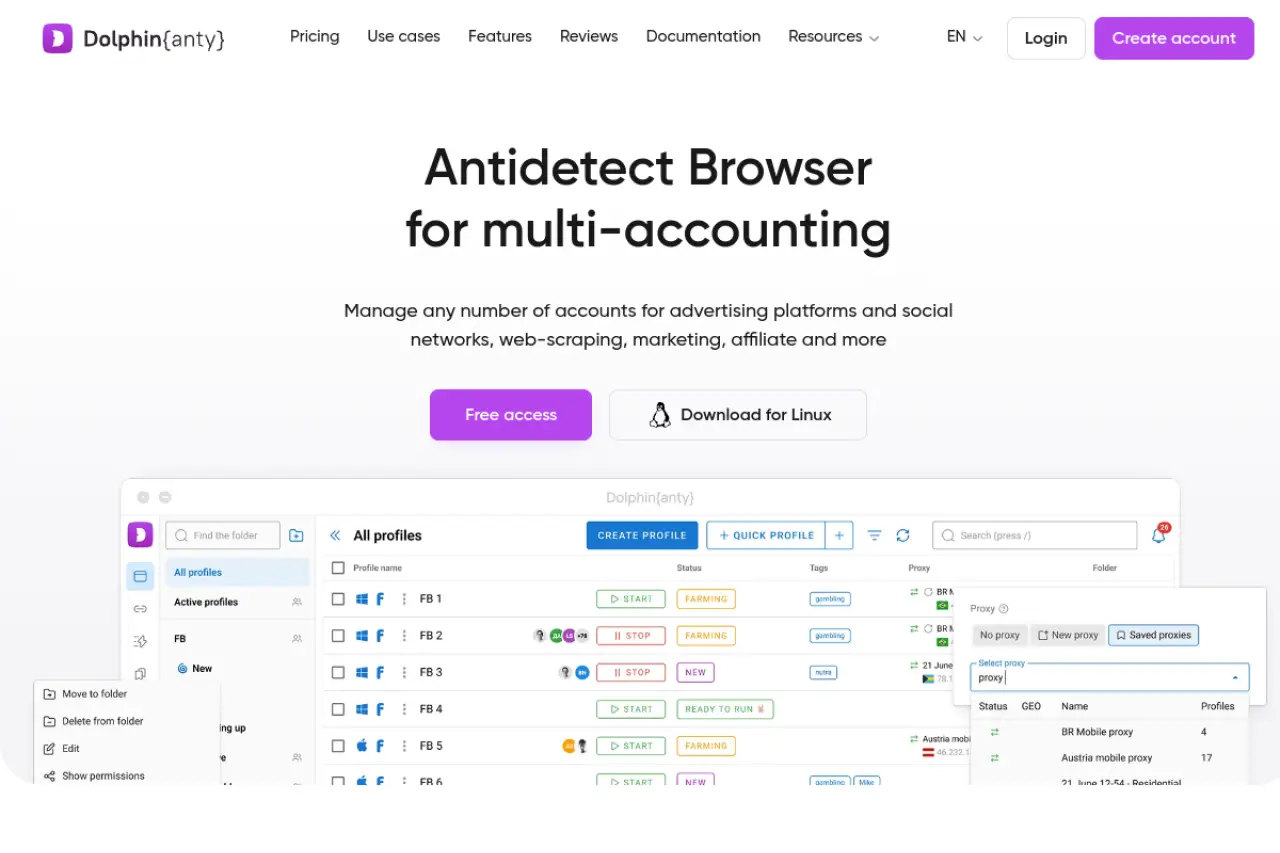
Dolphin {anty} has built a strong reputation in the affiliate marketing space. It is designed specifically for traffic arbitrage—buying traffic on platforms like Facebook or TikTok and driving it to offers. The interface is intuitive, making it easy for media buyers to launch hundreds of ad campaigns in minutes.
A standout feature is the "Scenario Builder." This allows you to create simple scripts to warm up cookies before you even log in. While it lacks some of the deeper enterprise coding features of other tools, its ease of use makes it a favorite for marketing agencies.
Key Features:
- Real Browser Fingerprints: Focuses heavily on WebGL and Canvas parameters.
- Facebook Automation: Specialized tools for managing FB ad accounts.
- Bulk Management: Edit proxies and extensions for 100 profiles at once.
Pros:
- Very user-friendly interface for non-technical marketers.
- Strong community support and frequent updates.
- Built-in cookie robot for history generation.
Cons:
- Reporting and analytics features are basic.
- Can become expensive for very large teams compared to competitors.
Verdict: Dolphin {anty} is for social media agencies and affiliate marketers who need a specialized team collaboration browser.
Incogniton: Team Integration and Profile Isolation
Incogniton focuses on browser profile isolation. It keeps that every single data point—from cookies to local storage—is kept in a separate digital container. This makes it highly effective for preventing "chain bans" on platforms like Amazon or eBay.
For developers, Incogniton offers solid integration with Selenium and Puppeteer. This allows you to run custom Python scripts directly through the browser profiles. It is a reliable workhorse for data scraping projects that require long-term account health rather than just speed.
Key Features:
- Fingerprint Generator: customize OS, hardware concurrency, and device memory.
- Cookie Collector: Automates visiting sites to build a trust history.
- Team Seats: Assign specific profiles to specific team members easily.
Pros:
- Generous free plan allows for extended testing.
- Excellent documentation for API usage.
- Stable performance on both Windows and Mac.
Cons:
- The user interface is functional but feels slightly dated.
- Sync speeds can be slower with massive profile lists.
Verdict: A choice for e-commerce managers and developers needing reliable browser fingerprinting protection.
Browser.lol: Immediate, Disposable Virtual Sessions for Quick Data Tasks
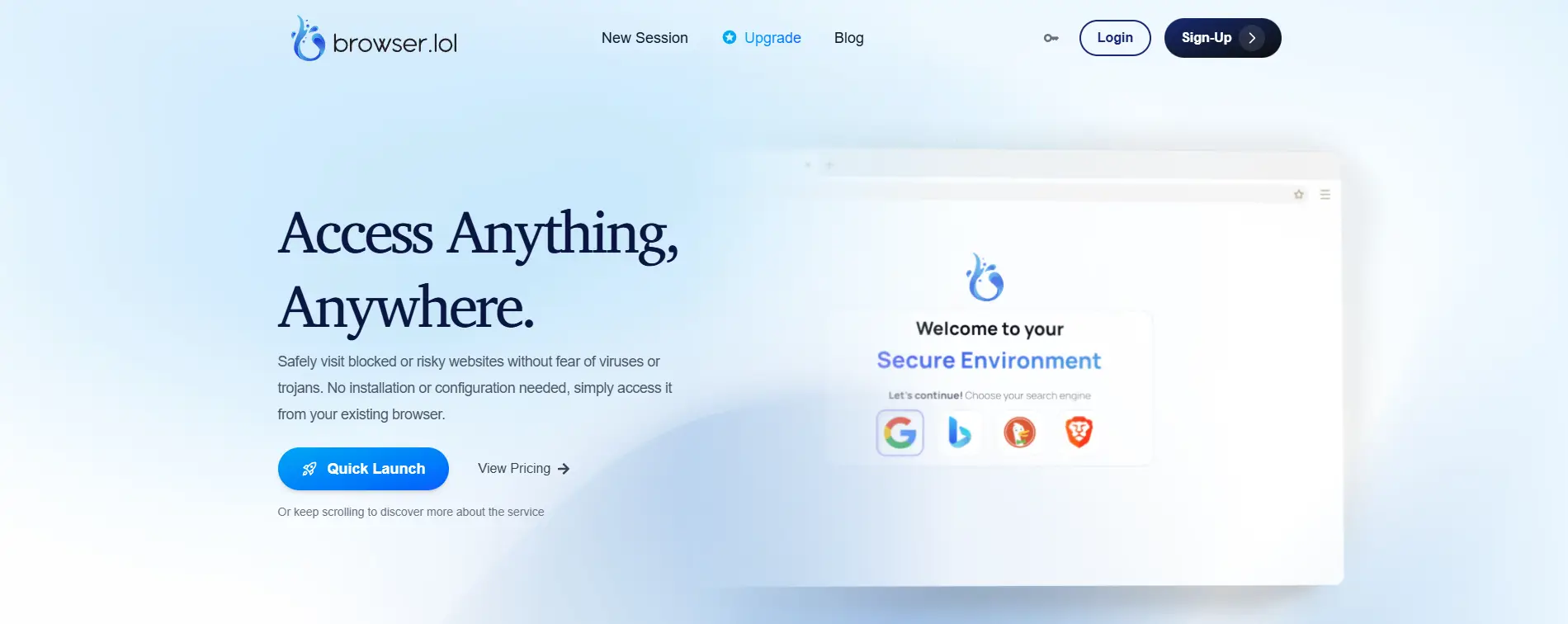
Browser.lol provides a virtual browser running in the cloud that you access through your own web browser. There is no software to install. This is perfect for "burn and turn" operations where you need a fresh identity for a few minutes to check an ad or scrape a single page.
Because the browser runs on their server, your local machine is hidden. It acts as an ultimate shield against malware and tracking. However, it is less suitable for managing long-term accounts like the main Facebook Business Manager because the sessions are often ephemeral (temporary).
Key Features:
- No Installation: accessible from any device with a web browser.
- Sandbox Security: Malware cannot reach your actual computer.
- Disposable Sessions: One-click destruction of the browser profile.
Pros:
- Instant access with zero setup time.
- Extremely safe for visiting high-risk websites.
- Great for quick ad verification checks.
Cons:
- Not designed for long-term cookie storage or account farming.
- Latency (lag) can be an issue since it is a video stream of a browser.
Verdict: The tool for quick, disposable tasks or when you cannot install software locally.
Octo Browser: Universal Multi-Accounting with Real Device Fingerprints
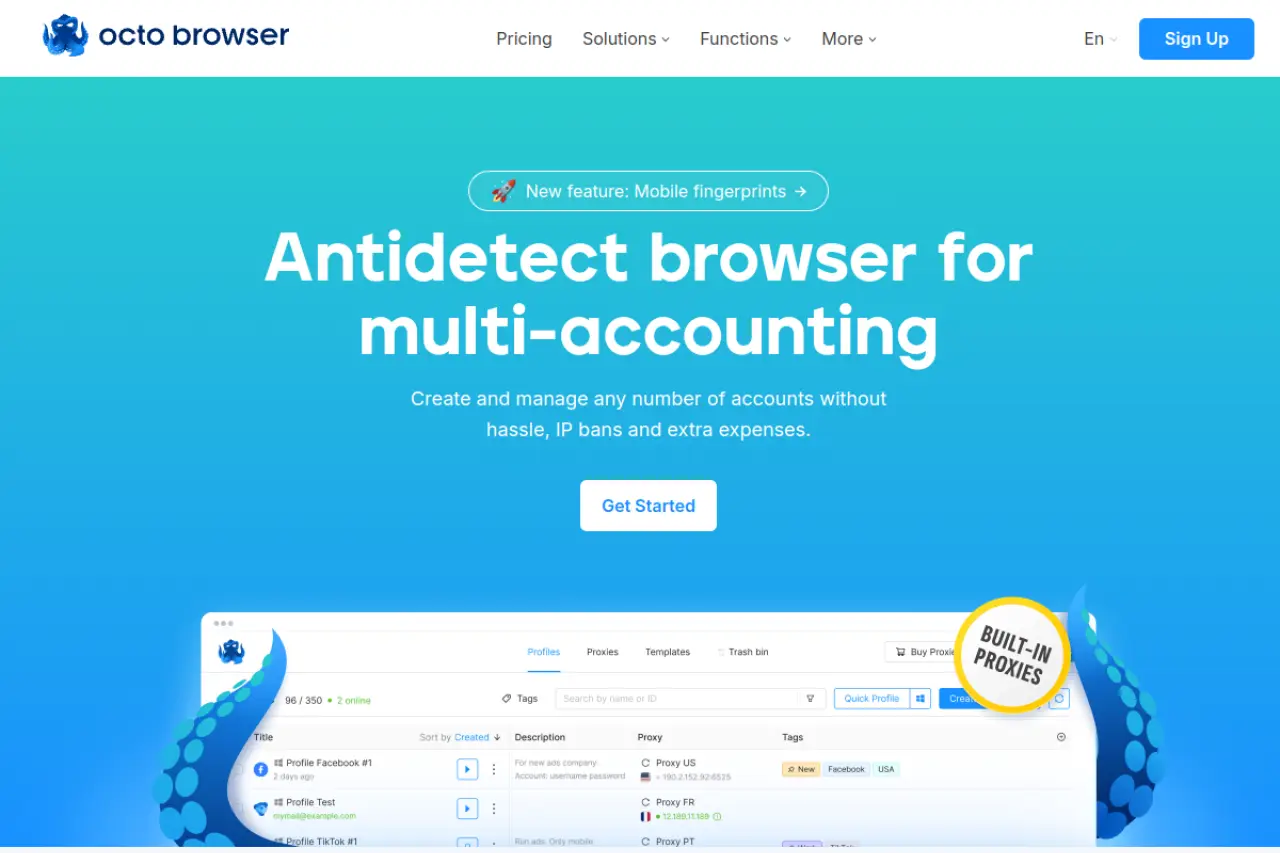
Octo Browser markets itself as a solution for multi-accounting. It uses a core based on Chromium, which is the same engine Google Chrome uses. This keeps that your fingerprint looks exactly like a standard user to anti-fraud systems.
Octo Browser is particularly strong in canvas fingerprint spoofing. It doesn't just block the readout; it adds subtle noise that makes the device look unique but legitimate. It supports unlimited devices per account, meaning you can log in from your office desktop and your home laptop without triggering security alerts.
Key Features:
- Real Device Fingerprints: Mimics actual hardware configurations.
- Profile Transfer: Send a profile to another user instantly.
- Tag Management: Organize thousands of profiles with custom tags.
Pros:
- High-speed performance with low resource usage.
- Clean, modern interface that is easy to navigate.
- Excellent pass rate on fingerprint checkers like Pixelscan.
Cons:
- No free plan available (only paid subscriptions).
- Pricing is in Euros, which may be higher for US-based users.
Verdict: A tool for serious professionals who need webrtc leak prevention and stability.
MoreLogin: Leading the Way in Android Emulation and Cloud Solutions
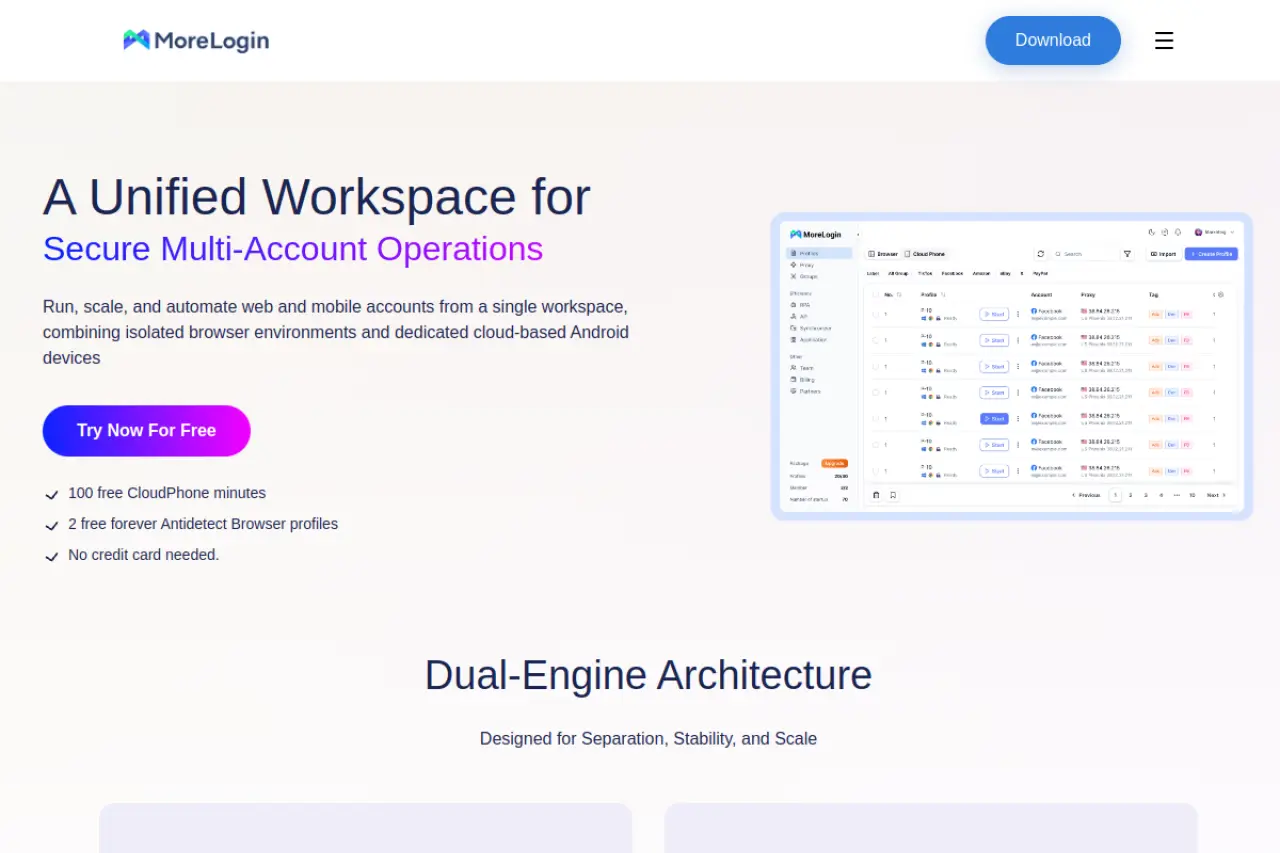
MoreLogin addresses a major shift in the industry: the move to mobile. Many platforms now trust mobile traffic more than desktop traffic. MoreLogin offers an android emulator for scraping capabilities directly within the browser. This allows you to manage accounts that appear to be on mobile phones.
They also feature a "Cloud Phone" service, which runs a real Android operating system in the cloud. This is much safer than standard browser spoofing for apps like TikTok or Instagram that rely heavily on mobile signals.
Key Features:
- Cloud Phone: Real Android environment access.
- Canvas Fingerprint Spoofing: Advanced masking technology.
- Smart Paste: Simulates human typing when pasting text to avoid bot detection.
Pros:
- Excellent for mobile-first platforms (TikTok, Instagram).
- Competitive pricing for the features offered.
- Real canvas fingerprints reduce ban rates significantly.
Cons:
- The cloud phone feature costs extra on top of the base plan.
- Interface can be complex due to the mix of mobile and desktop options.
Verdict: A choice if your business relies on mobile app data or social media platforms that favor mobile users.
Using an Antidetect Browser for Web Scraping
Owning the software is only step one. To truly succeed in 2026, you must pair your tool with solid operational protocols. An Antidetect Browser for Web Scraping is not a magic wand; it is an infrastructure layer. Without the right "Standard Operating Procedures" (SOPs), even the best fingerprint spoofing will fail against modern AI detection.
Your goal is to blend in. Platforms like Facebook and Amazon look for patterns. If you act like a bot, you get banned. If you act like a human, you profit. Here are the specific workflows (SOPs) effective teams use to manage risk and scale up.
The 'Signal-First' Workflow: Preparing Accounts for High-Stakes Ads
In 2026, you cannot simply buy an account and launch ads immediately. That is the fastest way to trigger a "Suspicious Activity" ban. You must use a "Signal-First" approach to build a high trust score before spending money. This relies heavily on browser profile isolation.
Phase 1: The Silent Login (Days 1-2) Import your purchased cookies into the browser profile. Log in to the platform. Then, do nothing. Leave the tab open for 20 minutes. This allows the site to read your new fingerprint and accept it as a valid session without triggering aggressive fraud filters.
Phase 2: Human Emulation (Days 3-7) You must generate "noise." Real humans are messy. They scroll newsfeeds, watch videos, and click random links.
- Scroll: Spend 15 minutes scrolling.
- Engage: Like one non-commercial post. Join one local group.
- Pixel Training: Visit random e-commerce sites (not your own) that have tracking pixels. This tells the algorithm you are a "Shopper," not a bot.
Phase 3: The White Hat Launch (Day 8+) Only now should you attach a payment method. Run a cheap $2/day engagement campaign on a harmless post. Once that payment clears, your account is considered "warm" and ready for serious business.
Cloud Session Sharing: Empowering Remote VAs Without Security Risks
Scaling requires a team, but sharing passwords is a massive security hole. If you send a password via Slack or email, you risk leaks. Furthermore, logging in from a VA’s different location (IP address) can instantly flag an account for "Unusual Login Activity."
Modern tools solve this with Cloud Session Sharing. This feature allows you to grant a team member access to a running browser profile without ever revealing the password or 2FA codes.
How it works:
- Launch the Profile: You log in and verify the session on your master device.
- Sync State: The browser saves the cookies and active session tabs to the cloud.
- Grant Access: You assign the profile to a VA's sub-account.
- Remote Work: The VA opens the profile. They are already logged in.
This keeps your credentials safe and helps the platform sees a consistent fingerprint, regardless of who is doing the work. This is a standard feature in any enterprise team collaboration browser.
Synchronizer Automation: Replicating Actions Across 50+ Profiles
Manual work destroys profit margins. If you need to "warm up" 50 accounts, you cannot afford to manually scroll on 50 different tabs. This is where the Synchronizer feature becomes critical for your scraping SOPs.
A Synchronizer links one "Master" window to dozens of "Slave" windows. When you type text, click a button, or scroll down in the Master window, the software replicates that exact action across all other open windows instantly.
Key Use Cases:
- Airdrop Farming: Claim tokens on 100 wallets simultaneously.
- Mass Whitelisting: Join Discord servers or sign up for waitlists in bulk.
- Cookie Building: Visit top sites (CNN, Amazon, eBay) across all profiles at once to build browsing history.
Pro Tip: Always use "randomization" settings in your synchronizer. This adds tiny delays and mouse movement variations to each window. If 50 mouse cursors move to the exact same pixel at the exact same millisecond, anti-bot systems will detect it immediately. Tools like DICloak excel here by adding natural variance to these automated actions.
FAQ about Antidetect Browser for Web Scraping
Is using an antidetect browser for web scraping legal in 2026?
Generally, scraping publicly available data is considered legal in many jurisdictions. However, logging into platforms (like LinkedIn or Facebook) with automated software usually violates their Terms of Service. This is a civil contract issue, not a criminal one. For businesses, the primary risk is account termination (bans), not legal action. You should always consult a legal expert for your specific use case.
How do antidetect browsers differ from standard residential proxies?
A residential proxy only changes your IP address, which hides your location. An antidetect browser hides your device identity (hardware, screen resolution, fonts). If you change your IP but keep the same browser fingerprint, sites will still track and ban you. You need browser fingerprint protection and proxies working together to remain undetectable.
Why is 'Canvas Fingerprinting' so dangerous for multi-account management?
Canvas fingerprinting allows websites to identify your computer by forcing your graphics card to draw a hidden image. Since every graphics card renders this image slightly differently, it creates a unique "serial number" for your device. If you log into 50 accounts from one computer, this unique hash links them all together immediately. Tools like DICloak spoofs this data, so every profile looks like a different physical machine.
Do I still need mobile proxies if I use an android emulator for scraping?
Yes, you absolutely do. An android emulator for scraping only mimics the phone's software and hardware. If that "phone" connects to the internet via home WiFi or Data Center IP, it looks highly suspicious to anti-bot systems. You must use mobile 4G/5G proxies to match the internet connection of a real smartphone carrier.
What is 'Cookie Warming' and why is it necessary before scraping?
Platforms analyze your browser's history (cookies) to assign a "trust score." A brand-new browser profile with zero history looks like a bot and gets flagged instantly. Cookie warming involves visiting popular sites (like CNN, eBay, or Wikipedia) to build a realistic browsing history. This tricks the target site into categorizing you as a genuine user.
 Web Proxy Tools
 Free Tools
 Cookie Plugin
 UA Generator
 MAC Address Generator
 IP Generator
 IP Address List
 2FA Code Generator
 World Clock
 Anonymous Check
 WebRTC Leak Test
 UUID Generator
 Free Web Proxy Site
 Proxy Checker
 FB Ad Checker
 AI Web Scraping
 Free SMM Tools
 Twitter Shadowban Checker
 Instagram Name Checker
 UTM Generator
 Username Generator
 AI Hashtag Generator
 LinkedIn Headline Generator
 Social Media Image Resizer