Trying to resell on Amazon in 2026 means dealing with more than just product sourcing and price competition, most sellers run into issues with account restrictions, listing conflicts, or sudden bans when managing multiple storefronts. Amazon’s policy updates have made it harder to keep several accounts active, especially if you’re handling inventory, ads, and returns across different profiles. That’s where most guides fall short: they don’t explain what actually triggers detection, or why some sellers get flagged even when their setup looks clean.
It’s easy to think you can just use a new email or device, but Amazon tracks browser fingerprints, cookies, and IP addresses much deeper than most new sellers realize. One slip, like logging into two accounts on the same browser session, or sharing a proxy, can link your stores and cause everything to freeze. If you’re running ad campaigns or trying to test different product angles, the risk gets even higher; a simple misconfiguration can wipe out months of work.
The real question isn’t just how to resell on amazon, but how to set up workflows that let you operate multiple accounts safely. You need to know which checks matter most, where sellers usually get caught, and what practical steps actually reduce risk. This amazon reselling guide covers what to check, mistakes to avoid, and how experienced operators build safer account setups.
Start with the core checks, these are the basics that keep your storefronts running.
What to Check Before You Start Reselling on Amazon
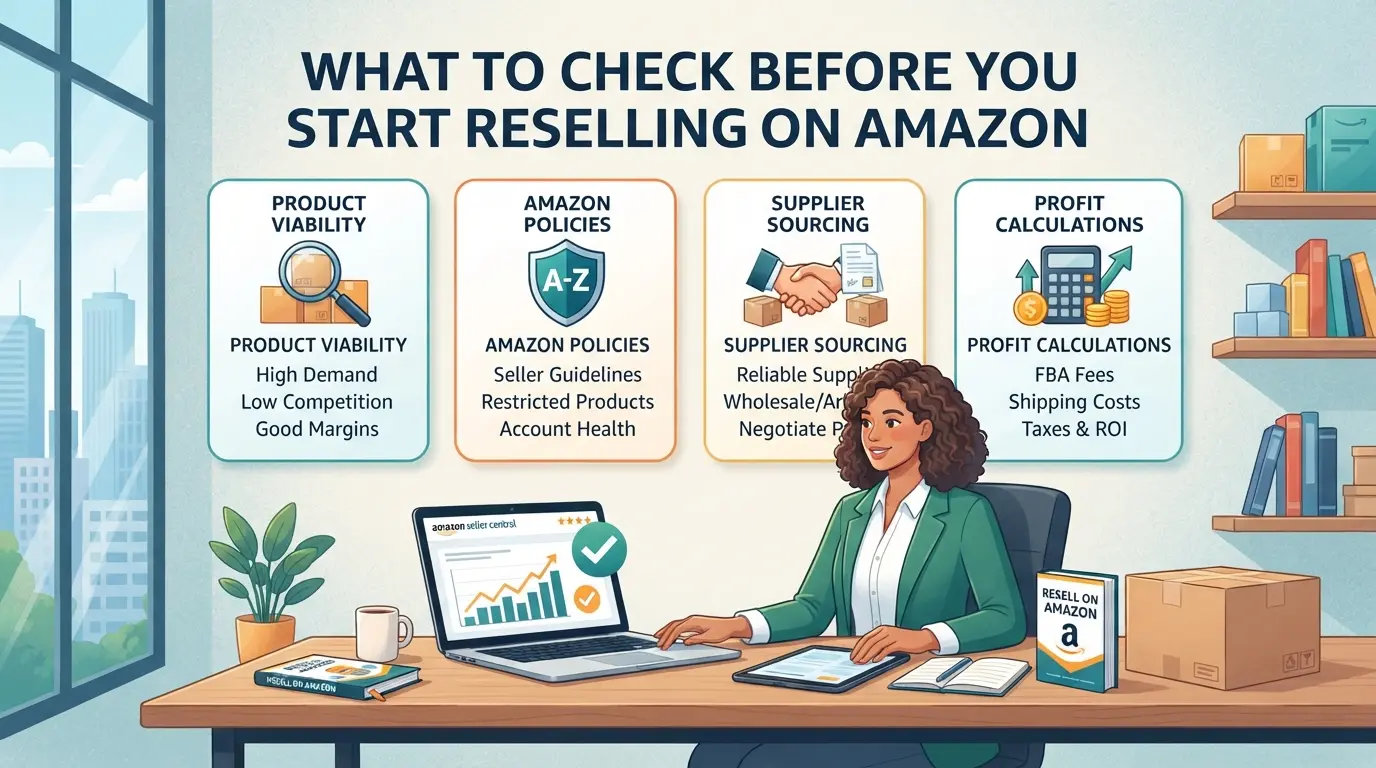
You need a clear checklist before launching a single product, missing even one item can get your account flagged or your inventory stuck in limbo. These checks cover real points where new Amazon resellers slip up, so do not skip or guess.
Is Amazon Reselling Allowed for My Products and Region?
Amazon blocks certain categories (like health, beauty, or electronics) unless you pass approval, this is called “brand gating” or “restricted categories.” Some items are legal in one country but banned in another. Before you order any stock, confirm your product is not restricted in your target market, and that you meet all local regulations for import, labeling, and taxes. One missed compliance issue can get your listings removed or your funds held for months.
How to Evaluate Product Demand and Competition
- Check the product’s sales rank, low rank usually means higher sales.
- Scroll recent reviews and note if complaints repeat or mention quality drops.
- Search for the number of sellers, if dozens are fighting for the Buy Box, margins are usually thin.
Red Flags That Signal a Risky Product or Seller
Some deals look tempting until they blow up your account. If a supplier dodges questions about invoices, or the product has a flood of recent listings at half the normal price, step back. Getting caught with inauthentic stock or copyright problems can end your reselling journey before it starts.
- Ask for a sample invoice, if they stall or send a blank, move on.
- Cross-check the ASIN for sudden price drops or spikes in negative reviews.
- Only buy from suppliers who show proof of authenticity for branded goods.
Checking these basics keeps most beginner mistakes off your plate. The real trouble starts when sellers rush in without digging deeper, next, see why so many new Amazon resellers lose money or get banned before they ever scale up.
Why Some Amazon Resellers Lose Money or Get Banned Fast
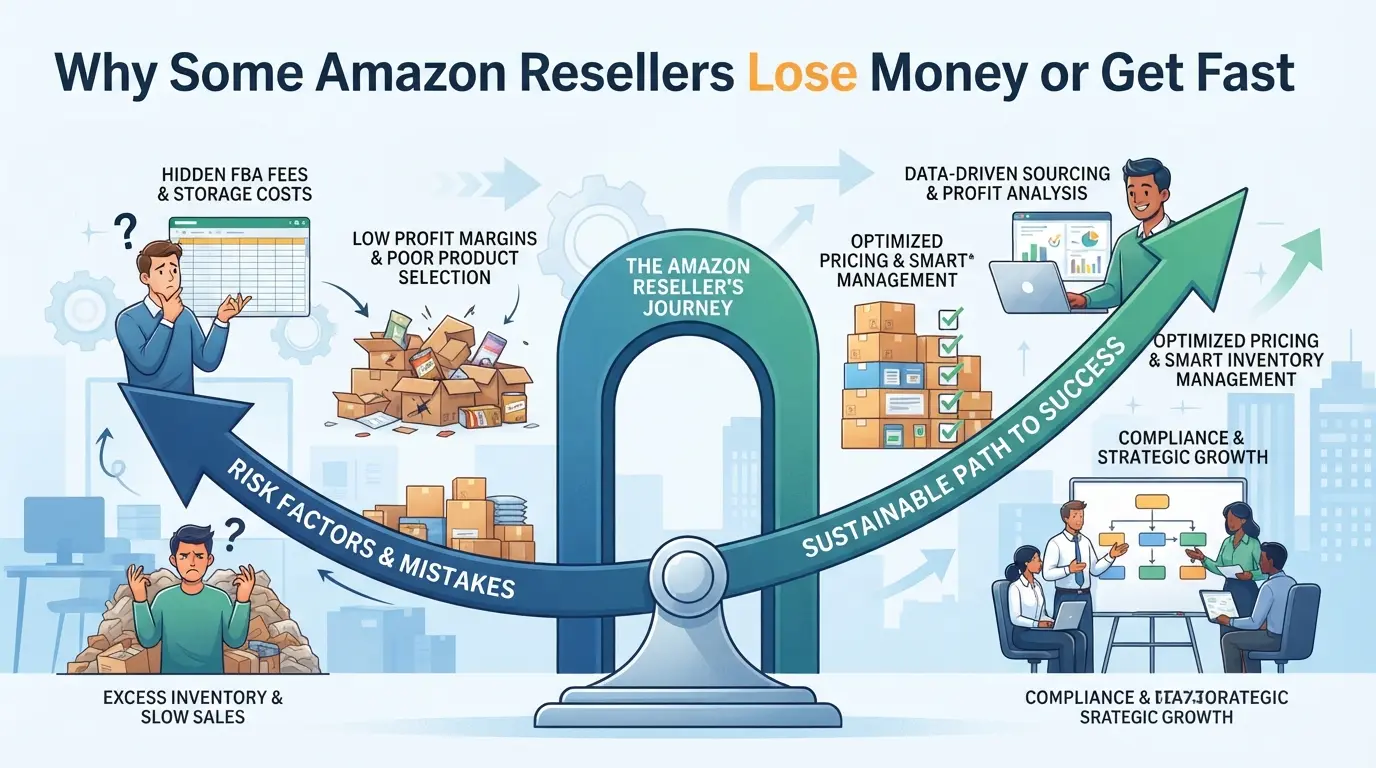
The biggest risk isn’t just picking the wrong product, it’s missing hidden triggers that can freeze your account or drain your budget overnight. New sellers often get caught by compliance issues, unreliable suppliers, or policy shifts they didn’t see coming. Skipping basic checks or chasing shortcuts is what leads to most reselling failures.
Common Account Suspension Triggers
Account suspensions usually start with technical mistakes. Logging into multiple accounts from the same device or IP is a red flag, Amazon’s system tracks browser fingerprints and session activity. If two accounts get linked, both can be suspended without warning. Suspicious logins, proxy overlaps, or sudden changes in device patterns put you on the radar fast.
Why Sourcing from Unreliable Suppliers Backfires
Buying inventory from questionable suppliers is one of the fastest ways to lose money when you try to resell on amazon. The main trap is counterfeit or inauthentic products, Amazon checks invoices and expects documentation that matches strict guidelines. If your supplier can’t provide proper paperwork, your listing gets flagged, and you may have to refund sales or destroy inventory. For example, a seller buys branded headphones from a “discount” supplier. After a few weeks, Amazon asks for proof of authenticity. The supplier’s invoice fails the check, and the seller’s account is suspended. The stock becomes unsellable, with storage fees piling up, plus the stress of appeals. Sourcing cheap products often costs more in the long run if you can’t prove they’re legitimate. The risk isn’t just losing your account; you can end up with thousands in stranded inventory and no path to recover the cash.
How Amazon’s Policies Can Surprise New Sellers
- Policy changes are frequent, Amazon can update rules overnight, affecting what you’re allowed to sell.
- Enforcement is strict. Even minor listing errors, mismatched product details, or missing compliance docs can trigger fines or suspensions.
- The appeal process is slow and unpredictable. Sellers often wait weeks for a reply, and appeals need detailed explanations plus evidence that you fixed the issue.
What catches most new sellers off guard isn’t just the technical side, it’s how quickly a small mistake can snowball into a ban or big financial loss. Knowing these risks early helps you avoid the most painful failures. Next, it’s time to look at how sourcing decisions shape your odds of staying profitable and compliant.
How to Source Products to Resell on Amazon (and What to Avoid)
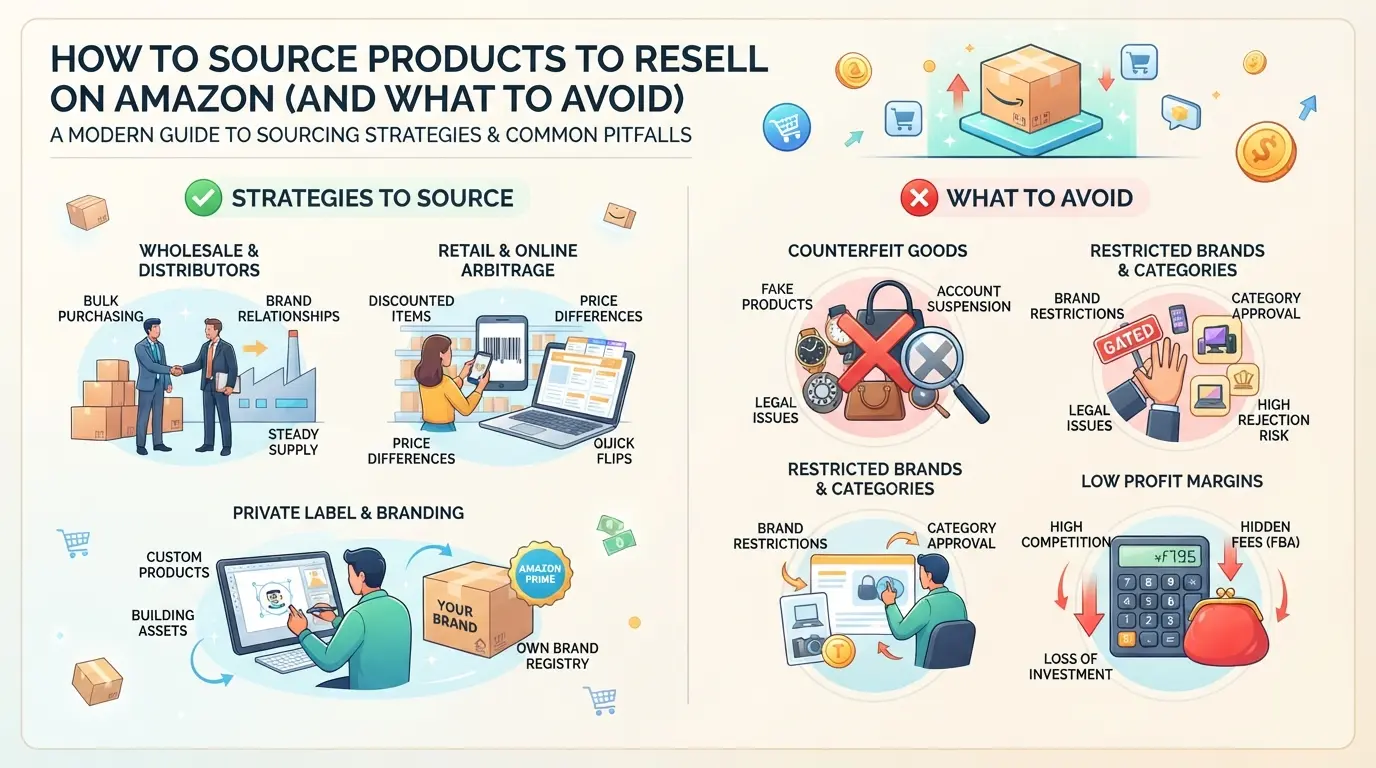
Most new sellers think finding products is the easy part, but sourcing is where most get stuck, or burned. The main methods are arbitrage, wholesale, dropshipping, and private label. Each has a different risk profile, and the wrong choice can put your account at risk or leave you with unsellable inventory. Here’s how experienced sellers actually break down the tradeoffs.
Retail and Online Arbitrage: Pros, Cons, and Risks
Arbitrage means buying products from stores or websites and listing them on Amazon for a higher price. It sounds simple, but the problems show up fast once Amazon asks for proof of authenticity. Receipts rarely count as valid documents if the brand wants to block unauthorized sellers or if a buyer files a complaint. The real catch is that even a single flagged item can trigger account review.
| Method |
Pros |
Cons/Risks |
| Retail Arbitrage |
Fast to start, low upfront cost |
Receipts often not accepted, risk of suspension |
| Online Arbitrage |
Easy to scale, wide selection |
Tracking inventory is tricky, same receipt issues |
| Wholesale |
More stable, official invoices |
Harder to access, requires upfront investment |
The most common trap is thinking a store receipt will protect you, brands and Amazon almost always demand official invoices.
Wholesale Sourcing: What Makes a Supplier Legitimate
Buying from authorized wholesalers gives you real invoices and a safer path, but not every supplier is legit. Always check if the distributor is actually approved by the brand, not just selling branded goods. If you skip this step, you risk buying fake or grey-market stock, and Amazon will reject your paperwork during any account check.
A quick phone call or email to the brand can confirm whether a distributor is recognized. If they dodge the question or refuse to provide proof, move on, no invoice is worth risking account closure.
Dropshipping and Private Label: When It Works and When It Fails
Dropshipping sounds easy, but Amazon’s policy bans shipping from third-party retailers like Walmart or Target. If your supplier misses a shipment or the product arrives in non-Amazon packaging, you’ll get warnings or worse, account restrictions. Private label is safer for control and branding, but only if you check quality and fulfillment. Many sellers fail here by trusting samples that don’t match bulk orders.
If you can’t guarantee every package meets Amazon’s standards, it’s not worth the risk. One slip, like a late shipment or wrong label, can trigger a cascade of negative reviews and account flags.
Reselling products is about minimizing risk, not chasing shortcuts. The real margin comes from stable sourcing and avoiding the traps that catch most newcomers. Next, you’ll need to weigh how fees and competition affect your actual profit, because sourcing is only half the equation.
How Amazon Fees, Buy Box, and Competition Affect Your Profit
Every new seller pays attention to what they can earn, but real profit is shaped by fees, Buy Box rules, and who you’re up against. Missing any of these can turn a promising listing into a loss, especially if you’re juggling multiple products or accounts.
Breaking Down Amazon’s Main Fees for Resellers
Amazon takes a cut on every sale, and it’s not just the headline referral fee. You’ll pay:
- Referral fee (usually 8-15% of sale price)
- Fulfillment by Amazon (FBA) fee (varies by item size and weight)
- Storage fee (monthly, based on inventory volume)
- Hidden fees like returns and long-term storage
If you sell a $30 item, expect $4-7 in fees before shipping. Overlooking storage and returns can erase your margin, especially with slow sellers.
| Fee Type |
Typical Range |
Notes |
| Referral Fee |
8-15% of sale price |
Product category |
| FBA Fee |
$1-$5 per item |
Size/weight matters |
| Storage Fee |
$0.75+ per cubic foot |
Monthly, per volume |
| Return/Other Fees |
Varies |
Often unanticipated |
How the Buy Box Works and Why It Matters
The Buy Box picks which seller’s offer appears first, and winning it is a game of price, stock, and fulfillment speed. Even if you list the lowest price, you can lose the Buy Box if your shipping is slow or your account has poor ratings. For example, two sellers list identical products, one uses FBA and ships in two days, the other ships in a week. The faster seller almost always wins the Buy Box, even if their price is slightly higher. If you miss the Buy Box, your product may get buried, and sales drop fast.
How to Analyze Your Real Competition
Before listing, check:
- Is the Buy Box dominated by sellers using FBA or premium shipping?
- Are competitors dropping prices below your break-even point?
- Do tools like Keepa or SellerApp show frequent price wars or stockouts?
If you see constant undercutting or big sellers holding the Buy Box, walking away can save time and money.
How Teams Use DICloak to Organize Multi-Account Amazon Workflows
When reselling on Amazon as a team or agency, the real risk isn’t just losing the Buy Box, it’s mixing up accounts and triggering platform reviews. If you’re handling more than one Amazon account, workflow mistakes can link profiles and cost days of recovery. Teams need a tool that keeps browser sessions, network signals, and staff permissions separate. DICloak fits this exact need by letting operators set up each account in its own environment, assign proxies, and restrict access by role.
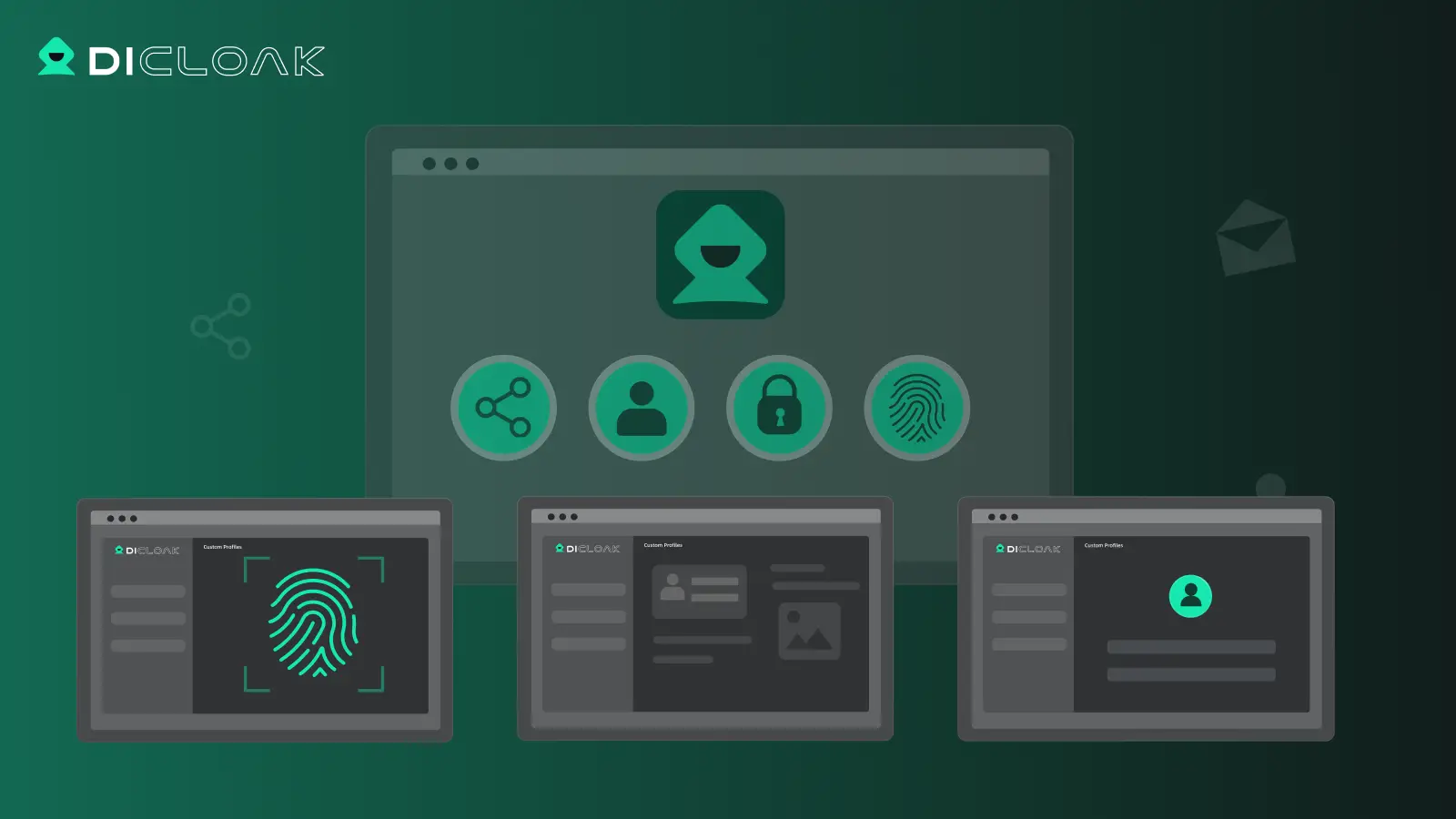
How to Isolate Amazon Accounts with Separate Browser Profiles and Fingerprint Settings
Teams can create a separate DICloak browser profile for each Amazon account. This keeps login sessions, browser storage, and fingerprint settings apart, so operators don’t risk memory or data leaks between accounts. Each profile’s fingerprint signals, like time zone, content language, or screen resolution, can be configured to fit the account’s history or region. The key is keeping every profile’s environment consistent, so accidental cross-linking is less likely. 
User-Provided Proxy Configuration for Assigned Profiles
Operators can assign their own proxy to each browser profile and test the connection before starting an account session. This means you decide which exit IP, region, and network settings each Amazon account uses. The built-in connectivity check shows the detected IP, region, and time zone, so you spot mistakes before logging in. It’s up to you to choose and manage proxies; DICloak only stores and applies your settings per profile. 
Team Permissions for Assigned Browser Profiles
Admins can restrict which team members see or access specific browser profiles in DICloak. By assigning profile groups and setting role permissions, you control who can open, edit, or view each Amazon account profile. A least-privilege setup limits accidental changes and keeps sensitive accounts out of reach for unauthorized staff.
Once your profiles, proxies, and team access are set up, you can focus on listing or buying products, without worrying about cross-account slip-ups.
What to Do After You List or Buy Your First Products
Once your storefront is live, you want to avoid the classic traps that catch new sellers, mislabeling products, slow responses, or forgotten security steps. Here’s a clear checklist to keep your account safe and your sales moving.
Double-Check Product Listings for Policy Compliance
Small listing mistakes can trigger account warnings or worse. Catch errors before Amazon does, review these steps for each product:
- Scan your title and description for banned phrases. If you spot trademarked brand names or restricted claims, edit them now. Miss this, and Amazon could remove your listing overnight.
- Confirm that your images meet Amazon’s requirements (plain background, no watermarks). Listings with poor images often get suppressed, meaning buyers won’t see them.
- Check your category and product details. Misplaced items can be flagged or stuck in review. If you notice mismatches, update them before your first sale.
Monitor Orders and Customer Messages Closely
Early fulfillment slip-ups lead to bad reviews or account holds. Stay sharp:
- Check for new orders at least twice a day. Delay here means unhappy customers and negative feedback.
- Reply to buyer messages within 24 hours. If you miss this window, Amazon can downgrade your seller rating.
Secure Your Account and Review Access
Leaving default passwords or ignoring login alerts makes your store an easy target. Take action:
- Change your password after listing your first products.
- Update recovery email and phone, if you can’t recover your account, a lockout means lost sales.
- Review recent login history. Unexpected devices? Reset credentials and remove access immediately.
Mistakes at this stage are common, next, see which errors actually get sellers in trouble and how to avoid them.
Common Mistakes That Get Amazon Resellers in Trouble (and How to Avoid Them)
Even experienced sellers lose accounts over preventable errors. If you want to stay in business, skip these common mistakes.
Mixing Multiple Accounts on the Same Device or Browser
Running more than one Amazon account on the same device, without isolation, is a fast way to get linked and suspended. Use separate browser profiles and proxies for each account, one slip can freeze all your stores at once.
Ignoring Policy Updates or Seller Performance Metrics
Amazon changes rules and metrics often. Miss an update and your listings can get flagged or your account can be restricted.
- You might get caught by a new policy or metric you never saw coming.
- Safer move: Set a weekly reminder to check Amazon’s official policy updates and monitor your account health dashboard for warnings or new requirements.
Letting Untrained Team Members Access Sensitive Accounts
Giving staff direct access without training leads to careless logins, missed alerts, and accidental cross-linking. Only trusted, trained team members should handle sensitive account actions, set up unique logins and permissions for each person, and review access logs monthly.
Frequently Asked Questions About resell on amazon
Is it legal to resell products on Amazon in 2026?
Yes, it is legal to resell on amazon if you buy genuine products and follow the law. However, some brands restrict who can sell their items. You must also follow Amazon’s policies to avoid suspension. Gray areas include restricted brands, counterfeit goods, and used items, so double-check rules before listing products.
Can I resell used or refurbished items on Amazon?
You can sell used and refurbished goods, but only in certain categories. For example, books and electronics often allow used listings, while beauty and grocery do not. All items must meet Amazon’s condition guidelines, and refurbished items usually need approval or certification, like Amazon Renewed.
How many Amazon accounts can I have for reselling?
Amazon’s policy allows only one seller account per person or business. If you need a second account for a separate business, you must get written permission from Amazon. Opening multiple accounts without approval can lead to all accounts being suspended or closed.
What is the minimum investment to start reselling on Amazon?
Startup costs for amazon reselling can range from $500 to $3,000. Expect to pay for inventory, shipping, Amazon seller fees, and basic supplies. Some sellers start small with retail arbitrage, while others buy wholesale for larger orders. Plan for monthly fees if you choose a Professional seller account.
Can I use proxies or browser profiles to manage multiple Amazon accounts?
Some teams use proxies or separate browser profiles to keep accounts distinct, especially if they have permission for more than one. However, Amazon can detect these tools and may suspend accounts if they suspect rule-breaking. Always follow Amazon’s rules for account management to avoid losing your selling privileges.
Now is the time to evaluate your resources, research profitable product niches, and set up the tools you need to simplify your workflow. Taking these steps can position you to make informed decisions and build a sustainable business in the marketplace. Try DICloak For Free
 Web Proxy Tools
 Free Tools
 Cookie Plugin
 UA Generator
 MAC Address Generator
 IP Generator
 IP Address List
 2FA Code Generator
 World Clock
 Anonymous Check
 WebRTC Leak Test
 UUID Generator
 Free Web Proxy Site
 Proxy Checker
 FB Ad Checker
 AI Web Scraping
 Free SMM Tools
 Twitter Shadowban Checker
 Instagram Name Checker
 UTM Generator
 Username Generator
 AI Hashtag Generator
 LinkedIn Headline Generator
 Social Media Image Resizer