- ResourcesOnline Tools


EN

Have you ever wondered how businesses manage multiple Instagram accounts without losing their minds? Managing several Instagram profiles can be a daunting task, especially when you consider the limitations Instagram places on account logins. However, with the right strategies, you can streamline your Instagram management process and enhance your social media strategy.
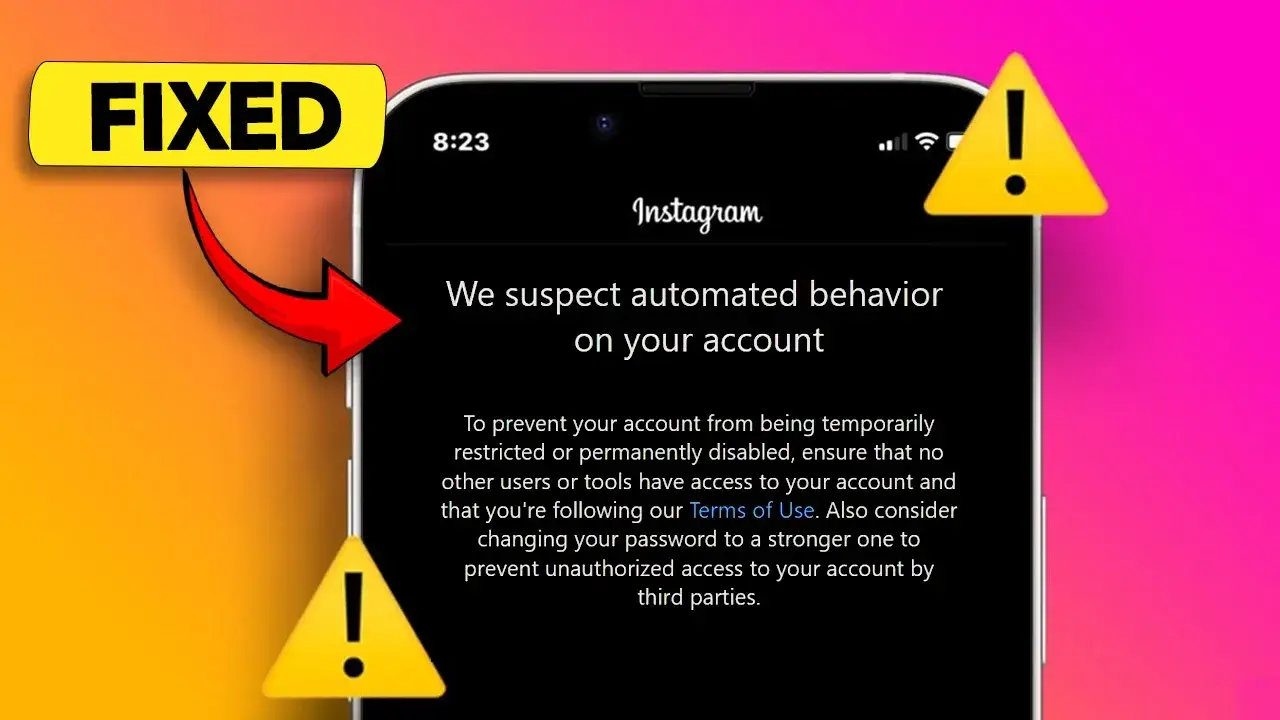
Instagram allows users to log into only five accounts at a time on a mobile device. This limitation can lead to inefficiency and stress when managing multiple accounts. Constantly logging in and out can also trigger security alerts, risking account bans or suspensions. Therefore, finding a solution to manage these accounts effectively is crucial.
Efficient management of multiple Instagram profiles can save time and reduce the risk of account issues. By implementing strategies such as using multiple email addresses and phone numbers, along with a VPN, you can maintain access to all your accounts without the hassle of frequent logins. This not only improves your workflow but also enhances your overall social media strategy.
| Strategy | Description |
|---|---|
| Multiple Email Addresses | Use different emails for each account to avoid login issues. |
| VPN Usage | Change your IP address to match your clients' locations. |
| Profile Management | Create separate profiles in browsers for each account. |
Are you struggling to manage multiple Instagram accounts effectively? Managing several accounts can be overwhelming, especially when you have to log in and out repeatedly. However, with the right strategies, you can streamline your Instagram management process. Here are the key requirements you need to consider.
To ensure the security of your accounts, two-factor authentication is essential. Each account should have its own email address linked to it. Previously, you could use one email for multiple accounts, but now, it's best to have separate emails for each. For example, if you manage 40 accounts, aim for at least 10 different email addresses. Additionally, ensure that each email has a phone number linked to it for recovery purposes.
Using a VPN is crucial for maintaining security and privacy. A VPN changes your IP address, making it appear as though you are logging in from a different location. This is particularly useful if your virtual assistants are in different countries. By setting the VPN to a location closer to your clients, you reduce the risk of Instagram flagging your logins as suspicious.
One of the most effective ways to manage multiple Instagram accounts is by using Google Chrome profiles. Each profile can be logged into a different Instagram account, allowing you to switch between them without logging out. For instance, create a profile for each client, and you can manage all their accounts simultaneously. This method minimizes errors and reduces the chances of accounts being disabled.
| Requirement | Description |
|---|---|
| Two-Factor Authentication | Enhances account security. |
| Multiple Email Addresses | Each account should have a unique email. |
| VPN | Masks your IP address for secure access. |
| Google Chrome Profiles | Allows management of multiple accounts without logging out. |
By implementing these strategies, you can effectively manage multiple Instagram accounts without the hassle of constant logins. This not only saves time but also protects your accounts from potential bans or flags. Start using these methods today to enhance your social media strategy!
Managing multiple Instagram accounts can be challenging. Have you ever wondered how to streamline your social media strategy without getting overwhelmed? With the right approach, you can effectively manage unlimited Instagram profiles for your clients or your own business. This article will guide you through essential tips and tricks to simplify your Instagram management.
To streamline your social media strategy, consider using tools that allow you to manage multiple accounts simultaneously. For instance, using different profiles on Google Chrome can help you stay logged into various accounts without the hassle of constant logins. This method not only saves time but also reduces the risk of account issues.
When managing multiple accounts, it’s crucial to avoid common pitfalls. Ensure that each account has two-factor authentication enabled and linked to a unique email address. Additionally, using a VPN can help mask your location, making your logins appear more secure. By taking these precautions, you can prevent your accounts from being flagged or disabled.
| Tip | Description |
|---|---|
| Use Multiple Profiles | Create different profiles on Google Chrome for each account. |
| Enable Two-Factor Authentication | Protect each account with two-factor authentication. |
| Utilize a VPN | Change your IP address to enhance security. |
| Link Unique Emails | Assign a unique email to each Instagram account. |