Losing control of a Discord account is a critical security incident. Beyond the immediate panic of being locked out, a compromised account represents a severe breach of digital identity. The risks include sensitive privacy leaks, direct financial loss, and significant reputation damage. Crucially, in a professional or community environment, a hijacked account serves as a "jumping-off point"—a trusted vector used by attackers to infect your entire network and community with malware or phishing links. Immediate, expert-led intervention is required to neutralize the threat.
How do I know if my Discord account has been hacked?
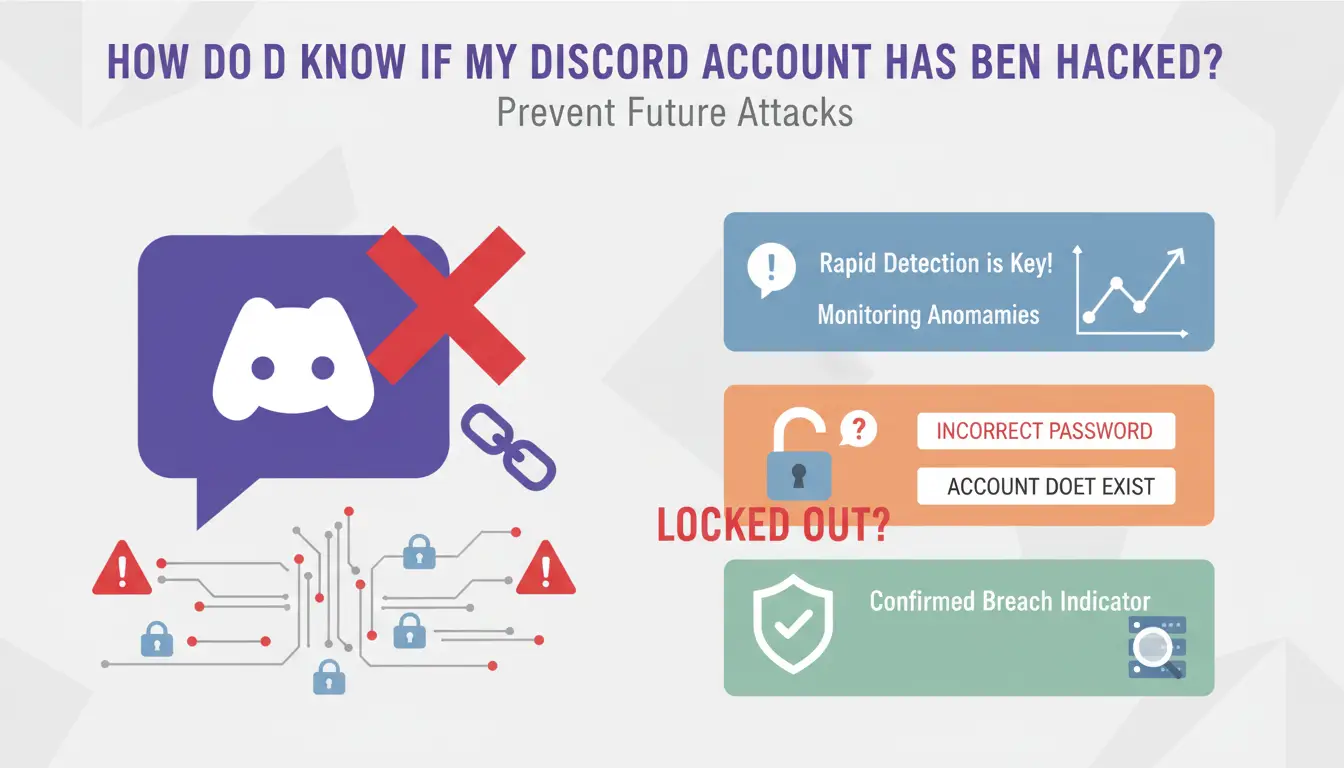
Rapid detection is the cornerstone of successful account recovery. You must monitor for specific technical anomalies that indicate a breach.
Why am I locked out of my account?
If you receive an "incorrect password" error or a notification that the "account does not exist," this is a confirmed indicator of unauthorized credential modification. When the system claims the account does not exist, it typically signifies that the attacker has successfully changed the associated email address, effectively severing your primary recovery link.
What are these suspicious messages in my DMs?
A primary sign of compromise is when contacts report receiving unauthorized links, advertisements, or spam from your handle. Attackers leverage the trust of your existing relationships to distribute malicious payloads, often at a scale that triggers Discord’s automated spam filters.
Why is my profile information different?
Attackers frequently perform "account scrubbing" or rebranding, changing your username, avatar, or linked phone number. This is a tactical move to complicate ownership verification and finalize the account's transition into a malicious bot or "alt" account.
Other indicators of unauthorized access include:
- Official Discord security alerts regarding logins from unrecognized IP addresses or geographic locations.
- Your account joining unfamiliar servers or creating new ones without your input.
- Sudden modifications to your friend list, such as the mass removal of contacts or the addition of unknown accounts.
Why was my Discord account compromised in the first place?
To secure an account, you must identify the specific vulnerability the attacker exploited.
Is phishing still the biggest threat to Discord users?
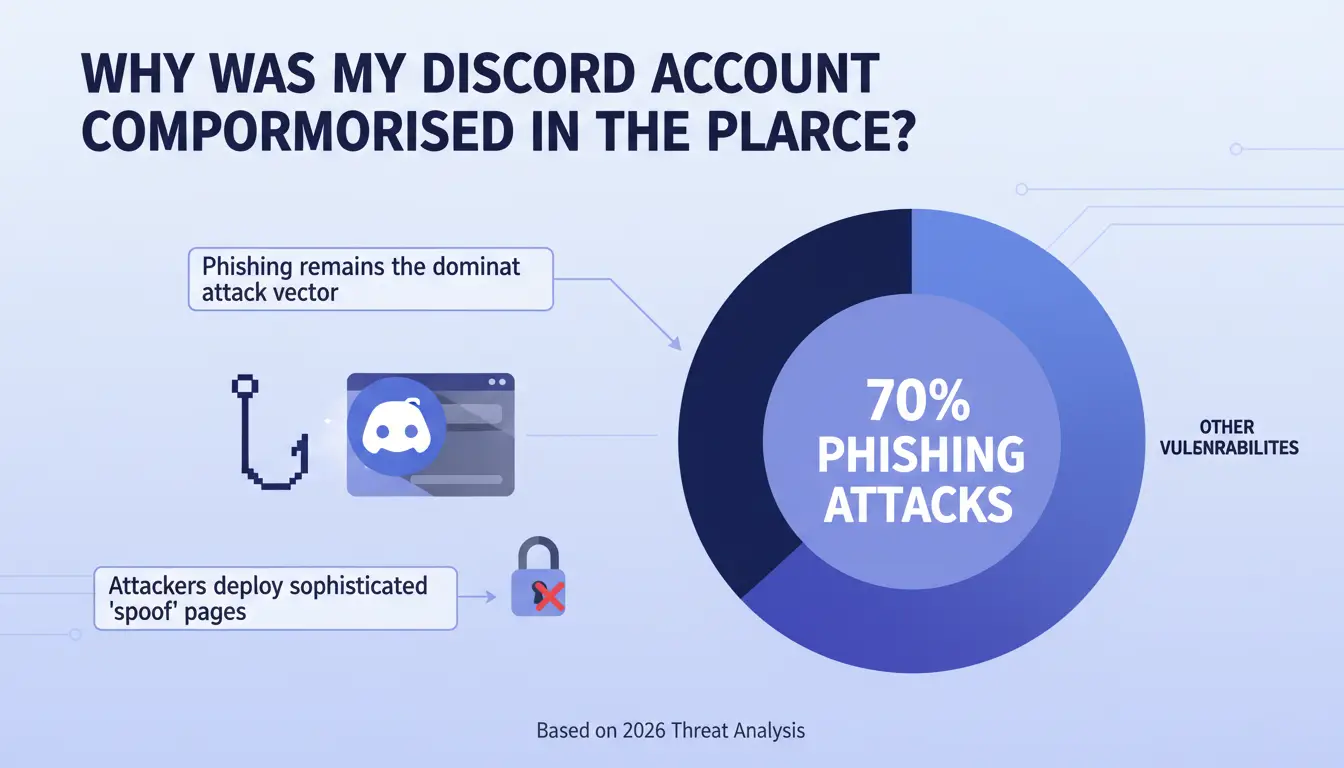
Phishing remains the dominant attack vector, accounting for over 70% of all Discord account compromises. Attackers deploy sophisticated "spoof" pages that mirror the Discord login interface. Once you input your credentials into these fraudulent forms, the attacker captures them in real-time.
The danger of weak passwords and credential stuffing
Credential stuffing is a high-volume automated attack where hackers use databases of leaked emails and passwords from other platforms to "stuff" Discord’s login portal. If you reuse passwords across multiple services, a breach elsewhere becomes a breach on Discord.
How do malware and "token grabbers" work?
Malware, such as info-stealers and keyloggers, can infect your device via malicious downloads. These programs perform "Session Hijacking" by stealing your Discord token—a digital session identifier. By capturing this token, an attacker can bypass the login screen and Two-Factor Authentication (2FA) entirely, maintaining access even if you change your password.
What are the first steps to recover my hacked Discord account?
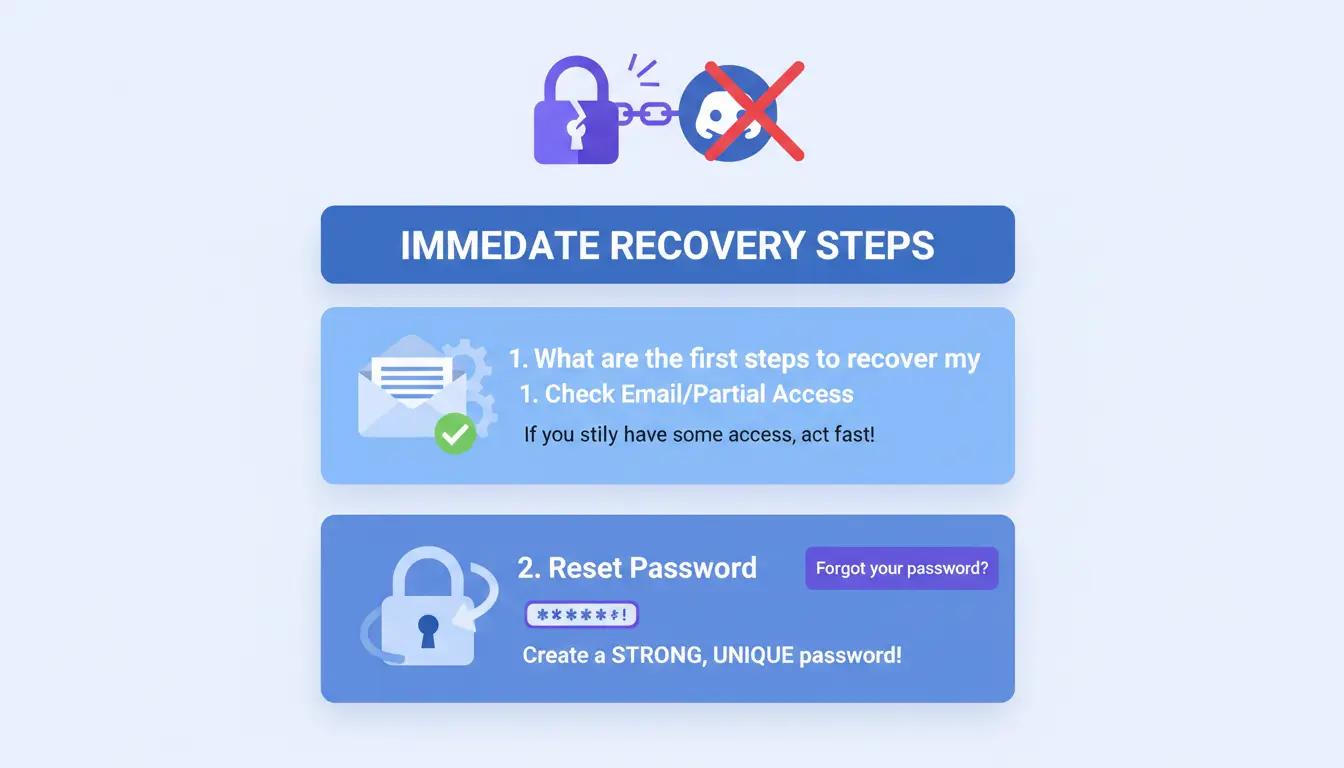
If you still retain partial access to your account or the registered email, execute these steps immediately to regain control.
Attempting an immediate password reset
Initiate a password reset via the "Forgot your password?" link. Create a complex, unique password that has never been used on another service. Critically, during this process, you must select the "Log out of all devices" option to terminate any active unauthorized sessions.
Auditing and removing suspicious authorized devices
Navigate to User Settings > Security & Privacy > Authorized Devices. Conduct a thorough audit of every device listed. If any hardware or location appears unrecognized, revoke its access immediately to terminate the intruder’s connection.
Revoking malicious third-party app permissions
Attackers often maintain persistence through malicious OAuth2 authorizations. Inspect User Settings > Authorized Apps and revoke permissions for any bots or applications you do not recognize or no longer require.
How can Discord Support if I’m completely locked out?
When the attacker has modified the account's email and phone number, self-recovery is no longer viable. You must initiate a formal security appeal.
Submitting an official "Hacked Account" request
Navigate to the Discord Support portal at support.discord.com/hc/en-us/requests/new. To ensure your ticket is prioritized by the security team, select the "Help & Support" category and then choose the "Hacked Account" sub-category.
What evidence do I need to prove ownership?
The burden of proof lies with the user. You must provide the following "smoking gun" evidence to verify ownership:
- The original email address and phone number used at the time of account creation.
- Your full account tag (e.g., Username#1234).
- Screenshots of the original registration email.
- Purchase Records: Transaction IDs or history of Discord Nitro subscriptions and Gift purchases.
- Your first login IP address or the IP address typically used for access.
Practitioner’s Tip: The support queue is extensive. Maintain professional patience and avoid submitting duplicate tickets, as this resets your position in the processing queue and complicates the investigation.
How do I make my Discord account "unhackable" for 2026?
Effective security requires a defense-in-depth strategy that moves beyond simple passwords.
Why Two-Factor Authentication (2FA) is non-negotiable
2FA is your most robust defense. Even if an attacker obtains your password through a leak, they cannot access the account without a time-sensitive code from an authenticator app. Always store your backup codes in an encrypted, offline environment.
Managing your digital hygiene and password complexity
Implement a rotation policy where unique, high-entropy passwords are changed every 3–6 months. Furthermore, avoid accessing Discord via public Wi-Fi. If public access is unavoidable, you must use a high-quality VPN to encrypt your traffic and prevent local session sniffing.
Staying safe from social engineering and fake "Discord Staff"
Social engineering involves attackers impersonating "Discord Support" or "System Administrators." Official Discord staff will never contact you via DM to ask for your password or for you to "test" a file. Always verify that any link directs you to the discord.com domain before clicking.
For community managers, developers, or power users managing an account matrix, standard browsers are often insufficient. DICloak offers a professional-grade anonymization and management solution to prevent account association and mitigate the risk of a "chain reaction" compromise.
- Isolated Browser Fingerprints: DICloak generates a unique digital fingerprint for every profile, ensuring Discord cannot link multiple accounts to a single machine.
- IP Proxy Integration: It supports HTTP and SOCKS5 protocols, allowing you to assign independent IP addresses to each account, masking your true geographical footprint.
- Secure Environment Isolation: Local storage, cookies, and cache are strictly partitioned. If one account is targeted by a token grabber, the isolation prevents the breach from spreading to other profiles.
- Team Control: Enables secure collaboration with granular permission settings, reducing the risk of internal security errors during account handoffs.
What should I do if my computer is infected with malware?
Account recovery is futile if the underlying host remains compromised. If malware was the source of the breach, you must sanitize your environment.
- Full System Sanitization: Deploy a reputable antivirus solution to perform a deep-system scan. Specifically look for keyloggers and Trojans.
- Aggressive Software Patching: Ensure your Operating System and the Discord application are updated to the latest versions. Updates often contain critical security patches that close the vulnerabilities attackers use to bypass local security.
Frequently Asked Questions (FAQ)
Can I get my deleted servers or friends back after recovery?
While access to the account is restored, Discord cannot typically revert data explicitly deleted by the hacker, such as deleted servers or removed friends. This makes rapid recovery essential.
How long does the Discord support team take to respond?
Response times fluctuate based on volume and case complexity, generally ranging from several days to a few weeks.
How do I check if my 2FA is active right now?
Verification is found at User Settings > My Account. This section provides the current status of your Two-Factor Authentication and backup codes.
Is my personal information safe after a hack?
There is a high probability that your email and IP address were logged by the attacker. Monitor all associated accounts and change passwords for any service that shared credentials with the compromised Discord account.
Does using an antidetect browser like DICloak increase my ban risk?
No. DICloak actually minimizes risk. By providing clean, isolated fingerprints, it prevents "chain reaction" bans where Discord flags and disables all accounts associated with a single suspicious device or IP.
Final Security Checklist
- Enable 2FA: Prioritize authenticator apps over SMS.
- Unique Credentials: Use a password manager to ensure no two accounts share a password.
- Link Vigilance: Treat every DM link as high-risk until verified.
- VPN Usage: Use encrypted tunnels when accessing Discord on untrusted networks.
- Regular Audits: Perform a monthly review of Authorized Devices and Authorized Apps to ensure environment integrity.
 Web Proxy Tools
 Free Tools
 Cookie Plugin
 UA Generator
 MAC Address Generator
 IP Generator
 IP Address List
 2FA Code Generator
 World Clock
 Anonymous Check
 WebRTC Leak Test
 UUID Generator
 Free Web Proxy Site
 Proxy Checker
 FB Ad Checker
 AI Web Scraping
 Free SMM Tools
 Twitter Shadowban Checker
 Instagram Name Checker
 UTM Generator
 Username Generator
 AI Hashtag Generator
 LinkedIn Headline Generator
 Social Media Image Resizer