In 2026, WhatsApp has transitioned from a simple messenger to a mission-critical infrastructure for affiliate marketers, e-commerce operators, and digital agencies. For these professionals, the ability to manage multiple accounts isn't a "nice-to-have"—it is a requirement for operational resilience. However, the platform remains aggressively tethered to its "one account per device" philosophy.
Mismanaging your account portfolio doesn't just result in a temporary lockout; it can lead to "chain bans" that incinerate six-figure lead pipelines and ruin brand reputations overnight. This guide provides a field-tested roadmap for managing 2, 10, or 100+ accounts across mobile and desktop environments while mitigating platform risk and maximizing scaling efficiency.
Can you actually run multiple WhatsApp accounts on one device in 2026?
The current strategic landscape is a balancing act between user convenience and account security. While WhatsApp has expanded "multi-device" support—allowing you to use one account across four linked devices—it has not natively solved the "multi-account" problem.
The technical hurdle remains the phone number. Because each account requires a unique identifier, you cannot natively toggle between two different accounts within the same official app instance. For small-scale operations, this means utilizing secondary official apps or OS-level cloning. For enterprise-level scaling, it requires moving away from hardware-dependency entirely and into isolated virtual environments.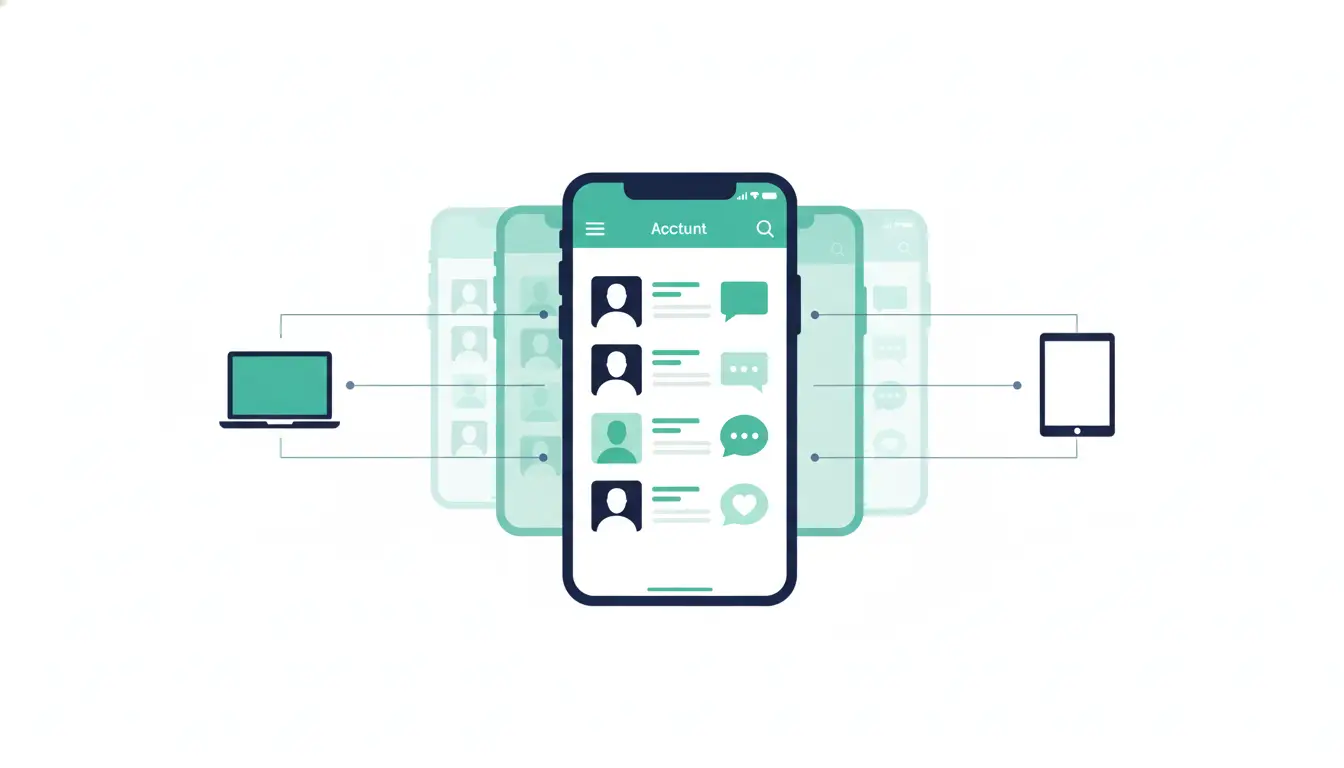
Is it possible to use one phone number for two different WhatsApp accounts?
No. This remains a technical impossibility within WhatsApp’s architecture. The phone number serves as the primary cryptographic key for your account identity.
The Hard Truths of Registration:
- Unique Identity Requirement: Every account must be tethered to a distinct, active phone number.
- Automatic Deactivation: If you attempt to register "Account B" using the number currently used by "Account A," the system will instantly deactivate Account A on the original device.
- The Trust Score Problem: While virtual numbers (Google Voice, TextNow) are popular, WhatsApp’s fraud detection systems often assign them a low "trust score." These numbers are frequently flagged as high-risk, leading to immediate shadowbans or "Account Farming" flags that restrict outbound messaging.
What are the best ways to set up two WhatsApp accounts on one phone?
Mobile setups are the entry point for operators managing limited traffic. These methods rely on the phone’s operating system to isolate app data.
Using WhatsApp and WhatsApp Business together
This is the "gold standard" for small-scale operators. By running the standard WhatsApp Messenger and the WhatsApp Business app side-by-side, you can manage two accounts officially. The strategic advantage here is zero risk; since both are official apps, there is no chance of being flagged for using "cloned" or "modified" software.
Utilizing App Cloning and Dual Apps on Android
Android users often utilize native features like "App Twin," "Dual Apps," or "Parallel Space." While effective for running a third or fourth account, these cloned environments often lack the security integrity of the original OS sandbox. Aggressive algorithms can detect the presence of a cloning layer, which may trigger a manual review of the account's activity.
The iOS workaround: Why iPhone users have fewer options
Apple’s "walled garden" restricts native app cloning. For iPhone users, the only stable path is the Dual-App method (Standard + Business). Any attempt to use "tweaked" APKs or third-party stores requires a jailbreak, which compromises your device's security and significantly increases the likelihood of a permanent ban.
How do professionals manage dozens of WhatsApp accounts on a PC?
High-volume marketing and customer support teams move their operations to the PC to leverage CRM integrations and faster response times. However, the desktop environment carries its own set of fingerprinting risks.
The limitations of WhatsApp Web in standard browsers
Using Incognito tabs or multiple standard browser windows is a fragile, non-scalable strategy. These sessions rely on cookies that are easily cleared, and more importantly, they all share the same hardware ID. If one account is flagged for spam, WhatsApp can easily link every other session running in that browser to the same "bad actor."
The strategic role of Antidetect Browsers
Enterprise operators (managing 20 to 100+ accounts) utilize antidetect browsers to achieve true session isolation. Unlike a standard browser, an antidetect tool spoofs the deep-level digital fingerprints—including Canvas, WebGL, WebGPU, and AudioContext—that WhatsApp uses to link accounts to a specific machine. By ensuring every browser profile appears as a unique hardware identity, you prevent the "chain ban" effect where one mistake kills your entire portfolio.
Why do some multi-account setups get banned while others stay safe?
The "cat and mouse game" between account managers and platform algorithms is won by those who understand digital footprints. WhatsApp identifies bot-like behavior by looking for "linked identities."
Risk Red Flags:
- IP Inconsistency: Accessing 10 accounts from the same Datacenter IP. Professionals use Residential or 4G/LTE proxies to mimic legitimate mobile user behavior.
- Hardware Linking: Using the same MAC address and browser version for 50 different accounts.
- Activity Bursts: New accounts sending 500 outbound messages without a history of incoming replies.
How can teams collaborate on the same WhatsApp accounts without getting locked out?
Scale often breaks due to "security verification loops." When a team member in a different city logs into a WhatsApp account, the platform detects a "new device" and a "new location," often triggering a 2FA lock or a ban.
Sharing profiles vs. sharing credentials
The professional solution is sharing the active browser session rather than the login credentials. Using the DICloak Share+ Plan, which offers unlimited seats/members, an agency lead can share a pre-authenticated browser profile with a team member. The team member opens the profile, and WhatsApp sees the same fingerprint and the same session. No new login is triggered, and the verification loop is avoided entirely.
Manage multiple Whatsapp accounts with DICloak
Many professionals do not rely on just one account anymore. They often manage brand pages, backup profiles, client accounts, or region-based campaigns at the same time. To avoid accounts being linked, flagged, or restricted, professionals also need isolated browser profiles, unique fingerprints, and a safer way to manage daily activity across multiple accounts.
Manage multiple social media accounts safely
Handling many social media accounts can be challenging, especially for social media marketers or small businesses. DICloak provides the best way to manage multiple social media accounts on a single device. Each account gets a unique fingerprint and isolated browser profile, keeping accounts secure and independent. This reduces the risk of being banned on social media or flagged for suspicious activity while enabling smooth operations across all major social media platforms.
- Secure each account with unique fingerprints
- Run multiple accounts on one device without conflicts
- Maintain natural, consistent activity across accounts
Automate account engagement
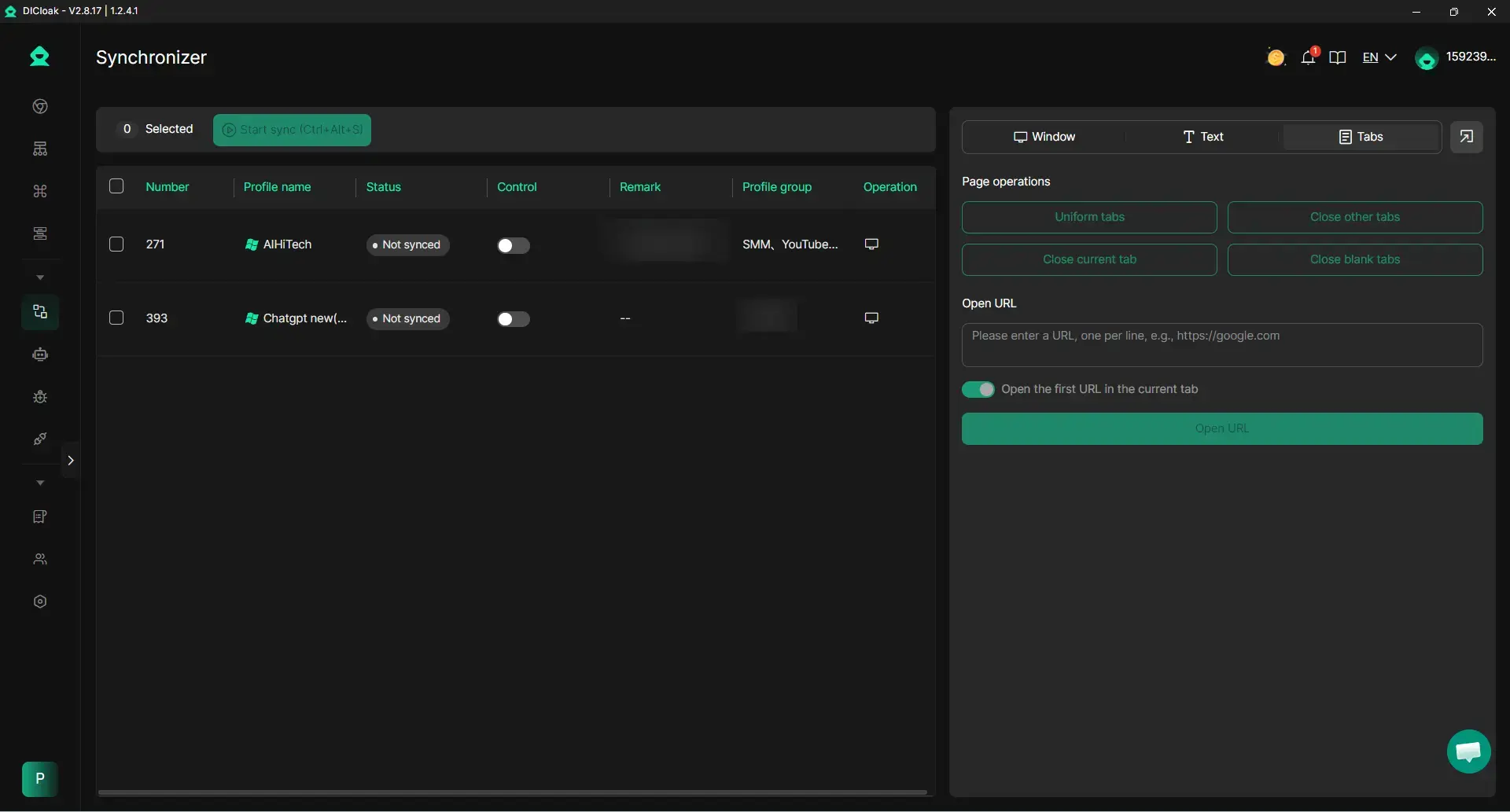
Keep your accounts active and engaging with DICloak’s built-in automation tools. Describe tasks in plain language, and DICloak' RPA handles repetitive actions automatically. The Multi-Window Synchronizer also supports you like, comment, and follow across multiple profiles and platforms simultaneously, mimicking real user behavior for safe social media browsing.
- Act like a real user to avoid detection
- Automatically like, comment, and interact
- Reduce repetitive tasks and save time
Boost marketing efficiency
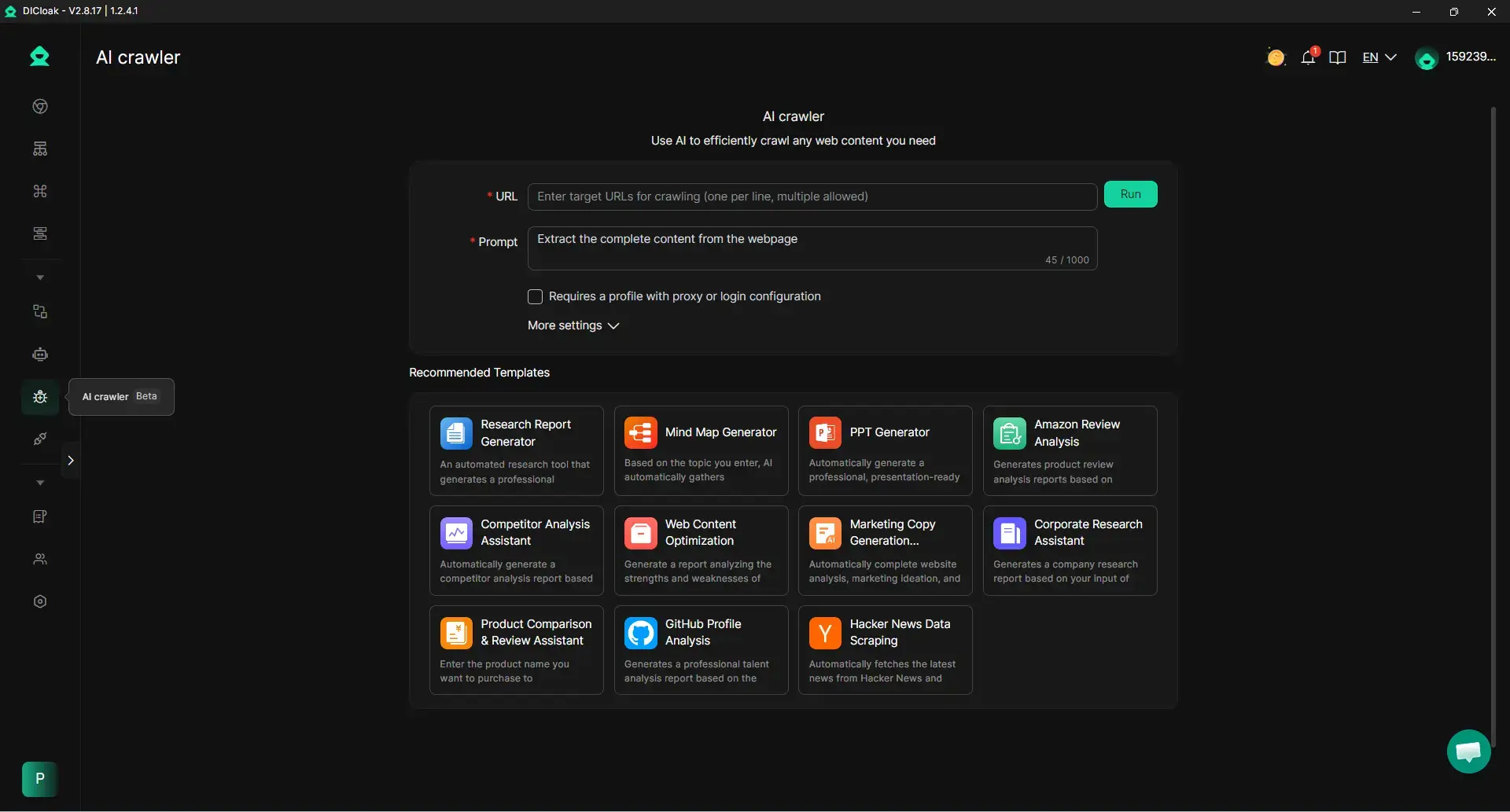
DICloak’s AI Crawlers help simplify social media marketing for small business and agencies. Collect and analyze data, generate content ideas, and create marketing copy effortlessly. You can also gather competitor or product information to optimize campaigns and refine strategies.
- Collect and analyze data efficiently
- Generate content ideas effortlessly
- Refine marketing strategies with AI insights
Start using DICloak today and take full control of your social media accounts safely and efficiently!
What mistakes should you avoid when scaling WhatsApp for marketing?
- Neglecting Account "Warming": Jumping straight into traffic arbitrage with a fresh account is suicide.
- Pro Tip (The 3-Step Warm-up):
- Days 1-3: Message 5-10 known, saved contacts and ensure they reply.
- Days 4-5: Join 2-3 active groups and engage in existing threads.
- Day 6+: Gradually begin outbound marketing, keeping the ratio of "received" to "sent" messages balanced.
- Poor IP Management: Avoid cheap Datacenter proxies. They are easily flagged. Stick to 4G/LTE proxies that rotate within a specific geographic area.
- Over-reliance on Automation: If you use RPA, ensure you build in "human-like" delays. Rapid-fire messaging at 0.1-second intervals is a guaranteed ban.
The "So What?": Burning through accounts doesn't just increase your Cost Per Acquisition (CAC); it destroys trust. If a client sees a "This account is banned" notification in the middle of a transaction, you have lost that customer forever.
Conclusion
Managing multiple WhatsApp accounts in 2026 is an exercise in infrastructure management. While the platform makes scaling difficult by design, it is entirely possible through disciplined session isolation and the use of sophisticated antidetect environments. By prioritizing the uniqueness of each account's digital identity and using tools like DICloak to automate and synchronize your efforts, you can build a scalable communication engine that is resilient against the most aggressive platform updates.
FAQ: Your Top Questions About Multiple WhatsApp Accounts
Can I use the same SIM card for two WhatsApp accounts?
No. A single SIM provides one number. You must have a unique number for each account. For scaling, professionals typically use a bank of physical SIM cards or high-quality virtual numbers with established trust scores.
What happens if I use a cloned app on an iPhone?
Apple does not support app cloning. Any third-party software claiming to "clone" WhatsApp on iOS is likely malware or requires a jailbreak. This compromises your device and leads to immediate account bans. Use the "WhatsApp + Business" official method instead.
How many WhatsApp accounts can I run on one PC?
With a standard browser, you are limited to 1-2 sessions via Incognito. With DICloak's Plus or Share+ plans, you can run hundreds of accounts simultaneously on a single PC, provided your hardware can handle the browser instances.
Is it safe to use a VPN for managing multiple accounts?
No. Standard VPNs use "public" IPs shared by thousands of users. If one user on that VPN spams, the IP is blacklisted, and your account is banned by association. Use dedicated Residential or 4G proxies for professional work.
Does WhatsApp Business cost money for multiple accounts?
The app itself is free. The costs of scaling come from the infrastructure: additional SIM/virtual numbers, high-quality proxies, and your DICloak subscription (starting from $4.8/month for the Base plan).
 Web Proxy Tools
 Free Tools
 Cookie Plugin
 UA Generator
 MAC Address Generator
 IP Generator
 IP Address List
 2FA Code Generator
 World Clock
 Anonymous Check
 WebRTC Leak Test
 UUID Generator
 Free Web Proxy Site
 Proxy Checker
 FB Ad Checker
 AI Web Scraping
 Free SMM Tools
 Twitter Shadowban Checker
 Instagram Name Checker
 UTM Generator
 Username Generator
 AI Hashtag Generator
 LinkedIn Headline Generator
 Social Media Image Resizer