Facebook verification changed in 2026. If you are searching for how to get verified on Facebook, it is important to understand that there is now more than one type of verified badge.
In July 2026, Meta launched Facebook Verified, a new free verification option for eligible Facebook profiles. It confirms that there is a real person behind the profile through a short video selfie. At the same time, Meta Verified still exists as a paid subscription with extra features such as account support and impersonation protection.
That difference matters. You should first know which verification option is available for your account before looking for an application form or paying for a subscription.
What Does Facebook Verification Mean in 2026?
A verified badge is no longer tied to only one verification process on Facebook. Depending on your account and location, you may see Facebook Verified, Meta Verified, or an older verified badge.
For most users trying to understand how to get verified on Facebook in 2026, the first step is knowing what each option actually means.
What Is Facebook Verified?
Facebook Verified is a free badge that confirms a real person is behind an eligible Facebook profile.
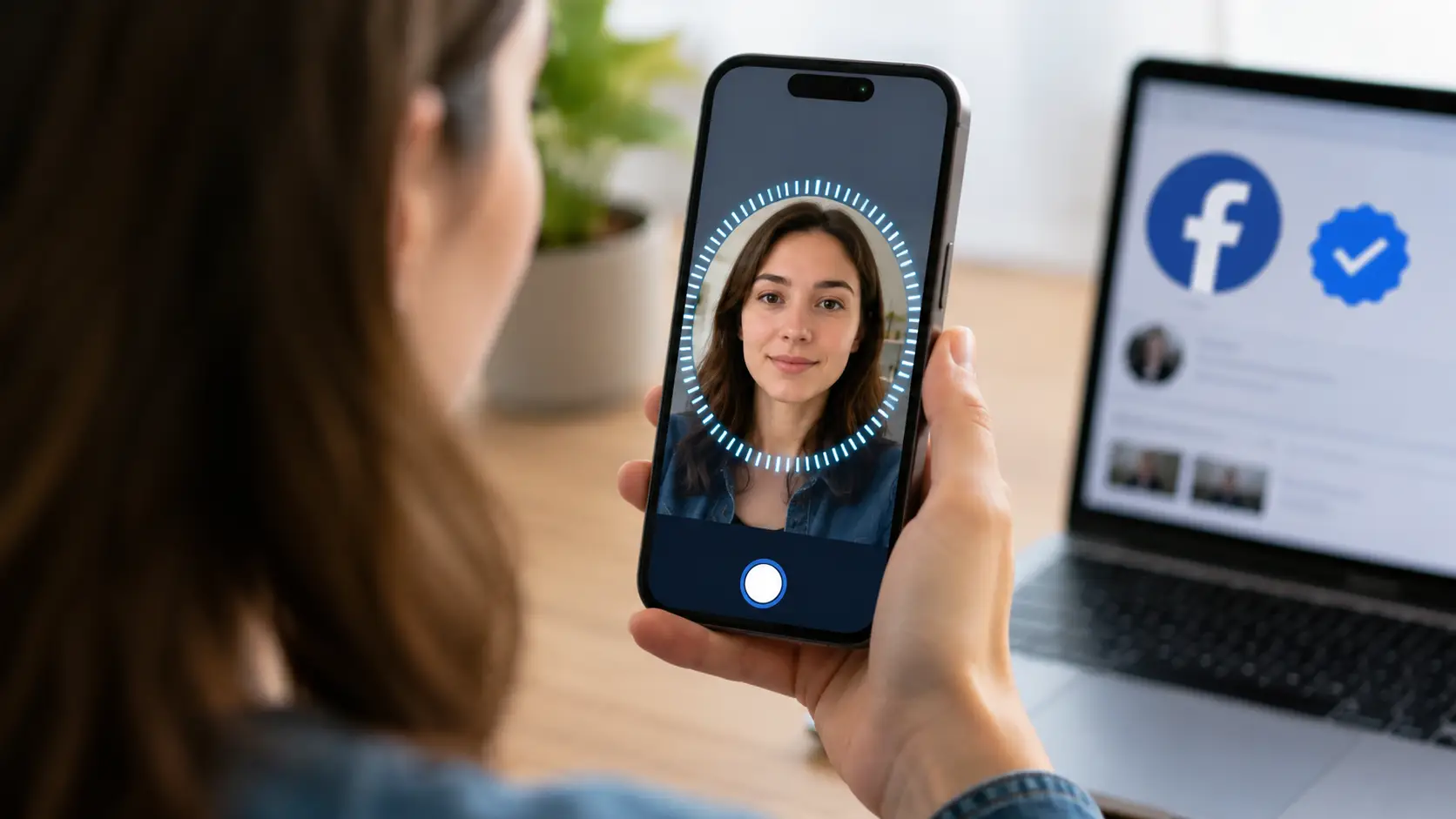
Meta introduced the program in July 2026. The process uses a short video selfie. Facebook compares that selfie with the photos already available on your profile to confirm that they match. Meta says the process usually takes only a few minutes.
The goal is different from the older idea of verification being reserved mainly for celebrities or public figures.
For example, imagine you are buying a used camera from someone on Facebook Marketplace. A Facebook Verified badge tells you that the person behind that profile completed Facebook's selfie verification and met its trust and safety requirements.
That does not mean Facebook recommends the seller or guarantees that the deal is safe. It only confirms that a real person completed the verification process.
Who Is Eligible for Facebook Verification?
Facebook Verified is currently available to eligible users aged 18 or older.
The account also needs to be in good standing with Facebook's Community Standards. Meta specifically says eligible accounts should not show evidence of fraud, scams, deceptive practices, or inauthentic behavior.
There are two important limits.
First, Facebook Verified is being introduced in phases. Meta started with selected markets and plans to expand it globally. This means two users with similar accounts may not see the feature at the same time.
Second, the new Facebook Verified program is currently designed for eligible personal profiles. Meta says it is not available for Facebook Pages or ProMode accounts.
So, if you do not see the verification option yet, that does not automatically mean your account has failed verification. The feature may simply not be available for your account or region yet.
Facebook Verified vs. Meta Verified
The names sound similar, but Facebook Verified and Meta Verified are different products.
Facebook Verified is the newer free option. It focuses on confirming that a real person is behind an eligible Facebook profile. The main verification method is a short video selfie.
Meta Verified is a paid subscription available for eligible Facebook and Instagram accounts. For creators, it includes a verified badge, enhanced support, and protection against impersonation. Meta's current eligibility rules also require a government-issued photo ID and other account requirements.
A simple way to think about them is:
Facebook Verified: free identity confirmation for eligible Facebook profiles.
Meta Verified: paid verification subscription with additional support and account protection benefits.
If you mainly want to show that there is a real person behind your Facebook profile, Facebook Verified may be enough when it is available to you.
If you are a creator who also wants Meta Verified support and impersonation protection, the paid Meta Verified subscription may offer more value.
How to Get Verified on Facebook
The exact process depends on which verification product your account can access.
For the new Facebook Verified badge, the process is designed to be simple. You check whether the option is available, complete a selfie verification, and wait for Facebook to confirm the result.
Check If Verification Is Available for Your Account
Start by checking your Facebook account for a Facebook Verified option or invitation.
Because Facebook Verified is still being rolled out in phases, not every eligible user will see it immediately. Meta says the launch began in selected markets and will expand over time.
Before assuming something is wrong, check three things:
- You are at least 18 years old.
- You are using an eligible Facebook profile.
- Your account and region currently have access to Facebook Verified.
If you are using a Page or a profile in Professional Mode, the new free Facebook Verified program does not currently apply.
Do not use third-party websites that claim they can “unlock” Facebook verification for your account. Verification should be completed through Facebook or Meta's official tools.
Complete the Required Identity or Selfie Verification
The verification method depends on the product.
For Facebook Verified, Meta says you record a short video selfie. Facebook checks the video against your existing profile photos to confirm that the person matches.
For example, if your profile clearly shows your face in several current photos, the selfie gives Facebook another signal that the profile belongs to you.
The process is different for Meta Verified.
Meta Verified creator subscriptions require a government-issued photo ID. Eligible subscribers also need to meet requirements related to their profile, activity, location, and account security.
This is why advice such as “you always need an ID to get verified on Facebook” is no longer completely accurate in 2026.
For the free Facebook Verified program, selfie verification is the main method Meta has announced. For Meta Verified, government ID remains part of the eligibility process.
What Happens After You Submit Verification?
For Facebook Verified, Meta says verification normally takes only a few minutes.
Facebook checks whether your video selfie matches the person shown in your profile photos and whether the account meets its trust and safety standards.
If the verification succeeds, the Facebook Verified badge can begin appearing in places such as your:
- Profile
- Marketplace activity
- Facebook Groups
- Facebook Dating
Meta also plans to expand where the badge appears, including Feed posts over time.
If you are using Meta Verified instead, the process may involve a longer identity review because the paid subscription has its own eligibility and ID requirements.
Do not make major profile changes while trying to complete Meta Verified. Meta's current requirements state that frequent recent changes to information such as your name, profile picture, username, location, or account type can affect eligibility.
Why Can’t You Get Verified on Facebook?
Not seeing a verification badge does not always mean Facebook rejected you.
Sometimes the feature is unavailable. In other cases, the account does not meet the eligibility rules or has information that makes verification harder.
Understanding the reason is more useful than repeatedly looking for a new verification form.
Verification Is Not Available for Your Account or Region
The new Facebook Verified program is still rolling out.
Meta has said that Facebook Verified started in selected markets and will expand globally in phases.
That means the verification option may simply not exist in your account yet.
Account type matters too.
Facebook Verified currently does not support Pages or ProMode accounts.
For example, a person using a standard Facebook profile may eventually receive access to Facebook Verified, while someone trying to verify a business Page through the same free process will not.
Do not confuse lack of availability with rejection.
Your Account Does Not Meet the Requirements
For Facebook Verified, the basic requirements include being at least 18 years old and having an account that meets Facebook's trust and safety standards.
Meta Verified has a longer list of requirements.
For creator subscriptions, you need to:
- Meet the minimum age requirement
- Live in a supported country
- Use an eligible Facebook or Instagram account
- Have a government-issued photo ID
- Meet minimum activity requirements
- Have Advanced Protection enabled
- Follow Meta's terms and Community Standards
So if you are trying to subscribe to Meta Verified and cannot continue, check the requirements before assuming there is a technical problem.
Account Trust or Authenticity Issues
Facebook verification is based on more than completing a selfie.
Meta says Facebook Verified accounts must meet its trust and safety standards and show no evidence of inauthentic behavior. Fraud, scams, deceptive activity, and related violations can make an account ineligible.
This is why trying to “prepare” an account by creating fake engagement or buying activity is not a useful verification strategy.
The better approach is simple: use accurate profile information and operate the account normally.
For Meta Verified, frequent changes before applying can also create a problem. Changing the name, username, photo, location, or account type several times in a short period may affect eligibility.
If your account information is already correct, avoid changing it just because you are preparing for verification.
What Does a Facebook Verified Badge Give You?
The new Facebook Verified badge is mainly an identity signal.
It helps other Facebook users understand that the profile belongs to a real person who completed Facebook's verification process. It should not be confused with an endorsement, a ranking boost, or a guarantee that everything the person says is trustworthy.
Where the Verified Badge Appears
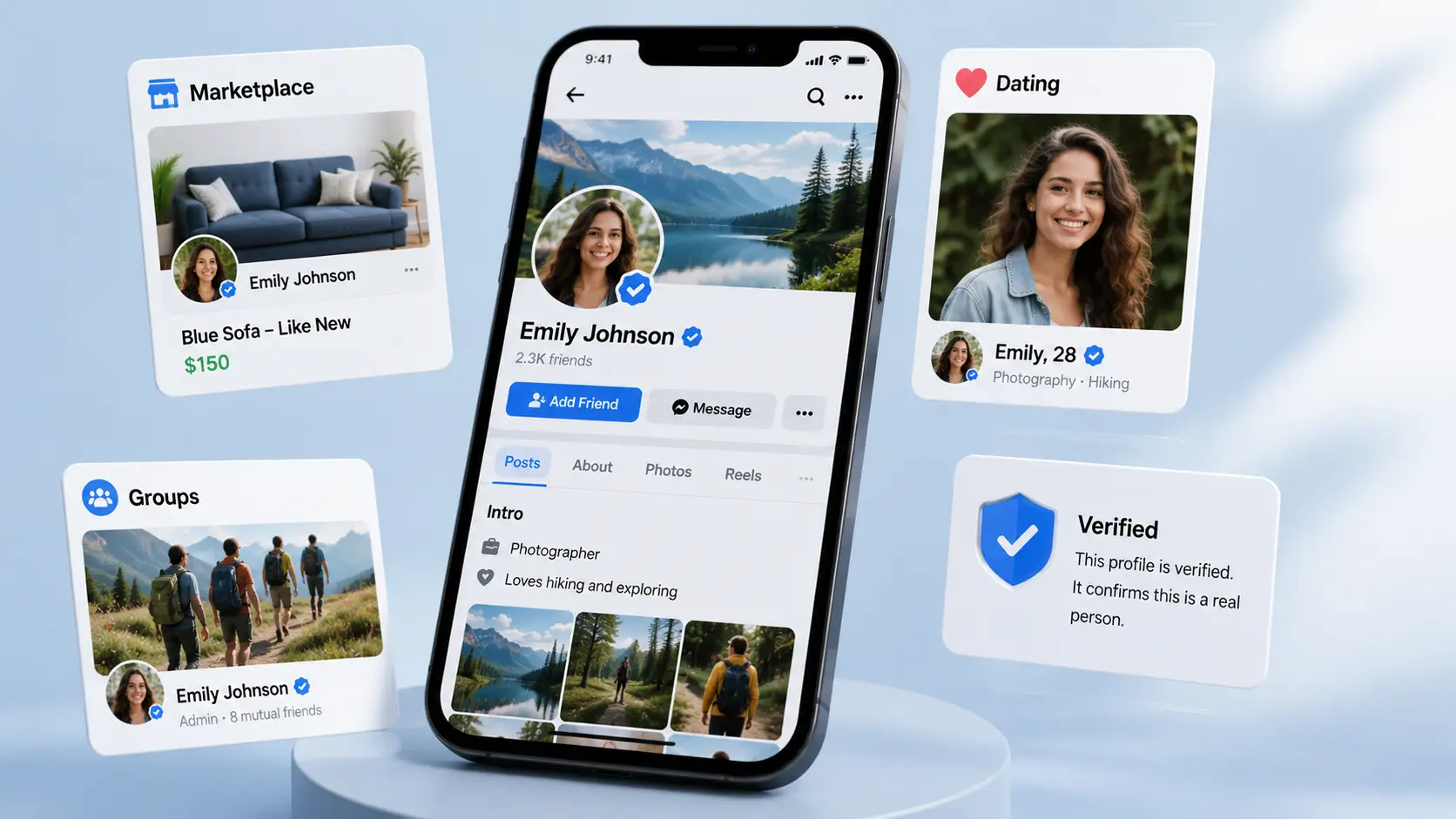
Meta says Facebook Verified badges initially appear in several parts of Facebook where identity can matter most:
- Profiles
- Marketplace
- Groups
- Facebook Dating
Feed posts are expected to receive badge visibility later as Meta expands the feature.
This makes sense in practical situations.
If someone is buying something through Marketplace, joining a local Group, or considering a meeting through Facebook Dating, seeing that the other profile has completed identity verification provides an extra piece of context.
What the Badge Means to Other Users
The badge means a real person completed Facebook's selfie verification and the account met Facebook's trust and safety standards at the time of verification.
That is useful, but it is a narrow promise.
Think of it as:
“Facebook confirmed that a real person is behind this profile.”
It is not:
“Facebook guarantees this person is safe, honest, or reliable.”
This difference is especially important on Marketplace. A verified person can still make a bad deal or break Facebook rules.
What Facebook Verification Does Not Guarantee
Facebook Verified does not mean Facebook endorses you.
Meta explicitly says that the badge does not guarantee the user's trustworthiness. Verified users still need to follow Community Standards, Commerce Policies, and other Meta rules.
It also does not guarantee:
- More followers
- Higher organic reach
- More sales
- Better ranking in Feed
- Approval for every Facebook feature
This is an important distinction for businesses and creators.
Getting verified can make identity clearer. It should not replace useful content, good customer service, or a real marketing strategy.
How to Keep Your Facebook Account Ready for Verification
There is no trick that guarantees Facebook verification.
What you can control is whether your profile information is accurate, your account is secure, and your activity follows Facebook's rules. These basics also make account management easier even if verification is not yet available to you.
Keep Your Profile Information Accurate
Use information that actually represents you.
Your profile name, profile photo, and other identity details should not create unnecessary confusion about who is behind the account.
This becomes especially important with Meta Verified because the paid program can compare profile details with a government-issued ID. Meta also limits how often certain profile details can be changed before verification.
For example, changing your profile name three times because you are testing different branding ideas may make sense from a marketing point of view, but it is not helpful immediately before a Meta Verified application.
If your profile information is correct, leave it stable.
Secure Your Account
Account security is part of the verification process, especially for Meta Verified.
Meta currently requires eligible Facebook accounts using Meta Verified to have Advanced Protection turned on. Advanced Protection includes stronger security steps such as two-factor authentication and additional account monitoring.
Even if you are only interested in the new free Facebook Verified badge, good account security is still worth setting up.
Use a unique password and enable two-factor authentication. Also review unfamiliar login activity when Facebook warns you about it.
Verification proves identity. Security helps you keep control of that identity.
Follow Facebook Policies
A verification badge does not provide a separate set of rules.
Facebook Verified requires users to remain in good standing, while Meta Verified subscribers must continue following Facebook's Terms of Service and Community Standards.
Avoid fake identity information, scams, deceptive behavior, and other activity that can put the account's standing at risk.
This is more important than trying to create a specific number of posts or followers before applying.
Meta's published Facebook Verified requirements focus on identity and trust standards, not on reaching a magic follower count.
Facebook verification itself should always be completed through Facebook or Meta. An antidetect browser does not make an account eligible for verification and cannot guarantee a verified badge.
However, the workflow becomes more complex when an agency or social media team manages several authorized Facebook accounts for different clients. Logging several accounts into the same normal browser can make sessions and cookies harder to organize.
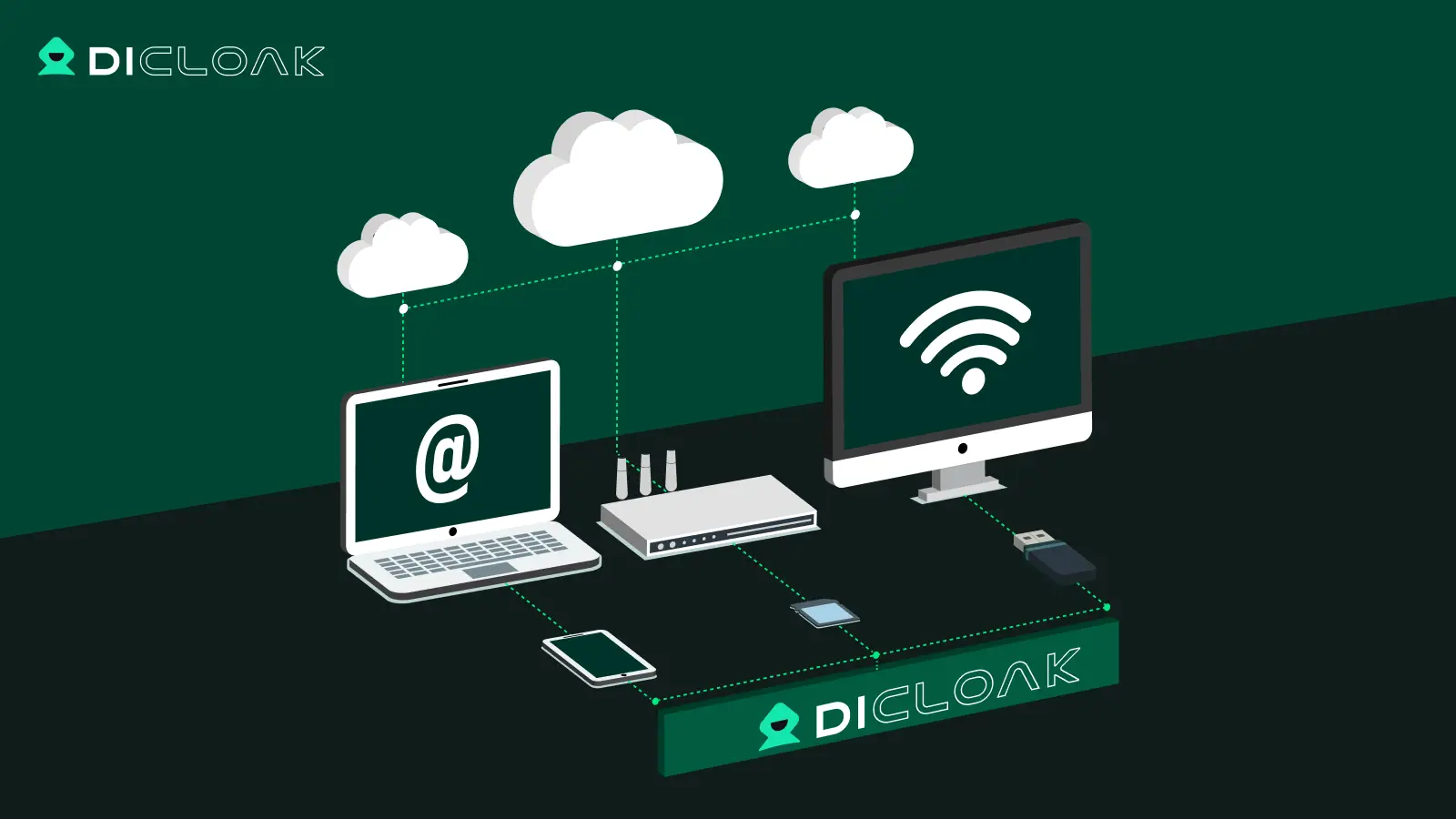
In that situation, DICloak can be used as a workspace for keeping different Facebook account sessions and team responsibilities separated.
Use Separate Browser Profiles for Different Accounts
DICloak lets teams create separate browser Profiles.
Each Profile can keep its own cookies, linked account information, proxy settings, and browser configuration. DICloak also provides browser settings for factors such as operating system, user agent, and language.
For example, an agency might create:
Facebook – Client A
Facebook – Client B
Facebook – Client C
Instead of repeatedly signing every client's account in and out of the same Chrome session, each authorized account can stay inside its assigned Profile.
This is mainly an organization benefit. It helps the team know which browser session belongs to which client and reduces accidental cookie or session overlap.
It does not change Facebook's account ownership or verification requirements.

Keep Team Access and Sessions Organized
DICloak also supports team members, roles, Profile Groups, and permission controls.
An administrator can decide which Profile Groups a member can access. Different roles can also receive different operational permissions.
For example, a small social media agency may have:
Client A Profiles → assigned to Manager A
Client B Profiles → assigned to Manager B
A temporary contractor can be given access only to the Profiles needed for their work rather than every account in the team.
DICloak also supports access-time settings for Profile Groups, which can be useful when temporary team access needs a defined schedule.
This does not help someone “pass” Facebook verification. It simply makes authorized account collaboration easier to control.

Manage Account Workflows More Efficiently
As the number of client accounts grows, routine account management can become repetitive.
DICloak allows Profiles to be grouped and managed from one workspace. Teams can also save account data inside the appropriate Profile and control which members are allowed to open or edit those Profiles.
For example, instead of keeping a spreadsheet that says:
Client A → Chrome Profile 3 → account login → assigned employee
the team can name the DICloak Profile clearly and assign access through Profile Groups.
For teams handling several Facebook accounts, this can make the workflow easier to understand. For someone managing one personal Facebook account, however, this level of setup is usually unnecessary.

Frequently Asked Questions About Facebook Verification
The new Facebook Verified program has created some confusion because it now exists alongside Meta Verified and older verification systems. These answers cover the most common questions people have when searching for how to get verified on Facebook in 2026.
Is Facebook Verification Free?
Facebook Verified is free. Meta introduced it in 2026 with no subscription fee. Eligible users complete a short selfie verification process.
Meta Verified is different. It is a paid subscription with additional benefits such as enhanced support and impersonation protection.
How Long Does Facebook Verification Take?
Meta says the new Facebook Verified selfie process typically takes a few minutes.
The timing may differ if you are using another verification path, such as Meta Verified, because that program has separate identity and eligibility checks.
Can Facebook Pages Get Verified?
The new free Facebook Verified program is not currently available for Pages or ProMode accounts.
Meta also offers separate Meta Verified products and verification systems, so Page owners should check the current Meta options available for their specific business or Page rather than assuming the free Facebook Verified process applies.
Do You Need an ID for Facebook Verification?
Not always.
The new Facebook Verified program uses a video selfie that Facebook compares with your existing profile photos.
Meta Verified creator subscriptions, however, require an eligible government-issued photo ID.
So the answer depends on which type of Facebook verification you are using.
Is Facebook Verified the Same as Meta Verified?
No.
Facebook Verified is the new free Facebook badge focused on confirming that a real person is behind an eligible profile.
Meta Verified is a paid subscription for eligible Facebook and Instagram accounts that combines verification with benefits such as enhanced support and impersonation protection.
If your goal is simply to verify that you are a real person on Facebook, check whether Facebook Verified is available to your account first. If you need the additional subscription benefits offered by Meta Verified, then compare the paid option separately.
 Web Proxy Tools
 Free Tools
 Cookie Plugin
 UA Generator
 MAC Address Generator
 IP Generator
 IP Address List
 2FA Code Generator
 World Clock
 Anonymous Check
 WebRTC Leak Test
 UUID Generator
 Free Web Proxy Site
 Proxy Checker
 FB Ad Checker
 AI Web Scraping
 Free SMM Tools
 Twitter Shadowban Checker
 Instagram Name Checker
 UTM Generator
 Username Generator
 AI Hashtag Generator
 LinkedIn Headline Generator
 Social Media Image Resizer