Searching for buy verified LinkedIn accounts usually comes from a simple goal. Someone wants to save time, start outreach faster, or use an account that already looks established.
But a verified LinkedIn account is not the same as a safe account to buy.
LinkedIn verification confirms specific information about a profile, such as identity, workplace, or education. It does not mean the account can be sold or transferred to another person. For teams that legitimately manage several client or employee accounts, understanding multi-account management is more useful than relying on purchased profiles. LinkedIn's User Agreement says personal accounts must use the real identity of the account holder and cannot be shared or transferred.
So before spending money on a “verified” LinkedIn account, it is important to understand what verification really proves, why purchased accounts can still be restricted, and what safer account management alternatives are available.
Why Do People Look for Verified LinkedIn Accounts?
People searching for verified LinkedIn accounts are usually not interested in the badge itself. They want the benefits they believe come with an older or more established profile.
That may include faster outreach, more credibility, or less time spent building a new account. The problem is that these benefits are often overstated.
Common Reasons People Want Ready-Made LinkedIn Accounts
A ready-made account can look attractive because starting from zero takes time.
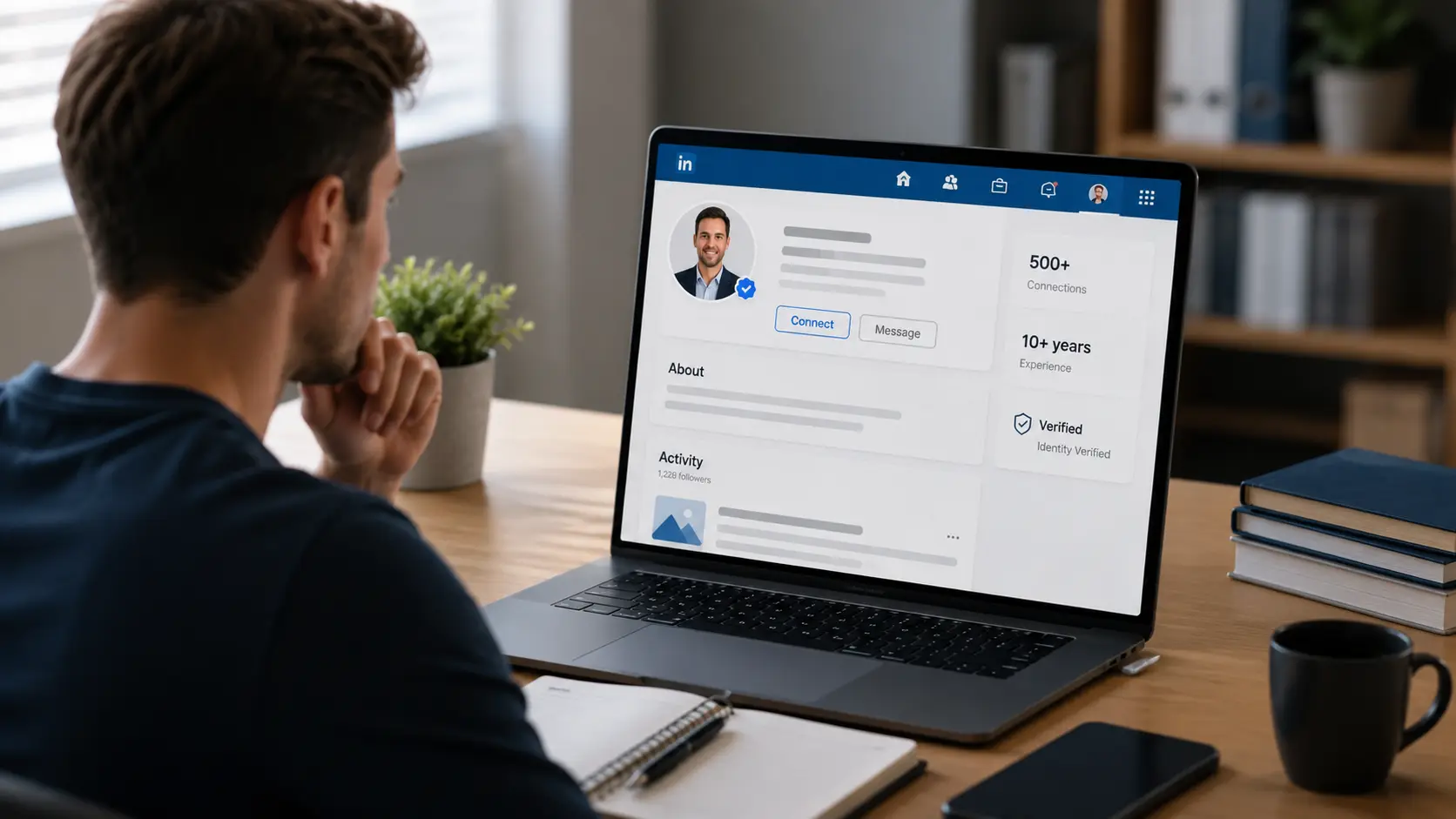
For example, a sales team may want more LinkedIn profiles for outreach. A recruiter may want extra accounts for sourcing candidates. A marketer may want profiles that already have connections, activity, or verification badges.
Common goals include:
- Starting outreach immediately
- Accessing an older account history
- Using existing connections
- Managing more sales or recruiting activity
- Getting a profile that already shows a verification badge
The shortcut sounds simple. Buy the account, log in, update the information, and start using it.
In practice, the ownership problem remains. LinkedIn says a personal account belongs to the member who created it, and users may not sell, transfer, or share that account with someone else. For teams that genuinely need to work with several legitimate profiles, a structured multi-account management workflow is a better fit than purchasing accounts.
What “Verified” Actually Means on LinkedIn
A LinkedIn verification badge does not mean an account has been approved for resale.
LinkedIn currently supports several types of verification.
Identity verification confirms that information from a government-issued ID has been checked through LinkedIn or one of its verification partners. For example, LinkedIn currently uses CLEAR for eligible users in the U.S., Canada, and Mexico.
Workplace verification can confirm that someone works at a specific organization.
Education verification can confirm a connection to an educational institution.
LinkedIn also verifies some company Pages. A Page verification badge signals that LinkedIn has confirmed information showing that the Page represents the real organization.
The key point is simple:
Verification confirms certain information. It does not transfer ownership of the account.
Why a Verified Account Is Not the Same as a Trusted Account
A verification badge is a trust signal, not a guarantee.
LinkedIn itself explains this clearly in its job verification system. A verification badge can show that some information about a company or job poster has been confirmed, but LinkedIn also says the badge does not mean a job is automatically better or safer.
The same logic applies to profiles.
A verified account may confirm the original owner's identity or workplace. If that account is later sold to another person, the original verification does not suddenly prove the new buyer's identity.
This is one reason buying a verified account can create more problems than expected.
Is It Safe to Buy Verified LinkedIn Accounts?
From a policy point of view, buying a personal LinkedIn account is not a safe long-term strategy.
LinkedIn's User Agreement says members may not share or transfer their accounts. It also says users must not create false identities or attempt to use another person's account.
That means the main risk is not whether the seller is “trusted.” The account transfer itself conflicts with LinkedIn's rules. The same ownership issue also explains why account sharing needs to be treated differently from simply handing another person a username and password.
What LinkedIn Says About Account Ownership and Identity
LinkedIn requires personal accounts to represent real people.
Its current User Agreement says users must:
- Have only one LinkedIn account
- Use their real name
- Keep account information accurate
- Keep their password private
- Not share or transfer their account
- Not use another person's account
This matters because many account sellers advertise features such as:
“ID verified”
“aged account”
“real connections”
“verified workplace”
Those features may describe the original owner. They do not give the buyer permission to become that person.
If the profile name, identity, employer, or other details are later changed, the account may no longer match the information that was originally verified.
Why Purchased Accounts Can Be Restricted
A purchased account can still be restricted even if it worked when the seller showed it to you.
LinkedIn does not publish every signal it uses for account security. However, several common changes can create problems:
- A different person starts using the account
- The profile identity changes
- Login patterns change suddenly
- The account begins sending very different types of activity
- LinkedIn asks the user to verify their identity again
Browser and device information can also be part of the wider login environment. Understanding how a browser fingerprint works can help explain why changing many parts of an account's access environment at once may create a very different session.
If an account is restricted, LinkedIn may ask the account holder to complete identity verification. Its current recovery process can require a government-issued ID and, in some cases, a selfie matched against that ID.
That creates an obvious problem for a purchased account.
The buyer may not have the identity documents linked to the original account.
The Financial and Privacy Risks of Buying Accounts
The policy risk is only one part of the problem.
There is also a basic transaction risk.
A seller may recover the account after payment. The email address or phone number may still belong to someone else. The account may contain old messages, private contacts, or business information. It may also have previous warnings or restrictions that are not visible before purchase.
You are also buying access to data connected to another person's identity.
That creates privacy and security concerns, especially when the account contains messages, connections, employment history, or personal information. For legitimate team workflows, keeping authorized accounts in separate browser profiles is a more practical way to organize sessions without mixing unrelated account data.
A cheap verified LinkedIn account can become expensive very quickly if it is restricted or recovered after you begin using it for business.
How LinkedIn Detects Suspicious or Inauthentic Account Activity
LinkedIn does not publish a full detection checklist.
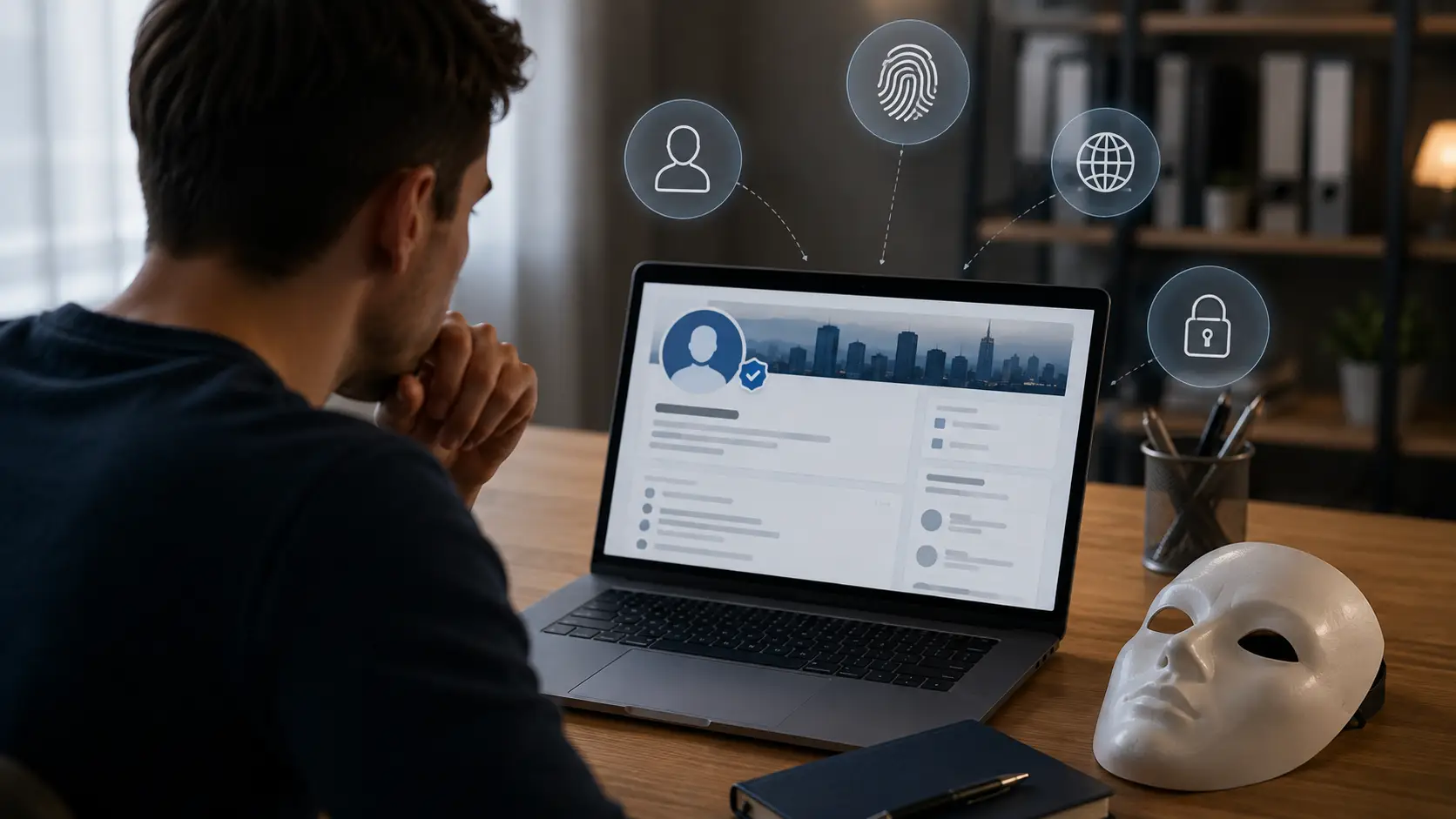
However, its policies make one thing clear: accounts should represent real people and authentic professional activity. Large changes in identity, access, or behavior can therefore create account problems.
The goal should not be to learn how to hide those changes. It is more useful to understand why purchased accounts are unstable in the first place.
Identity and Profile Information Changes
Identity verification works because LinkedIn compares real identity information with the profile.
For some verification methods, the name on the government-issued ID needs to match the LinkedIn profile or be close enough for LinkedIn's verification process to accept it.
Now imagine buying an account called:
Daniel Carter — Sales Manager
and changing it into:
Michael Chen — Growth Consultant
The account may still technically open, but the verified identity and the new profile information no longer describe the same person.
That is why a verified badge should never be treated as a transferable asset.
Unusual Login and Account Access Patterns
LinkedIn expects the account holder to control their own account.
Its User Agreement specifically tells users to protect against unauthorized access and keep passwords confidential.
A sudden change in device, browser session, geography, recovery information, and identity can therefore make account ownership harder to prove if LinkedIn later asks for verification.
This does not mean changing Wi-Fi or traveling will automatically cause a restriction.
The bigger issue with purchased accounts is that many things may change at the same time.
Fake Engagement, Automation, and Inauthentic Behavior
Buying an account is often only the first shortcut.
Some users then add aggressive automation, bulk connection requests, copied messages, or fake engagement to scale activity quickly.
That creates another layer of risk.
LinkedIn's User Agreement prohibits false identities and unauthorized use of accounts. Its wider policies also focus on authentic professional activity.
Automation itself is not the only issue. The problem is using tools or behavior in ways that make activity deceptive, spammy, or inconsistent with LinkedIn's rules.
A verified badge does not protect an account from those rules.
Better Alternatives to Buying LinkedIn Accounts
If your goal is more outreach, more credibility, or faster growth, buying an account is usually solving the wrong problem.
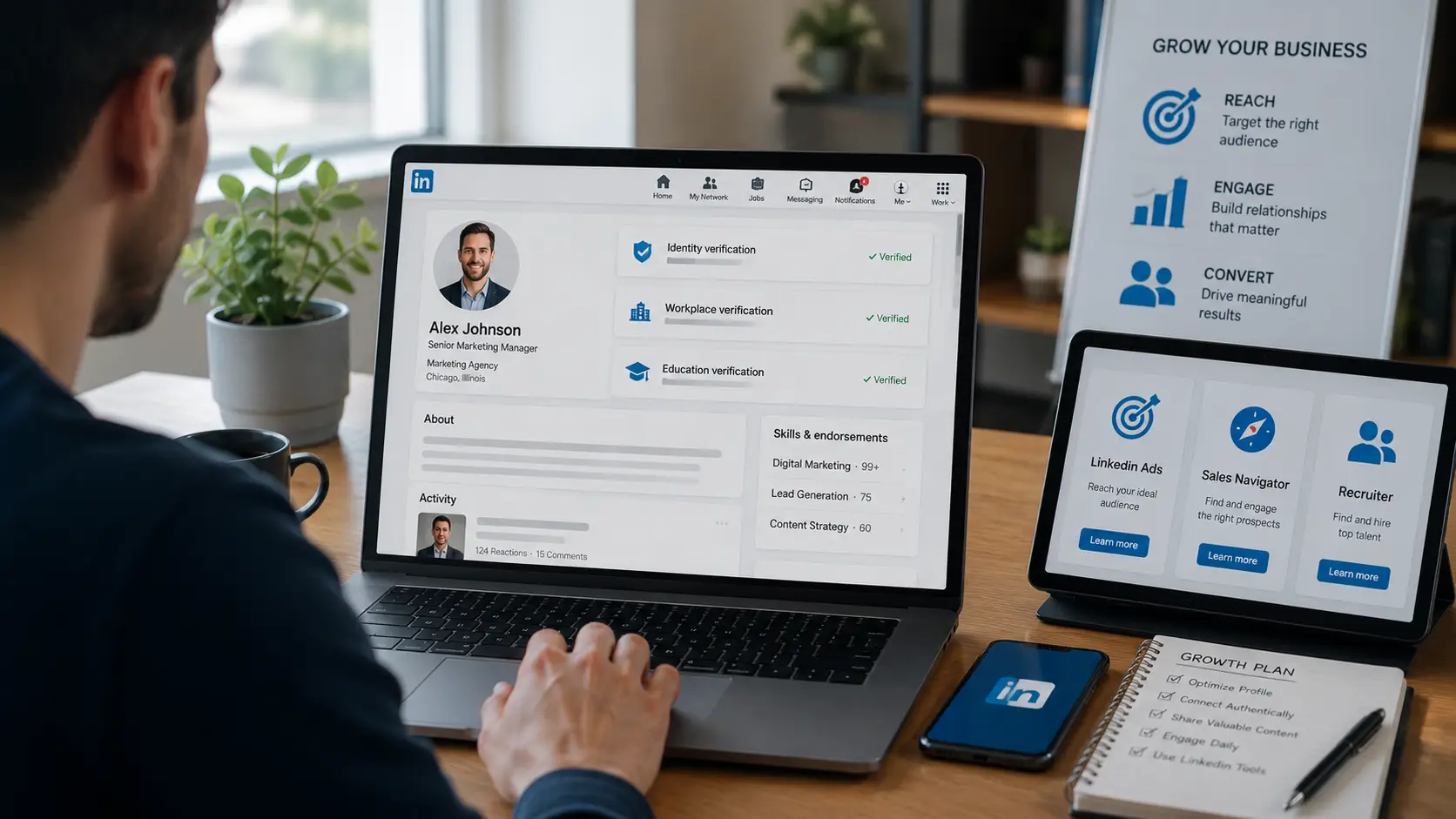
The safer route is to create accounts that actually belong to the people using them and then use LinkedIn's own verification, advertising, and sales tools where appropriate.
Create and Verify Your Own LinkedIn Account
Start with an account in your real name.
Then complete the verification options available to you.
Depending on your location and employer, LinkedIn may offer:
- Identity verification
- Workplace verification
- Education verification
For eligible users in the U.S., Canada, and Mexico, identity verification can currently be completed through CLEAR using a valid government-issued ID and phone number.
Other countries may use different verification partners or methods as LinkedIn expands support.
This gives you something a purchased account cannot provide: the verified identity actually belongs to you.
Build Account History and Professional Credibility Naturally
You do not need thousands of connections to make a LinkedIn account useful.
A strong profile starts with accurate information.
Add your real role, company, experience, skills, and professional photo. Connect with people you genuinely know or work with. Publish useful content related to your field.
For example, a B2B salesperson can build credibility by sharing:
- Industry observations
- Customer problems
- Product lessons
- Short case studies
- Useful comments on relevant posts
That takes longer than buying an aged account, but the history belongs to you and becomes more valuable over time.
Use LinkedIn Ads or Sales Tools for Faster Reach
If your main reason for buying accounts is reach, you may not need more personal accounts at all.
LinkedIn offers paid tools designed for this purpose.
LinkedIn Ads can help businesses reach targeted professional audiences.
Sales teams can also use LinkedIn's sales products for prospecting workflows.
Recruiting teams have dedicated LinkedIn recruiting products.
These options cost money, but they are built around legitimate business workflows rather than transferring personal account ownership.
How to Manage Multiple Authorized LinkedIn Accounts
There is an important difference between buying extra LinkedIn accounts and managing accounts that legitimately belong to different people.
An agency, recruiting team, or marketing department may work with several authorized client or employee accounts. In that case, the challenge is organization.
Each person's account still belongs to that individual, but the team may need a clearer way to keep browser sessions and responsibilities separated. This is where a structured multi-account management workflow becomes useful.
Keep Different Client Accounts in Separate Browser Profiles
Using separate browser profiles can help avoid simple operational mistakes.
For example, imagine an agency works with three executives:
Executive A
Executive B
Executive C
Keeping each authorized session in its own browser Profile makes it easier to know which account is currently open.
Cookies and local session data stay associated with the correct Profile instead of being mixed into one normal browser session.
The purpose is organization, not changing who owns the LinkedIn account.
Organize Team Access Without Mixing Sessions
Account ownership should remain clear.
LinkedIn says personal accounts cannot be shared or transferred, so teams should use LinkedIn's supported business products and permissions whenever those options are available.
For browser-based workflows that involve authorized account access, teams should also clearly document:
- Which person owns the account
- Who is authorized to work on it
- Which browser Profile belongs to it
- What tasks each team member handles
For larger teams, member permission management can help keep access limited to the Profiles each person actually needs.
This reduces mistakes such as opening the wrong client's account or mixing browser sessions.
Keep Browser and Network Settings Consistent
Consistency makes account management easier.
If an authorized LinkedIn account is already working normally in one browser Profile, there is usually little reason to keep changing its browser configuration.
The same principle applies to network settings. If your workflow uses a proxy, keeping a stable proxy configuration with the correct Profile is easier to manage than changing locations or settings without a clear reason.
Avoid unnecessary changes just because a tool allows you to randomize them.
A stable setup is easier for both the account owner and the team to understand.
How DICloak Can Help Teams Manage LinkedIn Accounts
Buying a verified LinkedIn account does not solve the ownership problem. LinkedIn accounts still belong to the people who created them, and verification does not make an account transferable.
A more relevant use case for an antidetect browser like DICloak is managing several authorized LinkedIn accounts for clients, executives, recruiters, or sales teams. Instead of mixing different sessions in one normal browser, teams can keep each account in its own browser Profile and control who can access it.
This is especially useful when the challenge is no longer “how do we get another LinkedIn account?” but “how do we keep several legitimate account workflows organized?”
Use Separate Browser Profiles for Authorized Accounts
Each authorized LinkedIn account can stay inside its own DICloak browser Profile.
A Profile keeps browser data such as cookies, local session data, browser settings, and user-configured proxy information together. This makes it easier to separate one client workflow from another and reduces accidental session overlap.
For example, an agency could organize its workspace like this:
LinkedIn – Client A LinkedIn – Client B LinkedIn – Client C
Instead of repeatedly signing accounts in and out of the same browser, the team opens the Profile assigned to that client.
This setup is similar to the wider idea behind managing multiple accounts with separate browser profiles: each workflow has a clear place, and browser data does not need to be mixed across unrelated sessions. DICloak also supports Profile Groups, which can be used to organize Profiles by client, project, or team.
The purpose here is operational separation. It does not change who owns the LinkedIn account or replace LinkedIn's own verification process.
Assign Profile Access to Different Team Members
Once several people are involved, access control becomes just as important as browser separation.
DICloak supports Member Groups, Profile Groups, roles, and operation permissions. An administrator can decide which Profiles a member can see and what actions that member can perform.
For example:
Client A Profiles → Sales Manager Client B Profiles → Content Team Client C Profiles → Account Manager
A freelancer working on Client B does not need access to Client A or Client C.
This is where member permission management becomes useful. Teams can limit access to specific Profile Groups and restrict actions such as editing Profiles or managing other settings. Operation Logs can also help administrators review how Profiles are being used.
For temporary projects, DICloak also supports setting Profile Group access hours, so a member can be given access only during the period when the work is actually needed.
This does not mean sharing LinkedIn ownership. It is simply a way to control internal access to authorized browser workflows.
Manage Multiple Profiles and Repetitive Workflows More Efficiently
Managing three Profiles manually is simple. Managing 30 or 100 becomes a different problem.
DICloak lets teams organize Profiles into groups and apply supported actions to multiple Profiles at once. For example, a manager can select several Profiles and assign them to a new Profile Group instead of editing every Profile individually.
A practical structure might be:
Sales Profiles Recruiting Profiles Executive Profiles Client Project A
This makes it easier to know which Profiles belong together and which team members should have access to them.
For larger operations, DICloak also provides bulk Profile management and automation tools. RPA and Synchronizer can reduce repetitive browser work where the underlying activity is allowed by LinkedIn's rules. The important point is that automation should support a legitimate workflow, not be used to create fake engagement or aggressive outreach.
For teams that are scaling quickly, browser Profile management becomes less about adding more accounts and more about keeping permissions, sessions, and responsibilities clear.
In this situation, DICloak's main value is straightforward: separate authorized LinkedIn sessions, organize Profiles by client or team, and give each member access only to the workflows they actually need.
Frequently Asked Questions About Buying Verified LinkedIn Accounts
Buying a verified account can sound like a shortcut, but the verification badge does not remove LinkedIn's ownership rules. These questions cover the main issues users should understand before paying for an account.
Is Buying LinkedIn Accounts Against LinkedIn’s Rules?
Yes, transferring a personal LinkedIn account conflicts with LinkedIn's User Agreement.
LinkedIn says users must not share or transfer their accounts and must not use another person's account. Personal accounts must also use the real identity of the member.
What Does LinkedIn Verification Actually Confirm?
It depends on the verification type.
LinkedIn can verify identity, workplace, education information, or company Pages. Identity verification can involve checking a government-issued ID through an approved partner.
A verification badge does not mean the account can legally or safely be transferred to another user.
Can a Purchased Verified LinkedIn Account Still Be Restricted?
Yes.
A verified account is still subject to LinkedIn's User Agreement and Professional Community Policies.
If LinkedIn later asks the account holder to verify their identity, the buyer may not be able to provide documents that match the original account owner. LinkedIn's account recovery process can require government ID and sometimes a selfie.
What Is the Safer Alternative to Buying LinkedIn Accounts?
Create an account that belongs to the real person using it.
Complete LinkedIn's available identity or workplace verification, build a genuine professional history, and use LinkedIn Ads, Sales tools, or recruiting products when you need more reach.
This takes longer, but the account remains tied to the correct owner.
Teams should first use LinkedIn's supported business products and permission systems where available.
For authorized browser-based workflows, separate browser Profiles can also help keep client sessions organized. A tool such as DICloak can provide separate Profiles, Profile Groups, and team permissions.
However, this does not override LinkedIn's rule that personal accounts belong to their individual members and should not be shared or transferred.
 Web Proxy Tools
 Free Tools
 Cookie Plugin
 UA Generator
 MAC Address Generator
 IP Generator
 IP Address List
 2FA Code Generator
 World Clock
 Anonymous Check
 WebRTC Leak Test
 UUID Generator
 Free Web Proxy Site
 Proxy Checker
 FB Ad Checker
 AI Web Scraping
 Free SMM Tools
 Twitter Shadowban Checker
 Instagram Name Checker
 UTM Generator
 Username Generator
 AI Hashtag Generator
 LinkedIn Headline Generator
 Social Media Image Resizer