YouTube is one of the most useful sites for tutorials, lessons, reviews, music, and creator content. But in 2026, many users still find that YouTube will not open on school Wi-Fi, office networks, public connections, or managed devices. That is why more people search for YouTube websites that are unblocked.
Still, not every unblocked site is safe. Some work well for quick public viewing, while others may show fake buttons, pop-ups, or risky login pages. This guide explains the best options, how they work, what risks to avoid, and how to choose a safer way to watch YouTube online.
Why Do People Look for YouTube Websites That Are Unblocked?
People search for YouTube websites that are unblocked when YouTube will not open on school Wi-Fi, office networks, public connections, or managed devices. Often, the issue comes from network rules, device settings, regional limits, or content controls.
- School and workplace blocks: Schools and companies may block YouTube to reduce distractions or save bandwidth. Users may look for unblocked YouTube websites when they need a public tutorial, lesson, or training video.
- Regional limits: Some videos are blocked in certain countries because of copyright rules, local laws, or content settings. This is one reason travelers may search for YouTube unblocked websites.
- Managed devices: School Chromebooks, office laptops, and shared devices may block YouTube through admin settings. Even YouTube mirror sites or proxy pages may fail on these devices.
- Outdated unblock methods: Old lists of YouTube proxy websites may lead to broken pages, ads, or redirects. In 2026, users should choose safe unblocked YouTube sites that use HTTPS, avoid forced downloads, and never ask for Google login details.
What Are YouTube Websites That Are Unblocked?
YouTube websites that are unblocked help users view YouTube content when YouTube.com is limited by a network, device, or region. They are not all the same, so users should choose based on the task, not just whether the page opens.
- Proxy-based YouTube websites: YouTube proxy websites load YouTube through another web page. They can help with quick public viewing, but users should not enter Google passwords or private account details on unknown proxy pages.
- YouTube mirror and viewer websites: YouTube mirror sites show YouTube content in a lighter layout. They may help users watch a public video or check a channel page, but some may include ads, broken players, or redirects.
- Privacy-focused YouTube front-end platforms: Some YouTube unblocked websites, such as Invidious or Piped, display YouTube videos through a different interface. They can be useful for lighter viewing, but public instances may be slow or unstable.
- Preview or embedded-video websites: Some trusted blogs, course pages, or help centers show YouTube videos through embedded players. They may work when YouTube.com is blocked, but they are not always a full replacement for unblocked YouTube websites.
Best YouTube Websites That Are Unblocked in 2026
Now that we have covered the main types, it is easier to compare real options. The best YouTube websites that are unblocked are not always the ones with the boldest claims. A good site should load clearly, avoid forced downloads, and work well for quick viewing. Some are better for proxy access. Some are better for a lighter YouTube front-end. Others are better for checking previews or video restrictions.
The sites below can be useful in different cases. Still, availability may change by school, workplace, region, or device settings. For safer use, avoid entering your Google password on unknown pages.
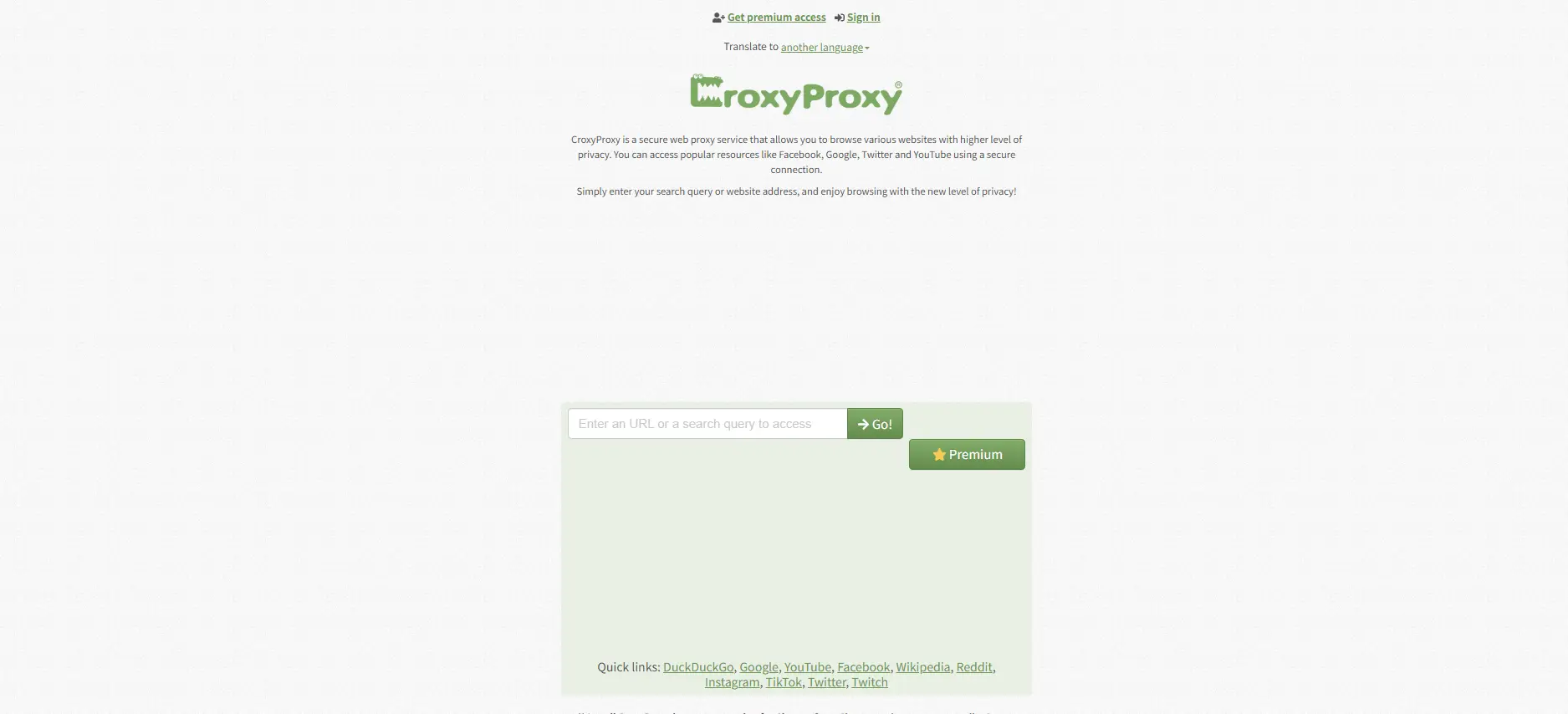
CroxyProxy is one of the more common YouTube proxy websites. It works inside the browser, so users do not need to install software or change system settings. Its official page highlights support for video sites, including YouTube, and full video streaming through the proxy page. It also lets users open only one blocked page through the proxy instead of routing all browsing activity through it.
For example, a student may use CroxyProxy to open a public YouTube science lesson when YouTube.com is blocked on school Wi-Fi. It is useful for quick viewing, not for private account use.
Pros
- Works directly in the browser.
- Supports YouTube and other video sites.
- No setup is needed.
- Good for quick access to public videos.
Cons
- Free access may include limits or ads.
- Speed can change during busy hours.
- Not ideal for logging into a personal YouTube account.
ProxySite has a dedicated YouTube proxy page. It offers US and EU server choices and is built for streaming YouTube videos through its web proxy. It also promotes SSL encryption and fast web page loading through its proxy network.
This makes it useful when a user wants to test a YouTube link from a different server region. For instance, a worker trying to open a public software tutorial on office Wi-Fi may find ProxySite simple enough for one-time use.
Pros
- Dedicated YouTube proxy page.
- Offers server location choices.
- Simple layout.
- Useful for public video viewing.
Cons
- Some networks may already block it.
- Video playback can be slower on busy servers.
- Not the best choice for sensitive browsing.
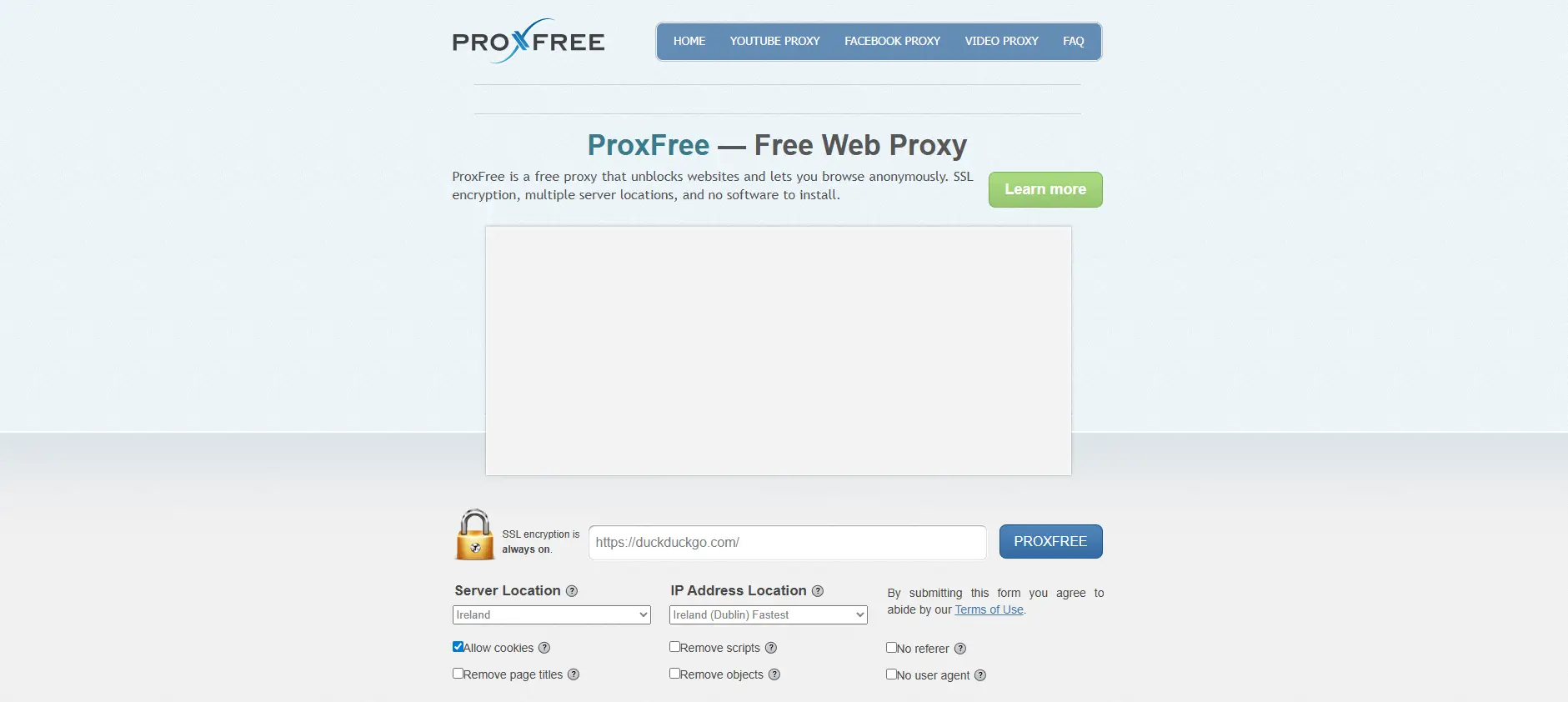
ProxFree is a free web proxy that works as an intermediary between the user and the site they want to visit. Its page explains that users can enter a website address and access it through encrypted proxy servers. It also notes that the target site sees the ProxFree server instead of the user’s computer.
ProxFree can be helpful when a user wants to open a public YouTube page without installing anything. It is one of the more direct unblocked YouTube websites for basic browsing.
Pros
- Easy to use.
- No software installation.
- Uses encrypted proxy servers.
- Good for quick public access.
Cons
- Interface may feel dated.
- Streaming quality may vary.
- Not suited for logging into Google services.
GenMirror is a free SSL web proxy designed to unblock YouTube, Facebook, and other blocked sites. Its page notes that it works on mobile phones, smartphones, and computers without installation. It also promotes bandwidth-saving behavior on mobile devices.
This can be useful for a user on a phone who needs to watch a short YouTube tutorial but cannot open the main YouTube site. It fits casual viewing better than long sessions.
Pros
- Works on desktop and mobile.
- No installation required.
- Uses SSL proxy access.
- Can be helpful for mobile viewing.
Cons
- Some pages may not load perfectly.
- Free proxy speed can change.
- May not handle all YouTube features smoothly.
Proxyium is a free web proxy that supports popular sites, including YouTube. Its official page describes browser-based access without installing extra software. It also notes that traffic is encrypted while browsing through the proxy.
Proxyium is useful for users who want a clean, quick way to test whether a YouTube link can open outside the main blocked route. It is one of the YouTube proxy websites worth considering for temporary access.
Pros
- Free browser-based proxy.
- Supports YouTube.
- No extension needed.
- Clean and simple access flow.
Cons
- May not work on strict managed devices.
- Streaming can depend on server load.
- Not a place for private account activity.
UnblockVideos.com
UnblockVideos.com works as an anonymous web proxy and also offers a YouTube video restriction checker. The restriction checker accepts regular YouTube links and shortened YouTube links, then checks where a video may be blocked.
This makes it different from many basic YouTube unblocked websites. It can help users understand whether a video is blocked by country before they try other access methods.
Pros
- Includes a video restriction checker.
- Useful for region-related video issues.
- Free web proxy access.
- Helpful for checking public YouTube links.
Cons
- The proxy design is basic.
- Not mainly built for a polished viewing experience.
- Users still need to avoid private logins.
Invidious
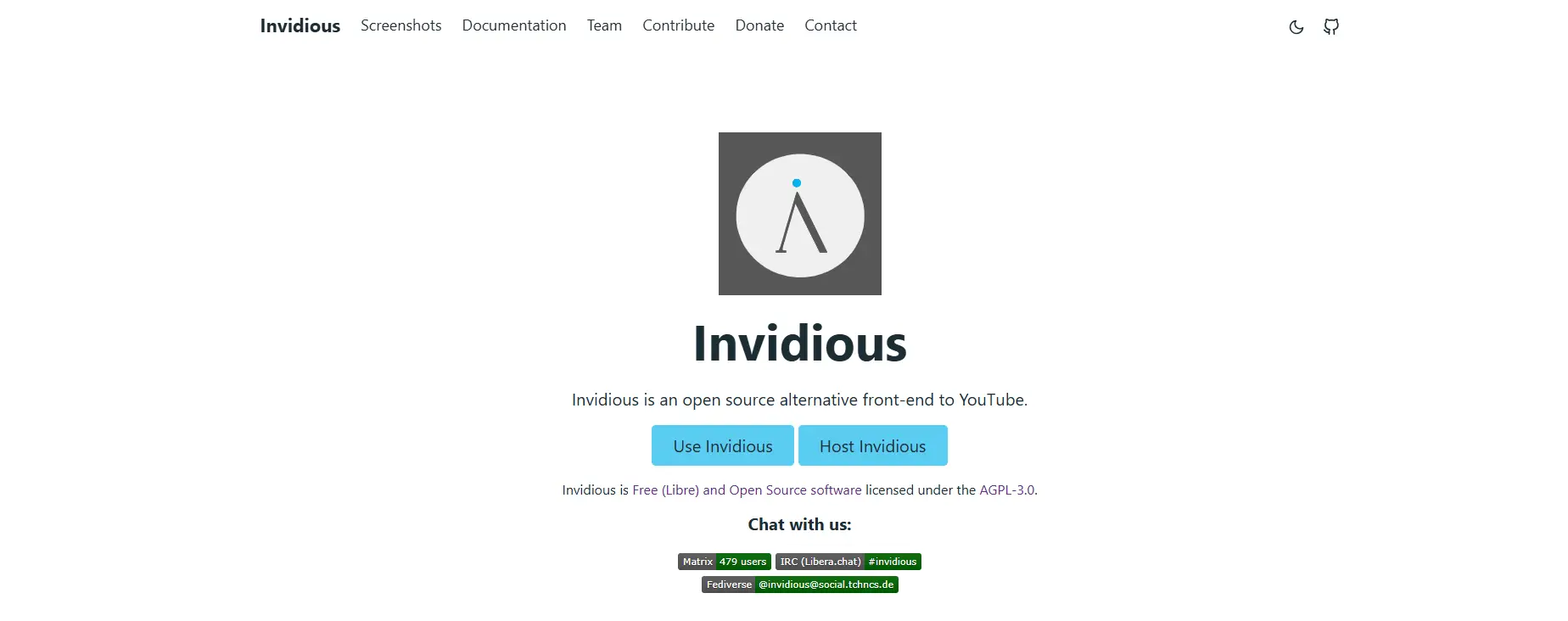
Invidious is an open-source alternative front-end for YouTube. It lets users watch videos through a different interface and allows subscriptions or playlists without a YouTube account. This can make it useful for people who want a lighter way to view public YouTube content.
Invidious is not a normal proxy site. It is better seen as a privacy-focused front-end. For example, a researcher may use it to check public videos without opening the full YouTube interface.
Pros
- Open-source YouTube front-end.
- Can be lighter than YouTube.com.
- Supports subscriptions without a YouTube account.
- Good for public video research.
Cons
- Public instances can be slow or unstable.
- Some videos may fail to load.
- The interface may feel unfamiliar to new users.
Piped
Piped is another privacy-friendly YouTube front-end. Its documentation describes it as efficient and scalable by design. The GitHub project also presents it as an open-source alternative front-end for YouTube, with public instances available through its documentation.
Piped is useful when users want a clean viewing page without the full YouTube layout. It can work well for public videos, music, or tutorials, but public instances can change in speed and stability.
Pros
- Privacy-focused front-end.
- Open-source project.
- Clean viewing experience.
- Good for lighter public video access.
Cons
- Some public instances may be blocked.
- JavaScript may be needed.
- Playback can fail when instances are overloaded.
YouTubeUnblocked.live presents itself as a YouTube proxy that lets users access YouTube and other sites. Its page describes browser-based access, a search form, shareable links, compatibility across devices and browsers, and servers in the USA and Europe.
This site is more focused on YouTube access than general browsing. It may help users who want a direct YouTube mirror sites style experience. Still, users should treat it as a temporary viewing option.
Pros
- Built around YouTube access.
- Works through the browser.
- Offers shareable links.
- Designed for multiple devices and browsers.
Cons
- Availability can change.
- May be blocked by strict school or office filters.
- Users should avoid account sign-ins.
UnblockYoutube.co
UnblockYoutube.co is a web proxy focused on YouTube access. Its page promotes private browsing, hiding the user’s IP address, encryption, and no server logs. It is designed for users who want to open blocked YouTube pages through a browser-based proxy.
This can be useful for casual viewing on restricted networks. For example, a user may open a public guide video when normal YouTube access fails. It belongs in the safe unblocked YouTube sites discussion only if users follow basic safety habits, such as avoiding logins and downloads.
Pros
- Focused on YouTube access.
- Browser-based use.
- No installation needed.
- Useful for casual public viewing.
Cons
- Claims should still be treated carefully.
- Playback speed may vary.
- Not a safe place to enter personal account details.
Comparison Table of YouTube Websites That Are Unblocked
| Website |
Type |
Best for |
Main advantage |
Main limitation |
Login safety |
| CroxyProxy |
Web proxy |
Quick public YouTube viewing |
Strong video-site support |
Speed may vary |
Avoid login |
| ProxySite |
Web proxy |
Testing US/EU server access |
Server choices |
May be blocked on strict networks |
Avoid login |
| ProxFree |
Web proxy |
Basic blocked-page access |
Simple encrypted proxy |
Older interface |
Avoid login |
| GenMirror |
SSL web proxy |
Mobile and desktop access |
No install needed |
Some features may break |
Avoid login |
| Proxyium |
Web proxy |
Fast temporary access |
Clean browser-based flow |
Server load may affect playback |
Avoid login |
| UnblockVideos.com |
Proxy + restriction checker |
Checking blocked video regions |
Useful restriction checker |
Basic viewing experience |
Avoid login |
| Invidious |
YouTube front-end |
Lighter public viewing |
Open-source and account-free use |
Public instances can fail |
Account not needed |
| Piped |
YouTube front-end |
Cleaner viewing experience |
Privacy-focused interface |
Instance stability varies |
Account not needed |
| YouTubeUnblocked.live |
YouTube proxy/mirror |
Direct YouTube access |
Built for YouTube use |
May be filtered |
Avoid login |
| UnblockYoutube.co |
YouTube proxy |
Casual public viewing |
No installation needed |
Claims need caution |
Avoid login |
For most users, proxy-based tools are better for short, public video access. Invidious and Piped are better when users want a lighter front-end instead of a full proxy. None of these options should be used for sensitive actions, such as logging into Google, managing a creator account, or entering private data.
How to Choose a Safer Unblocked YouTube Website
After comparing different YouTube websites that are unblocked, safety should come before speed. A site may open YouTube fast, but that does not mean it is safe. If it asks for downloads, strange permissions, or Google login details, leave the page.
- Check HTTPS first: Safer YouTube proxy websites should use HTTPS. It does not make a site fully trustworthy, but a “Not secure” or “Dangerous” warning is a clear red flag.
- Avoid forced downloads or extensions: Good unblocked YouTube websites should work in the browser. If a site asks you to install a “video player update” or unknown extension, close it.
- Watch for fake buttons and redirects: Some YouTube mirror sites show fake play buttons, pop-ups, or new tabs. If the page keeps redirecting before the video loads, it is not a good choice.
- Do not log into Google: Do not enter your Google or YouTube password on unknown YouTube unblocked websites. Use the official YouTube site or app for account work.
- Match the site to your need: For one public tutorial, a simple proxy may be enough. For lighter viewing, a front-end platform may work better. The best safe unblocked YouTube sites solve the task without adding extra risk.
How to Use YouTube Websites That Are Unblocked on Different Devices
Once you choose safer YouTube websites that are unblocked, the device also matters. A personal phone, a school Chromebook, and a company laptop may not behave the same way. Some blocks come from the browser. Others come from admin settings or parental controls.
Before trying any unblocked YouTube websites, check what kind of device you are using. A personal device gives you more control. A managed device may still block YouTube, proxy pages, or unknown video players.
Accessing unblocked YouTube websites on school Chromebooks
School Chromebooks are often managed by school admins. Chrome Enterprise settings can block or allow specific URLs on managed Chrome browsers and ChromeOS devices. That means YouTube.com, YouTube proxy websites, and some YouTube mirror sites may all be blocked by policy.
For example, a student may open a school Chromebook at home and still find YouTube blocked. The home Wi-Fi is not the problem. The device rules are. If a video is needed for class, the better choice is to ask the teacher for an approved link, embedded lesson page, or allowed learning platform.
Using unblocked YouTube websites on iPhone and Android
On personal phones, users usually have more freedom. They can open YouTube unblocked websites in a mobile browser and test whether a public video loads. A simple proxy or front-end page may work for a short tutorial or public clip.
But phones can also have controls. On iPhone and iPad, Screen Time can limit web content and block specific websites. Apple’s current support page also notes that parents can manage app, media, web, and game restrictions through Screen Time. On Android and ChromeOS, Google Family Link can manage content filters for Chrome, YouTube, Search, and apps.
For this reason, safe unblocked YouTube sites may still fail on a child account or supervised device. If a parent or admin controls the settings, the user may need permission instead of another website.
Troubleshooting access issues on managed devices
If a site does not load, do not keep clicking random links. First, check the error. If the message mentions an administrator, school, parent, or organization, the device is likely managed. Trying more YouTube websites that are unblocked may not help.
A safer troubleshooting path is to test one trusted page, avoid logins, and close any site that asks for downloads or extensions. If the device is managed, use approved options first. This may include a teacher-provided video page, a company training portal, or an embedded YouTube lesson on a trusted site.
For personal devices, you can try another browser, clear the browser cache, or test a different public video. For managed devices, the safest answer is often simple. Follow the device rules and ask the admin or owner for access when the video is needed for school, work, or training.
Alternatives to YouTube Websites That Are Unblocked
Sometimes, YouTube websites that are unblocked are not the best choice. They may be slow, unstable, or full of unsafe ads. If the video is for school, work, or research, these options may be cleaner.
- Use YouTube offline viewing when available: YouTube Premium users in supported locations can download videos in the YouTube app and watch them later. This is safer than searching for random YouTube unblocked websites on public Wi-Fi.
- Watch creator content on official platforms: Many creators also post clips, updates, or full guides on TikTok, Instagram, X, Facebook, blogs, or help centers. These official sources are often safer than unknown safe unblocked YouTube sites.
- Use educational video platforms: If the goal is study, platforms like Khan Academy can be a better option. A student who cannot open a YouTube math video may still find the same topic on an allowed learning site.
- Save allowed content for later: When YouTube is available, save useful videos to playlists or Watch Later. This keeps important links organized and reduces the need to rely on YouTube proxy websites when access is limited.
Common Mistakes to Avoid When Using Unblocked YouTube Websites
After trying safer alternatives, some users may still use YouTube websites that are unblocked for quick public viewing. That can work for simple tasks, but small mistakes can lead to spam pages, fake warnings, or account security alerts.
- Trusting the first search result: The first result is not always the safest. Some unblocked YouTube websites use strong SEO titles but have too many ads, redirects, or poor safety signals. Check the address, HTTPS, and page layout before using it.
- Clicking pop-ups or fake download buttons: Many low-quality YouTube proxy websites show fake play buttons, pop-ups, or “new video player” prompts. If a site asks you to download something before watching a public video, close it.
- Using personal accounts on unknown websites: Do not sign into Google or YouTube on unknown YouTube mirror sites. Watching a public video is different from typing your password into a proxy page. Use the official YouTube site or app for account work.
- Ignoring access rules: Some users only check whether YouTube unblocked websites work, but school, workplace, or local rules may still apply. For class, work, or training needs, ask for an approved link, embedded video page, or trusted source.
A More Controlled Way to Manage YouTube Access with DICloak
For quick public viewing, YouTube websites that are unblocked may be enough. But for users who manage several YouTube accounts, shared devices, or regional access tasks, random proxy pages are not ideal. Sessions can mix. Cookies can overlap. Logins may look unusual. With DICloak, users can create separate browser profiles for different YouTube tasks. Each profile can keep its own cookies, sessions, fingerprint settings, and custom proxy configuration. This gives users a cleaner way to manage account access than using one regular browser for everything.
Keep YouTube accounts in separate browser profiles
With DICloak, users can place each YouTube account in its own isolated profile. For example, a social media team can keep one profile for a brand channel, one for a client channel, and one for content research. This helps keep cookies, cache, login sessions, and browser signals more separate on the same device. It can also reduce unnecessary login friction caused by mixed sessions or sudden changes in browsing conditions.

Use custom proxy configuration for different access needs
With DICloak, users can set a separate proxy for each browser profile. This is useful when users need different access conditions for different YouTube tasks. For example, one profile can be used for a US-based account, while another profile can be used for another regional task. The setup stays tied to the profile, so users do not need to change the whole device network each time.

Manage team access with less account confusion
Teams often manage YouTube channels, social media accounts, ads, and creator tasks from one device or workspace. Without clear separation, someone may open the wrong account or use the wrong session by mistake. With DICloak, users can organize profiles by brand, client, region, or task. Team members can also share profiles with permissions. This makes YouTube account work more controlled than relying on unknown YouTube proxy websites or random YouTube mirror sites for account-related tasks.

Frequently Asked Questions about YouTube Websites That Are Unblocked
1. What are YouTube websites that are unblocked?
YouTube websites that are unblocked help users watch YouTube videos when YouTube.com is blocked by a school, workplace, public Wi-Fi, region rule, or managed device.
2. Are YouTube websites that are unblocked safe?
Some are safe for quick public viewing, but many are risky. Avoid sites with pop-ups, fake play buttons, forced downloads, or login requests.
3. Can I log into Google on YouTube websites that are unblocked?
It is not recommended. Unknown proxy or mirror sites may expose your login details. Use the official YouTube site or app for account work.
4. Why do some YouTube websites that are unblocked stop working?
They may be blocked by schools, companies, or device admins. Some sites also change servers, lose access, or stop supporting YouTube playback.
5. What is the safest way to use YouTube websites that are unblocked?
Use them only for public videos. Do not log in, download files, or allow notifications. If the content is for school or work, use an approved link or trusted platform.
Conclusion
YouTube websites that are unblocked can help users watch public YouTube videos when access is limited by school Wi-Fi, workplace networks, regional rules, or managed devices. Common options include proxy-based websites, YouTube mirror sites, front-end platforms, and embedded video pages. Each type works differently, so users should choose based on their real viewing need.
Safety matters more than speed. A safer unblocked YouTube website should use HTTPS, avoid forced downloads, and never ask for Google login details. For users who manage several YouTube accounts or work on shared devices, a controlled setup like DICloak can help keep profiles, sessions, and proxy settings more separate and organized.
 Web Proxy Tools
 Free Tools
 Cookie Plugin
 UA Generator
 MAC Address Generator
 IP Generator
 IP Address List
 2FA Code Generator
 World Clock
 Anonymous Check
 WebRTC Leak Test
 UUID Generator
 Free Web Proxy Site
 Proxy Checker
 FB Ad Checker
 AI Web Scraping
 Free SMM Tools
 Twitter Shadowban Checker
 Instagram Name Checker
 UTM Generator
 Username Generator
 AI Hashtag Generator
 LinkedIn Headline Generator
 Social Media Image Resizer