Managing multiple LinkedIn accounts, automating outreach, and scaling recruitment efforts is a significant challenge. LinkedIn's sophisticated algorithms are designed to detect and penalize suspicious activity, leading to account flagging and even permanent bans. For recruiters juggling multiple client accounts or running large-scale outreach campaigns, this risk can cripple productivity.
Antidetect browsers for LinkedIn recruiters are the ideal solution to these challenges. These specialized tools mask your digital identity, allowing you to manage numerous LinkedIn profiles from a single device without raising red flags. This article will review the 7 best antidetect browsers for LinkedIn recruiters in 2026, helping you choose the right tool to scale your efforts securely and efficiently.
Why Antidetect Browsers for LinkedIn Recruiters Are Needed?
LinkedIn uses advanced technology to track user activity. It can identify when multiple accounts are being managed from the same computer or network by analyzing a unique set of data called a "digital fingerprint." Antidetect browsers for LinkedIn recruiters work by creating isolated browsing profiles for each account. This makes it appear to LinkedIn as if each account is being accessed by a different person on a different device, dramatically reducing the risk of detection and bans.
Masking Your Digital Fingerprint
Antidetect browsers for LinkedIn recruiters make each account appear as a completely independent and unique user. They achieve this by altering the technical characteristics that websites use to identify you.
- User agents: Changes the information your browser sends about its type and version.
- Screen resolution: Modifies the reported size of your screen.
- Installed plugins: Alters the list of browser extensions you have installed.
Managing Proxies and IP Addresses
Antidetect browsers for LinkedIn recruiters prevent LinkedIn from flagging multiple accounts that originate from the same physical location or network. By assigning a unique IP address to each browser profile, you can avoid this common detection method.
- Rotating IP addresses: Each account is routed through a different IP address, making them appear geographically distinct.
Handling Cookies Effectively
Cookies are small data files that track your browsing history. Antidetect browsers for LinkedIn recruiters can use specific cookies to make new accounts look like they have been active for a long time, increasing their trustworthiness in the eyes of LinkedIn's algorithms.
- Using pre-farmed cookies: This simulates an established account history, reducing the suspicion often associated with new profiles.
Enabling Secure Automation
Antidetect browsers for LinkedIn recruiters provide the secure foundation needed to automate repetitive and time-consuming recruitment tasks, allowing you to scale your outreach without manually logging into each account.
- Sending connection requests
- Messaging candidates
- Viewing profiles
Top 7 Antidetect Browsers for LinkedIn Recruiters
Here is a breakdown of the leading antidetect browsers for LinkedIn recruiters designed to help recruiters manage and scale their LinkedIn activities securely.
1. DICloak: The Ultimate Antidetect Browser for LinkedIn Recruiters
Best for: LinkedIn recruiters looking for an all-in-one solution for managing multiple accounts securely.
DICloak is the most reliable and comprehensive antidetect browser on the market for LinkedIn recruiters. It integrates advanced fingerprint protection and powerful automation capabilities into a single platform. This makes it the top choice for recruiters who need to scale their LinkedIn outreach without compromising on security or efficiency.

Features
- Advanced Fingerprint Protection: Masks over 20 unique parameters, ensuring each LinkedIn account appears as a distinct and authentic user.
- Custom Proxy Setting: Easily configure purchased proxies in DICloak, ensuring each account uses a unique IP to prevent detection by platforms like LinkedIn.
- Mobile Profile Emulation: Simulates real mobile device interactions, allowing you to securely access and manage accounts through LinkedIn’s mobile platform.
- Full Automation: Use DICloak’s RPA to automate tasks with popular tools like Selenium or Puppeteer, saving hours of manual work.
Pros
- Comprehensive all-in-one solution
- Powerful RPA and AI features for full automation
- High cost performance
Cons
2. MoreLogin
Best for: Recruitment agencies managing high-volume campaigns that require a centralized, team-based workflow.
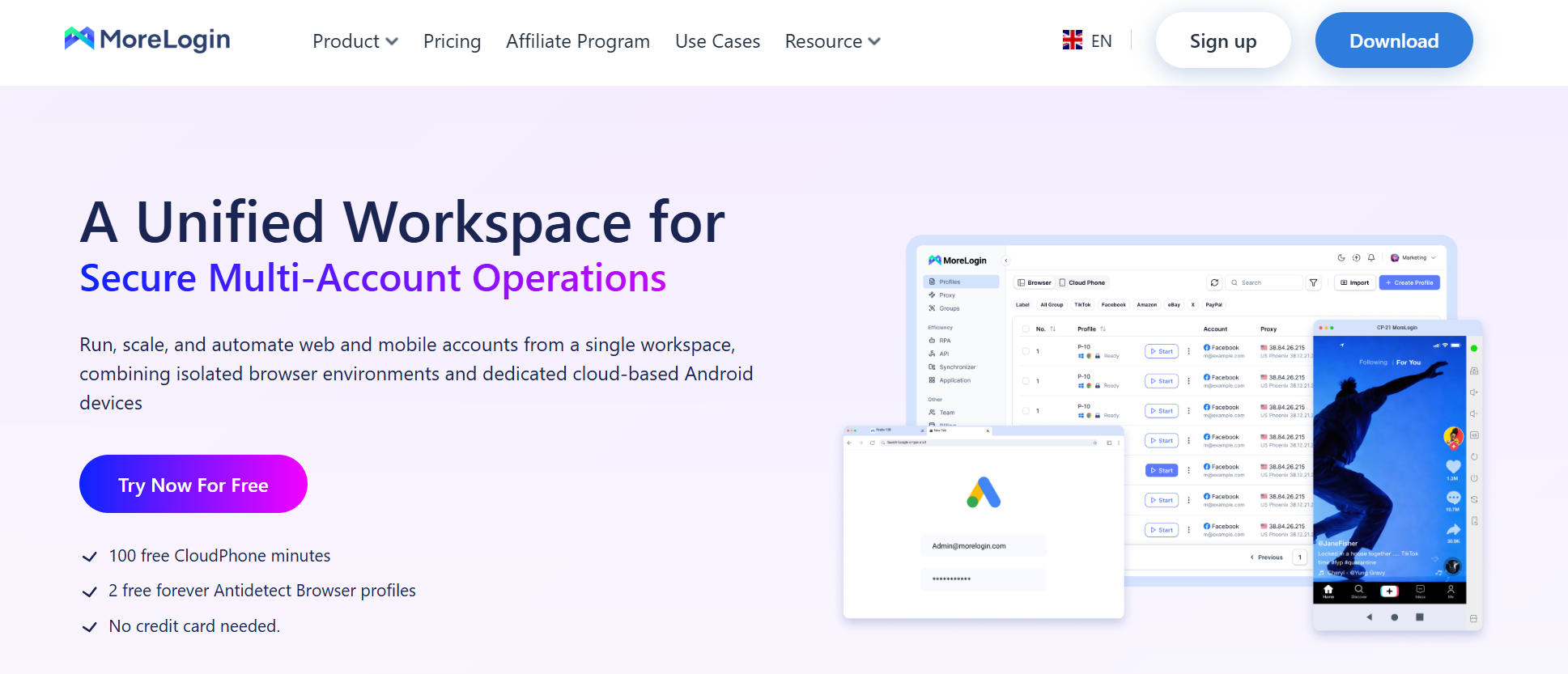
MoreLogin is designed for handling multiple accounts at a large scale. It offers a robust platform for recruitment agencies or businesses that need to manage hundreds of LinkedIn profiles from a centralized dashboard while maintaining high security.
Features
- Residential Proxies: Built-in residential proxies ensure accounts remain undetected.
- Profile Management: Manage hundreds of LinkedIn profiles from a single dashboard.
- Automation Support: Integrates with tools like Selenium to automate tasks.
- Fingerprint Protection: Protects accounts with advanced fingerprint masking.
Pros
- Excellent for managing a high volume of accounts
- Strong automation support
- Centralized dashboard for team collaboration
Cons
- May be overly complex for individual recruiters or small teams
3. Incogniton
Best for: Recruiters prioritizing mobile-first outreach strategies who need authentic mobile device emulation.
Incogniton excels at mobile emulation, making it a great choice for recruiters who want to leverage LinkedIn's mobile interface. It allows you to create authentic mobile profiles, which is crucial as more user engagement shifts to mobile devices.
Features
- Mobile Emulation: Emulates Android devices to ensure seamless mobile LinkedIn interactions.
- Fingerprint Protection: Keeps LinkedIn profiles undetected by masking the digital fingerprint.
- Proxy Rotation: Rotates proxies to ensure accounts appear to come from different locations.
Pros
- Specialized in high-quality mobile emulation
- Straightforward and effective fingerprint protection
Cons
- Less focused on built-in automation compared to other solutions
4. Dolphin Anty
Best for: Recruiters new to managing multiple LinkedIn accounts who need an intuitive, easy-to-use tool.
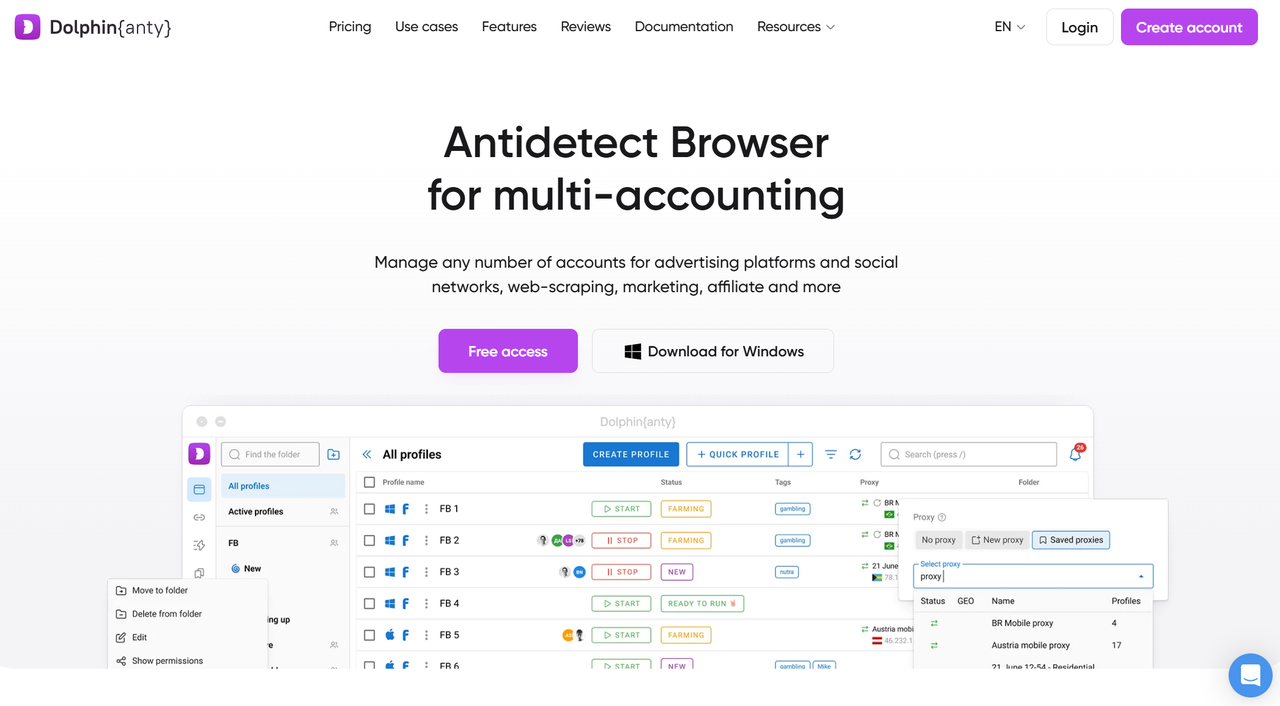
Dolphin Anty offers a user-friendly interface without sacrificing core functionality. It is an ideal starting point for recruiters who want to explore the benefits of antidetect browsers but are not yet ready for a highly complex platform.
Features
- Fingerprint Protection: Provides strong protection against LinkedIn’s detection algorithms.
- Proxy Integration: Manage and rotate proxies with ease.
- Mobile Profile Management: Use mobile profiles to interact with LinkedIn’s mobile app.
- Cookie Management: Simulates established accounts with pre-farmed cookies.
Pros
- Intuitive and easy-to-use interface
- Good balance of features for beginners
- Effective cookie management
Cons
- May lack some of the advanced automation features of competitors
5. RoxyBrowser
Best for: Growth-focused recruiters who need a streamlined solution for rapid scaling with integrated automation.
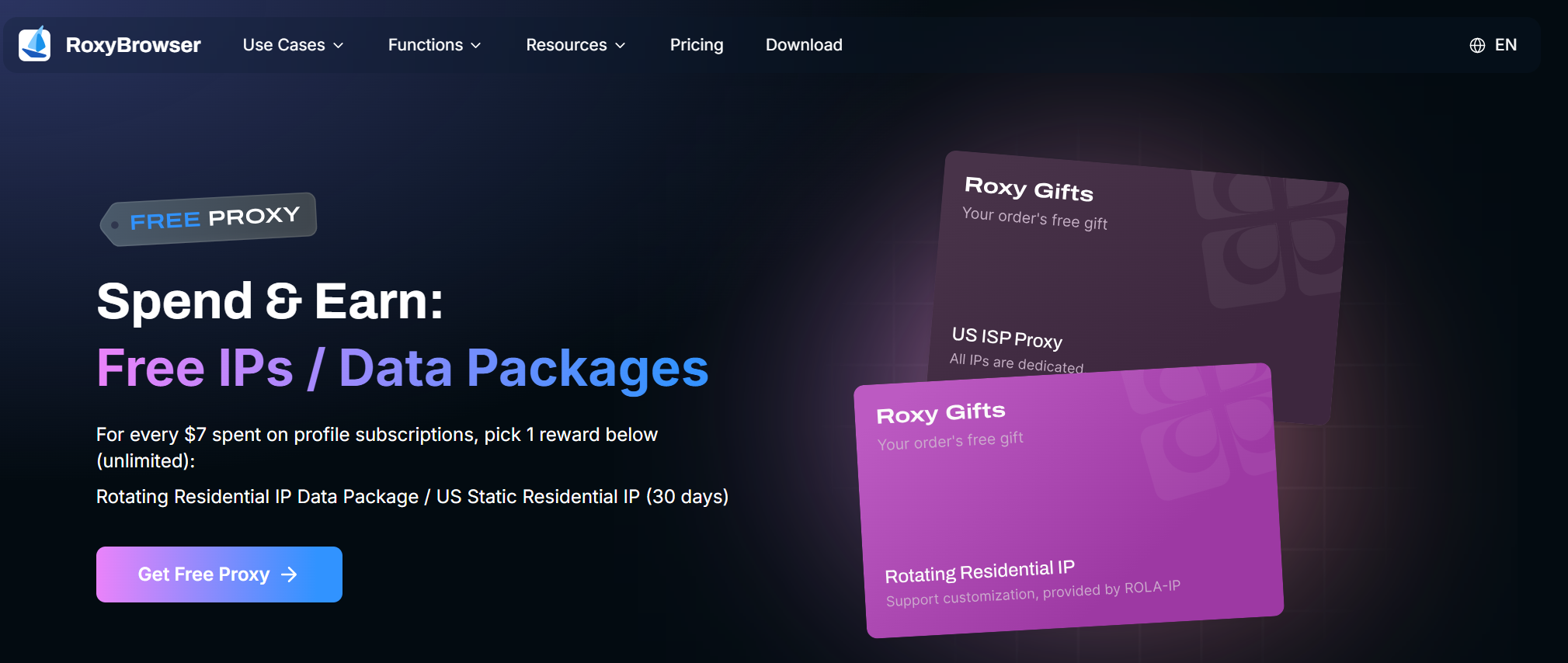
RoxyBrowser combines essential fingerprint masking with automation tools, making it a solid choice for recruiters focused on rapid and efficient scaling. It provides the necessary tools to grow outreach efforts while maintaining account security.
Features
- Proxy Integration: Use proxies to keep LinkedIn accounts separate and undetected.
- Fingerprint Protection: Ensures profiles remain secure with advanced fingerprint masking.
- Mobile Emulation: Simulates LinkedIn’s mobile experience.
- Automation: Automates tasks like sending connection requests and messaging candidates.
Pros
- Good combination of security and automation
- Designed for efficient scaling
Cons
- User interface may be less polished than other options
6. Hidemyacc
Best for: Recruiters seeking a no-frills, effective solution for core account management without complex configurations.
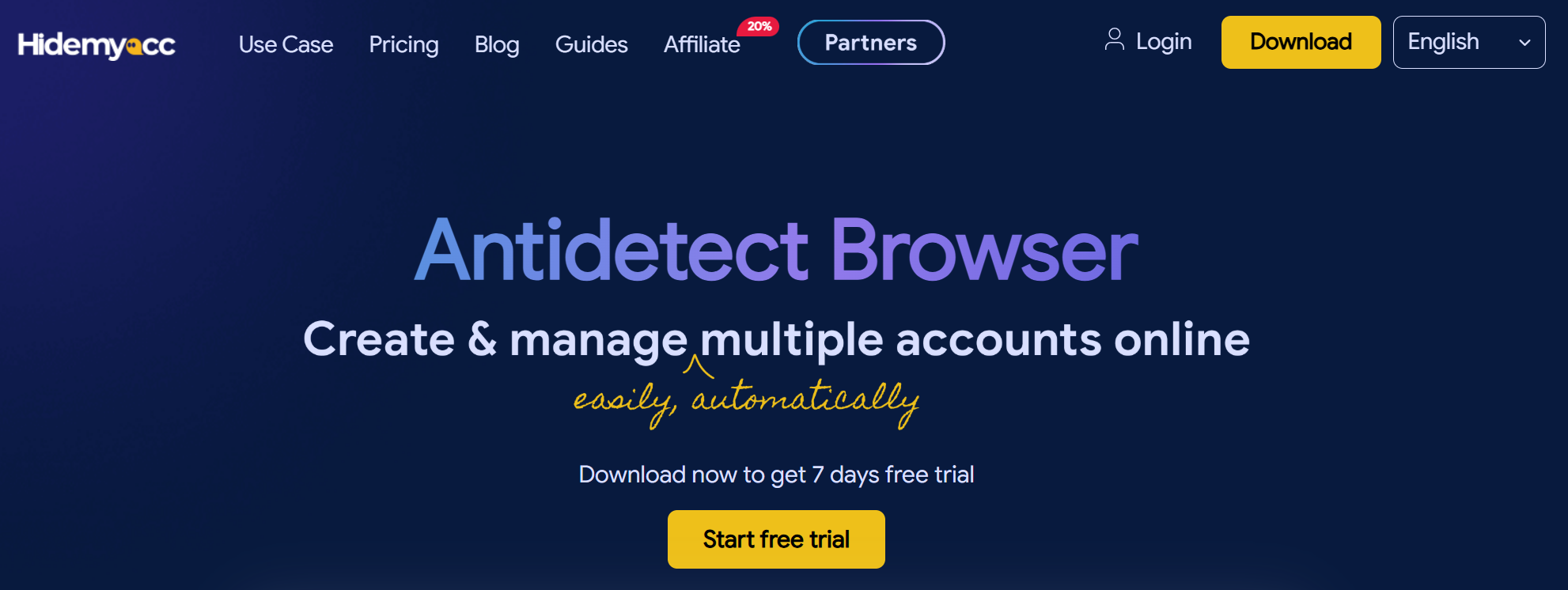
Hidemyacc is a straightforward antidetect browser that focuses on core functionalities. It is perfect for recruiters who want an effective solution for managing multiple accounts without needing to navigate complex settings or advanced features.
Features
- Proxy and IP Rotation: Rotates IP addresses to prevent LinkedIn from linking accounts.
- Fingerprint Protection: Keeps profiles undetected by changing the digital fingerprint.
- Mobile Profile Emulation: Use mobile profiles to interact with LinkedIn’s mobile app.
Pros
- Simple and easy to set up
- Effective at core security functions
Cons
- Lacks native, advanced automation features
7. GoLogin
Best for: Tech-savvy recruiters who require deep integration with multiple automation frameworks like Selenium and Playwright.
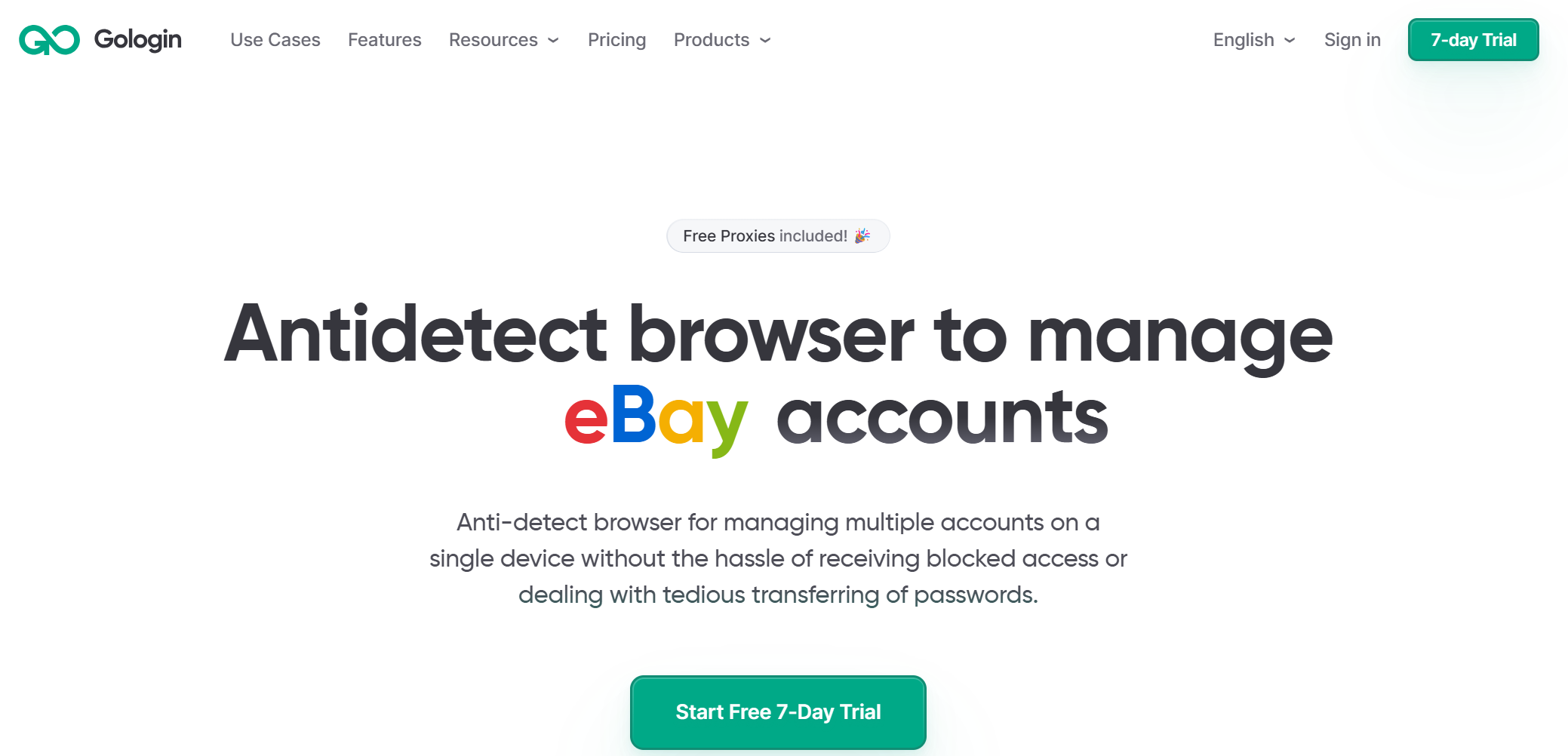
GoLogin is known for its powerful anti-fingerprint technology and broad support for automation frameworks. It is a strong choice for tech-savvy recruiters who want to build custom automation workflows.
Features
- Fingerprint Masking: Easily masks your digital fingerprint to make accounts appear independent.
- Proxy Management: Integrates and rotates proxies to keep accounts safe from detection.
- Automation Support: Integrates with Selenium, Puppeteer, and Playwright for flexible automation.
Pros
- Excellent automation support for multiple frameworks
- Strong and reliable fingerprint masking
Cons
- Requires more technical knowledge to leverage its full automation potential
Why Choose DICloak for LinkedIn Recruitment
For recruiters serious about securely scaling their LinkedIn outreach, DICloak stands out as the best antidetect browser available.
All-in-One Solution
DICloak offers everything you need in a single, integrated platform: fingerprint protection, proxy group management and automation. This eliminates the need for multiple subscriptions and tools, streamlining your workflow for maximum efficiency.
Advanced Security Features
With advanced features like custom proxy configuration and sophisticated cookie management, DICloak provides top-tier security. These capabilities ensure your accounts remain undetected, even while operating at scale.
Effortless Automation
You can customize RPA workflows within DICloak to automate routine tasks like sending personalized connection requests and initial follow-ups, allowing you to enhance your efficiency and streamline your recruitment process. This customization helps accelerate your time-to-hire and improve pipeline velocity.
Getting Started with DICloak for LinkedIn Recruitment
You can set up and start automating your LinkedIn recruitment efforts with DICloak in just a few simple steps.
Step 1: Sign Up
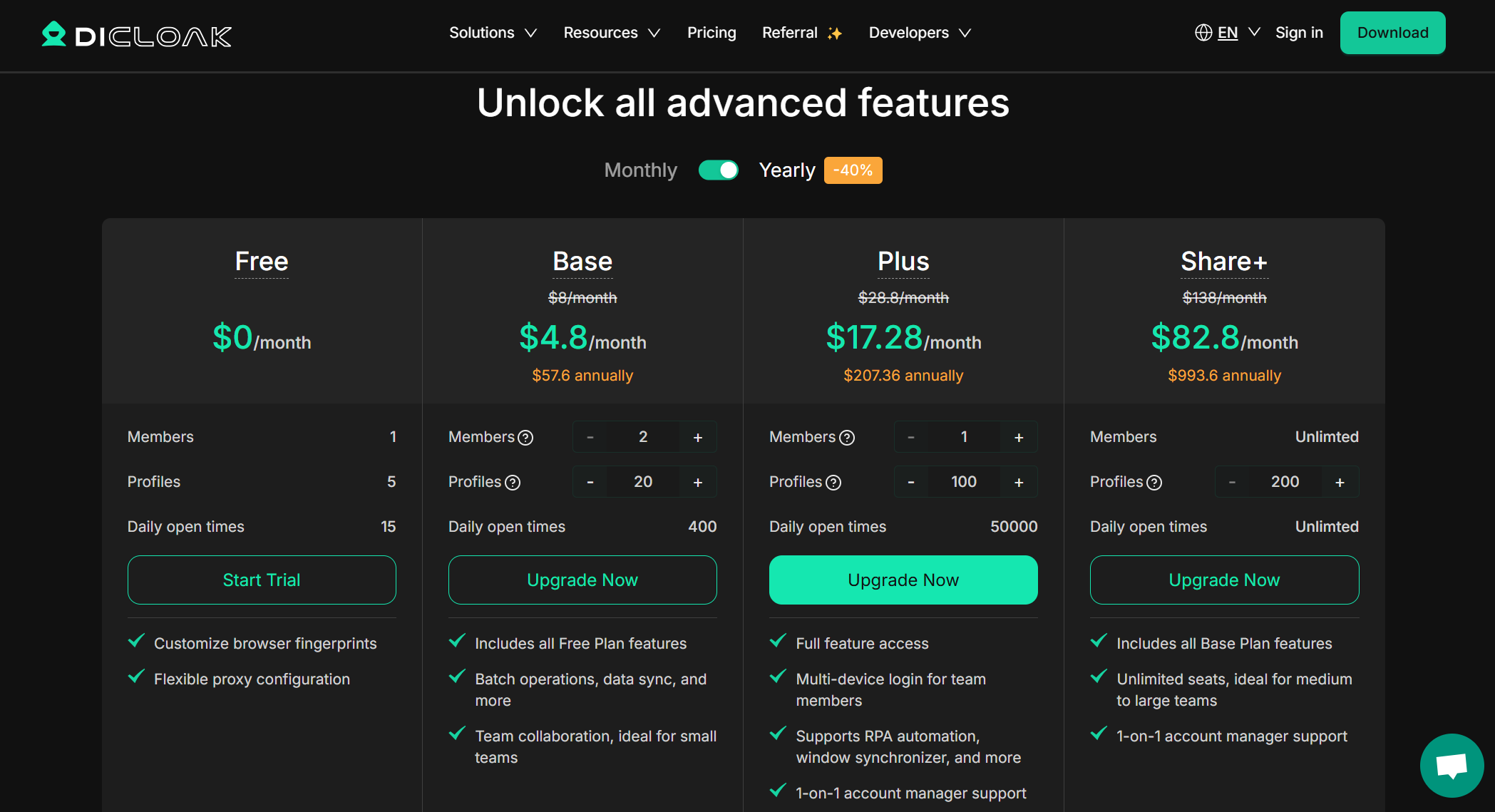
Navigate to the DICloak pricing page to choose a plan that suits your needs. Explore the platform with a trial or sign up for a full plan to unlock all automation and security features.
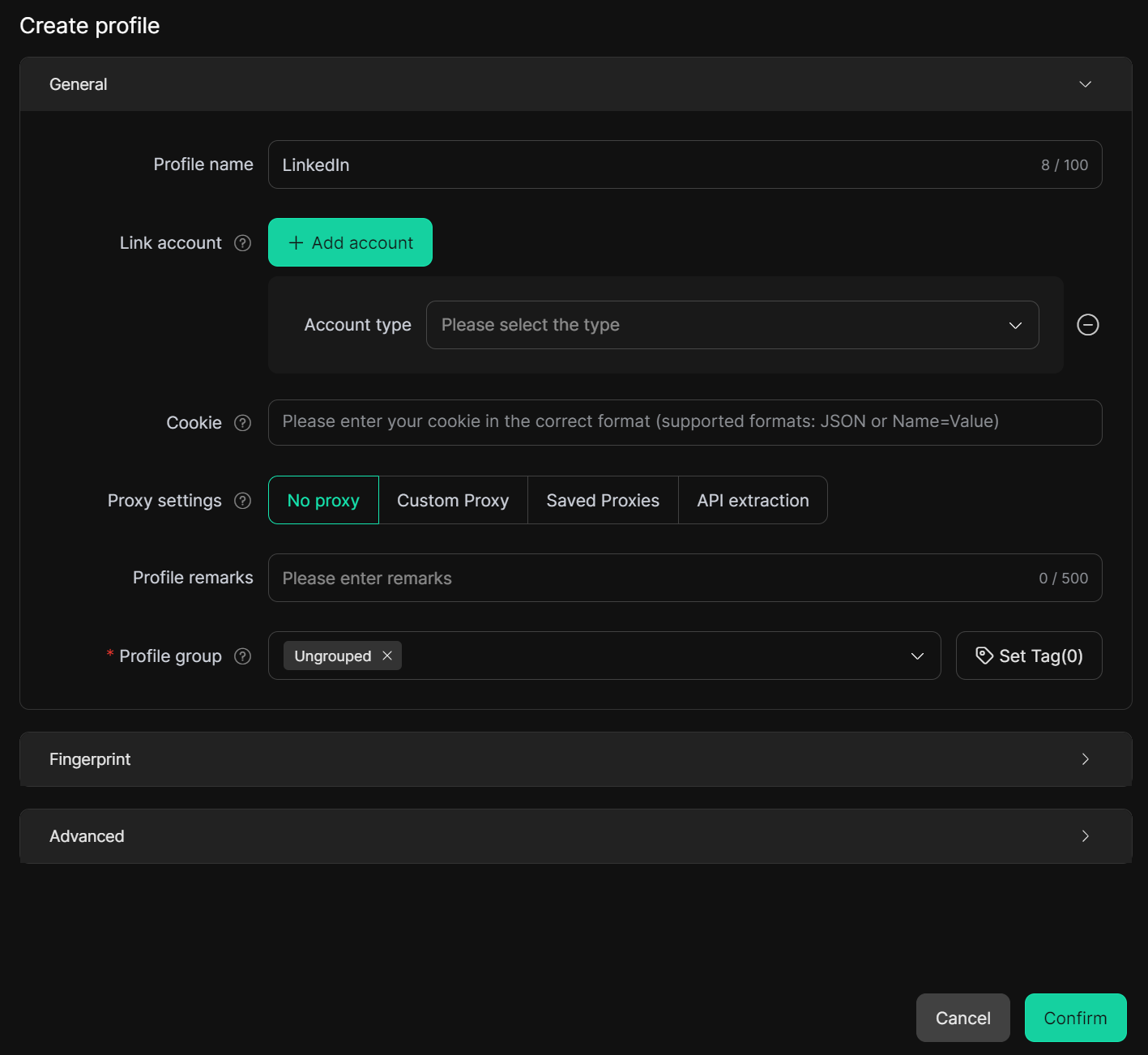
Step 2: Set Up Your LinkedIn Profiles
Once registered, begin creating new browser profiles within the DICloak. Customize each profile with a unique fingerprint, proxy, and set of cookies to ensure that no two accounts can be linked.
Step 3: Integrate Automation Tools
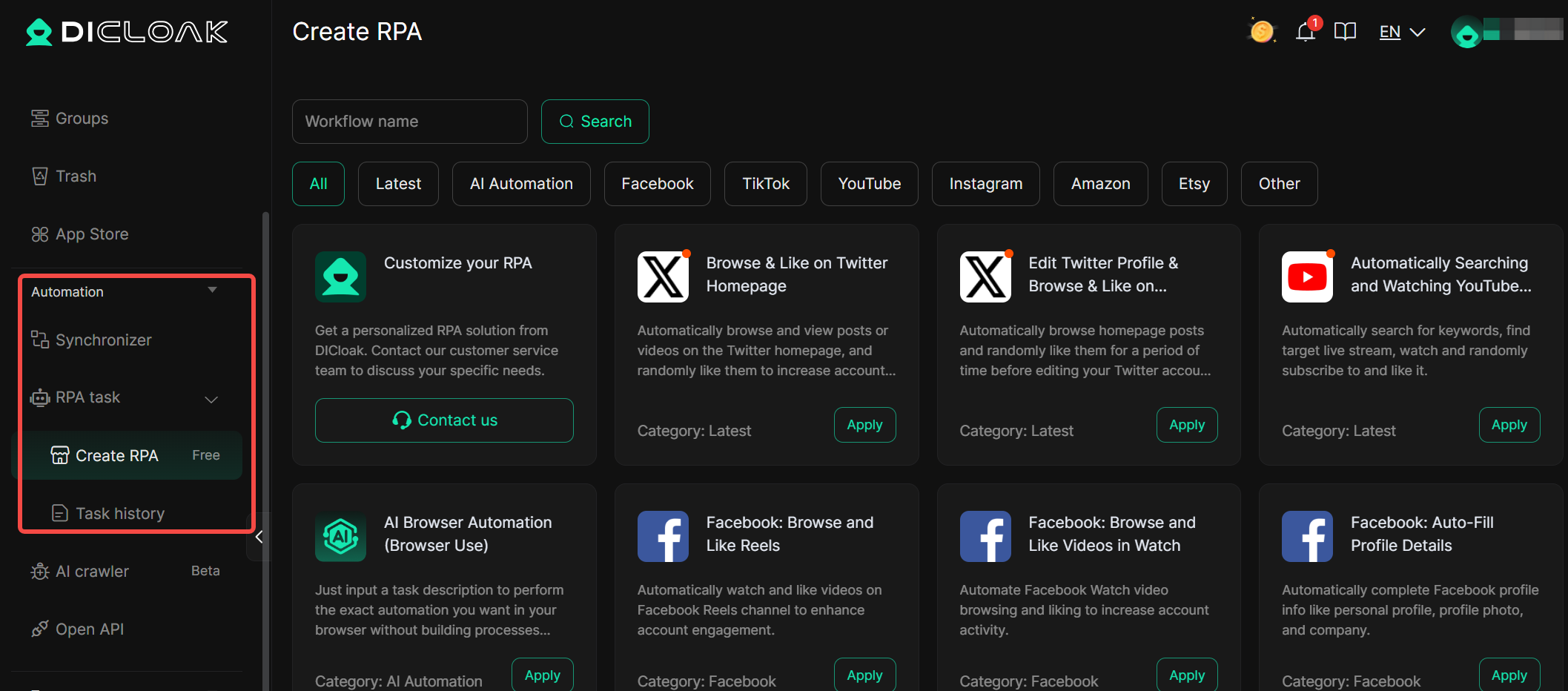
You can streamline managing multiple LinkedIn Recruiter accounts with DICloak’s RPA templates and bulk operations. It allows seamless synchronization, enabling efficient workflows across several accounts at once.
Step 4: Scale Your LinkedIn Recruitment
With your profiles configured and automation in place, you can manage all your LinkedIn activities from a single dashboard. Scale your outreach confidently, knowing your accounts are secure.
Real-World Scenarios for LinkedIn Recruiters
Scenario 1: Managing Multiple Client Accounts
A recruitment agency uses DICloak to manage LinkedIn accounts for 10 different clients. Each client's account is assigned a separate browser profile with a unique fingerprint and IP address. The agency can run outreach campaigns for all clients from one computer without any of the accounts being linked or flagged.
Scenario 2: Automated Candidate Outreach
A corporate recruiter needs to fill a highly specialized role. Using DICloak's RPA with an automation script, they automate sending 100 personalized connection requests per day to qualified candidates. This saves hours of manual work each week and accelerates the hiring pipeline.
How to Use Antidetect Browsers for LinkedIn Recruiters Safely
To ensure your accounts remain safe, follow these best practices:
- Always use high-quality residential proxies. DICloak works with third-party proxy providers, you can purchase residential proxies directly from them and ensure your accounts have the highest level of protection from day one.
- "Warm-up" new accounts with normal, manual activity for a period before introducing any automation. This builds a history of authentic behavior.
- Do not send an excessive number of connection requests or messages in a short period. Mimic realistic human behavior to avoid triggering LinkedIn's anti-spam algorithms.
- Customize each browser profile to look like a real, unique device. DICloak’s advanced fingerprinting makes it easy to vary operating systems, browser versions, and screen resolutions.
Frequently Asked Questions About Antidetect Browsers for LinkedIn Recruiters
Why do I need antidetect browsers for LinkedIn recruiters ?
LinkedIn uses sophisticated algorithms to detect and block multiple accounts run from the same device or IP address. Antidetect browsers for LinkedIn recruiters mask your digital fingerprint, rotate IPs, and manage cookies, allowing you to safely manage multiple LinkedIn accounts without being flagged.
Can I automate LinkedIn tasks with antidetect browsers?
Yes. Antidetect browsers for LinkedIn recruiters, like DICloak, can do this well. DICloak allows you to automate tasks like sending connection requests, messaging candidates, and viewing profiles.
How does DICloak prevent LinkedIn from detecting my accounts?
DICloak uses advanced fingerprint protection to alter your browser’s unique characteristics and proxy rotation to prevent LinkedIn from linking accounts to the same device or IP. It also uses pre-farmed cookies to simulate an established and trustworthy browsing history.
Is DICloak safe for LinkedIn automation?
Yes, DICloak is designed for safe LinkedIn automation. It provides strong security features and advanced cookie management, ensuring your LinkedIn accounts remain secure and undetected while you scale your activities.
How do I get started with DICloak for LinkedIn recruitment?
Simply sign up for a DICloak plan, use the dashboard to set up your isolated LinkedIn profiles, and then integrate automation tools to begin automating your LinkedIn tasks securely and efficiently.
Scale Your LinkedIn Recruitment with the Best Antidetect Browser
Managing multiple LinkedIn accounts and automating outreach no longer needs to be a risky or daunting task. With DICloak, you can securely scale your recruitment efforts, stay invisible to LinkedIn’s algorithms, and automate your processes with confidence.
DICloak provides the most comprehensive solution available, combining elite fingerprint protection, integrated proxy rotation, and powerful automation tools into one seamless platform. By choosing DICloak, you can save time, avoid bans, and focus on what truly matters: connecting with top talent and enhancing your placement rates.
Ready to Get Started? Visit the DICloak website to explore more details and choose the plan that’s right for you. Start for free today and experience the power of secure, efficient, and scalable multi-account management with the best Antidetect Browsers for LinkedIn Recruiters!
 Web Proxy Tools
 Free Tools
 Cookie Plugin
 UA Generator
 MAC Address Generator
 IP Generator
 IP Address List
 2FA Code Generator
 World Clock
 Anonymous Check
 WebRTC Leak Test
 UUID Generator
 Free Web Proxy Site
 Proxy Checker
 FB Ad Checker
 AI Web Scraping
 Free SMM Tools
 Twitter Shadowban Checker
 Instagram Name Checker
 UTM Generator
 Username Generator
 AI Hashtag Generator
 LinkedIn Headline Generator
 Social Media Image Resizer