Why users look for VMLogin alternatives in 2026
Users usually start looking for a VMLogin alternative when scaling becomes harder, account bans happen more often, or pricing no longer feels flexible. Managing multiple accounts safely depends on one thing: every profile must look like a real, separate device. If a browser cannot keep fingerprints stable, platforms may detect overlap between accounts and trigger warnings, verification checks, or login failures.
This problem becomes more obvious on high-security sites. Modern platforms do not just check your password. They also compare signals like browser fingerprint, proxy IP, timezone, canvas data, and other device details. If these elements do not match naturally, the login can look suspicious. For example, if your proxy location says one country but your browser timezone shows another, or if the browser leaks real local hardware data, the account may get flagged. Many users move away from VMLogin for this reason, especially when profile fingerprints do not stay consistent across sessions and verification risk keeps rising.
Quick Verdict: Best VMLogin alternatives by use case
The best VMLogin alternative depends on how many accounts you manage and how much control you need. For most users, DICloak stands out as the best overall choice because it combines strong fingerprint isolation, built-in automation, and affordable pricing. Multilogin is better suited to enterprise teams that need premium stability, but its pricing is harder for small teams to justify. GoLogin is a simpler option for solo users who want an easier setup, though its lower tiers are less flexible for advanced team collaboration. Octo Browser works well for media buyers focused on speed and authentic profile data, but its entry-level plans can feel restrictive for users who need more profiles at lower cost. MoreLogin is a solid fit for users who need synchronized actions or mobile-oriented workflows, although its free version is quite limited. Browser.lol is useful for short-term cloud browsing, but it is not ideal for long-term profile storage or serious multi-account scaling.
Comparing free trials and entry-level plans
For beginners and small teams, a free plan or low-cost entry tier can make testing much easier. Still, the cheapest option is not always the best long-term value. Some tools offer better affordability, while others place stricter limits on profiles, collaboration, or long-term storage. That is why users should compare both entry cost and practical usability before switching from VMLogin
Detailed reviews: Top rated VMLogin alternatives to consider
Once you understand your budget and free trial options, it is time to look closely at the software features. The anti-detect browser market offers varying tools depending on your technical skill and account volume. We evaluated the best VMLogin competitors based on their isolation technology, automation support, and user experience. Finding the right fit requires balancing these technical trade-offs with your daily workflow needs.
DICloak: The best all-in-one VMLogin alternative for automation
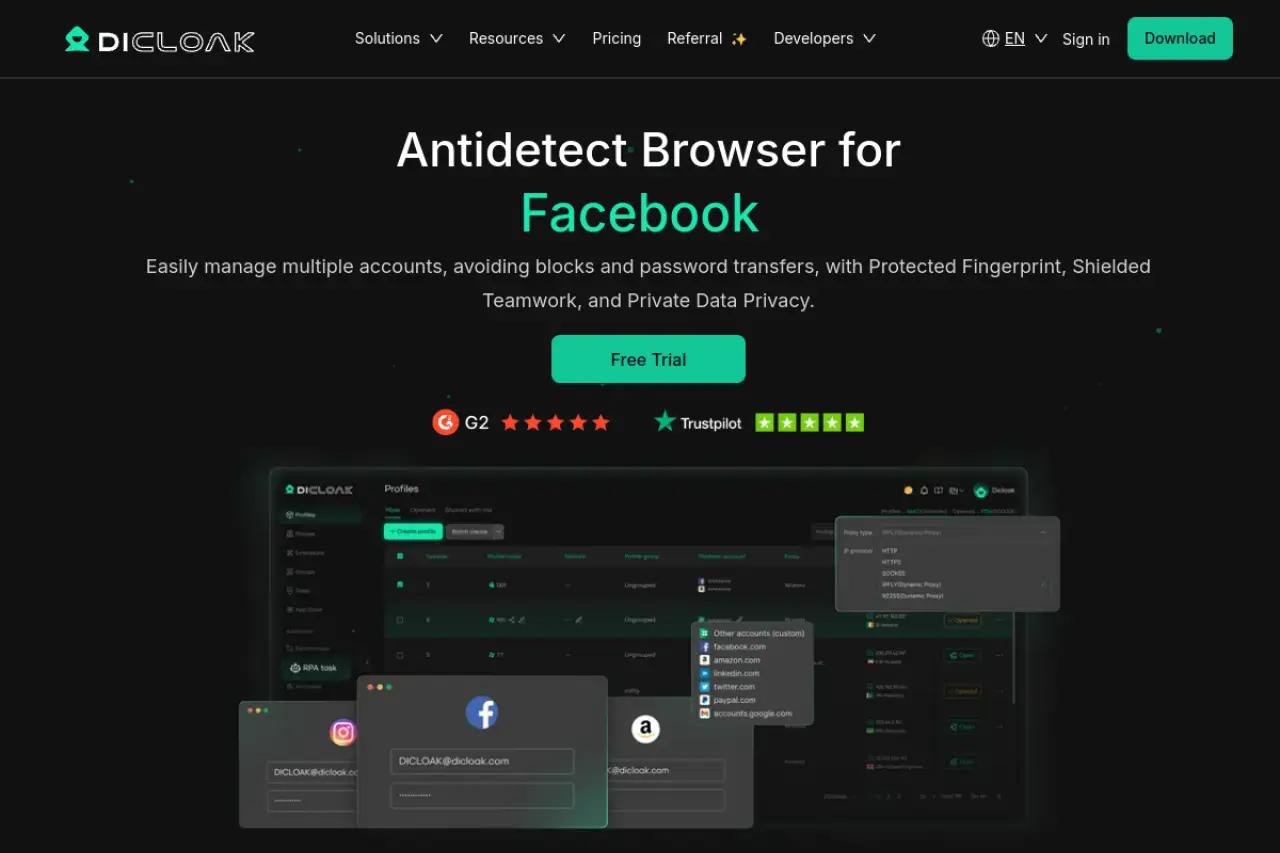
It creates fully separated browser profiles with unique digital fingerprints to prevent cross-account linking.
Best for digital marketers and crypto traders needing RPA
Users in fast-paced sectors like crypto and e-commerce benefit heavily from its built-in robotic process automation. RPA lets you record and execute repetitive actions without writing custom code.
Key strengths: Built-in automation and cloud sync
The platform synchronizes your data across devices securely. It integrates seamlessly with HTTP, HTTPS, and SOCKS5 proxies for tight profile isolation. You can bulk create, clone, and export profiles easily.
Pricing: Free entry with affordable scaling options
- Price: Free tier available, with paid plans starting at $8 per month.
- Key Features: RPA, code-free automation tools, and mass profile management.
- Pros: Generous free entry of five permanent profiles; powerful automation suite; highly scalable for large teams.
- Cons: The advanced window synchronizer requires the higher tier plan at $28.80 per month.
- Verdict: Our top overall recommendation. It provides the best balance of advanced functionality and accessible pricing.
Multilogin: Premium isolation for high-stakes enterprise accounts
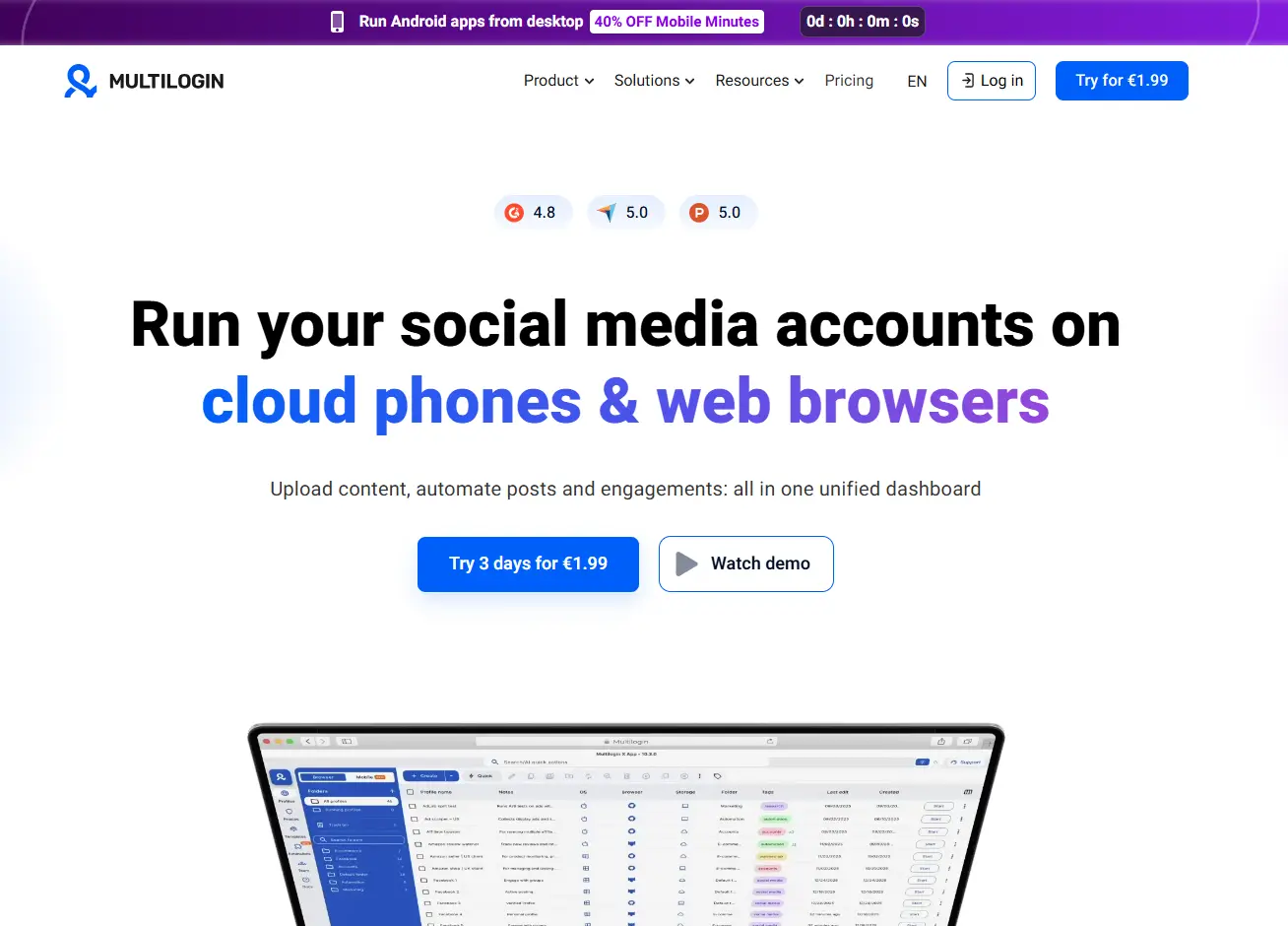
Multilogin is a veteran in the private space, focusing heavily on premium fingerprint evasion techniques.
This platform targets enterprise users and agencies handling high-revenue ad accounts. The focus is strictly on maximum stability rather than budget pricing.
Key strengths: Proprietary engines and cloud phone support
It uses dual proprietary browser engines, Mimic and Stealthfox, for distinct web environments. The software also offers a cloud phone feature for Android emulation and includes premium residential proxy traffic natively.
Pricing: Higher tier positioning for professional teams
- Price: Starts at €9 per month for 10 profiles, scaling up to €159 for full business suites.
- Key Features: Custom browser engines, integrated residential proxies, and extensive API access for Puppeteer and Selenium.
- Pros: Industry-leading fingerprint technology; reliable customer support; native IP traffic included.
- Cons: No free tier available; presents a high barrier to entry for solo users.
- Verdict: The safest option for enterprise teams needing rigorous evasion, provided you have the budget.
GoLogin: The most user-friendly choice for solo marketers
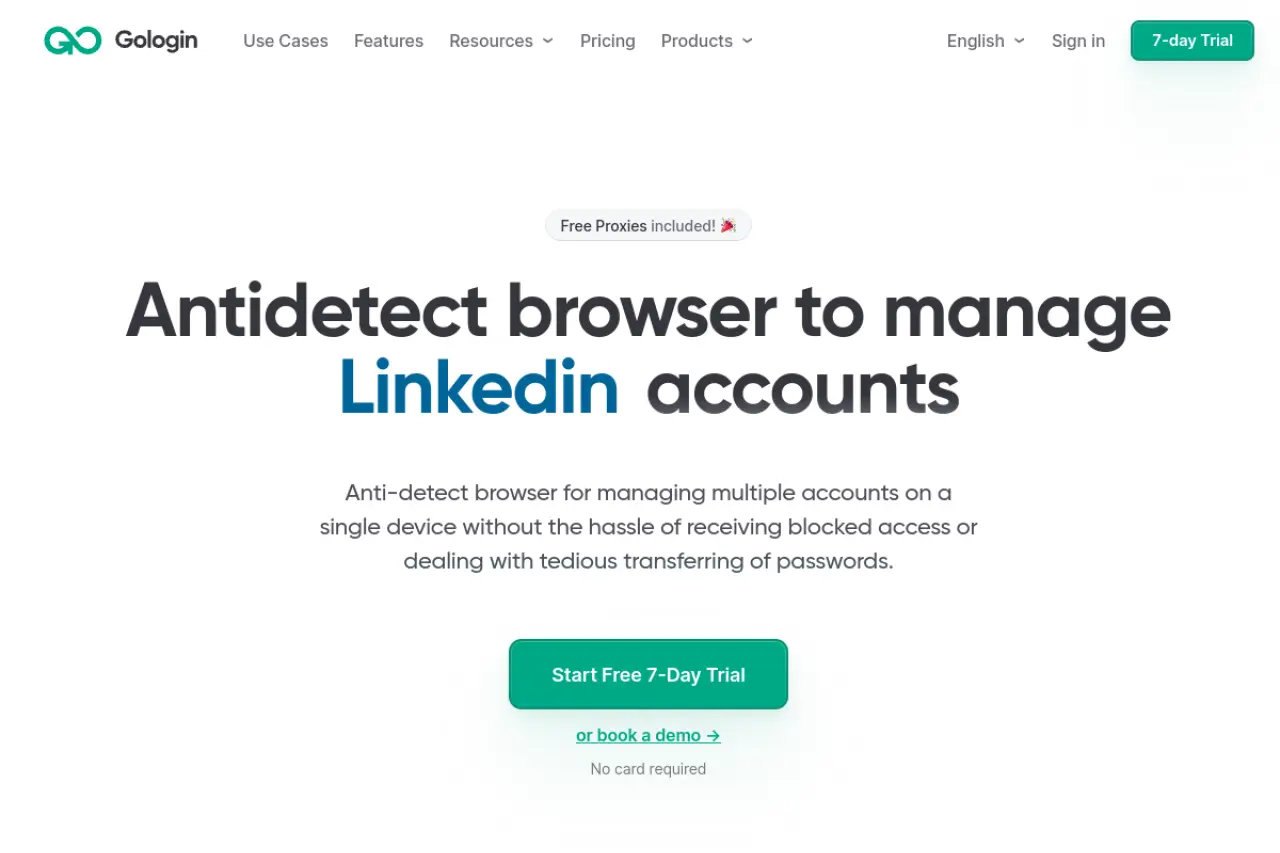
GoLogin targets users who need a clean, straightforward interface without sacrificing core masking capabilities.
Best for data scrapers and small e-commerce sellers
If you need to set up fifty accounts quickly without a steep learning curve, this software handles the basics flawlessly. It is frequently mentioned as a highly accessible tool to prevent Facebook account bans multi-accounting.
Key strengths: Built-in proxy manager and simple interface
The Orbita engine spoofs over fifty hardware parameters automatically. It features a built-in proxy manager that offers free and premium IP options, alongside deep profile synchronization across multiple operating systems.
Pricing: Flexible tiers including a free version
- Price: $49 per month for 50 profiles.
- Key Features: Orbita tracking engine, built-in proxy access, and cross-platform syncing.
- Pros: Very easy to use; mobile application availability; cloud web execution support.
- Cons: Base paid plans limit team collaboration features.
- Verdict: An excellent, user-friendly tool that balances simplicity with effective parameter masking.
Octo Browser: High-performance profiles for media buyers
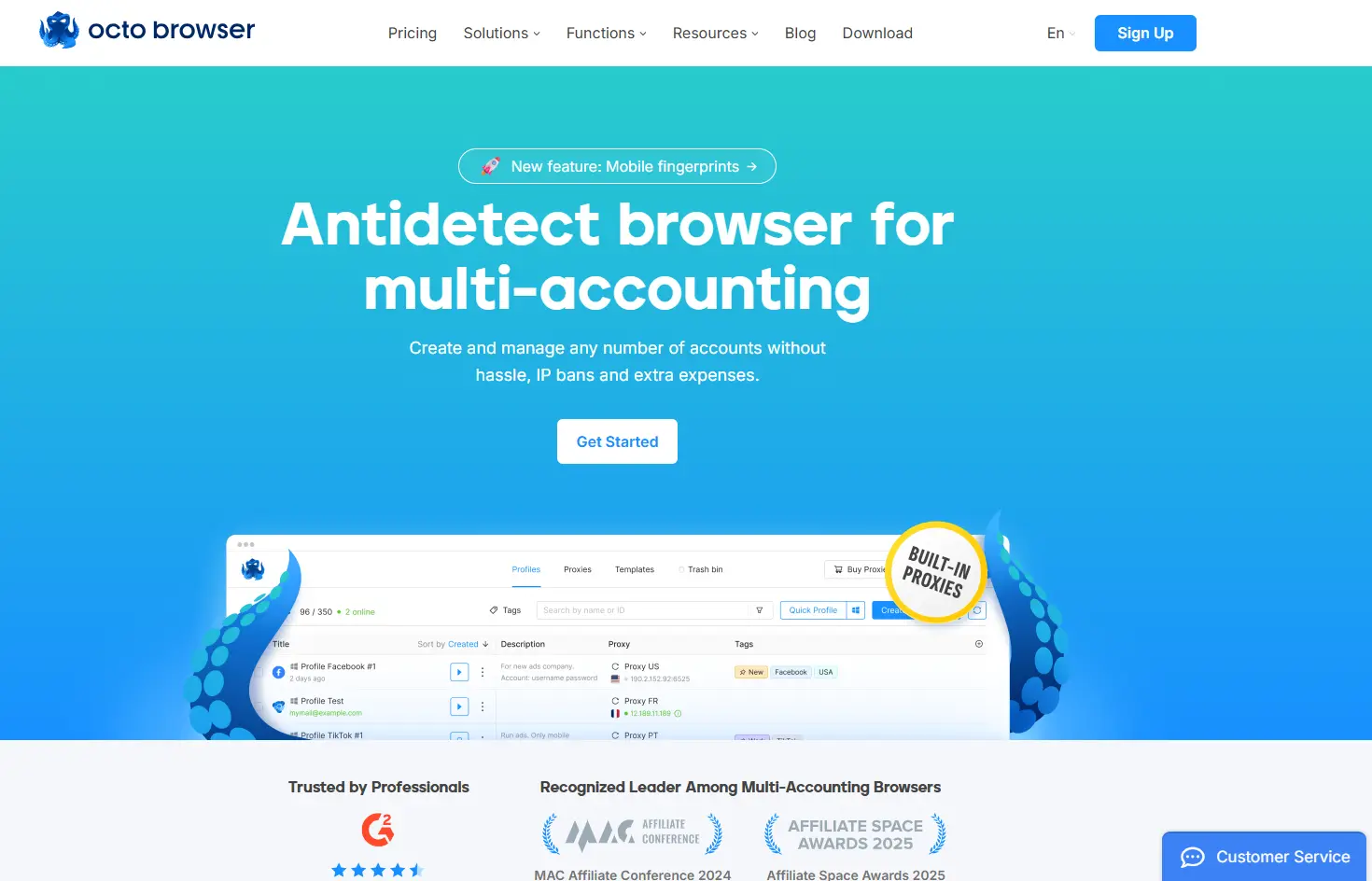
Octo Browser focuses on speed and authenticity, utilizing data gathered from real system fingerprints rather than artificially generating them.
Best for scaling Facebook and Google Ads accounts
Media buyers running heavy ad campaigns rely on it to bypass anti-fraud systems e-commerce platforms deploy without triggering manual reviews.
Key strengths: Fast profile creation and real device data
The software builds spoofing profiles directly from real device databases. It offers rapid profile templates, tag filtering, and robust cookie management to ensure complete session isolation.
Pricing: Performance-based subscription model
- Price: Starts at €10 per month for 3 profiles.
- Key Features: Real device fingerprint cloning, template creation, and bulk proxy assignment.
- Pros: Highly authentic fingerprint generation; responsive interface; detailed tag organization.
- Cons: Very strict profile limits on the entry-level tier.
- Verdict: A powerful choice for media buyers who prioritize operational speed and fingerprint authenticity.
MoreLogin: Advanced mobile support with cloud phone tools
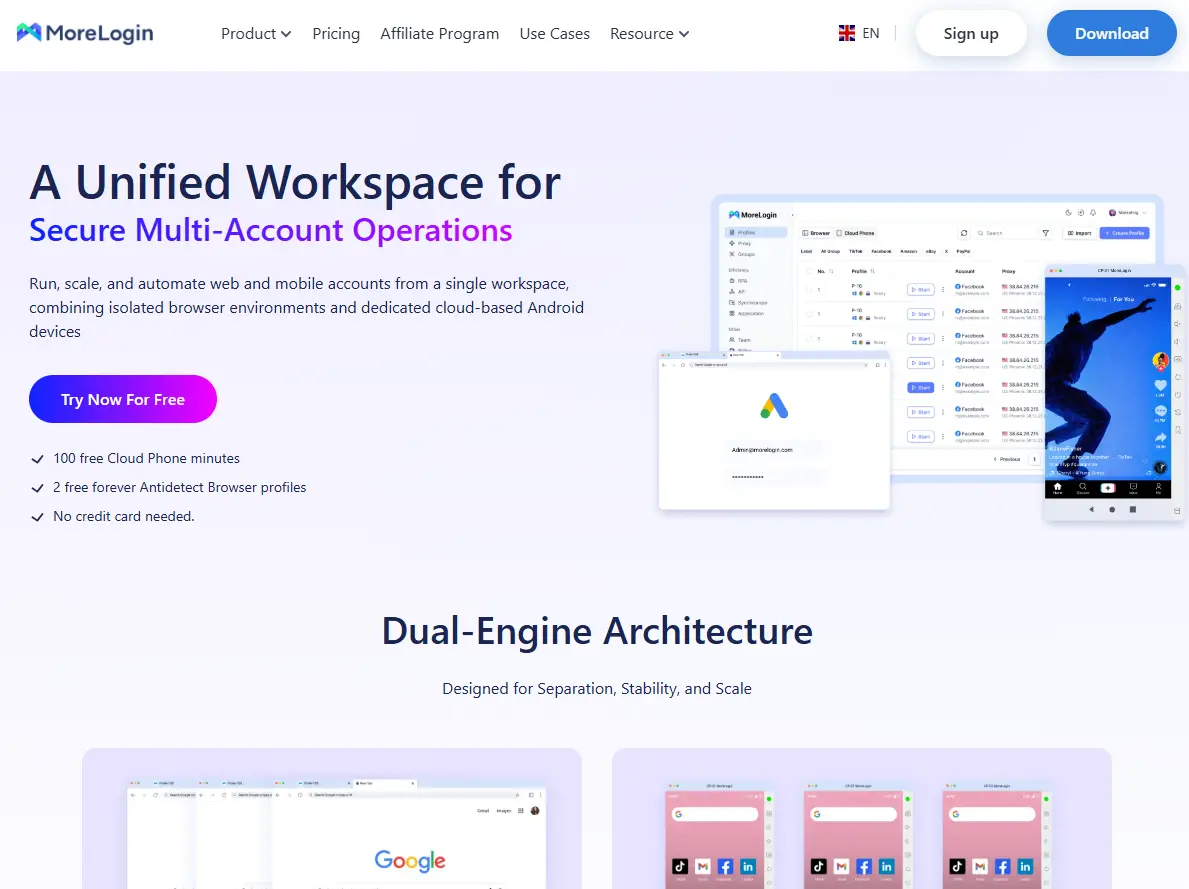
MoreLogin approaches evasion differently by applying machine learning to real user data to generate its canvas fingerprints. Canvas fingerprinting is a technique sites use to track how your browser renders graphics.
Best for SMM and social media account management
Social media managers benefit from its mobile emulation, which helps bypass application-specific tracking mechanisms.
Key strengths: Action synchronizer and machine learning data
The Action Synchronizer mirrors mouse and keyboard inputs across multiple active profiles simultaneously. It also features remote Android emulation and end-to-end encryption for all session data.
Pricing: Competitive starter plans for small teams
- Price: Free for 2 profiles, scaling to $9 per month for 10 profiles.
- Key Features: Machine learning canvas tracking, action synchronizer, and real cloud phone support.
- Pros: Advanced canvas masking; excellent synchronizer tool; affordable entry tier.
- Cons: The free version is strictly limited to two profiles.
- Verdict: Ideal for teams needing simultaneous account control and deep mobile emulation.
Browser.lol: A simple cloud-based virtual browser alternative
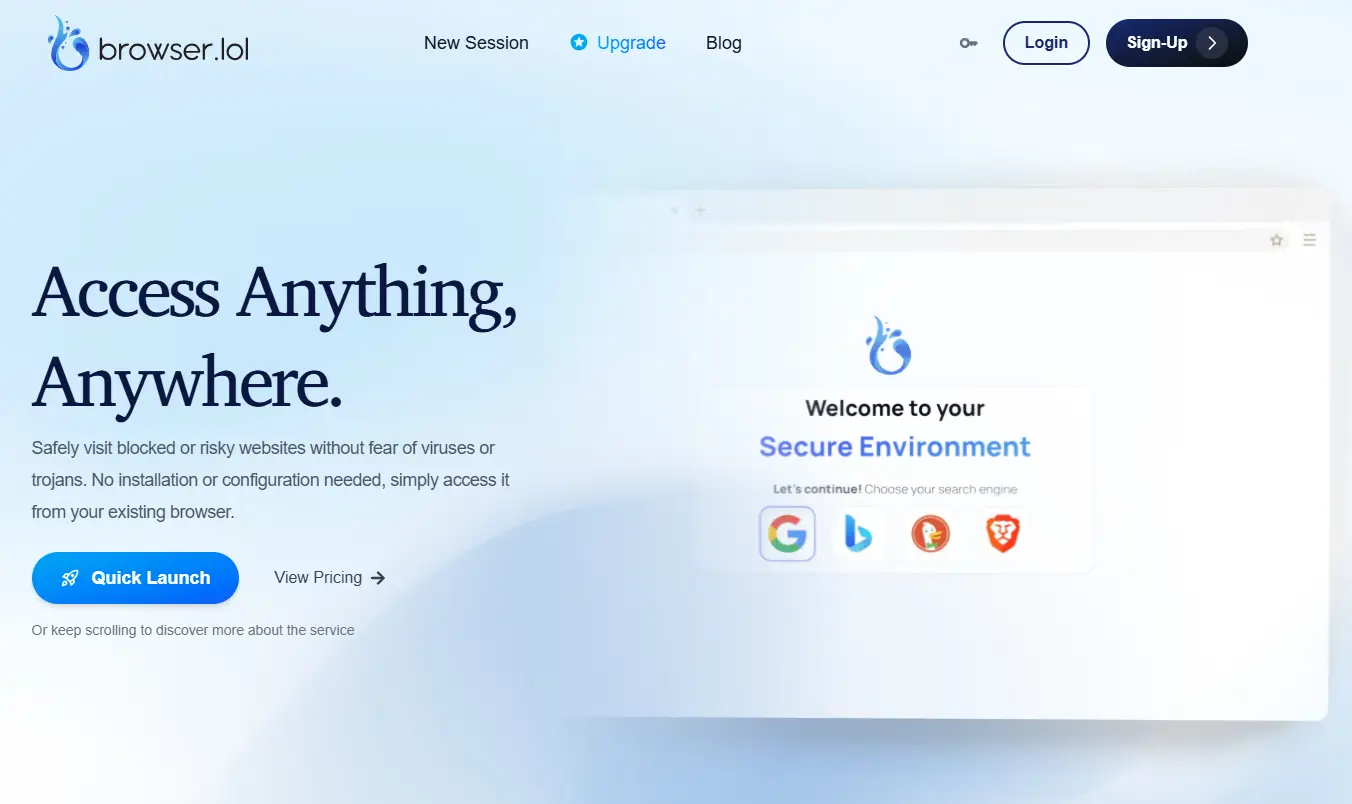
Browser.lol offers a completely different approach by hosting the entire web environment remotely. You can access it via their official website at browser.lol without installing any software locally.
Best for quick research and safe link checking
This tool fits users who need to verify suspicious links or perform one-time research without leaving a trace on their main machine.
Key strengths: No local installation required
It provides an ephemeral sandbox environment. Once you close the session, all cookies and history are permanently wiped. The fully managed backend handles container security and updates automatically.
Pricing: Low-cost premium and one-time options
- Price: Free for essential features; premium unlock is $24 one-time.
- Key Features: Cloud-based virtual sessions, automatic data clearing, and full backend management.
- Pros: Instant access; protects local hardware from malware; zero installation required.
- Cons: Does not save profile session data between users.
- Verdict: The best tool for temporary, secure browsing rather than permanent multi-account management.
Frequently Asked Questions about VMLogin alternatives
What is the best free VMLogin alternative for beginners?
DiCloak is one of the best free VMLogin alternatives for beginners. It offers free profiles with practical core features, which makes it easier to test multi-account workflows before upgrading. Some other tools also offer free access, but their limits can be stricter or their pricing becomes less friendly as you scale.
Can I use VMLogin alternatives for Amazon seller accounts?
Yes. VMLogin alternatives can be used for Amazon seller accounts if they provide stable fingerprint isolation and flexible proxy settings. DiCloak is a strong option because it supports consistent browser identities for each store. Tools built more for temporary browsing or lighter use may be less suitable for long-term store operations.
Do these VMLogin alternatives support automation tools?
Most VMLogin alternatives support automation in some form. Tools like Multilogin and Octo Browser offer API-based automation, but they are often better for technical users. DiCloak is more beginner-friendly here because it includes built-in RPA tools for no-code automation.
 Web Proxy Tools
 Free Tools
 Cookie Plugin
 UA Generator
 MAC Address Generator
 IP Generator
 IP Address List
 2FA Code Generator
 World Clock
 Anonymous Check
 WebRTC Leak Test
 UUID Generator
 Free Web Proxy Site
 Proxy Checker
 FB Ad Checker
 AI Web Scraping
 Free SMM Tools
 Twitter Shadowban Checker
 Instagram Name Checker
 UTM Generator
 Username Generator
 AI Hashtag Generator
 LinkedIn Headline Generator
 Social Media Image Resizer