Why users are searching for the best BitBrowser alternatives in 2026
Business needs evolve, and the tools that worked yesterday often fail to meet the demands of tomorrow. In 2026, operational security is the primary currency for any agency or marketing team managing multiple accounts. While BitBrowser has been a staple for many, we are seeing a significant migration toward platforms that offer more robust infrastructure. Users are no longer just looking for a tool that works; they are searching for the safest antidetect browser 2026 has to offer to protect their digital assets.
Common issues that make people switch from BitBrowser
When we consult with enterprise clients, the decision to migrate usually stems from three specific pain points: risk, reliability, and team structure.
Concerns about data leaks and account safety
The cost of a banned ad account far exceeds the price of software subscription. Many users report increasing anxiety regarding BitBrowser security issues, specifically around WebRTC leaks and inconsistent fingerprint masking. If a browser fails to update its core quickly enough to match major platforms like Facebook or Amazon, your accounts become vulnerable. In a commercial environment, you cannot afford a tool that exposes your real IP address or hardware parameters due to slow update cycles.
Stability problems during bulk account actions
Efficiency drives profit. When managing hundreds of profiles, automation is essential. Users often encounter friction when attempting bulk operations on older platforms. Whether it is syncing cookies or launching fifty profiles simultaneously, system crashes or lag can halt production. Agencies require a stable environment where scaling up volume does not degrade performance.
Looking for better team permission settings
Security hygiene dictates that you should never share raw passwords. As teams grow, the need for granular access control becomes critical. Basic tools often lack sophisticated roles, forcing managers to give comprehensive access to junior staff. Modern alternatives provide isolated environments where team members can access accounts without ever seeing the login credentials, making that a disgruntled employee cannot compromise your assets.
What to look for in a reliable BitBrowser alternative
Selecting a new infrastructure partner is a strategic decision. You need a solution that balances technical capability with operational ease.
Consistency in avoiding account flags
The best alternatives prioritize "uptime" for your accounts. This means the software must offer a clean proxy integration and advanced canvas fingerprinting protection that mimics real user behavior flawlessly. The goal is to blend in with the crowd, not to stand out as a bot.
Ease of setup for new team members
Complex software creates bottlenecks. If it takes three days to train a new media buyer on how to use your antidetect browser, you are losing money. The interface should be intuitive, allowing new staff to start working safely within minutes of installation.
Fair pricing when scaling to 100+ profiles
Cost structures vary wildly in this industry. Some tools charge per profile, while others charge per seat. You need a predictable pricing model that allows you to scale from 10 to 1000 profiles without an exponential increase in overhead costs.

How we evaluated these BitBrowser competitors for daily use
To ensure operational resilience, we tested these platforms against the friction points most commonly reported by BitBrowser users. Our methodology focused on commercial viability rather than just feature lists.
Our criteria for ranking the best BitBrowser alternatives
How well they keep profiles separated
We analyzed the effectiveness of digital fingerprinting parameters. A viable alternative must pass standard tests (like Pixelscan) without manual configuration. The primary goal is ensuring that isolated browser profiles remain distinct to platform algorithms, reducing the risk of chain bans that can wipe out an entire asset portfolio.
The learning curve for automation and bulk tools
Time-to-value is critical. We measured how quickly a new user could set up a bulk creation task or integrate a proxy list. Tools that require extensive coding knowledge were ranked lower than those offering intuitive, low-code interfaces for repetitive tasks.
Response time and quality of customer support
When an update to Chromium breaks your workflow, you cannot wait 48 hours for an email reply. We prioritized vendors that offer responsive, technical support capable of resolving API or rendering issues in real-time.
The top 6 BitBrowser alternatives for managing multiple profiles
DICloak: The top choice for team collaboration and e-commerce
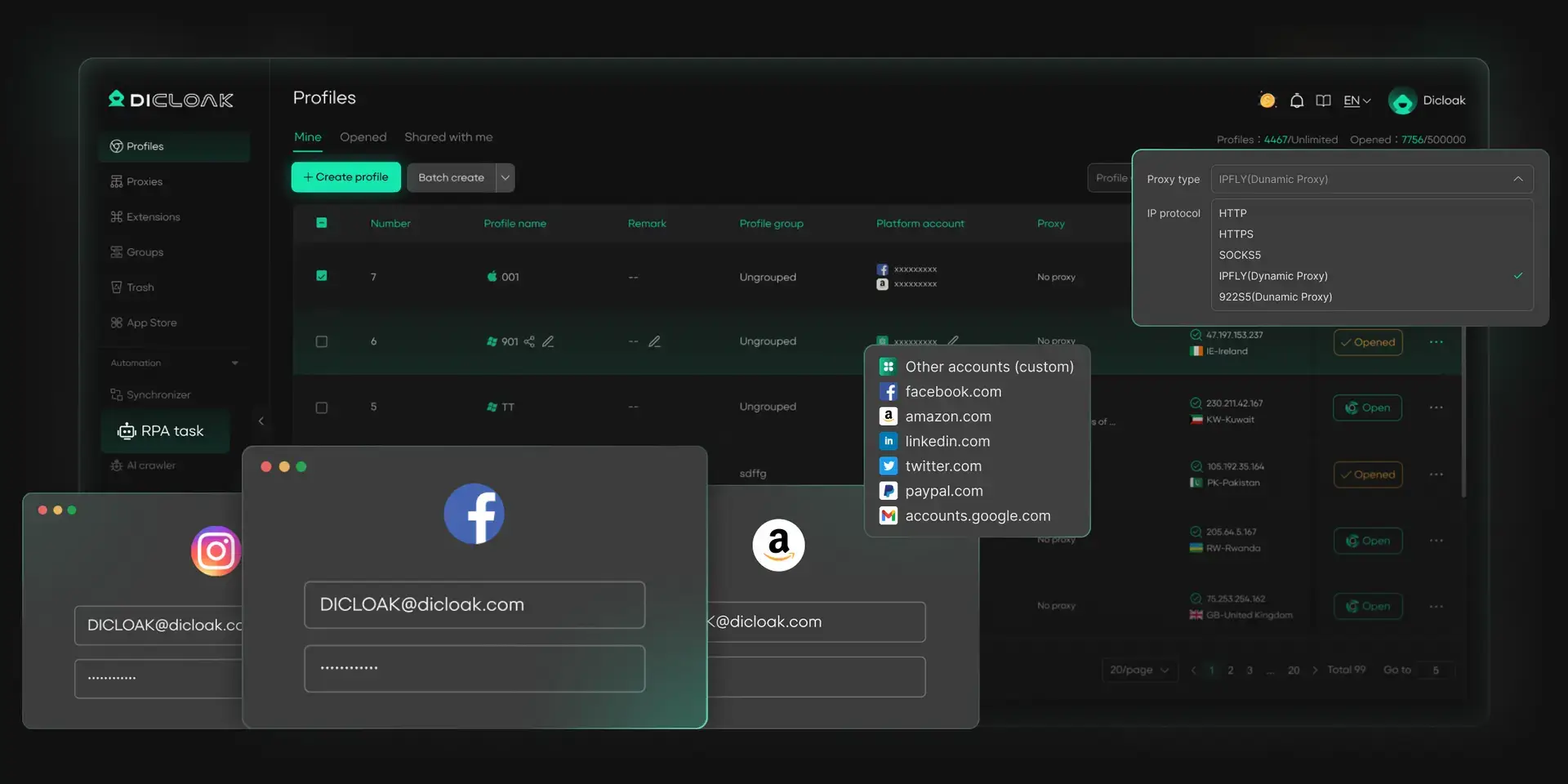
DICloak stands out as a robust infrastructure solution designed for teams that cannot afford downtime. Unlike legacy tools that struggle with profile synchronization, DICloak emphasizes seamless cloud integration and security. It helps mitigate common BitBrowser security concerns by keeping each profile’s fingerprint and session signals consistent, which can lower the chance of automated risk flags.
Key strengths: Isolated browser profiles and RPA automation
The platform excels in creating independent digital environments. Its standout feature is the built-in RPA (Robotic Process Automation) capability, which allows teams to automate repetitive tasks—such as warming up accounts or browsing product pages—without needing third-party scripts. Additionally, the password-free account sharing creates a secure chain of custody, allowing managers to grant access to assets without revealing credentials.
Key limitations: Desktop-only support (Windows and macOS)
DICloak currently supports Windows and macOS environments. In addition, DICloak supports simulating Windows, macOS, Linux, Android, and iOS browsing environments within its desktop platform.
Best for: Social media marketing teams needing shared access
Verdict: The superior choice for businesses prioritizing asset security and team efficiency.
Incogniton: For affiliate marketers and solo users
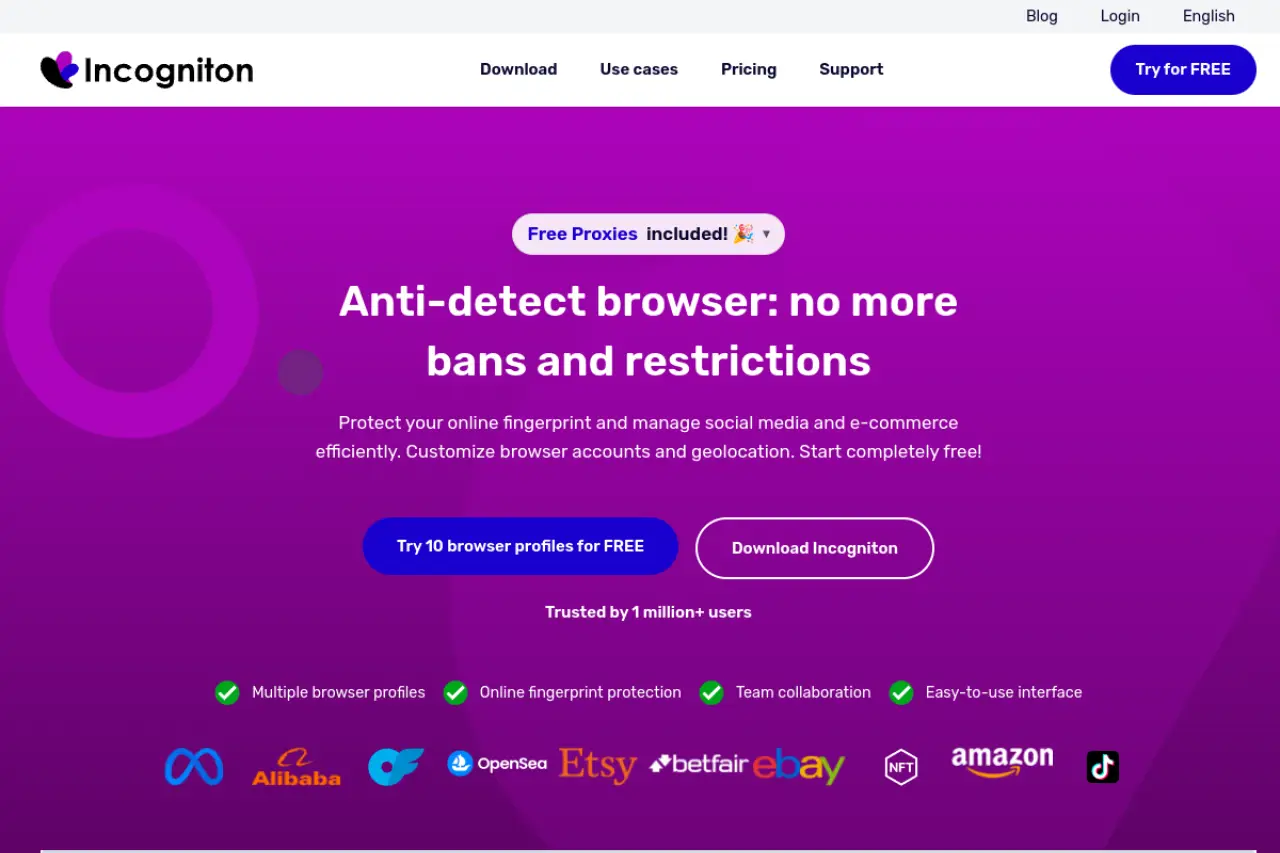
Incogniton is frequently cited in discussions regarding "Incogniton vs BitBrowser" for its user-friendly approach to affiliate marketing. It offers a structured environment for managing cookies and session data, making it a strong contender for solo operators.
Key strengths: Typing simulation and cookie management
The "Paste as Human" typing simulation is a subtle but effective feature for evading behavioral analysis systems. It mimics natural keystrokes, reducing the likelihood of triggering bot filters during data entry. The profile synchronizer also helps in replicating actions across multiple windows, which is essential for efficient campaign management.
Limitations: Starter plan profiles are limited after 2 months
The free tier is generous initially but reduces profile limits after the first two months, pushing users toward a paid subscription sooner than expected.
Best for: Scaling affiliate marketing campaigns on a budget
Verdict: A point for individual marketers.
MoreLogin: For social media management and mobile simulation
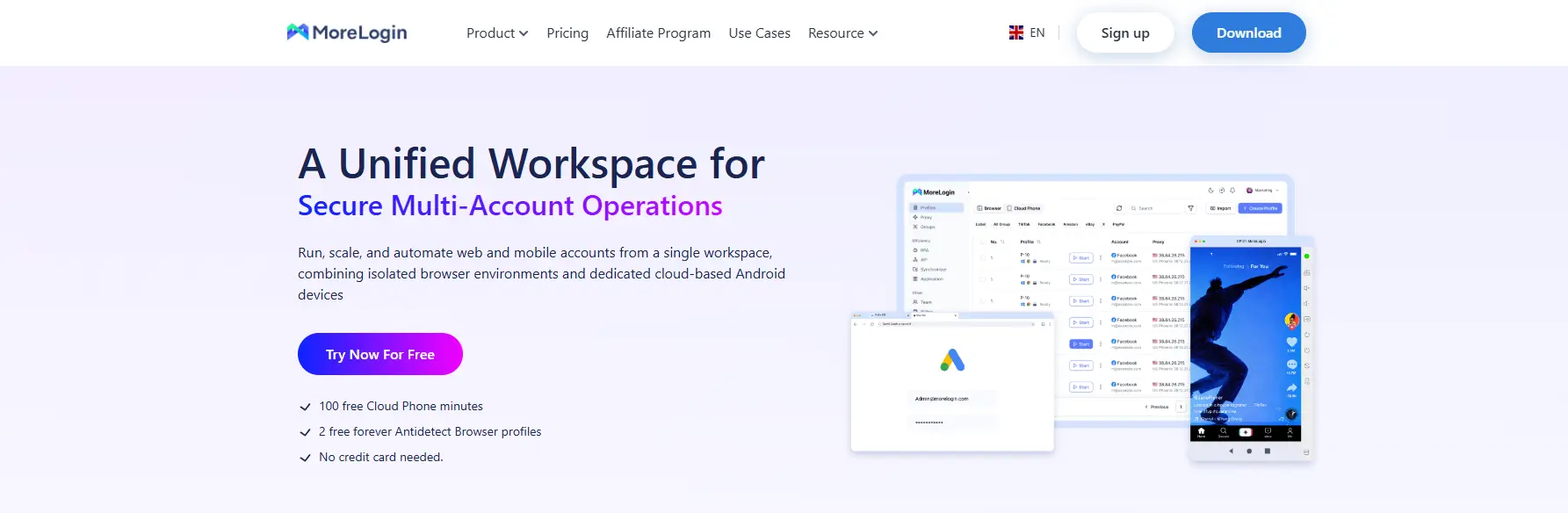
For users managing TikTok or mobile-first platforms, MoreLogin offers specialized architecture. It moves beyond standard desktop spoofing to provide genuine mobile environments.
Key strengths: Real canvas protection and cloud phone simulation
MoreLogin utilizes "Real Canvas Fingerprinting," which draws on real user data rather than generating noise, theoretically lowering detection rates. Its cloud phone (Android) simulation allows marketers to manage app-based accounts directly from the browser.
Limitations: Interface can feel cluttered for beginners
The abundance of features, specifically the dual focus on desktop and mobile environments, can make the dashboard feel overwhelming for new users migrating from simpler tools.
Best for: Managing TikTok and Facebook accounts simultaneously
Verdict: A solution for mobile-centric traffic arbitrage.
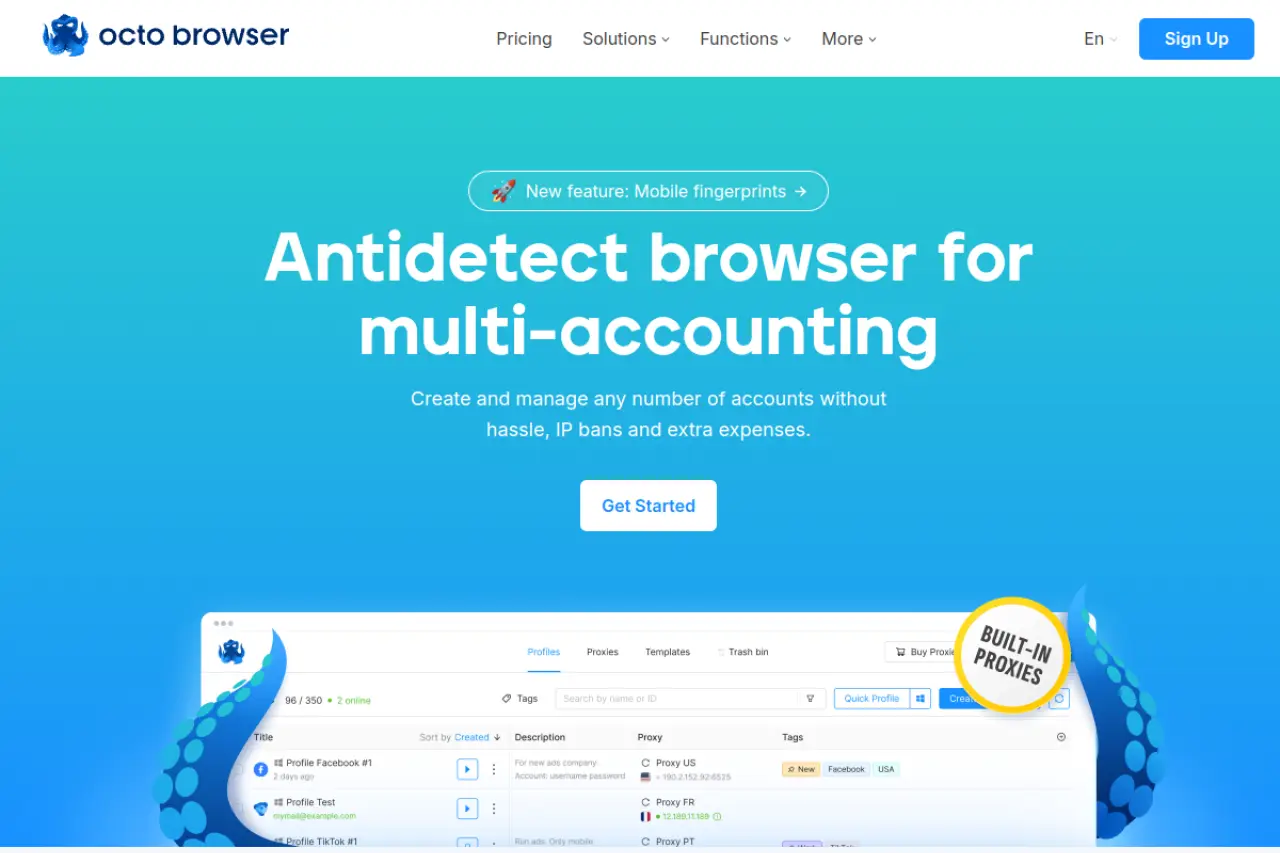
Octo Browser positions itself as a solution for agencies. It is built to handle high-volume operations without the lag often associated with Java-based alternatives.
Key strengths: Fast profile creation and unlimited device logins
Speed is a practical advantage. Profile creation is generally quick, and multi-device logins are available depending on plan and policy, which can support agency workflows across several workstations. The API is robust, supporting complex integrations for ad-tech stacks.
Limitations: No free tier for casual users
Unlike its competitors, Octo Browser does not offer a free tier, making it less accessible for testing or small-scale hobbyist use.
Best for: Professional agencies running hundreds of profiles
Verdict: A workhorse for agencies with an established budget.
Hidemium: For automation and MMO tasks
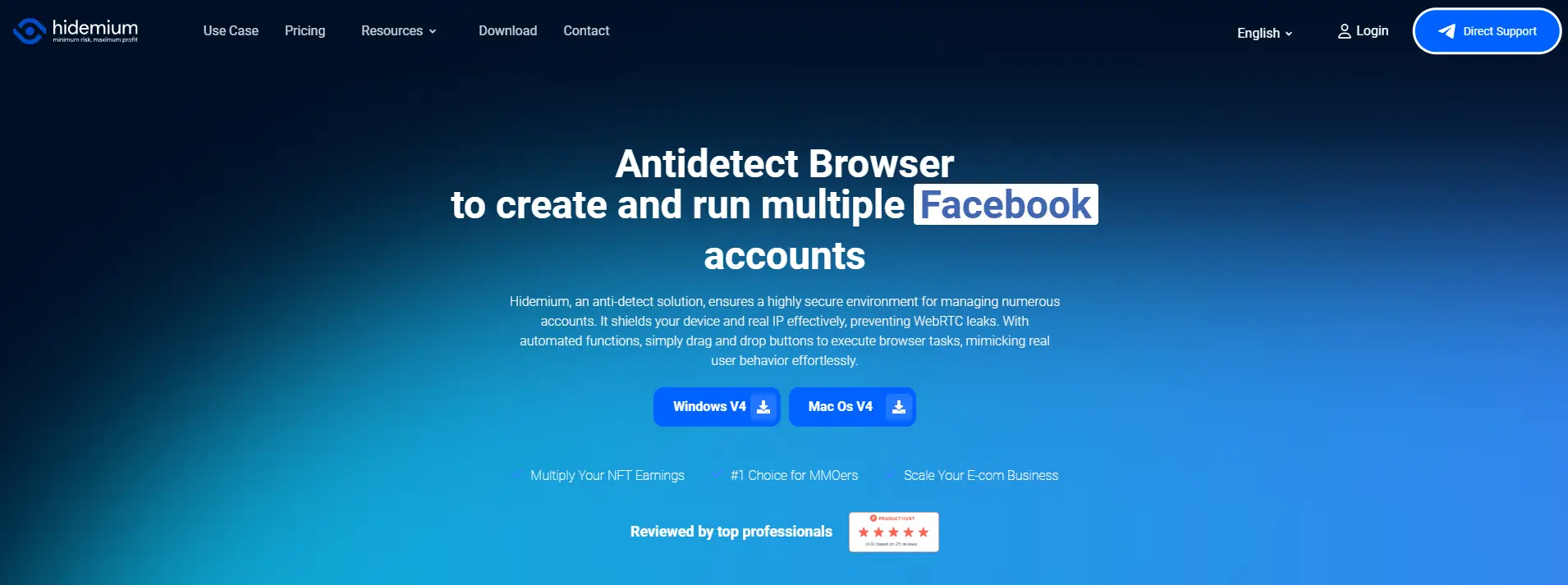
Hidemium is tailored for the technical user, specifically those involved in "Make Money Online" (MMO) sectors where automation is the core business model.
Key strengths: Drag-and-drop automation builder
The platform features a visual automation builder that allows users to construct complex workflows without writing code. This is ideal for farming scenarios where actions need to be repeated across hundreds of profiles. It also supports mobile profiles, adding versatility for app-based tasks.
Limitations: Automation learning curve is steeper
While visual, automation logic requires a systematic mindset. Users unfamiliar with flowcharts or basic logic gates may find the setup process time-consuming.
Best for: Make Money Online (MMO) farmers using scripts
Verdict: For users who need to automate repetitive web tasks at scale.
Browser.lol: A disposable alternative for quick link checking
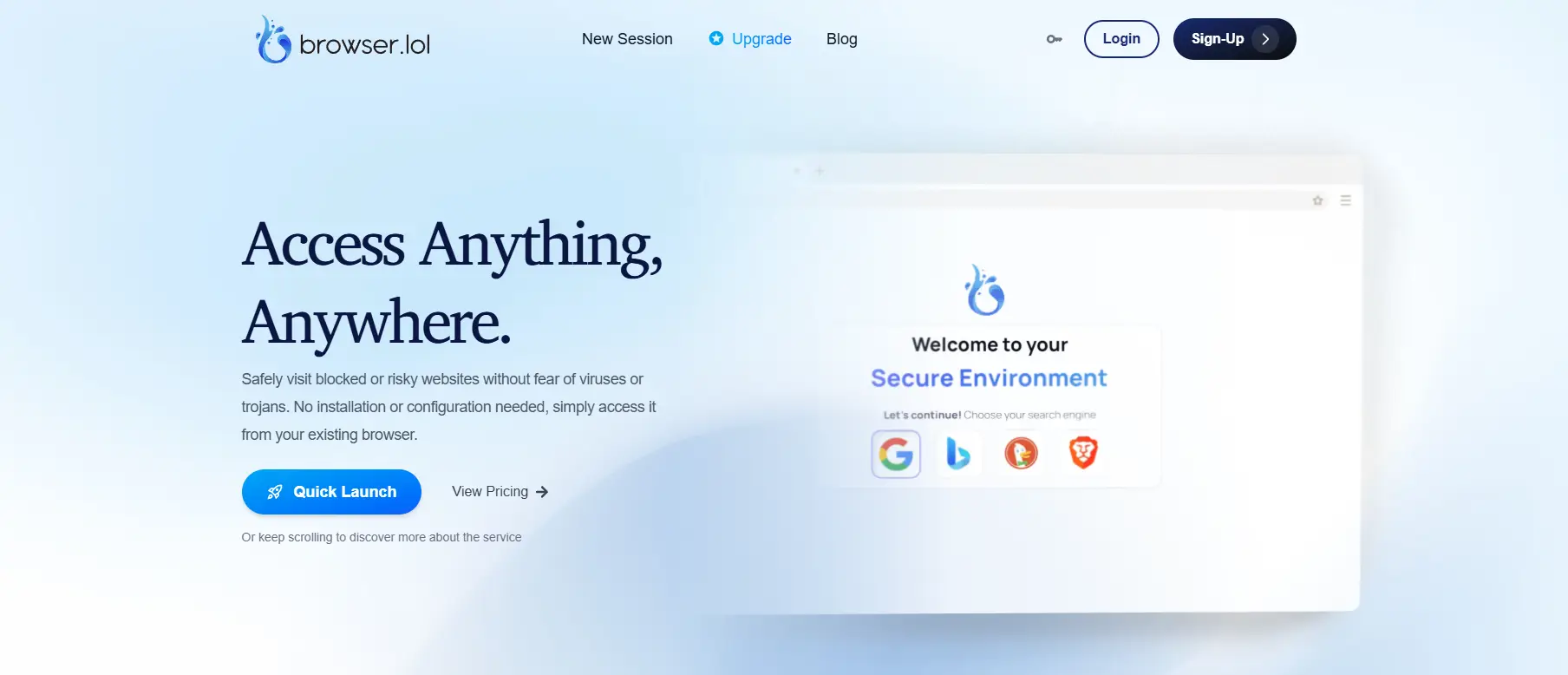
Browser.lol is different in this list as it is not a traditional antidetect browser but a cloud-streamed disposable browser. It serves a niche safety function.
Key strengths: No installation required for ephemeral sessions
This tool streams a browser from the cloud, so most browsing activity happens in a remote environment rather than directly on your local device. It can reduce exposure when you need to open untrusted links or preview potentially risky content, especially if you want to keep your main workstation more isolated.
Limitations: Not suitable for long-term multi-accounting
Sessions are ephemeral. Once you close the tab, the data is gone. It cannot manage cookies or persistent profiles for long-term account farming.
Best for: Checking suspicious links or one-off private browsing
Verdict: A utility tool for security checks rather than business management.
Budgeting for your new BitBrowser alternative
Moving your operations from a single tool to a new infrastructure requires a clear analysis of the Total Cost of Ownership (TCO). While BitBrowser is known for low entry costs, enterprise-grade alternatives operate on different pricing models. You must evaluate the cost per profile and the stability of that profile over time. A cheaper tool that leaks data will cost significantly more in banned accounts than a premium subscription.
Comparing the cost of top BitBrowser competitors
We have analyzed the pricing structures of the six alternatives. The table below normalizes costs to help you visualize the expense of scaling from a testing phase to a production environment of 100 profiles.
| Product |
Free Starter Capability |
Scaling Cost (100 Profiles) |
Target User |
| DICloak |
5 Profiles |
$28.80 / month |
Teams & E-commerce |
| Hidemium |
5 Profiles |
$20.00 / month |
MMO Automators |
| MoreLogin |
2 Profiles |
$35.00 / month |
Social Media Managers |
| Incogniton |
10 Profiles (2-month limit) |
$79.99 / month (150 Prof.) |
Affiliate Marketers |
| Octo Browser |
None |
€79.00 / month |
Large Agencies |
| Browser.lol |
Limited Sessions |
$24 / one-time (Lifetime access) |
Security Researchers |
Common mistakes to avoid when switching from BitBrowser
Securing a budget is only the first step. The actual migration process holds the biggest risks for your operation. Many agencies rush the switch from BitBrowser to a new platform and trigger security algorithms in the process. You need a methodical approach to transfer assets without raising red flags. A poor migration strategy can result in a chain reaction of account bans, regardless of how secure your new software is.
Ensuring a smooth transition between browser tools
Moving digital profiles requires more than just copying login details. You are transplanting a digital identity. If that identity changes too drastically during the move, platforms like Facebook or Amazon will treat it as a hacked account. You must maintain continuity in your browser fingerprint and connection data to preserve the trust score of your accounts.
Why you shouldn't rely on 'cracked' versions
It is tempting to look for "cracked" or free versions of premium tools. This is a critical error. Pirated antidetect software often contains hidden malware designed to steal the very accounts you are trying to protect. In 2026, supply chain attacks on cracked software are common.
Using unauthorized software also means you miss out on critical security patches. Antidetect browsers must update constantly to keep up with detection algorithms. A cracked version is static, meaning it becomes detectable within weeks of its release.
The importance of testing your proxy setup first
A high-end browser cannot save you from a low-quality IP address. Users often blame the new software when their accounts get banned, but the culprit is usually the connection. Before moving your main accounts, test your proxies using a tool like DICloak or a disposable profile.
Ensure your residential IPs match the geo-location settings in your new DICloak profiles. A mismatch between your browser's system time zone and your proxy's location is an instant trigger for fraud detection systems. You must verify that your new browser is correctly masking WebRTC leaks before logging into sensitive accounts.
How to properly migrate your cookies and profile data
Never log into an account on a new device without importing its history. Platforms trust sessions that have existing cookies. If you log in "cold" (entering username and password manually), you look like a new user on a new device, which often triggers a verification challenge or a checkpoint.
Export your cookies from BitBrowser in JSON format and import them directly into your new profile. Tools like DICloak allow you to paste these cookies during the profile creation process. This preserves your active session and signals to the platform that this is a trusted device, significantly reducing the risk of an immediate ban during the transition.
Frequently asked questions about BitBrowser alternatives
Switching your operational infrastructure is a significant decision. You likely have concerns about data safety and workflow continuity. Here are direct answers to the most common questions business owners ask when migrating from BitBrowser.
Why are people looking for a BitBrowser alternative in 2026?
Users mostly switch to improve stability and security. As detection algorithms become more advanced, older tools sometimes struggle to provide timely updates, leading to account bans. Business teams also migrate to gain better collaboration features, such as the password-free profile sharing found in modern platforms like DICloak.
Is there a completely free BitBrowser alternative that works?
Reliable infrastructure costs money to maintain, so "completely free" unlimited tools are rare and often risky. However, reputable providers offer generous free tiers. DICloak provides a permanent free plan for 5 profiles, which allows you to test the environment safely.
Which alternative to BitBrowser is safest for Facebook Ads?
Facebook requires strict fingerprint consistency. DICloak is the top choice here because of its strong isolation technology and team management features, which prevent accidental data cross-contamination.
Can I transfer my profiles from BitBrowser to another tool?
You cannot directly copy-paste a profile file between different software brands. However, you can migrate the digital identity. Export your cookies (in JSON format) and proxy details from BitBrowser. When you create a new profile in your chosen alternative, simply import these cookies to preserve your login sessions and trust scores.
 Web Proxy Tools
 Free Tools
 Cookie Plugin
 UA Generator
 MAC Address Generator
 IP Generator
 IP Address List
 2FA Code Generator
 World Clock
 Anonymous Check
 WebRTC Leak Test
 UUID Generator
 Free Web Proxy Site
 Proxy Checker
 FB Ad Checker
 AI Web Scraping
 Free SMM Tools
 Twitter Shadowban Checker
 Instagram Name Checker
 UTM Generator
 Username Generator
 AI Hashtag Generator
 LinkedIn Headline Generator
 Social Media Image Resizer