You might be hesitating about whether to buy a LinkedIn account: Slowly building your own account takes too much time, and buying one directly risks messy account history or incorrect login environments, triggering restrictions right after taking over. When searching for "buy LinkedIn account," the hardest part isn't finding the seller, but judging whether the account is worth taking.
Many people first look at the price, or only ask "Is it an old account?" Neither of these two points is enough. If you only look at the registration time when buying an old LinkedIn account, it's easy to miss more troublesome aspects, such as abnormal login records, incomplete recovery information, or the account itself carrying old risks.
More practically, the three things you should confirm in LinkedIn account transactions first: whether account control can be fully transferred, whether the historical usage traces are reasonable, and how to log in and handle daily operations after taking over to avoid problems. Once you understand these three things clearly, negotiate price, age, and seller promises in order to proceed. Doing this at least helps avoid the common pitfall of "buying but unstable use."
Start with pre-purchase judgment. What you really need to look at first isn't what the seller says, but what signals the account itself has left behind.
Before buying a LinkedIn account, which metrics should you check first to avoid pitfalls?
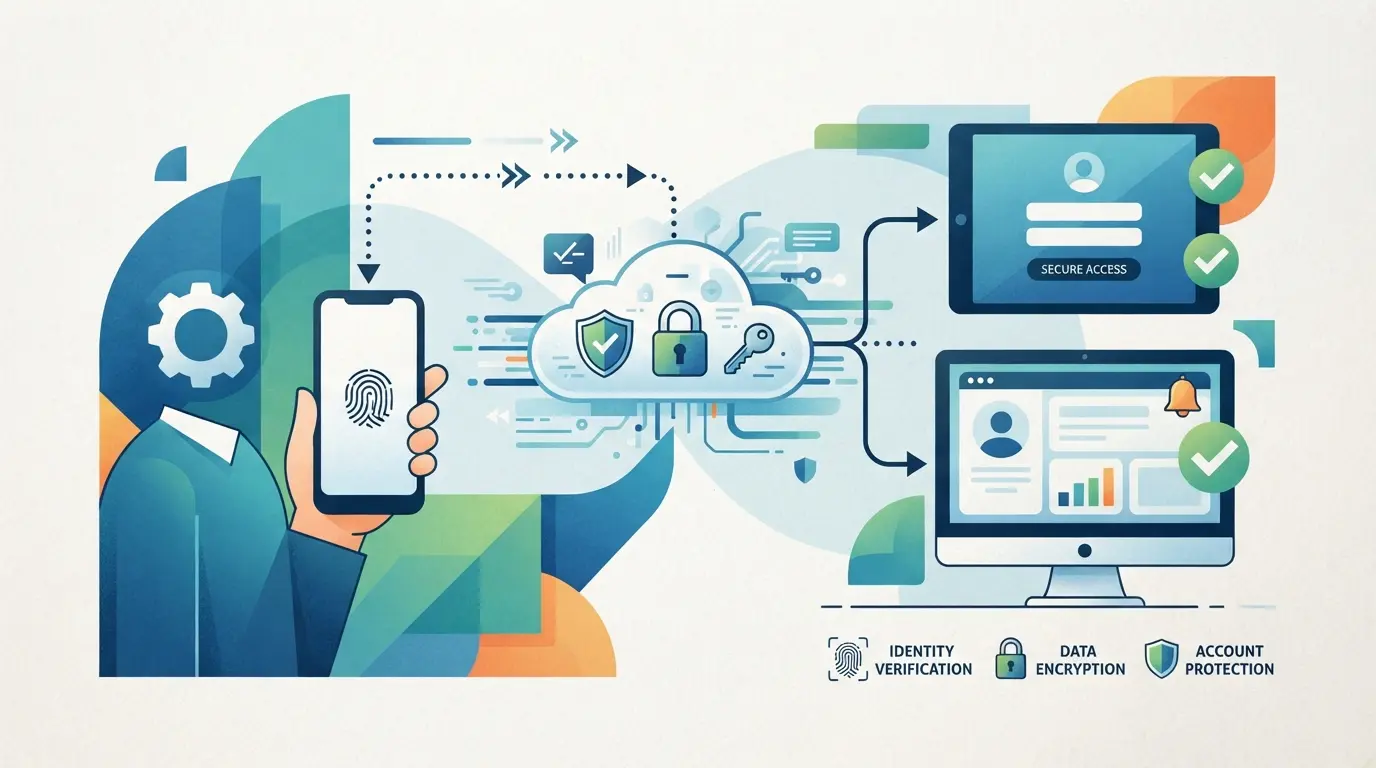
Don't rush to ask about the price. Before buying, you should first judge whether the account is "reliable, usable, and unlikely to cause problems later." What really matters is not whether it is old, but whether the history is continuous, whether the data is used like a real person, and whether control can be fully transferred
First, check the account's age, registered region, and historical activity
An old account does not equal a good one. More importantly, confirm whether the account has always been used normally: whether the information update schedule is consistent, whether work experience and contact growth seem natural, rather than being filled up suddenly after a long vacancy. The registered region, common language, and historical position locations should also be as close to your future usage scenarios. For example, if an account has been active in Singapore's English-speaking environment for a long time, switching immediately after taking over to a Chinese interface, domestic time zone, or completely different industry connections usually carries higher risk.
Next, look at the completeness of the information, profile picture, work experience, and the quality of contacts
Empty shell accounts are not easy to use, but you should also be careful with overpackaged accounts.
- Check if the profile picture and banner match; don't buy accounts with clear profile pictures but only a few blank lines of background description.
- Check whether your work experience matches the timeline; If you frequently switch across countries or industries within the same year, treat it as an anomaly.
- Don't just look at the number of contacts—first open a dozen or so contacts to confirm that the industry, region, and interaction targets match your account's positioning.
Finally, check the login method, bind email, and recovery information to ensure handover
If the handover is incomplete, it's easy to mess up later.
- Sellers are required to demonstrate on-site: who controls the login email, whether the email password can be changed together, and whether a backup email exists.
- Check if secondary authentication is enabled; If enabled, check whether the verification code reception method, backup code, and historical devices can all be handed over.
- Ask the seller to log out of the old device and browser sessions; If the seller only provides the LinkedIn password but not the email or recovery path, don't accept such numbers.
Ultimately, the key point before buying an account isn't whether it looks like an old account, but how it was used in the past and who still controls the access points now. Many accounts have problems within a few days, often because of these details.
Why do some purchased LinkedIn accounts start having problems within days?
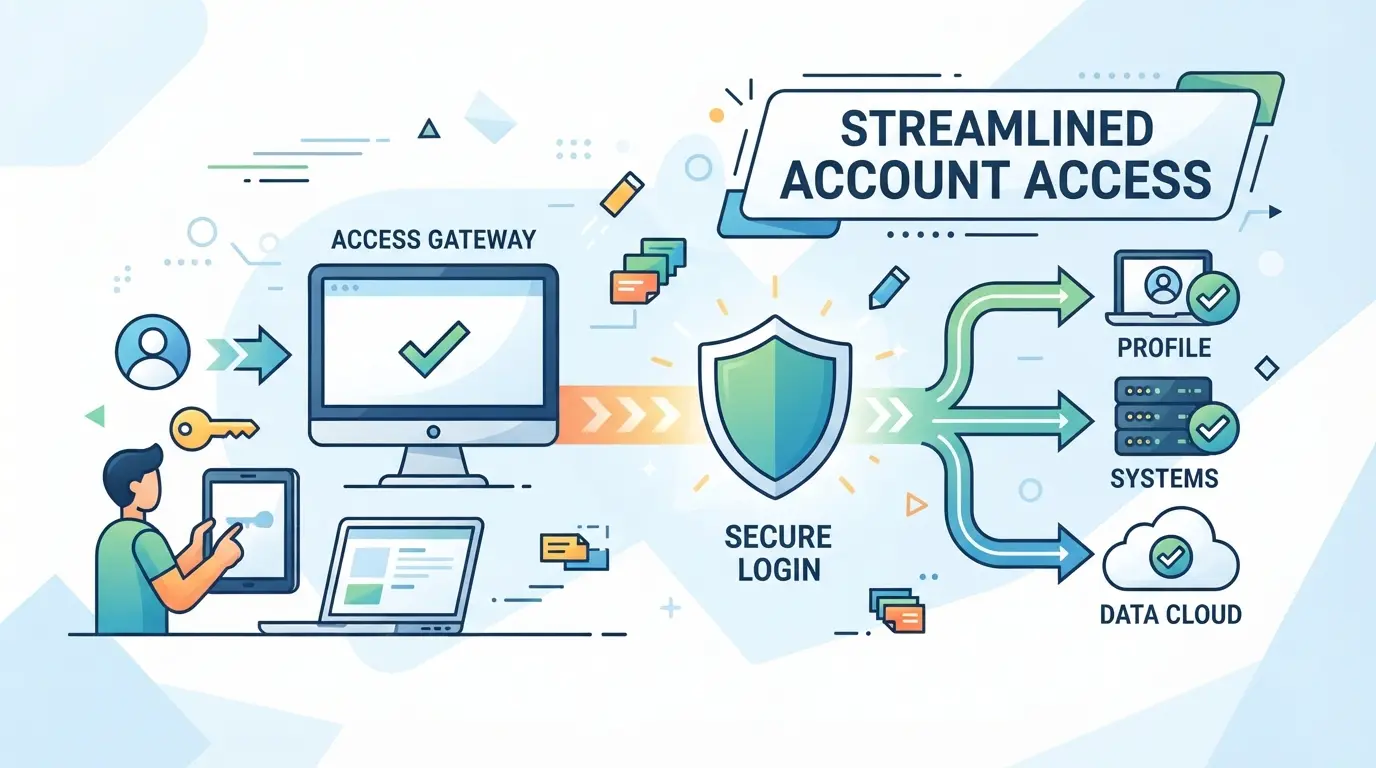
The previous focus is on whether it's worth buying; At the takeover stage, the most common user misjudgment is blaming the anomaly as bad luck. Actually, most of the time not. Accounts can have issues within a few days, usually due to the combination of historical quality, takeover actions, and usage rhythm.
The account itself has historical issues: abnormal registrations, batch traces, or long-term inactivity
Some accounts are bought with old risks, such as abnormal registration sources, rapid data supplementation, or almost no use for a long time. Once you take over and start operating normally, the system is more likely to treat them as accounts that need review. Long-term idle accounts are the same; suddenly regaining activity is unnatural.
Takeover is too aggressive: changing too many files, passwords, and device environments at once
When you first take over, the biggest fear isn't slow changes, but having to change everything in one day.
- Possible issues: Changing email, password, avatar, and region simultaneously in a short time, then switching devices and networks, the signal difference before and after is too large, making it easier for accounts to access additional verification; if it's a bit heavier, it may be temporarily restricted.
- A more stable approach: first confirm that you can log in reliably, then handle key information separately. If you really want to change your profile, don't confined identity information, login information, and environmental changes to a single session.
After purchase, the usage rhythm is off: immediately add people, send mass messages, or frequently switch networks
Adding people right after buying, sending template messages, and frequently switching networks often trigger problems faster than the account itself. A safer approach is to use it infrequently for a few days first to connect behavioral traces. Ultimately, the gap between cheap and expensive often lies in these invisible risks.
With such a big price difference for LinkedIn accounts, what are the real factors affecting the quote?
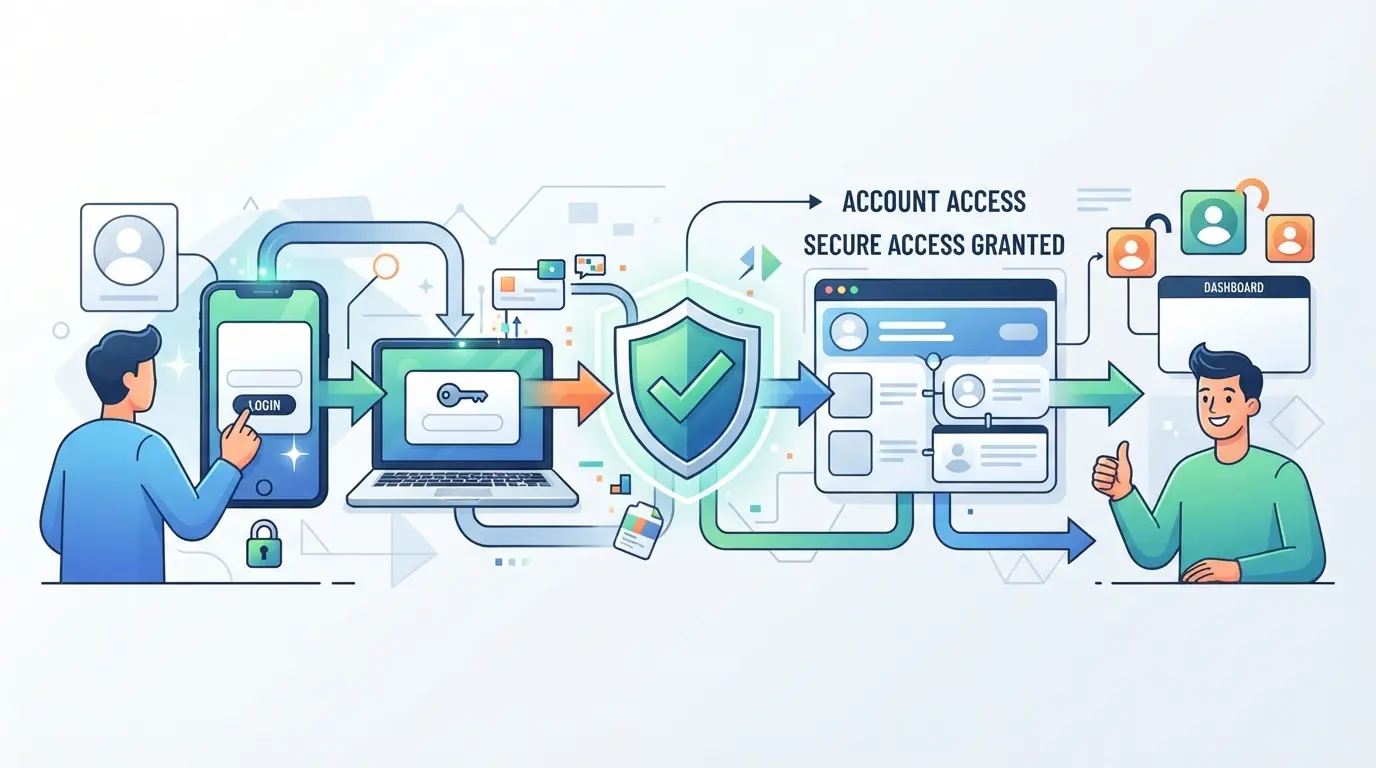
As mentioned earlier, if an account has issues within a few days, it's often not bad luck. It's the same when it comes to pricing: reasonable pricing depends on historical quality, whether the handover can be completed properly, and whether it can still be used normally after takeover—not just the label "old account."
Why is there such a big price difference between old and new accounts?
| Type |
Common quotation logic |
The real points to watch |
Risk reminders |
| New name |
Cheap, low starting price |
Registration time is short, and the information is complete |
It's easy to just mass-produce accounts with a very short history |
| Old accounts are used sparingly |
Compared to the new title, it is more noble |
It's been a long time, but there are few logins, contacts, or interactions |
Having good looks at age doesn't necessarily mean high availability |
| An old account with real signs of use |
Usually the most expensive |
Continuous data updates, normal contact growth, and natural interaction |
If sellers only emphasize "early registration" but cannot show signs of use, this premium is unlikely to be worth it |
For most people, what they should really buy when buying a LinkedIn old account is "natural history," not "year labels."
How region, number of contacts, and complete information affect prices
Similarly, when buying LinkedIn accounts, accounts targeting markets like the US or UK are usually more expensive than those outside the target region; But region is just a threshold; if contacts are all unrelated to the industry and have no trace of interaction, raising the price is meaningless.
Why do especially cheap accounts often hide higher costs?
It's especially cheap, and there are three common reasons: not fully submitting your recovery information, abnormal history, or even being a batch account. What you save is the purchase price, but you might pay for it later, such as repurchase costs, account maintenance time, or even interrupted business schedule.
Ultimately, whether the price is acceptable depends not on whether it's cheap, but on whether the risks are laid out in advance. Taking it a step further, what really matters is whether the seller is willing to clearly explain these details and provide sufficient evidence.
How to tell if a seller is reliable before payment?
As mentioned earlier, price only shows the surface. At the payment stage, what really matters is whether the seller is willing to lay out verifiable information for you to see.
First, see if the seller can provide verifiable information
Reliable sellers won't just post a few screenshots. What you need to look for is: can they demonstrate the login method on site, explain what materials are included in the handover, clearly explain the account source, and recently activate recovery options? If the seller only repeatedly emphasizes "old accounts" and "stable" but can't clearly explain the scope of the handover, just stop immediately.
When these red flag signals appear, it's best to give up immediately
- They urge you to "pay now," but refuse to give you a verification time
- Only static screenshots will be posted; you will not be allowed to verify information step by step
- Every word is "absolutely safe" and "There won't be any problems later"
How to reduce the risk of disputes during payment and delivery
Don't rely on verbal promises; first write out the delivery list.
- Confirm before payment: Check whether your account, email, recovery method, and device history are all in the list
- Agree on an acceptance window, such as completing login, password changes, and restoration information within 24 hours
- Keep chat records, payment information, and screenshots of handover dates for easier account reconciliation
After finishing these tasks, the order should be moved into the first week after taking over.
After getting the account, how should you take over and adjust it in the first week?
We've already screened seller risks before. When it comes to the handover, don't rush to change your profile picture, add connections, or send private messages. The focus in the first week after buying isn't to "use it immediately," but to stabilize control, login environment, and the pace of data changes.
Step 1: First, confirm that your email, password, and recovery path have been truly transferred
- First, change your main email and password, then log in normally on your own device. If you only change the password but not your email, the recovery entry may still be in someone else's hands later.
- Check secondary verification, backup email, restore phone number, authorized devices, and active sessions. As long as a device you don't recognize is still online, don't start daily operations.
- Send yourself a password reset email, confirm the email is received, the link can be opened, and the reset process is under your control. Not receiving the email is usually not a minor issue, but rather a result of not properly transferring the email.
Step 2: Modify the materials in stages; do not redo everything at once
- On the first day, only change the necessary information, such as email, password, and basic security items. Don't touch your bio, avatar, or work history all at once. Changing an entire page of information in a short period will be abrupt.
- On the second or third day, make minor adjustments to the public information, changing only one category of content each time. For example, first revise the brief introduction, then periodically supplement work experience.
- Strong signals like region, language, or industry direction should ideally be close to the account's original trajectory. If you change your US sales account to a domestic fresh graduate resume within one day, future use will likely cause abnormalities.
- If you are buying a mature account from the old LinkedIn account buying scenario, it's better to keep some old structures than to clear and rebuild the page all at once.
Step 3: Start with low-frequency maintenance, then gradually increase connection and interaction actions
- For the first two days, focus on browsing the homepage, reading messages, and adding a small amount of information. Don't add a large number of contacts right away, and don't send templates or private messages continuously.
- On days 3 to 5, you can do a few natural actions, such as browsing target companies, opening a few peers' profiles, or doing very little interaction. If your actions are too frequent, common signs include more verification pop-ups, or sudden slowdowns in search and add-on functions.
- If you experience login verification, limited functionality, or abnormal logouts within a week, pause for 24 to 48 hours, then check if your device, network, or data have changed too much.
- Once the account stays normal for several consecutive days, gradually increase the frequency of connections and interactions. If you need to connect more accounts later, what really needs to be unified isn't the script, but the overall control rhythm.
When using DICloak to manage accounts on multiple platforms, how do you separate environments and processes?
The previous section discussed the pace of taking over a single account. If you buy an account and still need to maintain several sets of platform accounts at the same time, the difficulty changes: it's not about "how to edit your profile," but about not mixing conversations, network settings, and notes. For these teams, DICloak can be used to separate and organize browser profiles; But it organizes the environment and processes, not the account quality itself.
Distinguish different account environments by using independent environments and browser fingerprint settings
Operators can create separate browser profiles for different customers and platform accounts in DICloak, clearly recording browser signals such as language, time zone, geographic location, and User Agent according to the same set of rules, plus notes, making it less likely to string them together during later handovers. The scope is limited to browser profiles and session environments, and does not change account status or results on the platform. 
Each environment is configured with its own proxy and a connectivity check is performed first
If the team already has its own proxies, operators can fill in host, port, username, and password in the relevant environment, then use built-in checks to see if the exit IP, region, and time zone match the planned usage environment. This is more like recording and verification, not "just because the test passes the account is stable." You still need to personally oversee the quality, location, and compliance of the proxy. 
When the number of accounts increases, batch operations are used to unify and organize the environment
When you have many accounts, it's easy to overlook groups one by one, remarks, and basic settings. Social media operations staff usually batch group and add notes to newly acquired environments, and if necessary, create new ones by template. This way of organizing browser profiles doesn't automatically change platform info; And if you make batch corrections once, you'll be affected by one batch, so it's safer to spot two or three samples before sharing settings. 
If you find yourself relying on the entire environment process to maintain your account, the next step is to consider whether the account is worth buying, not just whether you can take over it.
When is the best time to buy a LinkedIn account and take your time to build it yourself?
The previous discussion was about how to stabilize the handover process, but no matter how detailed the process is, it can't fix the problem of the account history itself. If you really want to decide whether to buy, don't just look at the startup speed; If your goal is long-term customer relationships, maintaining your own account usually saves on subsequent costs.
Suitable situations for buying accounts: tight schedule, fast testing, and need ready-made basic data
| Scene |
Buying a number is more suitable |
It's more suitable to raise it yourself |
| Short-term test markets |
You need to immediately run outreach samples to verify the script or industry feedback |
The testing cycle is not rushed; they are willing to slowly accumulate initial behavior |
| Temporarily add accounts |
Teams need to supplement test sites and be willing to accept the costs of screening and replacement |
There aren't many accounts, so it's clearer to raise them from scratch |
| Ready-made materials are required |
Requires existing avatars, resumes, and basic connections for cold start |
The materials must be consistent with the real business and real identity over the long term |
Buying accounts is suitable for tasks like "running first and then filtering out unqualified samples," not to treat a single account as a long-term asset.
Better suited for self-cultivation: long-term branding, stability, and genuine relationships
You have a clear idea of how you updated your own accounts, how links were made, and what you usually do. For long-term services like consulting, recruitment, or B2B sales, being slow is actually more stable, and it's easier to identify problems later.
The final judgment is based on cost, time, and controllability
Don't just count the purchase price—also include trial and error, takeover, and replacement. For beginners, controllability is often more important than speed; If you can't even read anomalies and historical behavior, buying a LinkedIn account may not be easier than maintaining it yourself.
To reduce the risk of buying LinkedIn accounts, check these things last
If you have already decided this is worth buying, do a short review before payment and once after the takeover to avoid the most common basic mistakes.
Review account quality, seller information, and delivery list before placing an order
Don't just look at chat records. Before paying, get the number verification result, delivery list, recovery information change scope, and after-sales service time; If you miss one item, don't order just because it's cheap.
After takeover, review control and adjust the pace and usage plan
The key after taking over isn't to start immediately, but to tighten control first, then slow down the action.
- Check whether your email, phone number, and backup recovery entry have all been transferred to you
- Check whether the login device and proxy are fixed, and avoid frequently switching environments in the same day
- Treat the first week as a transitional period, just do basic browsing and document verification, and don't rush to add people frequently
Frequently Asked Questions About LinkedIn Account Purchases
After purchasing a LinkedIn account, how long should you start adding contacts?
It's recommended to complete the handover check before you start taking action. First, confirm that your email, password, secondary verification, avatar, and bio are all stable. Observe for 1 to 3 days for more reliable results. A few days ago, check your messages, complete your profile, give a few likes or browse your homepage, then add a few people. Don't send a large number of connection requests right after taking over.
When buying a LinkedIn account, do you only look at whether the number of contacts is enough?
Not enough. A high number of accounts doesn't necessarily mean they're easy to use. You should pay more attention to whether contacts are related to the target industry, if their profiles are complete, and if they've posted regularly, interacted with, or logged in regularly. An account with real experience, matching contacts, and recent work is usually more valuable than one with just a few thousand contacts but has been silent for a long time.
For a beginner buying a LinkedIn account for the first time, should they buy many at once?
Usually not recommended. The first small-scale test makes it easier to see process issues, such as whether the account can be smoothly takeover, whether the data is authentic, and whether subsequent use is stable. Buy a small batch first for account verification and operational drills; losses when abnormalities are found are more controllable, and it also helps you establish your own screening criteria and handover checklist.
Is buying an old LinkedIn account necessarily better than buying a new one?
Not necessarily. An old account is just a bonus, not a guarantee of results. What really matters is whether the usage history is natural, whether the work experience and education information are trustworthy, whether the profile picture and bio are complete, and whether the seller can provide all the email, verification methods, and recovery information. The old age but blank records carry the same high risk.
After purchasing a LinkedIn account, can the original seller recover it?
This is a risk, so handover shouldn't just be about changing passwords. You need to check whether the main email has been changed, whether the recovery email and phone number have been deleted, whether secondary verification has been transferred to you, and also clear out your historical authorized devices and third-party logins. Only by doing all this can you greatly reduce the chances of the original seller recovering the account.
The most worthwhile thing now is to first sort out your team's current account usage scenarios, permission allocation, and device management methods, then choose the right solution based on actual collaboration scale and test it quickly. By starting with small-scale trials and gradually expanding to core business processes, you can more reliably verify whether security, efficiency, and management costs truly meet expectations. Download DICloak and start safer team collaboration
 Web Proxy Tools
 Free Tools
 Cookie Plugin
 UA Generator
 MAC Address Generator
 IP Generator
 IP Address List
 2FA Code Generator
 World Clock
 Anonymous Check
 WebRTC Leak Test
 UUID Generator
 Free Web Proxy Site
 Proxy Checker
 FB Ad Checker
 AI Web Scraping
 Free SMM Tools
 Twitter Shadowban Checker
 Instagram Name Checker
 UTM Generator
 Username Generator
 AI Hashtag Generator
 LinkedIn Headline Generator
 Social Media Image Resizer