In 2026, managing multiple X (Twitter) accounts without proper infrastructure is no longer viable. X has upgraded its detection systems from basic IP checks to advanced device fingerprinting and behavioral analysis, making incognito mode, cheap proxies, and simple automation ineffective. An Antidetect Browser for Twitter (X) has become essential for anyone running agencies, account farms, or marketing operations, because it isolates browser fingerprints, preserves long-term trust signals, and prevents accounts from being silently linked and banned. This guide explains why multi-accounting fails without fingerprint control, how X identifies users in 2026, and which tools can truly support safe, scalable growth—starting with a detailed review of the top antidetect browsers on the market.
The Invisible Trap: Why Multi-Accounting Fails Without an Antidetect Browser for Twitter (X)
In the high-stakes world of social media marketing, relying on luck is a bad strategy. You cannot build a scalable agency or farm on shaky foundations. To survive X’s aggressive 2026 security updates, you must use a professional Twitter multi-account management tool. If you do not, your digital assets are constantly at risk.
Most businesses fail here because they treat security as an afterthought. They think a cheap proxy and an incognito window will hide them. They are wrong. X’s AI sees right through these basic tricks. This section explains the hidden technical traps that catch 90% of unprepared operators and why old methods no longer work.
Beyond the IP: How Canvas and WebGL Fingerprinting Expose Your Identity
It is a common myth that hiding your IP address makes you invisible. In reality, your browser leaks data every time you visit a website. This process is called browser fingerprinting. X uses this data to identify your specific device, even if you switch internet networks.
Two of the biggest leaks come from Canvas and WebGL.
- Canvas Fingerprinting: X asks your browser to render a hidden image. Your specific graphics card and drivers draw this image slightly differently than other computers. This unique drawing acts like a digital serial number for your device.
- WebGL: This exposes technical details about your video card model and drivers.
If you try to manage multiple X accounts without ban risks using the same computer, X sees the same "serial number" for every account. It does not matter if your IP address is in New York one minute and London the next. If the hardware ID remains the same, X links the accounts together. Once linked, a single mistake on one profile can destroy your entire network instantly.
The Evolution of X's Behavioral Analysis in 2026
By 2026, X has moved beyond just checking your hardware. They now analyze how you act. The platform uses advanced AI to track your behavior patterns. This includes your mouse movements, your scroll speed, and even the rhythm of your typing.
Bots and scripts are stiff. They move in straight lines and type instantly. Humans are messy. We hesitate, we scroll randomly, and we make mistakes. If your accounts all act the exact same way at the exact same time, you trigger an immediate flag. To avoid Twitter shadowban antidetect systems, your accounts must look human. They need unique behavioral patterns. A standard browser cannot fake this. You need infrastructure that helps simulate natural human activity to blend in with the crowd.
Verification Loops and the Death of Low-Quality Account Farms
The final trap is the "Verification Loop." This occurs when X demands SMS verification or an email code every single time you log in. This usually happens because your browser profile looks suspicious or "thin."
In the past, you could buy cheap, low-quality accounts and run them until they were banned. That model is dead. X now detects low-trust cookies instantly. If your browser does not save session data correctly, or if it leaks that you are running on a Linux server instead of a consumer laptop, you get flagged. You enter a cycle of constant captchas and phone checks. This destroys your ROI. You spend more time unlocking accounts than running your business. True security requires stable, persistent browser profiles that retain trust over months, not days.
The Technical Solution: How an Antidetect Browser for Twitter (X) Neutralizes Tracking
You now understand that X (Twitter) tracks your hardware "serial number," not just your internet connection. Hiding your IP address is no longer enough to save your accounts. To solve this, you need a tool that changes your digital identity entirely. This is exactly what an Antidetect Browser for Twitter (X) does.
It works by creating separate "virtual profiles." Think of each profile as a completely different computer inside your screen. When you open a standard browser like Chrome, it tells X the truth about your device. When you use an antidetect browser, it feeds X specific, controlled lies that look 100% real. It does not block tracking, which looks suspicious. Instead, it allows tracking but provides data that matches a generic, trustworthy user.
The Logic of Spoofing: Why Consistency Matters
The most critical feature of this software is fingerprint consistency. In the past, you could just block your canvas data. Today, X's AI flags that immediately. To survive in 2026, your fake profile must make sense.
If your browser profile claims to be an iPhone running on a 4G network, every other data point must match that claim. Your screen resolution, battery status, and fonts must all look like an iPhone. If your "iPhone" profile accidentally shows a Windows system font, X detects the mismatch and bans the account. High-quality antidetect browser fingerprint spoofing ensures that your User-Agent (your browser ID) aligns perfectly with your hardware readings.
Stopping Invisible Leaks
Even with a strong proxy, standard browsers have holes that leak your real identity. The most dangerous leak is via WebRTC (Web Real-Time Communication). This technology is used for things like video chats, but it can reveal your true IP address even if you are using a VPN or proxy.
A professional Twitter multi-account management tool includes native WebRTC leak protection. It forces the browser to route these technical requests through your proxy or masks them entirely without breaking the website's functionality. This ensures that X never sees your real location or your local network IP, keeping your accounts isolated and safe.
Top 10 Tool Reviews: Identifying the Best Antidetect Browser for Twitter (X)
Using the security criteria we established, we now review the market leaders. Choosing the right software is a business decision, not just a tech choice. The wrong tool leads to account bans and lost revenue. We have tested these tools to find the most reliable Antidetect Browser for Twitter (X) for 2026.
Our goal is simple. We want to find a Twitter multi-account management tool that allows you to scale without fear. We looked at fingerprint consistency, team collaboration features, and update frequency. Here is our assessment of the top ten platforms.
DICloak: Reliable Hardware Fingerprint Masking
DICloak is our top recommendation for serious business operators. It stands out because of its focus on deep hardware masking. When you use DICloak, it doesn't just hide your IP. It completely reshapes your digital fingerprint to look like a genuine user device. This is the most critical factor to avoid Twitter shadowban antidetect systems.
For agencies and teams, DICloak offers a streamlined workflow. You can create hundreds of profiles and assign them to team members with specific permissions. This means your staff can manage accounts without ever seeing the raw login credentials. The automation support is robust, allowing you to handle repetitive tasks easily. If you need to manage multiple X accounts without ban risks, this is the safest infrastructure available.
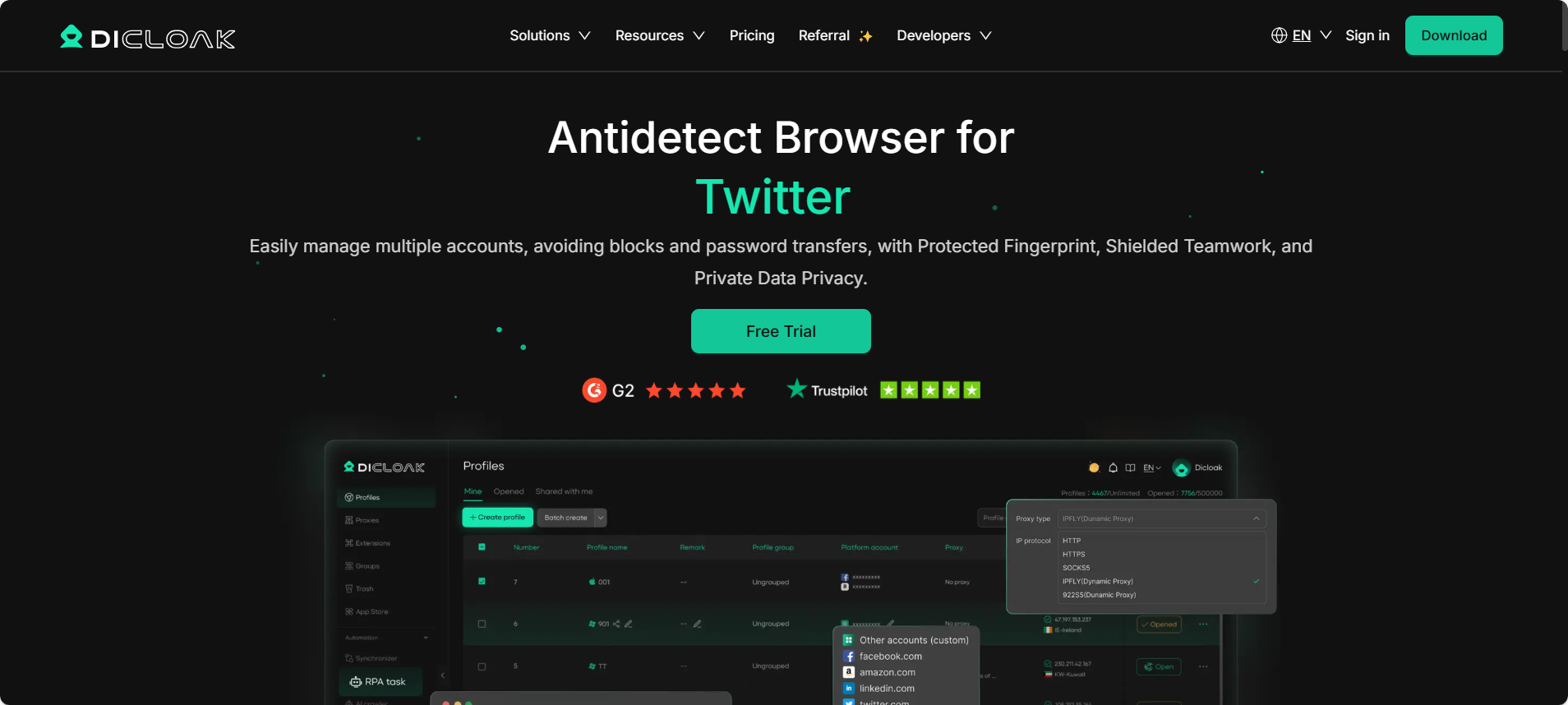
Key Features:
- Deep Fingerprint Masking: Protects against Canvas and WebGL tracking.
- Team Collaboration: Granular permission settings for safe sharing.
- Automation Support: seamless integration for scaling operations.
Pricing Overview: DICloak offers a free version for testing. Paid plans are affordable for the value provided. The Base plan starts at $8/month, while the Plus plan is around $28.8/month. Large teams can opt for the Share+ plan at $138/month.
Verdict: The best balance of high-end security and operational scalability for Twitter farming.
Multilogin: The Industry Standard for Enterprise-Grade Security
Multilogin is often considered the pioneer of the industry. It is built for large enterprises that cannot afford any downtime. They use two custom browsers, Mimic and Stealthfox, to ensure that your fingerprint matches your browser core perfectly. This reduces the risk of leaks significantly.
However, Multilogin has a downside: the cost. It is one of the most expensive options on the market. For smaller teams or solo operators, the high entry price might not offer enough ROI compared to more modern, affordable alternatives.
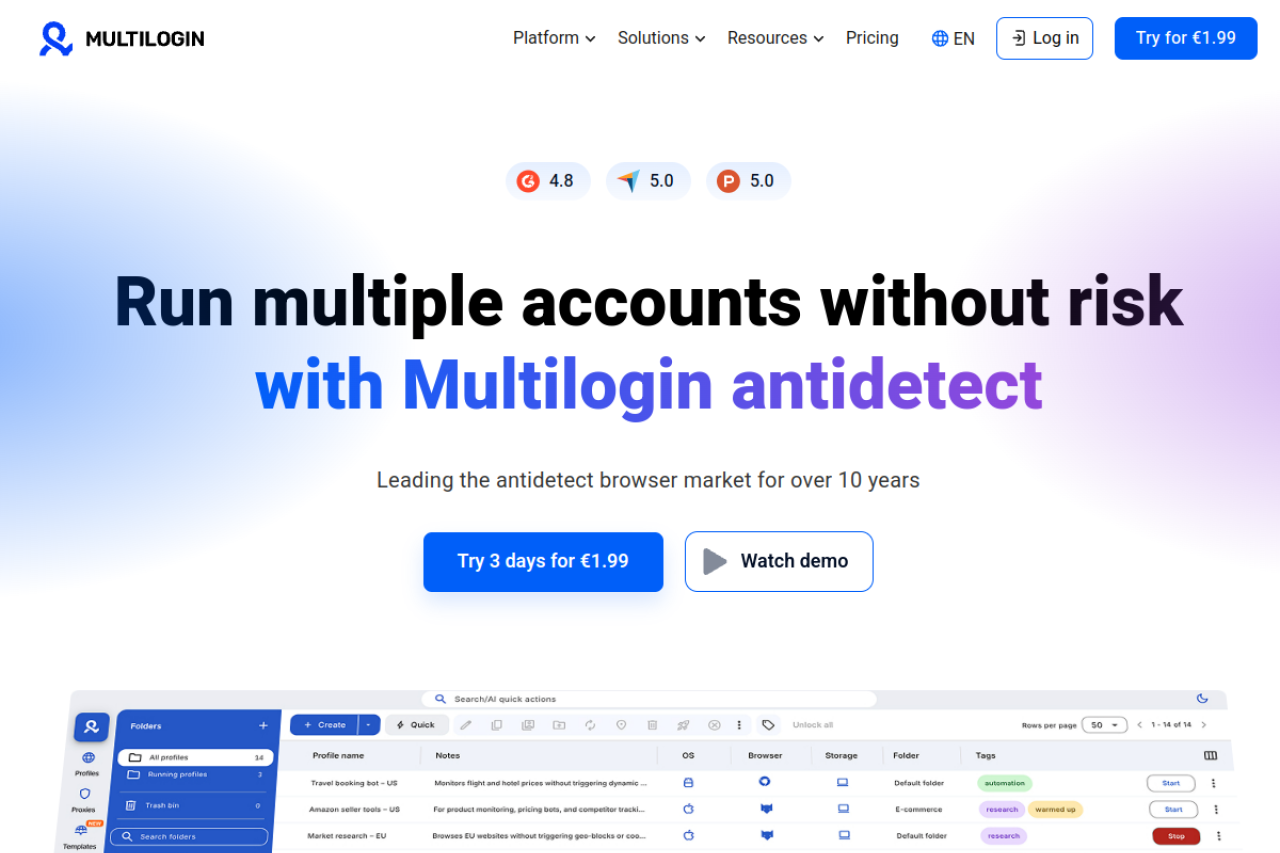
Key Features:
- Custom Browsers: Mimic and Stealthfox kernels.
- Automation API: High-end support for Selenium and Puppeteer.
- Data Encryption: Profiles are encrypted in the cloud.
Pricing Overview: Plans start at €99/month for 100 profiles. There is no free plan, only a paid 3-day trial for €1.99.
Verdict: Excellent technology, but the pricing is a barrier for many growing businesses.
GoLogin: Seamless Cloud-Based Profile Management
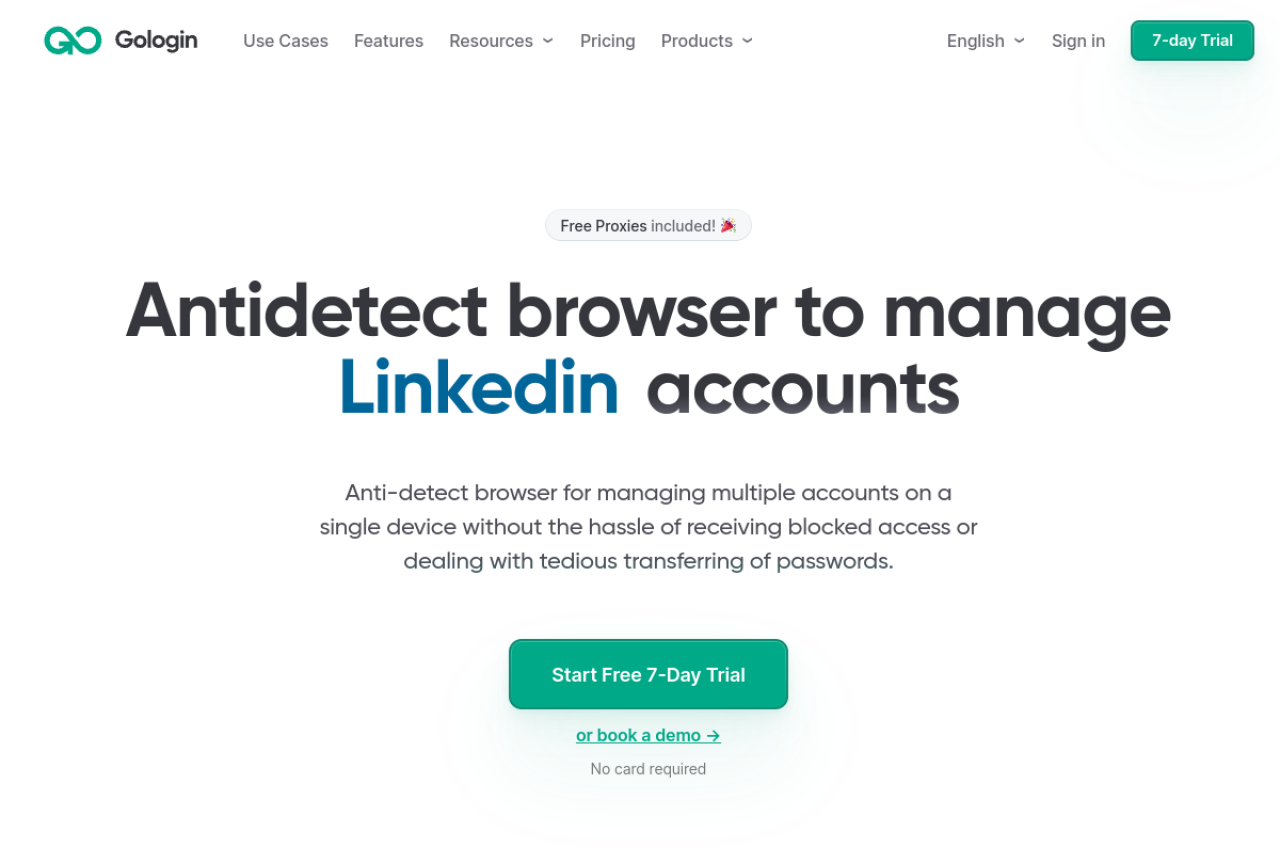
GoLogin takes a different approach by focusing on cloud accessibility. It allows you to run profiles directly from a cloud server using their "Orbita" browser. This is useful if you have a distributed team that needs access from different locations without syncing heavy local files. It also includes free proxies, which is a nice bonus for testing.
The main drawback is reliance on their cloud infrastructure. If their servers experience lag, your work slows down. Additionally, the free proxies provided are often flagged by X, so you will still need to buy premium residential proxies for safety.
Key Features:
- Cloud Launch: Run profiles without local installation.
- Android App: Manage accounts from mobile.
- Free Proxies: Built-in VPN/Proxy options.
Pricing Overview: Professional plans start around $24/month (billed annually) or $49/month monthly. A free 7-day trial is available.
Verdict: Great for remote teams who need cloud access, but requires external high-quality proxies for Twitter.
AdsPower: Specialized Automation for Affiliate Marketers
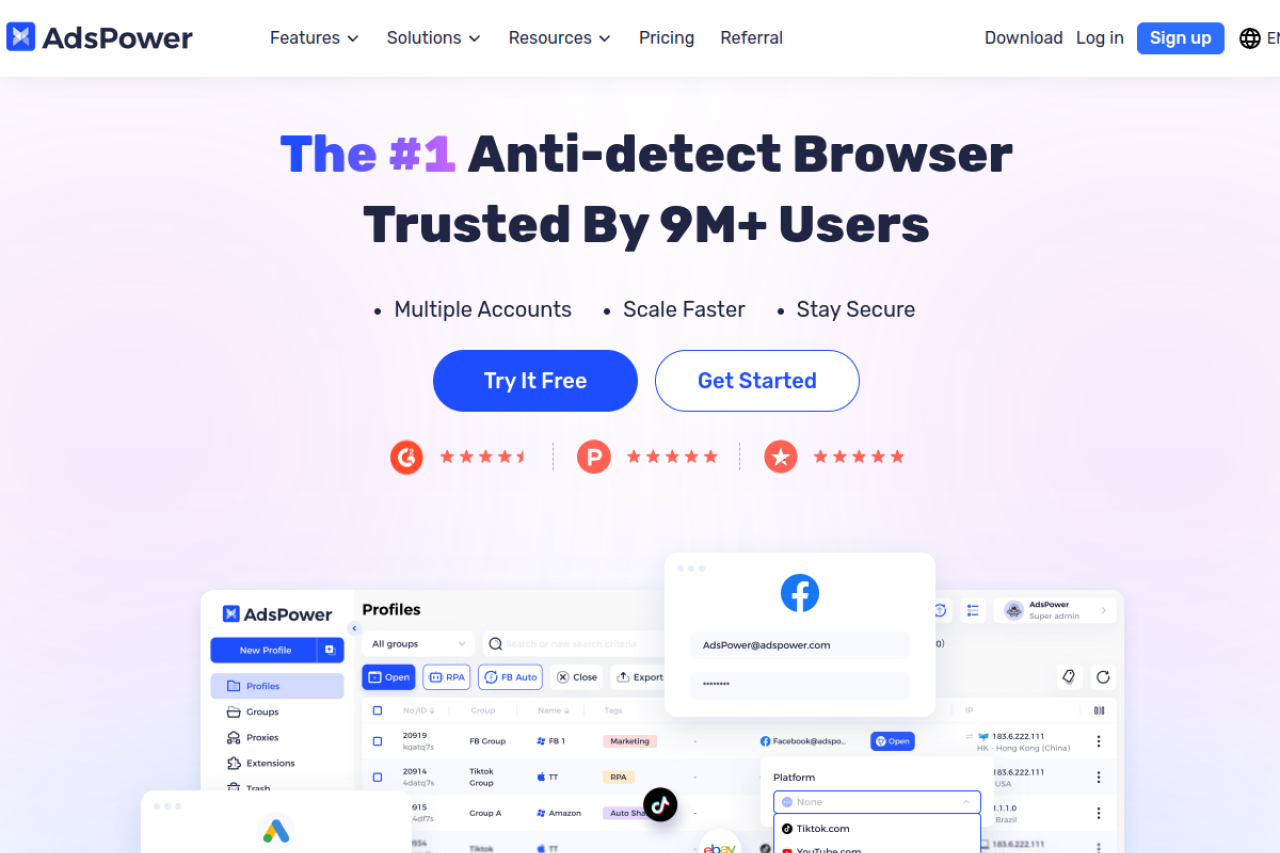
AdsPower is a favorite among affiliate marketers in Asia and Europe. It is known for its "RPA" (Robotic Process Automation) robot. This feature lets you program repetitive tasks—like liking tweets or following users—without needing to write code. For a Twitter automation software safe strategy, this visual builder is very helpful.
The con here is the interface. It is packed with features and can be overwhelming for beginners. The learning curve is steeper than other tools.
Key Features:
- RPA Robot: No-code automation builder.
- Dual Browser Core: Supports both Chromium and Firefox engines.
- Synchronizer: Control multiple windows at once.
Pricing Overview: Very flexible pricing model. You can pay as little as $9/month depending on how many profiles and team members you need.
Verdict: Powerful for automation-heavy workflows, provided you take the time to learn the UI.
Dolphin {anty}: Optimized for Traffic Arbitrage and Crypto Teams
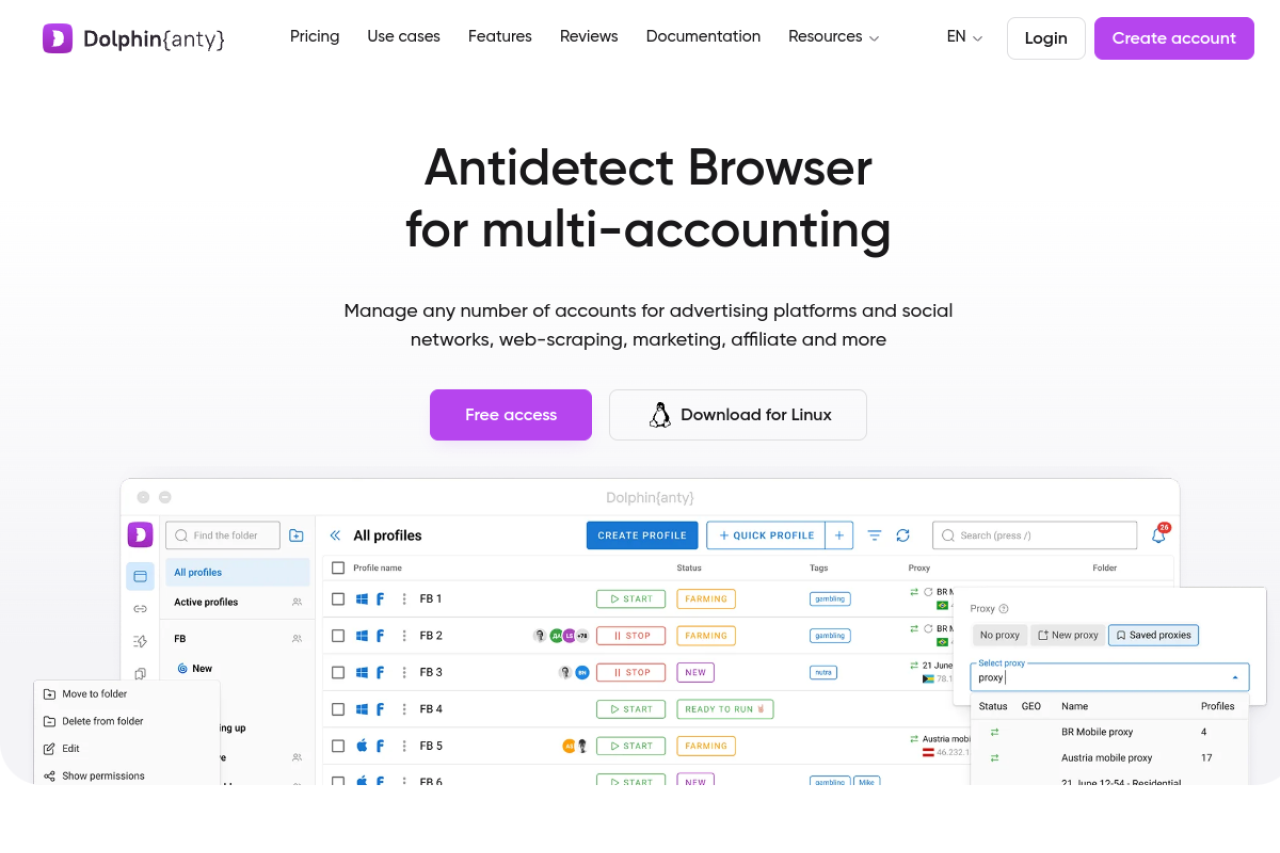
Dolphin {anty} was built by marketers for marketers. It is highly popular in the crypto and arbitrage space. The interface is modern and intuitive. It includes a "Cookie Robot" that visits websites to build a history before you log into X. This makes your account look "warmed up" and trustworthy.
However, users have reported occasional stability issues during major updates. While the team fixes them quickly, stability is crucial when managing hundreds of accounts.
Key Features:
- Cookie Robot: Automates account warm-up.
- Status Tags: Easy visual management of account health.
- Native Integration: Connects easily with Facebook and Google ads tools.
Pricing Overview: They offer a generous free plan for 10 profiles. Paid plans start at $89/month for 100 profiles.
Verdict: Best UX for media buyers, but watch for stability during updates.
Incogniton: Privacy-First Management for Isolated Profiles
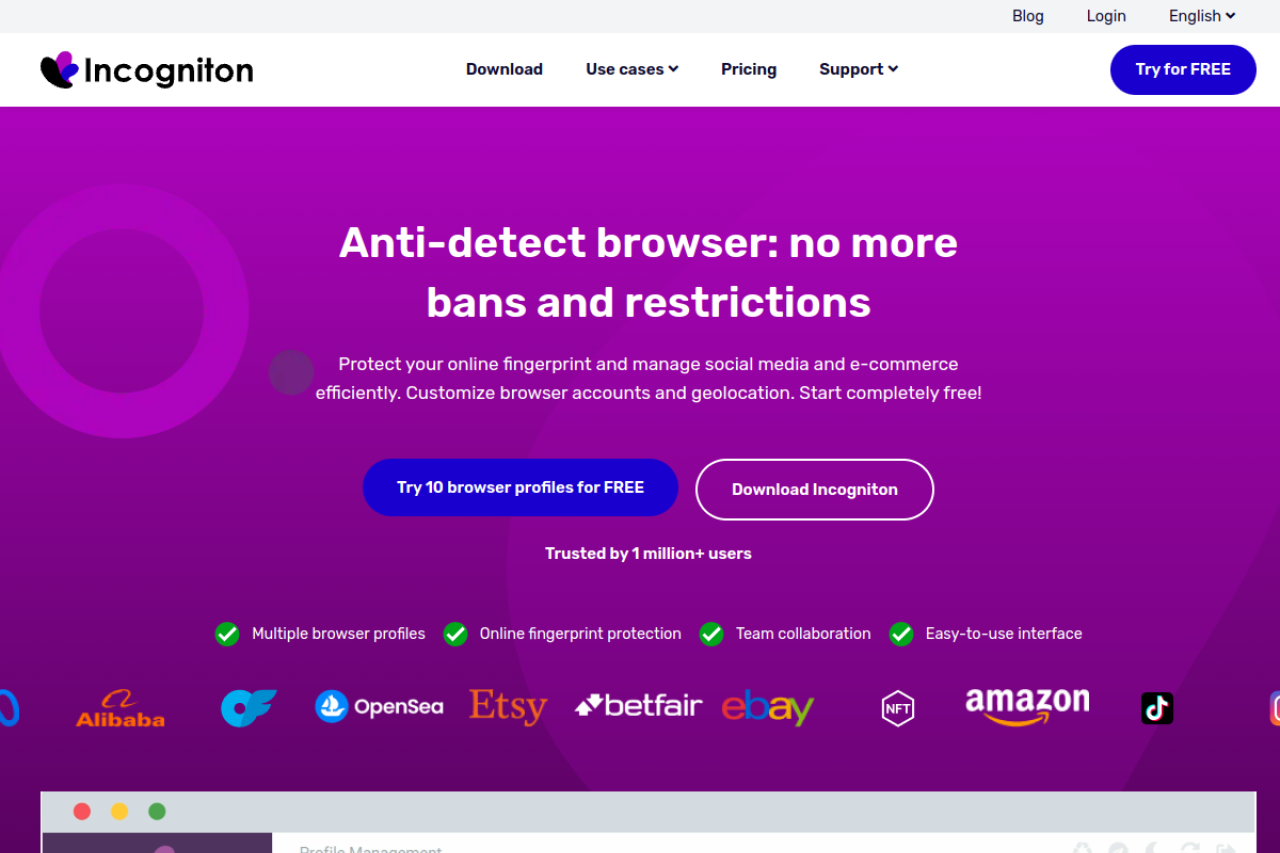
Incogniton positions itself as a privacy-focused tool. It allows for creating isolated browser profiles. One unique feature is the "Paste as Human Typing" tool, which simulates natural keystrokes when you paste passwords or text. This helps bypass behavioral detection on X.
The downside is performance. Incogniton can be resource-heavy. If you run many profiles simultaneously on an older computer, you might experience significant lag.
Key Features:
- Human Typing Simulation: Mimics real user input behavior.
- Data Sync: Backs up profile data to the cloud.
- Selenium Support: Good for coders.
Pricing Overview: Includes a free starter plan for 10 profiles. Paid packages start at $29.99/month for 50 profiles.
Verdict: Good for solo users on a budget, but demands a powerful computer for multitasking.
Browser.lol: Disposable Virtual Instances for High Anonymity
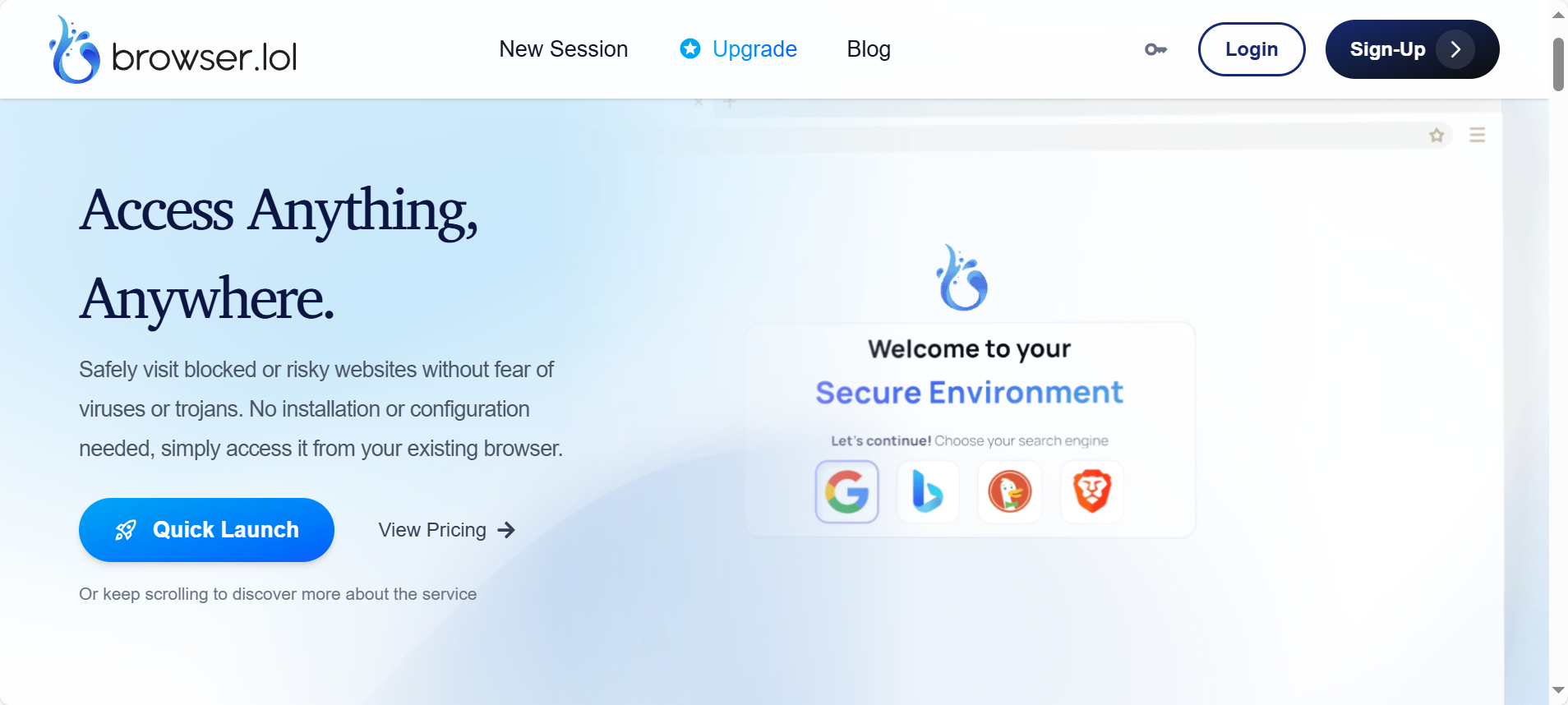
Browser.lol offers a unique concept: disposable browsers. Instead of managing a long-term profile on your machine, you stream a browser from their server. This ensures that no local footprint exists on your device.
The major con for Twitter management is continuity. Twitter requires consistent cookies and history. Disposable sessions are not ideal for maintaining long-term accounts because the environment changes too often. It is better for one-time tasks.
Key Features:
- Cloud Streaming: Browser runs on a remote server.
- Residential IPs: Integrated directly into the session.
- Zero Footprint: Nothing is stored locally.
Pricing Overview: You can pay $9/month or opt for a one-time "Browser Unlock" fee of $24.
Verdict: excellent for anonymity, but difficult to use for long-term Twitter account farming.
Octo Browser: Precision Engineering for Complex Fingerprint Checks
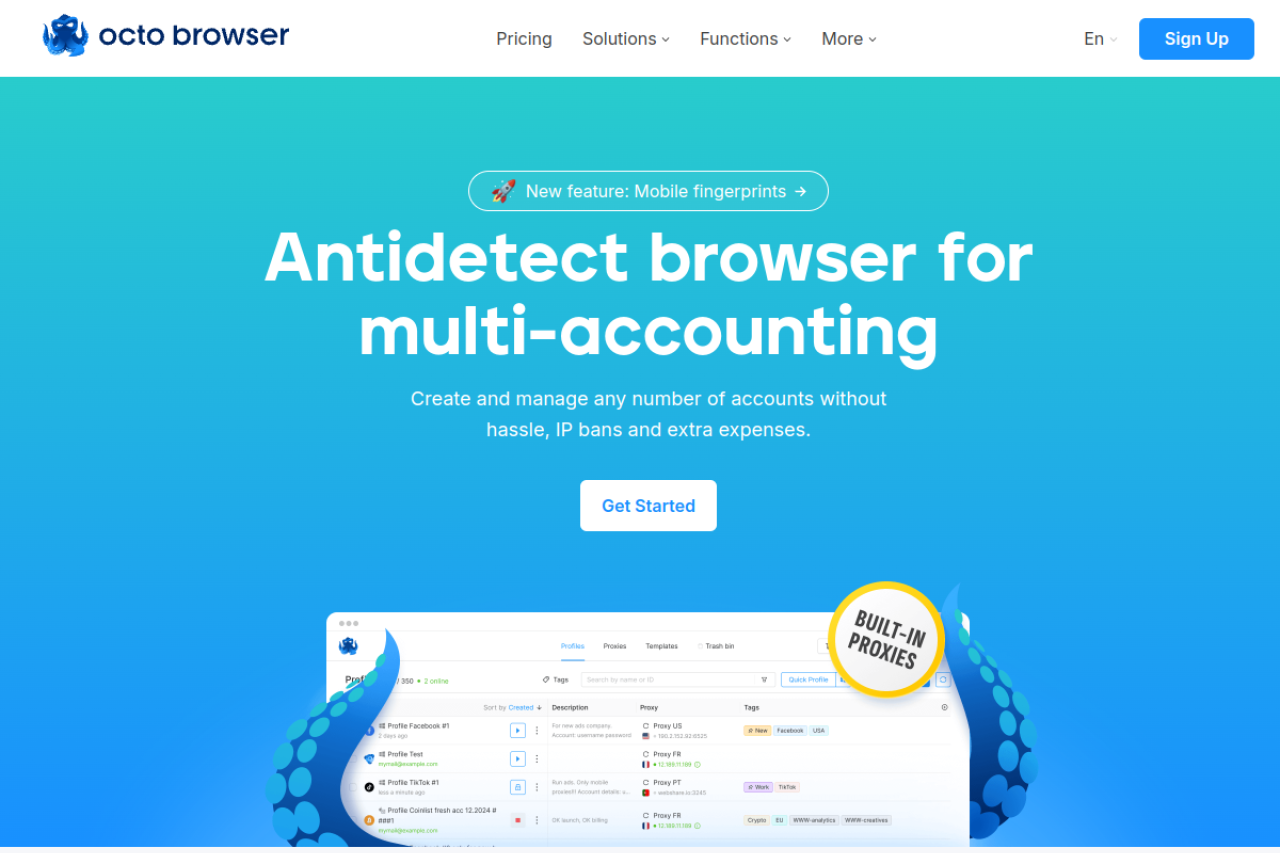
Octo Browser is designed to beat the toughest detection systems. It claims to pass checks that other browsers fail. Its architecture mimics real devices with high precision. It supports unlimited devices, meaning you can log in from as many computers as you want without extra fees.
The drawback is the pricing structure for small teams. The entry-level plans are quite limited in terms of profile count compared to competitors like AdsPower.
Key Features:
- Real Device Spoofing: Passes deep system checks.
- Unlimited Devices: No login limits for teams.
- Fast Loading: Optimized for performance.
Pricing Overview: Starts at €29/month for the Starter plan. The Base plan, which offers more utility, is €79/month.
Verdict: A powerful tool for technically demanding environments, but pricey for beginners.
MoreLogin: Enhanced Security for Global E-commerce and SMM
MoreLogin targets the e-commerce and social media sectors specifically. It uses "Canvas Fingerprint" technology to create realistic drawings that trick tracking bots. This is essential for any modern Twitter multi-account management tool. It emphasizes secure profile sharing, allowing you to assign accounts to employees and revoke access instantly.
A disadvantage is that it is a newer player in the market. It does not have the years of proven stability that Multilogin or GoLogin have, though it is improving fast.

Key Features:
- Canvas Tech: Advanced graphic fingerprinting.
- Profile Sharing: Secure permission management.
- Automation: API support for scaling.
Pricing Overview: They offer a free tier for 2 profiles. Paid plans start roughly at $9/month for 10 profiles, scaling up with usage.
Verdict: A solid, secure choice for agencies, though less battle-tested than older competitors.
Hidemium: Advanced Mobile Device Simulation for Twitter Apps
Hidemium excels at mobile simulation. Since most real Twitter users are on mobile, simulating a desktop can sometimes look suspicious. Hidemium allows you to mimic Android or iOS devices accurately. It includes drag-and-drop automation features to help you build workflows visually.
The primary con is the cost for the Business plan. To unlock the full potential for a large agency, the price jumps significantly compared to the lower tiers.
Key Features:
- Mobile Emulation: Simulates Android/iOS environments.
- Visual Automation: Drag-and-drop workflow builder.
- Cookie Management: Easy import/export tools.
Pricing Overview: Basic plans are affordable at $15/month. However, the Business tier jumps to $420/month, which is a steep investment.
Verdict: The best choice if your strategy relies heavily on mobile-specific Twitter features.
Operational Strategy: Scaling Your Business with an Antidetect Browser for Twitter (X)
Selecting the right software is only the first step. Even the most advanced tool cannot save you if your daily habits trigger security alarms. You need a proven roadmap to manage daily operations without getting banned. This section serves as your essential Twitter account farming guide 2026. It outlines the exact Standard Operating Procedures (SOPs) required to turn a technical setup into a profitable, scalable business machine.
Proxy Integration: Why Mobile 4G and Residential Proxies are Mandatory
Your IP address is your digital passport. In 2026, X's security AI can instantly detect cheap datacenter IPs. These IPs come from server farms, not real homes or phones. If you use them, your accounts will be restricted immediately. To look like a real user, you must use mobile 4G proxies for X or high-quality residential proxies.
Mobile 4G proxies are the gold standard. They route your connection through real cellular networks. Because mobile towers share IP addresses among thousands of real people, X cannot easily ban a mobile IP without blocking innocent users. This gives your accounts a high "trust score" by default.
Residential proxies are your second best option. These use legitimate home Wi-Fi connections. When you configure your browser profile, ensure you stick to one consistent location. Do not log in from New York in the morning and London in the afternoon. Consistent, high-quality connection data is just as important as the browser fingerprint itself.
The 14-Day Account Warming SOP: Building Social Trust
You cannot launch a marketing campaign on a brand-new account. X treats fresh accounts with suspicion. You must "warm" them up to prove they are human. This process builds a history of HTTP cookies that validates your identity. Follow this strict schedule:
- Days 1–3 (Passive Phase): Log in and do very little. Scroll through the "For You" feed for 5 minutes. Follow 2 or 3 verified accounts, such as major news outlets or celebrities. Do not like, retweet, or post anything.
- Days 4–7 (Engagement Phase): Like 2 to 3 tweets per day. Retweet one popular, non-controversial post. Change your profile picture or bio slightly. Do not include any external links.
- Days 8–14 (Active Phase): Post one original text tweet (no links). Reply to a trending topic with a short, relevant sentence. Continue scrolling to generate behavioral data.
By Day 15, your account has a history of normal behavior. You can now slowly begin your marketing activities. Skipping this warm-up period is the number one cause of immediate account suspension.
Mass Automation: Using Synchronizers for Multi-Profile Execution
Once you have 50 or 100 warmed accounts, manual management becomes impossible. You need speed to generate ROI. This is where Twitter affiliate marketing automation strategies come into play. However, using bots that access the API can be risky. A safer method is using a "Synchronizer" feature.
Tools like DICloak offer built-in synchronizers. This feature allows you to open multiple browser windows side-by-side. You perform an action in one "Master" window—like typing a tweet or clicking follow—and the software replicates that exact action across all other open windows instantly.
This method mimics human manual input, which is harder for X to detect than script-based bots. Warning: Always use the "random delay" setting if your tool supports it. If 100 accounts tweet at the exact same millisecond, you will trigger a bot filter. Efficiency is key, but unpredictability is what keeps your accounts safe.
Frequently Asked Questions about Antidetect Browser for Twitter (X)
Running a scalable marketing operation requires the right infrastructure. If you are new to using an Antidetect Browser for Twitter (X), you likely have concerns about safety and compliance. Below are the direct answers to the most critical technical and legal questions for business owners and agencies.
Is using an antidetect browser for Twitter legal?
Yes, managing your own data privacy is legal in most regions. An Antidetect Browser for Twitter (X) is simply a tool that protects your device identity. However, you must still follow the platform's rules. If you use these tools to spam, commit fraud, or harass users, you violate X’s Terms of Service and risk account suspension.
How do I prevent a shadowban on X in 2026?
To avoid Twitter shadowban antidetect triggers, you must maintain a consistent digital fingerprint. Ensure your browser profile's time zone, language, and font settings match your proxy location perfectly. Avoid aggressive automation on new accounts. You should always warm up profiles manually for at least 14 days before starting any marketing campaigns.
Can I use free proxies with these browsers?
No, using free proxies is the fastest way to lose your accounts. Free IP addresses are typically flagged on global blacklists because thousands of people use them simultaneously. For a secure business, you must invest in the best residential proxies for Twitter or mobile 4G proxies. These provide a clean, high-trust IP address that looks like a real user.
What is the difference between an antidetect browser and an incognito window?
Incognito mode only stops your computer from saving your history and cookies locally. It does not hide your device's hardware fingerprint from Twitter. An antidetect browser completely changes your digital fingerprint (such as Canvas, WebGL, and Audio data). This makes you look like a completely different user on a fresh computer.
How many X accounts can I safely manage per profile?
The strict rule for enterprise security is a 1:1 ratio. You should assign exactly one Twitter account to one browser profile. Mixing multiple accounts in a single profile causes cookie overlap. This links your accounts together. If Twitter detects one bad account, they will ban every account linked to that profile.
Conclusion
In today’s X ecosystem, bans are rarely caused by a single mistake—they happen because accounts share the same invisible device identity. Using an Antidetect Browser for Twitter (X) is the only reliable way to control fingerprints, maintain behavioral consistency, and build long-term account trust. When combined with quality residential or mobile proxies, proper warming procedures, and disciplined daily operations, antidetect browsers allow teams to scale without falling into shadowbans or verification loops. Among all options reviewed, DICloak offers the strongest balance of fingerprint stability, team collaboration, and automation readiness, making it a practical foundation for serious Twitter (X) multi-account management in 2026.
 Web Proxy Tools
 Free Tools
 Cookie Plugin
 UA Generator
 MAC Address Generator
 IP Generator
 IP Address List
 2FA Code Generator
 World Clock
 Anonymous Check
 WebRTC Leak Test
 UUID Generator
 Free Web Proxy Site
 Proxy Checker
 FB Ad Checker
 AI Web Scraping
 Free SMM Tools
 Twitter Shadowban Checker
 Instagram Name Checker
 UTM Generator
 Username Generator
 AI Hashtag Generator
 LinkedIn Headline Generator
 Social Media Image Resizer