Managing multiple accounts online used to be easy. In 2026, it is a war. Platforms like Facebook, TikTok, and Amazon use powerful AI to find and ban users instantly. If you run a business with multiple accounts, you cannot rely on luck. You need the Best Antidetect Browser to stay safe. Traditional privacy tools are no longer enough to stop mass account bans.
Years ago, websites only tracked your cookies and IP address. If you cleared your cookies and turned on a VPN, you looked like a new user. That method is now obsolete.
Today, anti-fraud systems look at your digital fingerprint. This is a unique ID created from your specific computer hardware. Websites scan your screen resolution, your installed fonts, your battery level, and even your graphics card model. This tracking technique is known as device fingerprinting.
In 2026, security AI also analyzes your behavior. It watches how you type and how you move your mouse. If your hardware "fingerprint" looks the same across ten different accounts, the system knows it is just one person. The Best Antidetect Browser solves this by spoofing (faking) these hardware details for every single profile you create.
The High Cost of Account Contamination in Performance Marketing
For ad agencies and crypto farmers, data leakage is expensive. This issue is called "Account Contamination."
Imagine you spend weeks warming up 50 high-value ad accounts. One account gets flagged for suspicious activity. Because you did not use the Best Antidetect Browser to isolate them, the platform's AI links that one bad account to your other 49 accounts. Suddenly, you lose your entire business infrastructure in seconds. This is often called a "chain ban."
To stop this, you need a specialized tool like DICloak. It creates a separate, isolated "virtual computer" for every account. This prevents platforms from linking your profiles, keeping your revenue stream safe from sudden shutdowns.
Technical Solutions Provided by the Best Antidetect Browser
To defeat the advanced tracking methods we just discussed, simple privacy plugins are not enough. You need the Best Antidetect Browser to actively manage and hide your digital identity. These tools do not just block trackers, which often looks suspicious to security bots. Instead, they use advanced spoofing technology to feed fake but realistic information to the websites you visit. This makes every account look like it is coming from a completely different person on a different computer.
Hardware Parameter Spoofing: RAM, CPU, and Resolution
When a website utilizes device fingerprinting, it reads your computer's physical components. It checks how many CPU cores you have, how much RAM is installed, and the exact resolution of your screen. If you run 50 accounts from the same laptop, this hardware data will be identical for all of them. This triggers an immediate ban.
High-quality antidetect software solves this by replacing your real hardware data with a virtual profile.
- Canvas Fingerprinting: This is how your browser draws 2D graphics. The software adds invisible "noise" to the image, creating a unique hash for every profile.
- WebGL Readout: This identifies your graphics card. The browser can report that you are using an "Apple M2" chip even if you are actually on a Windows PC.
- Media Devices: It creates unique lists of microphones and cameras for each profile so they do not share the same hardware IDs.
Advanced User-Agent and Platform Emulation Tactics
Your User-Agent is a line of text that tells a website what software you are using. For example, it might say: "Mozilla/5.0 (Windows NT 10.0; Win64; x64)...".
However, changing just this text is dangerous. If your User-Agent says you are using an iPhone, but your computer behaves like a desktop (with a mouse cursor instead of touch events), security systems will flag you as a bot. The Best Antidetect Browser ensures consistency.
If you select a mobile profile, the browser will:
- Simulate touch screen events instead of mouse clicks.
- Adjust the screen resolution to match a real phone.
- Hide desktop-specific features like battery status APIs that do not exist on mobile.
Cookie Isolation and Profile Sandboxing Architecture
The most common reason for mass account bans is data leaking between tabs. In a standard browser like Chrome, all tabs share the same "local storage." If you log into Account A and then Account B, Facebook can see traces of Account A in your browser's cache.
Antidetect browsers use a technique called "Sandboxing." They create secure, isolated browser profiles that act like separate containers.
Tools like DICloak specialize in this architecture. When you close a profile, all its cookies, history, and local storage are saved inside that specific container. When you open a different profile, the browser loads a completely fresh environment. This guarantees that no two accounts ever cross paths, effectively stopping "chain bans" before they start.
Critical Selection Criteria for the Best Antidetect Browser
Now that we understand the technology behind spoofing and sandboxing, we must choose the right tool. With dozens of options on the market, finding the Best Antidetect Browser can feel overwhelming. You cannot afford to pick a tool that leaks your real data.
In 2026, security standards are higher than ever. A basic VPN is no longer enough. You need a strict evaluation framework to protect your business. Below are the three non-negotiable features you must look for before you subscribe to any service.
Reliability of Mobile Fingerprint Emulation
Most social media platforms today, especially TikTok and Instagram, trust mobile users more than desktop users. Because of this, many marketers try to make their computer look like a phone. This is where cheap tools fail.
A low-quality browser will only change your User-Agent string (the text that identifies your device). It might say "I am an iPhone 15," but your computer will still send data that belongs to a desktop, such as mouse hover events or a landscape screen resolution. Security algorithms detect this mismatch instantly.
To pass these checks, the browser must support full mobile emulation. It needs to simulate:
- Touch Events: It must report that you are tapping a screen, not clicking a mouse.
- Battery Status API: Real phones have batteries that drain; desktops usually do not report this.
- Screen Orientation: It must match the vertical layout of a smartphone.
RPA and No-Code Automation Capabilities
Managing one or two accounts is easy. Managing 50 accounts is impossible without help. If you try to manually "warm up" 50 Facebook accounts by visiting websites every day, you will burn out.
This is why Automation is a critical selection factor. In the past, you needed to hire a programmer to write code for this. Today, the best tools offer No-Code RPA (Robotic Process Automation).
Think of this like a digital tape recorder. You press "Record," perform a task (like scrolling a news site and clicking a link), and then press "Stop." The browser saves this action. You can then tell the software to repeat that exact action across 100 different profiles automatically. This is essential for farming accounts efficiently.
Team Collaboration and Secure Session Transfer
The fastest way to get an account banned is to share the password with a team member in a different city. When they log in, the website sees a new device and a new location. This triggers a security checkpoint or a "Suspicious Login" warning.
When choosing an antidetect browser, look for Cloud Profile Syncing. This allows you to transfer the entire browser session, not just the login details.
- You log in and save the cookies.
- The profile syncs to the cloud.
- Your team member opens the same profile on their computer.
- They are already logged in.
The website sees the same browser fingerprint and the same cookies, so it assumes it is the same user. This feature eliminates the friction of 2FA codes and password sharing.
Reviews: Finding the Best Antidetect Browser for Your Needs in 2026
We have covered why you need protection and the technical features that matter. Now, we must look at the tools themselves. Finding the Best Antidetect Browser in 2026 is not about picking the most expensive option. It is about finding the tool that fits your specific workflow, whether that is affiliate marketing, crypto farming, or agency ad management.
Below is a direct comparison of the top ten tools on the market. We analyzed them based on security, automation features, and price-to-performance ratio.
Quick Comparison Matrix
| Browser |
Best Use Case |
Starting Price |
Free Plan? |
| DICloak |
Overall Best for Security & Teams |
$8/mo |
Yes |
| Multilogin |
Enterprise Scale & Privacy |
€9/mo |
No |
| GoLogin |
Cloud Execution & Android |
$49/mo |
Trial |
| AdsPower |
No-Code Automation (RPA) |
$9/mo |
Yes |
| Hidemium |
MMO Gaming & Speed |
~$15/mo |
Yes |
| BitBrowser |
Budget & Large Scale |
$10/mo |
Yes |
| Undetectable.io |
Local Profile Management |
$49/mo |
Yes |
| HideMyAcc |
E-commerce & Social Media |
$10/mo |
No |
| IxBrowser |
Entry Level E-commerce |
$3.99/mo |
Yes |
| Kameleo |
Advanced Mobile Emulation |
€59/mo |
Yes |
DICloak: Seamless Multi-Account Isolation for Beginners
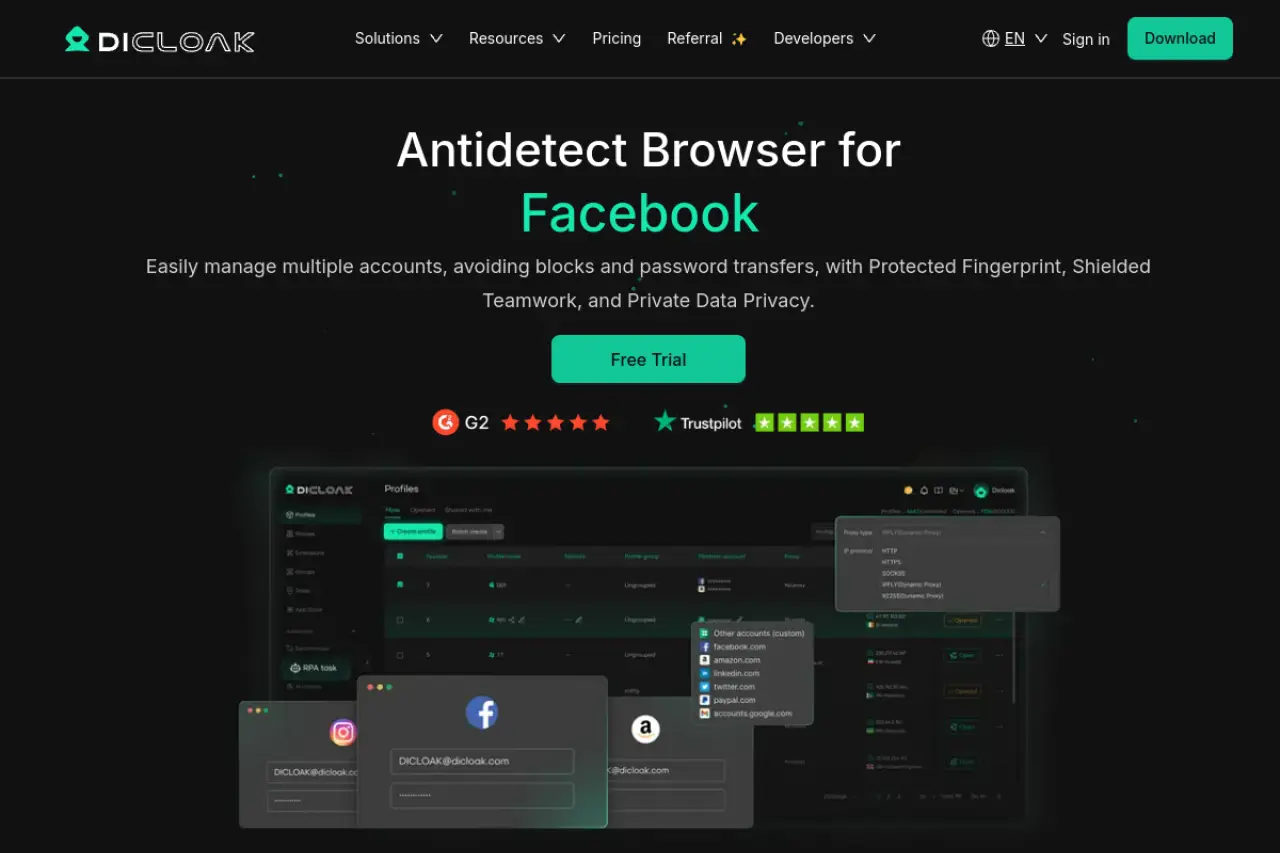
DICloak stands out in 2026 as the most accessible yet powerful solution for both beginners and teams. It balances high-level security with an interface that does not require a coding degree. If you need to manage multiple accounts without worrying about "chain bans," this is the top recommendation.
Key Features:
- Custom Fingerprints: Automatically generates unique hardware hashes for every profile.
- RPA Automation: Built-in bots handle repetitive tasks to warm up accounts.
- Team Sync: Share profiles with team members without sharing passwords.
- Window Synchronizer: Control multiple browser windows simultaneously.
Pricing:
- Free: $0/month for 5 profiles.
- Base: $8/month for basic team features.
- Plus: $28.8/month for full RPA access.
- Share+: $138/month for unlimited team seats.
Verdict: DICloak is the Best Antidetect Browser for users who want enterprise-grade security at a fair price. The free plan is generous, making it perfect for testing.
Multilogin: The Premium Standard for Enterprise Scale
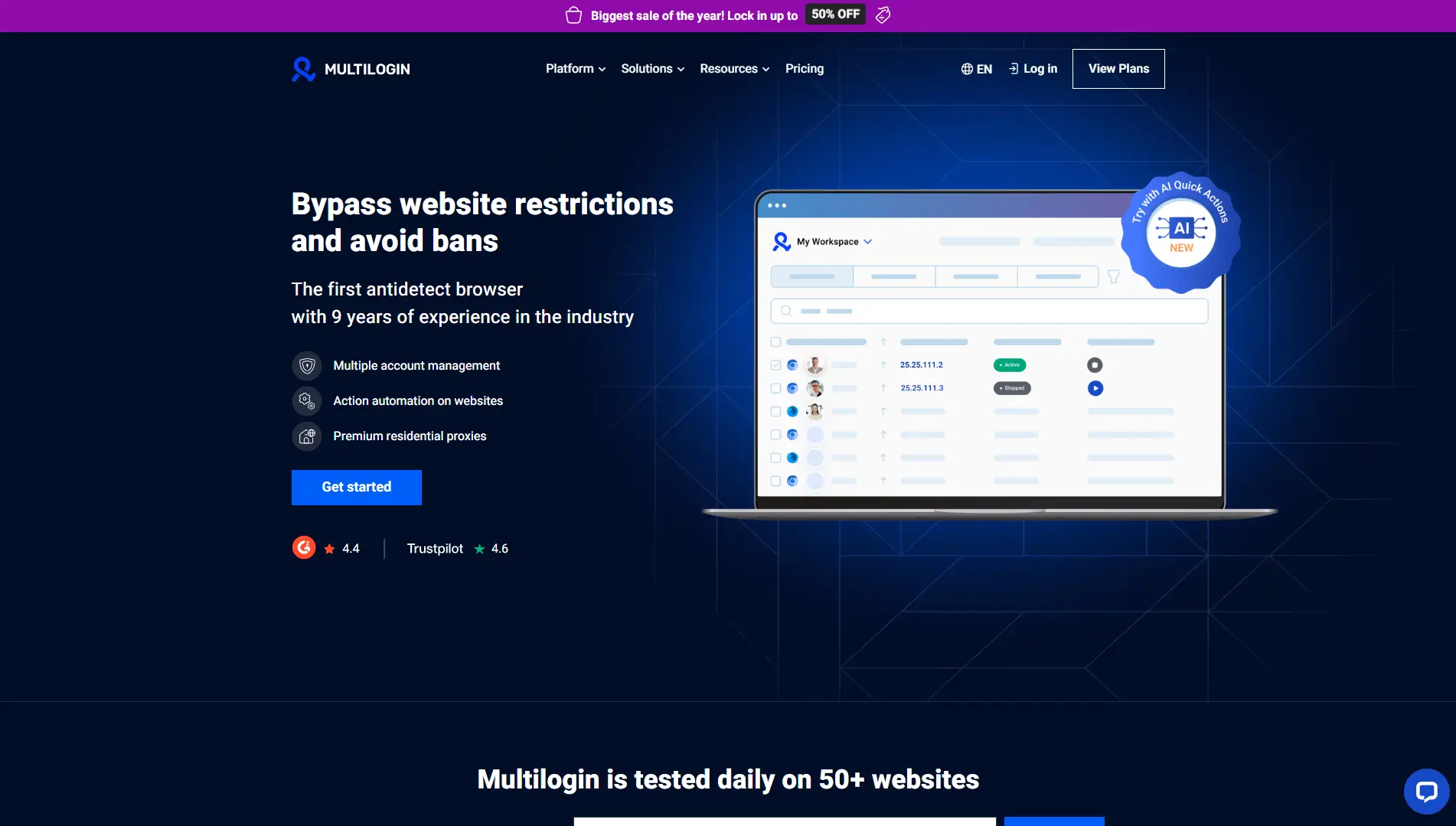
Multilogin is often called the pioneer of the industry. It targets large enterprises that cannot afford even a single leak. It uses two custom privacy browsers: Mimic (based on Chrome) and Stealthfox (based on Firefox).
Key Features:
- Native Privacy Engines: Browsers built from the ground up for privacy.
- Automation API: Supports Playwright and Selenium for custom coding.
- Cloud Storage: Encrypted profile data stored securely in the cloud.
Pricing:
- Pro 10: €9/month for 10 profiles.
- Pro 50: €49/month for 50 profiles.
- Business: €159/month for 300 profiles.
Verdict: This is a heavy-duty tool. It is excellent for large teams with a high budget, but it might be too expensive for solo marketers.
GoLogin: Cloud-Based Management with Orbita Browser
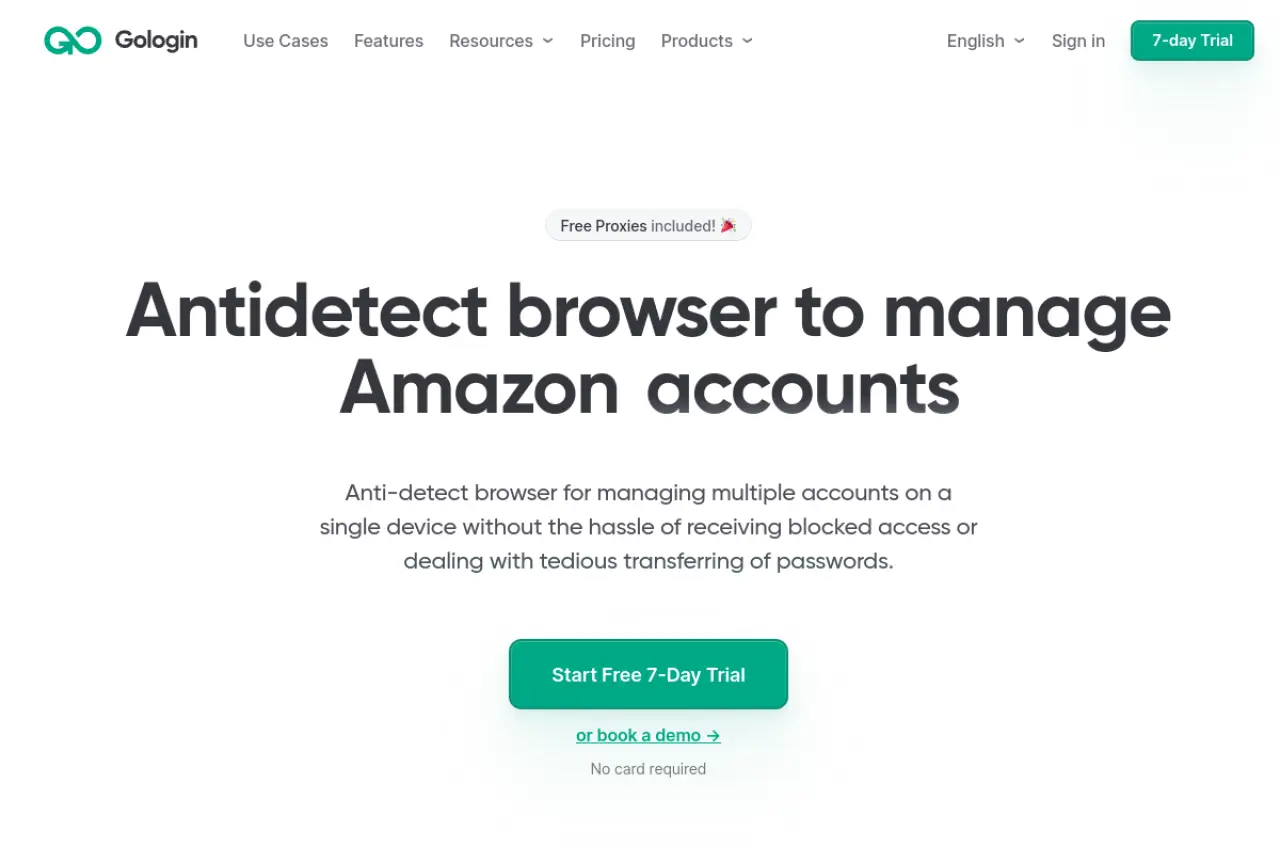
GoLogin differentiates itself by focusing on cloud execution. It allows you to run profiles on a cloud server rather than your local machine. This is great for keeping your real hardware completely hidden.
Key Features:
- Orbita Browser: A custom secure browser interface.
- Android App: Manage your profiles from a mobile device.
- Free Proxies: Includes free proxy traffic on some plans.
Pricing:
- Professional: $49/month for 50 profiles.
- Business: $119/month for 300 profiles.
- Enterprise: $199/month for 1,000 profiles.
Verdict: GoLogin is ideal if you travel often or need to manage accounts from an Android phone
AdsPower: Dominating with Advanced RPA and Cookie Robots
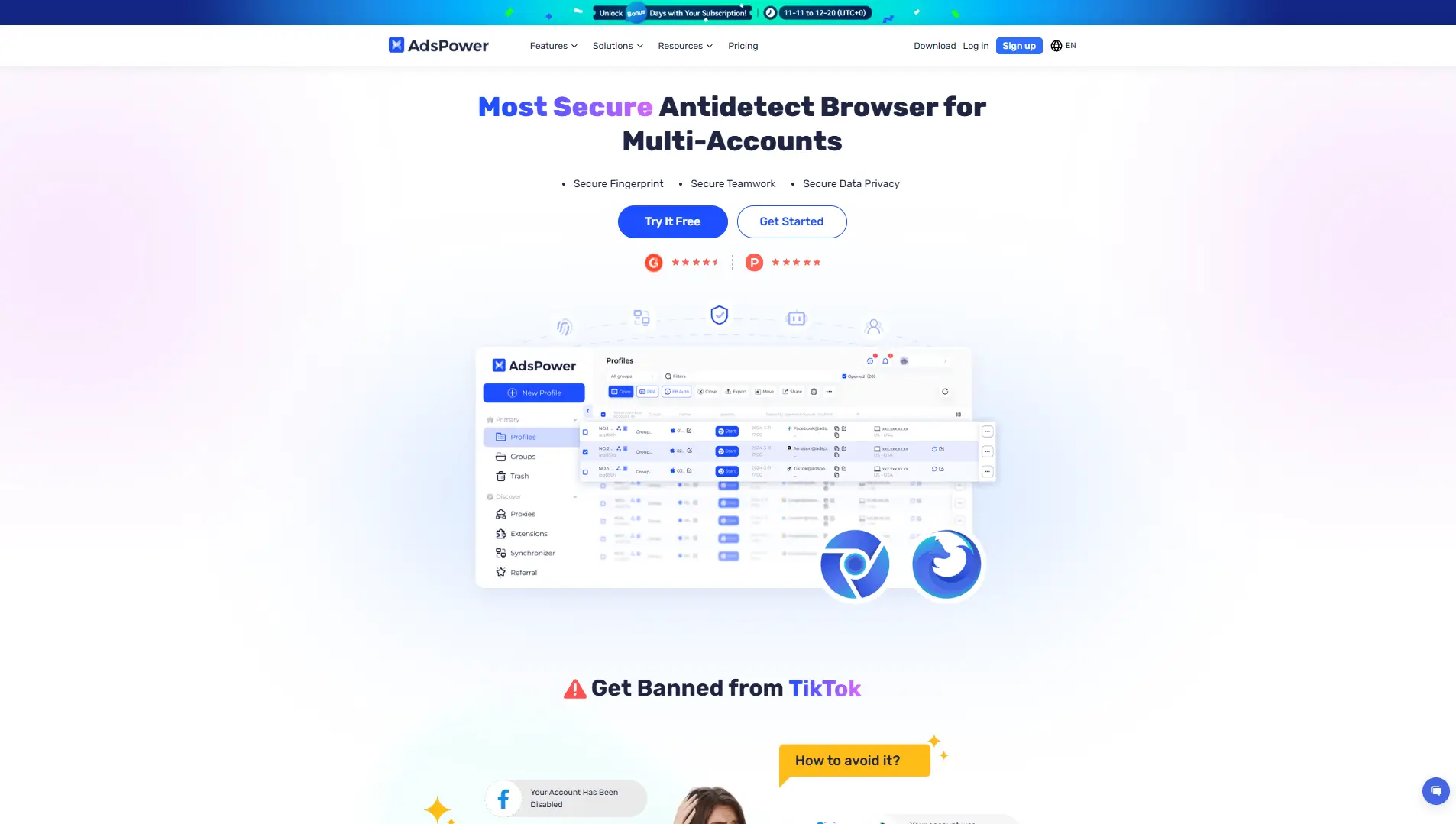
AdsPower is famous for its automation. It was one of the first to introduce "No-Code" RPA. This feature lets you record mouse clicks and replay them, which is essential for warming up Facebook ad accounts.
Key Features:
- RPA Robot: Automate social media tasks without code.
- Dual Engine: Choose between Chromium or Firefox kernels.
- Synchronizer: Type in one window, and it appears in all windows.
Pricing:
- Free: $0/month for 2 profiles.
- Professional: Starts at $9/month.
- Business: Starts at $61/month.
Verdict: If your main goal is farming or automating repetitive tasks, AdsPower is a strong contender.
Hidemium: Lightweight Performance for MMO and Gaming

Hidemium is built for speed. While many browsers are heavy and slow down your computer, Hidemium is optimized for users running many instances at once, such as gamers or crypto farmers.
Key Features:
- Visual Automation: Drag-and-drop bot creation.
- Mobile Emulation: Simulates phone environments efficiently.
- Resource Management: Uses less RAM than standard browsers.
Pricing:
- Free: 5 profiles.
- Basic: ~$15/month.
- Advanced: ~$20/month.
Verdict: Best for users with older computers or those running dozens of windows simultaneously.
BitBrowser: Global Kernal Development and Free Profiles
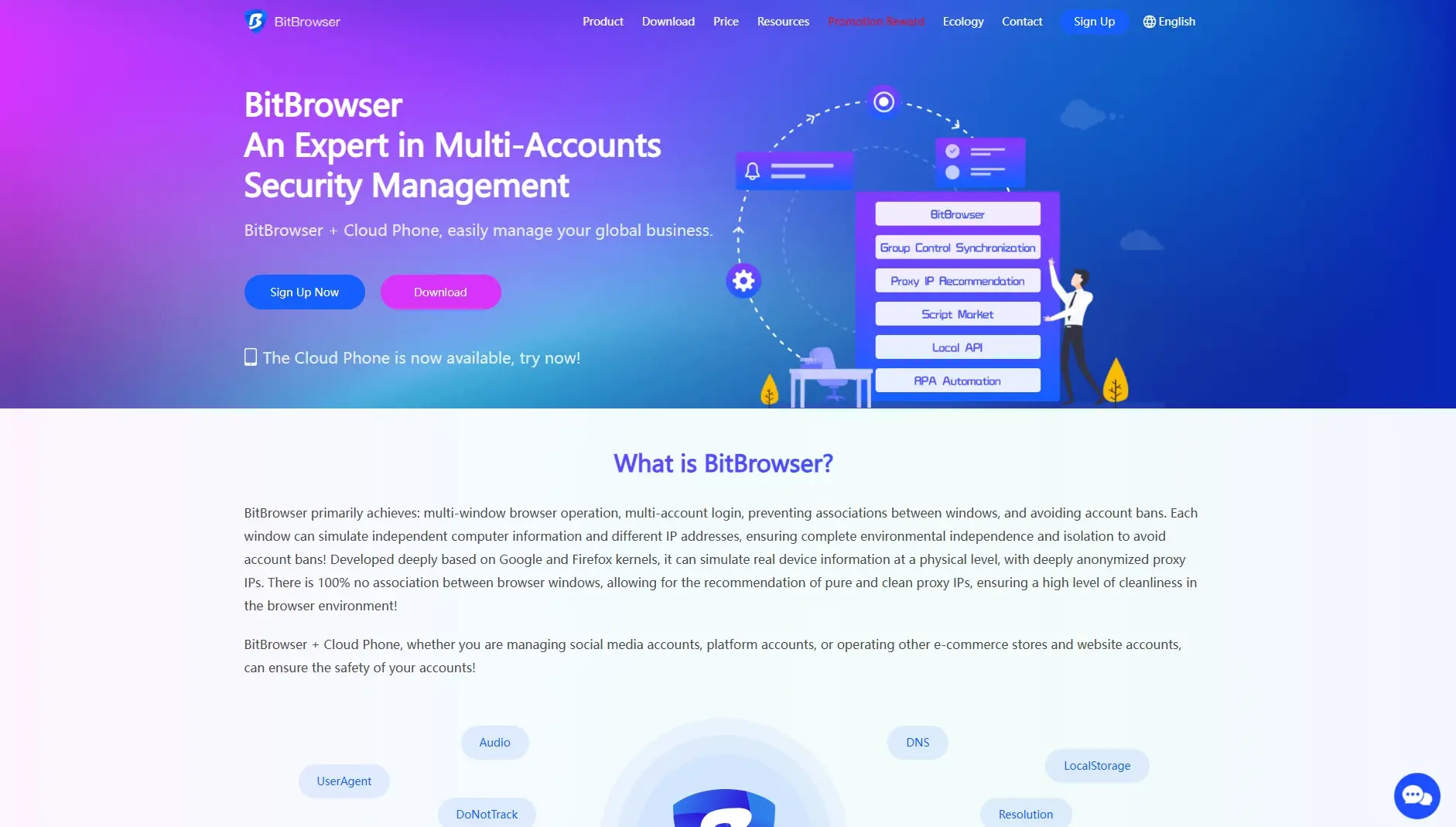
BitBrowser is a budget-friendly option that offers deep customization. It provides a permanent free tier that is larger than most competitors, making it popular in the crypto airdrop community.
Key Features:
- Cloud Phone: Virtual Android environment support.
- Extension Market: Easy access to Chrome extensions.
- Group Control: Manage employees and permissions easily.
Pricing:
- Free: $0/month for 10 profiles.
- Base: $10/month for 50 profiles.
Verdict: The best choice for users with a $0 budget who need more than just 2 or 3 profiles.
Undetectable.io: Flexibility Between Local and Cloud Profiles
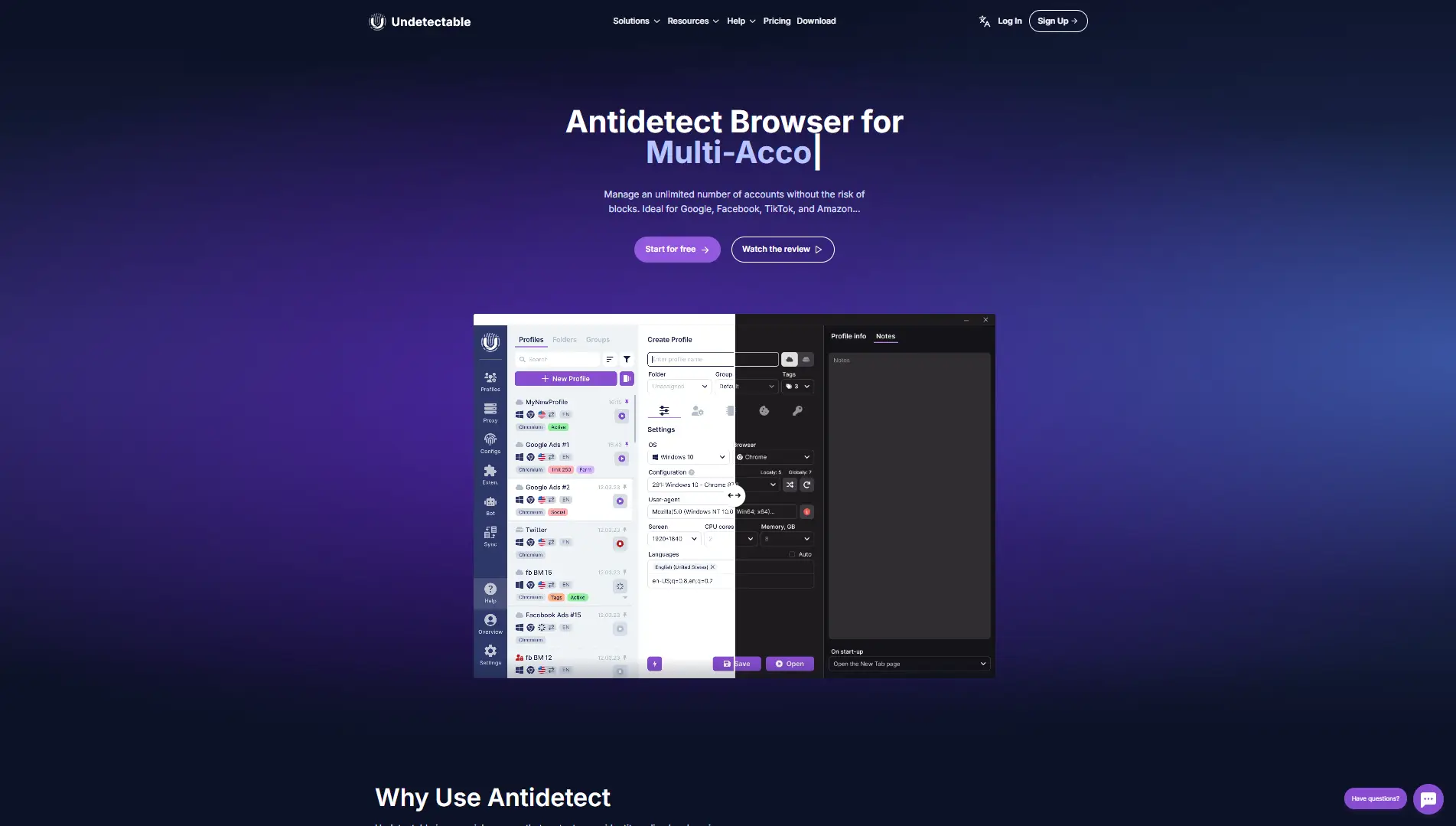
Undetectable.io solves a specific problem: storage limits. Most browsers charge you per profile. Undetectable allows you to store unlimited profiles locally on your own hard drive.
Key Features:
- Local Storage: Keep thousands of profiles on your PC without extra fees.
- Cookie Bot: automated cookie farming scripts.
- Mass Creation: Generate hundreds of profiles in seconds.
Pricing:
- Free: 5 cloud profiles.
- Base: $49/month for unlimited local profiles.
- Professional: $99/month.
Verdict: Perfect for agencies with massive databases of accounts that do not need to be online 24/7.
HideMyAcc: Bypassing High-Security Platform Detection
HideMyAcc focuses on platform-specific bypassing. They claim to have specialized "Magic Link" technology that helps transfer profiles without triggering security checks on sites like eBay or Etsy.
Key Features:
- Magic Link: Securely share profiles.
- Auto-Backup: Never lose your cookie data.
- Ghosty Browser: Lightweight custom browser core.
Pricing:
- Mini: $10/month for 5 profiles.
- Starter: $29/month for 30 profiles.
- Base: $49/month for 100 profiles.
Verdict: A strong choice for e-commerce sellers facing strict bans on marketplaces.
IxBrowser: The Entry Point for E-commerce Marketing
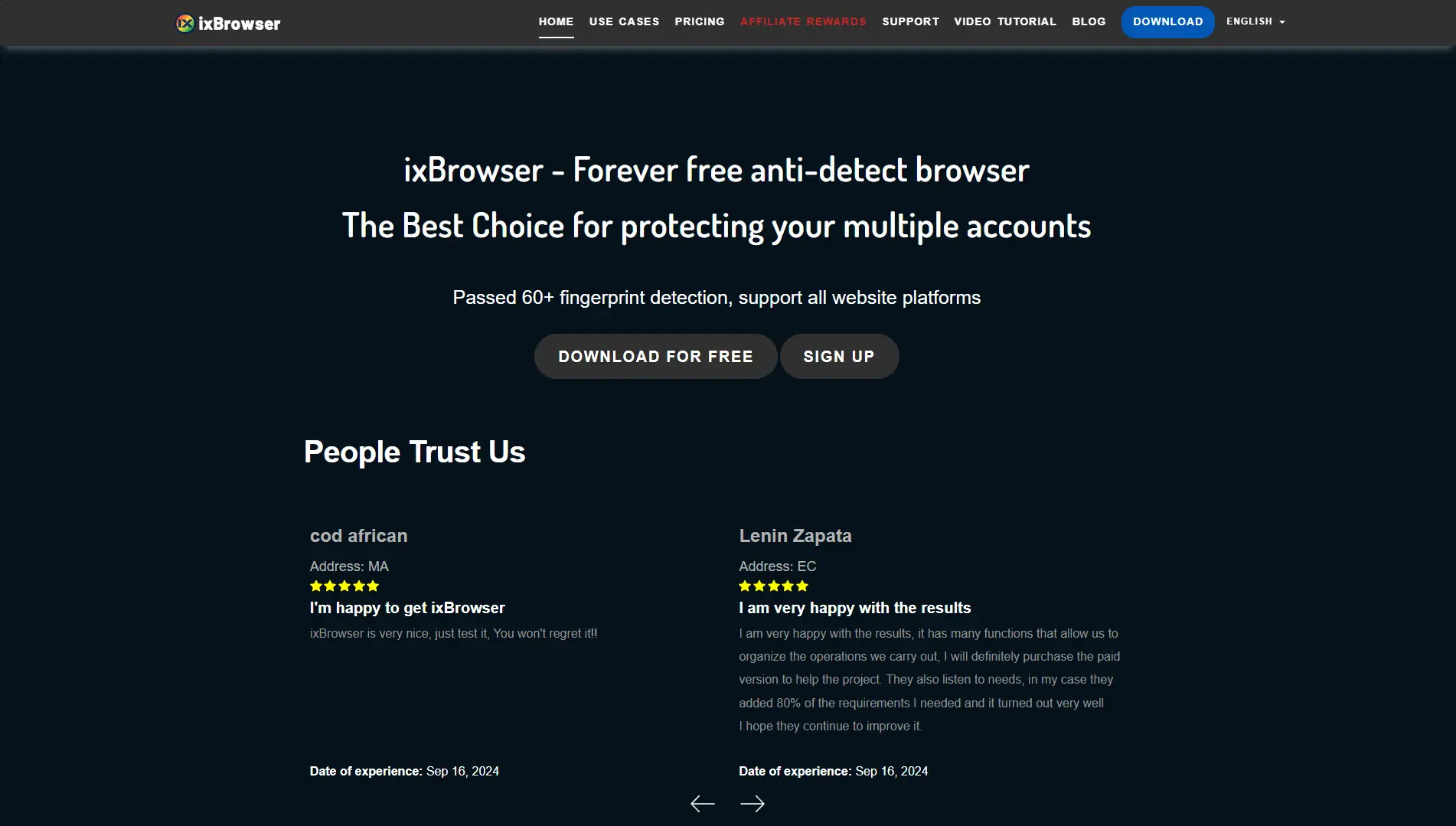
IxBrowser is unique because it offers a "permanently free" model for unlimited profiles, charging only for advanced features. This disrupts the market for users who just need basic isolation.
Key Features:
- Unlimited Profiles: Even on the free tier (with daily creation limits).
- Team Seats: Add members cheaply.
- API Access: For basic automation.
Pricing:
- Free: $0/month.
- Professional: $3.99/month.
- Business: $9.99/month.
Verdict: The cheapest option on the list. Good for low-risk tasks like scraping or basic social media management.
Kameleo: Professional Mobile Device Fingerprint Spoofing
Kameleo is a technical powerhouse. It allows you to emulate mobile devices on your desktop with high accuracy. It does not offer a cloud interface; it runs locally to ensure your data never leaves your machine.
Key Features:
- Mobile Profiles: Emulate Android and iOS perfectly.
- Canvas Spoofing: Advanced noise injection.
- Unlimited Profiles: Local storage is unlimited on paid plans.
Pricing:
- Free: Manual operation only (no automation).
- Startup: €59/month.
- Business: €299/month.
Verdict: If you need to look exactly like an iPhone user to bypass mobile-only checks, this is the tool.
Choosing the Best Antidetect Browser depends on your specific business model. For most users in 2026, DICloak offers the best balance of price, security, and ease of use. Ensure you pick a tool that updates its fingerprint database regularly to stay ahead of tracking algorithms.
FAQ: Frequently Asked Questions about the Best Antidetect Browser
You might still have questions before choosing the Best Antidetect Browser for your business. We gathered the most common inquiries from agency owners and marketers to help you decide. This section clears up doubts about legality, safety, and costs so you can start protecting your accounts immediately.
Is using an antidetect browser legal for business?
Yes, using these tools is generally legal for managing your own data and multiple accounts. Legitimate businesses use them to protect trade secrets, manage social media for clients, and run ads without unfair bans. However, using them for fraud, credit card theft, or hacking is illegal. It is a tool for privacy, not a license to break the law.
How does an antidetect browser differ from a proxy?
A proxy only changes your IP address and location. An antidetect browser changes your entire digital fingerprint, which includes your screen resolution, fonts, and hardware details. If you only use a proxy, websites can still identify your computer through its unique hardware traits. You need both a proxy and a specialized browser to remain completely hidden.
What is the best antidetect browser for free users?
For most users, DICloak is the best starting point because it offers high-security profiles on its free plan. It balances ease of use with strong protection. If you need a massive number of basic profiles.
Can platforms detect that I am using an antidetect tool?
Yes, platforms can detect you if your browser settings do not match real human behavior. Cheap tools often leak data or create "impossible" fingerprints, such as an iPhone screen size on a Windows computer. To stay safe, you must use a high-quality tool that updates its core frequently.
 Web Proxy Tools
 Free Tools
 Cookie Plugin
 UA Generator
 MAC Address Generator
 IP Generator
 IP Address List
 2FA Code Generator
 World Clock
 Anonymous Check
 WebRTC Leak Test
 UUID Generator
 Free Web Proxy Site
 Proxy Checker
 FB Ad Checker
 AI Web Scraping
 Free SMM Tools
 Twitter Shadowban Checker
 Instagram Name Checker
 UTM Generator
 Username Generator
 AI Hashtag Generator
 LinkedIn Headline Generator
 Social Media Image Resizer