If your team already uses DeepL Pro, sharing it can sound simple at first: send the login, let a teammate sign in, and keep working. But once more people need access, the real questions start to appear. Should everyone have their own DeepL account? Is direct password sharing enough for a small team? And what if a freelancer or editor only needs temporary access to the same existing workspace?
The best way to share DeepL Pro with a team depends on how your team actually uses the account. This guide explains DeepL's pricing and account-sharing rules, compares the main sharing methods, and shows when an antidetect browser like DICloak can make shared access easier to manage through browser Profiles, team permissions, and controlled handoffs.
Can You Share DeepL Pro with a Team?
Yes, you can give a team access to DeepL Pro, but there is an important difference between sharing one DeepL Pro account and giving each teammate their own DeepL access. DeepL's Individual plan is designed for one licensed user, while regular multi-user access is handled through team licenses.
In real work, the need to share DeepL Pro with a team often starts with a simple situation. A content manager may already pay for DeepL Pro, then an editor, translator, or freelancer also needs to work on product pages, emails, or client documents. Sharing the same login may look like the fastest option, but once several people need access, questions quickly come up around passwords, login sessions, who still has access, and what happens when someone leaves the project.
That is why the first decision is not simply whether a DeepL Pro account can be shared. It is what kind of sharing the team actually needs: separate DeepL accounts for regular users, direct access to one existing account, or a more controlled way to manage access to an existing work environment.
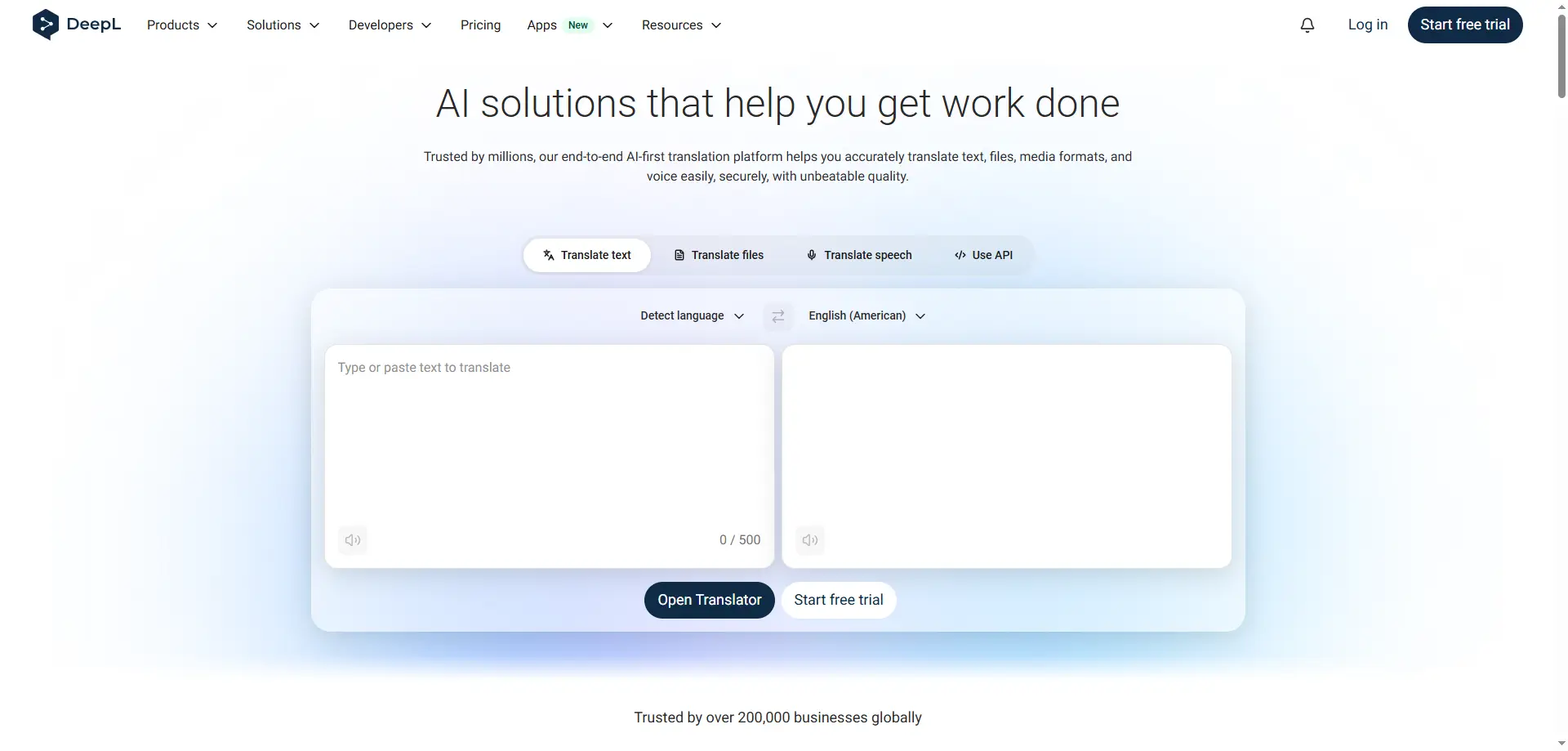
DeepL Pro Pricing and Account-Sharing Policy: What Should Teams Know?
DeepL separates individual use from team use in both pricing and licensing. On the current U.S. monthly plan, Individual costs $10.49 per month, while Team costs $34.49 per user/month, Business costs $68.99 per user/month, and Enterprise uses custom pricing. Annual billing is also available at a lower monthly rate.
| Plan |
Monthly price |
Best fit for account sharing |
| Individual |
$10.49/month |
One licensed user |
| Team |
$34.49/user/month |
Teams with several regular users |
| Business |
$68.99/user/month |
Teams that need higher limits and more business features |
| Enterprise |
Custom |
Larger organizations |
The key point is that an Individual subscription is still a single-user license. One person may use DeepL on different devices, but that is different from several coworkers using the same login. If a marketing team has three editors who all need DeepL regularly, DeepL's team model is built around giving those users separate licensed access rather than treating one Individual account as a shared seat.
This pricing difference matters because account sharing often looks cheaper at first. A small team may think one $10.49 Individual account is enough, but the real question is not only cost; it is whether one person or several people need ongoing access. Once that is clear, the next step is to compare the practical ways a team can share or manage DeepL access.
What Are the Ways to Share DeepL Pro with a Team?
There are three common ways to share DeepL Pro with a team: use DeepL Team with separate accounts, share the login directly, or use an antidetect browser to give teammates access to the same browser Profile. The right option depends on how often people need access and how much control the team needs over that access.
Option 1: Use DeepL Team with Separate User Accounts
DeepL Team is the most straightforward choice when several employees use DeepL regularly. Each member gets their own account access, while the admin can add or remove users as the team changes. This works well for an in-house translation, content, or localization team where everyone needs DeepL throughout the week. The main trade-off is cost because Team is priced per user, so it may be less attractive when some people only need occasional access.
Option 2: Share Login Credentials Directly
Sharing email and password is the simplest option. It may work for a very small team when access is limited and everyone already works closely together. The setup becomes harder to manage as more people join. Once several editors, freelancers, or project members know the same password, removing one person's access often means changing the login for everyone. It can also become unclear who still has the credentials after a project ends. For teams that only need a quick handoff, direct sharing is simple. For ongoing collaboration, it usually offers the least control.
Option 3: Use an Antidetect Browser
An antidetect browser is useful when teammates need to work from the same existing browser profile without repeatedly passing the login details around. This is especially practical for agencies, remote teams, or temporary projects where access may need to move between different people. With an antidetect browser like DICloak, the DeepL account can stay inside a separate browser Profile. The Profile can then be shared with selected team members, while team permissions control who can access it. For example, a localization agency can keep one client workspace in Profile A and another in Profile B, then assign each translator only the Profile needed for that project. This setup is more useful than direct password sharing when the team needs flexible access, easier handoffs, and a clear way to remove Profile access when a project or role changes.
| Method |
Best for |
Main advantage |
| DeepL Team |
Regular users who need their own accounts |
Separate access for each team member |
| Direct login sharing |
Small teams with simple, occasional sharing |
Fast and easy to set up |
| Antidetect browser |
Teams sharing an existing browser workspace |
Shared Profile access with better permission control |
For teams with regular individual users, DeepL Team is usually the cleaner option. When the real need is to let trusted teammates continue working from the same existing account environment, an antidetect browser offers a more flexible way to manage that access.
Why Use DICloak to Manage DeepL Access with a Team?
An antidetect browser is useful when a team needs to hand over an existing DeepL browser workspace without sending the login details again each time. With DICloak, the account can stay inside a shared browser Profile while access is managed at the Profile level.
- Keep the existing DeepL workspace ready for teammates. A content manager may finish part of a translation task, then another editor or freelancer needs to continue the work. With DICloak, the DeepL account can stay signed in inside a separate browser Profile, so the next authorized teammate can open the same Profile and continue from the existing browser profile.
- Control who can access the shared Profile. Once several people work on the same project, sending the password to everyone becomes harder to manage. Using profile sharing and team permissions with DICloak, the administrator can give selected members access to the Profile and remove that access when a freelancer leaves or a project ends.
- Keep different DeepL or client accounts separate. Agencies and localization teams may work with several client accounts at the same time. Separate browser Profiles can keep each account in its own workspace, such as Client A in Profile A and Client B in Profile B, while different teammates receive access only to the Profiles they need.
For teams that need to share an existing DeepL work environment, Profile-based access is often easier to manage than repeatedly passing the same login between team members.
How to Share DeepL Access with Your Team Using DICloak
If your team needs to keep working from the same existing DeepL browser profile, you can save that signed-in session inside one dedicated browser Profile and share the Profile with selected teammates. This keeps the login setup in one place instead of asking each person to sign in and configure the account again. The workflow is especially useful when translation work moves between editors, freelancers, or different shifts.
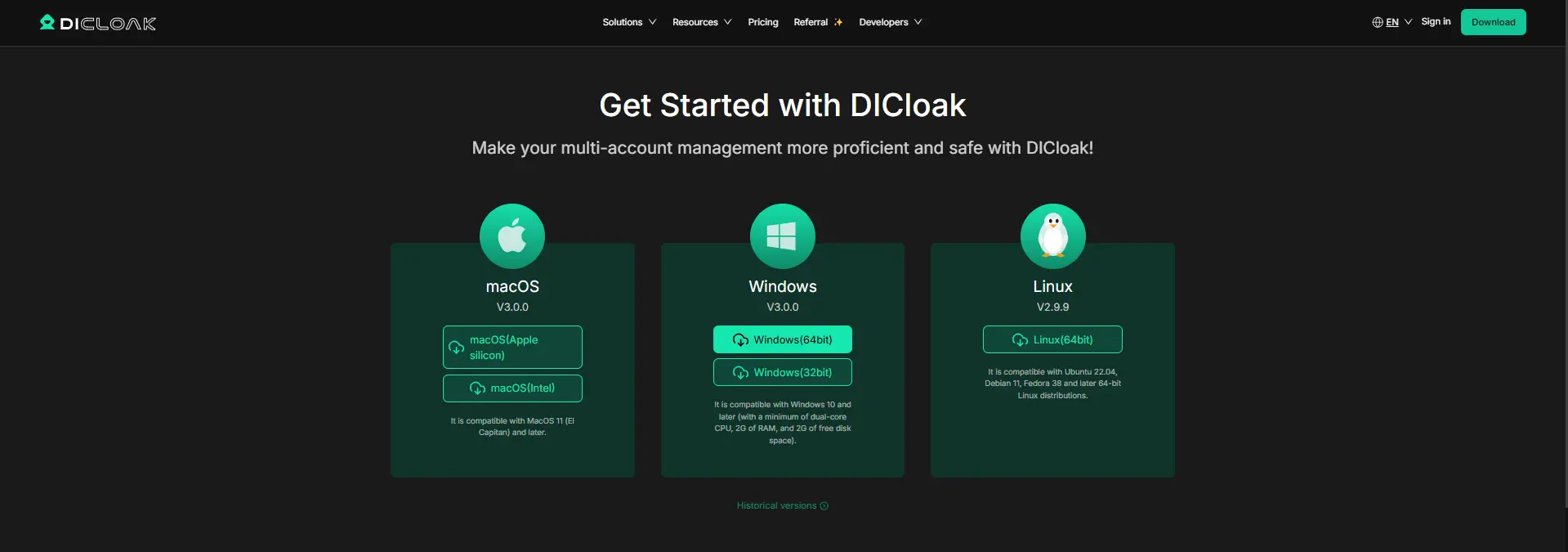
Step 1: Install DICloak and Choose a Team Plan
Download DICloak, create an account, and install the desktop app. Then choose a plan based on how many teammates need access and how many browser Profiles your team plans to manage.
Step 2: Create a Dedicated Browser Profile for DeepL
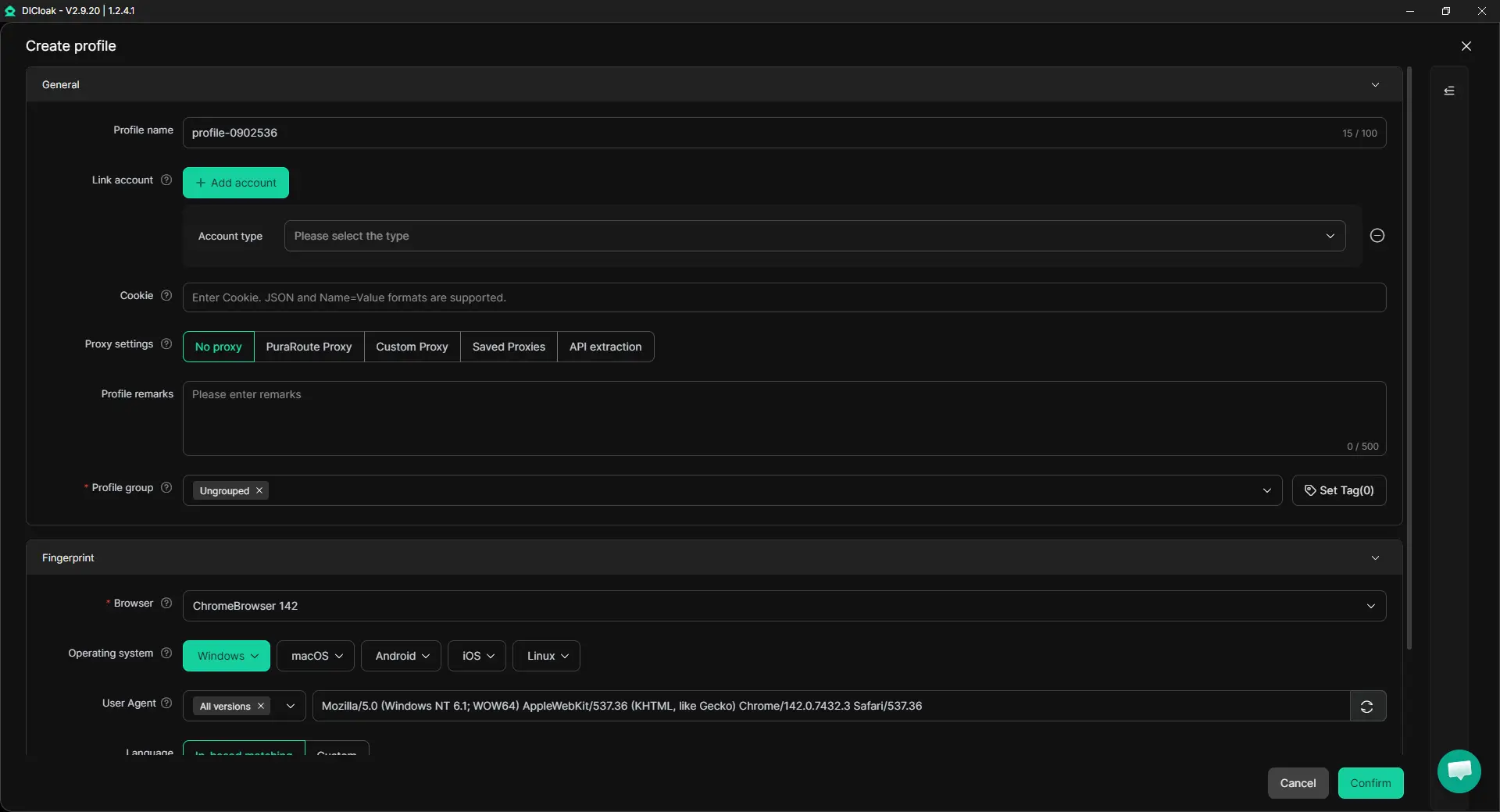
Create one browser Profile for the DeepL account your team wants to share. The Profile keeps its cookies, login session, and browser settings together, so the same DeepL profile can be reused when work moves between teammates. Multiple Sessions can help when more than one authorized teammate needs to work with the Profile, while Hide Password reduces the need to expose saved login credentials during account sharing. If the account already uses a specific proxy as part of its normal setup, you can also configure that proxy for the Profile.
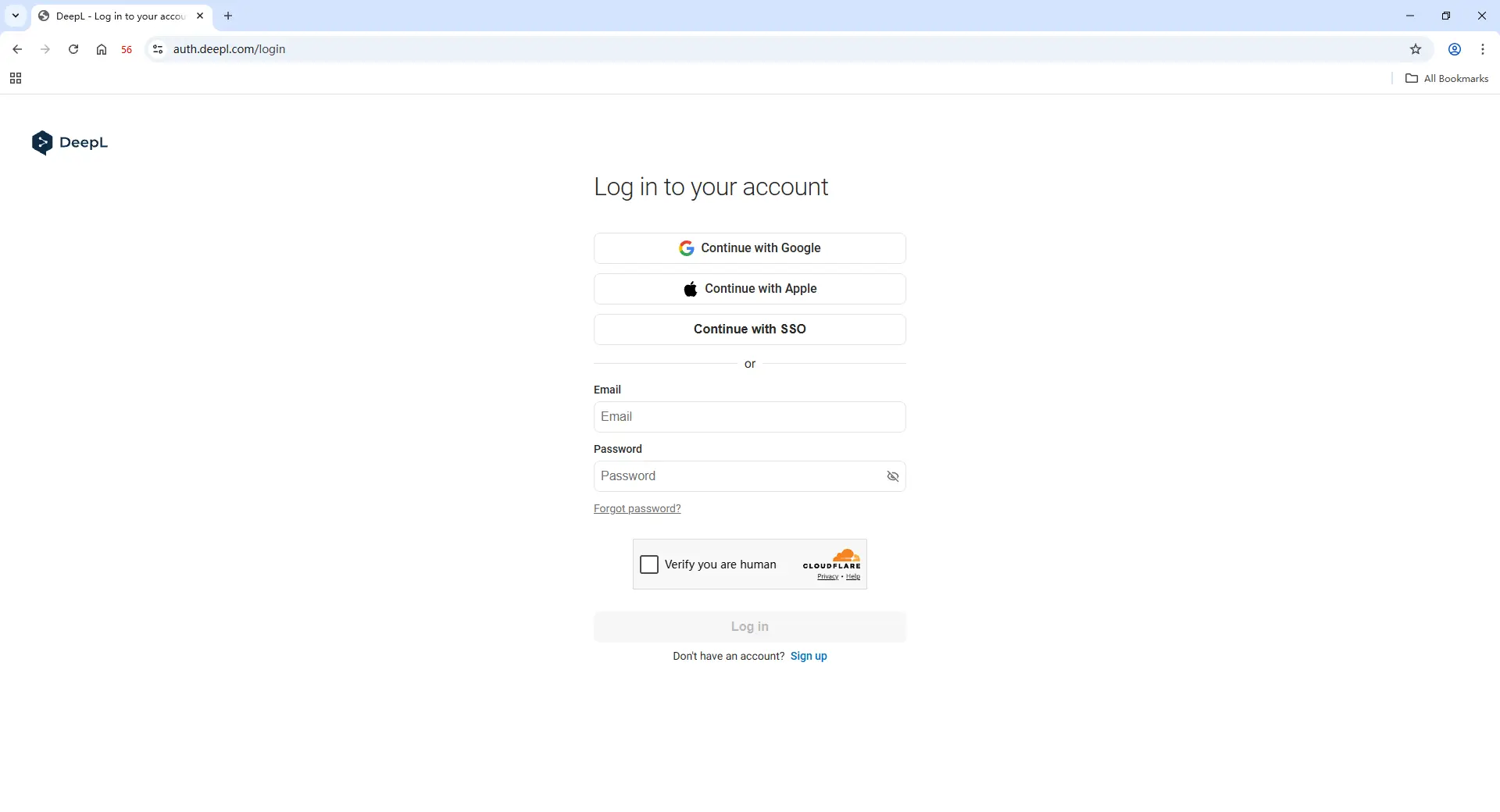
Step 3: Sign In to DeepL
Open the new Profile and sign in to the DeepL account used for that workflow. Once the login session is stored in the Profile, the same browser profile can be reopened later without rebuilding the setup each time. This is useful when one editor finishes a translation task and another teammate needs to continue working from the same workspace.
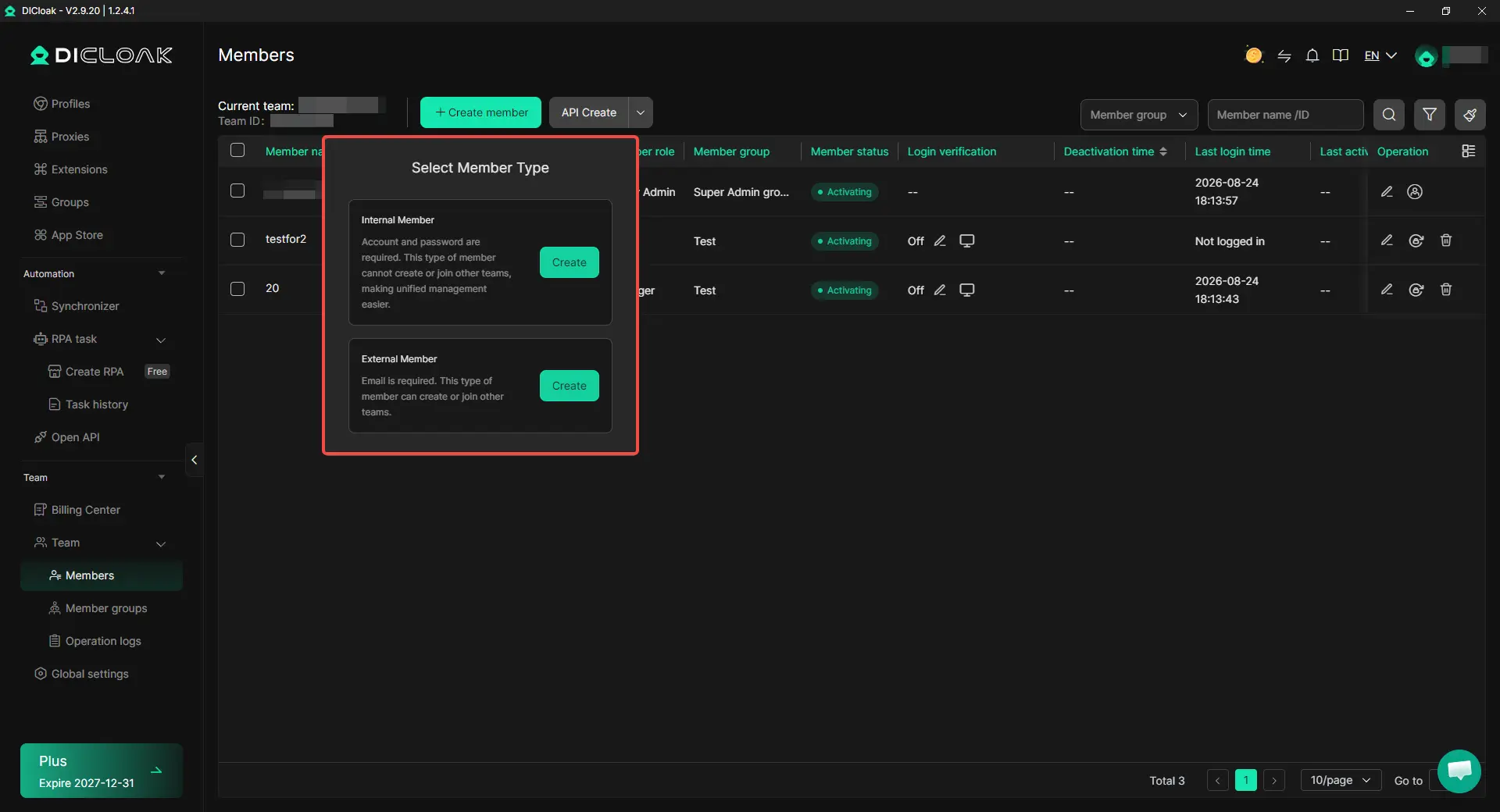
Step 4: Add Team Members and Share the Profile
Invite only the teammates who need access, then assign the DeepL Profile using DICloak's profile sharing and team permissions. For example, a localization agency can give two translators access to Client A's Profile while keeping Client B's workspace available only to another project team. When a freelancer leaves or someone changes roles, the administrator can update or remove that Profile access without changing access for everyone else.
Step 5: Open the Shared Profile and Continue the Work
After access is assigned, the teammate can open the shared Profile from their own DICloak account and continue working in the existing DeepL browser profile. The team does not need to recreate the browser setup each time the work changes hands, which makes handoffs easier when several people work on the same project at different times. For account-sharing workflows, the main value is keeping the existing DeepL profile reusable while controlling which teammates can open it.

Frequently Asked Questions About Sharing DeepL Pro with a Team
Can multiple people use the same DeepL Pro account?
A DeepL Individual subscription is designed for one licensed user, so it should not be treated as a normal multi-user team account. If several employees need DeepL on a regular basis, DeepL Team is the clearer setup because each person gets their own access. If the need is instead to let a trusted teammate continue work from an existing browser profile for a specific project or handoff, that is a different type of account-sharing workflow.
Is DeepL Team better than sharing one login?
For a team with several regular users, DeepL Team is usually the better long-term option because access is organized around individual users instead of one shared credential. Direct login sharing is simpler for a very small or temporary workflow, but it becomes harder to manage when more people join, leave, or need different levels of access. The best choice depends less on team size alone and more on how often each person actually needs DeepL.
Can I share DeepL Pro with a freelancer without giving them the password?
Yes, there are ways to manage access without repeatedly sending the login details. For example, with an antidetect browser like DICloak, the signed-in DeepL environment can stay inside a dedicated browser Profile, while profile sharing, team permissions, and Hide Password can help control who can open that workspace. This is especially useful for short projects where a freelancer needs access for a limited period and that access should be easy to remove later.
Can several teammates work from the same DeepL browser Profile?
A shared browser Profile can be useful when authorized teammates need to continue from the same existing DeepL environment rather than setting it up again on each device. With DICloak, Multiple Sessions can support workflows where more than one authorized teammate needs to use the Profile, while the browser session, cookies, and related settings remain inside that Profile. This works best when the team wants continuity between shifts, editors, or project members.
What is the easiest way to remove DeepL access when a team member leaves?
If each person has a DeepL Team seat, the admin can remove that user from the team and reassign access as needed. For a shared browser workflow, the cleaner approach is to manage access at the Profile level rather than change the shared password every time someone leaves. Using DICloak, for example, the administrator can remove a member's permission to the relevant Profile while the rest of the team continues using the same workspace.
Conclusion
The best way to share DeepL Pro with a team depends on how the team actually works. For regular employees who need their own DeepL access, DeepL Team is usually the clearest option because each user gets separate licensed access. Direct password sharing may work for a very small or temporary setup, while an antidetect browser like DICloak can be more useful when trusted teammates need to continue working from the same existing DeepL browser profile without repeatedly passing login details.
For teams that manage shared workspaces, DICloak can keep the DeepL session inside a dedicated browser Profile, support Profile sharing, team permissions, Multiple Sessions, and Hide Password, and make it easier to hand access between teammates as projects change. In short, the right DeepL sharing method should match the real need: separate user accounts for regular users, or controlled Profile-based access when the team needs to share an existing work environment.
 Web Proxy Tools
 Free Tools
 Cookie Plugin
 UA Generator
 MAC Address Generator
 IP Generator
 IP Address List
 2FA Code Generator
 World Clock
 Anonymous Check
 WebRTC Leak Test
 UUID Generator
 Free Web Proxy Site
 Proxy Checker
 FB Ad Checker
 AI Web Scraping
 Free SMM Tools
 Twitter Shadowban Checker
 Instagram Name Checker
 UTM Generator
 Username Generator
 AI Hashtag Generator
 LinkedIn Headline Generator
 Social Media Image Resizer