The browser remains the primary gateway for power users and professional organizations navigating the X.com ecosystem in 2026. While mobile applications provide portability, the web environment is the standard for mitigating the session-loss risks and technical constraints inherent in mobile architectures. For high-stakes digital footprints, a browser-based workflow facilitates the stability and granular control required to manage a global presence effectively.
How Do I Access the Official Twitter Website Securely in 2026?
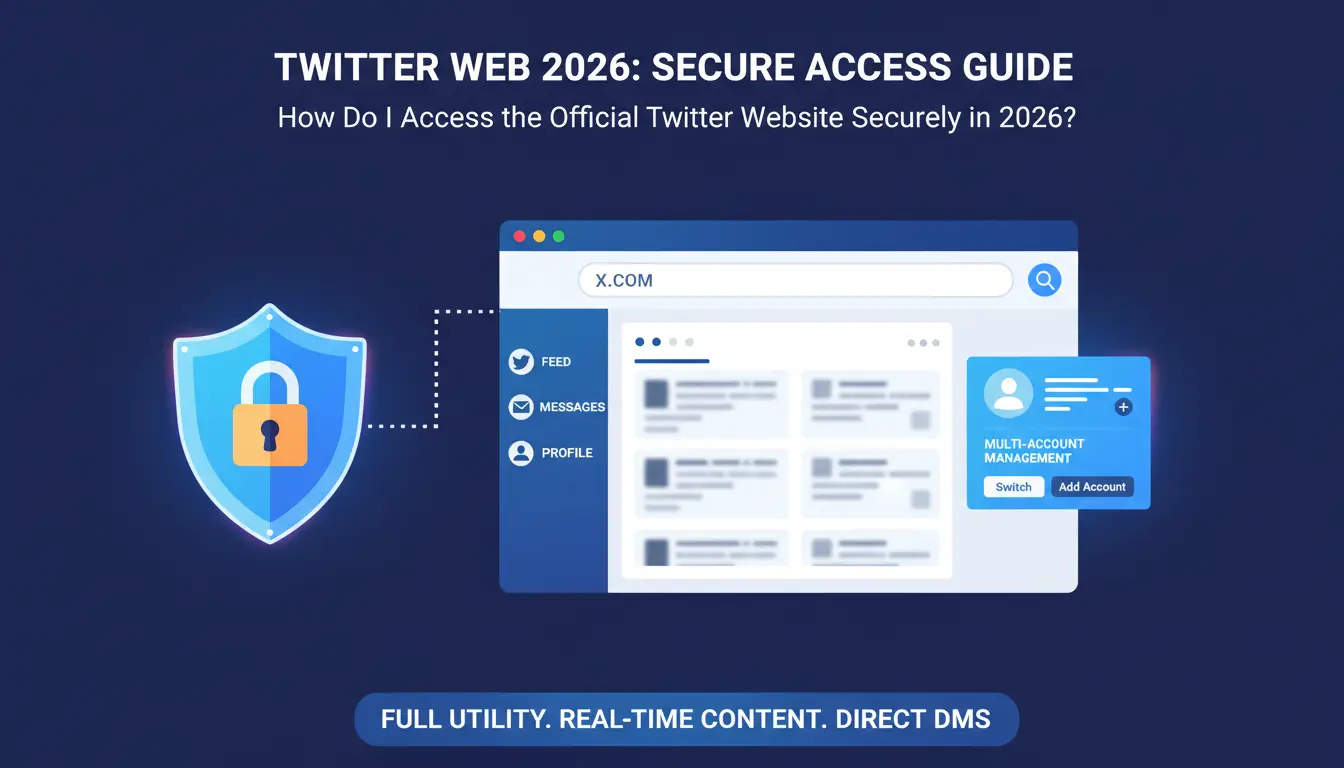
Secure access begins by navigating directly to x.com. The web interface facilitates a comprehensive suite of tools, providing direct access to the real-time content feed, Direct Messages (DMs), and detailed Profile Management. Unlike the condensed mobile experience, the web version enables full utility of Bookmarks and Lists, which are essential for categorizing high-volume intelligence feeds and managing complex engagement streams.
Why use a browser instead of the mobile app?
From an operational standpoint, the web version offers several advantages over local application installs:
- Enhanced Context and Real Estate: Large-format displays allow for simultaneous viewing of conversation threads, media assets, and linked external resources without losing the primary operational context.
- Infrastructure Efficiency: Utilizing the web version eliminates the need for repeated software updates and local storage consumption. This reduces background memory overhead, a critical factor when maintaining multiple workstations.
- Security Audit Accessibility: The web interface is superior for performing routine security audits, such as reviewing active 2FA sessions and scrutinizing login history logs across a single, unified dashboard.
Why Is the Twitter Web Version Better for Professional Content Management?
For social media architects and brand managers, the web interface serves as a precision instrument for content delivery and account oversight.
Streamlined Content Creation
Executing long-form posts (280+ characters) and complex threads is more efficient and accurate on a desktop interface. The web version enables precise link verification, high-resolution media attachments, and the seamless integration of polls. A physical keyboard reduces typographical risk and facilitates the structural planning necessary for professional-grade messaging.
Centralized Security and Settings
The desktop dashboard centralizes critical security protocols. Navigating two-factor authentication (2FA) configurations, password rotations, and session audits is significantly more intuitive on a single screen. This centralized view mitigates the risk of configuration errors that often occur when navigating the nested menus of mobile applications.

What Are the Most Common Twitter Web Login Errors and Their Fixes?
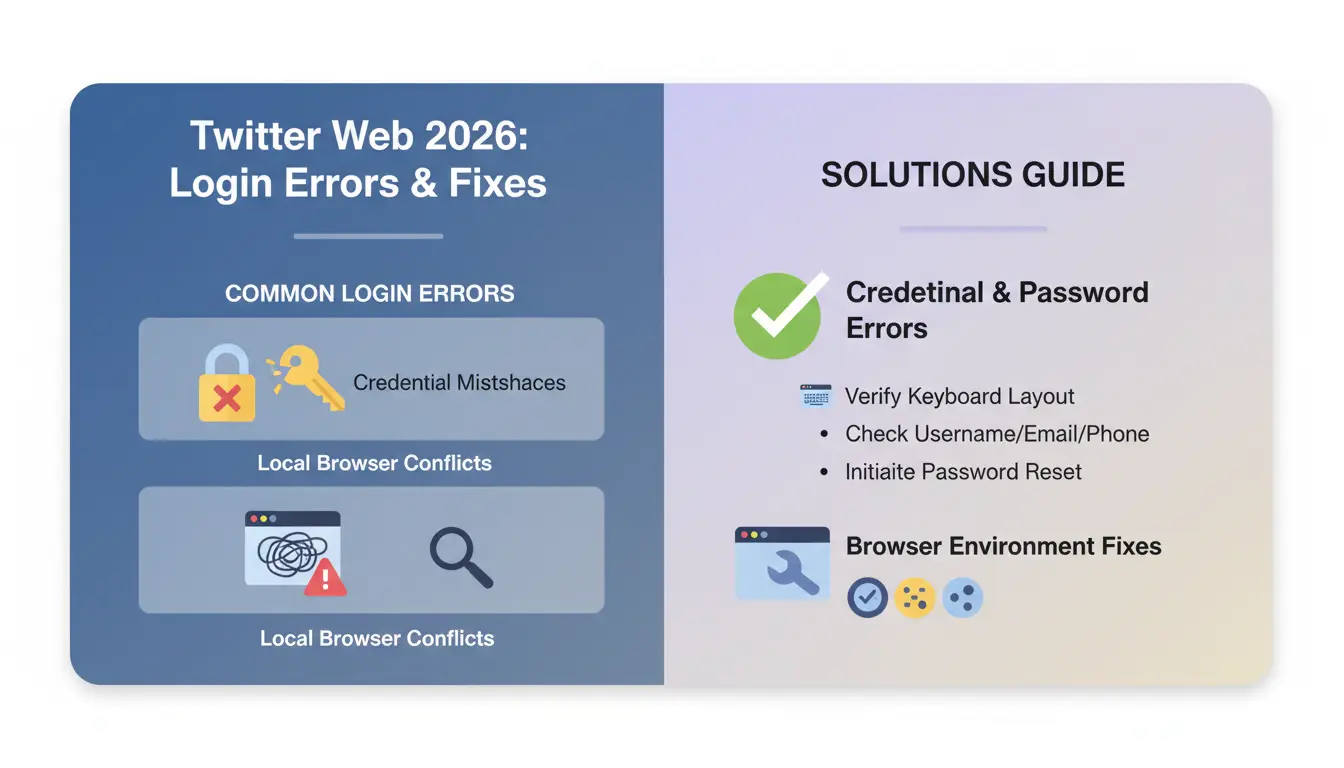
Login failures typically originate from credential mismatches or local browser profile conflicts.
Solving Credential and Password Errors
Verify your keyboard layout and ensure the username, email, or phone number matches the registered credentials exactly. If the platform denies access, initiate the "Forgot password" workflow. This process requires access to the registered recovery contact to receive a verification link or temporary code.
Fixing Browser-Specific Technical Glitches
Rendering issues or authentication loops are often caused by corrupted local data. Use this technical checklist:
- Update the browser to the latest version to ensure compatibility with X’s 2026 security protocols.
- Flush the cache and clear cookies to remove outdated session identifiers.
- Enable JavaScript, as it is a requirement for the platform's authentication scripts.
- Disable browser extensions—specifically ad blockers or script-control tools—that may break the login sequence.
Handling Network and IP-Related Blocks
Authentication requires a stable network path. If utilizing a protected network connection or proxy, ensure the IP address is not on a known blacklist or associated with a geographic region that deviates significantly from the account's historical baseline. IP instability is a frequent trigger for automated security challenges.
How Do You Solve Persistent Twitter Web Registration and 2FA Issues?
The 2026 account creation process involves multi-layered verification to ensure platform integrity.
Avoiding Registration Suspensions
When registering at x.com, ensure all personal metadata (name, email/phone, date of birth) is accurate. You must successfully navigate the "not a robot" challenges, such as captchas or image recognition tasks. Precision in these steps is vital; rapid or repeated failures can lead to immediate IP flagging.
What to Do When 2FA Codes Don't Arrive
While 2FA is a robust security layer, delivery failures can disrupt access. If an SMS code is delayed:
- Confirm the phone number on file is accurate and active.
- Check for carrier-side SMS filtering or regional network latency.
- Synchronize the device clock: For authenticator apps, time-drift is a common cause of invalid codes.
- Utilize one-time backup codes, generated during the initial security setup, to bypass the standard 2FA prompt in emergencies.
What Happens When Twitter Web Detects a 'Suspicious Login'?
Platform security algorithms monitor every session for anomalies that suggest unauthorized access or automated manipulation.
Triggers for Account Locks
Security filters are triggered by:
- Logins from unrecognized devices or rapidly shifting geographic IPs.
- Sequential failed password attempts.
- Activities that violate platform integrity, such as rapid engagement or violating content rules.
The Path to Account Recovery
If a lock occurs, identity verification is mandatory. This typically involves a code sent to the recovery email or phone. In high-risk scenarios, you may be required to change the password or complete a manual security review. Persistent locks require a formal appeal through official support channels.
Is It Safe to Use One Browser for Multiple Twitter Website Accounts?
Standard browsers are not designed to handle the risks associated with high-volume multi-accounting.
Understanding Platform Limits
The platform allows management of up to 10 profiles, provided each uses a unique email address. Every account is expected to represent a distinct identity with original content.
The Hidden Risks of Account Linking
Standard browsers store cookies and metadata that link all logged-in profiles. Platform algorithms monitor browser fingerprints, including WebRTC and canvas data, to identify users across different profiles. If one account is flagged, these shared digital identifiers can lead to "chain bans," where the entire portfolio is suspended simultaneously.
Activities That Trigger Modern Security Filters
Filters are highly sensitive to:
- Cross-account engagement: Artificially boosting your own content by liking or reposting from different profiles.
- Identical content: Posting the same media or text across multiple handles.
- Automated interactions: Using unauthorized scripts for management.
- Spamming: High-frequency, repetitive posting patterns.
How Can You Safely Manage Dozens of Twitter Web Profiles via Isolated Environments?
To manage a large portfolio of accounts without the risk of cross-linking, you must utilize isolated browser profiles. This workflow ensures that each account operates within its own sandboxed container, effectively simulating different physical machines.
Practical Workflow with DICloak:
- Generating unique browser fingerprints for each X account ensures that platform algorithms perceive them as distinct, unrelated entities.
- Configuring independent proxy settings per profile maintains IP stability and matches the account's intended geographic location.
- Maintaining multiple simultaneous open sessions across different profiles prevents cookie leakage and data crossover.
- Automating routine maintenance and interactions safely within separate environments mitigates the risk of platform-wide detection.
Frequently Asked Questions about Twitter Web
Can I use Twitter Web on a mobile browser?
Yes. You can access x.com through a mobile browser, though the interface is optimized for smaller screens and lacks the advanced sidebar utility and context of the desktop version.
Why does Twitter Web keep logging me out?
This is usually caused by browser privacy settings that clear cookies on exit or session timeouts. Strict privacy extensions can also delete the session data necessary to keep you logged in.
Is there a limit to how many tabs of X.com I can have open?
While hardware RAM and CPU are the primary limiters, having multiple tabs open for the same account can lead to session conflicts. These conflicts often arise when performing administrative actions in one tab that invalidate the state of another.
Does the web version support the Grok chatbot?
Yes. In 2026, Grok is fully integrated into the web sidebar for eligible subscribers, providing real-time AI assistance within the browser interface.
How do I clear cookies only for Twitter without losing other site data?
Navigate to your browser's site-specific privacy settings. Search for "x.com" and select the option to remove only the data associated with that specific domain.
The web version of X is the definitive platform for professional social media operations. For those managing significant assets or multiple profiles, moving beyond a single-browser setup toward a strategy of environment isolation is the only way to ensure operational continuity. Success in 2026 requires a disciplined approach to technical configuration and platform compliance.
 Web Proxy Tools
 Free Tools
 Cookie Plugin
 UA Generator
 MAC Address Generator
 IP Generator
 IP Address List
 2FA Code Generator
 World Clock
 Anonymous Check
 WebRTC Leak Test
 UUID Generator
 Free Web Proxy Site
 Proxy Checker
 FB Ad Checker
 AI Web Scraping
 Free SMM Tools
 Twitter Shadowban Checker
 Instagram Name Checker
 UTM Generator
 Username Generator
 AI Hashtag Generator
 LinkedIn Headline Generator
 Social Media Image Resizer