If you’ve ever tried to download a GIF from Twitter, you know the frustration. You right-click, hoping for a "Save GIF" option, but find nothing that works. This happens because Twitter (or X) doesn't actually use GIF files. To improve performance and loading speed, it converts every animated GIF into a lightweight MP4 video file.
This guide offers the best and most current Twitter GIF downloader options, along with reasons to use DICloak for safely managing multiple Twitter accounts.
Why Do You Need a Special Twitter GIF Downloader?
The core problem is that Twitter's infrastructure is not built for saving animated content directly. All GIFs are converted to MP4s on upload, which means standard download methods are bound to fail.
- No Built-in Option: Twitter does not offer a native "Download GIF" button for users.
- Right-Click Fails: When you right-click on a GIF, you'll either save a static, non-animated image or a broken link, not the animation itself.
- Conversion is Key: To get the animated file, you need a specialized tool that can grab the MP4 video file from the tweet and, if needed, convert it back into a proper GIF.
Best Twitter GIF Downloader Tools for 2025
Here is a list of the most reliable and popular Twitter GIF downloader tools for downloading GIFs from Twitter, each suited for different needs and platforms.
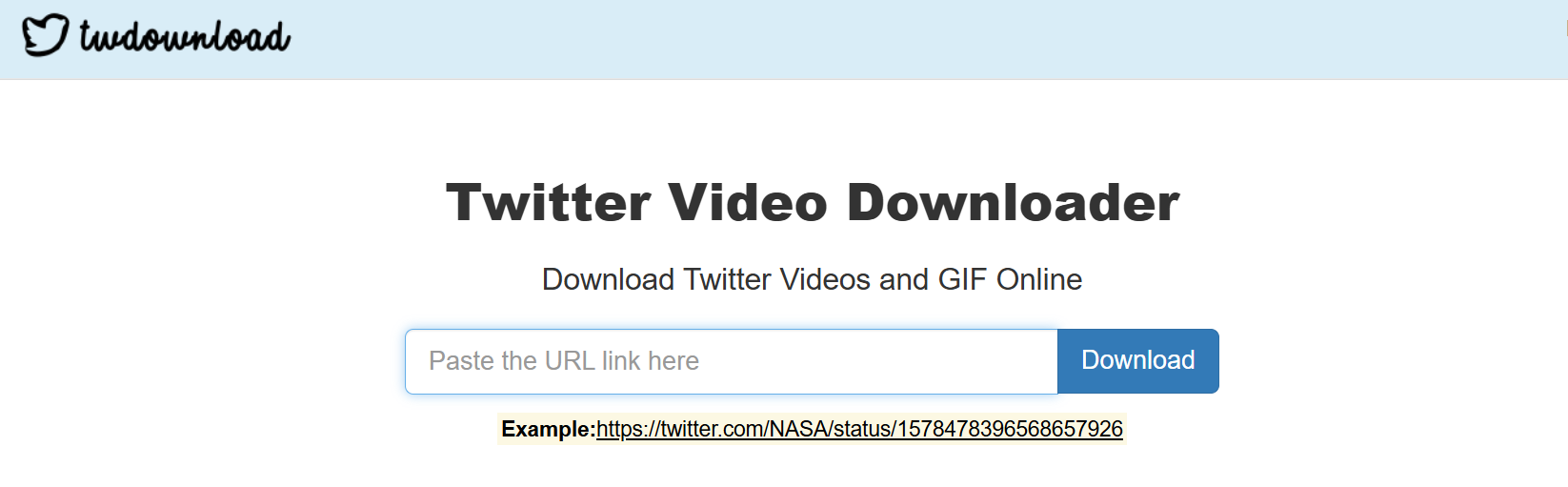
This tool is simple, fast, and ideal for quick saves on a desktop. Its workflow is incredibly straightforward.
- Download the app.
- Paste the link to the tweet.
- Choose your desired format (MP4 or GIF).
- Download the file instantly.
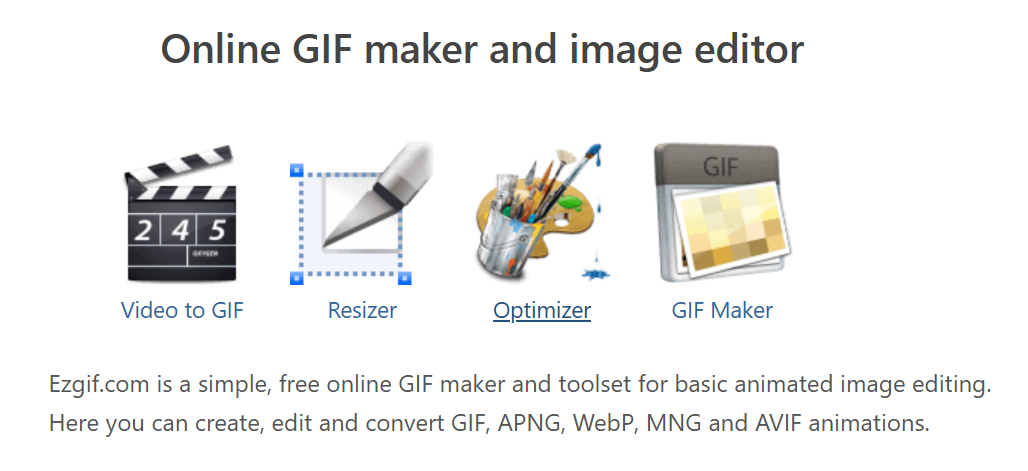
EZGIF is the best option if you need to convert the file and make edits. It offers more flexibility than a simple downloader.
- Paste a link to the tweet or upload the MP4 file directly.
- Trim, resize, or apply other edits to the animation.
- Export the final file as a GIF.
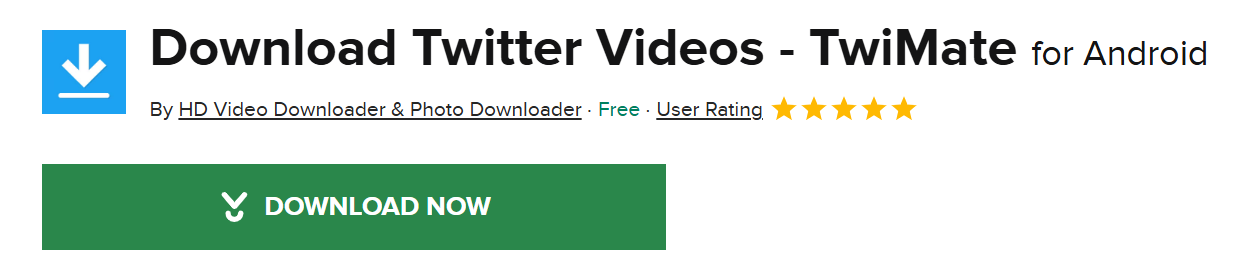
For Android users, TwiMate is a versatile, all-in-one media saver that handles more than just GIFs.
- Downloads GIFs, videos, and images from Twitter.
- Supports batch downloads to save multiple files at once.
- It is light on ads, providing a clean user experience.
GIFwrapped offers a smooth and stable solution for Apple users, working around iOS restrictions on media saving.
- Paste a link to the tweet into the app.
- The app automatically detects the media file.
- It saves the animation directly to your GIF library.

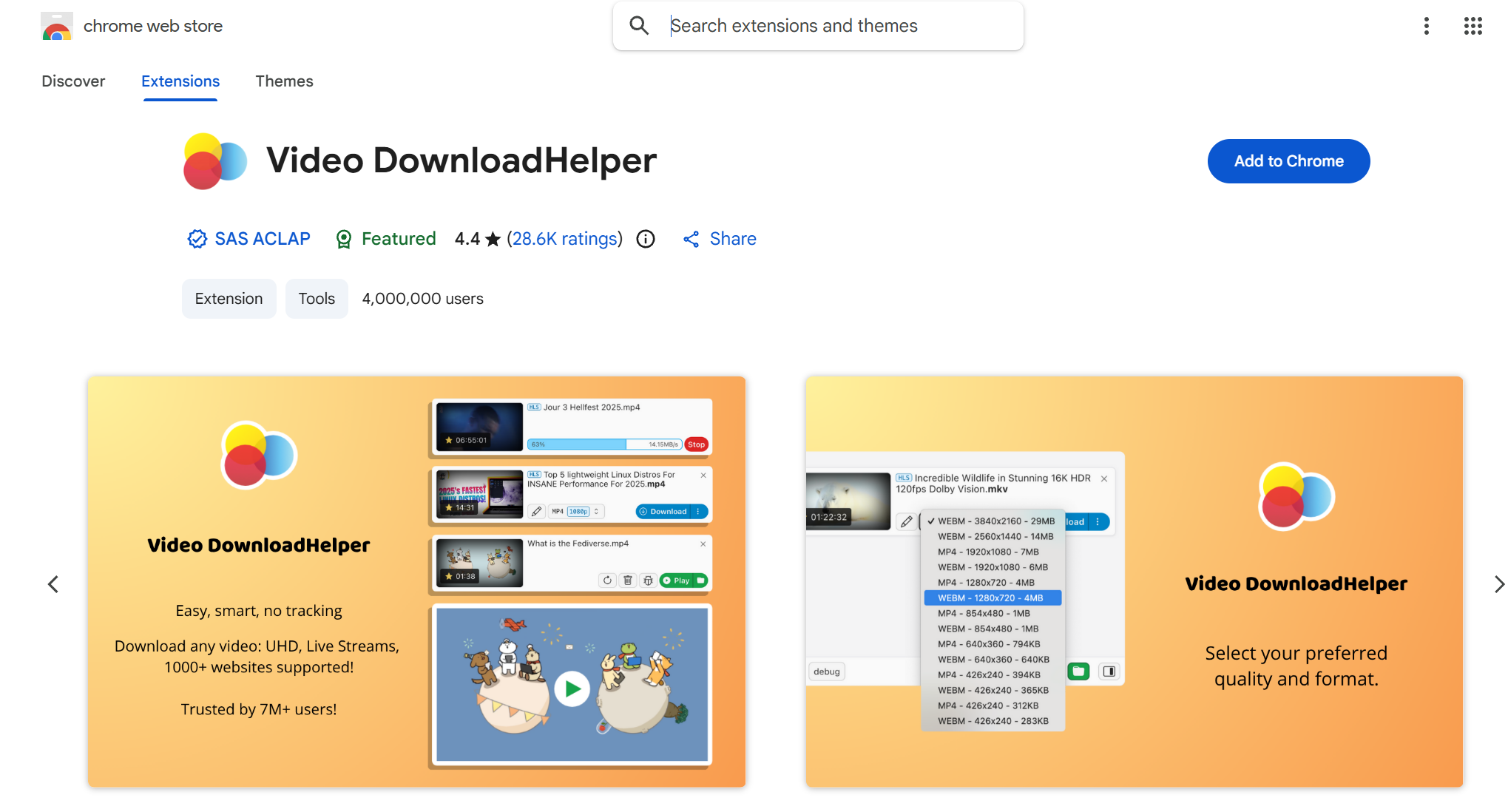
Browser extensions are perfect for frequent desktop users who want a downloader integrated into their workflow.
- Open the tweet containing the GIF you want to save.
- Click the extension's icon in your browser toolbar.
- Download the detected MP4 file, which you can then convert if needed.
Why DICloak is the Best Fit for Multi-Account Twitter Work?
⚡The DICloak Antidetect Browser has become a global favorite for its unparalleled ability to efficiently and securely manage multiple accounts. Designed for professionals in social media management, DICloak offers powerful features like RPA automation, bulk operations, and synchronizer. Additionally, it allows you to customize fingerprints and integrate proxies for each profile, ensuring top-level security and operational efficiency. It’s the ultimate tool for seamless, secure, and scalable operations.

What Makes DICloak Stand Out?
✅ Manage 1,000+ Accounts on One Device: Stop wasting money on extra hardware! DICloak allows you to manage multiple accounts on a single device, cutting costs and boosting efficiency.
✅ Guaranteed Account Safety, No Ban Risks: Every account gets its own isolated browser profile with custom fingerprints and IPs, drastically reducing the risk of bans. Your accounts, your control!
✅ Flexible Proxy Configuration for Maximum Performance: Seamlessly integrate with all major proxy protocols (HTTP/HTTPS, SOCKS5) and manage your proxy pool with bulk operations. No more struggling with IP management—DICloak has you covered.
✅ Streamlined Team Collaboration for Better Results: Easily manage your team with advanced tools like profile sharing, permission settings, data isolation, and operation logs. Your team works smarter, not harder.
✅ Automate the Grind with RPA: DICloak's built-in RPA saves you hours of manual work. Automate repetitive tasks, streamline workflows, and focus on what really matters—growing your business.
✅ Powerful Bulk Tools to Scale Your Operations: Create, import, and launch multiple browser profiles in one click. DICloak makes scaling your business as easy as it gets.
✅ Compatible with All Major Operating Systems: Based on the Chrome core, DICloak supports simulating Windows, Mac, iOS, Android, and Linux operating systems. No matter what platform you need, DICloak has you covered.
🔗 Ready to Get Started?
Visit the DICloak website to explore more details and choose the plan that’s right for you. Start for free today and experience the power of secure, efficient, and scalable multi-account management!
Frequently Asked Questions (FAQ)
Why can’t I download GIFs directly from Twitter/X?
You can't download GIFs directly because Twitter converts all animated images to MP4 video files to improve performance and reduce loading times. There is no actual GIF file on the page to save. You may need a Twitter GIF downloader to fix it.
What is the easiest way to download a GIF from Twitter?
The simplest method is to use a dedicated Twitter GIF downloader website like TWDownload or an app like GIFwrapped. These tools are built to extract the MP4 file from a tweet and convert it back to a GIF for you.
What are the best Twitter GIF downloaders in 2025?
The top Twitter GIF downloader tools for 2025 are:
- TWDownload (for fast desktop downloads)
- EZGIF (for conversions and editing)
- TwiMate (for Android users)
- GIFwrapped (for iOS users)
- Browser extensions like Video DownloadHelper (for frequent desktop use)
Can I download many GIFs from Twitter at once?
Yes, some Twitter GIF downloader tools like TwiMate and various browser extensions support batch downloads. However, for very large-scale operations across multiple accounts, it is much safer to use a tool like DICloak to avoid getting your accounts flagged or rate-limited by Twitter.
Why does the downloaded file say MP4 if I wanted a GIF?
All animated images you see on Twitter are actually MP4 videos. A good Twitter GIF downloader tool will first fetch this MP4 file. You can then use a converter tool like EZGIF to turn the MP4 video into a true, looping GIF file if you need that specific format.
Conclusion
Saving GIFs from Twitter requires special tools because the platform serves MP4 videos, not actual GIF files. For occasional saves, the simple Twitter GIF downloader tools and apps listed in this guide will get the job done quickly and easily.
However, when you need to scale up, manage multiple accounts, or automate downloads, standard browsers and tools fall short. To avoid rate limits and protect your accounts, DICloak is the essential solution. It ensures every account operates in a fully isolated profile, making your activity appear natural and legitimate.
In short: Use a Twitter GIF downloader to grab the GIFs. Use DICloak to scale the operation without getting flagged.
 Web Proxy Tools
 Free Tools
 Cookie Plugin
 UA Generator
 MAC Address Generator
 IP Generator
 IP Address List
 2FA Code Generator
 World Clock
 Anonymous Check
 WebRTC Leak Test
 UUID Generator
 Free Web Proxy Site
 Proxy Checker
 FB Ad Checker
 AI Web Scraping
 Free SMM Tools
 Twitter Shadowban Checker
 Instagram Name Checker
 UTM Generator
 Username Generator
 AI Hashtag Generator
 LinkedIn Headline Generator
 Social Media Image Resizer