In 2026, Discord has become one of the most aggressively protected platforms on the internet. What once felt like simple moderation has evolved into a full-scale anti-fraud system powered by AI, device fingerprinting, and behavior analysis. For operators managing multiple Discord accounts, the old survival tricks no longer work. This guide explains why standard methods fail, how Discord actually detects you, and what it takes to manage multiple Discord accounts safely in today’s environment.
The Evolution of Bans: Why Standard Methods Fail Discord Operators in 2026
Discord is no longer just a simple chat app for gamers. It has evolved into a digital fortress with military-grade security systems. For business operators and community managers, this means you are working in a hostile environment. One small mistake does not just block a message; it can destroy your entire operation instantly.
In 2026, avoiding Discord account bans requires sophisticated technology, not just caution. The platform’s security AI is now aggressive and highly intelligent. It targets any behavior that looks slightly robotic or unnatural. Old tricks like restarting your router or clearing your browser cache simply do not work anymore. Discord now tracks hidden data points to link your accounts together. If you do not understand how these detection systems work, you will lose your access faster than you can create new accounts.
The 'Something is Going on Here' Error and Device Hashing
You may have seen the infamous error message: "Something is going on here." This is not a random glitch. It is a specific flag indicating that Discord has identified your physical machine. In the past, you could fix this with a phone verification. Today, this error often leads to permanent suspicious activity locks.
This happens because of a technique called "Device Hashing." Discord scans your computer’s hardware to create a unique ID, or "hash." They look at specific details like:
- Your screen resolution and window size.
- Your audio driver setup (AudioContext).
- Your graphics card renderer (WebGL).
- Your installed fonts.
When you log into ten different accounts from the same laptop, Discord sees the exact same hardware hash ten times. To their security bots, this looks impossible for a normal human user. It flags your activity immediately. Once your device hash is blacklisted, every new account you touch on that computer will be banned instantly.
The Failure of Incognito Mode and Basic Privacy Settings
Many users still rely on "Incognito Mode" or "Private Windows" to manage multiple profiles. This is a dangerous mistake in 2026. Incognito mode is designed for local privacy, not anonymity. It prevents your browser from saving history on your own computer, but it does not hide your identity from Discord’s servers.
When you open an Incognito tab, you are still broadcasting your full browser fingerprint to the website. This fingerprint includes your IP address, your operating system version, and your browser version. Discord’s algorithms can easily see through this thin layer of privacy. They can detect that multiple users are logging in from the exact same browser profile, even if they are in different tabs.
This creates massive multi-accounting risks for anyone trying to scale their operations. Whether you are grinding for whitelists or managing support tickets, using Incognito tabs makes you an easy target. The platform detects the pattern and bans the entire cluster of accounts. To survive, you must use a dedicated manage multiple discord accounts tool that completely isolates the digital fingerprint of every profile you run.
How Modern Antidetect Browsers for Discord Account Management Bypass Detection
So, if Incognito mode fails, how do you actually stay safe? The answer lies in specialized software known as Antidetect Browsers for Discord Account Management. These tools do not just try to hide your identity; they create a completely new, fake digital identity for every account you run.
The core technology that makes this work is called account isolation. Think of a standard browser like Google Chrome as a large room where all your tabs share the same air. If one account gets "sick" (flagged or banned), the infection spreads to everyone else in the room because they share the same browser profile. A professional manage multiple discord accounts tool changes this layout completely. It puts every single Discord account into its own sealed, soundproof box.
When you use these browsers, they take the hardware data that Discord tracks—like your screen resolution, your graphics card media, and your audio setup—and they change it for each profile. This process is often called fingerprint spoofing.
Here is how it solves the "Device Hash" problem:
- Without Antidetect: Your real computer has a specific audio signature, let's call it
Hash-A. You log into five accounts. Discord sees Hash-A five times. They know it is one person.
- With Antidetect: The browser generates a unique signature for each profile. Account 1 sends
Hash-B, Account 2 sends Hash-C, and so on.
To Discord's sophisticated security AI, these profiles look like totally different people logging in from different computers around the world. This effectively bypasses the "Something is going on here" error because your device hash never repeats. By controlling parameters like Canvas API readouts and WebRTC leakage, you can operate hundreds of accounts without them ever being linked together. This is the only reliable way to scale operations in 2026 without facing constant verification locks.
Key Criteria for Choosing a Manage Multiple Discord Accounts Tool
Knowing how detection works is only half the battle. Now you need to pick the right software to fix it. Not every manage multiple discord accounts tool offers the same protection. Some are just simple privacy browsers, while others offer military-grade isolation suitable for business operations.
Here are the specific selection criteria you should check before choosing a tool in 2026:
- Fingerprint Customization: This is the most critical factor. Your tool must control advanced parameters like AudioContext and WebGL. If a tool only changes your User Agent, it is not enough. You need deep control to avoid the "Something is going on here" error.
- Automation Capabilities (RPA): Managing 50 accounts manually is impossible. Look for tools with built-in "RPA" (Robotic Process Automation). This feature records your mouse clicks and typing. You can use it to warm up accounts, send messages, or grind XP automatically without knowing how to code.
- Proxy Integration: A browser is useless without a good IP address. The best tools let you paste residential proxies directly into the profile setup. This ensures your connection location always matches your browser settings, which builds trust with Discord security bots.
- Team Collaboration: If you hire virtual assistants to manage your community, you need safe sharing. A good tool lets you share a profile with a team member without giving them the actual password. They just click "Start," and they are logged in securely.
- Cookie Import: Speed matters for scale. You should be able to buy an aged Discord account and paste the JSON cookie directly into the browser. This skips the login screen entirely and helps you avoid triggering aggressive SMS verification checks.
Top 10 Antidetect Browsers for Discord Account Management in 2026
Choosing the right software is the difference between a profitable operation and getting your entire farm banned overnight. We have tested the leading tools against Discord's 2026 security updates.
Below is our ranked list of the best Antidetect Browsers for Discord Account Management, starting with our top recommendation for security and ease of use.
| Browser |
Best For |
Starting Price |
Free Plan? |
| DICloak |
Overall Best & Security |
$8/mo |
Yes (5 Profiles) |
| Multilogin |
Large Enterprises |
€99/mo |
No |
| GoLogin |
Cloud Accessibility |
$24/mo |
Trial Only |
| AdsPower |
Automation (RPA) |
$9/mo |
Yes (2 Profiles) |
| Dolphin{anty} |
Affiliate Arbitrage |
$89/mo |
Yes (10 Profiles) |
| Incogniton |
Budget Users |
$29.99/mo |
Yes (10 Profiles) |
| Browser.lol |
Disposable Sessions |
$9/mo |
Yes (Limited) |
| Octo Browser |
Real Fingerprints |
€29/mo |
No |
| MoreLogin |
Mobile Emulation |
$9/mo |
Yes (2 Profiles) |
| Hidemium |
Mobile/PC Hybrid |
$15/mo |
Yes (5 Profiles) |
DICloak: Zero-Risk Account Management and Stealth
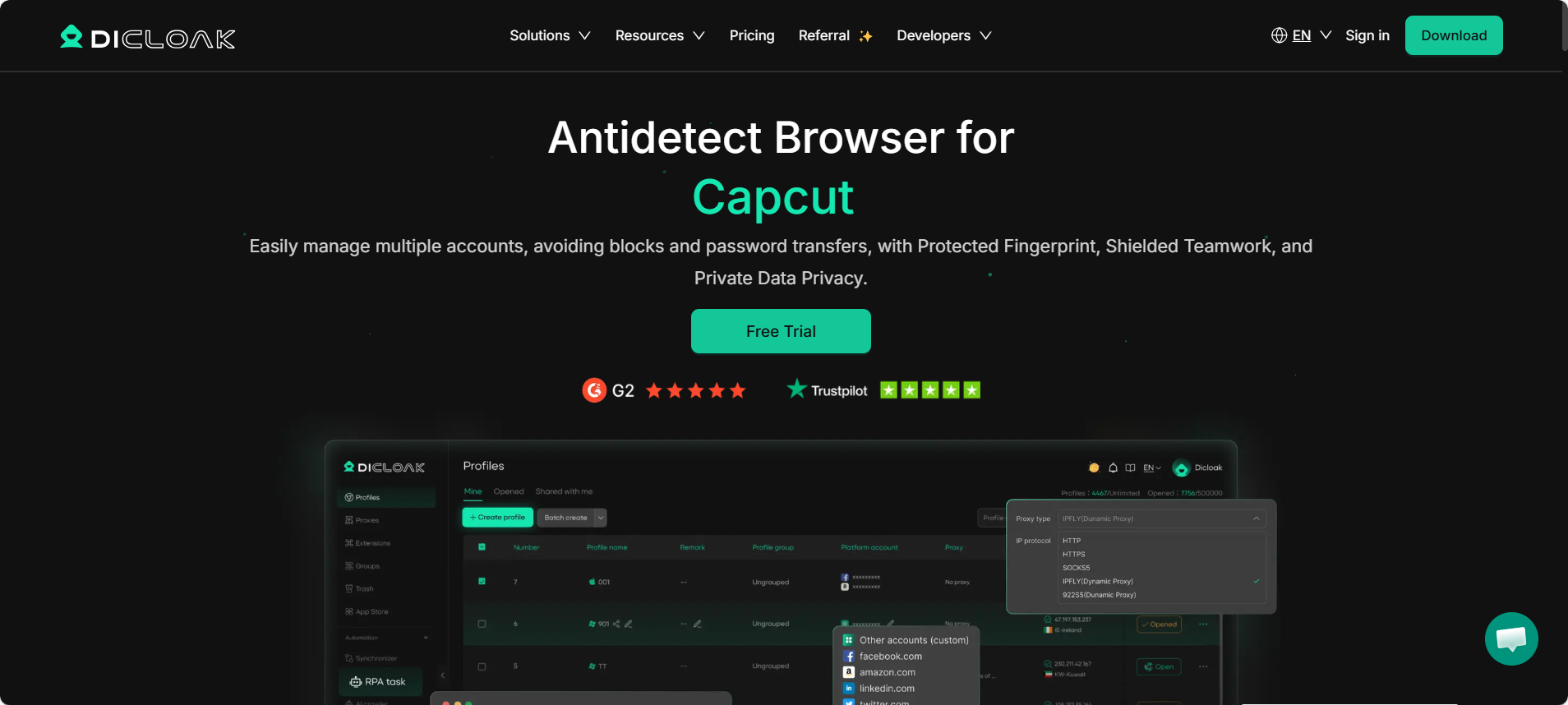
DICloak is currently the most robust manage multiple discord accounts tool on the market. It is built specifically to handle the complex "Device Hash" checks that Discord uses in 2026. While other browsers focus on general marketing, DICloak focuses on pure stealth and data isolation.
When you use DICloak, you aren't just changing your IP. You are creating a completely new digital identity. It modifies your User Agent, Canvas, and AudioContext to ensure no two accounts look alike. It also includes built-in RPA (Robotic Process Automation), which is a game-changer for warming up accounts automatically.
- Price: Free (5 profiles), Base Plan $8/month.
- Key Features: Zero-risk fingerprinting, built-in RPA automation, team collaboration tools, and bulk cookie import.
- Pros: Extremely high success rate against Discord bans; easy-to-use interface; generous free plan.
- Verdict: The best choice for keeping accounts safe long-term.
Multilogin: The Enterprise Standard for Scale
Multilogin is one of the oldest names in the industry. It is designed for large teams and agencies with big budgets. It uses two custom browsers, Mimic and Stealthfox, to replace Chrome and Firefox cores. This prevents data leaks that standard browsers might miss.
For Discord management, Multilogin is highly reliable. However, it is very expensive compared to newer tools. It is overkill for a solo user managing just 20 accounts.
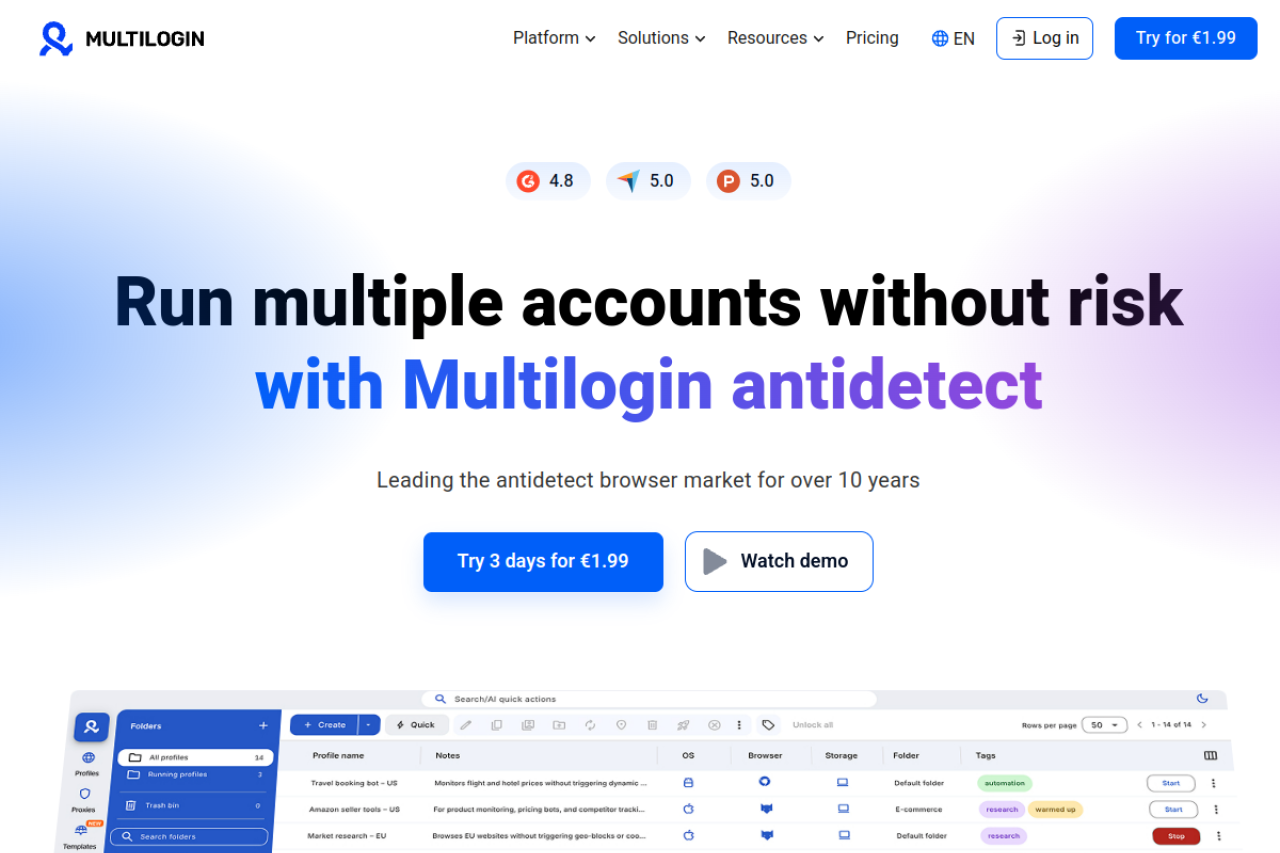
- Price: Starts at €99/month (roughly $105).
- Key Features: Custom privacy browsers (Mimic/Stealthfox), open API for automation.
- Pros: Industry-standard reliability; excellent support.
- Cons: Very expensive; no free plan; strict limits on profile numbers.
- Verdict: Great for massive agencies, but too costly for most Discord operators.
GoLogin: Cloud-Based Profile Accessibility
GoLogin offers a unique feature: you can run profiles in the cloud without installing software on your local machine. This is useful if you have a slow computer but need to run many accounts. They also have an Android app, which allows you to manage Discord accounts on the go.
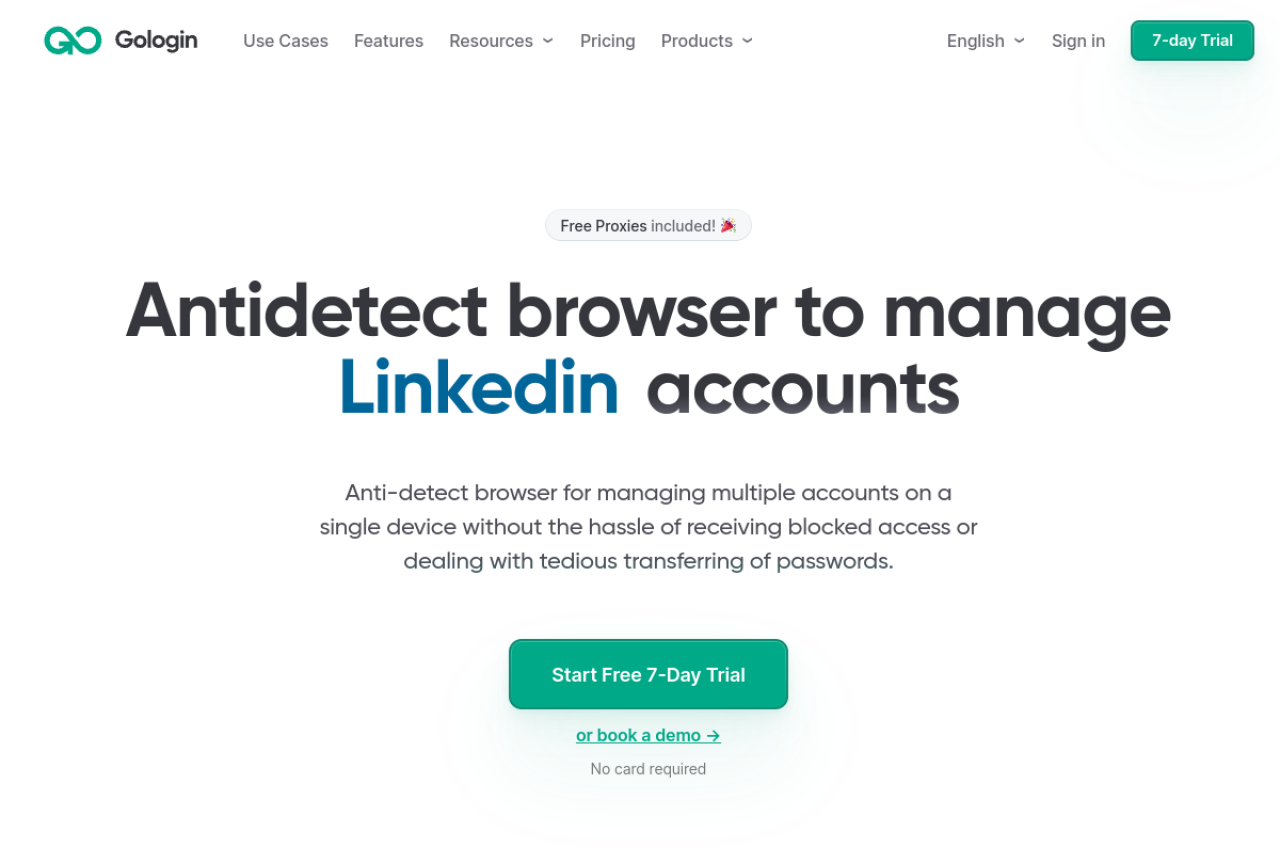
- Price: Starts at $24/month.
- Key Features: Cloud web launch, Android mobile app, free proxy deals.
- Pros: Access profiles from any device; good mobile integration.
- Cons: The web-based launch can be slower than a local app; interface can feel cluttered.
- Verdict: Good if you need to access accounts from your phone.
AdsPower: Dominating Discord with RPA and Automation
AdsPower is famous for its automation tools. If your strategy involves grinding XP or sending bulk DMs, AdsPower helps you record those actions and replay them. It supports both Chromium and Firefox kernels, giving you flexibility in how your fingerprint appears.
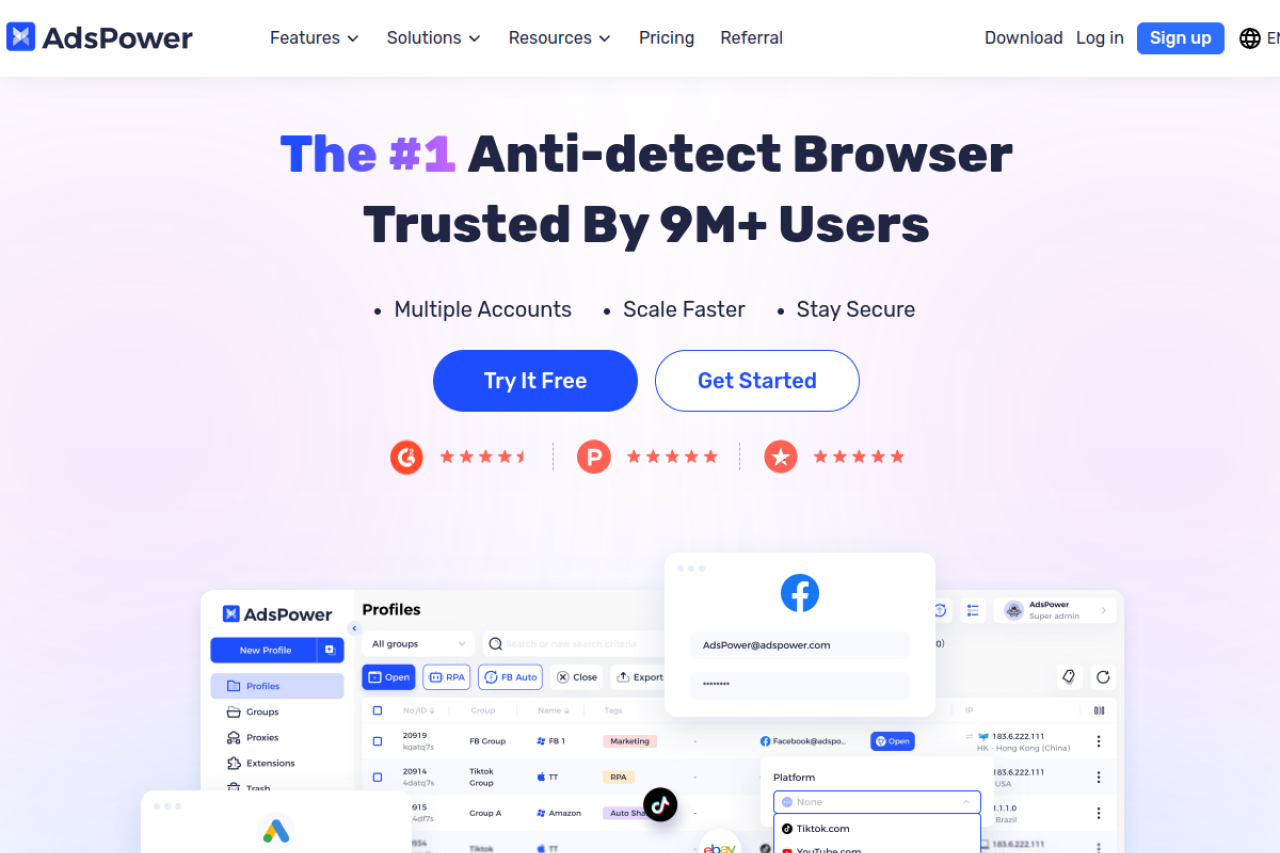
- Price: Free (2 profiles), Paid plans start at $9/month.
- Key Features: No-code RPA robot, dual-kernel support, massive fingerprint database.
- Pros: excellent automation features; flexible pricing model.
- Cons: The interface is complex and has a steep learning curve for beginners.
- Verdict: Best for users who want to automate chat tasks.
Dolphin{anty}: Specialized Interface for Discord Arbitrage
Dolphin{anty} was built for affiliate marketers, but it works well for Discord too. The interface is very modern and lets you tag and organize hundreds of accounts easily. It focuses on speed and team management, allowing you to assign specific profiles to different staff members.
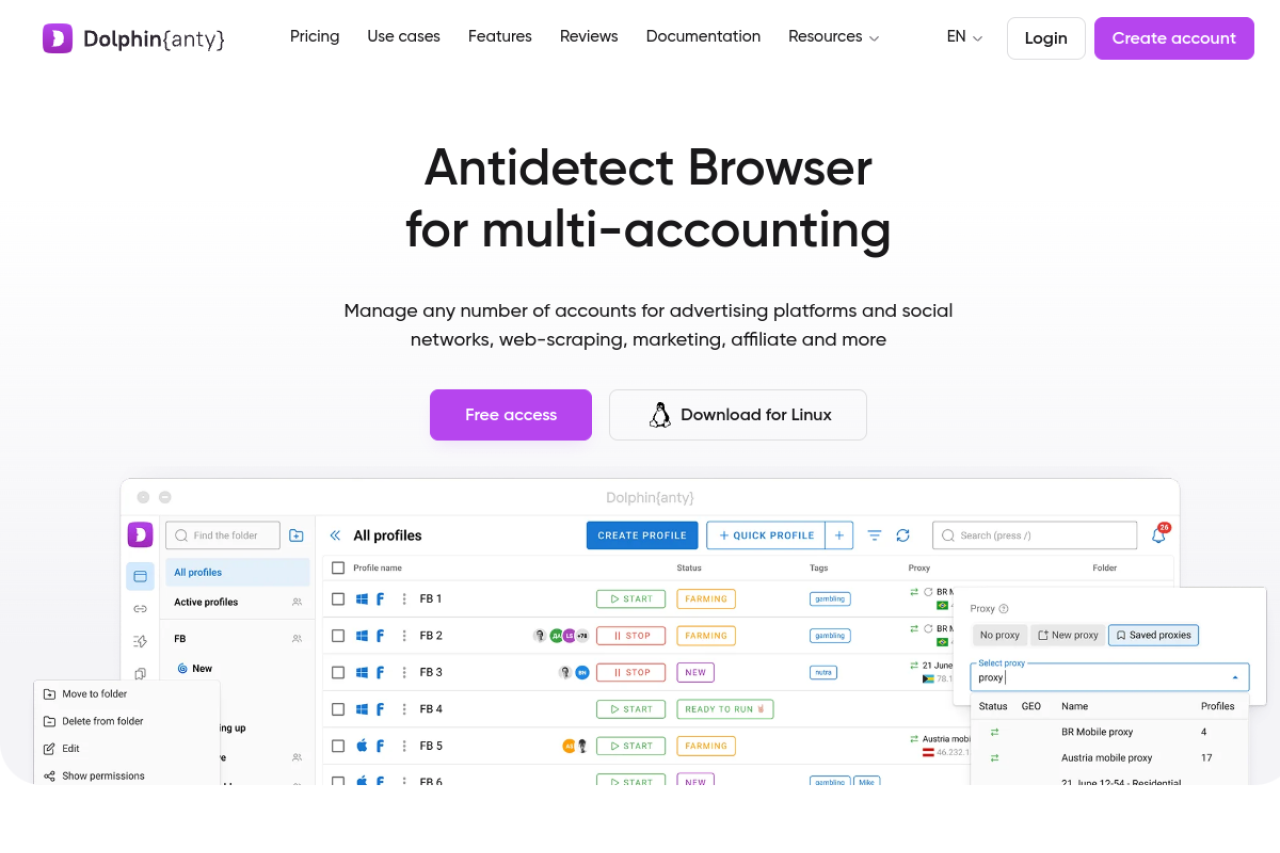
- Price: Free (10 profiles), Base plan $89/month.
- Key Features: Real browser fingerprinting, "Smart Paste" (typing simulation), role-based access.
- Pros: Beautiful, fast interface; good free plan limits.
- Cons: Reporting tools are geared toward Facebook/Google ads, not Discord.
- Verdict: A solid choice if you value a clean UI and organization.
Incogniton: Granular Control for Advanced Users
Incogniton gives you deep control over every parameter. You can manually adjust your WebGL vendor or font lists. It allows you to store profiles locally on your computer, which can be faster than cloud syncing for some users.
- Price: Free (10 profiles), Starter Plus $29.99/month.
- Key Features: Local storage options, type-simulation input, bulk creator.
- Pros: Generous free plan; detailed manual configuration.
- Cons: The software can be heavy and laggy on older computers; updates are sometimes slow.
- Verdict: Good for tech-savvy users on a budget.
Browser.lol: Web-Based Disposable Instances
Browser.lol is different from the others. It creates a virtual browser inside your web browser. This is a "disposable" environment. It is excellent for quickly checking a link or doing a one-time verification, but it does not save your cookies or history permanently in the lower tiers.
- Price: Free (limited), Premium $9/month.
- Key Features: No installation needed, runs in cloud, isolates malware.
- Pros: Instant access; 100% safe from local viruses.
- Cons: Not suitable for long-term account farming (cookies are lost easily in cheap plans); no automation.
- Verdict: Use this for quick tests, not for managing your main accounts.
Octo Browser: Real Device Fingerprinting Accuracy
Octo Browser claims to use "real" device fingerprints rather than generating noise. This means they take data from actual devices and apply it to your profile. This makes your account look very authentic to Discord's anti-fraud bots.
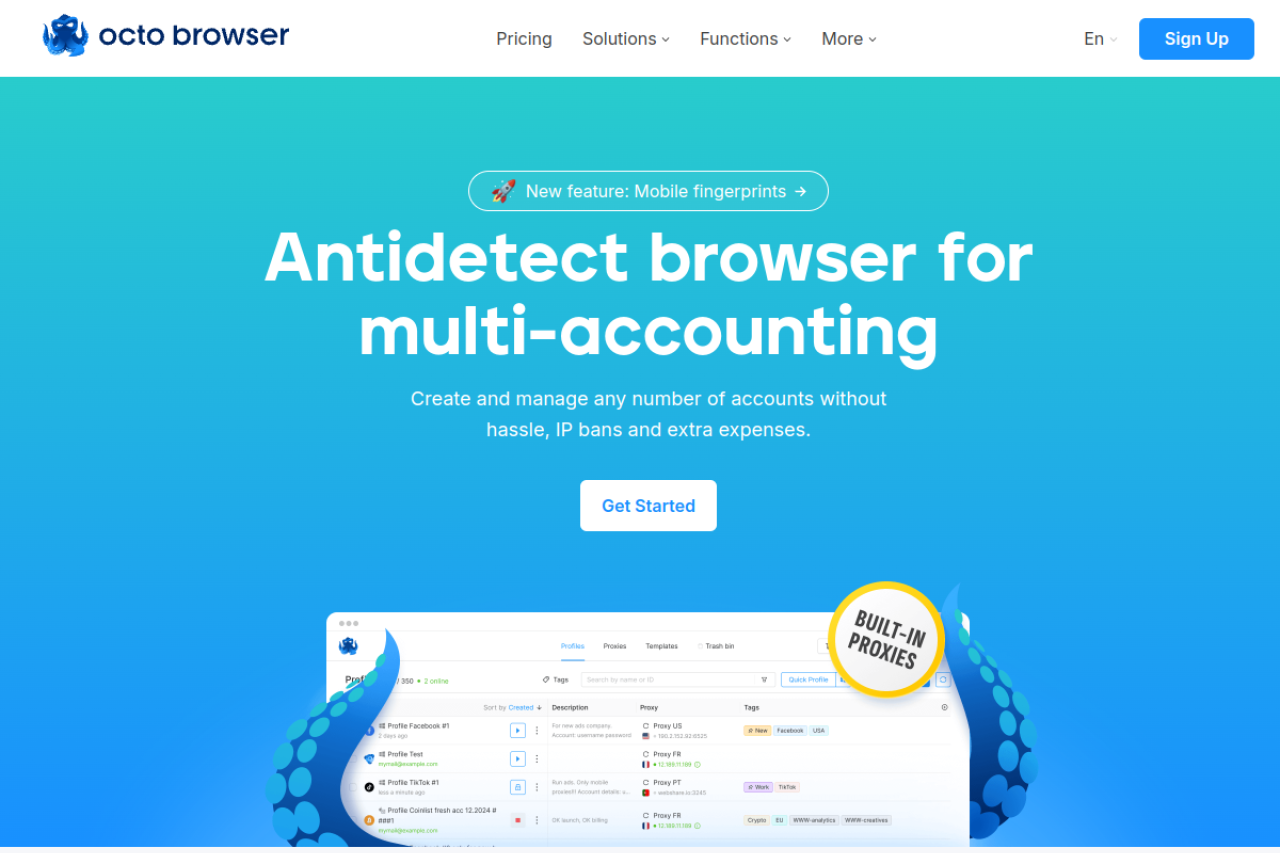
- Price: Starts at €29/month.
- Key Features: Real device fingerprints, unlimited device emulation, fast profile loading.
- Pros: High-quality fingerprints; very fast performance.
- Cons: Expensive entry point; interface is strictly functional with few tutorials.
- Verdict: A premium tool for users who cannot afford any leaks.
MoreLogin: Leading the Way in Cloud Phone Emulation
MoreLogin has a unique angle: Cloud Phone. It can emulate an Android device environment on your computer. Discord trusts mobile traffic more than desktop traffic in 2026, so this can help bypass difficult captchas or verification loops.
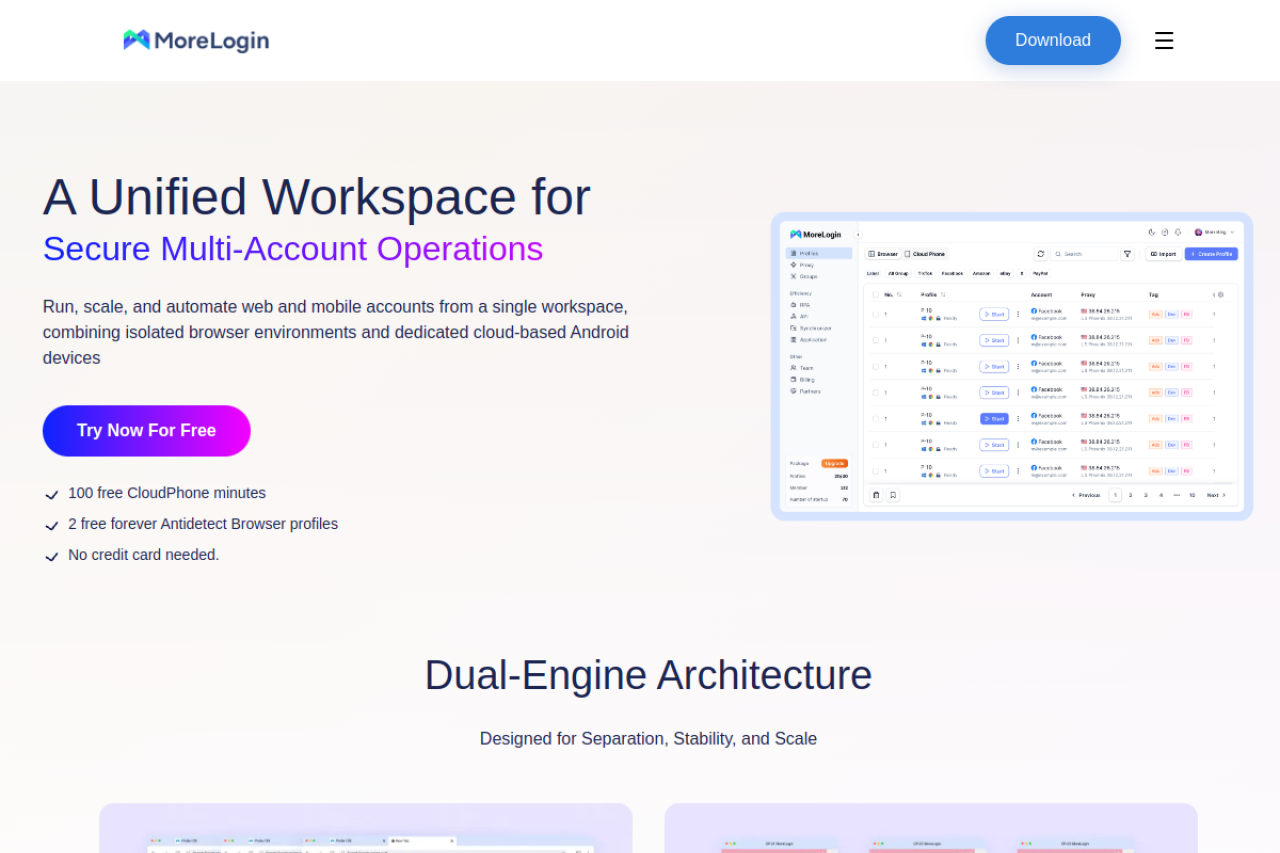
- Price: Free (2 profiles), Pro starts at $9/month.
- Key Features: Cloud Phone (Android), real canvas fingerprinting, synchronizer.
- Pros: Mobile emulation is great for Discord trust scores; affordable.
- Cons: Mobile features cost extra credits; desktop app can be buggy.
- Verdict: Excellent if your strategy relies on mobile-only verifications.
Hidemium: Combining Desktop and Mobile Emulation
Hidemium is a versatile tool that supports both mobile and PC profiles. It is designed for users who need to swap between device types frequently. It also includes drag-and-drop automation features, making it easier to script actions without coding.
- Price: Free (5 profiles), Basic $15/month.
- Key Features: Mobile and PC profiles, visual automation builder, team sharing.
- Pros: Flexible device options; good automation interface.
- Cons: Pricing structure is complicated with many tiers; smaller user base.
- Verdict: A strong alternative for users needing mixed device environments.
Frequently Asked Questions about Antidetect Browsers for Discord Account Management
How many Discord accounts can I manage per antidetect profile?
You must strictly manage only one Discord account per profile. Think of each profile as a completely separate physical computer. If you log into multiple accounts inside a single browser profile, Discord will link their digital fingerprints together. This means if one account gets banned, the entire chain will be locked instantly.
Can Discord detect that I am using an antidetect browser?
If you use a premium tool like DICloak, Discord cannot detect the browser itself. These tools work by masking your real hardware parameters and presenting a consistent, generic fingerprint that looks like a normal Chrome or Firefox user. However, low-quality or free browsers often leak data through WebRTC or Canvas, which alerts Discord's anti-fraud system immediately.
Why do I still get 'Something is going on here' errors?
This generic error typically indicates a consistency mismatch in your profile data. It happens when your IP address location does not match your browser's time zone or language settings (e.g., a US IP address with a PC clock set to Tokyo time). High-quality browsers automatically sync these settings to your proxy to ensure your "Device Hash" looks authentic.
Do I need residential proxies with my manage multiple discord accounts tool?
Yes, using residential proxies is essential to account longevity. Datacenter IPs are cheaper, but Discord's security bots easily identify them as server traffic, which lowers your account's trust score. Residential proxies route your connection through real home Wi-Fi networks, making your activity indistinguishable from a regular users.
Is it safe to use RPA automation for Discord XP grinding?
Automation always carries some risk, but you can minimize it by focusing on human emulation. Avoid scripts that paste text instantly or perform actions at perfect intervals. Instead, use a manage multiple discord accounts tool that supports "human typing" simulation, random delays, and mouse movements to trick Discord's behavioral analysis algorithms.
Conclusion
Discord bans in 2026 are no longer random or avoidable through basic privacy habits. The platform now links accounts through device hashing, browser fingerprints, and behavioral patterns that standard browsers simply cannot hide. Incognito mode,and manual switching are outdated and dangerous at scale.
To operate safely, you must treat every Discord account as a completely separate digital identity. That means full fingerprint isolation, consistent proxy alignment, and controlled automation that mimics real human behavior. A professional manage multiple Discord accounts tool is no longer optional—it is the foundation of long-term survival. Operators who adapt to this reality can scale confidently, while those who ignore it will continue losing accounts faster than they can replace them.
 Web Proxy Tools
 Free Tools
 Cookie Plugin
 UA Generator
 MAC Address Generator
 IP Generator
 IP Address List
 2FA Code Generator
 World Clock
 Anonymous Check
 WebRTC Leak Test
 UUID Generator
 Free Web Proxy Site
 Proxy Checker
 FB Ad Checker
 AI Web Scraping
 Free SMM Tools
 Twitter Shadowban Checker
 Instagram Name Checker
 UTM Generator
 Username Generator
 AI Hashtag Generator
 LinkedIn Headline Generator
 Social Media Image Resizer