In 2026, the line between scaling your professional network and being permanently exiled from it is razor-thin. LinkedIn's AI-driven security is more formidable than ever, yet the rewards—with over 45% of automated outreach requests accepted—have never been higher. This isn't just about avoiding bans; it's about mastering the art of digital camouflage.
To win on LinkedIn in 2026, you must adopt a two-pronged strategy: pair elite proxies with an undetectable browser. There is no other way to operate safely at scale. This guide will provide the professional playbook for choosing the best LinkedIn proxy and strategy, ensuring your automation and data collection efforts are both safe and effective.

Why You Need the Best LinkedIn Proxy for Automation and Scraping
A proxy server acts as an intermediary, masking your real IP address. LinkedIn's first line of defense is to identify and ban the IP address where suspicious activity originates. Using a proxy protects your actual device's IP from this blacklist. If a proxy IP gets flagged, you simply switch to a new one, allowing your operations to continue without interruption. Professionals understand that this is the foundational layer of any serious LinkedIn operation.
Create and Warm Up New Accounts Safely
New LinkedIn accounts are under intense scrutiny. A dedicated proxy IP for each new account is crucial for the "warm-up" phase. This process involves building a history of legitimate-looking activity—editing the profile, posting content, and engaging with others—from a single, consistent IP address. This establishes the account's credibility and significantly reduces the risk of an early ban.
Manage Multiple LinkedIn Accounts Without Blocks
Attempting to manage multiple LinkedIn accounts from a single device IP is a rookie mistake that will get you logged out or flagged immediately. The solution is to assign a unique proxy IP to each browser profile. This allows you to run dozens of accounts simultaneously and safely from one machine, a non-negotiable tactic for agencies and power users.
Power Your LinkedIn Automation Tools
Automation tools like HeyReach or Phantombusters are essential for scaling lead generation. The best LinkedIn proxy providers supercharge these tools by automatically rotating IPs and adding randomized delays between actions. This mimics human behavior, making it nearly impossible for LinkedIn's algorithms to distinguish your automated activity from that of a regular user.
Scrape Valuable LinkedIn Data for AI and Marketing
Proxies are indispensable for scraping public data from LinkedIn, whether it's for training AI models or building targeted marketing lists. To avoid getting blocked for making too many requests from one IP, scrapers must use proxy rotation. This allows for the collection of massive datasets without triggering LinkedIn's rate limits or security measures.
Are Proxies Enough? Why the Best LinkedIn Proxy Needs a Partner
Here’s the bottom line: a high-quality proxy is critical, but it is not a complete solution. Advanced detection systems like LinkedIn's track far more than your IP address; they analyze your device fingerprint—a unique signature composed of your WebGL rendering, MAC address, browser type, operating system, and hundreds of other data points.
Think of it this way: a proxy is like changing your car's license plate. It hides your immediate identity. But an antidetect browser changes the car itself—the model, the color, the dents, and the scratches. LinkedIn isn't just looking at license plates; it's looking for the car. Without masking the "car" (your device fingerprint), a new plate is useless.
The Critical Role of an Antidetect Browser like DICloak

To defeat device fingerprinting, you need an antidetect browser. DICloak is a tool engineered to mask your device's true fingerprint by allowing you to create multiple virtual browser profiles, each with its own unique and authentic-looking digital identity.
When you pair a high-quality proxy with a DICloak browser profile, you create a completely new, undetectable digital persona. This combination is the secure and effective setup for any serious LinkedIn automation, scraping, or multi-account management operation in 2026.
Understanding LinkedIn's Detection System to Choose the Best LinkedIn Proxy
To bypass LinkedIn's security, you must first understand its methods. The platform uses a multi-layered approach to detect and neutralize threats.
IP Reputation & ASN Checks
LinkedIn evaluates the trust score of every IP address and its associated Autonomous System Number (ASN). If an IP has been previously used for spam or malicious activity (e.g., a known datacenter IP), it will have a low reputation score and be blocked on sight.
Geo-location and Account Mismatch
The platform tracks the typical login locations for each account. If an account consistently used in Chicago suddenly logs in from Belgrade, it triggers a security alert. This can lead to an identity verification check or an immediate account block.
Browser & Device Fingerprinting
LinkedIn collects vast amounts of data to create a detailed fingerprint of your device, including browser type, OS, screen resolution, WebRTC data, and TLS handshake. If this fingerprint is linked to suspicious behavior, LinkedIn can permanently block the device itself.
Behavioral Analysis
LinkedIn's algorithms analyze user behavior to identify non-human patterns. Activities like viewing an unnatural number of profiles per minute, sending connection requests too quickly, or engaging with content at a machine-like rate are easily flagged.
How to Choose the Best LinkedIn Proxy Type for Your Task
Different tasks require different proxies. This table breaks down the best proxy types to counter LinkedIn's specific security measures.
| Proxy Type |
Best For |
Pros |
Cons |
| Mobile (4G/5G) |
Creating and warming up new accounts. |
Highest trust score; seen as real mobile traffic, effectively countering IP Reputation & Geo-location checks. |
Slower speeds and higher cost compared to other types. |
| ISP/Static Residential |
Long-term management of important accounts; manual activity. |
Stable, real residential IPs that build trust and satisfy Behavioral Analysis algorithms looking for consistency. |
Can sometimes be flagged if from a known datacenter ASN. |
| Rotating Residential |
Medium-scale data scraping and light automation across accounts. |
Large pools of real home IPs; rotation avoids rate limits, bypassing Behavioral Analysis velocity triggers. |
Frequent IP changes can trigger security verification if not managed with "sticky sessions". |
| Datacenter |
High-speed, high-volume, short-term data scraping. |
Very fast and inexpensive for rapid data collection. |
Easily detected and blocked by IP Reputation & ASN checks; not for account use. |
Ranking the Top 10 Best LinkedIn Proxy Providers for 2026
Based on proxy quality, features, reliability, and pricing, we have compiled a list of the best providers for safely automating and managing your LinkedIn activities.
1. Floppydata
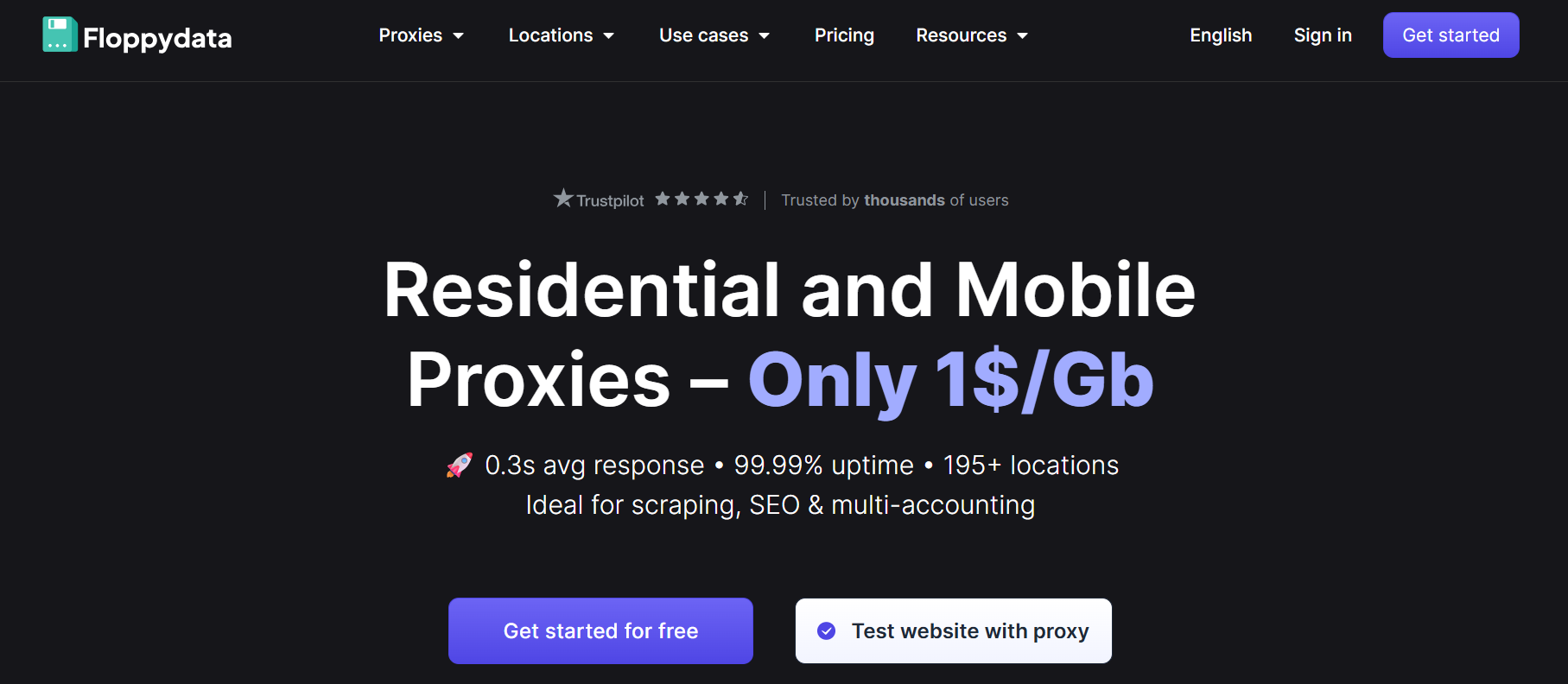
Floppydata earns its top spot by eliminating commitment barriers with its Pay-As-You-Go model while delivering enterprise-grade performance, making it the most versatile and scalable option for any user.
- Proxy types: Residential (rotating), Mobile (4G/5G), ISP (static residential), Datacenter.
- Locations: 195+ countries (with granular city/region targeting available)
- Pay-As-You-Go: Yes. No subscription needed.
- Price From: $1/GB for residential & mobile; $0.60/GB for datacenter; $5/IP for static ISP
- Free trial: No, but a $1 for 1GB risk-free trial is available.
- Best For: All-around performance for individuals, agencies, and enterprises.
2. SOAX
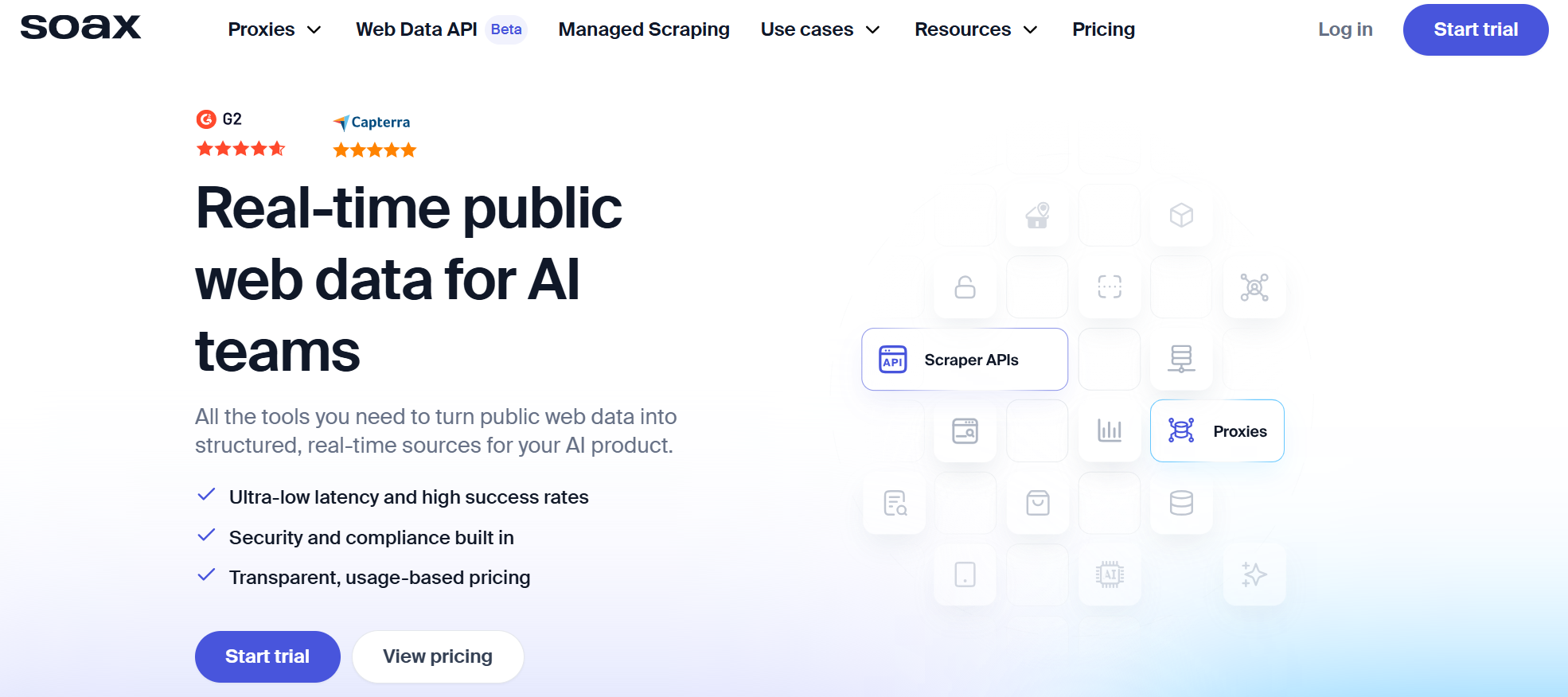
SOAX is the go-to provider for large-scale enterprise operations requiring a massive, reliable IP pool, though its premium performance comes with a higher price and a mandatory user verification process.
- Proxy types: Residential (rotating), Mobile, ISP (static residential), Datacenter
- Locations: 195+ locations worldwide
- KYC for LinkedIn: KYC Required. Mandatory identity verification for all clients.
- Price From: $90/mo in starter plan up to $1600/mo in Business plan
- Free trial: Yes. A three-day 400MB trial for just $1.99.
- Best for: Enterprise scraping and lead-gen at scale.
3. ProxyEmpire
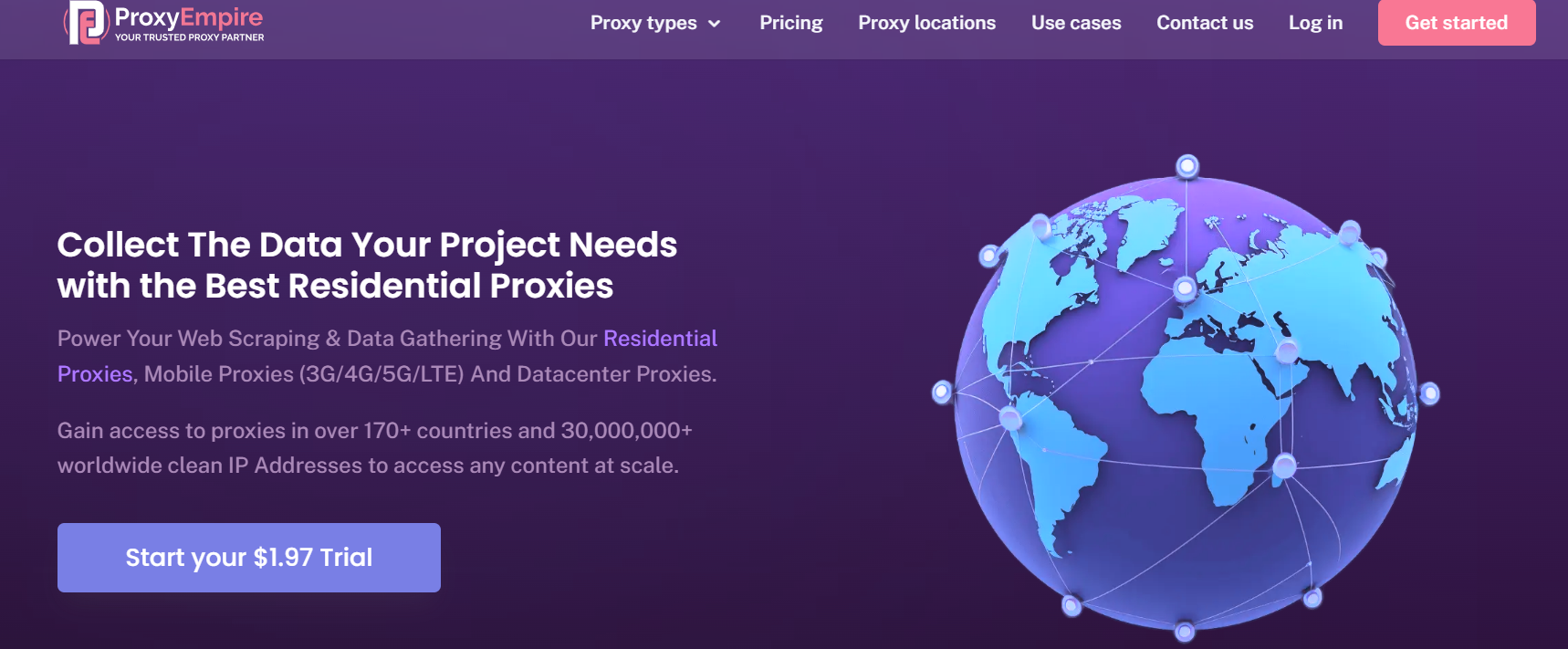
ProxyEmpire strikes a perfect balance for SMBs and agencies with its data rollover feature and seamless compatibility with antidetect browsers, making it ideal for scalable outreach campaigns.
- Proxy types: Residential (rotating), Mobile (rotating), Static ISP, Datacenter.
- Locations: 170+ countries
- Pay-As-You-Go: Not truly PAYG, but offers data rollover and small starter plans (e.g., $1.97 trial for 100MB).
- Price From: ~$9/GB on entry plans, down to $3–4/GB on large volume; $5/IP for static proxies.
- Free trial: No, but a $1.97 trial (100MB/3 days) is available.
- Best for: Multi-account LinkedIn outreach and users who value data rollover.
4. LightningProxies
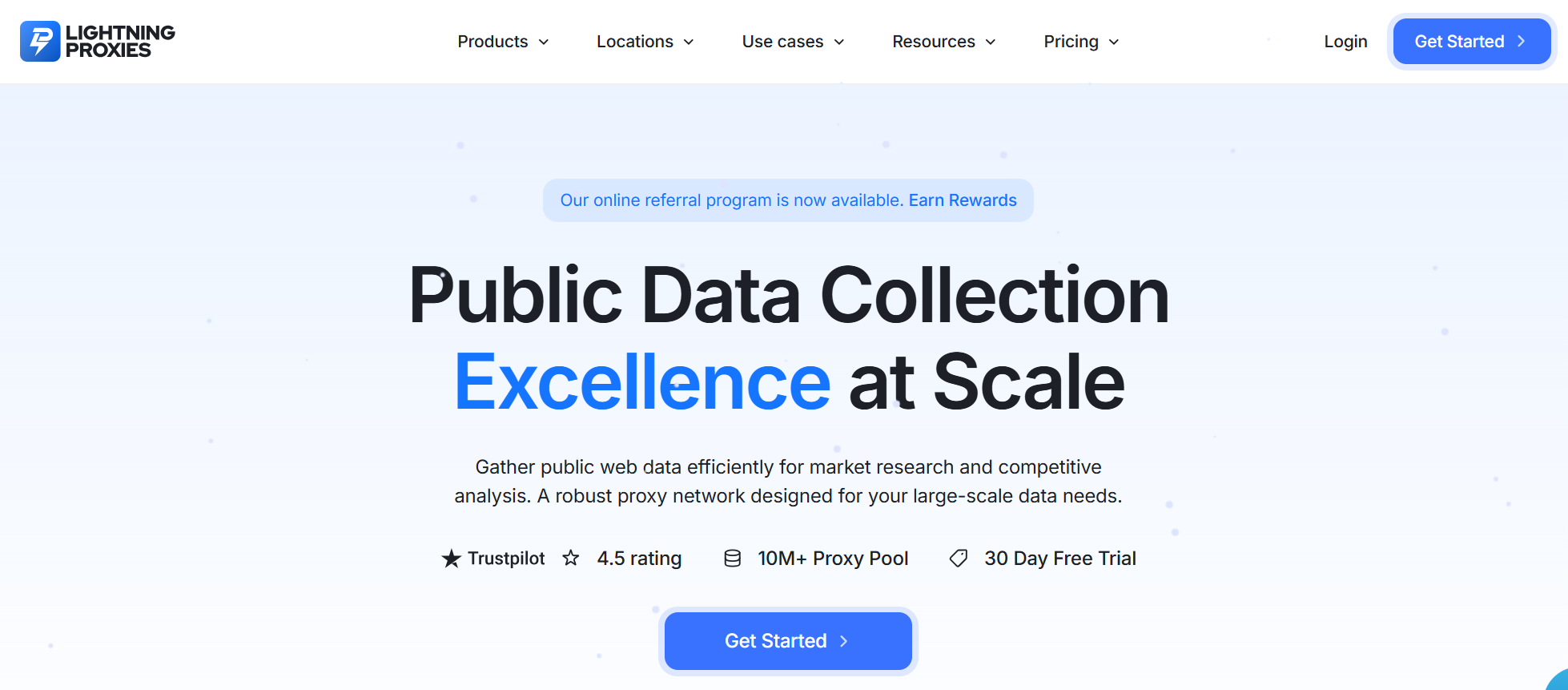
LightningProxies is built for speed and agility, offering flexible daily and weekly packages that are perfect for rapid scraping tasks and geo-testing campaigns without long-term commitments.
- Proxy types: Residential (rotating), Mobile (4G/5G), ISP (static), Datacenter (IPv4 & IPv6).
- Locations: 250+ locations worldwide.
- Pay-As-You-Go: Yes. Daily, weekly, and bandwidth-based packages.
- Price From: Residential 4.50/GB; Static ISP ~4/IP.
- Free trial: No, but a 3-day refund policy is available.
- Best for: Fast LinkedIn scraping and quick turnaround projects.
5. ProxyScrape
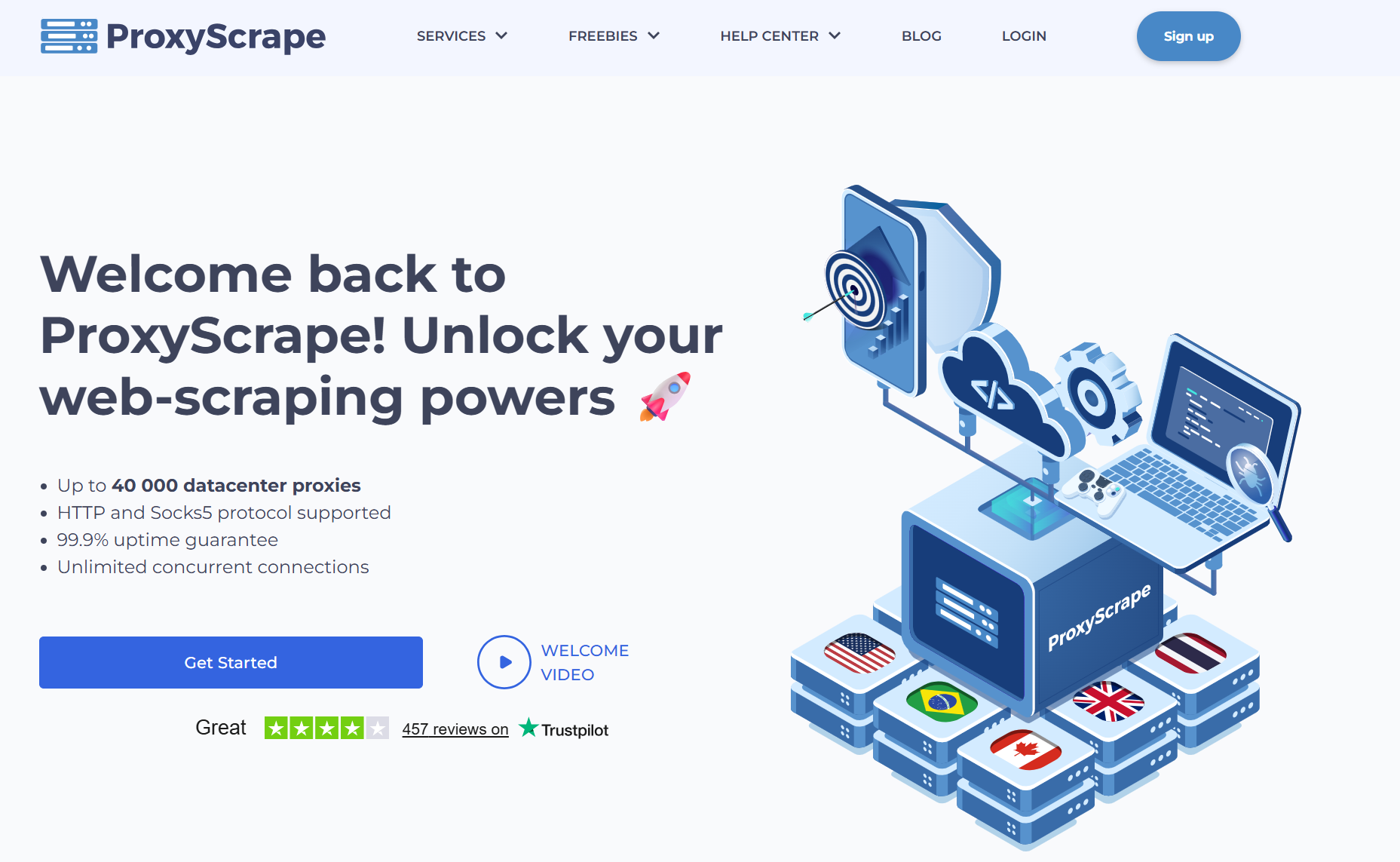
ProxyScrape delivers exceptional value for freelancers and small teams, offering an affordable entry point with unique unlimited bandwidth plans ideal for managing a handful of accounts.
- Proxy types: Residential (rotating), Datacenter (dedicated), Static Residential (ISP)
- Market segment: Freelancers, individual users, and small marketing teams
- Pay-As-You-Go: Yes. Unlimited bandwidth plans by thread count.
- Price From: $10 for residential access or $50/month for unlimited plans.
- Free trial: No, but a 3-day refund policy is offered.
- Best for: Cheap and easy LinkedIn scraping or managing a few accounts.
6. Proxidize
Proxidize empowers advanced users and agencies with its unique "build-your-own" mobile proxy network, offering unparalleled control and the highest level of IP trust for sensitive operations.
- Proxy types: Mobile (4G or 5G) with rotation and customization.
- Locations: 80+ countries (build your own) or US (ready-made).
- Market segment: Agencies, enterprises, and advanced users.
- Price From: $1 per GB for mobile proxies or $250 for hardware to build your own.
- Free trial: No, but a community edition allows for testing.
- Best for: Building a private mobile proxy network for full control and scale.
7. IPRoyal
IPRoyal is the ideal choice for sporadic or long-term 'slow burn' campaigns, as its non-expiring bandwidth eliminates the pressure of monthly subscription waste.
- Proxy types: Rotating Residential, Static Residential (ISP), Mobile (3G/4G), Datacenter
- Locations: 195+ countries
- Pay-As-You-Go: Yes. Bandwidth never expires.
- Price From: $3.50/GB for residential, $4–5/IP for static ISP, $7/GB for mobile, and datacenter from $1/GB.
- Free trial: Yes (conditional).
- Best for: Warming up accounts slowly or running flexible, long-term campaigns.
8. Webshare
Webshare's freemium model provides a risk-free entry point for developers and individuals, making it the perfect choice for testing proxy setups or affordably managing one or two accounts.
- Proxy types: Rotating Residential, Static Residential (shared/dedicated ISP), Datacenter.
- Locations: 195+ countries (residential).
- Price From: Residential starts around 3.50/GB. Static ISP from ~2/IP (shared).
- Free trial: Yes. Free for 10 datacenter proxies.
- Best for: Testing proxies or running 1–3 accounts affordably.
9. PROXY.father
For operators targeting the German market, PROXY.father offers the gold standard: premium 4G/5G mobile proxies tied to real German SIM cards, delivering maximum safety and reliability.
- Proxy types: Dedicated Mobile (4G/5G Germany only).
- Locations: Germany.
- Price From: $6 for 12-hour access, $49/month for 4G.
- Free trial: Yes. A 10-minute test is available.
- Best for: Running German or EU LinkedIn accounts with maximum safety.
10. Decodo
Decodo (formerly Smartproxy) is a powerful, feature-rich provider whose massive IP pool and advanced tools, like scraping APIs, make it a top contender for complex data extraction projects.
- Proxy types: Rotating Residential, Static ISP, Mobile (on request), Datacenter
- Locations: 195+ countries
- Pay-As-You-Go: Yes. Pay per GB or choose subscription packages.
- Price From: $3/GB for residential; $3.65/GB for Mobile; $6.5/GB for ISP; $0.6/GB for Datacenter.
- Free trial: 14-day money-back guarantee.
- Best for: Advanced LinkedIn data scraping.
How to Use the Best LinkedIn Proxy with DICloak: A Step-by-Step Guide
Setting up a secure workflow is straightforward. Here’s how to combine a top-tier proxy provider like Floppydata with the DICloak antidetect browser.
1. Get Your Proxies: Sign up on Floppydata, purchase a suitable proxy plan, and copy the proxy credentials (host, port, username, password) from your dashboard.
2. Get DICloak: Download and install the DICloak application on your computer and register for an account. It functions like a standard browser but is equipped with advanced fingerprint and proxy management features.
3. Create Browser Profiles in DICloak: Inside DICloak, create a new browser profile and configure the purchased proxy within the profile settings. Once set up, this profile operates as a completely separate device, with its own unique browser fingerprint and IP address.
4. Launch the Profile and Use LinkedIn: Launch the profile you just created. A new browser window will open. Navigate to LinkedIn, log in, and begin your work. All your activity is now fully masked behind the proxy and the new device fingerprint.
5. Scale Your Operations: Create additional browser profiles in DICloak for each LinkedIn account you want to manage, assigning a unique proxy from your provider to each one.
This setup not only allows you to run multiple accounts safely but also enables powerful team collaboration. You can share a DICloak profile with a colleague, who can then continue working from the exact point you left off, inheriting the same profile, fingerprint, and proxy as if they were using the same physical device.
Final Verdict: Finding Your Best LinkedIn Proxy and Browser Setup
The key takeaway is that a successful LinkedIn strategy in 2026 is not about choosing the best LinkedIn proxy alone, but about building a secure and undetectable operating environment. True success depends on a dual-layer approach that combines IP cloaking through the best LinkedIn proxy and identity masking with an antidetect browser.
For the safest, most effective, and scalable results, the professional choice is clear: pair a high-quality, flexible provider offering the best LinkedIn proxy, such as Floppydata, with the advanced fingerprint protection of the DICloak antidetect browser. Together, this setup creates modern digital camouflage, allowing you to grow your LinkedIn presence confidently without fear of detection or bans.
Frequently Asked Questions about the Best LinkedIn Proxy
What is the safest type of proxy for managing a single important LinkedIn account?
For one high-value account, an ISP or static residential option is considered the best LinkedIn proxy choice. It provides a stable, clean IP from a real internet service provider, helping establish a consistent and trusted login history that LinkedIn’s systems prefer.
Can LinkedIn detect that I am using a proxy?
Yes, LinkedIn can easily identify low-quality services, especially datacenter options with poor reputations. However, residential or mobile solutions—often considered the best LinkedIn proxy types—use real user IPs, making the traffic look like that of normal users.
How many LinkedIn accounts can I run with one proxy?
For maximum safety when using the best LinkedIn proxy, you should assign one unique IP to each LinkedIn account. Running multiple accounts through the same proxy is a major warning sign and often leads to restrictions.
Is it better to use a rotating or a static proxy for LinkedIn?
The best LinkedIn proxy depends on your task. Use a static proxy for managing a single account and maintaining a consistent identity. Use a rotating residential proxy for scraping or large-scale automation to avoid excessive requests from one IP.
Do I really need an antidetect browser if I have the best LinkedIn proxy?
Yes. Even the best LinkedIn proxy only masks your IP address. LinkedIn also tracks browser and device fingerprints. An antidetect browser like DICloak hides these signals, adding the second layer of protection needed to stay truly undetectable.
 Web Proxy Tools
 Free Tools
 Cookie Plugin
 UA Generator
 MAC Address Generator
 IP Generator
 IP Address List
 2FA Code Generator
 World Clock
 Anonymous Check
 WebRTC Leak Test
 UUID Generator
 Free Web Proxy Site
 Proxy Checker
 FB Ad Checker
 AI Web Scraping
 Free SMM Tools
 Twitter Shadowban Checker
 Instagram Name Checker
 UTM Generator
 Username Generator
 AI Hashtag Generator
 LinkedIn Headline Generator
 Social Media Image Resizer