You run 8 Instagram bot accounts on one machine, switch IPs too fast, and 3 accounts hit checkpoint loops before noon. That pattern is common: Instagram watches login behavior, device signals, and network consistency, not just your bot script. A residential proxy for Instagram bot setups helps because traffic looks like real household connections, yet proxy type alone will not save weak account hygiene. Instagram’s rules on fake activity are strict in the Meta transparency and enforcement docs, and automation that looks abusive can still trigger limits under Instagram’s Terms of Use.
You need a clear operating method: how to pick proxy pools with stable ASN and location matching, how to map one account to one long-term identity, and how to set request timing so behavior stays human-like. You will also see where teams fail during multi-account work, and how isolated browser profiles and permission controls in tools like DICloak for social media workflows can reduce cross-account contamination. Start with the selection rules that prevent risk before your bot sends a single action.
When Do You Actually Need a Residential Proxy for Instagram Bot Tasks?
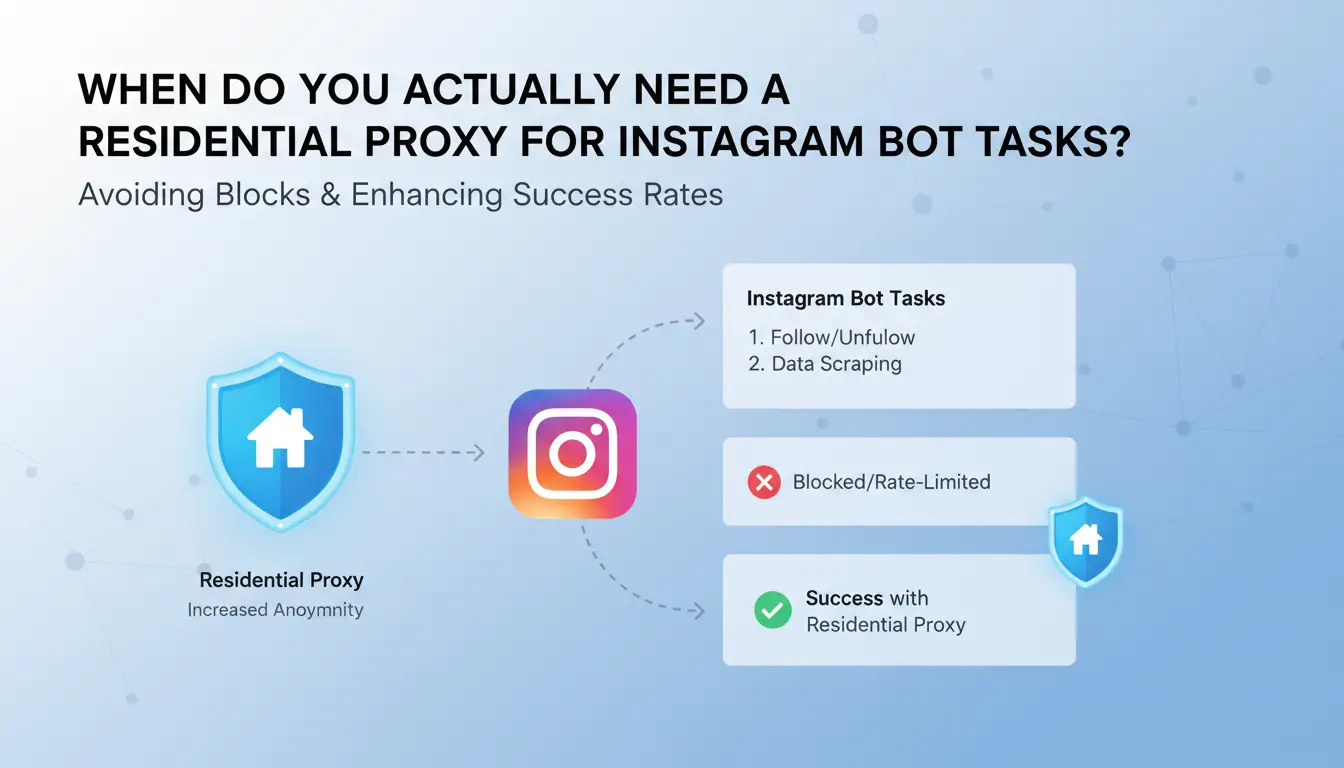
Use a residential proxy for Instagram bot work only when your bot creates repeated trust checks: frequent logins, account switching, and action bursts from one network. If your workflow is light scheduling on a warm account, you may not need it. Pay for residential IPs only when detection risk is tied to IP reputation, not weak bot timing.
Which Instagram bot activities trigger the highest detection pressure?
Highest-pressure tasks are follow/unfollow loops, DM bursts, large profile scraping, and login-heavy flows. These patterns can trip abuse controls under Instagram’s Terms of Use and Meta policy enforcement pages. Risk rises when one IP hits many accounts or one account changes IP city every session. Keep one account mapped to one long-term identity: same proxy region, stable device fingerprint, and human pacing between actions.
Residential vs mobile vs datacenter proxies: which fits your goal?
| Proxy type |
Trust level for Instagram |
Speed |
Cost |
Best fit |
| Residential |
High if location stays stable |
Medium |
High |
Login-heavy automation, warm account protection |
| Mobile |
Very high reputation |
Low to medium |
Highest |
Hard trust recovery cases |
| Datacenter |
Lower trust for bot patterns |
High |
Low |
Low-risk scraping, non-login tasks |
You can use DICloak to isolate each account in separate browser profiles and assign proxies per profile, which cuts cross-account contamination.
Why Instagram Bots Get Flagged Even With Proxies
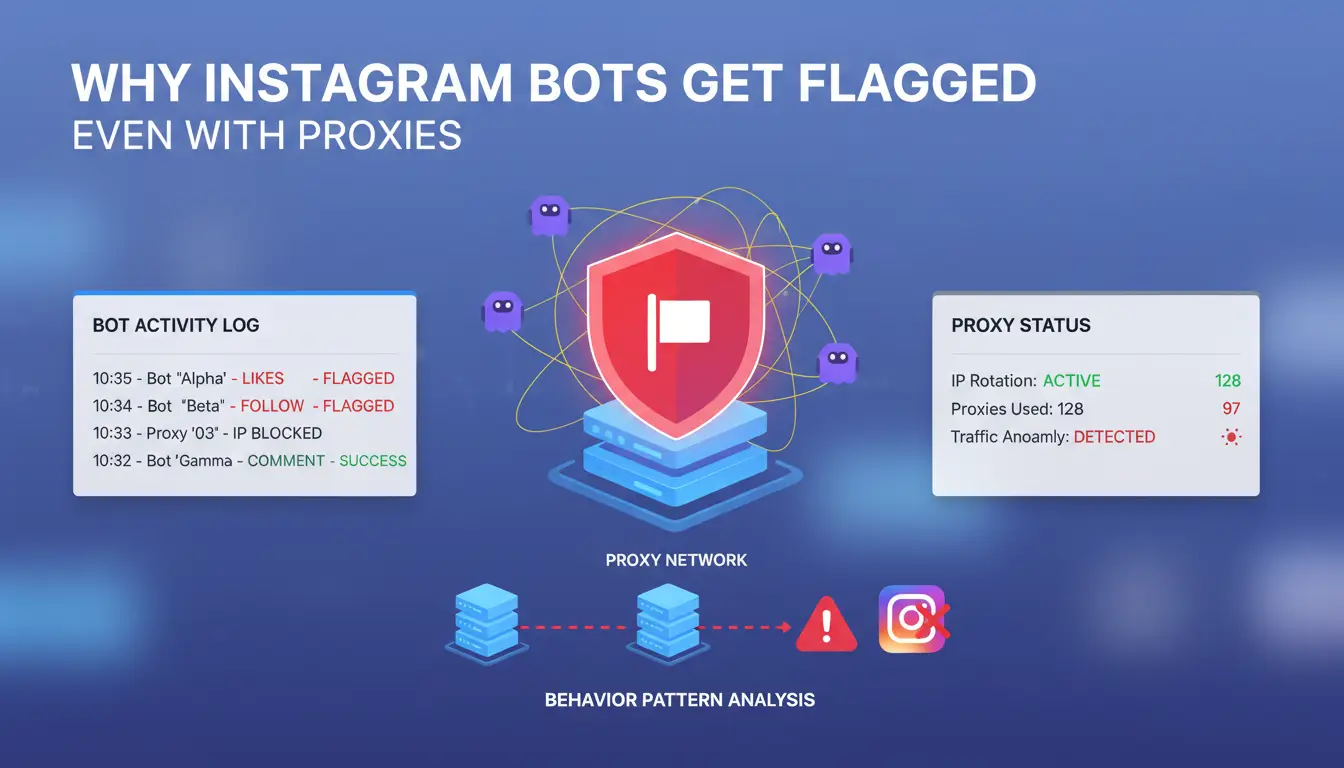
A residential proxy for Instagram bot setup can lower risk, but it does not hide weak identity signals. Instagram checks linked patterns across IP, device, timing, and session behavior under Instagram Terms. If one signal looks human but three look scripted, the account still gets flagged.
How IP reputation, rotation style, and ASN quality affect trust
A clean IP pool has low abuse history, stable ASN ownership, and city-level consistency. Overused subnets often carry spam history, so trust starts lower. Sticky sessions help one account keep one identity. Fast rotation on every request creates a moving identity that looks fake.
| Signal |
Lower-risk pattern |
Flag-prone pattern |
| Subnet use |
Low-density, clean history |
Reused automation ranges |
| Session style |
Sticky IP per account |
IP swap every action |
| ASN/location |
Stable ISP + matching city |
Frequent ASN/city jumps |
How fingerprint mismatch and bot behavior patterns cause bans
IP quality alone fails if browser fingerprint data conflicts with proxy location. Common mismatch: US IP, EU timezone, and non-matching language headers. A residential proxy for Instagram bot also fails when actions fire at fixed intervals, like follow every 20 seconds for hours. Human activity has pauses, scroll time, and uneven bursts. For team workflows, you can use isolated profiles, per-profile proxies, and role controls in DICloak to reduce cross-account contamination.
What to Check Before Buying Residential Proxies for Instagram Automation
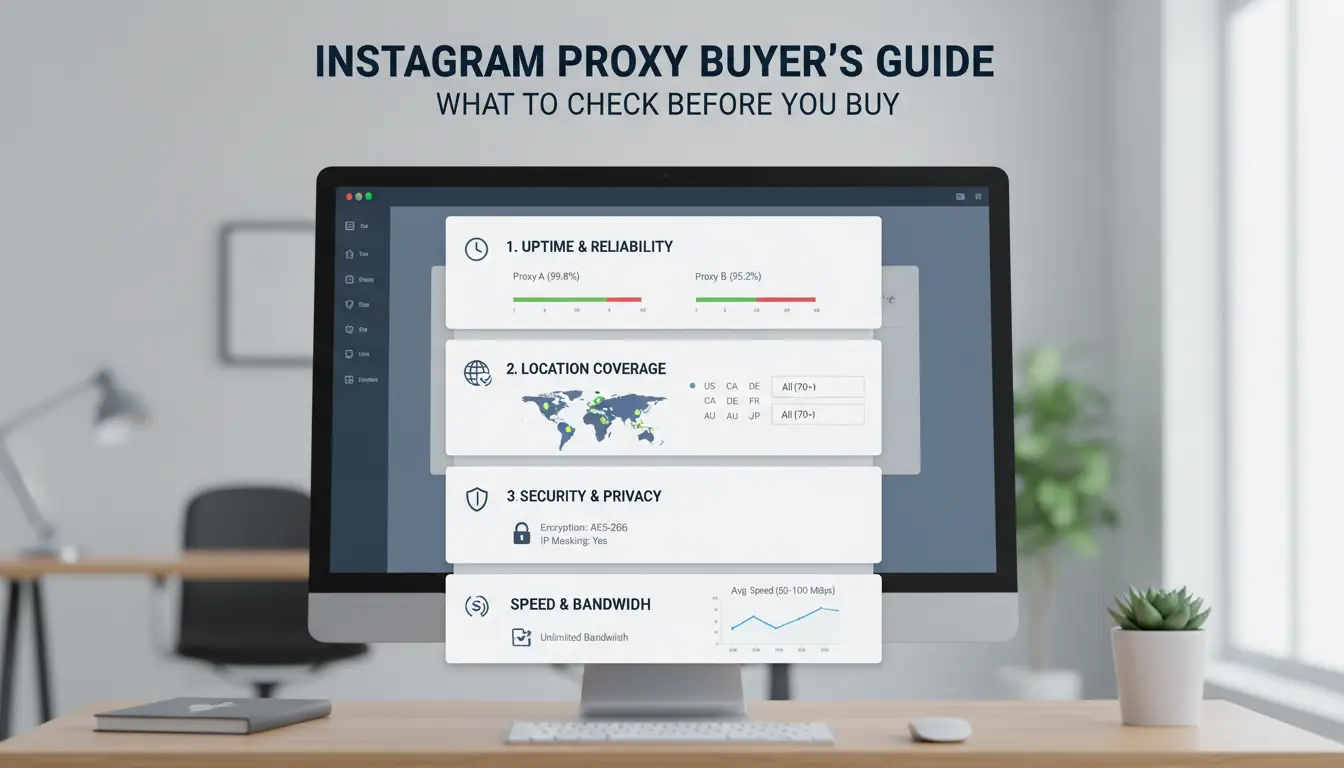
Buying a residential proxy for Instagram bot setup is less about ads and more about failure rate under real load. Ask each provider for a test window, then verify targeting, session control, and replacement terms before paying for a monthly plan.
Provider due diligence: pool size, targeting options, and replacement policy
Check if you can lock country and city, and keep sticky sessions long enough to hold one account identity. If a provider cannot explain ASN consistency, treat that as a risk flag. Also check contract rules: refund window, failed IP replacement speed, and live support hours. If replacement takes days, your bot queue stalls.
| Check |
What to ask |
Pass signal |
| Geo targeting |
Country/city available? |
Exact city + sticky session |
| Session control |
Rotation vs sticky time? |
Clear session duration options |
| Replacement policy |
Dead IP swap time? |
Fast swap + written policy |
| Support |
Response channel and SLA? |
Real human support, not ticket-only |
Performance checks: success rate, latency, and real cost per successful action
Run a pilot with 3-5 accounts for 3-7 days. Track login success, action success, challenge rate, and average latency. Cheap per-GB plans often burn more money if retries spike. Measure cost per successful follow, like, or DM, not headline price. For team use, you can map one proxy and one browser profile per account with DICloak for social media workflows to reduce cross-account contamination.
How to Set Up a Residential Proxy for Instagram Bot Workflows Step by Step
Use this flow for each account. The goal is stable identity, clean routing, and fewer login challenges for a residential proxy for Instagram bot setup.
Initial setup: credentials, session type, geo match, and account mapping
Pick a provider that supports sticky sessions and lets you control city-level location. Create one proxy identity per Instagram account. Do not share one IP identity across accounts.
Set sticky duration to at least 24 hours for normal posting bots. Keep account timezone, device language, and proxy country aligned with account history. If an account grew in Madrid, keep Spanish language, CET timezone, and Spain IP.
Map one account to one long-term browser profile plus one long-term proxy session. This cuts trust resets.
Store proxy username, password, host, and port in your bot vault. Route each task queue to its mapped proxy. If you run a team, you can use DICloak for social media workflows to isolate browser profiles and control who can edit routing.
Validation and launch: test logins, throttle actions, and create safe warm-up rules
Before launch, run 3 checks: login success, cookie persistence after restart, and HTTP error scan (watch 401, 403, 429). Replace any proxy that fails two checks.
Warm up slowly for 7-14 days. Start with low-risk actions (scroll, view stories), then add likes, then comments, then follows. Keep random delays between actions, and cap daily actions per account. Use Instagram’s Terms of Use as your rule boundary.
How to Reduce Risk When Multiple People or Bots Manage Instagram Accounts
Main risks in shared operations: identity overlap, access drift, and human error
Teams usually fail before any bot action starts. The problem is shared identity signals: same browser fingerprint, mixed cookies, and IP jumps across sessions. Instagram can treat that as coordinated abuse under Instagram’s Terms of Use. If two staff members open the same account from different setups in one day, trust drops fast. A residential proxy for Instagram bot work only helps if one account stays tied to one long-term device identity and one proxy endpoint. Permission drift is the other failure point. Editors get publish rights, then run login changes by mistake. Lock role access to task scope, not full account scope.
Using DICloak for safer scale: isolated profiles, proxy binding, permissions, and logs
You can use DICloak for social media workflows to isolate each Instagram account in its own browser profile, then bind each profile to dedicated proxy settings. That gives a stable login pattern across team shifts. Set profile sharing by role: operator, reviewer, admin. Keep password reset and security settings for admin only. Use operation logs to trace who changed what and when. For repeat tasks, use optional RPA or bulk actions with fixed timing windows, random pauses, and daily caps. Pair this with one residential proxy for Instagram bot profile routing, and you cut cross-account contamination plus manual mistakes.
How to Monitor Proxy Health and Fix Common Instagram Bot Failures
Failure spikes usually come from identity drift, weak IP quality, or unsafe team edits. Track one dashboard per account daily, not blended totals. For a residential proxy for Instagram bot setup, stable behavior beats high volume.
Key metrics: login success, challenge rate, action success, and IP burn rate
Set hard alerts: login success drops under 95%, challenge rate rises above 3%, or action success falls 20% from your 7-day baseline. Track IP burn rate as “IPs retired per 100 actions.” Split results by account age, region, and campaign type so weak segments stand out fast.
Troubleshooting playbook: from checkpoint loops to sudden action blocks
Pause affected accounts for 24–72 hours when checkpoint loops start. Rotate only the damaged session identity, not your full pool. If action blocks continue, retire that IP and lower action speed by 30–50% for 3 days.
Tools like DICloak for social media workflows let you map each account to a separate browser profile, fingerprint, and proxy, so one bad profile does not spread risk. Use role permissions, profile sharing, and operation logs to trace risky edits and stop repeat failures.
What Mistakes Make Residential Proxies Fail for Instagram Bots
A residential proxy for Instagram bot setup can still fail if identity signals conflict. Instagram checks login location, device traits, session history, and action timing against abuse rules in Instagram’s Terms of Use and Meta policy docs. The proxy is only one signal; consistency across all signals is what keeps trust.
Configuration mistakes: random geo switching, over-rotation, and poor account-IP hygiene
If one account logs in from Texas at 10:00 and Berlin at 10:20, trust drops fast. The same happens when you rotate IPs every request. Use stable mapping rules: one account = one proxy endpoint, one browser profile, one cookie jar, one timezone. Keep ASN and city stable per campaign. Also stop sharing one proxy identity across a team. You can use DICloak for social media workflows to isolate profiles, bind proxies per profile, and limit who can touch each account.
Behavior mistakes: unrealistic activity curves and synchronized bot patterns
Bots fail when all accounts act at the same minute with the same sequence. That pattern is easy to flag. Spread actions across the day. Mix follow, view, scroll, pause, and comment in different orders. Add random gaps between actions, not fixed intervals. Use lower daily limits for new or recently recovered accounts. Raise volume only after stable logins and normal engagement over several days. A residential proxy for Instagram bot works better when behavior looks like one real person, not a script farm.
When a Residential Proxy Is Not the Best Option
A residential proxy for Instagram bot work can cut detection risk, but it is not always the right move. If your setup is small, proxy cost and setup time can exceed the value of the actions you run. If one account can grow with manual posting and clean login habits, add complexity only after that baseline fails.
Scenarios where residential proxies are excessive
- Low-volume tasks and single-account operations If you post, reply, and warm up one account with low daily actions, a stable device, one IP identity, and consistent timing are often enough. Extra rotation can create new risk if identity signals keep changing under Instagram’s Terms of Use.
- Cases where manual workflow improvements solve the core issue If limits come from fast action bursts or repeated templates, fix behavior before buying infra. Slow the action rate, vary text, and keep session patterns natural. If a small team shares access, you can use DICloak for social media workflows to isolate profiles and permissions without forcing a full proxy scale-up.
Decision checklist: choose between scaling, simplifying, or pausing automation
| Situation |
Better choice |
Why |
| 1 account, low action volume |
Simplify |
Lower cost, fewer moving parts |
| Repeated limits after behavior fixes |
Scale carefully with a residential proxy for Instagram bot |
Identity stability may need stronger control |
| Warnings tied to policy-like abuse |
Pause automation |
Meta enforcement rules can escalate fast |
Frequently Asked Questions
Can a residential proxy for Instagram bot usage guarantee zero bans?
No. A residential proxy for Instagram bot work lowers risk, but it cannot promise zero bans. Instagram also checks behavior patterns: action speed, repeat comments, follow/unfollow spikes, and login jumps. Keep one stable device fingerprint, warm accounts slowly, and use normal daily limits. Good account hygiene matters as much as the proxy.
How many Instagram accounts can share one residential proxy session safely?
Use a conservative rule: one account per identity. That means one Instagram account, one profile, one cookie jar, and one residential proxy session. Sharing a session across many accounts raises linkage risk because IP, timing, and browser traits overlap. If one account is flagged, related accounts can be reviewed faster.
Is rotating or sticky mode better for a residential proxy for Instagram bot tasks?
Choose sticky mode for logins, DMs, posting, and long sessions. It keeps one IP for a set time, which looks more like a real user. Use rotating mode for scraping public data in small, paced requests. With a residential proxy for Instagram bot activity, fast IP hops during account actions can trigger checks.
How much should beginners budget for residential proxies for Instagram automation?
Start with a pilot budget, not a large monthly plan. Test a small batch of actions, track success rate, then calculate effective cost per successful action. Include proxy traffic, failed retries, and tool fees. Scale only when results are stable. This avoids paying for bandwidth that your workflow cannot use well.
Do I need an antidetect browser with a residential proxy for Instagram bot operations?
For single-account testing, you can run without one. For multi-account or team work, an antidetect browser is strongly recommended. It gives isolated profiles, separate cookies, and role-based access control. Paired with a residential proxy for Instagram bot operations, this reduces cross-account linkage and lowers mistakes when several people manage accounts.
Using a residential proxy for an Instagram bot helps reduce detection risk, improve account stability, and make automation behavior appear more natural. The key is pairing high-quality residential IPs with careful bot settings, realistic activity pacing, and consistent account hygiene to support safer, more reliable growth over time. Try DICloak For Free
 Web Proxy Tools
 Free Tools
 Cookie Plugin
 UA Generator
 MAC Address Generator
 IP Generator
 IP Address List
 2FA Code Generator
 World Clock
 Anonymous Check
 WebRTC Leak Test
 UUID Generator
 Free Web Proxy Site
 Proxy Checker
 FB Ad Checker
 AI Web Scraping
 Free SMM Tools
 Twitter Shadowban Checker
 Instagram Name Checker
 UTM Generator
 Username Generator
 AI Hashtag Generator
 LinkedIn Headline Generator
 Social Media Image Resizer