In 2026, YouTube no longer bans accounts based only on IP addresses. Its detection systems now focus on device identity and browser fingerprints. If you manage multiple channels using a regular browser, Incognito mode, or simple proxies, bans are inevitable. This is why a professional Antidetect Browser for YouTube has become essential. By isolating browser profiles and masking hardware fingerprints, it allows each channel to appear as a completely separate real device. This article explains the real reason YouTube accounts get banned and how creators and operators can safely scale their channels in 2026.
The Root Problem: Why Accounts Get Banned Without an Antidetect Browser for YouTube
Many new creators think they only need a VPN or a proxy to stay safe. They believe that changing their internet location is enough to hide their identity. However, YouTube's security systems in 2026 are much smarter than that. They do not just track where you are; they track what device you use. This is the main reason for a sudden YouTube automation ban. If you log into five different accounts from the same laptop, Google knows it is the same person. You need a dedicated Antidetect Browser for YouTube to solve this hardware tracking issue.
It Is Not Just About Your IP Address
Most beginners make a fatal mistake when scaling their business. They buy high-quality residential proxies to hide their IP address, but they completely ignore their device's digital footprint. This tracking method is called browser fingerprinting. It is invisible, but it destroys thousands of automation empires every year.
When you visit a website, your browser automatically sends technical data to the server. It tells YouTube specific details about your computer. This includes your graphics card model, screen resolution, installed fonts, and even your battery life level. YouTube collects all these tiny pieces of information to create a unique ID for your machine.
For example, consider the Canvas API. This is a feature your browser uses to draw 2D graphics. Because of small manufacturing differences, no two graphics cards draw an image in the exact same way. Google uses these tiny differences to identify your specific hardware.
You might think, "I will just use Incognito mode." This does not work for browser fingerprinting protection youtube. Incognito mode only stops your computer from saving your history. It does not stop YouTube from reading your hardware ID.
This creates a massive risk if you try to manage multiple youtube channels without ban issues. If you run ten channels on one Chrome browser, they all share the same fingerprint. If one channel gets a copyright strike or a flag for invalid traffic, YouTube looks at the fingerprint. They see that the other nine channels match that same device ID. Then, they terminate the entire network instantly. To prevent this chain reaction, you must stop sending the same hardware data for every account.
The Solution Mechanism: How an Antidetect Browser for YouTube Protects Your Network
Since we established that Google tracks your physical hardware, simply changing your IP address is not enough. You need a tool that can alter your device's digital identity completely. This is the core function of an Antidetect Browser for YouTube. It works by creating isolated virtual environments on your computer. To YouTube's sophisticated AI, each of these environments looks like a totally different physical device located in a different part of the world.
Creating Separate "Digital Islands" for Each Channel
The technology behind this solution relies on two main concepts: isolation and fingerprint spoofing.
When you use a standard browser like Chrome, all your tabs share the same "local storage." This means your cookies, cache, and history are mixed together. An antidetect browser changes this. It creates a separate "container" or profile for every account. You can think of these profiles as individual digital islands. Nothing bridges the gap between them. If you manage multiple youtube channels without ban worries, it is because the data from Channel A never touches the data from Channel B.
Inside each container, the browser performs spoofing. It takes the hardware data your computer usually sends—like your screen resolution, User Agent, and RAM—and replaces it with new, generic data.
For example, you might be working on a Windows laptop, but you can configure a profile to appear as a Mac user to YouTube. The browser injects "noise" into parameters like the Canvas readout. This ensures that your device creates a unique, valid fingerprint that passes Google's security checks. This process provides robust browser fingerprinting protection youtube algorithms cannot easily penetrate. By separating your accounts into these clean, unique profiles, you prevent the dreaded "chain ban" where one mistake destroys your entire network.
Top 10 Ranked: Finding the Best Antidetect Browser for YouTube in 2026
This is the review section. It applies the selection framework from the previous section to the top industry tools. We have tested these browsers to see which ones actually keep your channels safe. If you need a reliable Antidetect Browser for YouTube, these ten options are the leaders in the market right now.
We ranked them based on security features, price, and how well they handle video uploads.
DICloak: Precision Fingerprint Management
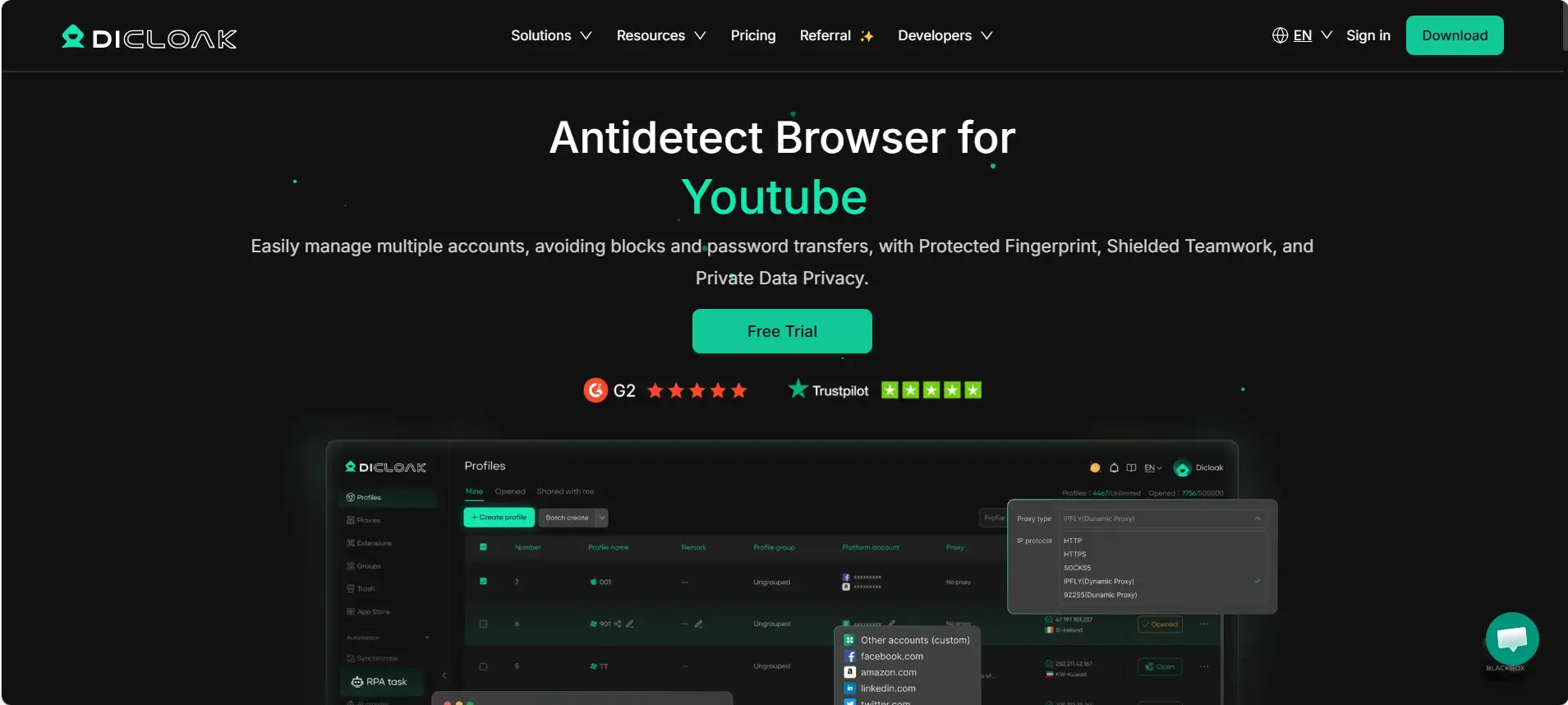
DICloak takes the top spot because it balances power with simplicity. It is an antidetect browser for YouTube designed specifically to stop account bans before they happen. It allows you to create separate profiles that look like completely different computers to Google's tracking systems.
Key Features:
- Fingerprint Customization: You can change your digital ID to match any device.
- Team Tools: Easily share profiles with video editors without giving passwords.
- Proxy Integration: Works smoothly with residential proxies to match your location.
- Multi-Profile Support: Manage dozens of channels from one dashboard.
Pros:
- Very easy to set up for beginners.
- Strong protection against browser fingerprinting protection youtube filters.
- Excellent free version to get started.
Price:
- Free Version: Limited profiles.
- Base: $8/month.
- Plus: $28.8/month.
- Share+: $138/month.
Verdict: DICloak is the best overall choice. It offers the safety features you need to manage multiple youtube channels without ban at a price that works for new and growing businesses.
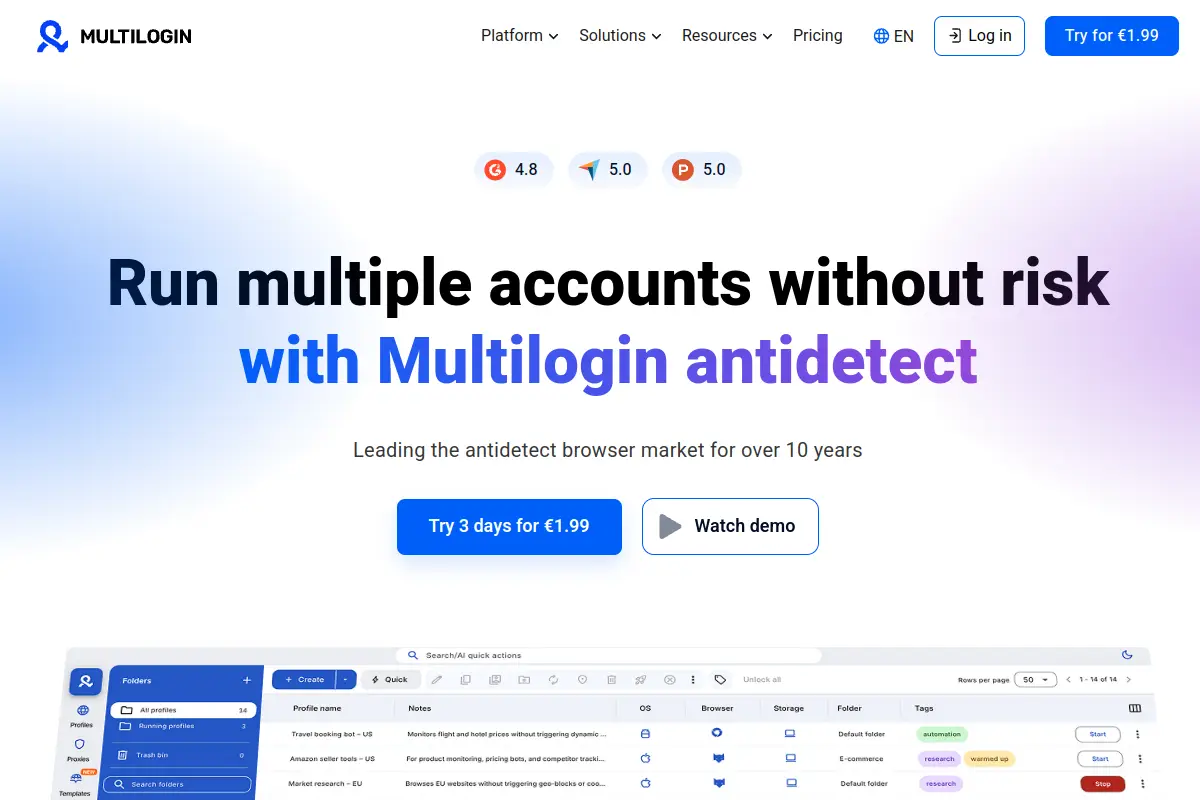
Multilogin: The Enterprise Standard for Identity Isolation
Multilogin is one of the oldest names in the industry. It is very powerful and used by big marketing agencies. It uses two custom browsers, Mimic and Stealthfox, to ensure your data never leaks.
Key Features:
- Custom Browsers: Built from the ground up to hide your identity.
- Automation: Full API access for advanced coders.
- Team Management: strict control over who sees which profile.
Pros:
- Extremely high success rate for account safety.
- Great support and documentation.
Cons:
- The price is very high compared to others.
- No free plan (only a paid trial).
Price:
- 3-day trial: €1.99.
- Pro (10 profiles): €9/month.
- Business: €159/month.
Verdict: Multilogin is excellent but might be too expensive for a solo creator starting their first few channels.
GoLogin: User-Friendly Scaling for YouTube Automation
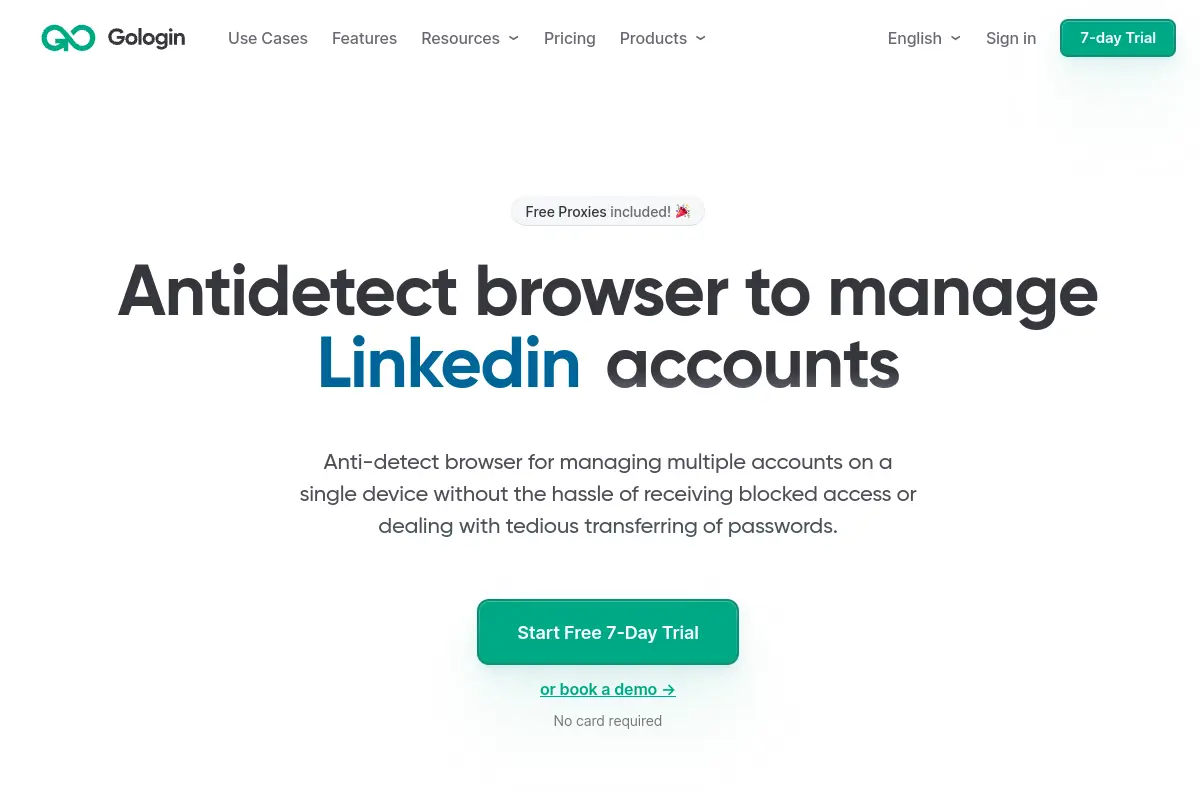
GoLogin is popular because it includes a built-in proxy service. This makes it a great YouTube automation antidetect browser for people who do not want to buy separate proxies. It creates a cloud-based digital profile that you can access from any device.
Key Features:
- Orbita Browser: A secure browser based on Chrome.
- Android Support: You can mimic a mobile phone, which is great for YouTube Shorts.
- Cloud Profiles: Access your accounts from work or home easily.
Pros:
- Very intuitive interface.
- Free built-in proxies are convenient for testing.
Cons:
- The built-in proxies can sometimes be slow for video uploads.
- Custom plans get expensive quickly.
Price:
- Pro: $9/month.
- Business: $119/month.
- Custom: $449/month.
Verdict: GoLogin is a solid choice if you need mobile fingerprints, but check your upload speeds first.
AdsPower: Optimization for High-Volume YouTube Ads
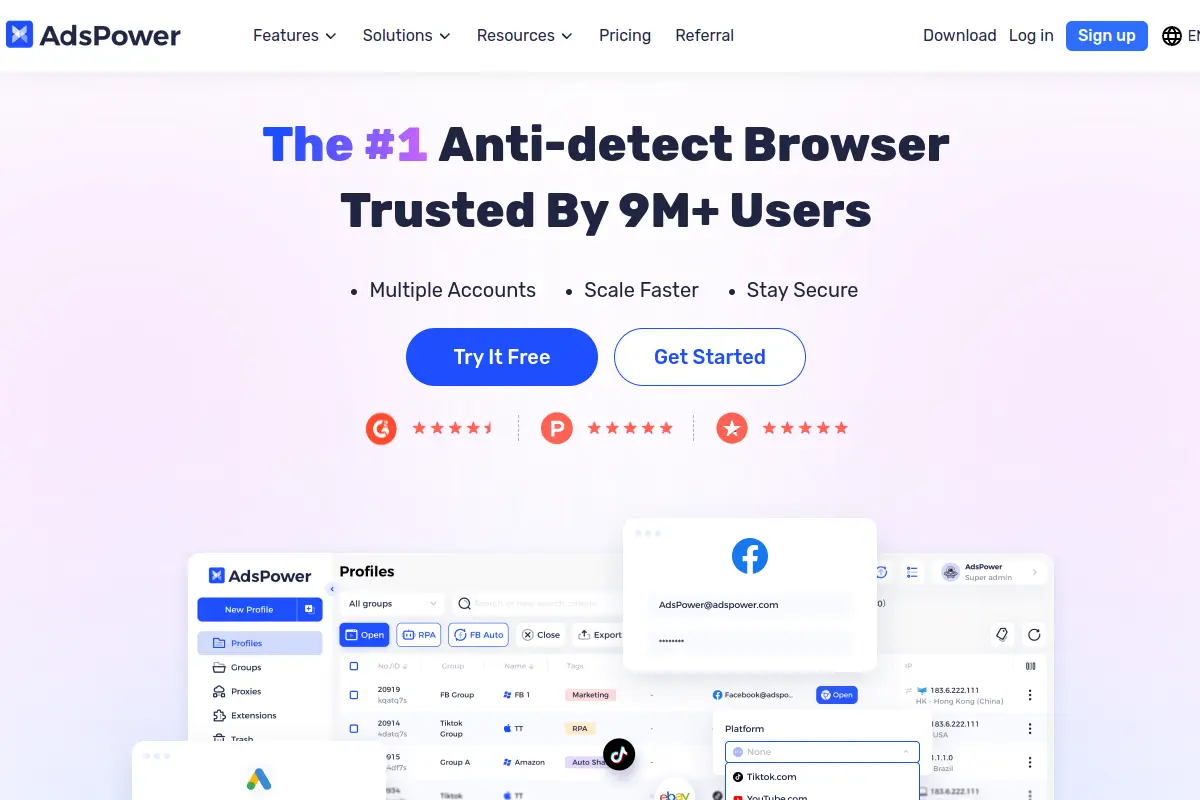
AdsPower is famous for its automation tools. If you run hundreds of accounts and need to click buttons automatically, this is a strong contender. It uses "RPA" (Robotic Process Automation) to do repetitive tasks for you.
Key Features:
- RPA Robot: Automate liking, commenting, or browsing without code.
- Bulk Creation: Create many profiles at once.
- Data Sync: Keeps your cookies and cache saved perfectly.
Pros:
- Best-in-class automation for repetitive tasks.
- Flexible pricing that grows with you.
Cons:
- The interface is cluttered and can be confusing for beginners.
- Learning automation robots takes time.
Price:
- Free Tier: 2 profiles.
- Paid Plans: Start at $9/month.
Verdict: AdsPower is great for tech-savvy users who want to automate account warming, but it has a steep learning curve.
Dolphin{anty}: Tailored for Affiliate and Video Marketers
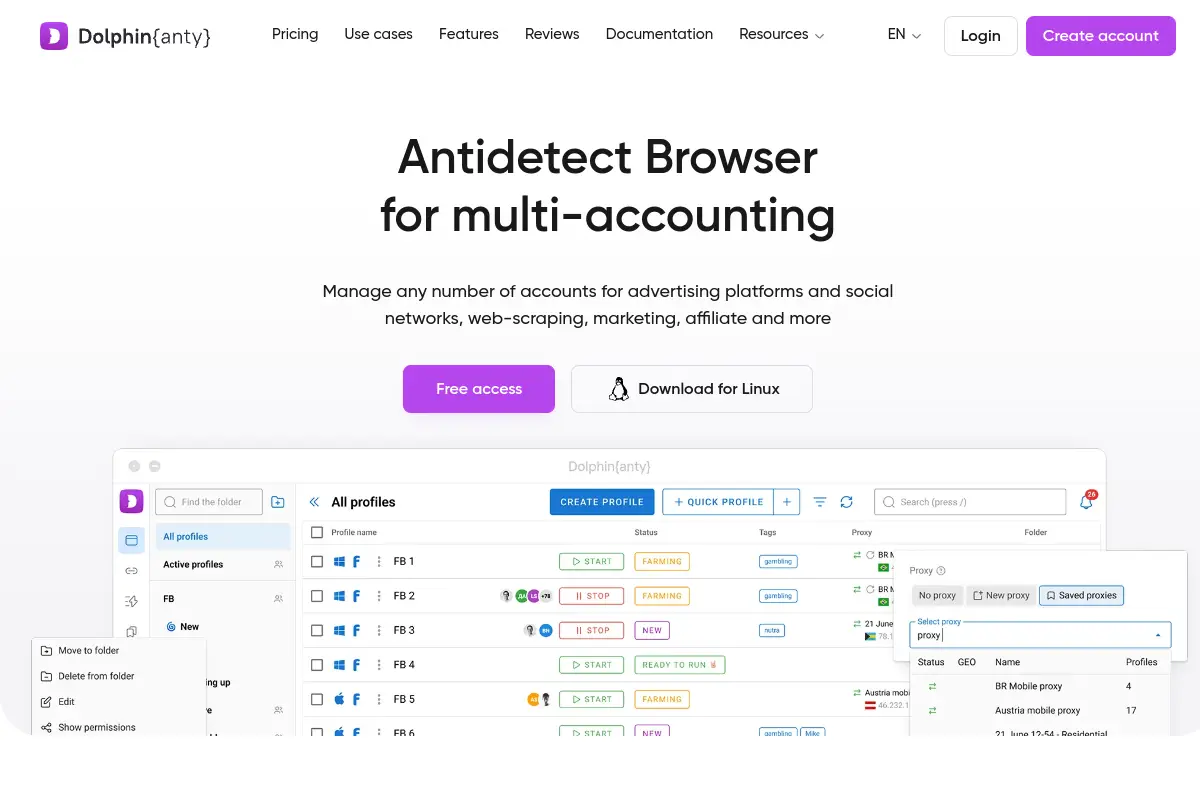
Dolphin{anty} was built by marketers for marketers. It is very popular in the affiliate world but works well as an Antidetect Browser for YouTube too. It allows you to see the status of all your profiles in one list.
Key Features:
- Real-Time Sync: Changes save instantly.
- Mass Actions: Start or stop 50 profiles with one click.
- Smart Notes: Add tags and notes to every profile.
Pros:
- Beautiful, modern design.
- Very fast performance when managing many profiles.
Cons:
- Geared more toward Facebook Ads than YouTube initially.
- Reported bugs with data syncing on slower connections.
Price:
- Starter: $9/month.
- Base: $89/month.
- Team: $159/month.
Verdict: A stylish and fast tool, though you must ensure your connection is stable to avoid sync errors.
Incogniton: Robust Profile Management for Large Teams
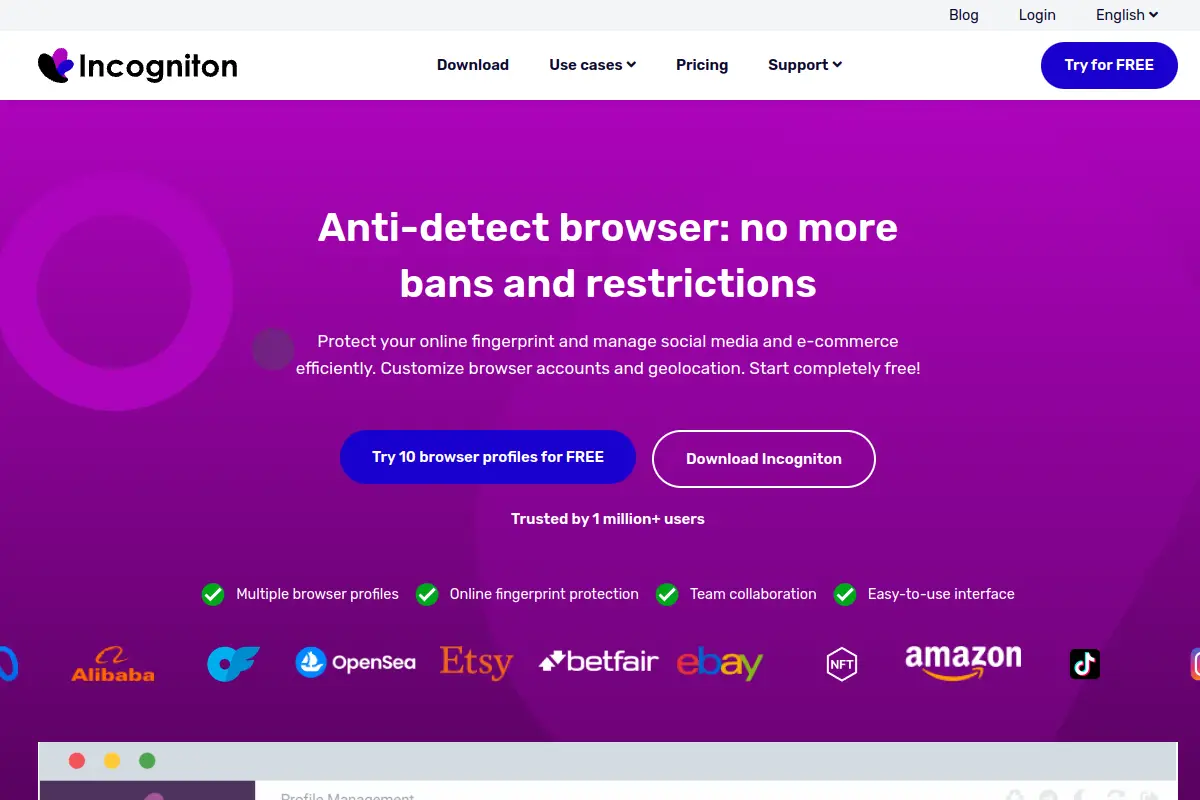
Incogniton allows you to create bulk profiles easily. It is often used by teams who need to generate fresh browser profiles quickly. It integrates well with Selenium for those who write code to manage their channels.
Key Features:
- Bulk Creator: Generate 10 profiles in seconds.
- Cookie Management: Import cookies to make accounts look trusted.
- Human Typing: Mimics human typing speeds to fool detectors.
Pros:
- Generous free plan allows up to 10 profiles.
- Good storage of browser history.
Cons:
- The software can feel heavy and slow on older computers.
- Customer support response times can be slow.
Price:
- Free Plan: Up to 10 profiles.
- Starter Plus: $19.99/month.
- Entrepreneur: $29.99/month.
Verdict: The best free plan option after DICloak, but the app performance can be sluggish.
Browser.lol: Virtual Browsing for Quick Access
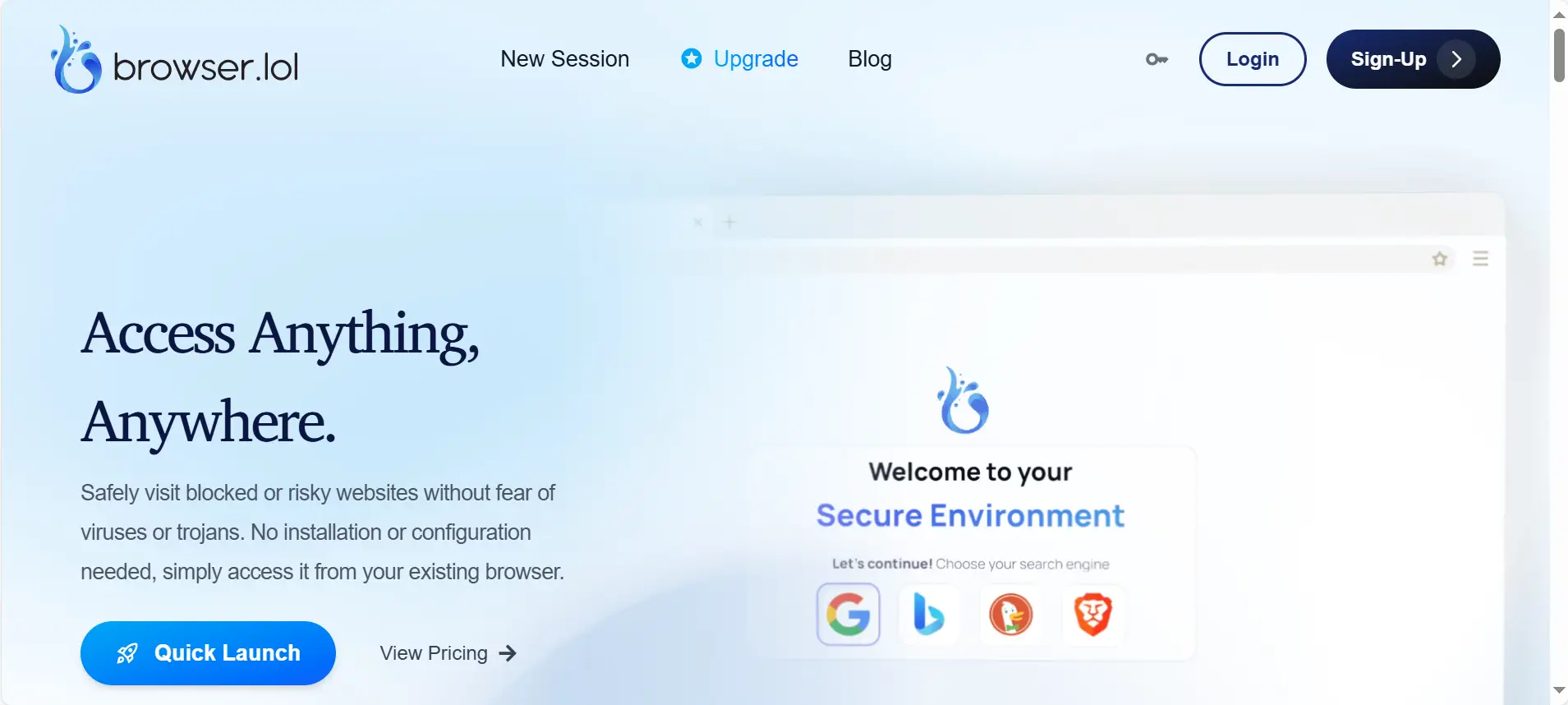
Browser.lol is different from the others. It is a web-based service. You do not install it on your computer. Instead, you stream a browser from their server. This is good for quick checks but risky for long-term channel management.
Key Features:
- No Installation: Runs inside your regular Chrome or Edge browser.
- Disposable Instances: Good for one-time tasks.
- Sandboxed: Viruses cannot reach your real computer.
Pros:
- Instant access with zero setup.
- Very cheap for quick tasks.
Cons:
- Not suitable for long-term YouTube channels (sessions are temporary).
- Laggy if your internet is slow.
Price:
- Free: Basic features.
- Premium: $9/month.
- Unlock: $24 one-time.
Verdict: Use this for testing links safely, but do not use it to run a serious YouTube business.
Octo Browser: Fast, Chromium-Based Professional Control
Octo Browser is built for speed. It uses a real browser core to ensure that your fingerprint looks exactly like a normal user. It is very effective at passing security checks like Pixelscan.
Key Features:
- Real Fingerprints: Uses data from real systems to blend in.
- Fast Interface: Handles thousands of profiles without lag.
- Tag System: Organize channels by topic or status easily.
Pros:
- Extremely fast and responsive.
- Passes difficult fingerprint checkers easily.
Cons:
- Pricing is in Euros and can be more expensive for US users.
- No free plan available.
Price:
- Lite: €10/month.
- Starter: €29/month.
Verdict: Octo Browser is a professional choice for speed, but the lack of a free tier makes it harder to try out.
MoreLogin: Secure E-commerce and Social Multi-Accounting
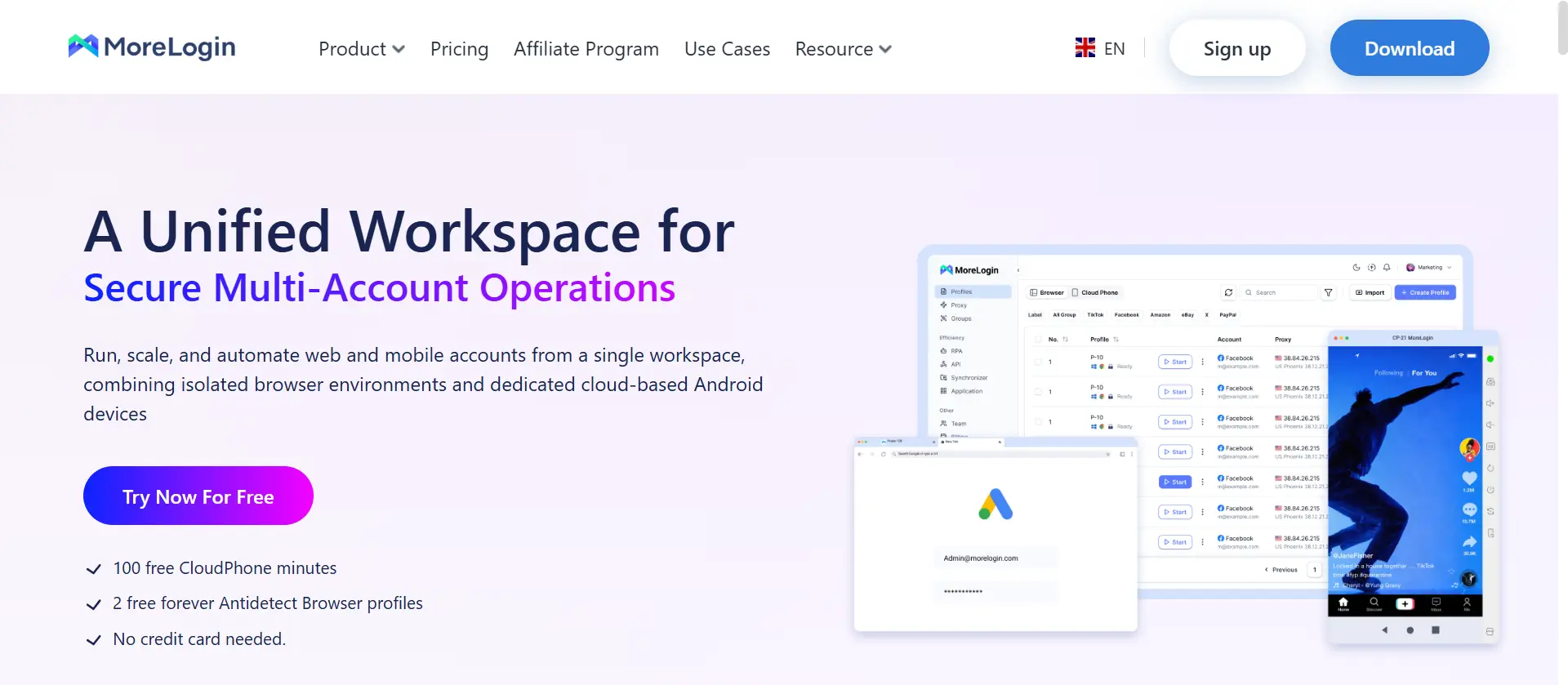
MoreLogin focuses on hiding the "Canvas" fingerprint. This is a common way Google spots fake browsers. MoreLogin uses real data to draw images on the screen, making it very hard to detect.
Key Features:
- Canvas Defender: specific tech to hide graphic rendering data.
- Team Sharing: Encrypted sharing of cookies.
- Cloud Storage: Profiles are saved online.
Pros:
- Simple, clean design.
- High security for payment tasks (like YouTube Premium).
Cons:
- Fewer automation features compared to competitors like AdsPower.
- Can be buggy when importing large cookies.
Price:
- Free Tier: 2 profiles.
- Paid Plans: Start at $9/month.
Verdict: A secure option for billing safety, but less powerful for mass video automation.
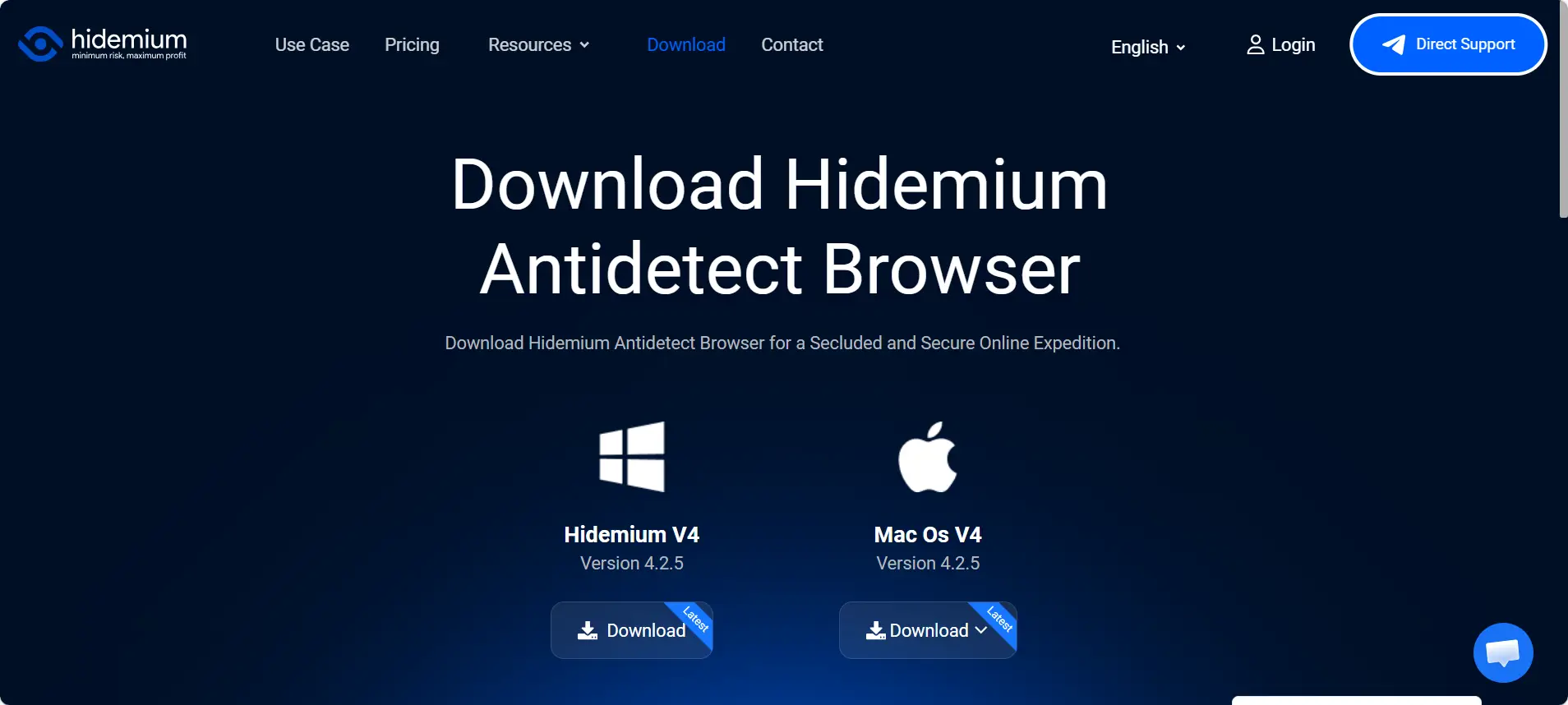
Hidemium: Advanced Anti-Fraud Bypass Technology
Hidemium is a newer tool designed to beat the toughest bots. If you are constantly getting shadowbanned, Hidemium tries to solve this by creating very unique mobile and desktop identities.
Key Features:
- Mobile & Desktop: Supports many device types.
- Automation Center: Built-in tools to warm up accounts.
- Cookie Manager: Easy import/export for buying channels.
Pros:
- Strong focus on bypassing strict bans.
- Flexible features for different platforms.
Cons:
- The price jumps significantly for the Business plan.
- Interface can be overwhelming for new users.
Price:
- Basic: $15.00/mo.
- Advanced: $20.00/mo.
- Business: $420.00/mo.
Verdict: Hidemium is powerful for unblocking, but the high price for business features is a drawback.
Operational Strategy: Scaling Your Business with an Antidetect Browser for YouTube
Now that you have chosen your tool, you need a solid plan. Even the best YouTube automation antidetect browser cannot save you if you act like a robot. To manage multiple YouTube channels without ban, you must mimic human behavior perfectly.
Using a tool like DiCloak or GoLogin is only the first step. You also need the right daily habits. This section covers the exact Standard Operating Procedures (SOPs) you need to execute to keep your network safe and profitable in 2026.
The Cookie Warming SOP: Building Trust with Google
Google’s security AI is very smart. If a brand-new browser fingerprint appears and immediately creates a channel or uploads 10 videos, it looks suspicious. This is instant grounds for a shadowban.
To avoid this, you must "warm up" every new profile. This process builds a history of legitimate activity before you do any business tasks.
The 5-Day Warmup Schedule:
- Day 1 (Browsing): Open your new Antidetect Browser for YouTube profile. Do not go to Google yet. Visit popular, safe websites like Amazon, Wikipedia, CNN, or Reddit. Scroll down pages and click links. This saves "trusted" cookies to your browser history.
- Day 2 (Media Consumption): Go to YouTube but do not log in. Watch random trending videos. Pause them, skip around, and read comments. You are teaching Google that this is a real device used by a human.
- Day 3 (Account Creation): Now you can create your Gmail account or log in to an existing one. Do not upload yet. Just stay logged in and check your email.
- Day 4-5 (Interaction): Subscribe to a few big channels. Like a video. Now your account has a "Trust Score" that is high enough to start uploading or running ads safely.
Proxy Integration: Matching Residential IPs with User Agents
Your IP address tells YouTube where you are located. A major mistake beginners make is using cheap "Datacenter Proxies." These IPs come from server farms and are easily flagged by Google as spam.
For browser fingerprinting protection youtube, you must use Residential Proxies. These are IP addresses assigned to real homes by internet service providers (ISPs). They look exactly like a normal user connection.
Critical Rules for Proxies:
- Geo-Targeting: Your IP location must match your billing address. If you are creating a US Ad account, you generally need a US IP address. If the browser timezone says "New York" but the IP is from "London," the account will likely be locked.
- Static IPs: Use "Static" or "Sticky" residential proxies. This means you keep the same IP address for the same profile every time you open it. Constantly changing IPs (Rotating Proxies) looks like hacking behavior to Google security systems.
- WebRTC Protection: Ensure your antidetect browser has WebRTC leak protection enabled. This setting stops your real IP address from accidentally leaking through the media connection while you upload videos.
Account Transfer Protocols: Bypassing 2FA Challenges
Scaling a YouTube automation business often means hiring editors or buying aged channels. The biggest headache here is the "Verify it's you" login screen. This usually asks for a code sent to a phone number (2FA), which stops your workflow.
Antidetect browsers solve this using Cookie Transfer. Instead of sharing a password, you share the browser session itself.
How to Share Access Without Passwords:
- Export Cookies: The account owner uses a browser extension or the antidetect tool to export the profile's cookies (usually as a JSON file). This file contains the "proof" that the user is already logged in.
- Import Cookies: The editor or buyer takes this file and imports it into their own antidetect profile.
- Resume Session: When the editor opens YouTube, they are already logged in. Google sees the valid cookies and the matching browser fingerprint, so it assumes it is the same trusted device.
This method allows you to give access to 10 different team members without ever triggering a suspicious login warning. It is the safest way to manage a large team in 2026.
FAQs about Antidetect Browser for YouTube
You probably still have a few technical questions about running an Antidetect Browser for YouTube. It is normal to be cautious when your business income depends on these accounts. Here are the direct answers to the most common concerns we hear from YouTube automation experts in 2026.
Can I manage 50 YouTube channels on one computer?
Yes. An antidetect browser creates a separate "virtual computer" for each channel inside one app. This allows you to manage multiple youtube channels without ban risks because Google sees them as 50 completely different users. If one channel gets a copyright strike, it does not affect the others.
Is using an antidetect browser against YouTube's TOS?
Using a browser for privacy is not against the rules. However, using bots to fake engagement (likes and views) is a violation. The browser is just a tool to protect your identity; you must still post legitimate content to stay safe.
How do I avoid shadowbanning on my YouTube automation channels?
Shadowbans happen when your device looks suspicious or "bot-like." To fix this, use browser fingerprinting protection youtube features to randomize your digital footprint slightly. Also, always "warm up" a new account by watching videos for a few days before you upload anything.
Do I need a residential proxy with my antidetect browser?
Yes, this is non-negotiable. Cheap datacenter IPs are often flagged as spam immediately by Google. You need a residential proxy that mimics a real home internet connection to pass security checks.
Can I share browser profiles with my offshore video editors?
Yes. Tools like DiCloak allow you to share the entire browser session with your team via the cloud. This lets editors log in without a password and bypasses the multi-factor authentication (2FA) verification code, making remote work seamless.
Conclusion
YouTube bans are not caused by “too much activity” but by shared device fingerprints. Once one account is flagged, every linked channel is at risk. An Antidetect Browser for YouTube solves this problem by breaking the fingerprint link and creating clean, independent environments for each channel. When combined with proper account warm-up and residential proxies, it enables long-term, stable growth. Among all available tools, DICloak stands out in 2026 for its strong fingerprint control, ease of use, and cost efficiency, making it the most reliable choice for scaling YouTube channels safely.
 Web Proxy Tools
 Free Tools
 Cookie Plugin
 UA Generator
 MAC Address Generator
 IP Generator
 IP Address List
 2FA Code Generator
 World Clock
 Anonymous Check
 WebRTC Leak Test
 UUID Generator
 Free Web Proxy Site
 Proxy Checker
 FB Ad Checker
 AI Web Scraping
 Free SMM Tools
 Twitter Shadowban Checker
 Instagram Name Checker
 UTM Generator
 Username Generator
 AI Hashtag Generator
 LinkedIn Headline Generator
 Social Media Image Resizer