One wrong profile login can tie two client accounts to the same device fingerprint and trigger checks that are hard to reverse. That is why people searching linken sphere alternative usually want one thing: fewer account risks during daily work, not a longer feature list. Sites can link sessions through browser fingerprinting, and ad platforms can restrict accounts when activity looks inconsistent with their misrepresentation and policy rules. If your team shares devices, rotates staff, or runs several client logins, tool choice directly affects account survival.
This guide gives a practical way to choose between options like DICloak, Multilogin, and Octo Browser based on workflow fit. You will learn what to check before migrating: profile isolation, proxy binding per profile, access control for teammates, handoff safety, and automation support for repeat tasks. You will also see where teams lose accounts after switching tools, even when the setup looked fine on day one. Start by checking the risk points that break workflows most often.
Why Do Users Search for a Linken Sphere Alternative in the First Place?
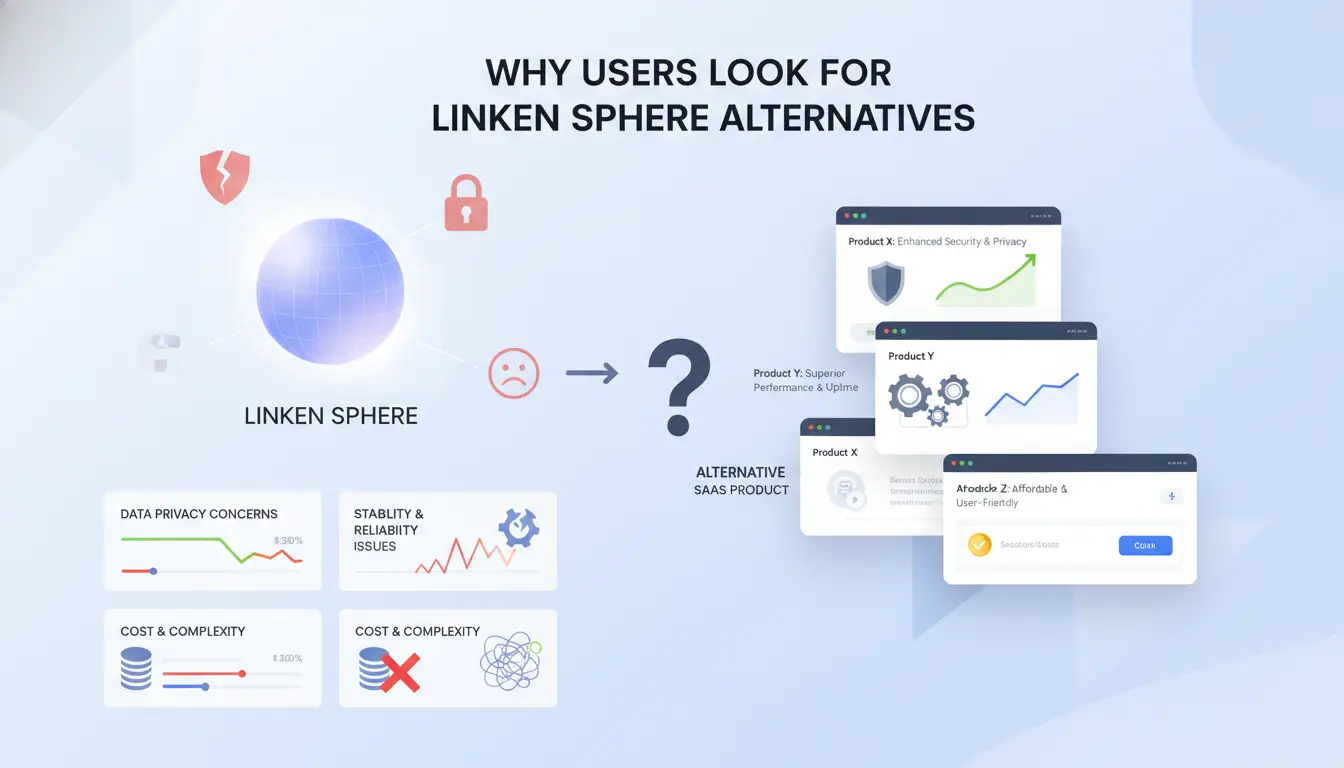
People usually look for a linken sphere alternative when daily work starts breaking. The pain is rarely “price only.” It is failed logins after browser updates, unstable profile sessions, and team handoffs that create account risk. If your stack cannot keep stable profile isolation and clean proxy binding, account trust drops over time, especially under ad platform policy checks like Google Ads misrepresentation rules.
The most common pain points that trigger a switch
Stability issues show up as random logouts, broken extensions, or profile errors after updates from projects like Chromium. Compatibility gaps hurt teams that run several client environments at once. Scaling pain appears when one operator can manage accounts, but shared access fails after team growth. You see duplicate actions, mixed sessions, and weak permission control.
When switching tools improves outcomes, and when it does not
Use this quick split before you migrate to tools such as DICloak, Multilogin, or Octo Browser.
| Signal you see |
What it usually means |
| Same workflow, repeated profile crashes |
Tool bottleneck |
| Proxy binds reset after updates |
Tool bottleneck |
| Different teammates run different steps |
Process issue |
| Recovery email/2FA handoff is incomplete |
Process issue |
Switch when technical limits block clean execution; fix process when human steps keep breaking.
A quick self-check before evaluating alternatives
Check your current load: active account count, teammate count, and repeat tasks that need automation. Then check risk tolerance: can you accept temporary login checks during migration, or do you need zero-interruption handoff? If your process is loose, write a short runbook before changing tools. If your process is tight but errors continue, a linken sphere alternative is a rational next step.
What Should You Check Before Choosing a Linken Sphere Browser Alternative?
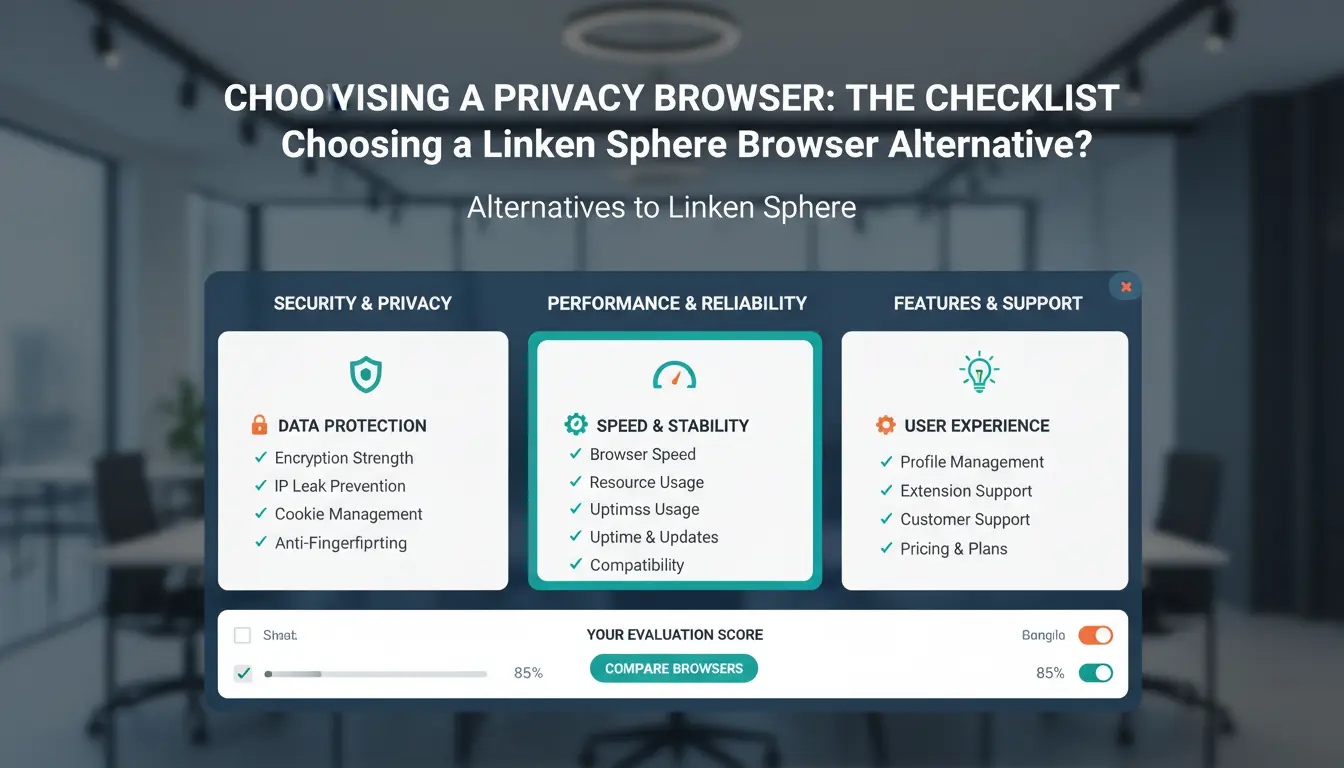
If you are testing a linken sphere alternative, screen it like a risk audit, not a feature tour. Run the checks below during a trial week before you move live accounts.
| Check item |
Pass signal |
Red flag |
| Fingerprint isolation |
Each profile keeps a stable device identity across restarts and updates |
Profiles drift after update or look cloned |
| Proxy control |
You can bind one proxy per profile and lock it |
Shared IP appears across unrelated accounts |
| Team safety |
Role limits, profile locks, and action logs work in real use |
Any teammate can edit, export, or delete everything |
Fingerprint isolation quality: what actually matters
Do not trust marketing claims about “unique fingerprints” without tests. Open 3–5 profiles, visit Cover Your Tracks, then reboot and test again. If profile signals change after a normal restart, account risk goes up fast. Also check behavior after browser updates. Fingerprints should stay consistent when the browser version changes. You can track update changes in Chrome release notes. If you compare tools like DICloak, Multilogin, or Octo Browser, run the same test script on each one.
Proxy setup flexibility and IP hygiene basics
You need per-profile proxy assignment, not global proxy switching. One bad setup can connect separate accounts through the same IP trail. Check protocol support and failover behavior. Kill one proxy during a session and confirm the profile does not silently reconnect through another route. Use Google’s account safety guidance as a baseline: unusual sign-in patterns can trigger checks.
Security and access controls for solo users and teams
For solo work, verify local credential encryption and profile lock rules. For teams, test role permissions with a real handoff. Create one “operator” account and one “admin” account. Confirm the operator cannot export cookies, edit proxy settings, or delete profiles. Then inspect operation logs. You need clear records of who changed what and when. This makes incident cleanup faster if a login gets flagged.
Which Linken Sphere Alternative Fits Your Use Case Best?
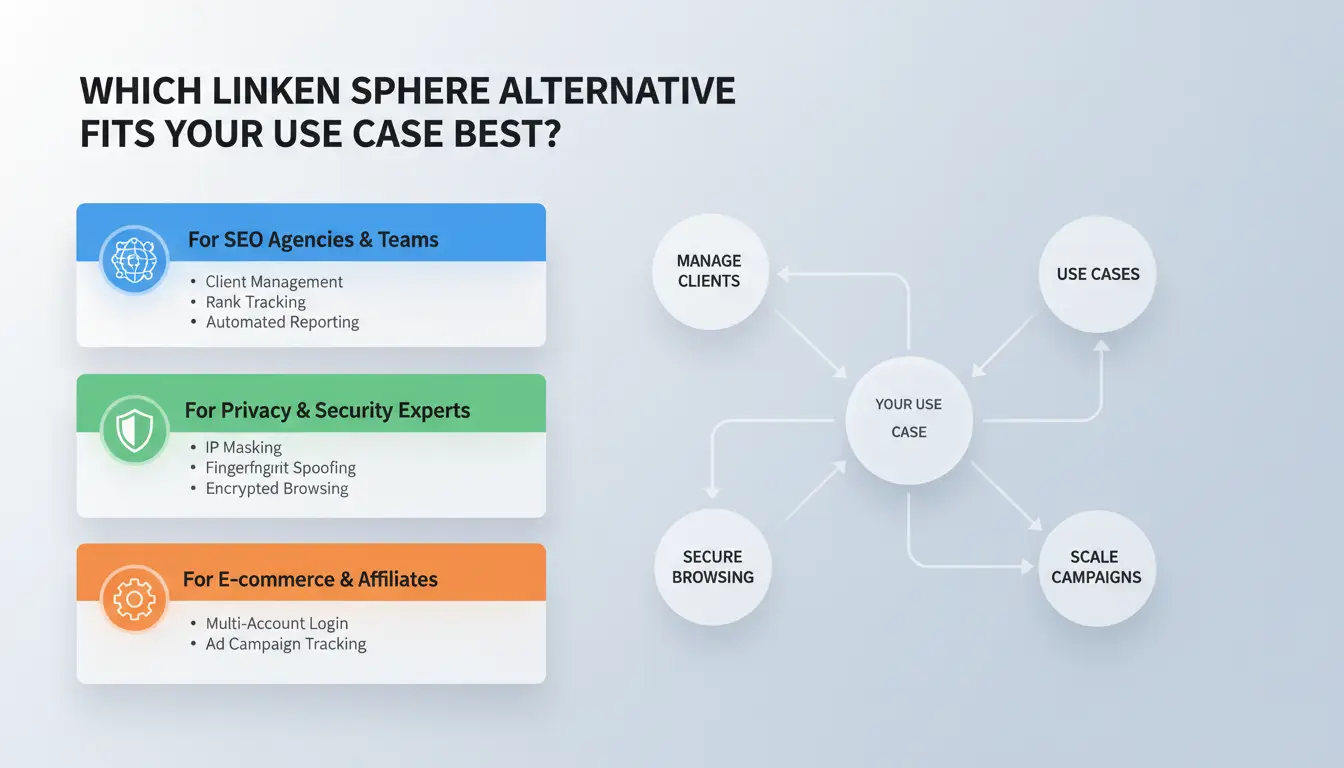
If you are searching for a linken sphere alternative, map your daily tasks to hard feature checks, not brand names. The right pick is the one that keeps sessions stable during handoffs, proxies fixed per profile, and actions traceable by user.
For affiliate and advertising workflows
Bulk profile handling and session continuity should be your filter. You also need repeat-task automation for routine login, checks, and updates.
| Workflow need |
What to verify |
Practical tool fit |
| High profile volume |
Isolated browser fingerprints per profile; fixed proxy per profile |
You can use DICloak for profile isolation plus proxy binding. |
| Stable ad sessions |
No profile cross-use; clean cookie/session persistence |
You can use Multilogin if your team already runs ad account farms. |
| Repeat actions |
Batch actions or RPA to reduce manual mistakes |
You can use Octo Browser when script-based routines are part of your flow. |
For e-commerce and social media account operations
Multi-platform work needs strict profile isolation across stores, ad accounts, and social pages. Team handoff safety comes from clean transfer steps: revoke old sessions, rotate proxy assignment, and lock recovery channels after each handoff.
Shared account work fails when everyone has full access. Set role-based permissions per member and restrict profile export. You can use a linken sphere alternative with operation logs so each login, edit, and setting change has an audit trail. This is how teams spot risky behavior early and keep account ownership clear.
Top Linken Sphere Alternatives Compared: What Each One Is Best At
If you are searching for a linken sphere alternative, skip generic “top tool” lists and match tools to your workflow risks. The right pick depends on team size, handoff model, and how strict you need profile separation to be.
Multilogin, AdsPower, GoLogin, Incogniton, Kameleo, and Octo at a glance
| Tool |
Best at |
Common limits to check before switching |
| Multilogin |
Mature profile isolation for teams with strict process control |
Higher learning curve for new operators |
| AdsPower |
High-volume profile handling with team workflows |
Interface depth can slow onboarding |
| GoLogin |
Fast setup for solo users and small teams |
Less granular control for complex permission models |
| Incogniton |
Budget-conscious setups and basic multi-account work |
Fewer advanced controls for larger ops |
| Kameleo |
Mobile profile simulation and testing-heavy workflows |
Setup can feel technical for non-technical users |
| Octo Browser |
Agencies that need stable daily profile operations |
Team permission design may need manual process rules |
How to rank alternatives using weighted criteria
Use a weighted scorecard, not gut feeling. Set must-have checks: profile isolation, proxy binding per profile, teammate permissions, and safe handoff logs. Then add nice-to-have items like bulk actions and scripting.
A simple model:
- Risk control (40%)
- Team access control (25%)
- Daily speed (20%)
- Migration effort (15%)
Score each tool from 1-5 on each item, then multiply by weight. If a tool fails one must-have item, remove it even if total score looks high. You can use DICloak when your team needs profile isolation plus permission-based collaboration in one flow.
Why the “best” option changes by operator profile
Solo operators often care about quick setup and low overhead. Agencies care more about account handoff safety and role-based access. Growth teams running repeated tasks care about automation support and audit trails.
The same linken sphere alternative can work well for short tests but break during long-term scaling. Test with one real client flow before full migration. That catches hidden friction early.
How Much Does a Linken Sphere Alternative Really Cost?
If you are choosing a linken sphere alternative, do not stop at the monthly plan price. Total cost is subscription + proxies + team time + error loss.
Subscription pricing models and seat limits
Some tools charge by user seats. Others charge by browser profiles. This changes your bill shape as your team grows.
| Cost driver |
What to check |
Why it changes spend |
| Seat-based billing |
How many teammates need login access |
New staff increases cost fast |
| Profile-based billing |
How many client environments you run |
New clients increase cost fast |
| Plan caps |
Profile, member, and feature limits |
Entry tiers can block daily work |
You can compare live plan details on DICloak, Multilogin, and Octo Browser.
Hidden costs most users underestimate
Proxy spend is usually outside the browser subscription. Add onboarding time, profile migration, and failed handoffs. A cheap plan gets expensive if teammates cannot share access safely or if profile moves break cookies and sessions.
Restrictions and downtime also cost money. If ad accounts pause after risky logins, recovery work can exceed one month of tool fees. Platform policy risk is real under Google Ads misrepresentation rules and detection patterns linked to browser fingerprinting.
How to run a 14-day cost-performance test
Run two tools in parallel for 14 days with the same workload. Track:
- cost per active profile
- proxy cost per profile
- teammate handoff time
- login failure rate
- restriction incidents
Keep the tool only if total weekly operating cost drops and failure events do not rise. If either metric moves the wrong way, switch before full migration.
How to Migrate from Linken Sphere to a New Tool Without Breaking Workflows
If you are choosing a linken sphere alternative, treat migration like a controlled change, not a quick export/import. Do not move all profiles at once. If your shortlist includes DICloak, Multilogin, or Octo Browser, keep the same profile-to-proxy and owner mapping during transition.
Pre-migration checklist: backup, inventory, and account mapping
- Profile cataloging and risk tier tagging Build a profile sheet with: profile ID, client/account, proxy endpoint, assigned teammate, and risk tier (high = revenue accounts, medium = active test accounts, low = spare). Freeze edits 24 hours before migration.
- Cookie/session and credential backup priorities Back up cookies, active sessions, 2FA method, recovery email, and password vault records. Store backups in access-controlled storage. Confirm each high-risk profile has a restore path before you touch it.
Pilot migration: test with a small profile batch first
- Success criteria for pilot pass/fail Move 5-10 low-risk profiles. Pass only if login works, session stays stable for 48 hours, proxies bind correctly, and assigned teammates can access without permission drift.
- Rollback plan if issues appear Keep old profiles read-only but available. If logins fail or sessions reset, revert that batch, compare fingerprints and proxy settings, then retry after fixes.
Post-migration verification and stabilization
- Health checks: login success, session stability, team access Run daily checks for seven days: login status, unexpected re-auth prompts, IP/profile mismatch alerts, and role permissions.
- First-week monitoring and incident logging Track every incident with time, profile ID, action, and fix. This log helps you harden your final linken sphere alternative setup.
How Can Teams Share Accounts More Safely After Switching? (Using DICloak as an Example)
If you are testing a linken sphere alternative, do not start with UI checks. Shared logins fail when identity signals and team permissions drift apart. Keep browser identity, proxy route, and user access tied to one profile from day one.
The main risks when multiple people operate shared accounts
Two failures show up fast in team setups: mixed fingerprints and loose access. If one ad account is opened by different local browsers, sites can see unstable browser fingerprint patterns. If teammates also switch network routes, risk goes up. The other failure is internal: password sharing in chat, old staff keeping access, and no clear action trail.
| Risk |
What it looks like in daily work |
Safer control |
| Identity drift |
Same account opened from different browser profiles |
Keep one isolated profile per account |
| Permission sprawl |
Anyone can edit billing or recovery settings |
Role limits + action logs |
How DICloak reduces those risks in daily operations
You can use DICloak to create isolated browser profiles and bind a proxy to each profile. That keeps account identity stable across sessions. You can also assign teammate roles with different rights, share only selected profiles, and keep operation records aligned with role-based access control and security logging guidance.
A practical team setup flow for account sharing and campaign work
Map roles before migration: operator, reviewer, admin. Assign one profile per account owner group. Lock billing, recovery email, and security settings to admin only. Log high-risk actions such as password resets and proxy changes. Use bulk actions for repeat profile settings. Use RPA for routine opening, checks, and status capture to cut manual slip-ups at scale.
What Mistakes Cause Failed Switches to a Linken Sphere Alternative?
Teams fail after moving to a linken sphere alternative when they copy a stack that does not match daily work. Trouble starts with shared access, mixed proxy habits, and no clear trace of who changed what.
Choosing by hype instead of workflow fit
A feature-heavy tool can still break your process. One teammate follows strict profile rules, another logs in from the wrong setup, and account linkage risk climbs. Pick a tool your whole team can run the same way, every day.
Ignoring operational discipline during rollout
Rollout fails when everyone can edit everything. Access conflicts and credential exposure happen fast in that setup. Tools like DICloak let you create isolated profiles, bind a proxy to each profile, share profiles safely, and assign permissions by role.
You can use operation logs to track who opened an account, who changed settings, and when it happened. Build a weekly check loop for failed logins, proxy mismatches, and unauthorized edits.
Skipping documentation and retraining
A switch also fails when onboarding is rushed. Keep a short playbook: profile naming rules, proxy mapping, handoff steps, and incident response. Tools like DICloak let you run bulk actions and RPA for repeat steps, so new staff follow one path with fewer errors.
Frequently Asked Questions
Is a free linken sphere alternative good enough for long-term use?
A free linken sphere alternative works for short pilots, solo work, or a few low-risk accounts. It helps you test browser fingerprints, proxy setup, and basic workflows. For long-term use, paid plans are safer. You get higher profile limits, better uptime, priority support, and team roles that reduce errors and account loss.
Can I use the same proxies after moving to a linken sphere alternative?
A linken sphere alternative can usually work with your current proxies, but check quality first. Test IP reputation, ASN mix, and geo match before large campaigns. Assign proxy pools per profile group instead of one shared pool for everything. Migrate in stages over several days so you can spot bans early and avoid sudden risk spikes.
How long should I test a linken sphere alternative before switching fully?
Plan a 2–4 week test before a full move to a linken sphere alternative. Use a phased rollout: week 1 for setup, weeks 2–3 for real traffic, week 4 for stress testing. Track four KPIs daily: login success, session stability, restriction rate, and team time spent per task. Switch only after steady results.
Which operating systems matter when choosing a linken sphere alternative?
Windows and macOS support matters most because most teams run one or both daily. Check update frequency after major browser releases; slow updates can create detection gaps. For distributed teams, confirm cross-device sync for profiles, cookies, and access rights. Good sync cuts handoff mistakes and keeps account history consistent across machines.
Is switching from Linken Sphere worth it for a small team?
Switching is worth it when risk and workload are growing faster than your current setup can handle. Use a clear rule: if account count is rising, collaboration is hard, and lockouts are frequent, move to a linken sphere alternative. Compare total operating cost, including plan price, failed accounts, support speed, and staff hours.
Choosing the right Linken Sphere alternative comes down to balancing stealth performance, team collaboration features, and transparent pricing so your workflows stay stable as you scale. If you prioritize reliable fingerprint isolation, easier account management, and responsive support, moving to a modern option can reduce risk and save time in daily operations. Try DICloak For Free
 Web Proxy Tools
 Free Tools
 Cookie Plugin
 UA Generator
 MAC Address Generator
 IP Generator
 IP Address List
 2FA Code Generator
 World Clock
 Anonymous Check
 WebRTC Leak Test
 UUID Generator
 Free Web Proxy Site
 Proxy Checker
 FB Ad Checker
 AI Web Scraping
 Free SMM Tools
 Twitter Shadowban Checker
 Instagram Name Checker
 UTM Generator
 Username Generator
 AI Hashtag Generator
 LinkedIn Headline Generator
 Social Media Image Resizer