In 2026, LinkedIn recruiting is no longer limited by talent availability, but by platform restrictions and account safety. Strict connection caps, commercial use limits, and advanced fingerprint tracking make it risky to manage multiple accounts from a normal browser. This is why modern teams rely on an Antidetect Browser for LinkedIn Recruiters. By isolating each account with a unique digital fingerprint, tools like DICloak allow recruiters to scale outreach, manage multiple client accounts, and avoid LinkedIn bans while maintaining long-term account stability.
The Hidden Crisis: Why Traditional Recruitment Scaling Fails in 2026
Recruitment is a numbers game. In 2026, relying on a single profile to hit your hiring targets is a recipe for failure. You simply cannot reach enough candidates with one account. This operational bottleneck is the main reason modern agencies are switching to an Antidetect Browser for LinkedIn Recruiters.
The problem starts with strict platform caps. You are likely familiar with the 100 weekly connection request limit. Once you send those 100 invites, your outreach stops dead for seven days. Even if you pay for a premium seat, the Commercial Use Limit will block your ability to search for people if you browse too fast. To hit your quotas, you need more volume than one account allows.
The "Multi-Avatar" Solution
To fix this, successful agencies use a "Multi-Avatar" model. Instead of one recruiter sending 100 invites, you split the work across five or ten distinct profiles (Avatars). Each Avatar sends its own requests. This allows you to manage multiple linkedin accounts for clients and effectively multiply your weekly leads by 10x without triggering spam filters.
Why Incognito Mode is Not Enough
This is where most people fail. You might think you can just open ten "Incognito" or "Private" tabs in Chrome to run these accounts. Do not do this.
Private windows only delete your cookies when you close them. They do not hide your computer's identity. LinkedIn tracks your digital fingerprint—unique data points like your screen resolution, installed fonts, and graphics hardware.
If you log into ten different accounts from the same standard browser, LinkedIn sees the exact same fingerprint for every login. Their security system flags this as "Unusual Activity." They will link all your accounts together and ban them simultaneously. To scale safely, you must hide the hardware, not just the history.
How an Antidetect Browser for LinkedIn Recruiters Neutralizes Tracking
We now know that LinkedIn uses your computer's unique hardware traits to track you. To beat this, you cannot simply hide. You must look like a different person entirely. This is exactly how an Antidetect Browser for LinkedIn Recruiters works.
Standard browsers like Chrome send your real data to every website you visit. An antidetect browser acts as a shield. It intercepts these requests and replaces your real digital details with fake ones before LinkedIn sees them. This process is called spoofing technology. It effectively turns one physical computer into hundreds of distinct virtual devices.
The Mechanism: Isolation and Spoofing
The technology relies on two main pillars to keep your recruitment operations safe.
First, it uses browser isolation. Imagine you have ten physical laptops sitting on your desk. Each one has its own hard drive, history, and cookies. An antidetect browser simulates this environment inside your computer. It creates a secure "container" for every individual LinkedIn profile. Nothing leaks between these containers. If one account gets flagged, the others remain safe because LinkedIn sees them as completely unconnected devices.
Second, it completely changes your digital fingerprint. When you visit a site, the browser alters critical data points like your User Agent, screen resolution, and installed fonts. It even modifies how your computer draws 2D graphics, a tracking method known as Canvas fingerprinting.
For example, your real computer might be a standard Windows PC. The software can make your first profile appear as a Mac laptop to LinkedIn's servers. The second profile can appear as an Android tablet. This precise manipulation is what allows agencies to manage multiple linkedin accounts for clients from a single dashboard without triggering security alarms. You are not just hiding; you are blending in as a normal, unique user.
Top 10 Antidetect Browsers for LinkedIn Recruiters Reviewed
Now that you know the safety criteria, let's look at the tools that actually pass the test. Finding the right Antidetect Browser for LinkedIn Recruiters is the only way to scale your outreach without risking your valuable accounts. We have tested the market leaders against our strict security standards.
Below, we review the top 10 options. We focus on how they handle digital fingerprints, team sharing, and cost.
DICloak: Precision Fingerprint Management for Multi-Accounting
DICloak is our top pick for recruiters who need to manage multiple LinkedIn accounts for clients safely. It is built specifically to handle the complex privacy needs of multi-accounting. DICloak focuses on keeping your digital identity distinct for every single profile you create.
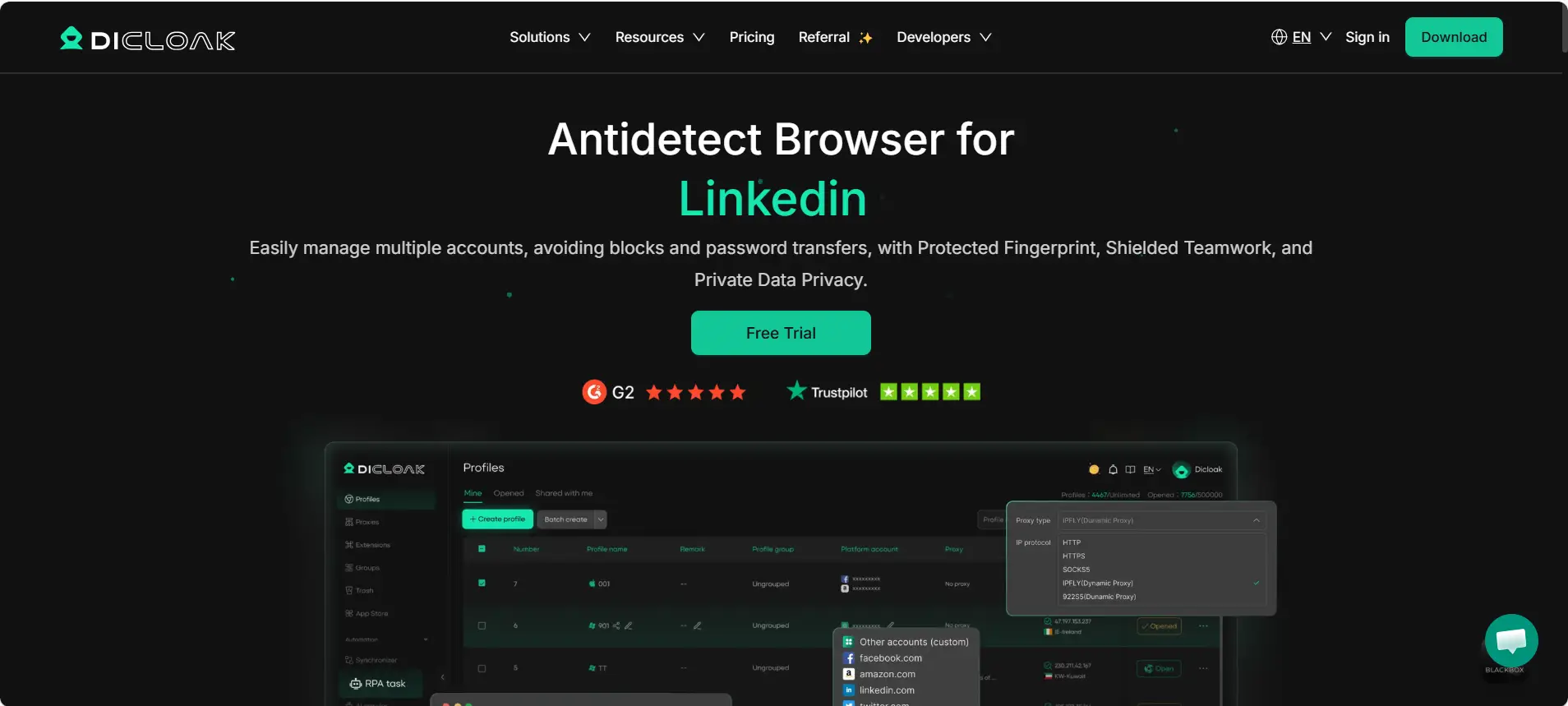
Why it works for Recruiters: DICloak offers excellent team collaboration tools. You can assign specific browser profiles to your Virtual Assistants without giving them the account password. This prevents the "new device" security lock that often happens with remote teams. The fingerprint masking is top-tier, ensuring LinkedIn sees a unique device for every avatar.
Key Features:
- Deep Fingerprint Masking: Hides your real hardware parameters like Canvas and WebGL.
- Team Collaboration: Share profiles securely without leaking credentials.
- Automation Support: Works well with standard automation scripts.
Pricing:
- Free: Limited profiles.
- Base: $8/month.
- Plus: $28.8/month.
- Share+: $138/month.
Verdict: This is the most balanced tool for agencies. It combines high security with an affordable price point for scaling teams.
Multilogin: The Enterprise Standard for Recruiter Safety
Multilogin is often called the grandfather of the antidetect industry. It is known for high stability and uses two custom browser engines: Mimic (based on Chrome) and Stealthfox (based on Firefox).
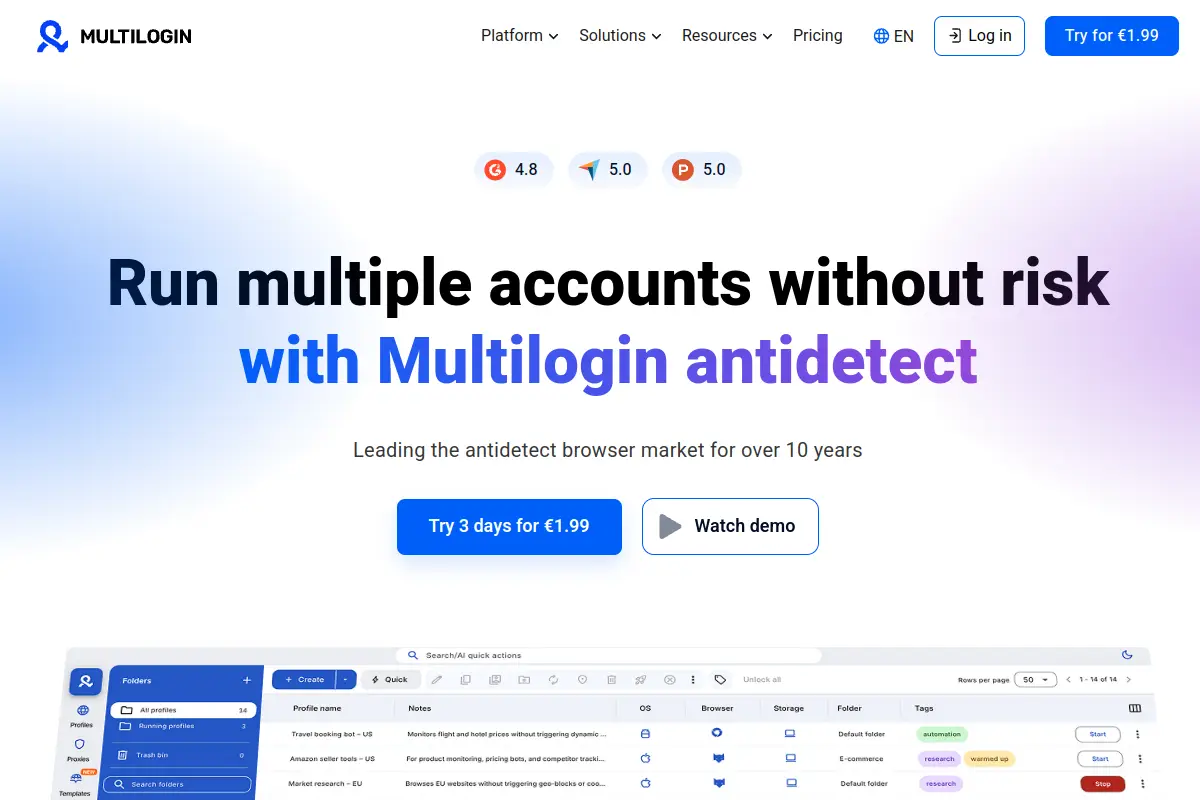
Why it works for Recruiters: If you have a large budget and need enterprise-grade data encryption, Multilogin is a strong choice. It is very reliable for preventing browser fingerprinting leaks.
Pros:
- Extremely stable and secure.
- Excellent customer support.
- Native automation features.
Cons:
- Cost: It is much more expensive than other tools.
- No Free Plan: You only get a 3-day trial for €1.99.
Pricing:
- Pro: €9/mo (10 profiles) up to €79/mo (100 profiles).
- Business: €159/mo.
Verdict: Great for large enterprises, but likely too expensive for smaller agencies or freelancers.
GoLogin: User-Friendly Scaling for Boutique Agencies
GoLogin makes it easy to run your business from the cloud. It uses the Orbita browser engine to help you stay anonymous.
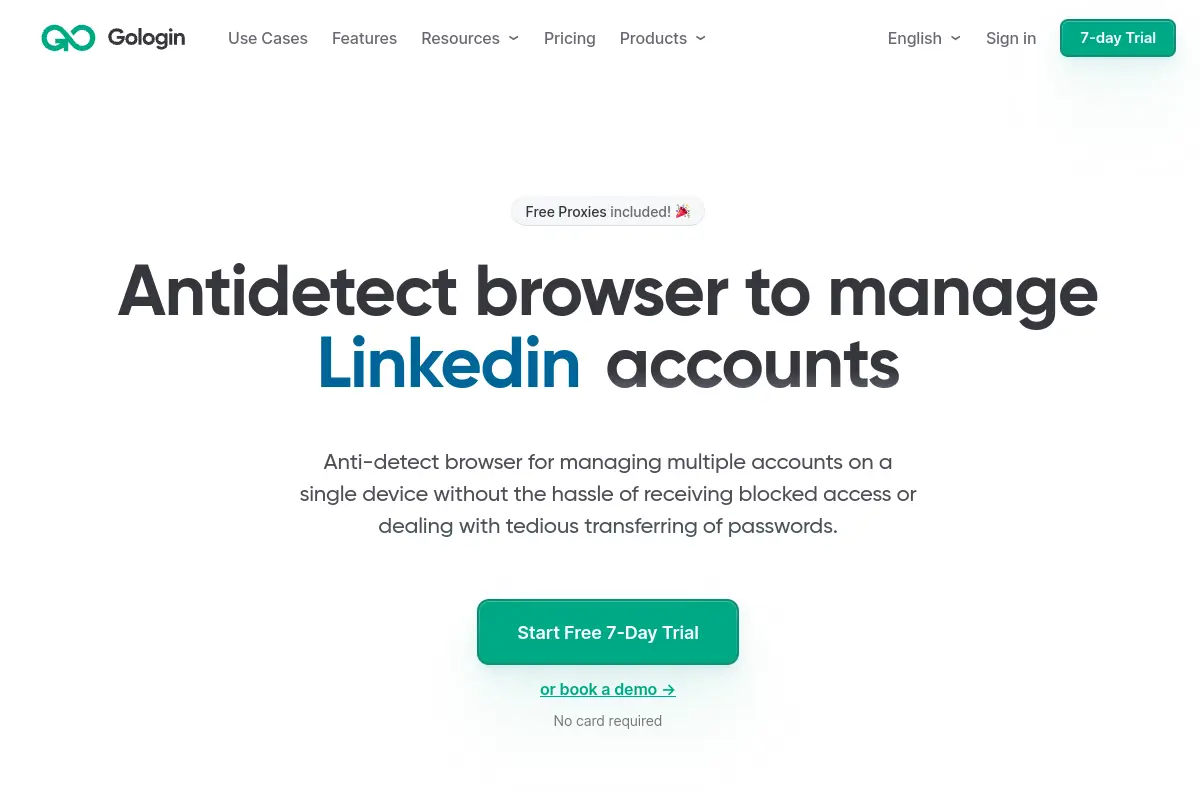
Why it works for Recruiters: GoLogin has a very clean interface. It allows you to run profiles directly in the cloud, which is helpful if your computer has low RAM. It also has a mobile app, so you can check urgent messages on the go.
Pros:
- Cloud-based profile launching.
- Android app for mobile access.
- Free proxy deals included on some plans.
Cons:
- Speed: The cloud-based browser can feel laggy if your internet connection is slow.
Pricing:
- Pro: $9/mo.
- Business: $119/mo.
Verdict: A solid choice if you need mobile access, but the interface speed can vary.
AdsPower: Automation Powerhouse for High-Volume Outreach
AdsPower is designed for users who love automation. It has strong features for e-commerce, but many recruiters use it for its Robotic Process Automation (RPA).
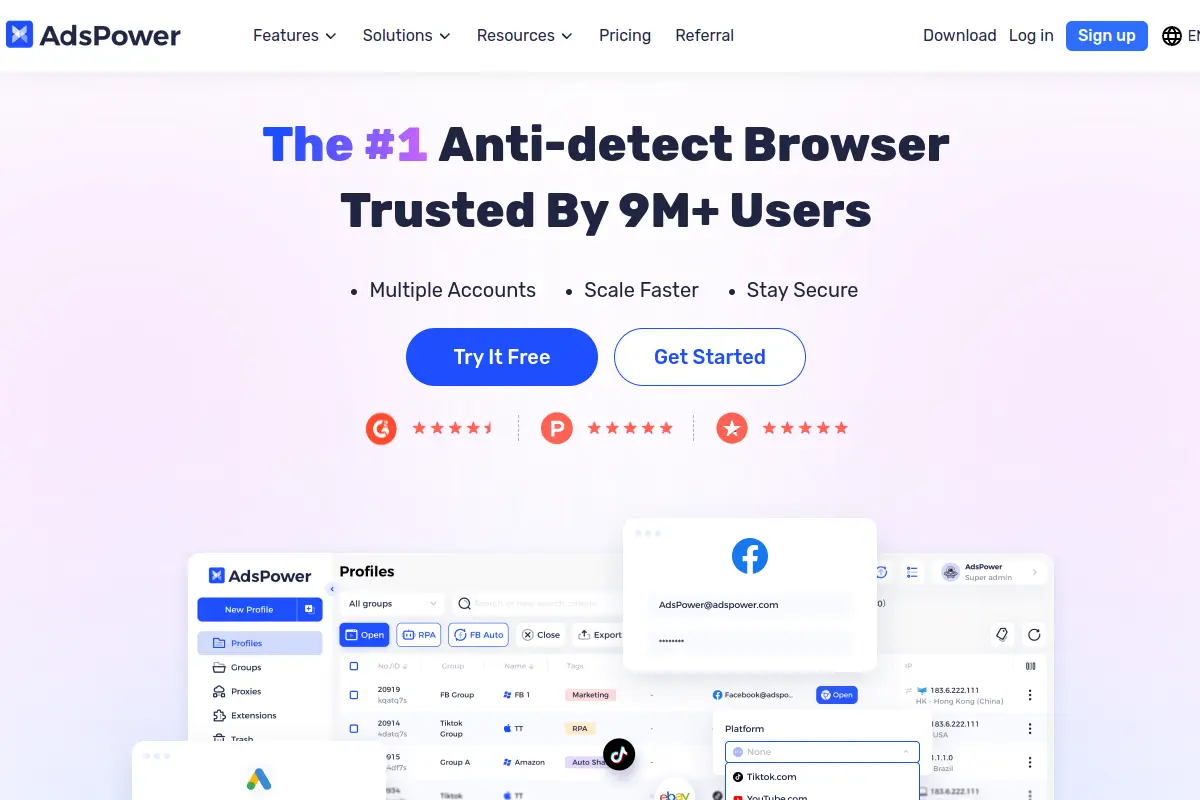
Why it works for Recruiters: You can automate boring tasks like "scroll for 3 minutes" or "like 2 posts" without knowing how to code. This helps warm up accounts efficiently.
Pros:
- No-code RPA automation built-in.
- Supports both Chrome and Firefox engines.
- Flexible pricing model.
Cons:
- Complexity: The interface is crowded. It has a steep learning curve for non-technical recruiters.
Pricing:
- Free: 2 profiles.
- Paid: Starts at $9/mo (modular pricing).
Verdict: Powerful for tech-savvy users, but can be overwhelming for beginners.
Dolphin{anty}: Optimized for Media Buyers and Talent Sourcers
Dolphin{anty} was built mainly for affiliate marketers and ad buyers, but its profile management is useful for sourcing talent too.
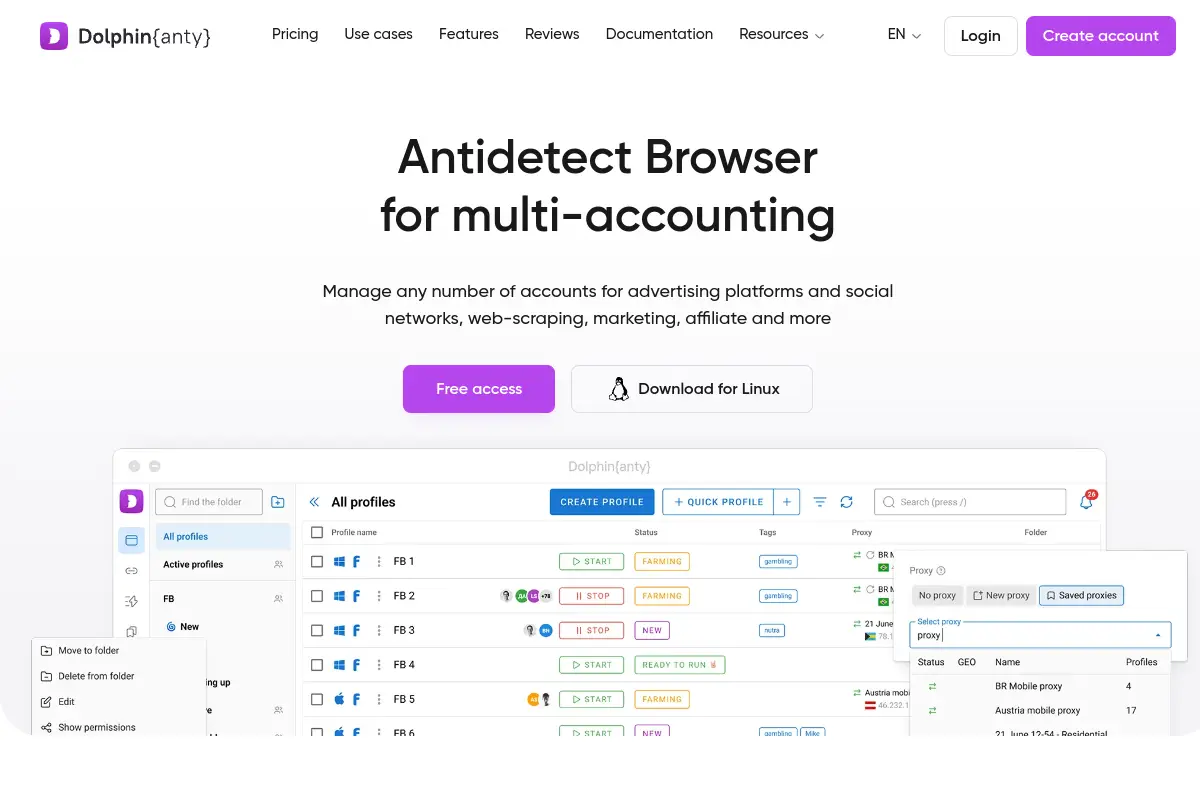
Why it works for Recruiters: It has a great "Notes" and "Tags" system. You can tag profiles as "Warmed Up," "Banned," or "Outreach Phase," which helps organize large teams.
Pros:
- Excellent profile organization and tagging.
- Visual interface is modern.
- Real-time status tracking.
Cons:
- Niche Focus: The tool is heavily optimized for Facebook/TikTok ads, so many features are irrelevant for LinkedIn recruiters.
Pricing:
- Starter: $9/mo.
- Base: $89/mo.
Verdict: Good organization tools, but you pay for ad-tech features you won't use.
Incogniton: Secure Profile Isolation for Large Teams
Incogniton allows you to create isolated browser profiles. It is popular because of its generous free tier.
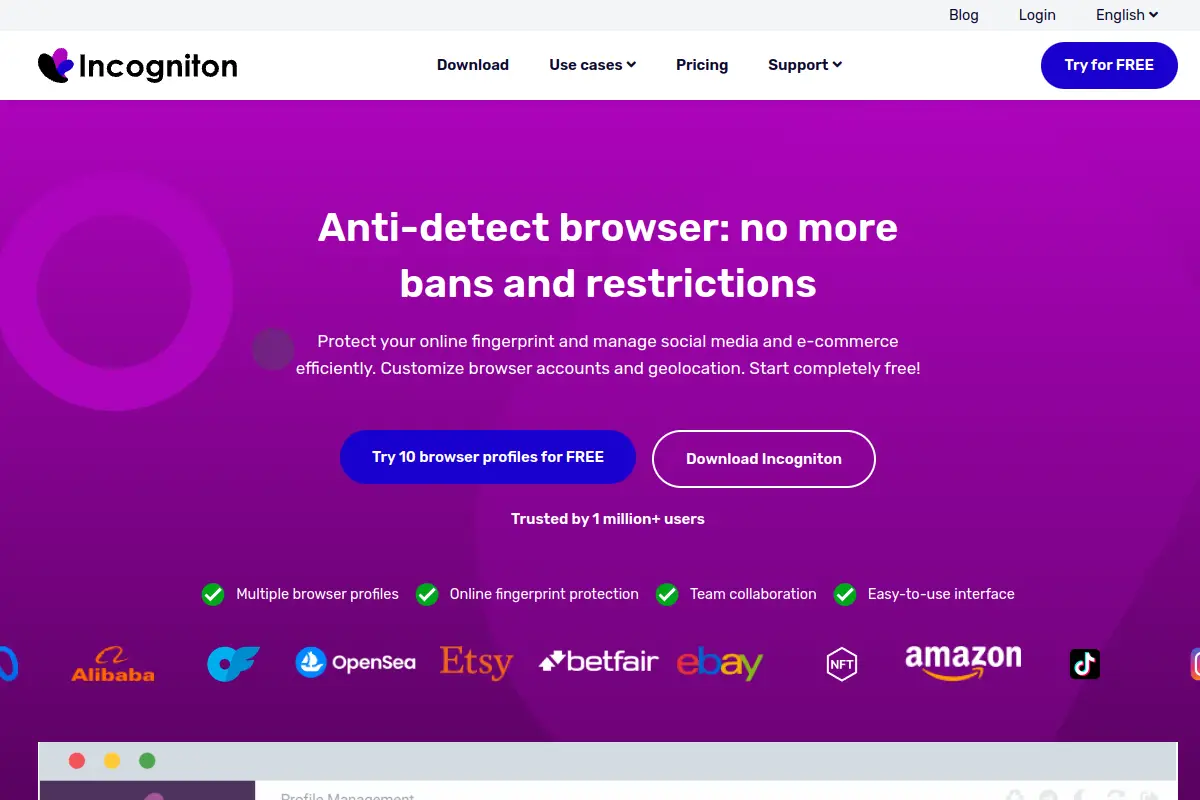
Why it works for Recruiters: If you are just starting to manage multiple LinkedIn accounts for clients, the free plan lets you test the waters without paying. It supports bulk profile creation, saving setup time.
Pros:
- Generous free plan (10 profiles).
- Human typing simulation features.
Cons:
- Performance: The browser can become slow and heavy on system resources when running multiple profiles at once.
Pricing:
- Free: 10 profiles.
- Starter Plus: $19.99/mo.
- Professional: $79.99/mo.
Verdict: Best entry-level option for testing, but performance struggles at scale.
Browser.lol: Cloud-Based Virtual Browsing for Immediate Access
Browser.lol is a unique tool that streams a browser to your screen from the cloud.
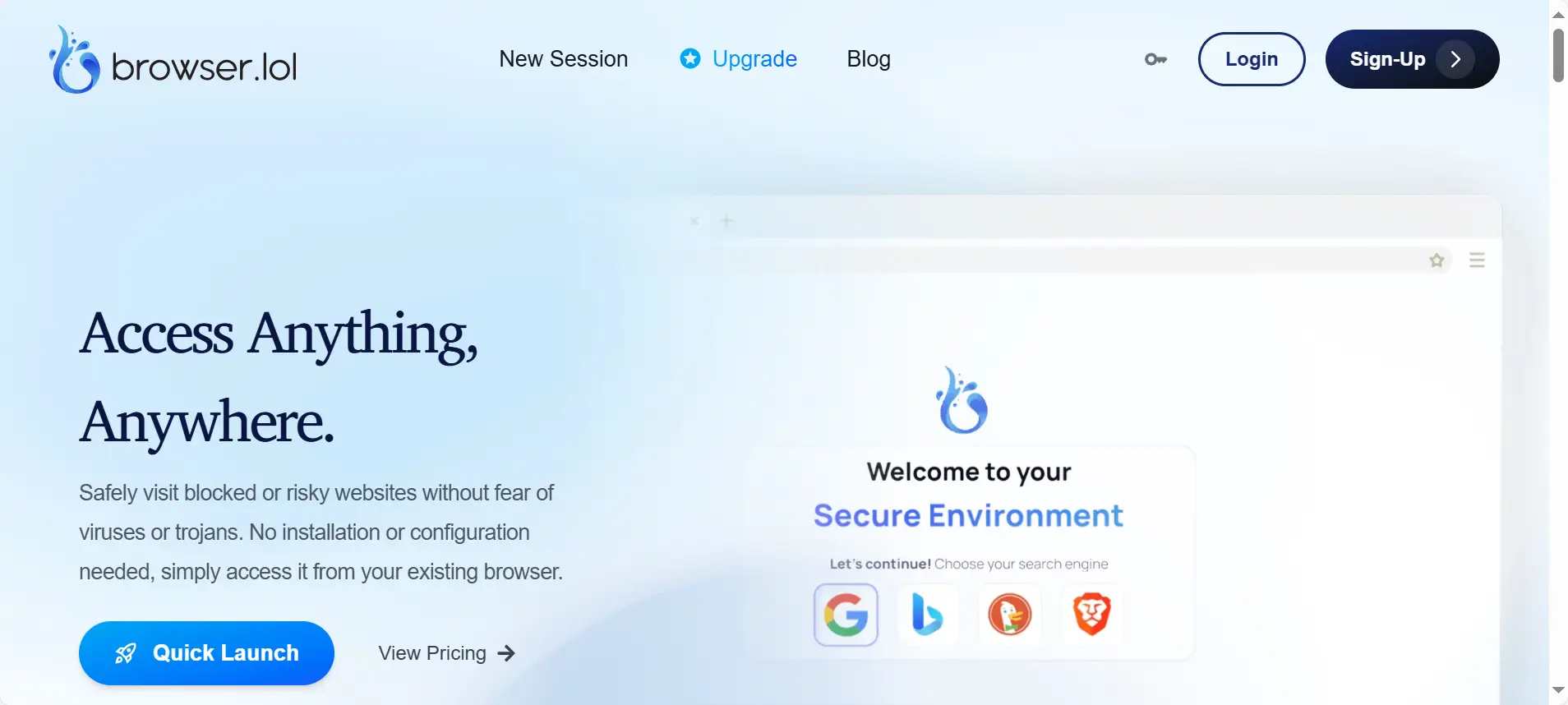
Why it works for Recruiters: It is useful for quick, one-off checks. If you need to see how a profile looks from a different country instantly without setup, this works.
Pros:
- No installation required.
- Instant access to disposable browsers.
Cons:
- Data Persistence: It is not designed for long-term account management. Keeping cookies and history safe over months is difficult compared to other tools.
Pricing:
- Premium: $9/mo.
- Unlock: $24 one-time.
Verdict: Good for quick tests, but risky for long-term recruiter assets.
Octo Browser: High-Performance Chromium for Professionals
Octo Browser is built on the Chromium engine and focuses on speed and genuine fingerprint spoofing.
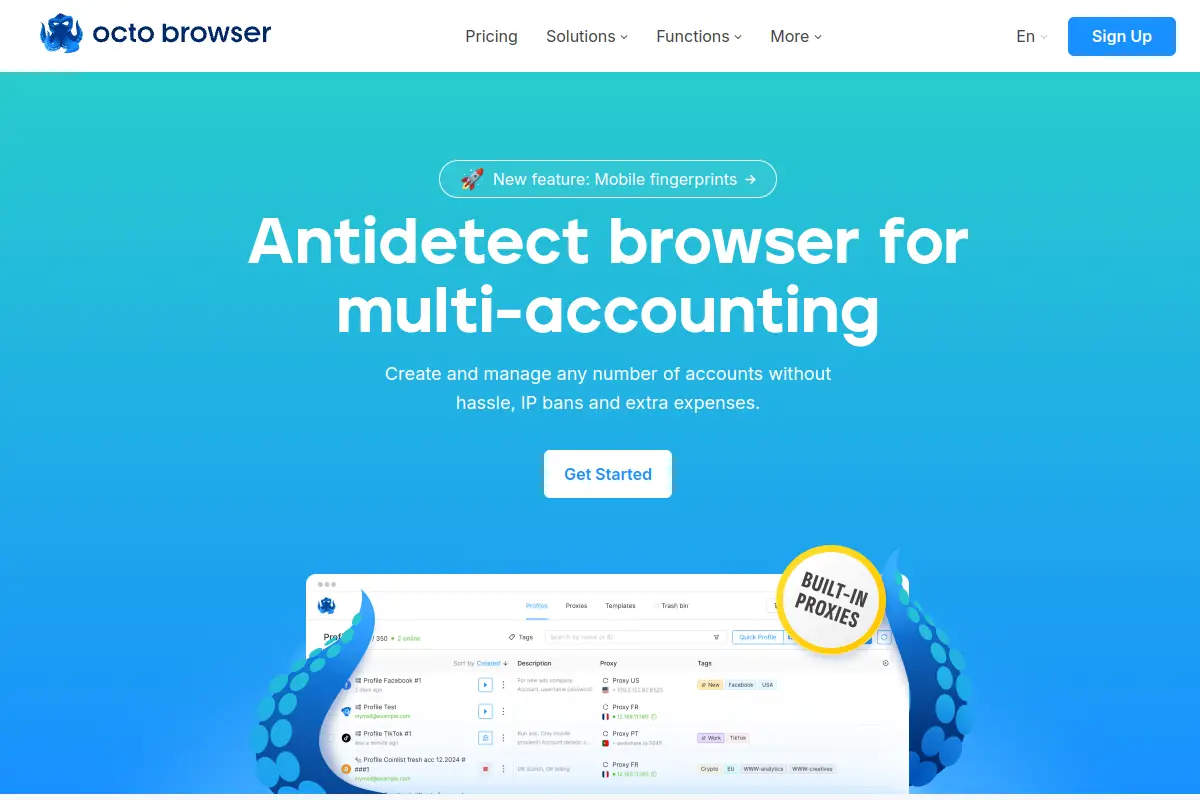
Why it works for Recruiters: It handles heavy loads well. If you have a team of 10 recruiters running profiles simultaneously, Octo Browser stays fast.
Pros:
- Very fast performance.
- Passes complex checkers like Pixelscan.
Cons:
- No Free Version: There is no free tier to test it out before buying.
Pricing:
- Lite: €10/mo.
- Starter: €29/mo.
Verdict: High quality, but the lack of a free trial makes it a harder commitment.
MoreLogin: Advanced Real-Core Technology to Prevent Bans
MoreLogin claims to use "Real Canvas Fingerprint" technology rather than just masking it.
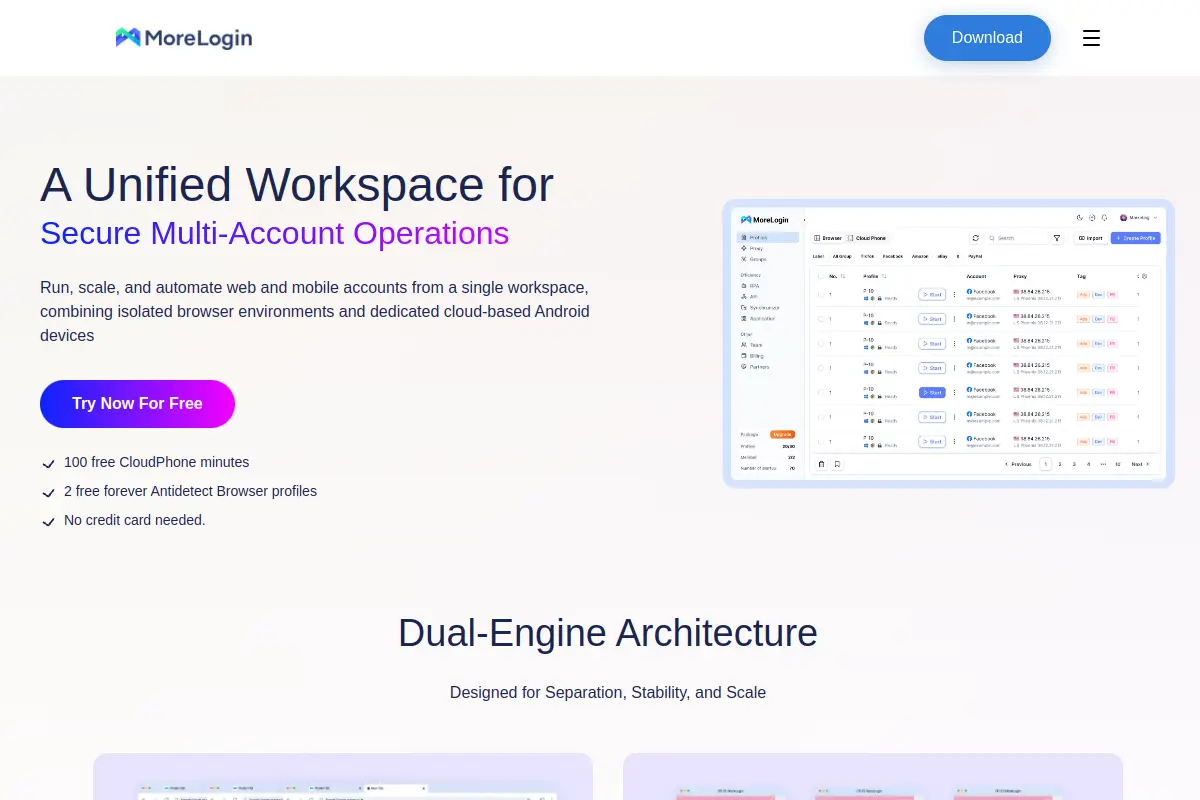
Why it works for Recruiters: It tries to blend in with the crowd by collecting real fingerprints from around the web. This can potentially lower the suspicion score on new LinkedIn accounts.
Pros:
- Innovative fingerprinting technology.
- Good for batch account creation.
Cons:
- Documentation: As a newer tool, it has fewer tutorials and community guides than Multilogin or GoLogin.
Pricing:
Verdict: Promising tech, but the support ecosystem is still growing.
Hidemium: Creating Secure Digital Identities for New Recruiter Assets
Hidemium focuses heavily on mobile device simulation and workspace organization.
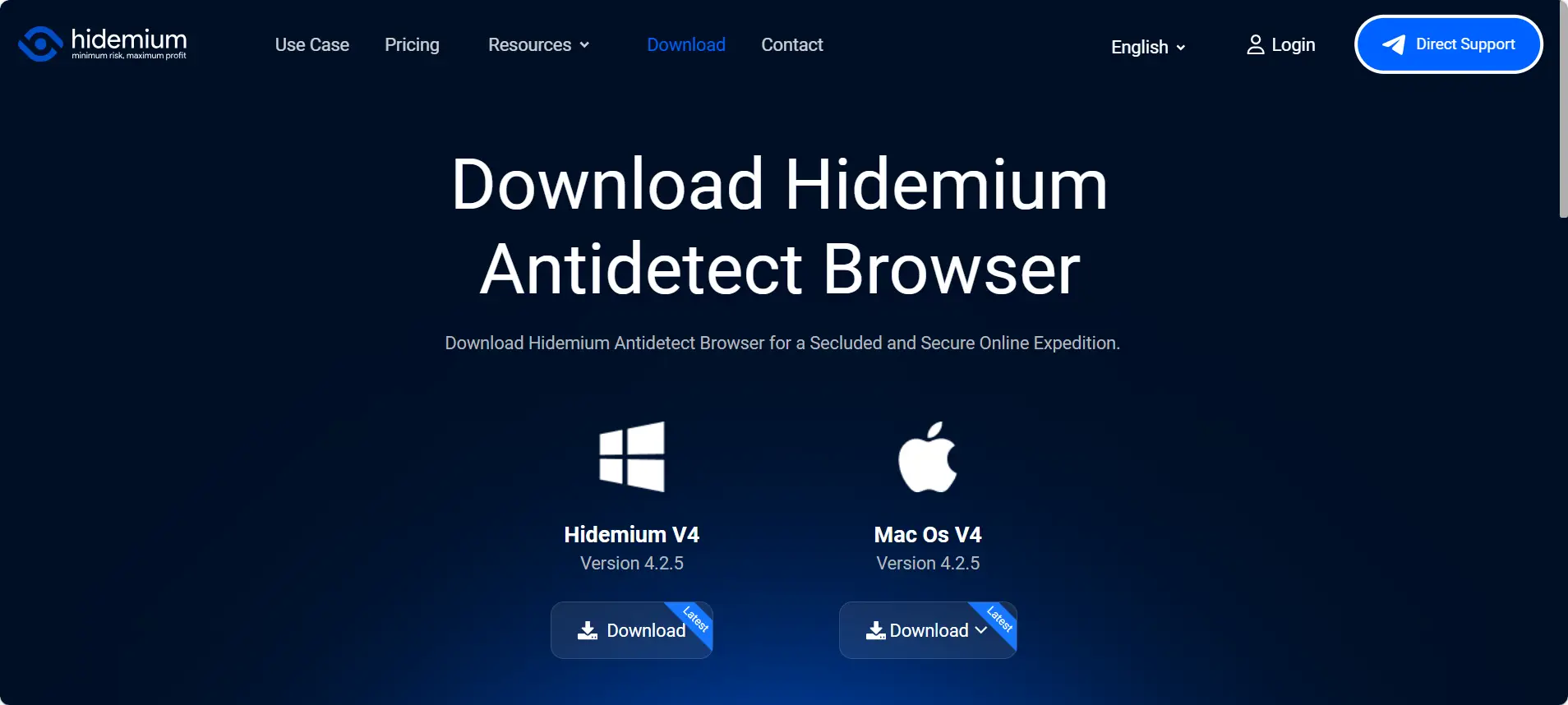
Why it works for Recruiters: LinkedIn traffic often comes from mobile apps. Hidemium allows you to simulate mobile fingerprints effectively, which can be safer for certain types of outreach.
Pros:
- Strong mobile fingerprint options.
- Clean workspace design for teams.
Cons:
- Price Jump: The price increases steeply when you move from the basic plan to business plans.
Pricing:
- Basic: $15.00/mo.
- Business: $420.00/mo.
Verdict: Good for mobile simulation, but scaling costs can get high quickly.
The Operational Strategy: Using an Antidetect Browser for LinkedIn Recruiters
Choosing the right tool is only the first step. To safely scale your outreach, you need a strict workflow that mimics human behavior. If you log in to ten accounts instantly and start spamming connection requests, LinkedIn will ban you within hours.
An effective Operational SOP (Standard Operating Procedure) combines your Antidetect Browser for LinkedIn Recruiters with specific usage rules. This strategy turns your browser from a simple tool into a secure "bunker" for your recruiting assets. This section outlines the exact steps to warm up accounts, set up proxies, and manage your team safely.
The Step-by-Step Account Warming Schedule for 2026
When you create a new profile in a tool like DICloak, you cannot send 100 invites immediately. You must "warm up" the account. This process builds trust with LinkedIn's security algorithms. If you rush this, you trigger a "Velocity Ban," which restricts your account from sending too many requests too quickly.
Follow this three-week schedule for every new profile:
- Week 1 (The "Ghost" Phase): Log in through your antidetect browser manually. Do not send any connection requests. Instead, scroll through the news feed for 10 minutes a day. Like a few posts and visit company pages. You want to look like a passive user, not a bot.
- Week 2 (The "Human" Phase): Start sending manual connection requests. Limit this to 5-10 requests per day. Only send invites to people you know or who are highly likely to accept. A high acceptance rate signals to LinkedIn that you are a real person.
- Week 3 (The "Ramp-Up" Phase): You can now integrate automation tools if needed. Increase your volume slowly. Move to 15, then 20, then 25 requests per day. Never exceed 3-5% growth daily.
By using an antidetect browser, your device fingerprint remains consistent throughout this process. This consistency proves to LinkedIn that the user is stable and trustworthy.
Integrating Static Residential Proxies for Geo-Locked Credibility
Your IP address is your digital location. If your LinkedIn profile says you are a recruiter in New York, but your IP address comes from a data center in Germany, your account will be flagged instantly. To fix this, you must use Static Residential Proxies.
A Residential Proxy assigns you an IP address from a real home internet connection (ISP), not a server farm. LinkedIn trusts these IPs because they look like normal user traffic.
How to set this up correctly:
- One Profile, One Proxy: Never share the same proxy IP between different LinkedIn accounts. If one account gets banned, the shared IP will link them, causing a chain reaction that bans your other accounts.
- Geo-Locking: Match the proxy location to the profile location. If your profile persona is "London Recruiter," buy a UK Static Residential Proxy.
- Stickiness: Use "Static" proxies, not "Rotating" ones. You want the same IP address every time you log in. If your IP changes with every click, it triggers security checks.
How to Manage Multiple LinkedIn Accounts for Clients via Virtual Assistants
Agencies often face a nightmare when trying to manage multiple LinkedIn accounts for clients. When a Virtual Assistant (VA) in the Philippines logs into a client's account based in Chicago, LinkedIn detects a new device and a new location. This triggers a "Verify Identity" lock or a request for a 2FA (Two-Factor Authentication) code.
Antidetect browsers solve this through Session Sharing.
Instead of giving your VA a username and password, you give them access to the browser profile via the cloud.
- The Setup: You log in once on your main device. The browser saves the "Session Cookies" (the digital proof that you are logged in).
- The Sync: The browser syncs these cookies to the cloud.
- The Handoff: Your VA opens the same profile in their antidetect browser. Because the cookies and device fingerprints (User Agent, Canvas, etc.) are identical, LinkedIn thinks it is the exact same computer.
This allows your team to work inside client accounts without ever triggering a password check or 2FA prompt. It is the safest way to handle high-volume delegation.
FAQs About Antidetect Browser for LinkedIn Recruiters
You now understand the strategy for safe sourcing. However, you likely still have practical questions about daily usage. This Antidetect Browser for LinkedIn Recruiters FAQ covers the most common doubts regarding safety, costs, and setup.
Is using an antidetect browser for LinkedIn recruiters legal?
Yes, using the software itself is completely legal. It is simply a tool used to manage data privacy and organize multiple profiles. However, you must always ensure your specific actions on the platform comply with local laws and business regulations.
Can LinkedIn still detect me if I use an antidetect browser?
If you use a high-quality tool like Dicloak, detection is extremely difficult. Detection usually happens if you use low-quality IP addresses or act like a bot (sending too many messages at once). The browser handles the technical security, but you must still behave like a human.
How many LinkedIn accounts can I manage with one software license?
This depends entirely on the plan you purchase. Most software allows you to start with a small number, like 10 profiles, and scale up to thousands. You can assign a unique browser profile to every single sourcing account you manage without them linking to each other.
Do I need to buy proxies separately for these browsers?
Yes, in most cases you do. The browser protects your device identity, but you need a proxy to protect your location identity. For LinkedIn, you specifically need residential proxies, which look like real home internet connections rather than data centers.
How does an antidetect browser differ from a standard privacy browser?
A standard privacy browser (like Tor) blocks tracking, which actually looks suspicious to sites like LinkedIn. An antidetect browser takes a different approach by creating a unique digital fingerprint for each profile. It makes you look like a normal user on a standard device, rather than someone trying to hide.
Conclusion
Traditional browsers and incognito mode can no longer support scalable LinkedIn recruitment in 2026. LinkedIn actively links accounts through device fingerprints, location data, and behavior patterns, making multi-account management unsafe without proper tools. An Antidetect Browser for LinkedIn Recruiters provides the isolation, fingerprint control, and session stability required to operate safely at scale. When combined with disciplined warm-up workflows and residential proxies, solutions like DICloak help recruiters protect their accounts, delegate work securely, and build a sustainable outreach system without triggering bans.
 Web Proxy Tools
 Free Tools
 Cookie Plugin
 UA Generator
 MAC Address Generator
 IP Generator
 IP Address List
 2FA Code Generator
 World Clock
 Anonymous Check
 WebRTC Leak Test
 UUID Generator
 Free Web Proxy Site
 Proxy Checker
 FB Ad Checker
 AI Web Scraping
 Free SMM Tools
 Twitter Shadowban Checker
 Instagram Name Checker
 UTM Generator
 Username Generator
 AI Hashtag Generator
 LinkedIn Headline Generator
 Social Media Image Resizer