Selling tickets can feel tricky, especially if it is your first time. Many people have extra tickets for concerts, sports games, or shows and want to earn some money back. StubHub makes it easier to do this. It is a safe and popular website where you can list your tickets and reach millions of buyers.
In this guide, you will learn how to sell tickets on StubHub step by step. We will cover everything from understanding the platform, setting prices, to making sure your tickets sell quickly. Even if you are new, you can follow these tips and feel confident selling your tickets online.
Understanding StubHub
What is StubHub?
If you want to learn how to sell tickets on StubHub, the first step is knowing what StubHub is. StubHub is an online ticket marketplace. It lets people buy and resell tickets to shows, sports games, concerts, and other events. StubHub began in 2000 and has grown into one of the biggest ticket resale platforms in the world.
Here’s a simple example:
You bought two basketball tickets for $120 each but you can’t go. You can list these tickets on StubHub. Then someone else can buy them at the price you set. StubHub connects you to buyers from many places.
Many sellers choose StubHub because it is well known and many fans use it to buy tickets. This means more eyes on your ticket listings and a higher chance they sell.
Overview of StubHub Fees
When you learn how to sell tickets on StubHub, you also need to know about fees. Listing your tickets on StubHub is free. You do not pay just to post your ticket online.
But once someone buys your ticket, StubHub takes a selling fee. This fee is usually a percentage of the final sale price. For example, if you sell a ticket for $100 and the fee is 15%, StubHub keeps $15 and you get $85.
Some sellers may also face international fees if they sell tickets across borders. These can add up to 10 %–20 % more, depending on where the event is and where you live.
It is important to plan for these fees. Many sellers set their ticket prices to cover fees and still make a profit. For instance, a fan selling concert tickets for a sold‑out show might price them a bit higher to cover the StubHub fee and still make money.
Benefits of Using StubHub for Sellers
There are good reasons people choose how to sell tickets on StubHub instead of local classifieds or social media.
1.Large Audience
StubHub has millions of buyers. When you list a ticket, many eyes can see it. This can help sell tickets faster than posting on a small site.
2.Seller Tools
StubHub gives tools to help you price your tickets. For example, it shows how similar tickets are priced. This helps you decide a fair and competitive selling price.
3.Secure Platform
StubHub offers protections for both buyers and sellers. It checks ticket transfers and delivery to help avoid fraud. Many sellers say this gives them peace of mind, especially for big events.
4.Easy to Use
You can list tickets with a few clicks on the website or in the mobile app. Most sellers report that the process is simple even on their first try. For example, a first‑time seller shared online that they were nervous but found the process easy once they reviewed the ticket details and upload steps.
How to Sell Tickets on StubHub
Now that you know what StubHub is, how fees work, and why sellers like it, let’s walk through how to sell tickets on StubHub step by step. These steps are simple to follow, even if it’s your first time.
Selling on StubHub is easier than you might think. You will create an account, list your tickets, and add payment details before your tickets go live for buyers to see.
Creating Your StubHub Account
Before you can sell, you must have a StubHub account. Go to StubHub and click “Sign Up.” You can use your email, Facebook, Google, or Apple to sign up.
StubHub will ask for basic details like your name, email, and a password. Some sellers also need to verify their identity by uploading a photo of a driver’s license or passport. This helps protect you and buyers.
For example, Jane had extra tickets to a big concert she could not use. She created her account in about 5 minutes. She used her email and phone number and soon got a confirmation that her account was ready.
Listing Your Tickets
Once your account is ready, it’s time to list your tickets. Click the “Sell” button on StubHub’s homepage. Then choose “Sell Tickets.”
You will enter some key details:
- Event name (like concert or game)
- Date and location
- Ticket type (PDF, mobile transfer, or physical ticket)
- Section, row, seat number
- Number of tickets
StubHub will show a list of events as you type. If your event already exists, choose it. If not, you can add the event by filling out its date, venue, and name.
For instance, Mark had two PDF tickets for a Taylor Swift show. He selected the event from the list, entered seat info, and uploaded his tickets in PDF format so buyers could see them right away.
Setting Up Payment Information
Before your listing goes live, you need to tell StubHub how you want to get paid. StubHub pays sellers after the event takes place, usually within a few business days.
You can choose how you want to receive your money:
- Direct deposit to your bank
- PayPal transfer
- StubHub account credit to buy other tickets
Make sure your payment info is correct. If it is not, you might delay receiving your money once your tickets sell.
The next step is setting the right price and publishing your listing, which we can cover in the following section to help your tickets sell faster.
Ticket Pricing Strategies
Now that you know how to sell tickets on StubHub and you have your listing ready, the next big step is pricing your tickets smartly. The right price helps your tickets sell faster and can even help you earn more money. Let’s break it down in simple steps with real‑world examples so you can plan well.
How to Price Tickets Effectively on StubHub
Pricing isn’t just about putting a number on your ticket. You must think about what others are doing and what buyers are willing to pay. Start by searching StubHub for the same event. Look at tickets in your seat area. This gives you a good idea of the price range buyers expect.
For example, if you have seats in a mid‑level section for a big pop concert and most sellers list similar tickets at $150 to $180, pricing yours at $175 makes sense. Listing at $300 might scare buyers away, even if the show is sold out. This kind of smart pricing helps you sell more often.
Also think about how close the event date is. People often pay more when an event is getting closer, especially if the show is sold out. But waiting too long might make buyers think they can get a deal later, so you may miss sales if you wait too long.
Analyzing Market Trends for Pricing
Understanding market trends means watching how ticket prices change over time. Some sellers check StubHub’s pricing recommendations or search completed sales to see what similar tickets sold for recently. This helps you set a price that matches current demand.
Let’s say you are selling baseball game tickets. A quick look shows most similar seats sold in the past few days for $120. If your tickets are priced at $140, buyers might ignore them. But if you price around $120 or slightly lower, you may sell quickly.
Another trick is watching how many tickets are listed. If only a few tickets are available and the event is popular, you might set a slightly higher price. If the market is crowded with many sellers, pricing lower can make your tickets stand out.
Adjusting Prices Based on Demand
Demand changes over time. If your tickets don’t sell in the first few days, consider adjusting the price. On StubHub, it’s normal for sellers to lower prices gradually to stay competitive. Temporary price drops can catch a buyer’s attention, especially when cheaper options are rare.
For example, Alex listed two concert tickets for $200 each. After a week with no interest, he dropped the price to $180. Suddenly, a buyer purchased the tickets. If he had left the price high, they might have stayed unsold until after the event.
Another way to respond to demand is to watch what similar listings do. If most sellers start dropping prices as the event gets closer, you might want to do the same so your tickets remain visible in the search results.
Pricing is a mix of art and science. Using market data, watching trends, and making small adjustments can make a big difference in your sales success.
Transferring Tickets to Buyers
After you learn how to sell tickets on StubHub and price them smartly, the final key is getting the tickets into your buyer’s hands. This step is essential to complete your sale and get your money. Different ticket types use different delivery steps, so let’s walk through them in simple terms.
How to Transfer Tickets on StubHub
When your ticket is sold on StubHub, you must deliver it to the buyer before the event. StubHub shows a deadline for ticket delivery in your seller dashboard, so you always know how much time you have. If you miss this deadline, you may lose your payment, so plan ahead.
To transfer tickets, log into your StubHub account and go to your Sales area. Find the order that sold and click “Confirm/Transfer”. You will see options based on the ticket type you listed. Sometimes you copy and paste a mobile ticket link or upload a PDF. Other times, you start a transfer from the ticket provider’s app (like Ticketmaster) and then confirm it on StubHub. Make sure you follow the exact steps so the buyer receives the tickets on time.
For example, Emilia sold her two arena seats for a big basketball game. After the sale, she logged into her Ticketmaster account and used its transfer feature to send the tickets to the buyer’s email. Then she marked the transfer as complete in her StubHub dashboard. This simple double‑check helped her avoid delivery problems and get paid after the event.
Understanding Different Ticket Types
Before you transfer tickets, you must know which type of ticket you are selling. StubHub supports several ticket delivery methods, and each one works a bit differently.
Electronic Tickets vs. Physical Tickets
Electronic Tickets are digital files, often PDFs or QR codes. These files are emailed or uploaded. You can upload the PDF to StubHub or paste a secure ticket link so the buyer can open and save it on their phone or print it out. This method is fast and common for concerts and indoor events.
Physical Tickets are real paper tickets or wristbands. These must be mailed to the buyer using a courier or postal service. When you sell physical tickets, you will see a shipping address from the buyer in your StubHub sale details. You place the tickets in a secure envelope and send them with tracking. Once the buyer receives them, StubHub updates the sale as delivered.
Many buyers now use mobile transfer tickets that work only on a smartphone app. These tickets usually require you to enter the buyer’s email in the original ticket platform, such as Ticketmaster or another ticket provider, so the tickets show up in their app. After you complete this step, go back to StubHub and confirm delivery. This method can feel tricky at first, but once you’ve done it, it’s quick and smooth.
Understanding these delivery steps is a big part of mastering how to sell tickets on StubHub. Getting your tickets to the buyer on time protects your payment and builds your reputation as a reliable seller. If you want, I can explain common delivery mistakes and how to avoid them next.
Pros and Cons of Selling tickets on StubHub
Selling on StubHub can be very convenient, but it has both advantages and disadvantages. Understanding them helps you decide if it’s right for you.
Advantages of Selling on StubHub
Large Audience: StubHub connects you to millions of buyers, increasing your chance of selling tickets quickly.
Secure Platform: StubHub verifies tickets and protects both buyers and sellers, reducing fraud risk.
Easy Listing: Creating listings is simple, and the platform guides you through pricing, delivery, and payment setup.
For example, Sarah sold her concert tickets within two days because many buyers were browsing StubHub, and the platform made transferring her PDF tickets easy.
Disadvantages and Considerations
Selling Fees: StubHub charges a percentage of the sale, which reduces your earnings.
Competition: Popular events may have many sellers, making it harder to stand out.
Delivery Responsibilities: You must transfer tickets correctly and on time, or payment may be delayed.
For instance, Tom had to carefully track his physical tickets for a sports game. Any delay could have caused problems with the sale.
Knowing both sides helps you make smart choices when learning how to sell tickets on StubHub.
Alternatives to StubHub
Learning how to sell tickets on StubHub is useful, but it is not the only way to sell event tickets online. There are other ticket resale platforms and marketplaces that many sellers and buyers use. Some work like StubHub, and others offer different features. Knowing these alternatives helps you choose the best platform for your needs.
Comparing StubHub with Other Ticket Resale Platforms
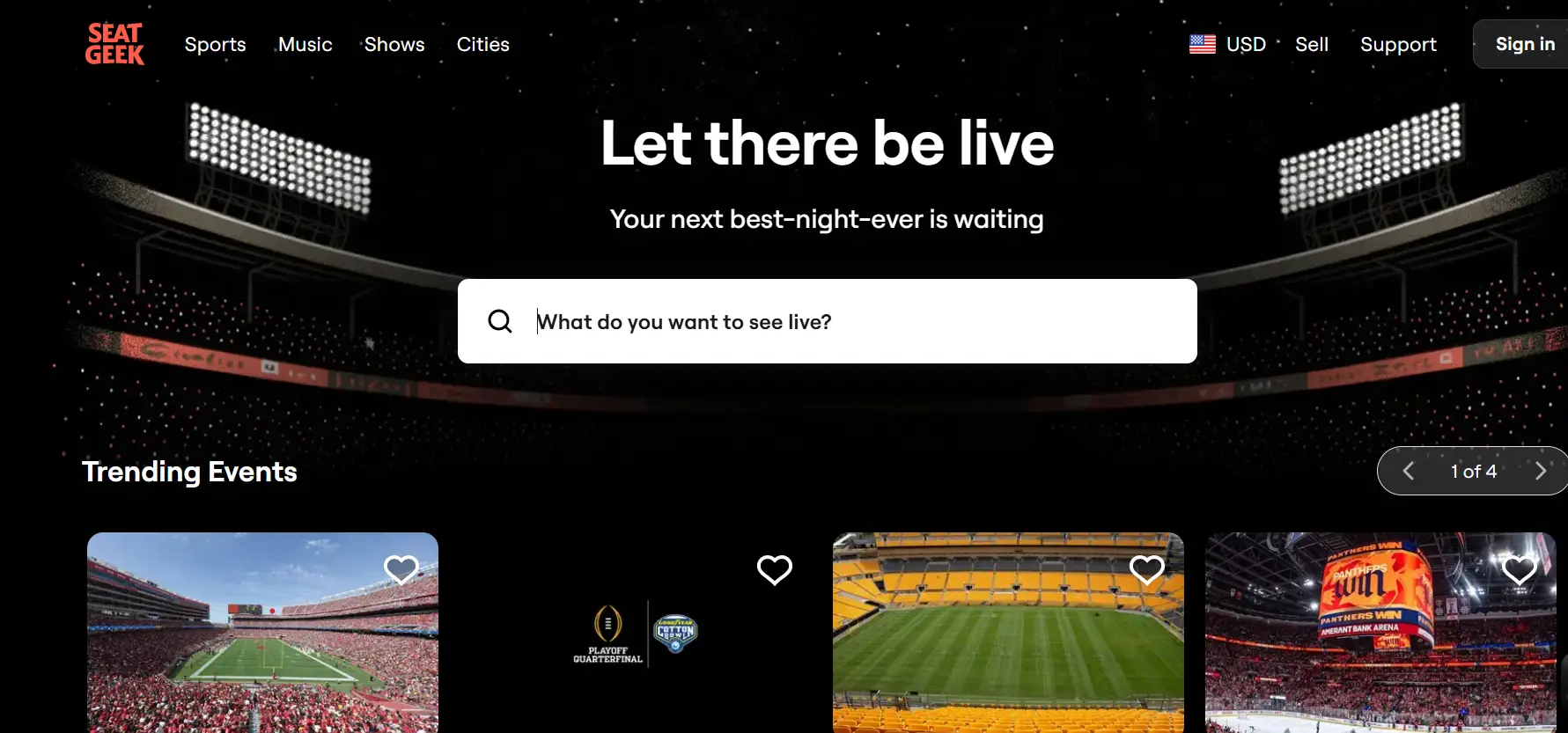
Many ticket sellers look beyond StubHub to find the best fit for their event and price. One popular alternative is SeatGeek. Like StubHub, SeatGeek lets you sell event tickets and has many buyers looking for sports and concert tickets. Some sellers prefer SeatGeek because it shows interactive maps and seat views, which help buyers feel confident about what they are buying.
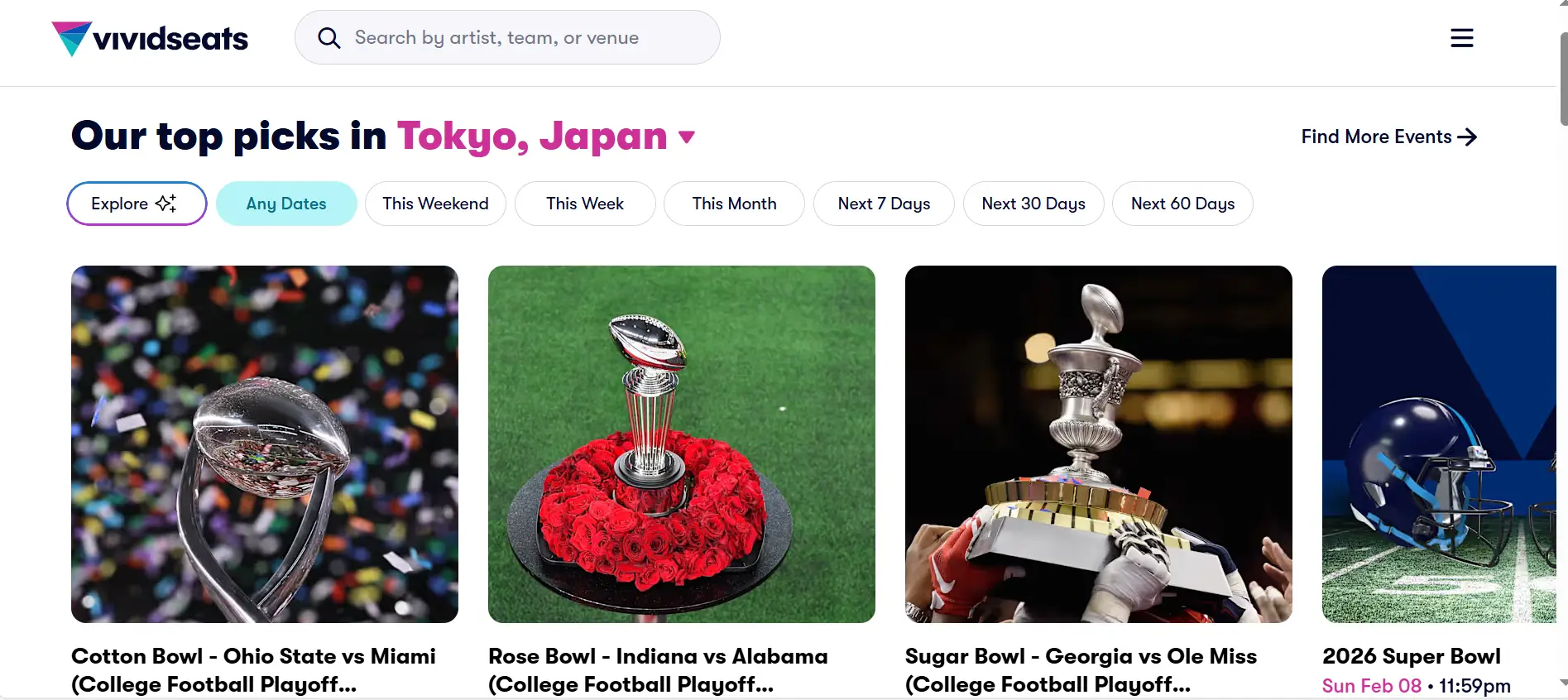
Another option is Vivid Seats. This site also connects sellers and buyers for sports, concerts, and theater tickets. Vivid Seats focuses on strong customer support and promises valid tickets or a refund if something goes wrong. Some sellers like that because it can build trust with buyers.
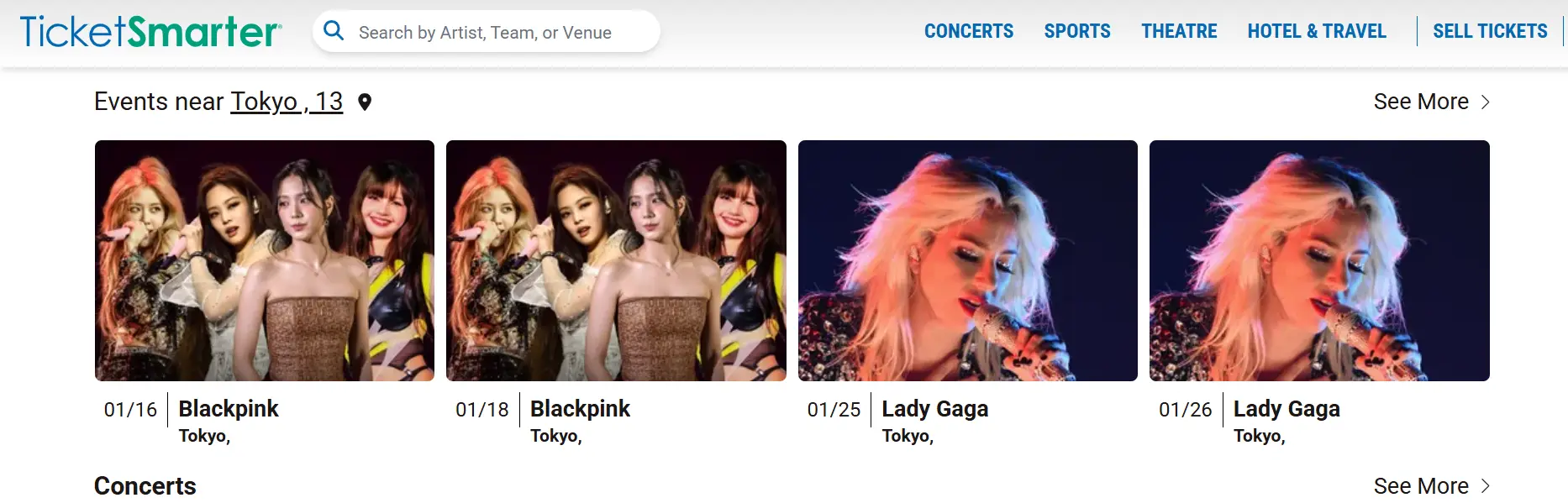
TicketSmarter is another marketplace where sellers list tickets for thousands of events. It aims to offer competitive prices and a large selection of events across the U.S. Some sellers like using TicketSmarter when StubHub prices or fees feel too high for certain events.
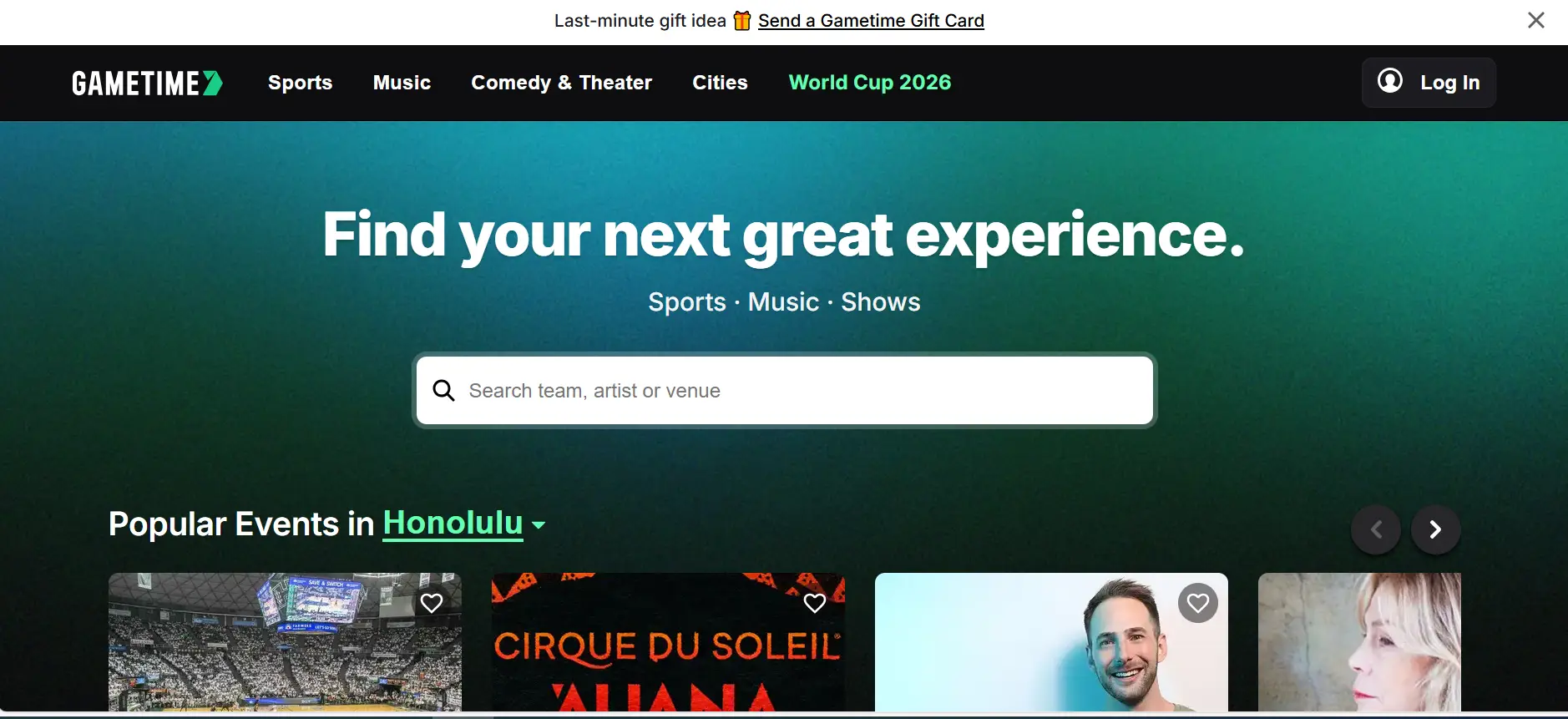
Platforms like Gametime do both buying and selling, especially for last‑minute tickets. Gametime often lowers prices as the event gets closer, which can help you sell tickets that are still unsold just a few days before the show.
There are also fan‑to‑fan sites like CashorTrade, where tickets are sold at face value or less. This appeals to fans who want fair prices rather than profit, though it may not work for sellers who want to price above face value. These sites focus on keeping resale prices more ethical and fair for everyone.

Unique Features of Competing Platforms
Different sites offer special tools that may help you when you learn how to sell tickets on StubHub or elsewhere.
SeatGeek has interactive seat maps with photos and views from each seat. Buyers can see what their view looks like before they decide to buy. This can help sellers attract buyers who care about seat quality.
Vivid Seats promises a refund or replacement ticket if something goes wrong with your purchase. For sellers, knowing buyers feel safe may increase sales. Some sellers mention that this support makes buyers more likely to choose Vivid Seats over other sites.
TicketSmarter highlights partnerships with sports teams and venues, which can mean a wide range of ticket options. Sellers who list on this site may find buyers for events that are not easy to sell on other platforms.
Gametime offers a quick selling tool where sellers can list tickets just by taking a picture. This is great for last‑minute sellers who need to list tickets fast and on the go.
Finally, CashorTrade focuses on fair resale at face value. This option can attract fans who want to pay less and avoid high prices. While you might not make extra profit, it can build positive experiences for buyers.
| Platform |
Key Features |
Best For |
Notes |
| StubHub |
Large audience, secure platform, easy listing |
Most general ticket sales |
Popular for concerts, sports, and theater |
| SeatGeek |
Interactive seat maps, price comparison |
Buyers who care about seat view |
Helps sellers show seat quality to attract buyers |
| Vivid Seats |
Buyer protection, refund guarantee |
Sellers seeking buyer trust |
Builds confidence with secure transactions |
| TicketSmarter |
Wide event selection, partnerships with venues |
Competitive events and sports |
Good for hard-to-sell tickets |
| Gametime |
Quick listing with mobile app, last-minute sales |
Urgent ticket sales |
Great for sellers needing fast and flexible listing |
| CashorTrade |
Face-value resale, fan-focused |
Ethical pricing, fan communities |
Limited profit, focuses on fair resale |
Choosing the right platform depends on your event, price goals, and how fast you want your tickets to sell. Many sellers compare options like StubHub, SeatGeek, Vivid Seats, and others before deciding where to list their tickets. Each has its own strengths, and sometimes using more than one platform can help you sell faster or get a better price.
Additional Tips and Strategies on How to Sell Tickets on Stubhub
After learning how to sell tickets on StubHub and exploring alternatives, these tips can help you sell faster and earn more.
1.Repricing Strategies for Maximum Sales
Adjust your ticket price based on demand. If tickets don’t sell quickly, lower the price slightly to attract buyers. For high-demand events, you can raise prices gradually. Small changes can make a big difference in sales.
2.Marketing Your Listings
Promote your tickets outside StubHub. Share listings with friends, family, or local community groups. Clear descriptions and photos help buyers feel confident and increase chances of a sale.
Leveraging Social Media for Increased Visibility
Use social media to reach more potential buyers. Post your tickets on Facebook, Twitter, or Instagram with event details and images. Engaging posts can attract buyers faster than relying on StubHub alone.
These strategies help sellers optimize their listings and visibility, making it easier to succeed when learning how to sell tickets on StubHub.
While this article focuses on selling tickets, consider exploring automation solutions to assist with acquiring tickets in the first place. Our innovative antidetect browsers equipped with ticketing automation tools can significantly enhance your efficiency when purchasing tickets.
Why Choose DICloak Antidetect Browsers?
⚡The DICloak Antidetect Browser has become a global favorite for its unparalleled ability to efficiently and securely manage multiple accounts. Designed for professionals in social media management, and more, DICloak offers powerful features like RPA automation, bulk operations, and a synchronizer. Additionally, it allows you to customize fingerprints and integrate proxies for each profile, ensuring top-level security and operational efficiency. It’s the ultimate tool for seamless, secure, and scalable operations.

What Makes DICloak Stand Out?
✅ Manage 1,000+ Accounts on One Device: Stop wasting money on extra hardware! DICloak allows you to manage multiple accounts on a single device, cutting costs and boosting efficiency.
✅ Guaranteed Account Safety, No Ban Risks: Every account gets its own isolated browser profile with custom fingerprints and IPs, drastically reducing the risk of bans. Your accounts, your control!
✅ Flexible Proxy Configuration for Maximum Performance: Seamlessly integrate with all major proxy protocols (HTTP/HTTPS, SOCKS5) and manage your proxy pool with bulk operations. No more struggling with IP management—DICloak has you covered.
✅ Streamlined Team Collaboration for Better Results: Easily manage your team with advanced tools like profile sharing, permission settings, data isolation, and operation logs. Your team works smarter, not harder.
✅ Automate the Grind with RPA: DICloak's built-in RPA saves you hours of manual work. Automate repetitive tasks, streamline workflows, and focus on what really matters—growing your business.
✅ Powerful Bulk Tools to Scale Your Operations: Create, import, and launch multiple browser profiles in one click. DICloak makes scaling your business as easy as it gets.
✅ Compatible with All Major Operating Systems: Based on the Chrome core, DICloak supports simulating Windows, Mac, iOS, Android, and Linux operating systems. No matter what platform you need, DICloak has you covered.
🔗 Ready to Get Started?
Visit the DICloak website to explore more details and choose the plan that’s right for you. Start for free today and experience the power of secure, efficient, and scalable multi-account management!
Conclusion
Selling tickets on StubHub can be simple and rewarding. To succeed, create your seller account, list your tickets with clear event and seat details, set a competitive price, and deliver them on time, whether electronically or physically. Adjust prices if demand changes and promote your listing to attract buyers. Following these steps helps you complete sales smoothly and earn money from extra tickets. Many first‑time sellers find success by taking it step by step, so don’t wait — start listing your tickets today and see your first sale happen.
FAQs
1.How do I get started with how to sell tickets on StubHub?
To start selling on StubHub, create a seller account, provide your contact and payment information, and list your tickets with clear event details and seat information. Following these steps ensures a smooth first sale.
2.What are the best practices for pricing when learning how to sell tickets on StubHub?
Research similar tickets for the same event, set a competitive price, and adjust based on demand. Using market data helps you attract buyers while maximizing your earnings.
3.How do I transfer tickets to buyers after learning how to sell tickets on StubHub?
Ticket transfer depends on the type: electronic tickets can be uploaded or shared via email, while physical tickets need secure shipping. Always confirm delivery in your StubHub dashboard to ensure timely payment.
4.What are the main advantages and challenges when selling on StubHub?
Selling on StubHub gives access to millions of buyers and secure transactions. However, fees, competition, and timely ticket delivery are key considerations for sellers.
5.Are there alternatives if I want to sell tickets but not use StubHub?
Yes. Platforms like SeatGeek, Vivid Seats, Gametime, and TicketSmarter offer different features and audiences. Understanding how to sell tickets on StubHub alongside these alternatives can help you choose the best platform for your tickets.
 Web Proxy Tools
 Free Tools
 Cookie Plugin
 UA Generator
 MAC Address Generator
 IP Generator
 IP Address List
 2FA Code Generator
 World Clock
 Anonymous Check
 WebRTC Leak Test
 UUID Generator
 Free Web Proxy Site
 Proxy Checker
 FB Ad Checker
 AI Web Scraping
 Free SMM Tools
 Twitter Shadowban Checker
 Instagram Name Checker
 UTM Generator
 Username Generator
 AI Hashtag Generator
 LinkedIn Headline Generator
 Social Media Image Resizer