The persistent search for "how to see who saw your profile" remains one of the most common points of frustration for Facebook users. Despite constant updates to the platform, the gap between user curiosity and platform privacy remains intentionally wide. This guide clarifies the technical reality of profile tracking in 2026, debunks the predatory scams targeting this curiosity, and outlines professional methods for conducting anonymous research.
How to know who sees your Facebook profile? The official 2026 answer
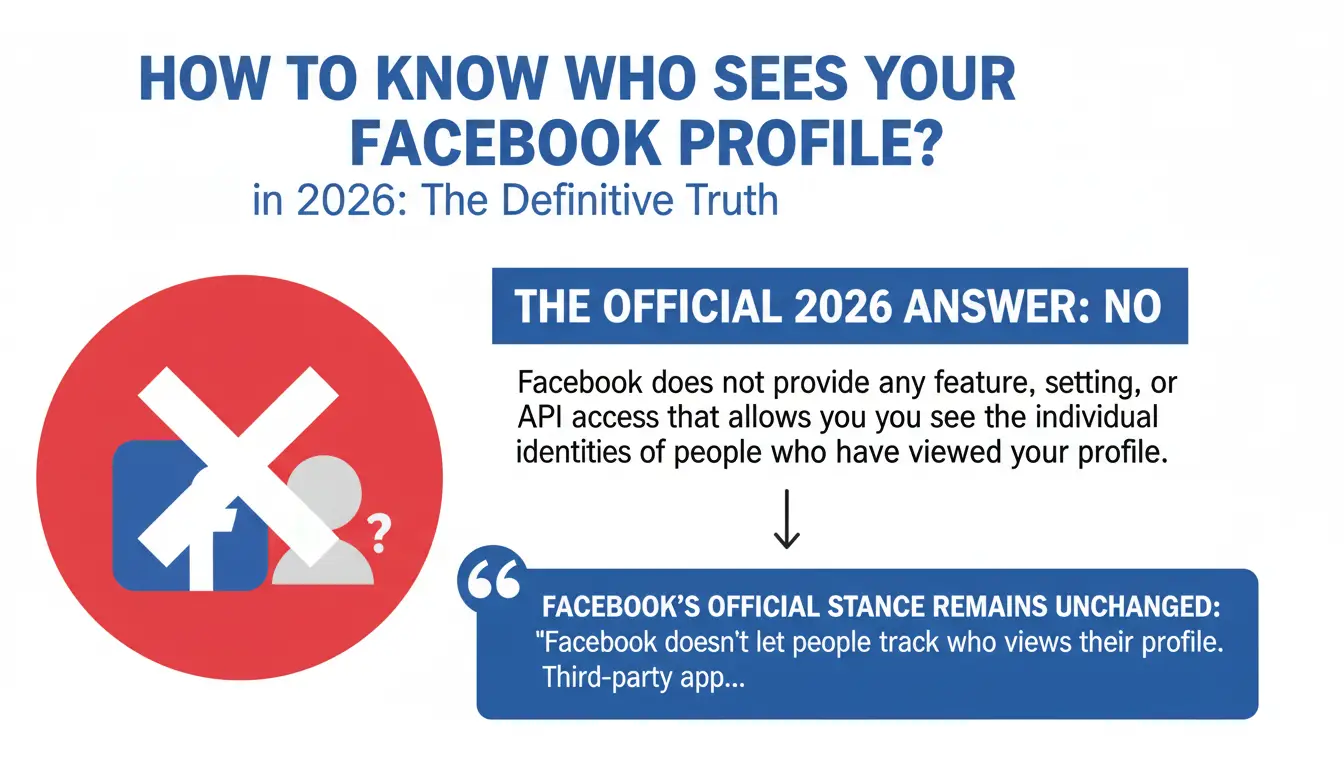
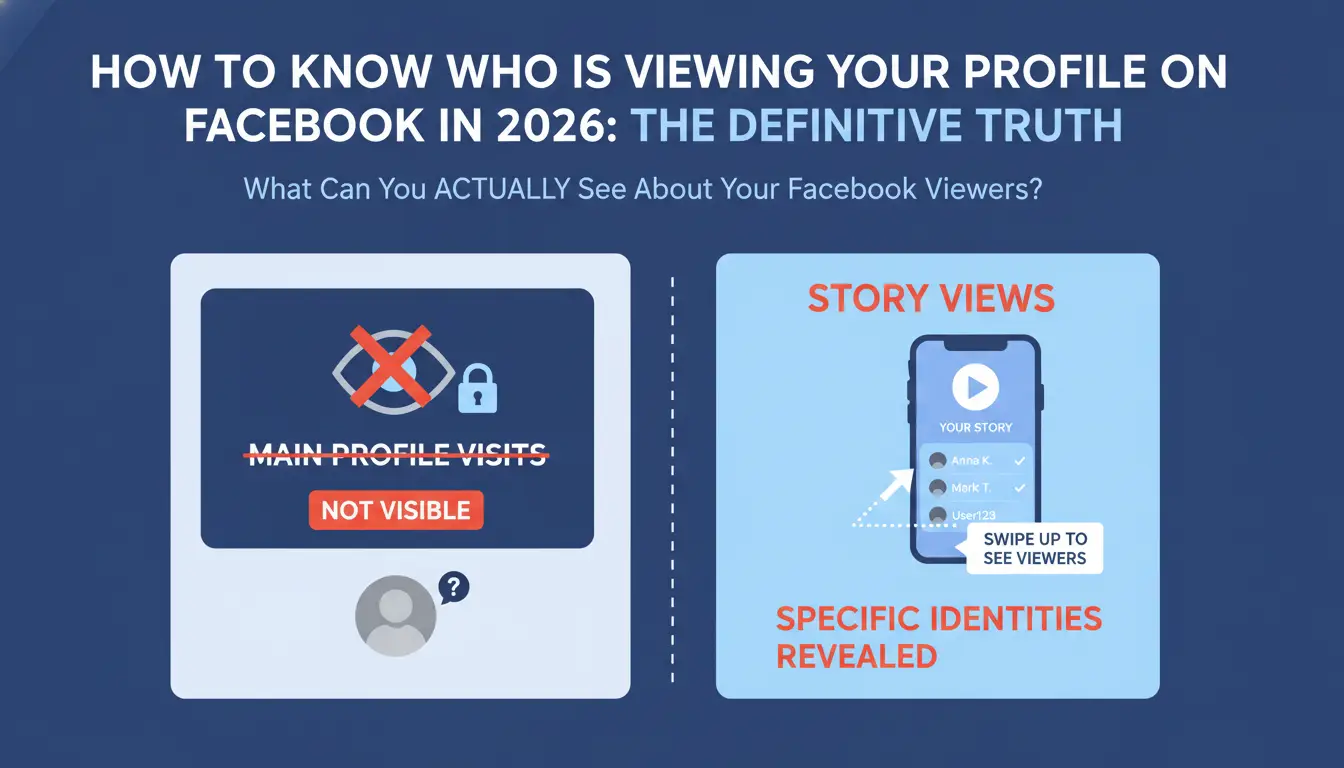
The definitive answer is No. Facebook does not provide any feature, setting, or API access that allows you to see the individual identities of people who have viewed your profile.
Facebook’s official stance remains unchanged: "Facebook doesn't let people track who views their profile. Third-party apps also can't provide this functionality. If you come across an app that claims to offer this ability, please report it."
There are four core structural reasons why this feature does not exist:
- Privacy concerns and user behavior: If profile views were public, it would fundamentally alter social dynamics. Users would stop browsing freely due to the fear of being monitored, leading to "stalking" accusations and social anxiety that would stifle platform activity.
- Business model conflicts: Facebook’s revenue is built on engagement. If users browse less because their activity is visible, total time on site drops. Less browsing leads directly to fewer ad impressions and lower revenue.
- Technical complexity: Tracking, storing, and serving real-time data for every profile view across billions of users would incur massive infrastructure and data processing costs that offer no return on investment for the platform.
- Legal liability: Providing identity data for profile views could facilitate harassment, stalking, or workplace disputes, creating significant legal risks and safety liabilities for Meta.
The Bottom Line: Facebook will not add a "profile viewer" feature because it contradicts their core business model, which relies on encouraging casual, frequent, and uninhibited browsing.
What can you actually see about your Facebook viewers?
While you cannot see who visits your main profile page, certain content types provide specific metrics and varying degrees of visibility.
Story views: The most transparent metric
Facebook Stories are the only feature that reveals specific identities. When you post a story, you can swipe up to see a list of every person who viewed it within the 24-hour window. This includes both friends and non-friends (if your story privacy is set to public).
Reels and Video views: Aggregate data vs. identity
For Reels and standard video posts, visibility is strictly limited to aggregate data. You can see the total number of views, likes, and comments. However, individual identities remain hidden unless a user explicitly interacts with the content.
Reactions and Professional Mode Insights
If you have enabled Professional Mode, you gain access to the Professional Dashboard. This provides "Insights," including profile visit counts and follower demographics. It is critical to understand that these metrics are strictly aggregate; Professional Mode will never reveal individual names of profile visitors.
| Content Type |
Visible Data |
Hidden Data |
| Stories |
Full list of viewer names |
N/A |
| Reels |
Total view count, likes, comments |
Individual viewer identities |
| Main Profile |
Total visit count (Professional Mode) |
Individual visitor names |
| Profile/Cover Photos |
Total view count, identities of reactors |
Names of users who only viewed |
| Standard Posts |
Names of people who reacted/commented |
Names of people who only viewed |
Why "profile viewer" apps and extensions are dangerous scams
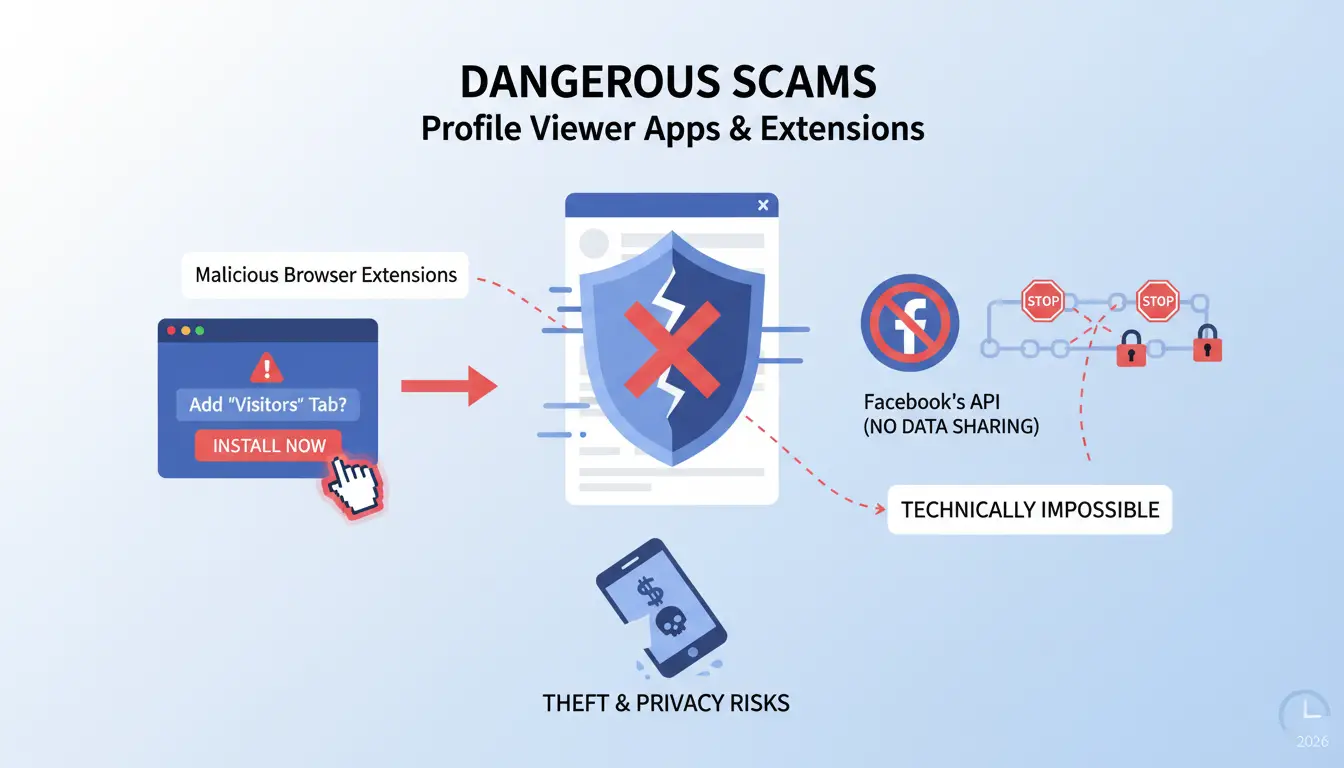
Any third-party tool claiming to show you who viewed your profile is a scam. Because Facebook’s API does not share this data, it is technically impossible for external software to provide this information.
Malicious Browser Extensions
These tools often claim to add a "Visitors" tab to your Facebook interface. In reality, they require permission to "read and change all your data on the websites you visit." This allows them to harvest login credentials, read private messages, and steal session cookies to hijack your account.
Mobile App Phishing
Scam apps on mobile stores frequently use "Log in with Facebook" as a gateway. Once you provide your credentials, the app owners gain full access to your account to send spam, post unauthorized links, or charge your linked payment methods for fabricated data.
Website-based Malware and Affiliate Scams
Websites that ask for your Facebook URL to "scan" for visitors are often frontends for phishing or malware. They typically show a fake list of names to gain credibility before redirecting you to "verify" your identity by downloading software or completing affiliate offers.
Scam Red Flags Checklist:
- Promises to show 100% of profile viewers.
- Requests your Facebook login credentials or password.
- Asks for excessive permissions (access to messages, friends, or timeline).
- Displays results with random or blurred names to encourage "upgrades."
- Uses urgency tactics (e.g., "See who is stalking you right now!").
Does Facebook suggest friends based on who viewed your profile?
A common myth is that the "People You May Know" (PYMK) algorithm is a secret list of profile visitors. While it may feel like a visitor is being "suggested" to you, the algorithm relies on different signals.
The PYMK algorithm uses the following data:
- Mutual Friends: The strongest signal for connections.
- Network Proximity: Shared employment, education history, or geographic location.
- Contact Syncing: If you or the other person uploaded phone contacts to Facebook.
- Group Memberships: Shared participation in Facebook Groups or being tagged in the same photos.
The Privacy Paradox: While Facebook does not show you who viewed your profile, they track your viewing behavior for their own internal use. They use your interests and browsing patterns to suggest content and target advertisements, even though that information is never shared with the owner of the profile you visited.
How to know who see your Facebook profile settings: Checking your own privacy
Rather than attempting to see who is looking, the most effective strategy is to control exactly what they see.
- Use the "View As" Tool: Go to your profile and click the three dots menu next to the "Edit Profile" button. Select View As. This displays your profile exactly as it appears to the public.
- Access Profile and Tagging Settings: Navigate to Settings & Privacy > Settings > Profile and Tagging. Here, you can restrict who can post on your profile and who can see posts you are tagged in.
- Limit Past Posts: Use the "Limit Past Posts" tool in privacy settings to bulk-change the audience of every historical post on your timeline from "Public" to "Friends."
- Hide Sensitive Information: Ensure your birth year, contact info, and relationship status are set to Only Me to prevent automated data harvesting by third parties.
Professional methods for anonymous Facebook research and competitor analysis
For agencies and researchers, casual browsing may not always be enough. Incognito mode or a private network connection can hide some local browsing traces, but they do not fully separate cookies, browser fingerprints, or account behavior signals. This means Facebook may still connect activity patterns in some cases.
DICloak is a specialized tool designed for professional isolation and secure research workflows. It provides the following features for users who need to conduct competitive analysis without detection:
- Separate browser fingerprints: Each profile can use different fingerprint settings, such as User-Agent, screen resolution, system language, and device-related signals. This may help reduce the chance of research sessions looking too closely connected.
- Session isolation: Cookies, cache, local storage, and other browser data are kept separate between profiles, helping reduce data overlap between different research sessions.
- Custom proxy configuration: Users can assign a proxy to each profile and match it with the target region, which may help access region-specific content more consistently.
- Team collaboration: Agency members can share selected profiles with controlled permissions, making it easier to work together without sharing main account passwords.
Can you view a Facebook profile without an account in 2026?
Viewing Facebook content without an account has become increasingly restricted due to the platform's "Login Wall." Since 2020, Meta has significantly reduced the amount of data available to non-logged-in users.
Currently, you may be able to see a user’s profile picture, cover photo, and basic "About" info by searching for their name via external search engines. However, friends lists, posts, stories, and reels are strictly blocked.
WARNING: The login wall typically triggers after viewing only a few profiles, after which Facebook will block all further access until you sign in. This method is increasingly unreliable for consistent research.
Frequently Asked Questions (FAQ)
Does Facebook notify you when someone views your profile?
No. Facebook sends notifications for interactions (likes, comments, tags) and story views, but never for simple profile visits.
Can I see who viewed my Facebook profile if I turn on Professional Mode?
No. Professional Mode provides "Insights" that show the total count of profile visits over a period, but it does not reveal individual identities.
Are there any Chrome extensions that actually work for profile viewing?
No. Every extension claiming this functionality is a security risk designed to harvest user data or install malware.
If I view someone's story, will they know even if we aren't friends?
Yes. If the story is set to "Public," the owner can see a list of everyone who viewed it, including people who are not on their friends list.
How does Facebook track me if I’m not logged in?
Facebook uses sophisticated "device fingerprinting." This involves collecting technical attributes such as Canvas and WebGL fingerprinting, GPU rendering capabilities, screen resolution, installed fonts, and browser version to create a unique identifier for your device even without an account.
Conclusion
The "profile viewer list" remains a myth driven by user curiosity. Facebook prioritizes its business model—which depends on uninhibited browsing—and legal privacy protections to ensure that profile visits remain anonymous. While stories and direct interactions provide some visibility, the most secure approach is to assume your views are private and treat any "viewer app" as a critical security threat. For professional needs, focus on legitimate engagement metrics or specialized isolation tools like DICloak to maintain true anonymity.
 Web Proxy Tools
 Free Tools
 Cookie Plugin
 UA Generator
 MAC Address Generator
 IP Generator
 IP Address List
 2FA Code Generator
 World Clock
 Anonymous Check
 WebRTC Leak Test
 UUID Generator
 Free Web Proxy Site
 Proxy Checker
 FB Ad Checker
 AI Web Scraping
 Free SMM Tools
 Twitter Shadowban Checker
 Instagram Name Checker
 UTM Generator
 Username Generator
 AI Hashtag Generator
 LinkedIn Headline Generator
 Social Media Image Resizer