A single 503 Service Unavailable during a production call can freeze a job queue, trigger retry storms, and hide the real fault for hours. If you are seeing claude spanner temporarily unavailable, you need to separate three causes fast: upstream service interruption, request path instability, or client-side retry and timeout mistakes. You can confirm live platform state on the Anthropic status page, map response behavior against Anthropic API error handling, and verify whether your persistence layer is surfacing transient failures listed in Cloud Spanner error codes. For HTTP behavior, keep 503 semantics in view so you do not treat a temporary outage like a permanent failure.
You will leave with a clear triage path: what to check in logs right away, how to test network and dependency health without guesswork, and which recovery actions restore traffic fast (backoff with jitter, capped retries, queue buffering, and safe fallback paths). Start with the cause map and quick checks that isolate the break point before you change code.
What Does "Claude Spanner Temporarily Unavailable" Actually Mean?
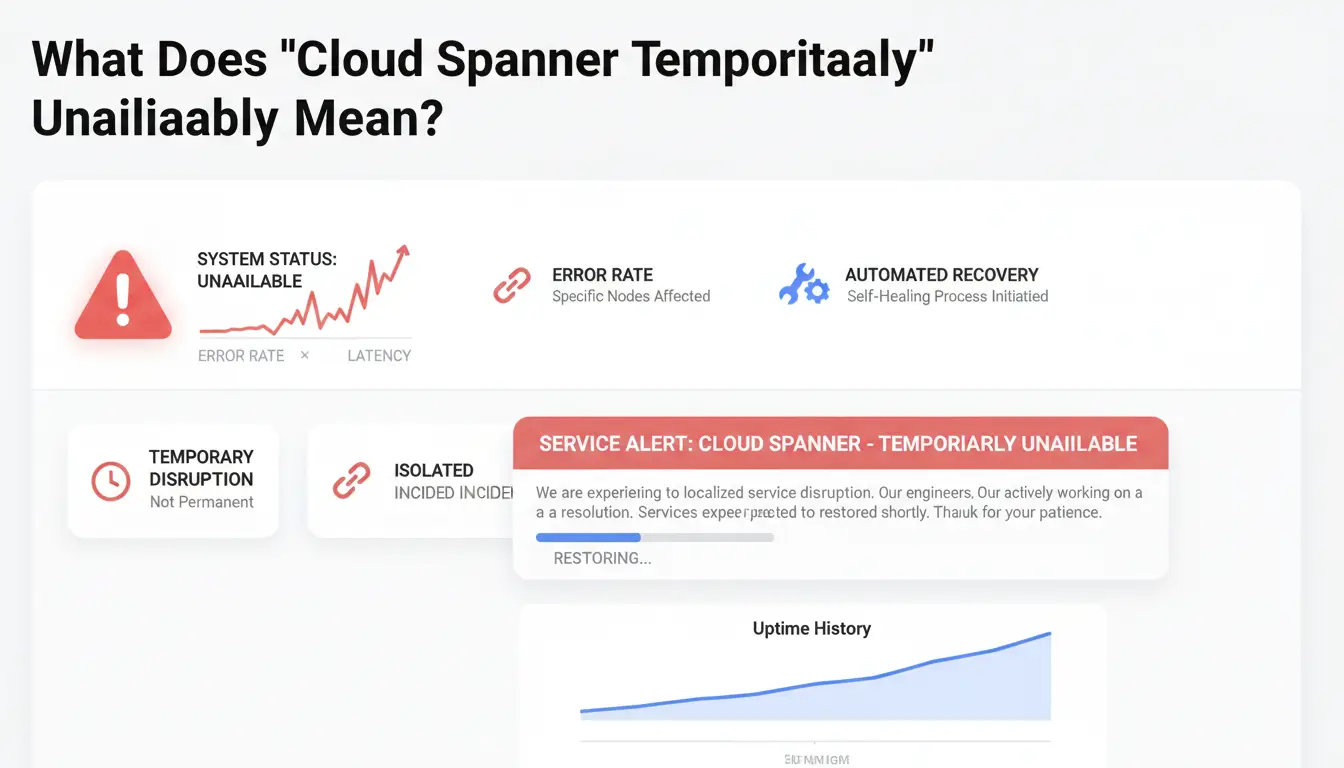
When you see claude spanner temporarily unavailable, it usually points to a short service interruption, not an account-ending event. In practice, this message often maps to a temporary dependency failure, a request timeout chain, or service protection during heavy load.
Why this error appears even when your account is fine
This message can appear when backend systems fail to answer in time, even if your login and billing are valid. You can confirm this by checking Anthropic API error handling and Cloud Spanner error codes. If errors align with retryable types, your account is not the root cause. Platforms also return HTTP 503 during overload to protect service health. That is a traffic-control response, not a ban.
Common triggers behind the message
A platform incident or partial outage can trigger this message for a subset of users. Check the Anthropic status page before changing local settings. Session desync is another trigger. Stale cookies, expired auth tokens, and long request chains can stack into timeouts. You may see normal behavior on one tab and failures on another because session state drifted.
What this message does not necessarily mean
It does not always mean permanent suspension. It also does not always mean your device or browser caused the issue. Treat it as a temporary availability signal. Retry with backoff, refresh session state, and recheck status signals. If logs show repeated hard auth failures, then investigate account issues.
Is It a Claude Outage or Your Setup? A 5-Minute Diagnosis
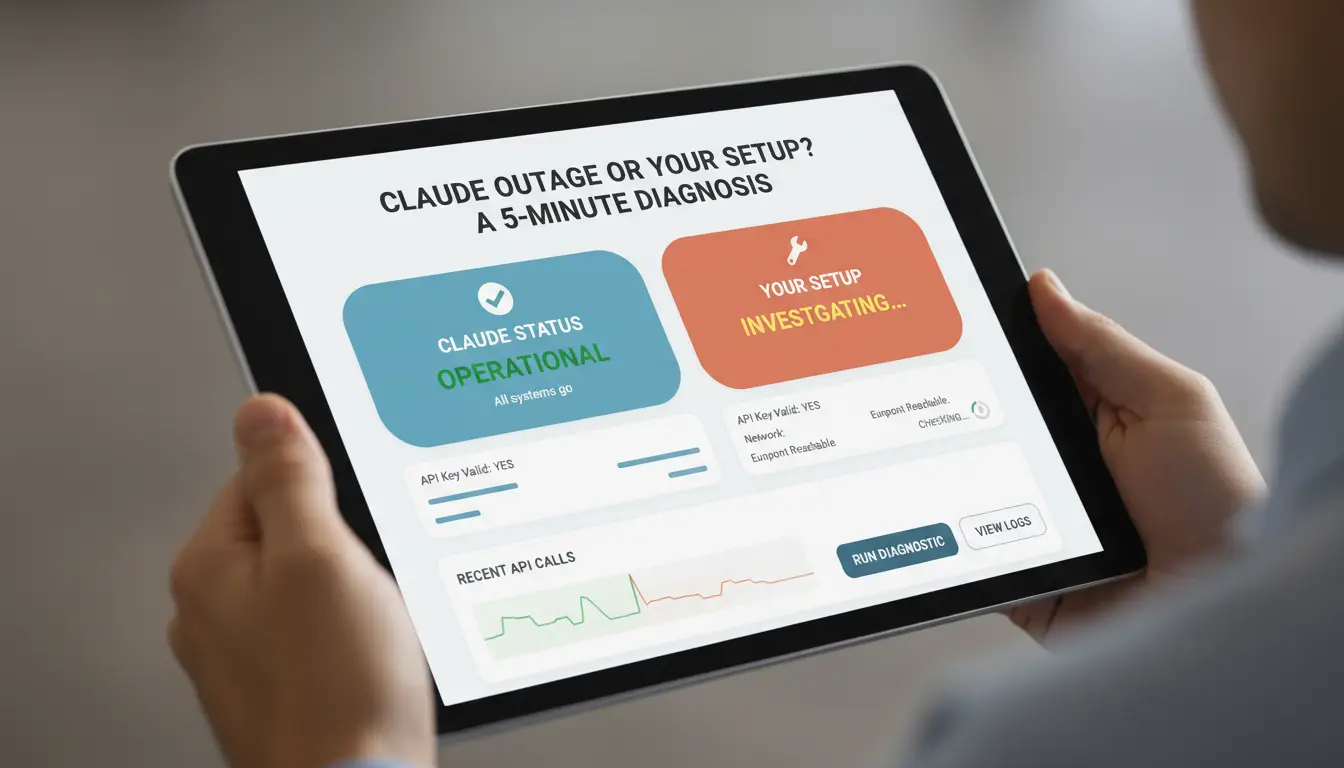
If you see claude spanner temporarily unavailable, decide fast: wait for recovery or keep debugging local setup. Use this short path to isolate the break point before you restart services or change code.
Check platform health first before changing anything
Do not change code until you confirm platform status. Check Anthropic Status, then compare incident start time with your error timestamps. If your logs show bursts of 503 or transient backend failures at the same minute, platform issues are likely. Keep Anthropic API error handling, Cloud Spanner error codes, and HTTP 503 semantics open while triaging.
Test the same prompt in:
- Claude web app
- API call from your app
- Another account or API key
| Signal |
Likely cause |
Next action |
| Web app + API both fail at same time |
Platform incident |
Pause retries, monitor status page |
| API fails, web app works |
App config or auth path |
Check key, headers, quota, retry logic |
| One account fails, another works |
Account-level issue |
Rotate key, review account limits |
| Only your app fails |
Local code path |
Inspect recent deploy, timeout, queue logic |
Run cross-device and cross-network tests
Try another browser profile or a second device. Then run the same request from a different network path. If one path works and one fails, your local route, DNS, proxy, or firewall path is the suspect.
Use error timing patterns to decide next action
Look at error timing across users and services. A sudden spike across regions usually points to platform recovery mode. In that case, cap retries, add jitter, and buffer traffic in queue.
If only one user or one session loops on claude spanner temporarily unavailable, treat it as local state. Clear session data, refresh tokens, check stale connection pools, and retest with a clean client.
How to Fix Claude Spanner Temporarily Unavailable Step by Step
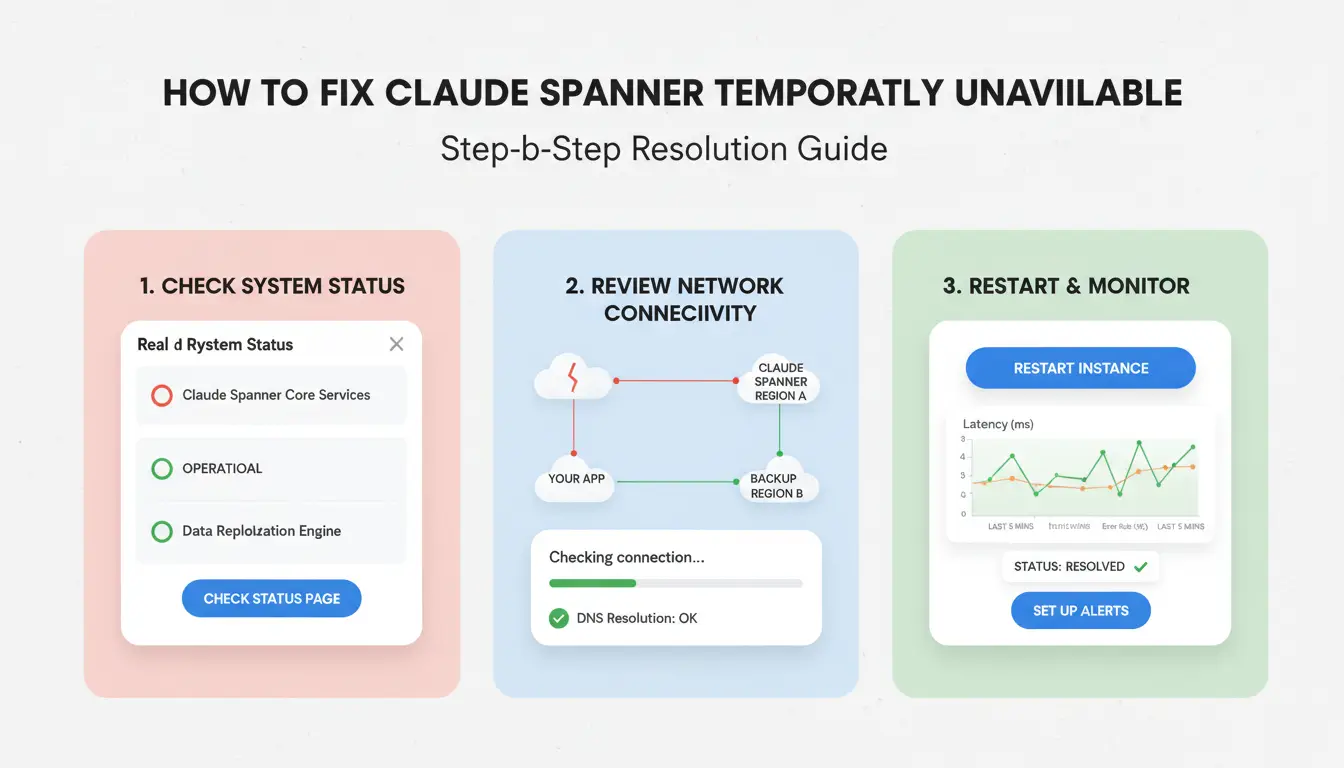
If you see claude spanner temporarily unavailable, run this checklist in order. It moves from fast local fixes to network checks, then safe retry behavior based on 503 service unavailable rules.
Step 1-3: Fast client-side resets
- Hard refresh the page (
Ctrl/Cmd + Shift + R).
- Open the same prompt in a new tab and test again.
- Sign out, sign back in, then clear only site data for Claude (cookies + cache for that site, not full browser history).
These actions clear stale session state without changing your system setup. If one tab works and another fails, the issue is likely session or cached script data.
Step 4-6: Browser and extension isolation
- Turn off privacy or security extensions for one test window.
- Retry in private mode.
- If private mode works, create a clean browser profile and test there.
Extension conflicts can block scripts, auth headers, or storage calls. If clean profile traffic succeeds, keep your main profile and re-enable extensions one by one until the error returns.
Step 7-9: Network path and DNS checks
- Test a stable proxy route if your default path is unstable.
- Flush local DNS cache, then retry:
- macOS:
sudo dscacheutil -flushcache; sudo killall -HUP mDNSResponder
- Windows:
ipconfig /flushdns
- Compare resolution with a trusted resolver like Google Public DNS or Cloudflare 1.1.1.1.
If DNS answers differ across resolvers, you likely have a routing or resolver-side issue, not an account issue.
Step 10: Wait-and-retry strategy when incident is confirmed
Check official error behavior in Anthropic API errors and transient classes in Cloud Spanner error codes. Use retry gaps like 30s, 60s, 120s, then stop after 5 attempts. Rapid refresh loops can increase failure pressure and lock you into repeated 503 paths. If status pages or logs show ongoing incident signals, stop local changes and monitor updates. Resume only after status clears. This avoids masking the root cause while the claude spanner temporarily unavailable condition is still active.
How Developers Should Handle This Error in API and Claude Code Workflows
When you see claude spanner temporarily unavailable, treat it as a short backend fault, not a permanent code failure. In API handlers and Claude Code tasks, keep user actions safe while your system retries.
Map temporary failures to safe retry behavior
Check the status code and error type before retrying. Anthropic API errors and Cloud Spanner error codes separate transient failures from auth, quota, and bad input. For HTTP behavior, follow 503 semantics.
| Signal |
Retry |
Action |
| 503 / UNAVAILABLE / timeout |
Yes |
Retry with backoff + jitter |
| 429 quota/rate limit |
Yes (limited) |
Slow request rate, retry with cap |
| 401/403 auth |
No |
Fix key, token, or permissions |
| 400 invalid request |
No |
Fix payload before resubmitting |
Use exponential backoff with jitter: 1s, 2s, 4s, 8s, cap at 32s, stop after 5 tries. Auto-retry only read or idempotent calls.
Protect your app with fallbacks and idempotency
Queue non-destructive writes during short outages, then replay after health checks pass. This prevents dropped user actions. Use idempotency keys on create/update endpoints so repeated attempts do not create duplicates. If claude spanner temporarily unavailable appears in Claude Code automation, return cached read data and defer writes to the queue until recovery.
Improve observability for faster root-cause isolation
Log request ID, timestamp, endpoint, model, status code, retry count, and final outcome for each attempt. Keep one correlation ID across retries and replay. Match internal logs with Anthropic status incidents. You can isolate platform outages from local bugs much faster when those timelines line up.
Which Local Network and Security Settings Commonly Trigger False Availability Errors?
If you keep seeing claude spanner temporarily unavailable, check your environment before changing retry code. A local block can look like a server outage.
Corporate firewall, DNS filtering, and captive portal edge cases
Restricted egress rules can block API hosts, OCSP checks, or TLS handshakes. Your app then reports timeout or 503-like failures, even when the service is up on the Anthropic status page. If the same request works on a mobile hotspot but fails on office Wi-Fi, treat it as a local blocker.
Test from the same machine on two networks. Run a direct request and compare DNS results (nslookup api.anthropic.com). If DNS answers differ, test with Google Public DNS. Captive portals can hijack traffic silently; open neverssl.com to detect forced login pages.
Proxy misconfiguration and unstable routing symptoms
Rotating proxies can change IP and TLS fingerprints between retries. That can trigger repeated session resets and look like claude spanner temporarily unavailable. Pin traffic to one stable proxy endpoint for 10-15 minutes. Keep retries on. If errors drop, routing churn is the likely cause. Also verify HTTP_PROXY and HTTPS_PROXY are not set to different upstreams in your runtime.
Browser hardening settings that can interfere
Aggressive script blocking or strict storage isolation can break auth redirects and token storage. The app then fails dependency calls and surfaces false availability errors. Use a clean browser profile, disable blockers briefly, reproduce once, then restore settings. In Firefox, Troubleshoot Mode gives a safe reset path. Cross-check failures against HTTP 503 behavior.
How Teams Can Reduce Repeat Errors When Sharing Claude Access (Using DICloak)
Why shared logins create instability and lockout risk
Shared Claude logins often break when users switch devices, browsers, and IP routes. One person logs in from a Mac, another from Windows, then a third clears cookies. That pattern can trigger security checks, forced re-auth, or session drops. Teams may read this as claude spanner temporarily unavailable, even when the root cause is access drift, not only backend state.
| Access pattern |
Environment stability |
Session break risk |
Accountability |
| Ad-hoc shared login |
Low |
High |
Low |
| Controlled profile sharing |
High |
Lower |
High |
Use Anthropic API error guidance, Cloud Spanner error codes, and HTTP 503 behavior to separate service errors from team login mistakes.
How DICloak reduces environment inconsistency
You can use DICloak to keep one stable browser profile per operator, instead of one loose login used everywhere. Each profile keeps its own cookies, local storage, and fingerprint settings, so sessions stay consistent across shifts. Bind each profile to a dedicated proxy route to avoid random IP jumps during active work.
Operational controls for safer collaboration
Set role-based permissions so people can open only the profiles they need. Limit who can edit proxy settings or export profile data. Keep operation logs for every login, setting change, and handoff so you can trace breakpoints fast. Use batch actions for repeated setup tasks, and use optional RPA for fixed steps like session checks before handoff. This cuts repeat mistakes that look like claude spanner temporarily unavailable but start in team workflow.
When Should You Stop Troubleshooting and Contact Support?
If “claude spanner temporarily unavailable” keeps returning after capped retries and jitter, stop changing local settings and escalate. Verify once against Anthropic API error handling, Cloud Spanner error codes, and 503 behavior, then package evidence.
Escalation triggers you should not ignore
- Error persists beyond incident recovery windows: same failure for 30–60 minutes after provider status recovers.
- Issue reproduces across clean devices and networks: fresh browser profile, no extensions, different network path, same error. Tools like DICloak let teams run this check in isolated browser profiles with fixed proxy binding, so testers stop overwriting each other’s sessions.
What to include in a high-quality support ticket
- Timestamp (UTC), request IDs, screenshots, and exact reproduction steps.
- Network context, browser version, and account scope (single seat or shared account). You can use DICloak operation logs plus role-based permissions to show who ran each step, from which profile, and when. That evidence usually cuts support back-and-forth and speeds triage.
How to avoid delaying your own case
- Do not omit recent config or extension changes.
- Separate one-time outage symptoms from persistent local failures.
| Symptom pattern |
Likely issue |
| Short spike, then recovery |
transient outage |
| “claude spanner temporarily unavailable” on clean profiles for >60 min |
local or account-scoped fault |
How to Prevent Future Disruption from Temporary Claude Availability Errors
If you hit claude spanner temporarily unavailable, treat it as an incident, not a one-off glitch. Use one short playbook and reuse it every time.
Create a personal or team incident checklist
- 0–5 minutes: one person checks Anthropic API errors and provider status; one person checks app logs for HTTP 503 behavior; one person tests network path and DNS.
- 5–30 minutes: confirm whether failures match Cloud Spanner error codes. Start capped retries with jitter, queue new requests, and pause non-urgent jobs.
- 30+ minutes: if errors continue, open support tickets with timestamps, request IDs, and error samples. Set update checkpoints every 15 minutes.
Set up resilience in your workflow
Keep prompts and drafts in local files or synced notes so work continues during outages. Route urgent tasks to a fallback model or manual path while recovery runs. Use clear fail messages so users know to retry, not restart everything.
Monitor patterns to reduce repeat incidents
Track each claude spanner temporarily unavailable event by device, network, and time window. Run a 10-minute review after recovery: trigger, response time, failed step, fix applied, and one prevention action for next week.
Frequently Asked Questions
How long does claude spanner temporarily unavailable usually last?
Most claude spanner temporarily unavailable alerts clear in a few minutes to about 30 minutes during brief server incidents or deployments. If the same error continues for more than 1–2 hours while the status page shows normal service, treat it as a local issue: stale cookies, DNS cache problems, extension conflicts, or blocked network routes.
Can proxies cause claude spanner temporarily unavailable errors?
Yes. Proxies can trigger claude spanner temporarily unavailable when routes rotate between requests, switch country egress, or strip needed headers. This can break login state and live session connections. Test once with no proxy. If you need a proxy, use one stable endpoint with sticky sessions and disable automatic IP rotation.
Why do I see the error on one device but not another?
This usually happens because each device has different local settings and session data. One browser may have expired cookies, corrupted cache, or a blocking extension. Devices can also use different DNS resolvers, firewall rules, or antivirus filters. Compare browser profiles, disable extensions, flush DNS, and test both devices on the same network.
Will clearing Claude site data delete my account or subscription?
No. Clearing Claude site data does not remove your account, subscription, billing records, or server-side chat history. It only clears local browser items on that device, such as cookies, cache, and saved session tokens. You will need to sign in again, and local preferences may reset, but your account remains intact.
What logs should I collect before contacting support about claude spanner temporarily unavailable?
Gather exact timestamps (with timezone), full error text, request/trace IDs from DevTools, and screenshots of the failure. Add step-by-step reproduction notes, browser version, OS, network type, and proxy/proxy/firewall details. Include status-page checks and whether the issue appears on other devices or networks. This helps support isolate claude spanner temporarily unavailable faster.
When Claude Spanner is temporarily unavailable, the key is to treat it as a short-lived service issue and work through practical checks like status updates, retries, and fallback workflows. Staying prepared with backup tools and a clear response plan helps you keep projects moving with minimal disruption. Try DICloak For Free
 Web Proxy Tools
 Free Tools
 Cookie Plugin
 UA Generator
 MAC Address Generator
 IP Generator
 IP Address List
 2FA Code Generator
 World Clock
 Anonymous Check
 WebRTC Leak Test
 UUID Generator
 Free Web Proxy Site
 Proxy Checker
 FB Ad Checker
 AI Web Scraping
 Free SMM Tools
 Twitter Shadowban Checker
 Instagram Name Checker
 UTM Generator
 Username Generator
 AI Hashtag Generator
 LinkedIn Headline Generator
 Social Media Image Resizer