Leaving Instagram requires a calculated approach to ensure your personal data is either secured or successfully purged. Whether you are motivated by privacy concerns, regional access restrictions, or a desire for digital hygiene, you must choose between three distinct paths: permanent deletion, temporary deactivation, or data preservation. This guide outlines the technical steps to execute these actions while maintaining control over your digital footprint.
How do I prepare to delete my Instagram account without losing data?
Data preservation is a non-negotiable first step; Meta will not assist you once the deletion is finalized. Before initiating any removal request, you must secure a local copy of your account history.
How to request and download your Instagram data archive
The export tool is located within the Accounts Center. Authenticate your account and follow this sequence:
- Navigate to Accounts Center > Your information and permissions > Export your information.
- Select the specific profile and choose the data range.
- Select your preferred format: HTML for easy local viewing or JSON for data portability.
- Specify your media quality and notification email, then click Start export.
Generating this archive may take up to 30 days depending on the volume of data. Once the system prepares the file, it will appear in the "Current activity" section. You have exactly four days to download the file before it is purged from the server for security reasons.
Ensuring recovery access before the final exit
Verify your linked email and phone number before proceeding. If you choose to intercept the deletion during the cooling-off period, you will need these credentials to re-authenticate. If you have already lost access to these recovery methods, you must use Instagram’s identity verification protocols to regain control before the deletion can be requested.
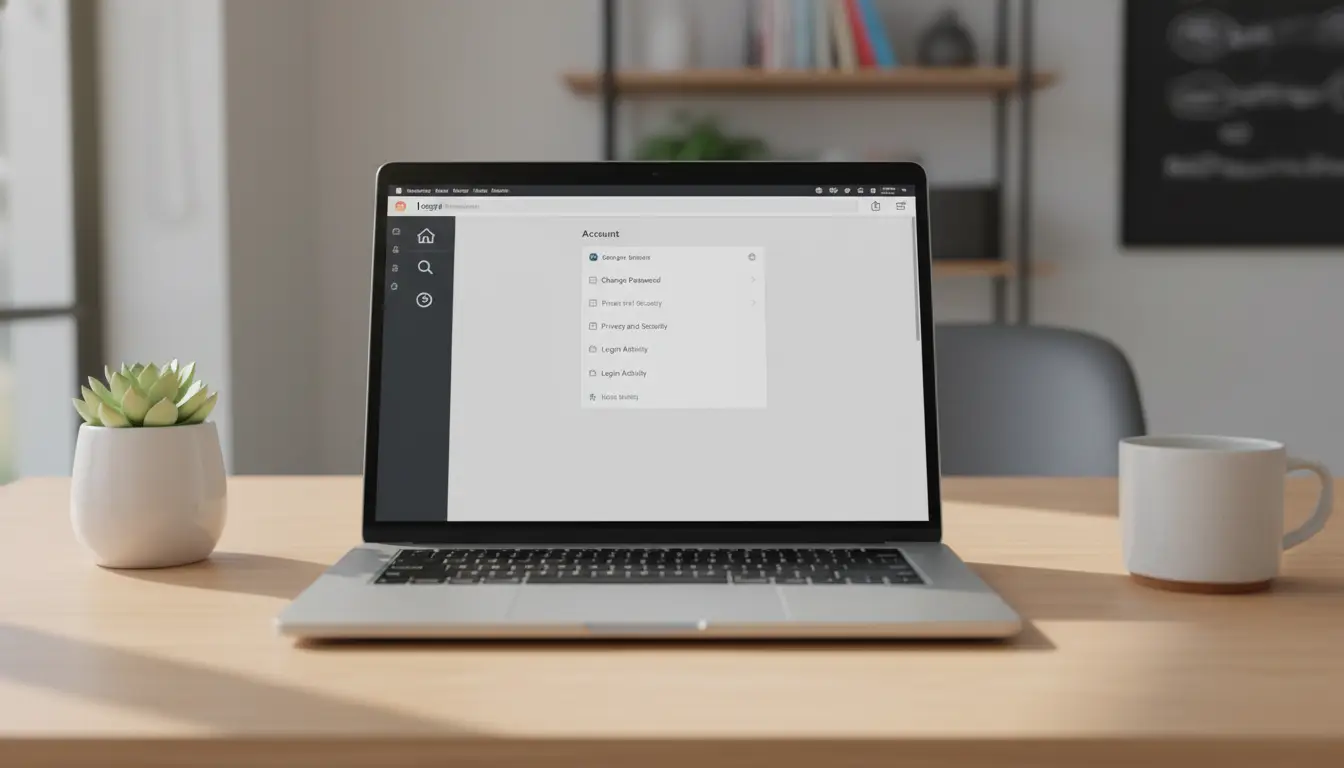
How do I delete my Instagram account via the mobile app in 2026?
The mobile interface is the most direct method for managing account ownership on both iOS and Android.
Navigating the Meta Accounts Center
To reach the management settings, execute the following taps:
- Profile icon (bottom-right)
- Menu (three lines, top-right)
- Accounts Center
- Personal details
- Account ownership and control
Finalizing the permanent deletion request
Within the "Account ownership and control" menu, select Deactivation or deletion and choose the target account. Opt for Delete account and tap Continue. You will be prompted to provide a reason for the exit and must re-enter your password to authorize the final purge.
What is the fastest way to delete an Instagram account on a PC or Mac?
Desktop users can execute the deletion through a standard web browser. This workflow is often more efficient for managing multiple accounts.
- Log into Instagram.com.
- Click More (bottom-left) and select Settings.
- Open the Accounts Center from the sidebar.
- Navigate to Personal details > Account ownership and control.
- Select Deactivation or deletion, choose the account, and click Delete account.
- Re-authenticate by entering your password to finalize the request.
Note: Security protocols persist even on trusted personal machines; a valid password is mandatory to authorize the deletion and cannot be bypassed.
Should I choose permanent deletion or temporary deactivation?
The decision hinges on whether you require a total data purge or a reversible suspension of your profile.
Comparing the impact on your digital footprint
| Feature |
Permanent Deletion |
Temporary Deactivation |
| Data Recovery |
Impossible after the grace period |
Immediate upon logging in |
| Visibility |
Profile and content are removed |
Profile and content are hidden |
| Time Constraints |
Varies by region (typically 30 days) |
Restricted to once per week |
| Result |
Total data purge from servers |
Data remains on Meta servers |
When to choose deactivation over deletion
Deactivation is the appropriate tool for a "digital detox" or short-term break. This state hides your profile, posts, and interactions from the public without destroying the underlying data. It is the preferred choice if you intend to preserve your follower list and media history for future use.
How can I access Instagram to delete it if it's blocked in my region?
If Instagram is restricted in your region, part of how to delete Instagram account may simply come down to getting stable access to your settings. When users cannot log in or keep a consistent browser session, it becomes harder to reach the deletion or deactivation options inside Instagram.
Using DICloak for a more controlled browser setup
Some users use DICloak to create a separate browser profile for Instagram account management. Instead of mixing account access with everyday browsing, they can keep the setup more clearly organized in one dedicated environment.
- Profile isolation: Through DICloak, users are able to create a separate browser profile for Instagram account management, with its own cookies, cache, and login state. This can help keep account activity apart from personal browsing and make sensitive account changes easier to handle in a cleaner setup.

- Custom proxy configuration: With DICloak, users can configure a proxy directly for that browser profile. For users who need a more controlled access setup, this provides a clearer way to manage the connection environment inside one dedicated profile.

Common mistakes to avoid when deleting an account
Poorly managed exits often result in unintentional request cancellations or data vulnerabilities.
The "Automatic Login" trap
Once you submit a deletion request, the account enters a grace period (typically 30 days, though this window varies by region). If you, or any third-party application with linked API access, logs into the account during this period, the deletion is instantly canceled. You must manually revoke app permissions and sign out of all devices to ensure the purge completes.
Ignoring the 90-day server cleanup period
While your profile vanishes from public view and enters the deletion phase after the grace period, Meta may require up to 90 days to fully purge the data from its backup and disaster recovery systems. The data is not instantly erased from the physical server infrastructure the moment you click delete.
What happens to my data after the 30-day grace period?
The conclusion of the grace period is the technical point of no return.
Loss of profile, media, and interactions
Following this window, the platform initiates a permanent purge of: * The public profile and unique username. * All uploaded media, including posts, stories, and archived content. * All social metadata: likes, comments, and follower counts. * Interaction history and direct messages.
Legal and technical data retention
Be aware that the platform may retain limited subsets of data even after the 90-day purge. This is conducted for specific legal obligations, safety protocols, or technical maintenance, as outlined in their data policy. This data is no longer associated with a functional user profile.
FAQ
Can I delete an Instagram account if I lost my password?
No. Authentication is required to authorize a deletion. You must use the "Forgot password" flow or the identity verification guide to regain access before the account can be removed.
How long does Instagram keep my data after I click delete?
There is a grace period (usually 30 days, regional variances apply) where you can cancel the request. After this, the account is gone, though complete server-side purging can take up to 90 days.
Will my direct messages be deleted for the recipient too?
Once the grace period ends and the account is purged, your messages are removed from the platform's active database.
How often can I deactivate my account?
The platform limits temporary deactivation to once per seven-day period.
Can I reuse my old username after deleting my account?
After the 30-day window, the username is released. However, its availability is not guaranteed; it may be claimed by another user or held by the system for an indefinite period.
What is the difference between "Exporting Data" and "Backing up to the Cloud"?
Exporting data is the act of requesting the HTML/JSON archive from Meta. Backing up to the cloud is the subsequent step of moving that downloaded archive to an external storage service like Google Drive or Dropbox for long-term retention.
Conclusion
Executing a clean break from Instagram requires strict adherence to technical timelines. Follow this checklist to ensure a successful exit:
- Determine if your goal is permanent data removal (Deletion) or a temporary pause (Deactivation).
- Initiate the data export and download the resulting HTML/JSON archive within the 4-day availability window.
- Confirm that your recovery email and phone number are functional to manage the cooling-off period.
- Use an antidetect browser if regional restrictions prevent access to the Accounts Center.
- Submit the deletion request and remain logged out for at least 30 days to allow the purge to finalize.
Digital hygiene is a proactive process. Managing your account status with technical precision ensures your data remains under your control, not the platform's.
 Web Proxy Tools
 Free Tools
 Cookie Plugin
 UA Generator
 MAC Address Generator
 IP Generator
 IP Address List
 2FA Code Generator
 World Clock
 Anonymous Check
 WebRTC Leak Test
 UUID Generator
 Free Web Proxy Site
 Proxy Checker
 FB Ad Checker
 AI Web Scraping
 Free SMM Tools
 Twitter Shadowban Checker
 Instagram Name Checker
 UTM Generator
 Username Generator
 AI Hashtag Generator
 LinkedIn Headline Generator
 Social Media Image Resizer