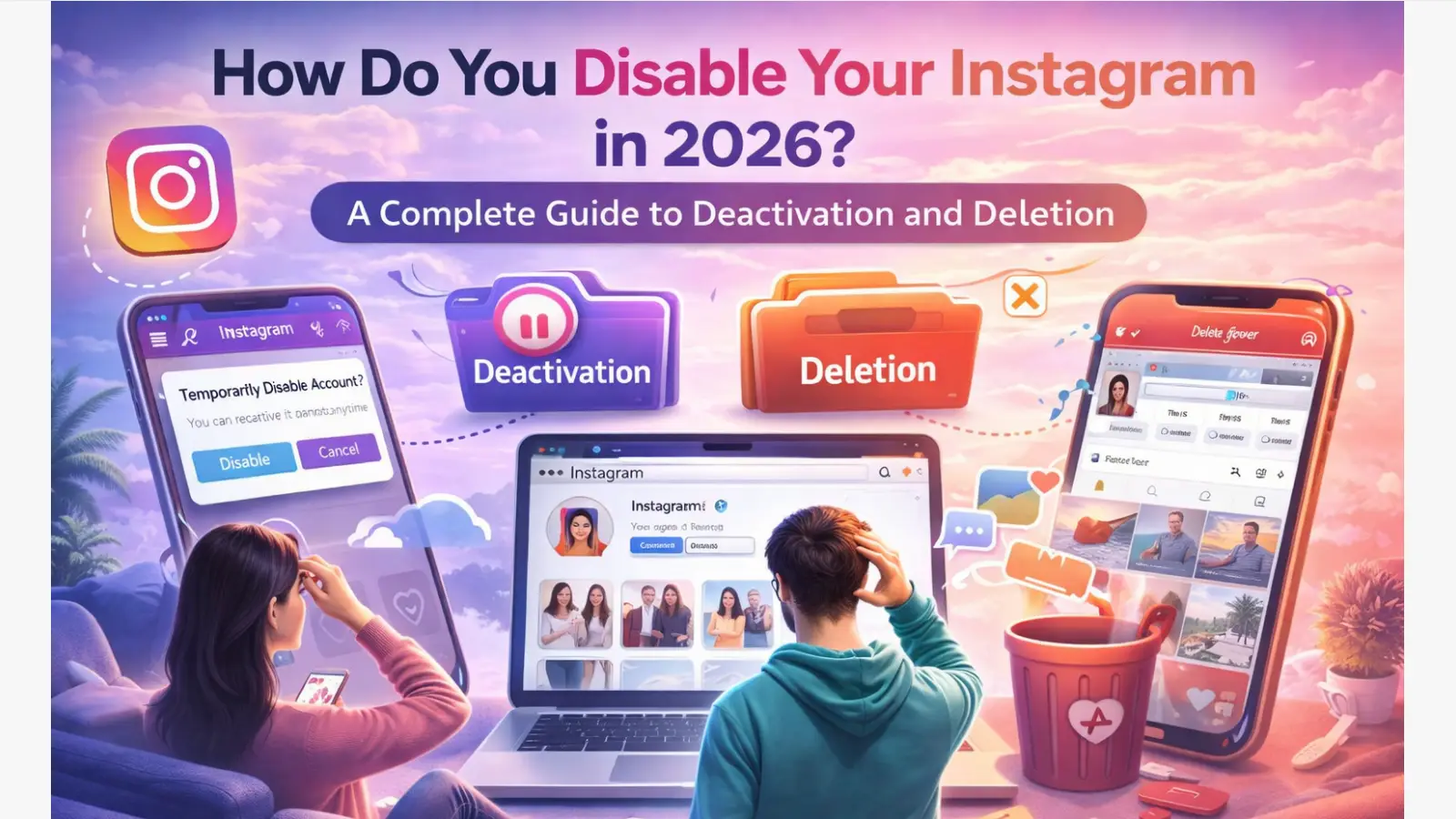
If you are thinking about stepping away from Instagram, it is important to know the difference between deactivating your account and deleting it for good. Many users want a quick break without losing photos, messages, or followers, while others want to leave the platform completely. In this guide, you will learn how to disable your Instagram account in 2026, what happens to your data, what limits to watch for, and how to avoid common problems during the process.
Is it better to deactivate or delete your Instagram account right now?
Your strategy depends on your desired digital footprint: temporary invisibility or permanent data erasure. If you require a temporary hiatus to manage your mental health or digital privacy, deactivation allows you to "ghost" the platform without losing years of content. However, if your goal is to sever ties with the Meta ecosystem and ensure your data is no longer retained for active use, permanent deletion is the only viable path.
| Category |
Temporary Deactivation |
Permanent Deletion |
| Profile Visibility |
Profile, photos, and likes are hidden (server-side hide). |
All content is purged from the platform. |
| Data Retention |
Data is archived securely on Meta’s servers. |
Data, followers, and messages are gone forever. |
| Recovery Options |
Instant restoration by logging back in. |
Irreversible after a 30-day grace period. |
| Associated Apps |
Pauses OAuth tokens; usually requires re-auth. |
Permanently breaks third-party logins. |
What happens to your data when you disable your Instagram account?
The moment you confirm deactivation, Instagram triggers a platform-wide "hide" command. Your profile URL will return a 404 error, and your presence in search results is scrubbed. Technically, your data is shifted from active databases to an archived state, where it remains until you initiate a reactivation.
Will your followers and messages disappear?
Your followers will not see your account, and it will appear as "Instagram User" in existing DM threads. Your messages are not deleted; they are simply inaccessible. If you choose permanent deletion instead, those threads remain on the recipients' ends, but your identity is wiped, and you lose any ability to retrieve those conversations.
How to back up your Instagram data before it's gone
As a technical strategist, I recommend "memory protection" as your first step. Do not rely on Meta to hold your data during a long-term break. Follow this specific path in the Meta Accounts Center:
- Go to Settings and Privacy.
- Select Accounts Center.
- Navigate to Your information and permissions.
- Select Download your information.
- Request a "Complete Copy" to ensure high-resolution media and JSON/HTML message logs are preserved.
What are the risks to third-party apps when you disable your account?
Disabling your Instagram account breaks the OAuth tokens used to log in to other services.
Losing access to games and websites via Instagram Login
If you use "Sign in with Instagram" for apps like Tinder, Spotify, or mobile games, deactivation will invalidate your session. You may find yourself locked out of these third-party platforms entirely. Unlike a simple log-out, deactivation tells the third-party API that the account is no longer "active," which can trigger a login failure.
Cleaning up app permissions before you leave
Review your linked services before hitting confirm. If a critical service relies on your Instagram login, switch the primary authentication to an email address. This ensures you maintain access to your external data while your social profile is in hibernation.
How do you disable your Instagram account on a computer browser?
For users prioritizing security, the desktop workflow is often more stable. Note that in 2026, the UI entry point is through the "More" menu to ensure account-wide settings accessibility.
- Login: Access Instagram.com via a secure browser.
- Navigation: Click the "More" (three-line icon) at the bottom left, then select Settings.
- Initiate: Scroll to the bottom of the Profile Edit screen and click Temporarily disable my account.
- Requirement: You must select a reason from the "Why are you disabling your account?" dropdown. The system will not allow the button to become active until this is selected.
- Authentication: Re-enter your password to confirm you are the authorized owner.
Note: If you want to permanently delete your account, you must visit the specific "Delete Your Account" redirect page, as this option is intentionally separated from the standard settings menu to prevent accidental erasure.
How do you deactivate Instagram using the mobile app on Android or iOS?
The mobile workflow is now fully integrated into the Meta Accounts Center, treating your Instagram profile as one node in your broader identity.
Navigating the Meta Accounts Center layout
- Open the Instagram app and tap your profile icon.
- Access the three-line menu (top right) and select Settings and Privacy.
- Tap the Accounts Center banner at the top.
- Under Account Settings, select Personal details.
Finalizing account ownership and control
- Tap Account ownership and control.
- Select Deactivation or deletion.
- Choose the specific Instagram profile you wish to hide (especially critical for those with linked Facebook or Threads accounts).
- Select Deactivate account and tap Continue.
- Enter your credentials. This is a Meta-wide security gate; ensure your password is ready.
Why did Instagram disable your account "for no reason" and how do you fix it?
Involuntary account disabling is usually the result of an automated security flag or a perceived violation of Community Guidelines.
Identifying community guideline or security triggers
If you find yourself "banned," it is often due to bot-like behavior, rapid switching of IP addresses, or security issues like a compromised login. Meta's 2026 AI moderation can occasionally trigger false positives for accounts that appear to be automated.
How to appeal a disabled account step-by-step
To recover an account disabled by Meta, follow this protocol:
- The Appeal Form: Visit the Instagram Help Center and use the "My Instagram Account Was Deactivated" form.
- Identity Verification: Be prepared to provide a government-issued ID. Meta uses this to verify that a human owner is reclaiming the digital asset.
- The Waiting Period: Verification is a manual process. Expect a wait time of several days to a week.
- Avoid Redundancy: Do not submit multiple appeals. Each new submission resets your place in the queue and can lead to your request being flagged as spam.
Why is Instagram not letting you disable your account again?
If the deactivation option is missing or the button is grayed out, you are likely hitting a server-side cooldown.
The once-a-week deactivation rule
Instagram enforces a strict technical limitation: you can only deactivate your account once every seven days. This "cooldown" period is hard-coded into the platform to prevent users from manipulating engagement metrics or circumventing moderation by constantly disappearing and reappearing. If you reactivated your account yesterday, you must wait the full 168-hour window before disabling it again.
Troubleshooting common login and password errors
The deactivation process requires "Active Authentication." If your password is not accepted despite being "correct" on other devices, clear your browser cache or attempt the process in an incognito window. The platform will not process a deactivation request through an expired session token.
How can you manage multiple Instagram accounts without getting banned?
Managing a portfolio of accounts requires a technical approach to prevent "account linkage." When you switch between five different accounts on one device, Instagram logs your browser fingerprint—including Canvas data, WebGL constants, and IP headers. If one account is flagged, the entire "cluster" is at risk of a chain-reaction ban.
Using DICloak for secure multi-account operations
To maintain a professional workflow, I recommend using DICloak to isolate your digital identities.
- Isolated Browsing Environments: DICloak creates a unique sandbox for every Instagram profile, ensuring that cookies and cache are never shared between accounts.
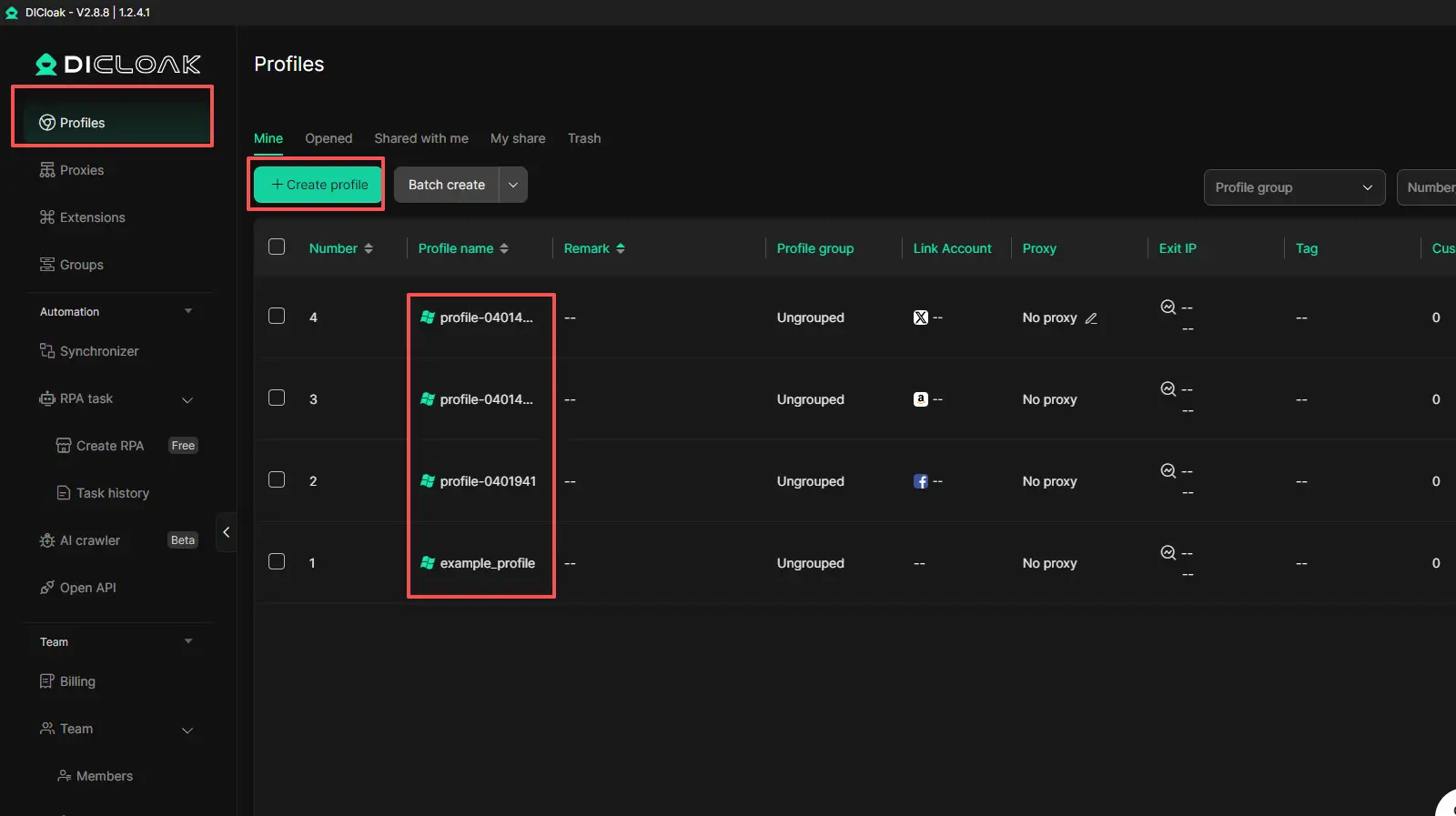
- Fingerprint Masking: It masks your hardware and software signatures (Canvas, WebGL, IP), making each account appear as if it is operating from a completely unique device.
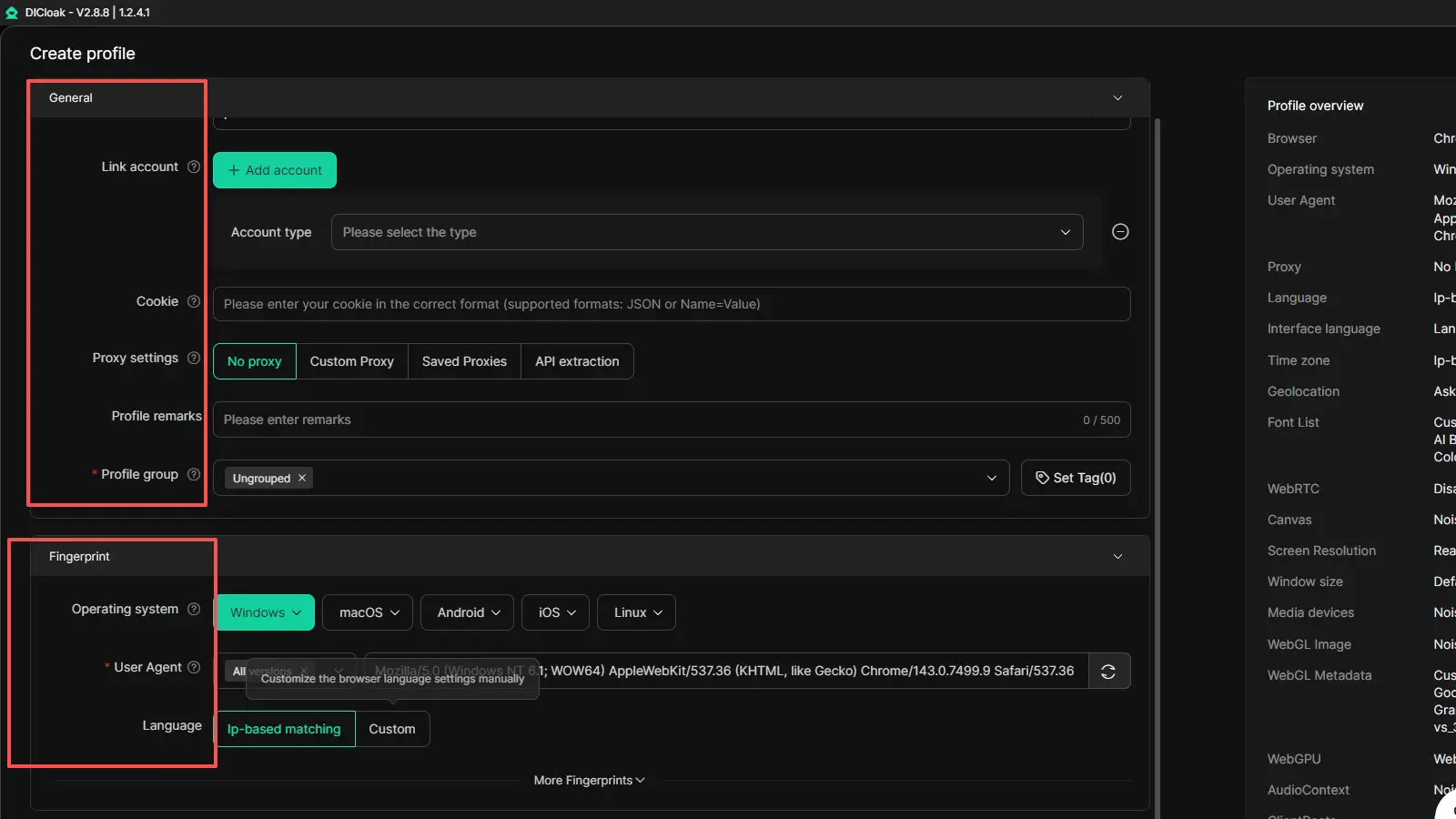
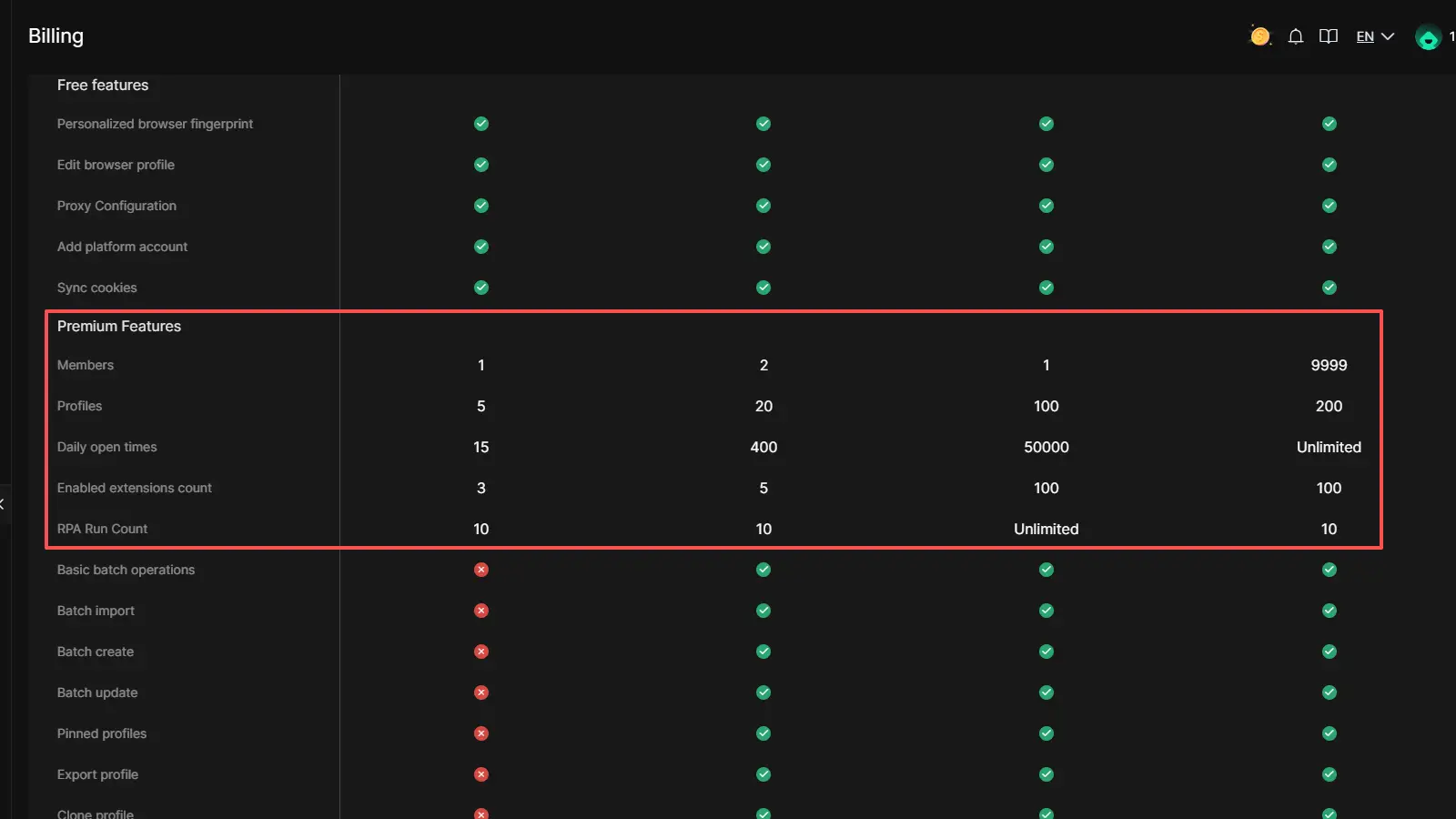
- Manage 1,000+ Accounts on One Device:Stop wasting money on extra hardware! DICloak allows you to manage multiple accounts on a single device, cutting costs and boosting efficiency.
Frequently Asked Questions About Disabling Instagram
Q1:How long can I keep my Instagram account deactivated?
There is no current expiration date. In 2026, your account will remain in stasis until you manually log back in to reactivate it.
Q2:Can people still DM me if my account is disabled?
No. Your account will not appear in contact lists, and attempt to message you will fail as your profile is technically "offline."
Q3:Will I lose my followers if I temporarily disable my account?
No. All follower data is preserved in the archived state and will be fully restored upon reactivation.
Q4:How do I reactivate my account after disabling it?
Simply log in via the mobile app or a browser. Note that it may take a few hours for all your content to fully repopulate across the global CDN.
Q5:Can I disable my account from the app?
Yes. Unlike previous years, the 2026 Meta Accounts Center allows for full deactivation and deletion directly within the mobile app.
Final Checklist for a Clean Instagram Break
- Request Data Download: Secure your media via "Your information and permissions."
- Switch OAuth Logins: Move third-party apps (Spotify, etc.) to email-based authentication.
- Store Credentials: Ensure your username and password are saved in a secure password manager for future reactivation.
- Check the 7-Day Timer: Verify that your last reactivation was more than one week ago.
- Select Your Workflow: Use the Browser "More" menu or the Meta Accounts Center "Personal Details" path.
 Web Proxy Tools
 Free Tools
 Cookie Plugin
 UA Generator
 MAC Address Generator
 IP Generator
 IP Address List
 2FA Code Generator
 World Clock
 Anonymous Check
 WebRTC Leak Test
 UUID Generator
 Free Web Proxy Site
 Proxy Checker
 FB Ad Checker
 AI Web Scraping
 Free SMM Tools
 Twitter Shadowban Checker
 Instagram Name Checker
 UTM Generator
 Username Generator
 AI Hashtag Generator
 LinkedIn Headline Generator
 Social Media Image Resizer