Seeing a Google Play account suspended notice hits hard, especially when you’re not sure what triggered it or how deep the damage goes. The real frustration isn’t just losing app access; it’s facing Google Play account termination or developer restrictions with no clear warning. You might have followed policy updates, handled permissions, and thought everything was stable, then overnight the account locks down.
But suspension isn’t always a full ban. Sometimes it’s a temporary flag tied to a single app, a payment issue, or a mismatch in account details. Other times, Google Play developer account suspended means all your apps are pulled and revenue stops, even if you think you’ve fixed the original problem. What’s worse, appeals get rejected fast if you miss a key detail or repeat mistakes that triggered the suspension in the first place.
The real difference comes from knowing how Google’s review and recovery process actually works in 2026. You need to check which signals matter, app metadata, update history, permissions, and even proxy or device fingerprints if you’re managing multiple accounts. If you skip the right steps, your account can get terminated instead of restored, and Google Play suspension recovery becomes a dead end.
Before you rush to submit an appeal or start a new account, make sure you know what triggers suspension, what fixes actually work, and which common recovery tactics backfire. Here’s what you need to check first.
What Usually Triggers a Google Play Account Suspension in 2026?
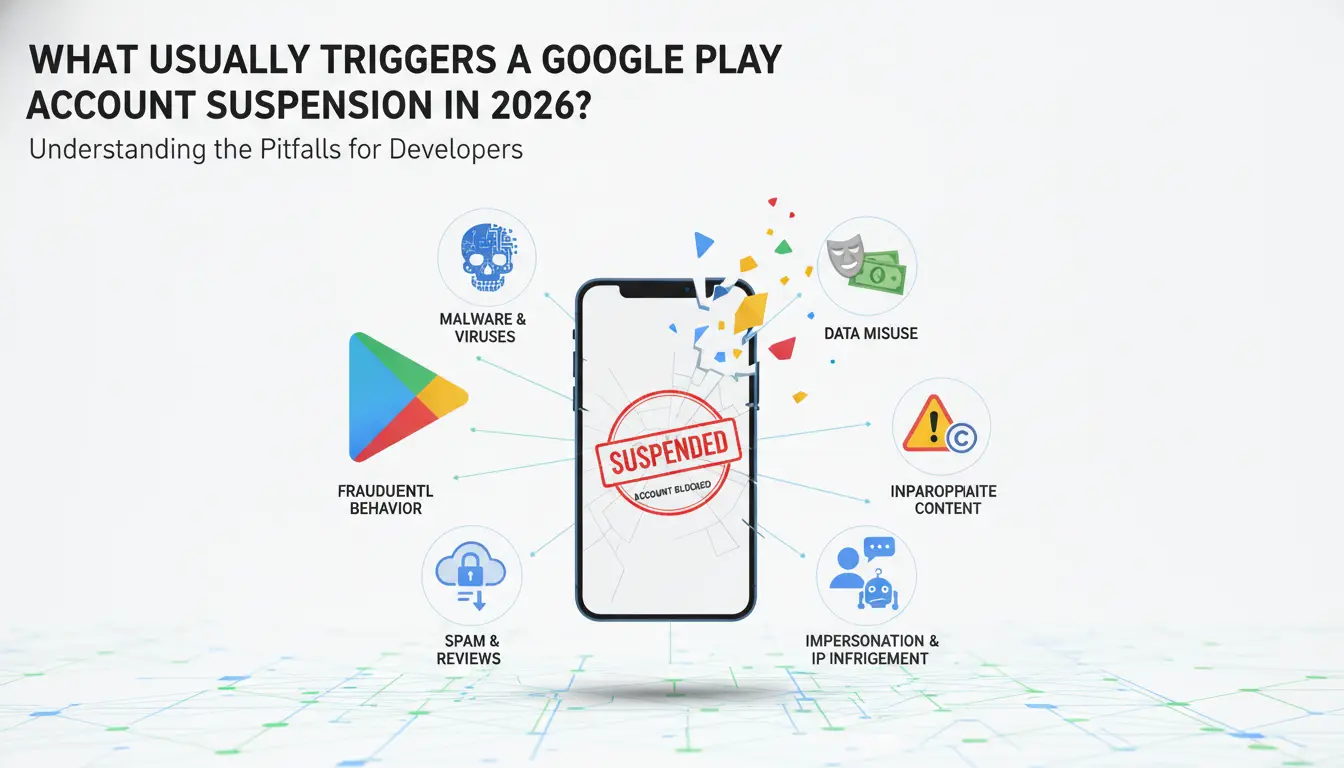
Most Google Play account suspensions in 2026 come from policy violations, ignored warnings, or suspicious activity tied to device or account patterns. If you’re facing a Google Play account suspended notice, chances are one of these triggers set off the review.
Policy Violations: Content, Metadata, and App Behavior
Google Play flags apps for misleading descriptions, inappropriate content, or dangerous permissions. A common mistake is stuffing keywords or exaggerating features in the app listing, this gets caught by automated scans. Apps with hidden tracking, unapproved sensors, or unclear privacy statements also run into trouble. If your app’s metadata doesn’t match its real behavior, you risk instant removal.
Repeated Offenses and Warning Ignored
Suspension isn’t usually a one-off. Google sends warning emails for clear policy issues, but most developers either overlook them or try to patch only the surface. The real problem starts when you ignore these warnings and resubmit the same app (or a clone) with barely changed code. Google’s review system now cross-references past violations, so even minor repeats get flagged. For instance, if your last app got pulled for fake reviews and you submit a new one that shows signs of manipulated ratings, even if the method is different, your account can get terminated, not just suspended. Developers often think changing package names or switching developer accounts will sidestep the system, but Google links device fingerprints, payment methods, and IP histories. If the backend signals match, the risk jumps. Appeals on repeat offenses tend to fail quickly, especially if the reply just repeats “I fixed the issue” without showing clear, new evidence. Ignoring policy warnings or trying to outsmart the review system is the fastest way to lose your account for good.
Account Linking, Device Sharing, and Suspicious Activity
Quick checklist for hidden triggers:
- Multiple Google Play developer accounts logging in from the same device or IP address
- Sudden switches between regions or devices that don’t match your usual login pattern
- Sharing account credentials or recovery info with third parties, especially if they use automation tools
These patterns usually point to account farming or policy evasion. If Google spots linked activity, like two accounts submitting apps with identical assets from one laptop, both can get suspended. Even legitimate teams get caught if they don’t separate devices and login routines.
If you’re not sure which trigger matches your situation, the next step is to check the suspension notice and review your account’s warning history. Missing the real cause means your appeal will likely fail, and you risk losing access permanently.
How to Check Why Your Google Play Account Was Suspended
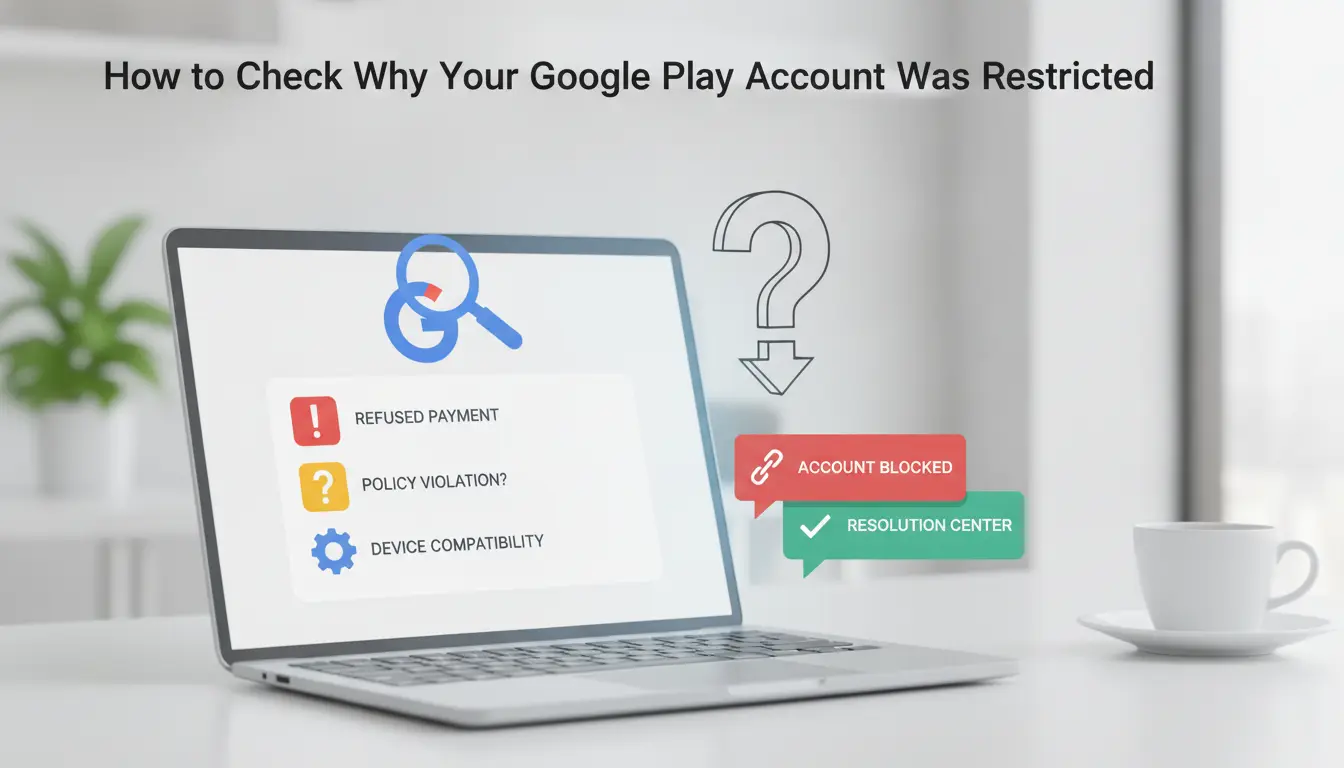
If your Google Play account was suspended, you need more than a guess, you need to see the exact policy or signal that triggered it. Missing the real reason is the fastest way to get your appeal denied or your account permanently banned. Here’s how to pinpoint what happened step by step.
Review Official Suspension Notice and Email
- Check your Gmail inbox for a message from Google Play Developer Support. Look for subject lines with “suspended” or “policy violation.”
- Open the email and look for direct references to policy names (like “Repetitive Content” or “Inaccurate App Metadata”). These phrases point to the main issue.
- Scan for links to Google’s policy center or help articles. If the notice is vague (“multiple violations”), you’ll need to dig deeper in your console.
- If you can’t find the email, search your spam or “Updates” folders, messages sometimes land there instead of your main inbox.
Check Google Play Console for Policy Details
- Log in to Google Play Console with the affected developer account.
- On the Dashboard, look for banners or alerts at the top. These usually state the policy violated and list which app(s) were flagged.
- Click on the alert or “View details.” You’ll see a breakdown: app name, reason for suspension, and a timestamp. If it says “App removed” but not “Account suspended,” your account may not be fully blocked yet.
- If nothing appears, you might have been locked out, use the direct support link to request the notice.
Identify Linked Accounts, Devices, and IPs
- Make a list of all devices, browsers, and IP addresses used to access your account in the last 60 days.
- Check if these overlap with any other Google Play developer accounts. Google often suspends related accounts automatically, one flagged device or IP can trigger multiple bans.
- If you managed accounts for different clients or projects, check if any were suspended recently. Shared logins or proxies often link accounts behind the scenes.
- If you spot an overlap, note it. Google rarely reinstates accounts until all linked accounts are clean, missing this step can block every appeal attempt.
Next, you need to avoid the most common mistakes when appealing your suspension, just sending a generic request usually fails.
What to Avoid When Appealing a Google Play Suspension
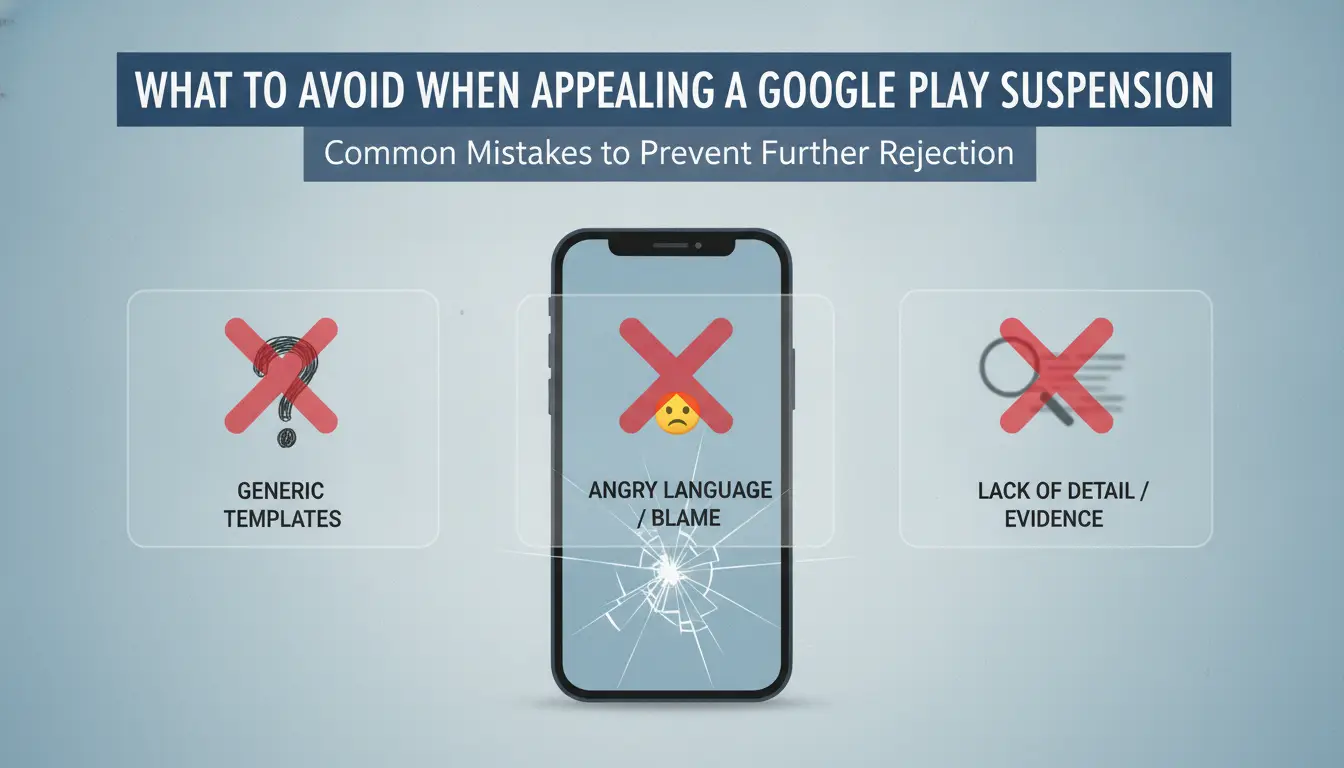
Jumping straight into an appeal without checking for common mistakes will almost always hurt your chances. Google’s system flags sloppy or repeated errors fast, so knowing what to avoid makes the difference between recovery and permanent account termination.
Incomplete or Generic Appeal Submissions
Template responses and vague explanations don’t work. If your appeal just repeats Google’s email or leaves out details, reviewers will see it as careless and reject it within hours. You need to explain what caused the suspension, show clear fixes, and attach proof like updated app screenshots or logs. Missing evidence or skipping explanations signals you haven’t solved the problem.
Appealing Without Fixing Root Cause
Most failed appeals come from rushing the process. Check these before submitting:
- Review Google’s suspension notice for policy details.
- Fix all flagged app metadata, permissions, or content issues.
- Confirm changes are live and visible before sending your appeal.
Ignoring Account Linkage and Device Risks
If you share devices or IPs between accounts, Google’s system almost always links them. This can trigger a wider suspension and kill your recovery chances. Isolate your accounts before appealing:
- Log out all other Google accounts on your device.
- Switch to a clean device and network for the appeal.
- Avoid using the same browser profile for multiple accounts.
Next, you’ll see what steps actually work when recovering a suspended account.
Step-by-Step Guide to Recovering a Suspended Google Play Account
Losing access isn’t just about waiting, it’s about proving to Google that you’ve fixed the problem. Rushing can get your developer account terminated for good, so recovery means showing the right evidence, following the exact appeal process, and responding fast if Google asks for more.
Prepare Evidence and Fix Violations
- Review the suspension notice, find Google’s exact reason (policy link, warning, or flagged app).
- Fix the root cause. Update app metadata, remove policy violations, or correct any device or permission settings.
- Gather proof. Take before-and-after screenshots, export relevant logs, and write a short, clear explanation of your fix.
- Double-check your account for linked issues. If you manage other apps, check each one for similar problems, missing one can trigger more suspensions.
Missing a single violation almost always leads to a rejected appeal, even if your main app is fixed.
Submit an Appeal via Google Play Console
- Log in to Google Play Console and click the banner for suspended accounts.
- Fill out the appeal form. Use short sentences, state what was wrong, what you changed, and attach your evidence. Do not copy-paste from Google’s policy pages.
- Be transparent. Admit mistakes if you made them. If you don’t know what triggered the action, say so and ask for clarification.
- Submit once. Sending repeat appeals or changing your story can delay or block review.
If you see a message saying “appeal denied” within an hour, your submission was likely auto-rejected, either your evidence was missing, or the problem wasn’t fixed.
Monitor Appeal Status and Respond to Follow-Ups
- Check your email and Play Console daily. Google may reply within hours or up to five days, depending on review backlog.
- If Google asks for more details, reply directly in the thread. Do not start a new appeal, Google treats fresh submissions as separate cases and may ignore duplicates.
- Watch for requests for extra proof (like device logs or user reports). Missing these deadlines usually means the case closes and your account can move to termination.
- If your appeal is approved, restore your app or account as instructed. If denied, do not resubmit the same evidence, move to advanced recovery steps or consider professional support.
Quick reactions matter here. Delayed or incomplete responses make it much less likely you’ll get your account back.
Now that you’ve seen how single-account recovery works, it’s time to look at how teams and operators running multiple accounts can reduce risk and avoid repeated suspensions.
How Teams and Multi-Account Operators Can Reduce Suspension Risk with DICloak
If you run multiple Google Play accounts or manage a team, account suspensions tend to hit harder and spread faster. The main risk isn’t just a single ban, it’s multiple accounts getting flagged at once because Google links them by device, IP, or workflow mistakes.
Isolated Browser Profiles for Each Account
Running each Google Play account in its own isolated browser profile keeps session fingerprints and cookies separate. This blocks most casual linkage. Assigning a unique proxy and device fingerprint to every profile means if one account is flagged, the rest are less likely to get hit too.
Permission Control and Operation Logs for Team Management
Teams often lose accounts because someone reuses a device, forgets to switch proxies, or changes account settings without tracking who did what. With permission controls, you can set which operator gets access to which accounts, while logs record every login, change, or profile handoff. For example, if a team member logs in from an old device by mistake, you’ll see that session recorded, so you can cut access before it links multiple accounts. The biggest win here is being able to trace every action, spot risky patterns, and stop repeat mistakes before they spread.
RPA Automation and Bulk Operations for Efficient Workflow
- Assign unique proxies and fingerprints before logging in, don’t let operators do this by memory.
- Use bulk tools to update app metadata or permissions across all accounts at once, so nothing gets missed or applied inconsistently.
- Schedule routine actions (like cookie cleanup or two-factor resets) to run automatically, reducing human error when working at scale.
If you try to manage hundreds of Google Play developer accounts without these controls, you’ll see the same issues, suspensions that cascade through your entire operation because the same device, IP, or pattern pops up in logs Google can cross-check. The right setup means you spot problems early and avoid the headache of mass terminations.
Next, if your appeal still fails or you hit a dead end, there are fallback options and next steps you should know before giving up on account recovery.
What to Do If Your Google Play Account Appeal Is Denied
Even if you’ve done everything right, sometimes Google won’t restore a suspended account. When the appeal fails, you need a backup plan, fast.
Backing Up App Data and Credentials
Most suspended Google Play accounts lose access immediately. You can often export app builds, metadata, and some credentials if backup was enabled before suspension, but active session data is usually gone for good.
Setting Up a New Google Play Account Safely
If you set up a new account, don’t reuse devices, proxies, or browser profiles tied to the terminated one. Isolate your setup to avoid linking risks that triggered the original Google Play account suspended status.
Adjusting Workflow to Prevent Repeat Suspension
- Use separate browser profiles for each account
- Assign unique proxies per profile
- Review operation logs to spot compliance gaps
DICloak only supports account workflow isolation, it does not guarantee Google Play account recovery.
Practical Tips to Prevent Google Play Account Suspension in 2026
If you want to avoid another Google Play account suspended situation, you need to act before issues build up. Prevention now saves you from forced appeals and lost access later.
Stay Updated on Google Play Policy Changes
Google tweaks Play policies several times a year, and missing a rule change is one of the fastest ways to get flagged. Check the Google Play Policy Center monthly, don’t wait for an email alert. When a policy shifts, review your app update plans that same week, not at your next release. Policy gaps often come from old workflows that nobody double-checks after a policy update.
Regularly Audit Apps, Metadata, and Permissions
Quick checks before every release prevent most accidental violations.
- Confirm app descriptions and screenshots match the app’s real content
- Remove any old permission requests not needed by the current version
- Check for risky metadata (like misleading keywords or claims)
Manage Account Access, Devices, and IPs Carefully
Shared logins and device reuse trip Google’s automated risk systems. Don’t ignore warning emails about device or location changes.
- Assign one device per account, don’t log in from multiple phones or emulators
- Rotate IPs only when necessary, and keep a log of account-to-IP mapping
- Review account activity logs weekly for unknown logins or session overlaps
A single shared device or reused IP can link your accounts, making bans much more likely. Lock down access before you scale up your publishing or team workflows.
Frequently Asked Questions About Google Play account suspended
Can I recover a Google Play account suspended for repeated policy violations?
Recovering a Google Play account suspended for repeated policy violations is very difficult. Google usually allows only one appeal. If your appeal is denied, the suspension is final. To have any chance, you must fix the exact issues that caused the suspension and give proof. Multiple violations almost always lead to permanent loss.
How long does the Google Play suspension appeal process take?
The appeal process usually takes 3-7 business days. Sometimes, it may take longer if Google needs more information or if many appeals are being reviewed. You should check your email often for updates and respond quickly to any requests from Google to speed things up.
Is it safe to create a new Google Play account after suspension?
Creating a new account after suspension is risky. Google tracks device IDs, IP addresses, and account information. If you use the same device or details, your new account might also get suspended. To lower the risk, use a new device, different payment info, and a unique IP address, but there are no guarantees.
What happens to my apps and data after Google Play account suspension?
After suspension, you lose access to your Google Play developer account. Your published apps are removed from the Play Store. Users can’t download or update them. You might still access some data through Google Takeout, but your app’s listing and user data are often not recoverable.
Can using proxies help prevent Google Play account suspension?
Proxies may hide your IP address, but they don’t guarantee safety from suspension. Google also checks device IDs and account behavior. Using proxies alone will not prevent detection or policy violations. Focus on following all Google Play policies to avoid account issues.
If your app access remains blocked, consider alternative platforms or protective tools to minimize disruption and safeguard your digital assets. Evaluating secure solutions can help you maintain control over your projects and prevent similar issues in the future. Try DICloak For Free
 Web Proxy Tools
 Free Tools
 Cookie Plugin
 UA Generator
 MAC Address Generator
 IP Generator
 IP Address List
 2FA Code Generator
 World Clock
 Anonymous Check
 WebRTC Leak Test
 UUID Generator
 Free Web Proxy Site
 Proxy Checker
 FB Ad Checker
 AI Web Scraping
 Free SMM Tools
 Twitter Shadowban Checker
 Instagram Name Checker
 UTM Generator
 Username Generator
 AI Hashtag Generator
 LinkedIn Headline Generator
 Social Media Image Resizer