In 2026, PayPal account bans are no longer caused by simple IP issues. Even with high-quality proxies, many users still face instant limitations and frozen funds. The real reason lies in browser fingerprinting and account linkage the problems that standard browsers cannot solve. This is why a professional Antidetect Browser for PayPal has become essential for agencies, sellers, and businesses managing multiple payment accounts. In this guide, we break down how PayPal detects users, why traditional setups fail, and how tools like DICloak help you bypass detection safely and consistently.
Why Standard Browsers Fail: The Invisible Triggers for PayPal Account Bans
Many business owners believe that simply changing their IP address is enough to prevent PayPal account bans. They rely on proxies and continue using standard browsers like Chrome, yet their accounts still get blocked instantly. This happens because PayPal’s security system evaluates far more than just your network connection. It analyzes your unique digital footprint. Standard browsers leak thousands of device-level signals, creating a persistent identifier that allows PayPal to recognize you across sessions, regardless of which IP you use.
The Hidden Data Behind Account Limitations
Imagine walking into a bank wearing a mask, but you are holding your driver's license in your hand. The bank knows it is you immediately. This is exactly how standard browsers behave. You might hide your location using a proxy, but your browser is still showing its "license" to PayPal. This process is called browser fingerprinting.
When you log into a website, PayPal uses advanced scripts to scan your computer hardware. They look at data points you cannot easily see, such as:
- Canvas Fingerprint: How your specific graphics card renders 3D images.
- AudioContext: The unique way your sound card processes audio signals.
- Installed Fonts: The specific list of fonts on your computer.
The "Linkage" Danger This leads to the biggest problem for stealth accounts: linkage. If you log into Account A and Account B from the same computer using a regular browser, both accounts will broadcast the same hardware fingerprint. PayPal's AI sees this match instantly. They "link" the two accounts together. If one account faces account limitations, the other is automatically flagged and frozen.
Why Incognito Mode is Not Enough A common mistake is thinking "Incognito" or "Private" mode makes you invisible. It does not. Incognito mode only deletes your history after you close the window. While you are online, your device sends the exact same hardware data as your main profile. To manage accounts safely, you need browser fingerprinting protection 2026 technology that completely isolates these hardware signals.
How an Antidetect Browser for PayPal Spoofs Your Digital Identity
Since standard browsers leak your hardware data, simply hiding your IP address is not enough. You need a tool that specifically handles the hardware side of your footprint. An Antidetect Browser for PayPal solves this problem by replacing your real device data with a generated one. This process is known as spoofing. Instead of blocking PayPal from seeing your computer, the browser shows them a "mask" that looks like a completely different, legitimate device.
This technology allows you to execute precise digital identity management. Each account operates in its own isolated environment. To PayPal's sophisticated security bots, ten accounts running on your single laptop look exactly like ten different people logging in from ten different physical locations.
The Mechanics of Profile Isolation and Consistency
To manage multiple PayPal accounts legally for your agency or business, you must prevent "linkage." Linkage occurs when PayPal's AI realizes two distinct accounts share the same data point. Antidetect browsers prevent this through strict profile isolation.
Here is how the technical solution works to keep your accounts safe:
- Digital Containers: When you create a profile, the software builds a separate digital box. Your cookies, local storage, and cache are trapped inside this box. They never leak to other profiles or your main operating system.
- Hardware Spoofing: The browser alters the signals your computer sends out. It changes your Canvas fingerprint—how your graphics card renders 3D images—and other parameters like WebGL and AudioContext. Even if you use a MacBook, you can make PayPal believe you are logging in from a Windows PC.
- Smart Proxy Matching: This is a critical feature for browser fingerprinting protection 2026. The browser automatically adjusts your device's time zone, language settings, and geolocation data to match your proxy IP. If your proxy is located in London, the browser ensures your system time is set to GMT.
By strictly controlling these parameters, you ensure that every "Stealth Account" looks consistent and authentic. This consistency is the only way to bypass detection algorithms and avoid the dreaded 180-day fund freeze.
Reviewing the 10 Best Antidetect Browser for PayPal Solutions Available Today
Now that you understand how isolation works, it is time to choose your tool. Not all software handles browser fingerprinting protection 2026 standards equally. PayPal’s security AI is much stricter than Facebook or Instagram. It detects even tiny leaks in your digital identity.
Below is a comparison of the top tools. We have tested these for consistency, team features, and their ability to prevent account linkage.
Quick Comparison: Top Multi-Accounting Software
| Browser |
Best For |
Starting Price |
Free Plan |
| DICloak |
Overall Best for PayPal Security |
$8/mo |
Yes (Limited) |
| Multilogin |
Enterprise Teams |
€99/mo |
No |
| GoLogin |
Cloud & Android Use |
$49/mo |
Yes (3 Profiles) |
| AdsPower |
Automation Specialists |
$9/mo |
Yes |
| Dolphin{anty} |
Affiliate Marketing |
$89/mo |
Yes (10 Profiles) |
| Incogniton |
Beginners |
$29.99/mo |
Yes (10 Profiles) |
| MoreLogin |
Fingerprint Quality |
$9/mo |
Yes (2 Profiles) |
| Undetectable |
Unlimited Local Profiles |
$49/mo |
Yes |
| Hidemium |
Mobile Fingerprints |
$15/mo |
Trial Only |
| BitBrowser |
Budget Bulk Ops |
$10/mo |
Yes |
DICloak: The Secure Choice for PayPal Ecosystems
DICloak is our top recommendation for anyone managing high-value PayPal accounts. While other tools focus on social media, DICloak prioritizes deep anonymity and security. It creates a robust localized environment that prevents the specific WebRTC and DNS leaks that PayPal uses to ban accounts.
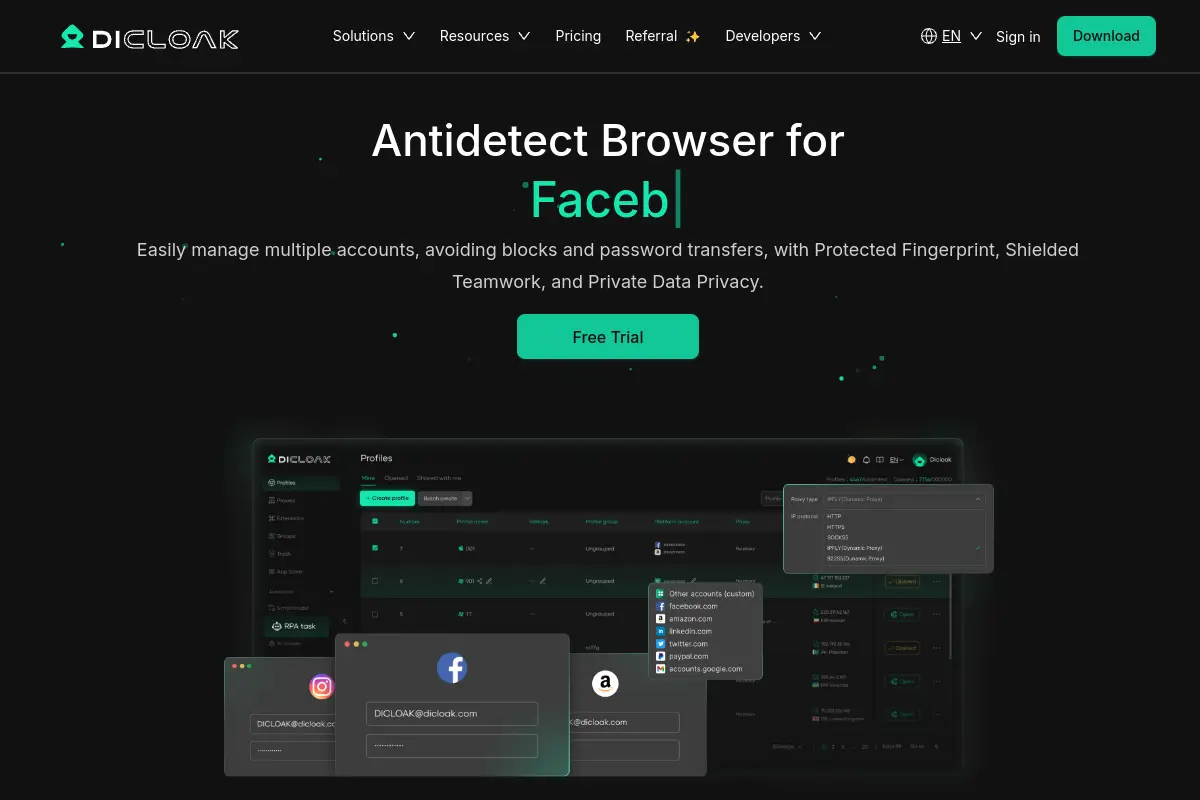
This Antidetect Browser for PayPal stands out because of its price-to-performance ratio. You get enterprise-grade protection without the massive monthly fees of older competitors. Its interface is clean, making it easy to assign specific profiles to team members without risking a data leak.
- Price: Free version available. Paid plans start at just $8/month.
- Key Features: Advanced fingerprint masking, precise geolocation matching, and safe team collaboration tools.
- Pros: excellent security for financial accounts, very affordable, intuitive design.
- Verdict: The best balance of security and cost for multi-accounting software.
Multilogin: The Enterprise Standard
Multilogin is one of the oldest names in the industry. It is famous for its custom browser cores, Mimic and Stealthfox. These cores replace Google Chrome's standard tracking mechanisms to ensure your data stays private.
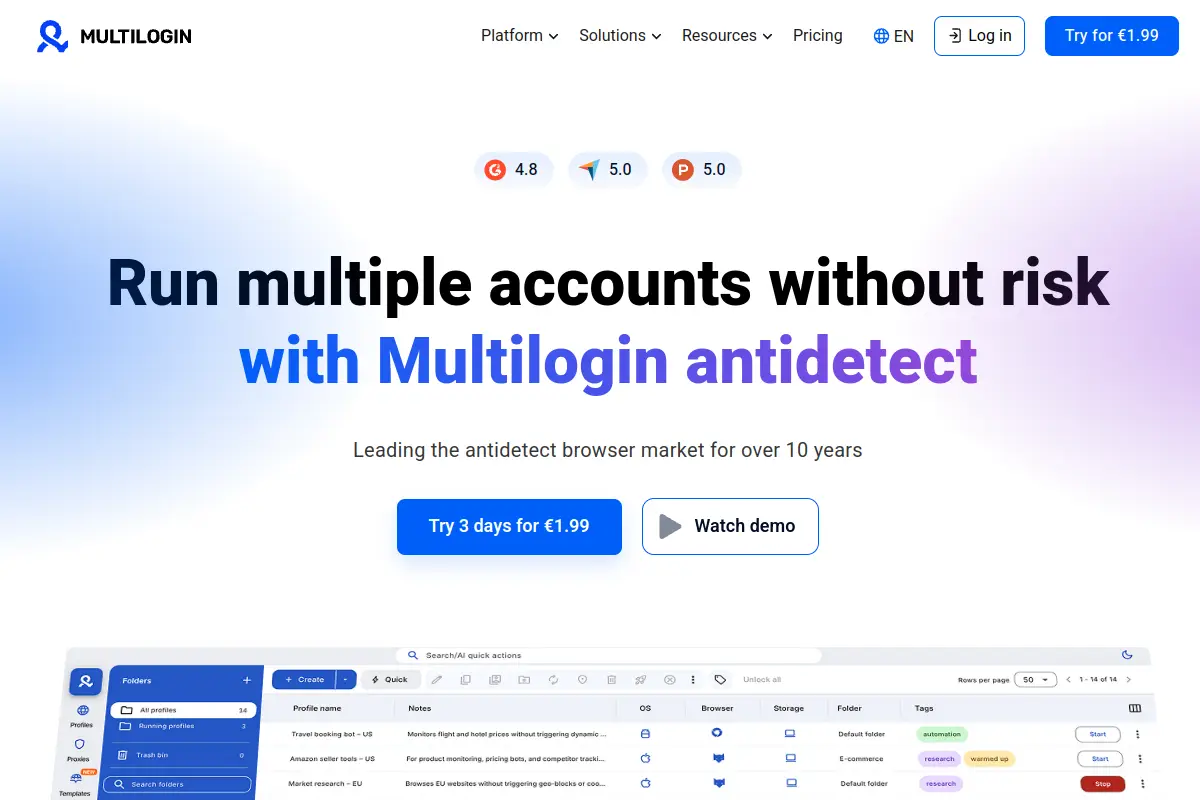
For large agencies with unlimited budgets, Multilogin offers high reliability. However, for a solo user or small team, the cost is a major barrier.
- Price: Starts at €99/month (approx. $108). No free plan.
- Key Features: Custom browser engines, automation API, reliable customer support.
- Pros: Proven track record, highly stable.
- Cons: Extremely expensive compared to alternatives; no free version to test.
- Verdict: Great for big corporations, but likely overkill for standard PayPal management.
GoLogin: Streamlined Identity Management
GoLogin takes a different approach by hosting profiles in the cloud. This allows you to run the browser on any device, including a dedicated Android app. It uses Orbita technology to mimic legitimate user behavior.
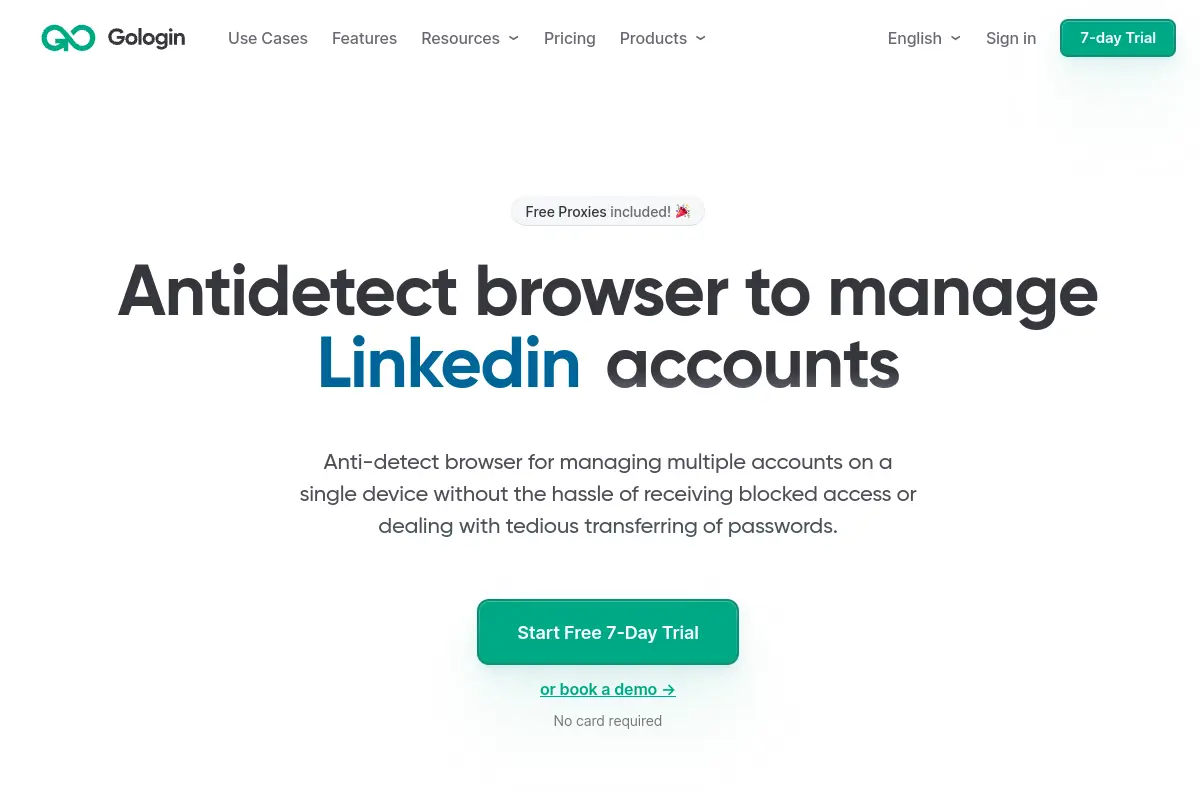
This is useful if you need to check your PayPal accounts on the go. However, cloud-based interfaces can sometimes feel slower than local software like DICloak.
- Price: Starts around $49/month. Free plan for 3 profiles.
- Key Features: Cloud profile storage, Android app support, free proxies (though we recommend buying dedicated residential ones).
- Pros: access profiles from anywhere, good mobile support.
- Cons: The web interface can be laggy; free proxies are often flagged by PayPal.
- Verdict: Good for users who travel frequently.
AdsPower: Automation-First Browser
AdsPower is built for scale. It is heavily used by e-commerce sellers who need to automate repetitive tasks. It supports both Chromium and Firefox engines (SunBrowser and FlowerBrowser), giving you flexibility in how you appear to PayPal.
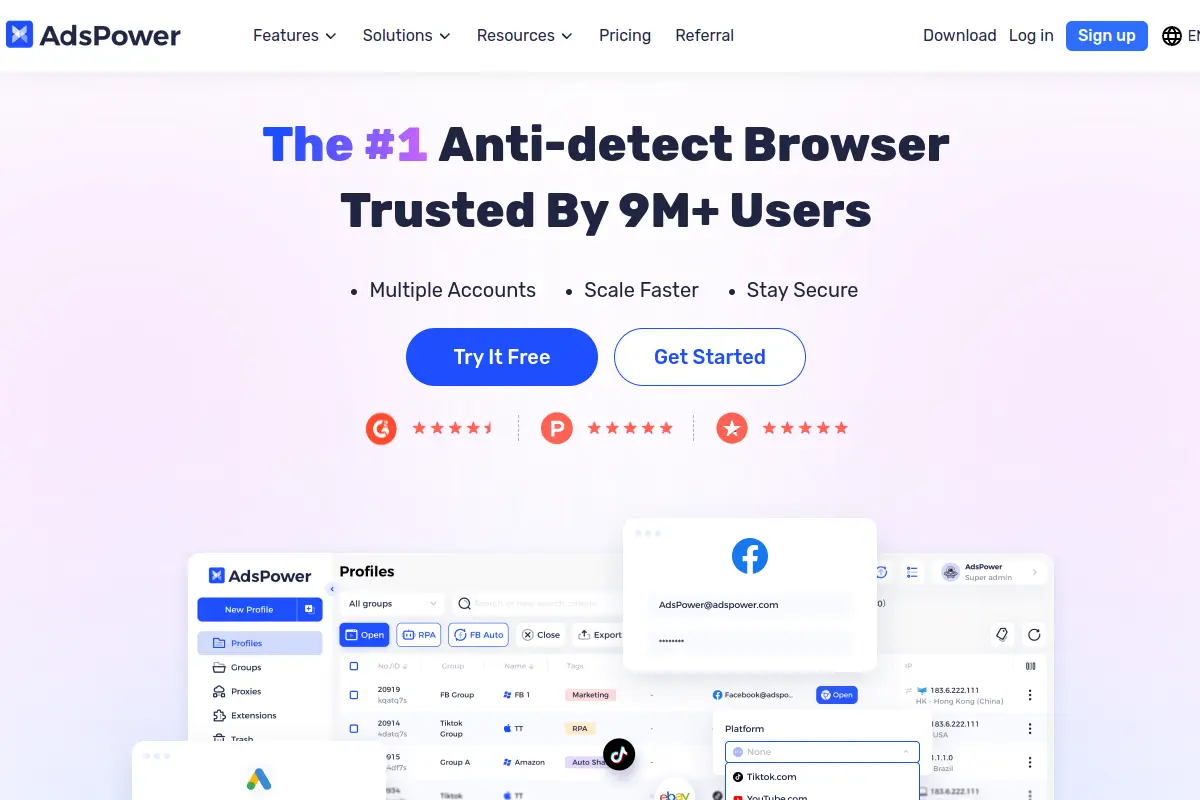
While powerful, the interface is packed with buttons and settings. This can be overwhelming if you just want to manage payments safely.
- Price: Flexible usage-based pricing starting at $9/month.
- Key Features: RPA (Robotic Process Automation), batch profile creation, extension support.
- Pros: excellent for automating tasks, flexible pricing.
- Cons: steep learning curve; complex interface for beginners.
- Verdict: Best if you are also doing heavy ad automation alongside PayPal management.
Dolphin{anty}: Optimized for Affiliates
Dolphin{anty} became popular quickly in the Russian affiliate market. It is designed to manage hundreds of accounts for Facebook and Google Ads. The interface is modern and allows for easy bulk editing of profiles.
It is a strong tool, but its primary focus is social media, not financial security.
- Price: Base plan starts at $89/month. Free plan available.
- Key Features: Real-time fingerprint updates, Facebook automation tools, cookie manager.
- Pros: User-friendly UI, great for ad agencies.
- Cons: Frequent updates can occasionally cause bugs; slightly expensive.
- Verdict: A solid choice if your main focus is ads, with PayPal as a secondary need.
Incogniton: User-Friendly and Accessible
Incogniton is known for its generous free plan. It allows you to save up to 10 profiles for free, which is great for new businesses. It focuses on mimicking human typing and browsing to fool detection systems.
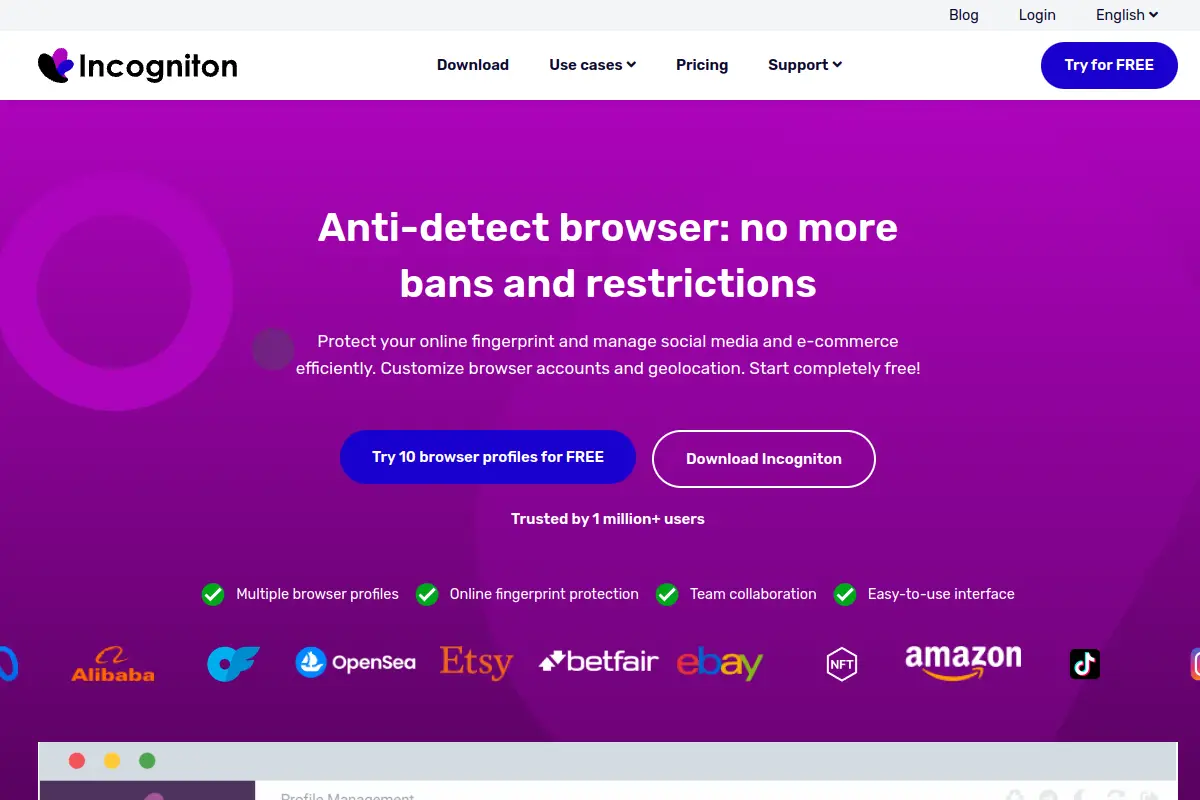
- Price: Paid plans start at $29.99/month.
- Key Features: Paste as human typing, cookie management, team seats.
- Pros: Best free plan for starters, easy to use.
- Cons: Can be heavy on your computer's RAM if you open many profiles at once.
- Verdict: Excellent entry-level tool for managing a small PayPal farm.
MoreLogin: Real Canvas Technology
MoreLogin claims to use "Real Canvas" fingerprints. Instead of just spoiling data, it collects real fingerprint data from regular users and applies it to your profile. This helps bypass advanced machine learning detection.
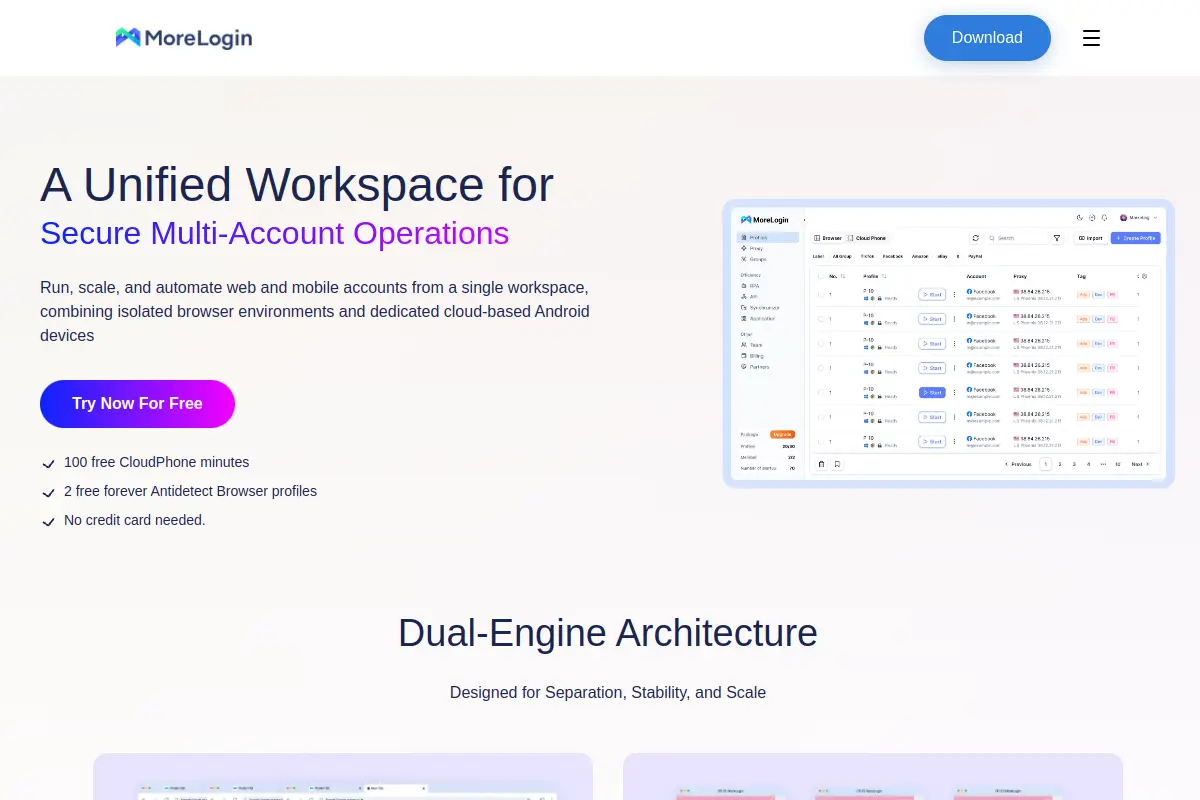
- Price: Starts at $9/month.
- Key Features: Real canvas fingerprints, secure environment creation.
- Pros: High-quality fingerprints, affordable.
- Cons: Smaller community support compared to big players like Multilogin.
- Verdict: A strong contender for stealth, offering innovative tech at a low price.
Hidemium: Mobile Fingerprint Specialist
Hidemium is designed to hide your digital footprint completely. It is particularly good at emulating mobile devices. PayPal often trusts mobile logins more than desktop logins, so this can be a strategic advantage.
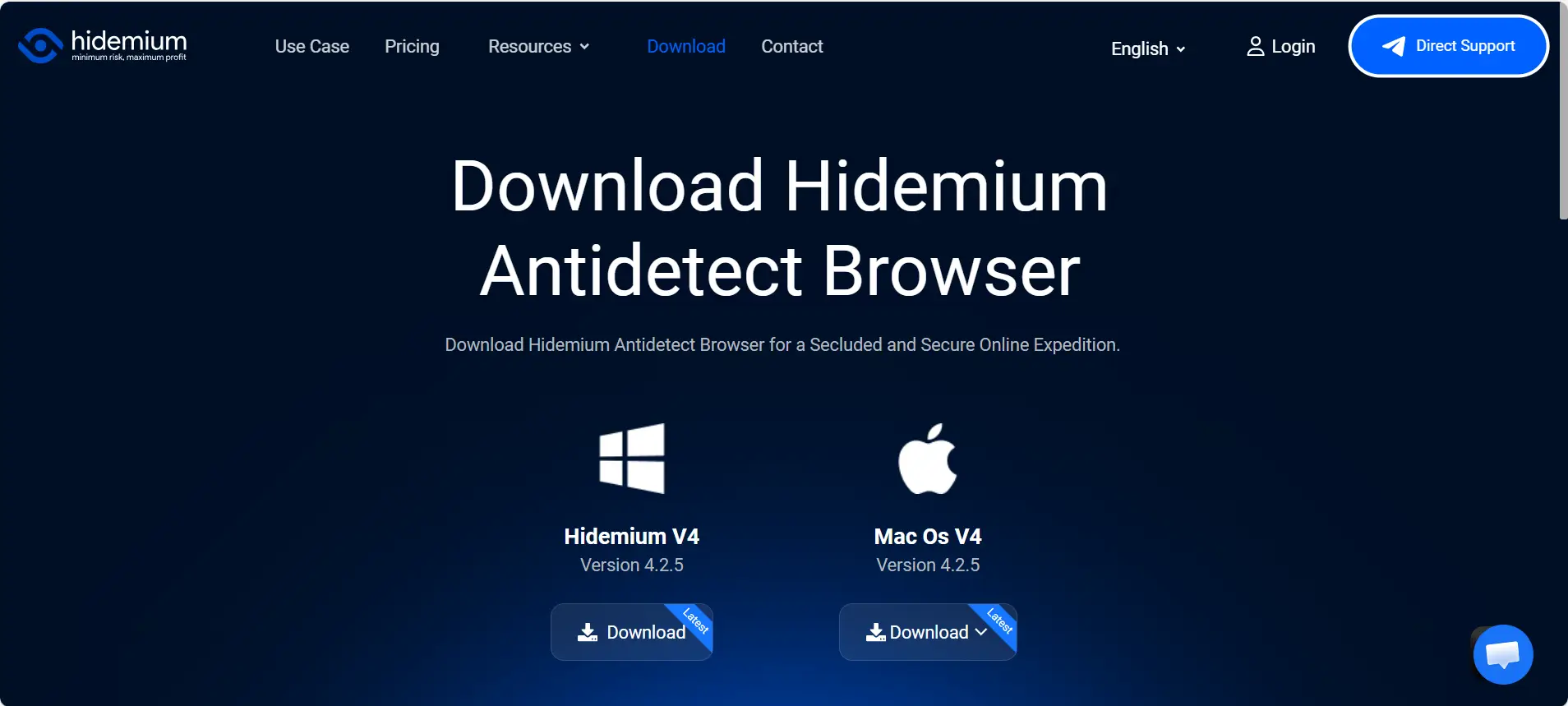
- Price: Basic plan starts at $15/month.
- Key Features: Mobile device emulation, WebGL masking, proxy rotation.
- Pros: Effective mobile spoofing, good privacy tools.
- Cons: The price jumps significantly for the Business plan ($420/mo).
- Verdict: Good for niche use cases requiring mobile emulation.
BitBrowser: The Budget Option
BitBrowser is a practical tool for users who need to run many accounts cheaply. It offers group management and basic automation scripts. It is lightweight and handles bulk operations well.
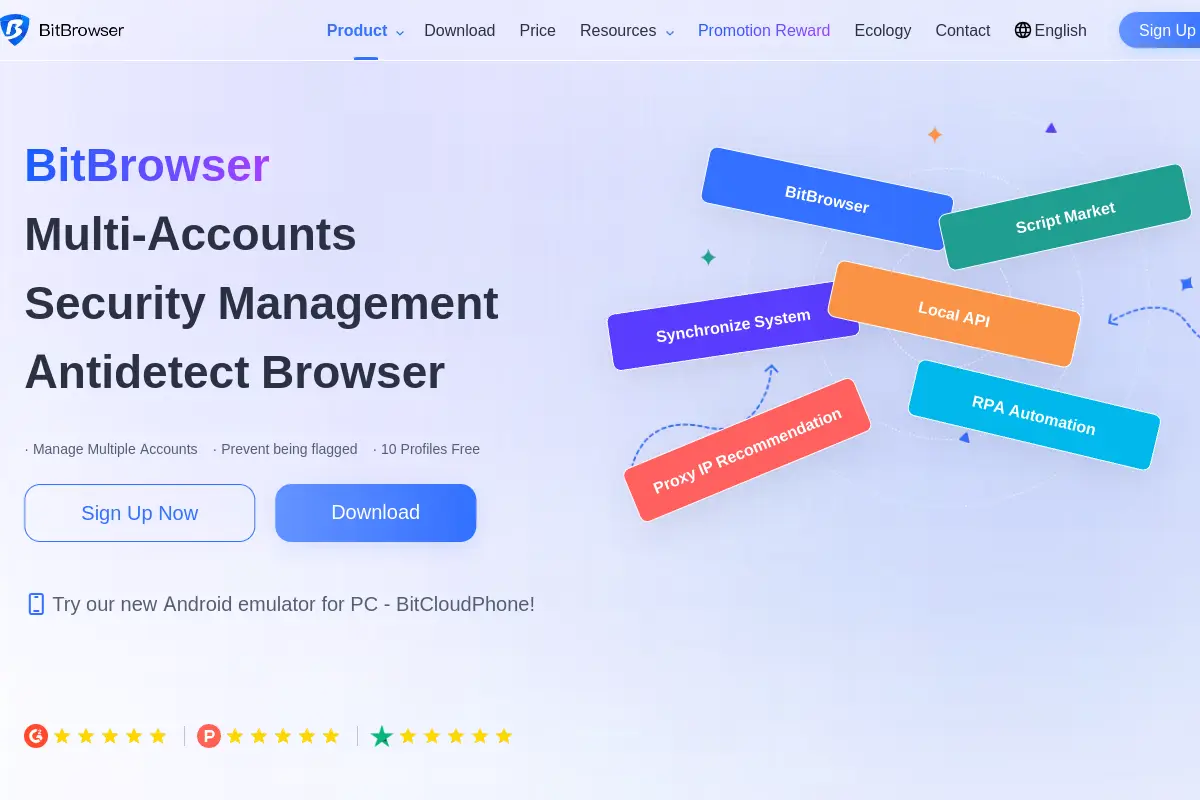
- Price: Starts at $10/month.
- Key Features: Window synchronization, cookie extraction, group control.
- Pros: Very cheap, low system resource usage.
- Cons: English translation and support documentation are not as polished as DICloak or Multilogin.
- Verdict: A functional choice for users on a tight budget who are tech-savvy.
Undetectable: Unlimited Local Profiles
Undetectable solves the problem of storage limits. While other browsers charge you per profile, Undetectable allows you to generate unlimited profiles if you store them locally on your own PC.
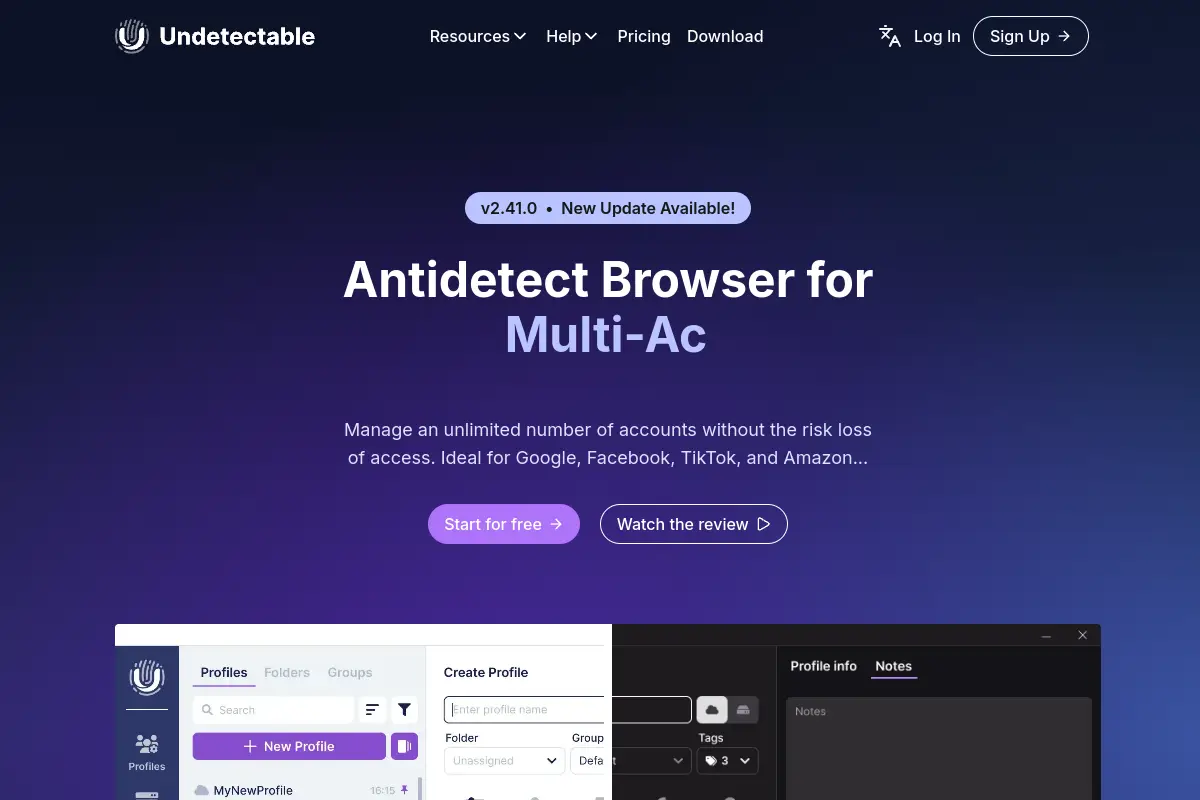
- Price: Starts at $49/month.
- Key Features: Local profile storage, bot automation, cookie warmer.
- Pros: No limit on the number of profiles you create locally.
- Cons: Cloud syncing (to share with VAs) is limited on cheaper plans.
- Verdict: Best for solo operators with massive profile volume.
Scaling Safely: Using an Antidetect Browser for PayPal to Manage Multiple Accounts Legally
Now that you have selected the right software, you need a solid plan to use it correctly. Buying a tool like DICloak or Multilogin is only the first step. To manage multiple paypal accounts legally and effectively, you must follow a strict Standard Operating Procedure (SOP).
If you make one small mistake, such as logging into two accounts from the same IP address, PayPal will link them. Once linked, if one account gets banned, they all get banned. The following strategy helps you build a "firewall" between your business identities.
Step 1: Identity Acquisition and Profile Environment Setup
The foundation of a safe account is a unique digital environment. You must treat every browser profile as if it belongs to a completely different person living in a different house.
First, open your antidetect browser and create a New Profile. Do not simply duplicate an old one. You need fresh hardware fingerprints (Canvas, WebGL, Fonts) for every single account.
Next, you must attach a high-quality Residential Proxy. This is an IP address that belongs to a real home internet provider, not a data center. PayPal trusts residential IPs because they look like normal users. Ensure the location of the proxy matches the address on the PayPal account. For example, if your account address is in New York, your proxy IP must also be in New York.
Step 2: The Cookie 'Warm-Up' Phase and Building Digital Trust
A common mistake is creating a PayPal account the moment you open the browser. This is a major red flag. Real users have a browsing history. If your browser is 100% clean, PayPal’s security bots become suspicious immediately.
You need to perform account incubation. This is the process of "warming up" your browser profile before handling money.
- Open your profile and visit 30 to 50 popular websites (like Amazon, YouTube, CNN, or Wikipedia).
- Scroll through pages and click links to generate HTTP cookies.
- Do this for 2-3 days before you even visit the PayPal homepage.
This stealth strategy makes your profile look like it belongs to a real human with genuine internet habits. Many tools like DICloak allow you to automate this warm-up process to save time.
Step 3: Managing Withdrawals and Payment Verification Without Linking
The hardest part of this process is handling money. Even if your browser fingerprint is perfect, PayPal can link your accounts through financial data.
You must keep your finances strictly isolated. Never send money directly between your own stealth accounts. If Account A sends $5 to Account B, PayPal knows they are owned by the same person.
For verification, use a unique card and phone number for every account. Do not reuse a phone number you used on a banned account. When you withdraw funds, use distinct bank accounts or virtual electronic wallets for each profile. By keeping the money trails separate, you ensure that one banned account does not destroy your entire business operation.
Frequently Asked Questions about Antidetect Browser for PayPal
Is it legal to use an antidetect browser for managing multiple PayPal accounts?
Yes, using the software itself is legal. Antidetect browsers are tools designed for privacy and data protection. However, you must use them responsibly. Using these tools to use stolen identities or commit fraud is illegal. If you simply want to manage multiple paypal accounts legally to separate different legitimate businesses, you are generally adhering to the law, though you may be bypassing PayPal's specific terms of service.
Which proxy type is best for PayPal: Mobile or Residential?
Static Residential Proxies are the best choice for PayPal. These IP addresses look exactly like a standard home Wi-Fi connection, which PayPal trusts the most. Mobile proxies are also high-quality, but they often rotate IPs too frequently. PayPal prefers to see you login from the same IP address every time, so a static residential IP is safer and more stable.
Can PayPal detect an antidetect browser if the settings are wrong?
Yes, they can. If your browser profile has a "mismatch," it acts like a red flag. For example, if your profile claims to be an iPhone but sends data showing a large desktop screen resolution, PayPal’s AI will detect a lie. High-end tools like DICloak align these settings automatically to ensure your browser fingerprinting protection 2026 standards remain watertight.
How long should I 'warm up' my cookies before creating a PayPal account?
You should warm up a new profile for at least 3 to 5 days. Do not create a PayPal account on day one. Spend a few days visiting trusted websites like Amazon, CNN, or Google to build a realistic history. This cookie history proves to PayPal that you are a real human user and not a bot script.
Do these browsers protect against PayPal's typing biometrics?
Most antidetect browsers do not fake your physical typing speed. However, they often have "Smart Paste" features. This allows you to paste a password, but the browser enters it into the field as if it were typed by a human. To be safe, avoid pasting data instantly; type strictly manually for your first few logins.
Conclusion
Managing multiple PayPal accounts in 2026 requires more than caution — it requires full control over your digital identity. Standard browsers expose hardware fingerprints, leading to account linkage, limitations, and long-term fund freezes. A reliable Antidetect Browser for PayPal solves this by isolating profiles, spoofing device data, and ensuring consistency between fingerprints and proxies. When combined with proper warm-up procedures and strict financial separation, tools like DICloak allow businesses to scale payment operations safely and sustainably. If PayPal stability matters to your workflow, investing in the right antidetect browser is no longer optional — it’s infrastructure.
 Web Proxy Tools
 Free Tools
 Cookie Plugin
 UA Generator
 MAC Address Generator
 IP Generator
 IP Address List
 2FA Code Generator
 World Clock
 Anonymous Check
 WebRTC Leak Test
 UUID Generator
 Free Web Proxy Site
 Proxy Checker
 FB Ad Checker
 AI Web Scraping
 Free SMM Tools
 Twitter Shadowban Checker
 Instagram Name Checker
 UTM Generator
 Username Generator
 AI Hashtag Generator
 LinkedIn Headline Generator
 Social Media Image Resizer