In 2026, Lazada sellers are no longer competing store against store—they are competing systems against algorithms. As store farming, regional arbitrage, and bigseller-style bulk operations become the norm, the biggest risk is no longer product selection, but account linkage and chain bans. Lazada’s detection systems now analyze browser fingerprints, device behavior, and login environments with extreme precision. This is why choosing the right Antidetect Browser for Lazada Sellers is no longer optional. It is the foundation that determines whether your multi-store strategy scales safely or collapses overnight.
The Scaling Crisis: Why the Right Antidetect Browser for Lazada Sellers is Non-Negotiable in 2026
The era of relying on a single "hero" product to build a business empire is fading. In 2026, the Southeast Asian market is crowded. To stay profitable, successful merchants have shifted to a high-volume strategy known as Store Farming.
Store Farming is simple but aggressive. Instead of running one general store, you open 20 to 50 specialized "micro-stores." For example, rather than one big clothing shop, you launch one store strictly for "Vintage Denim" and another for "Office Wear." This technique—known as horizontal scaling—helps you dominate the search results and push competitors off the first page.
However, scaling doesn't stop at niches. It also moves across borders.
The Rise of Regional Arbitrage
Top sellers use Regional Arbitrage to maximize profits. This involves taking a winning product from a saturation market like Thailand and launching it as a "Local Shop" in emerging markets like Vietnam or the Philippines. Local shops rank higher than global stores, but they require you to look like a local seller.
This creates a massive technical problem. Lazada's security algorithms are designed to stop one person from controlling market prices. They track your digital footprint aggressively.
The Business Case for Multi-Accounting
If you log into 50 different seller accounts from the same laptop, Lazada's system flags you immediately. They see the same IP address and the same hardware fingerprint (your device's unique ID).
Once Lazada links your accounts, you face a "chain ban." If one store gets a penalty, the algorithm automatically suspends every other store linked to your device. You could lose your entire income overnight.
This risk is why a specialized Antidetect Browser for Lazada Sellers is non-negotiable. It is the only tool that allows you to execute a safe Lazada multi-accounting strategy. By creating a unique digital fingerprint for every single shop, these browsers ensure that Lazada sees 50 separate, legitimate merchants instead of one person trying to game the system. To avoid Lazada linked account ban waves, you must treat each profile as a completely isolated business.
The Technical Diagnosis: How Lazada Detects and Bans Your Multi-Accounting Strategy
To fix the problem, you must first understand how Lazada catches you. A successful Lazada multi-accounting strategy fails if you treat the platform like a simple website. Lazada is a sophisticated tech company. When you log into the Seller Center, their security algorithms scan your device to verify your identity.
Most sellers make the mistake of thinking they only need to hide their IP address. This is a dangerous myth. Lazada uses a technique called browser fingerprinting to track your activity. This system reads your specific computer details, such as your screen resolution, installed fonts, and Canvas (graphics hardware) data.
Think of it like digital DNA. Even if you use a proxy to change your internet location from Bangkok to Manila, your hardware fingerprint remains the same. If you log into five different shops from the same laptop, Lazada sees the exact same hardware ID five times. This tells them immediately that one person controls all those accounts.
Once they match your fingerprint, they "link" your accounts in their database. If one shop gets suspended, the algorithm automatically bans every other shop connected to that device. To avoid Lazada linked account ban waves, you must ensure that every single shop has a completely unique digital fingerprint. You need to look like five different people on five different computers, not one person with five tabs open.
Top 10 Antidetect Browser for Lazada Sellers to Scale in 2026
Once you understand how Lazada tracks your digital footprint, the next step is choosing the right shield. To protect your accounts from instant bans, you need a specialized Antidetect Browser for Lazada Sellers. This tool replaces your real device information with a clean, unique digital profile for every store you manage.
Below is our review of the best antidetect browsers available in 2026. We tested these tools based on their ability to handle mobile app emulation, manage cookies, and integrate with operations tools to manage multiple Lazada stores bigseller style efficiently.
| Browser |
Best For |
Starting Price |
Mobile Emulation |
| DICloak |
Overall Best for Teams |
Free / $8/mo |
High |
| Multilogin |
Enterprise Security |
€9/mo |
High |
| GoLogin |
Cloud Profiles |
Free / $24/mo |
Medium |
| AdsPower |
Automation Scripts |
$9/mo |
High |
| Dolphin{anty} |
Ad Arbitrage |
Free / $89/mo |
Medium |
| Incogniton |
Free Tier Users |
Free / $29.99/mo |
Low |
| Browser.lol |
Quick Disposable Tasks |
Free (Ad-based) |
None |
| Octo Browser |
High-Speed Listing |
€10/mo |
Medium |
| MoreLogin |
Real Canvas Fingerprints |
Free / ~$9/mo |
High |
| Hidemium |
Mobile App Automation |
Free / ~$15/mo |
High |
DICloak: Built-in Efficiency for Professional Teams
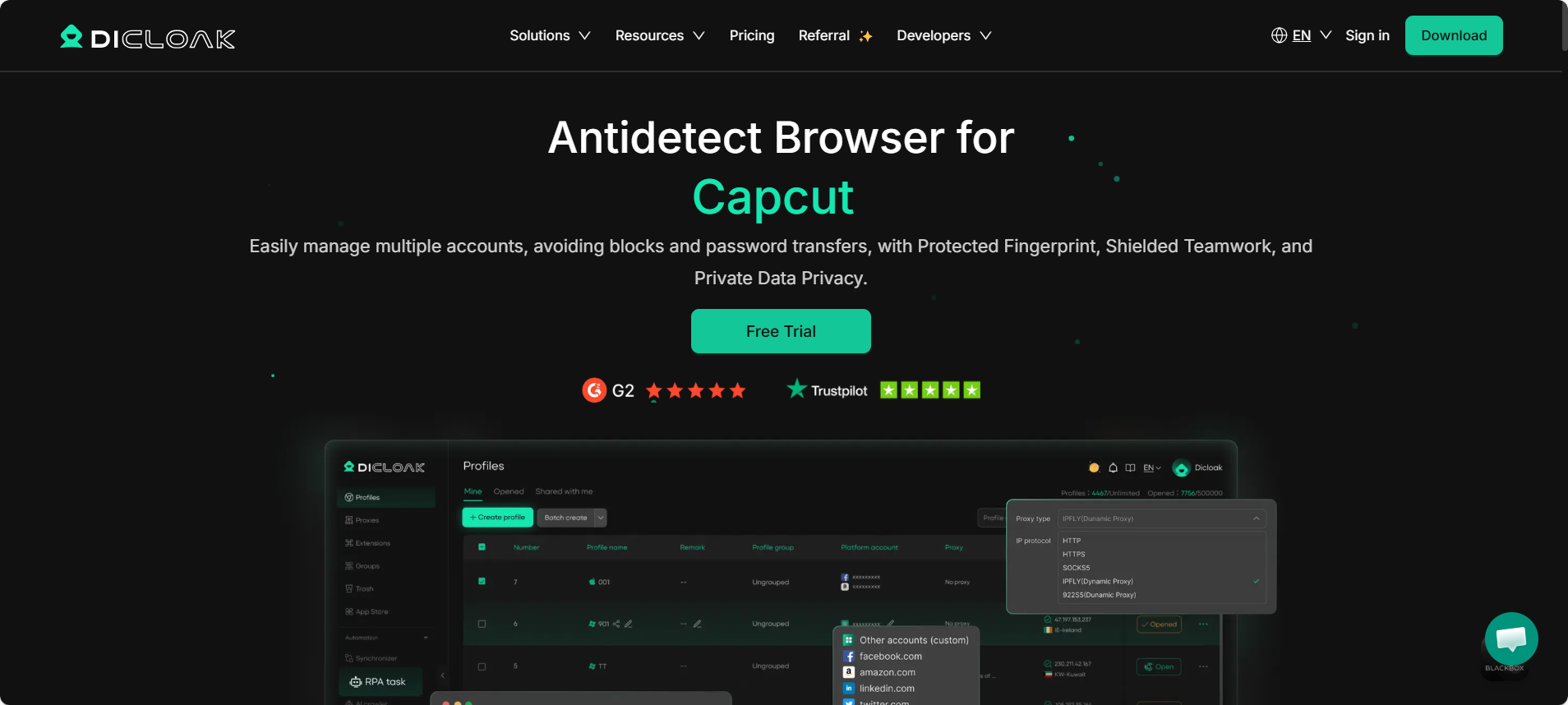
Best For: Professional Lazada sellers and scaling teams. Price: Free plan available; Paid plans start at $8/month.
DICloak stands out as the top Antidetect Browser for Lazada Sellers in 2026 because it balances power with ease of use. It is designed specifically to help you manage hundreds of accounts without leaks. The interface is clean, and it handles the complex task of "fingerprint customization" automatically. This means you do not need to be a coding expert to set up a safe profile.
For sellers who manage multiple Lazada stores bigseller integration or other ERP tools becomes easier because DICloak keeps your sessions stable. It allows you to share profiles with virtual assistants (VAs) without sharing your passwords. The cloud data sync ensures that if your VA logs in from the Philippines, the browser history and cookies are instantly updated for you in China.
Pros:
- Team Collaboration: assign specific stores to specific employees safely.
- Stable Environments: excellent success rate against Lazada’s "Suspicious Login" detector.
- Cost-Effective: starts at just $8/month, which is lower than many enterprise competitors.
- RPA Automation: automates repetitive tasks like daily check-ins to boost store activity scores.
Verdict: DICloak is the most balanced choice for sellers who want enterprise-grade security without a confusing interface. It is the best tool to scale your store network safely.
Multilogin: The Gold Standard for Enterprise-Grade Security
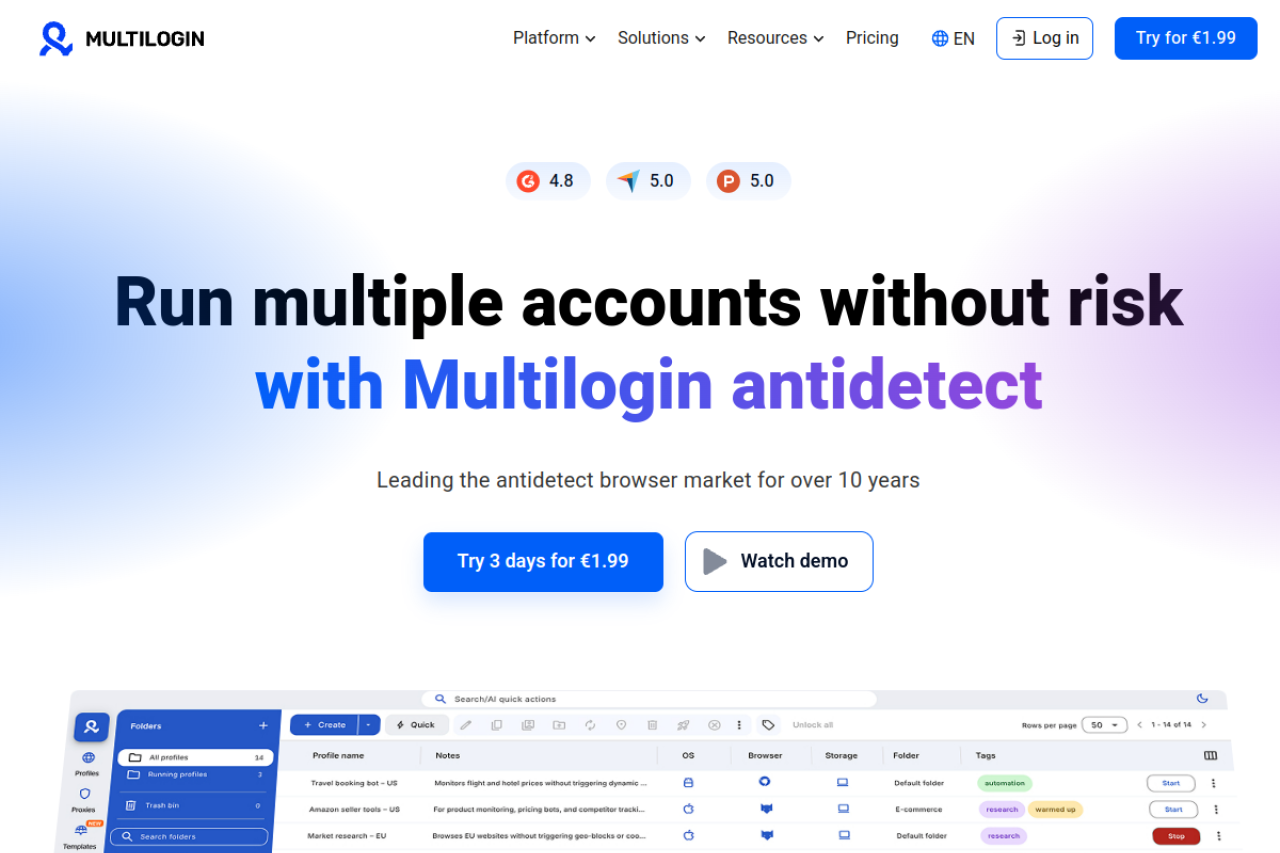
Best For: Large enterprises with high security budgets. Price: Starts at €9/month (Pro 10).
Multilogin has been a leader in the privacy space for years. They offer two distinct browser cores: Mimic and Stealthfox. These cores remove the "noise" that typically leaks your identity. For a Lazada seller, Multilogin offers high reliability. Their profiles rarely get flagged because they update their fingerprint database very frequently.
Pros:
- High Security: Industry-leading protection against browser fingerprinting.
- Support: Excellent customer service and documentation.
- Reliability: Very low crash rate during bulk operations.
Cons:
- Expensive Scaling: While the entry plan is cheap, costs rise steeply for teams (Business plan is €159/mo).
Verdict: A powerful tool, but it might be overkill for smaller sellers given the price jumps.
GoLogin: Simplifying Complex Profile Management
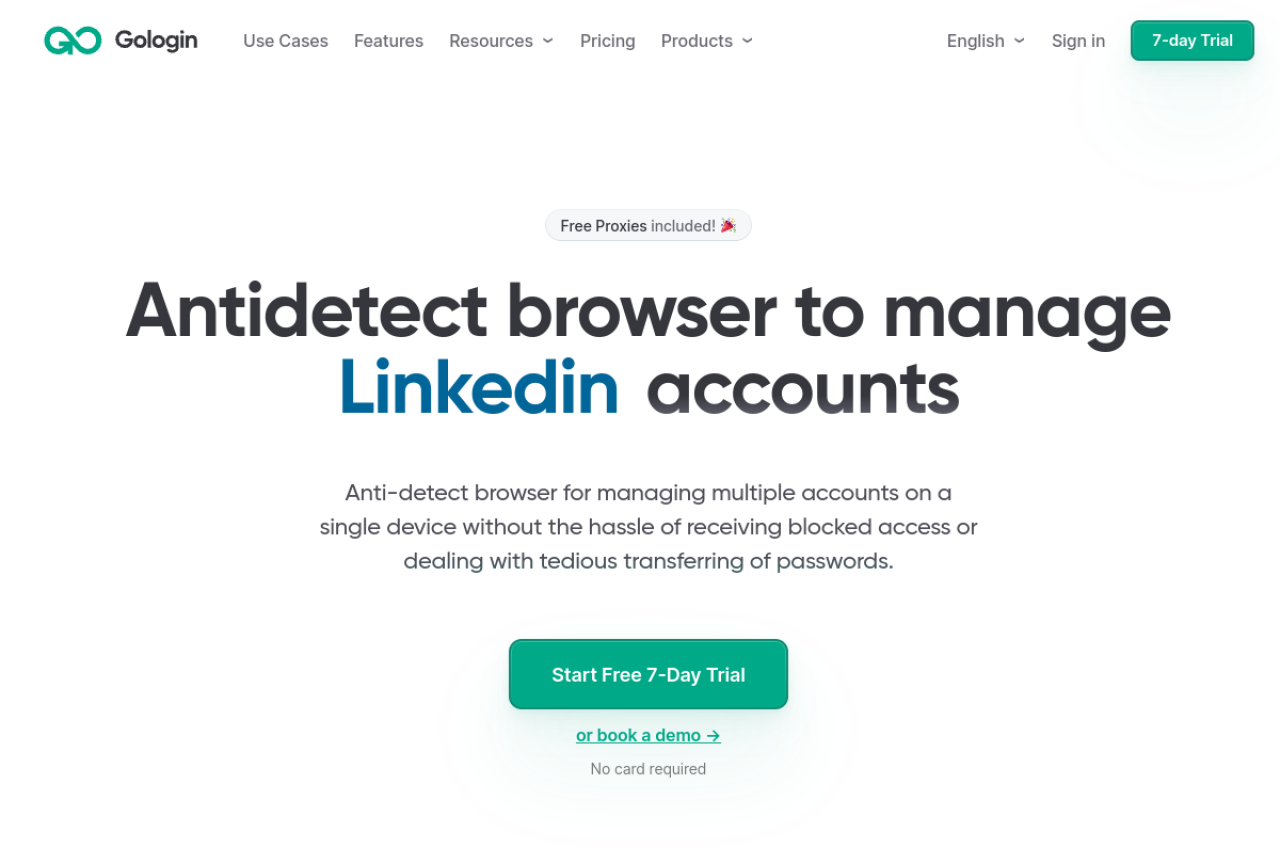
Best For: Remote teams needing cloud access. Price: Free (3 profiles); Professional $24/month.
GoLogin is popular because it includes free proxies and a user-friendly cloud interface. You can run profiles directly in the cloud, which is helpful if you have a slow computer. It offers an Android app, allowing you to manage Lazada stores from your phone, which helps build trust with the platform's mobile-first algorithm.
Pros:
- Mobile App: Manage profiles on the go.
- Cloud Run: No need to install heavy software on every device.
- Free Proxies: Good for testing, though not recommended for main Lazada stores.
Cons:
- Laggy Interface: The web-based UI can become slow when managing 50+ profiles.
Verdict: Good for beginners, but high-volume sellers may find the interface speed frustrating.
AdsPower: Advanced Automation for Massive Store Networks
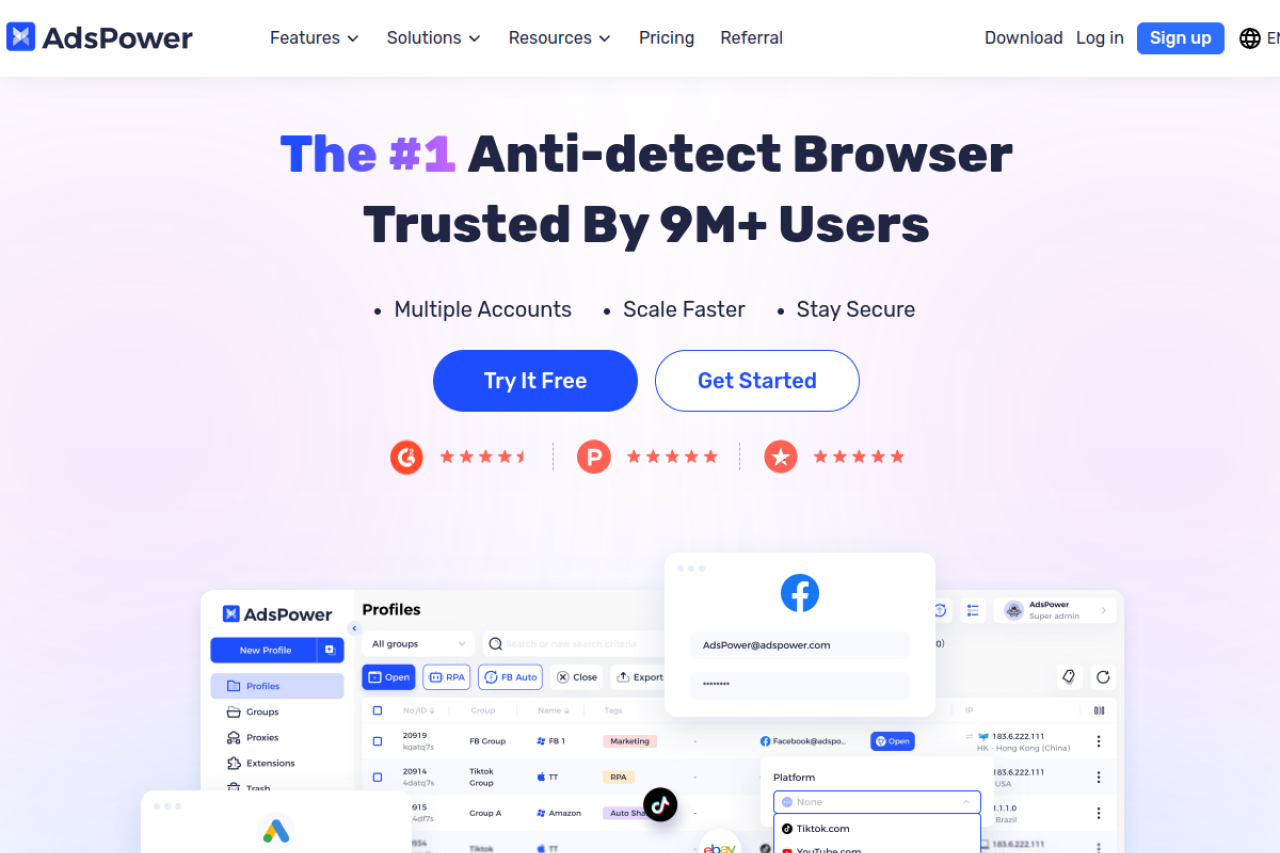
Best For: Tech-savvy sellers who use automation. Price: Free (2 profiles); Base plan $9/month.
AdsPower is famous for its RPA (Robotic Process Automation) robot. You can program it to browse products, add items to the cart, or reply to messages automatically. This is critical for "warming up" new Lazada accounts. It supports both Chromium and Firefox engines (SunBrowser and FlowerBrowser).
Pros:
- Automation: Built-in tools to automate warming processes.
- Flexible Pricing: Pay only for the profiles you need.
- Synchronizer: Control multiple windows with one mouse.
Cons:
- Steep Learning Curve: The interface is cluttered and difficult for non-technical users to learn.
Verdict: Powerful if you know how to code scripts, but confusing if you just want to sell.
Dolphin{anty}: The Performance Choice for Performance Marketers
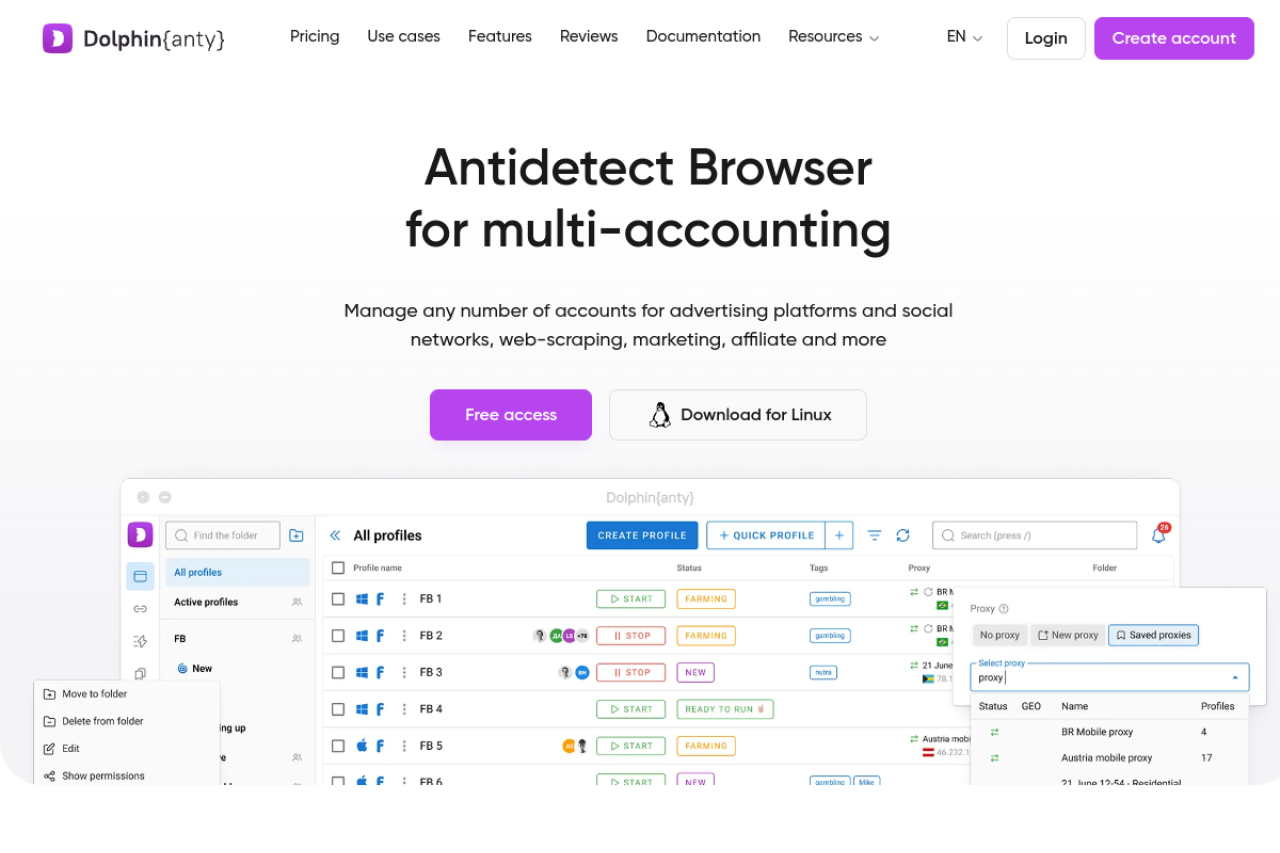
Best For: Affiliate marketers and traffic arbitrage. Price: Free (10 profiles); Base $89/month.
Dolphin{anty} was built primarily for Facebook and Google ad farming. However, it works well for Lazada too. It has a very modern interface that allows you to tag and organize hundreds of profiles easily. The "Cookie Robot" feature can visit websites to build a history before you ever log into Lazada.
Pros:
- UI/UX: Extremely modern and easy to navigate.
- Cookie Robot: Automates the trust-building phase for new accounts.
- Generous Free Plan: 10 profiles for free is great for starters.
Cons:
- Stability Issues: Users occasionally report crashes or sync errors during updates.
Verdict: Excellent for organization, but the software stability can be hit-or-miss compared to DICloak.
Incogniton: Reliable Isolation for Southeast Asian Sellers
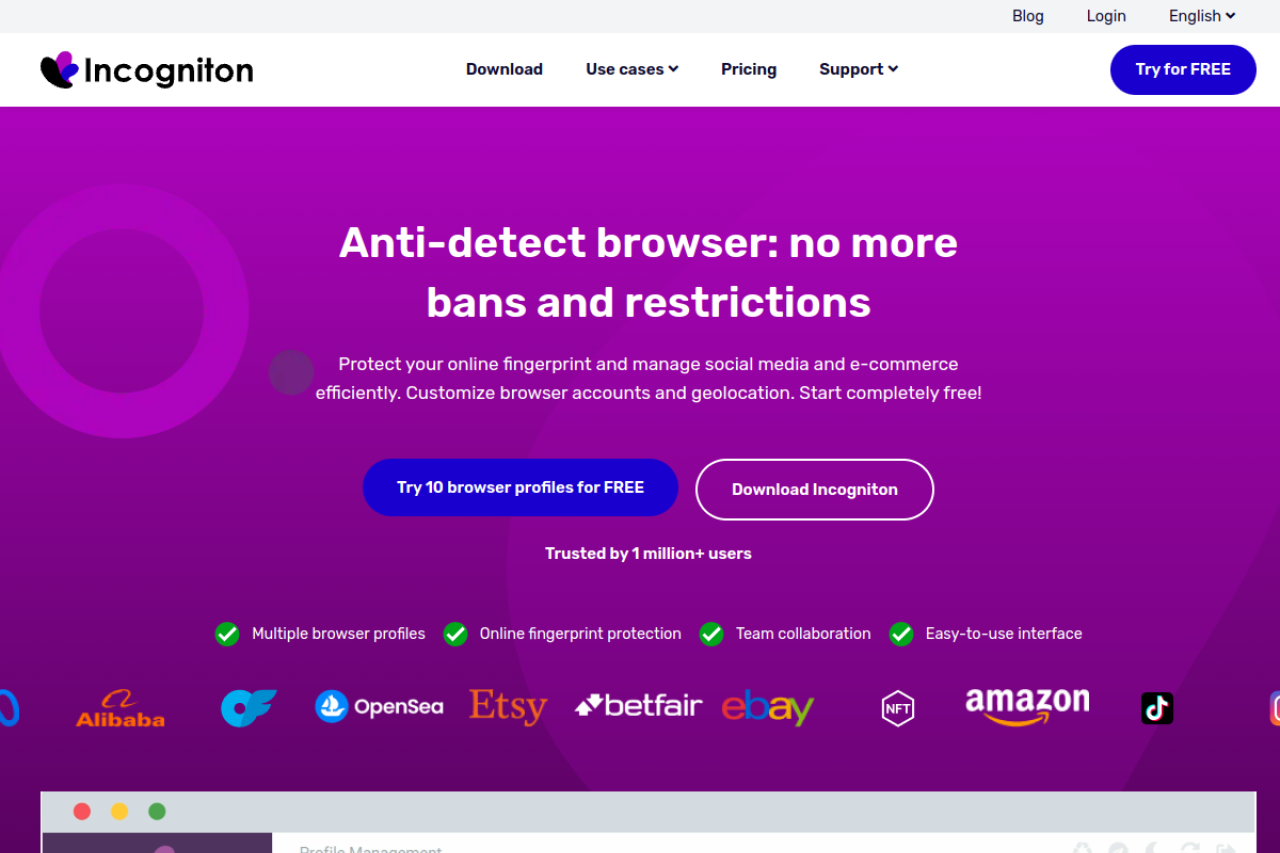
Best For: Users who need a large free tier. Price: Free (10 profiles); Entrepreneur $29.99/month.
Incogniton focuses on isolation. It ensures that no data leaks between your profiles. It allows you to simulate human typing, which helps bypass Lazada's bot detection. The tool is straightforward and integrates with Selenium for those who use custom scripts.
Pros:
- Free Tier: 10 profiles for free forever is a strong offer.
- Data Storage: Local data storage options for better speed.
- Bulk Creator: Create dozens of profiles in seconds.
Cons:
- Performance: The browser can be heavy on your computer's RAM (memory).
Verdict: A solid choice if you have a powerful computer, but it will slow down older laptops.
Browser.lol: Instant Virtualization for Quick Tasks
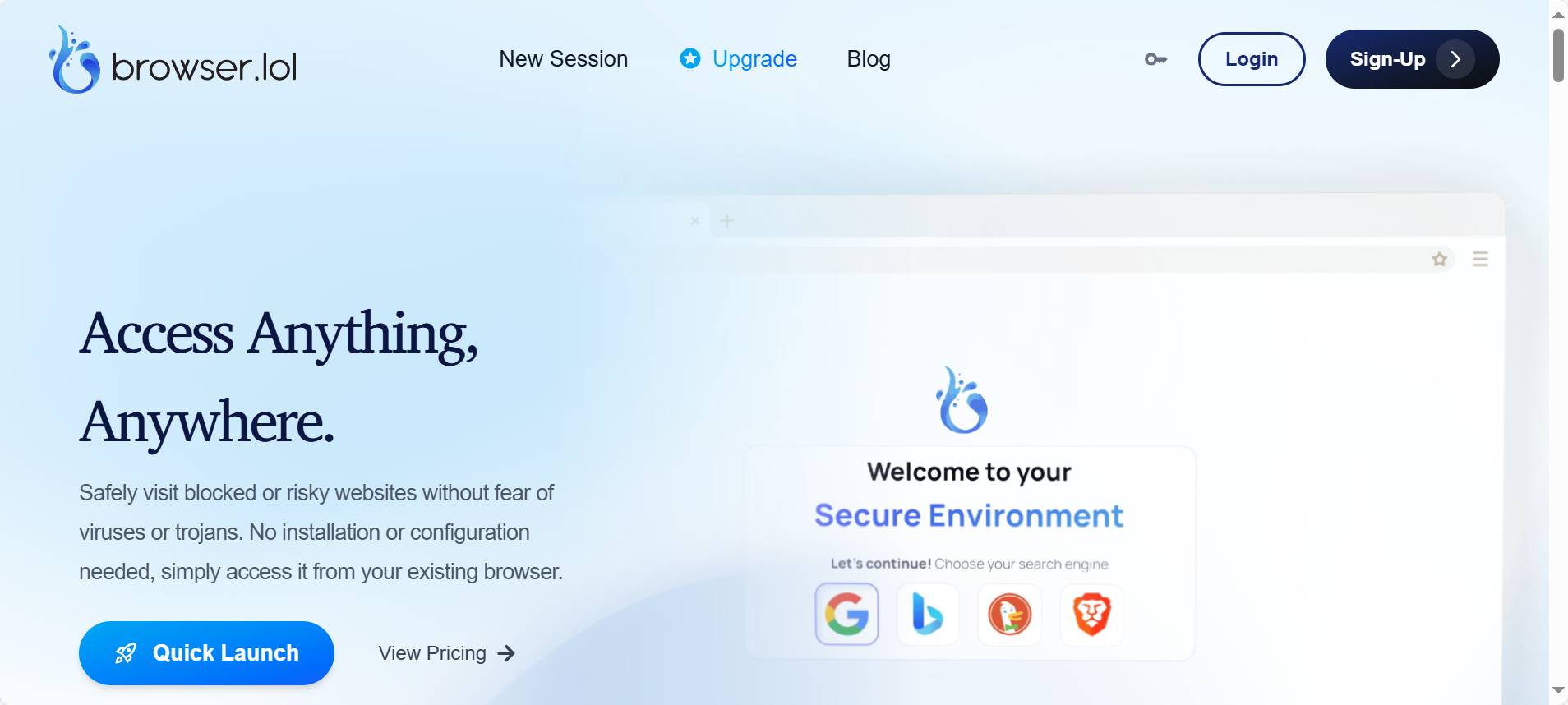
Best For: Quick checks and one-time tasks. Price: Free (Ads); Premium $9/month.
Browser.lol is a unique entry. It is a web-based service that spins up a remote browser instantly. You do not install anything. It streams the browser to you like a video. This is useful if you need to quickly check if a Lazada product listing is visible from a different country IP without setting up a full profile.
Pros:
- Speed: Instant access with zero installation.
- Anonymity: The browser runs on their server, not yours.
- Price: Very cheap for casual use.
Cons:
- No Persistence: It is not designed to save cookies long-term, which is fatal for store management.
Verdict: Use this for quick checks, but never for managing a real seller account.
Octo Browser: Streamlined Speed for High-Volume Listing
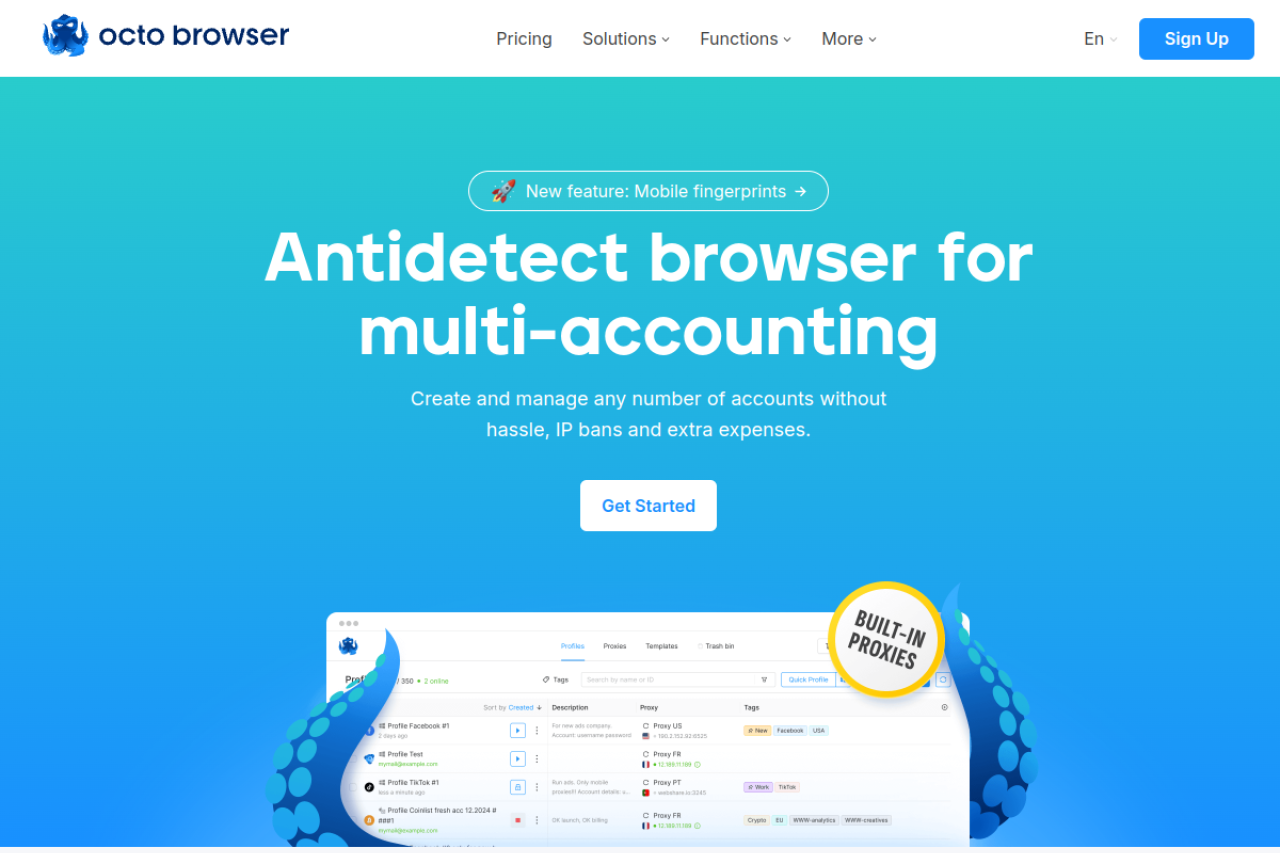
Best For: Fast operations on high-end machines. Price: Starts at €10/month.
Octo Browser claims to be indistinguishable from a real device. It passes major checkers like Pixelscan easily. The interface is minimal and fast. It supports API automation, which larger Lazada seller teams use to upload inventory in bulk.
Pros:
- Speed: Very responsive interface.
- Pass Rate: High success rate on fingerprint checkers.
- Unlimited Devices: Run on as many computers as you want.
Cons:
- No Free Plan: Unlike others, you must pay to even test it properly.
Verdict: A premium tool for those who prioritize speed, but the lack of a free tier is a barrier.
MoreLogin: Leveraging Real Canvas Fingerprints for Maximum Trust
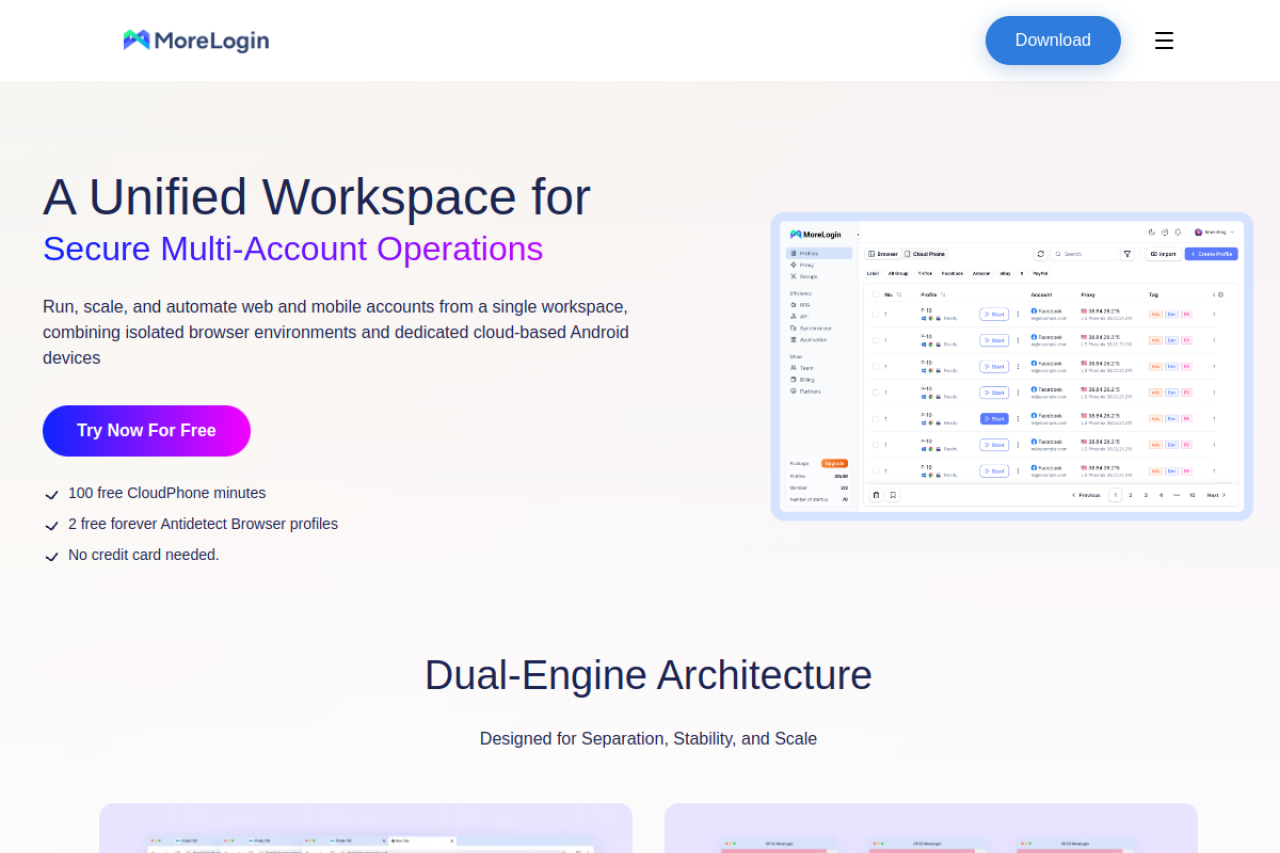
Best For: Mobile-first account farming. Price: Free (2 profiles); Pro starts ~$9/month.
MoreLogin uses a technology called "Real Canvas Fingerprinting." Instead of faking the data, it collects real fingerprints from users around the world and assigns them to you. This makes your profile look very authentic. It also has a specific feature for managing multiple TikTok and Lazada accounts via a "Cloud Phone."
Pros:
- Real Fingerprints: High trust score with platforms.
- Cloud Phone: Excellent for bypassing mobile-only restrictions.
- Collaboration: Easy to share access with team members.
Cons:
- Confusing Pricing: The cost varies based on how many users and profiles you add.
Verdict: Innovative tech for mobile emulation, but the pricing structure is complicated to predict.
Hidemium: Mobile-Centric Automation for Lazada App Emulation
Best For: Sellers focused on mobile app traffic. Price: Free plan; Paid starts ~$15/month.
Hidemium is a newer contender that focuses heavily on mobile automation. Since Lazada pushes sellers to use their mobile app, Hidemium allows you to emulate a mobile device environment on your PC. It includes a drag-and-drop automation builder similar to AdsPower.
Pros:
- Mobile Focus: tailored for app-based platforms like Lazada and TikTok.
- Visual Automation: No coding required to build bots.
- Feature Rich: Includes Facebook and social tools.
Cons:
- Complexity: The sheer number of features can be overwhelming for a simple seller.
Verdict: Great if you need mobile app simulation, but it might be too complex if you just need a browser.
Operating Strategy: How to Safely Manage Multiple Lazada Stores with BigSeller and Antidetect Tech
Buying the software is just the first step. To effectively manage multiple Lazada stores bigseller tools and antidetect browsers must work together in a strict routine. Without a solid operating strategy, Lazada’s security algorithms will link your accounts and ban them all at once. This section outlines a safe Standard Operating Procedure (SOP) to protect your business assets.
The 'Buyer First' Warmup: Building Trust Scores Before Selling
New accounts are naturally suspicious to security bots. If you create a seller account and immediately list 500 items, Lazada will likely block you. You must act like a real person first. This process is called "warming up" the account.
- Configure the Profile: Set up your antidetect browser with a static residential proxy from the target country (e.g., Thailand or Indonesia).
- Be a Buyer: Register a buyer account first. Browse products for 3 days. Add items to your cart but do not buy yet.
- Simulate Traffic: Visit other local websites, like news or weather sites, to build a natural history of HTTP cookies.
Only convert this profile to a Seller Account on Day 4. This method tricks the system into seeing you as a genuine local user rather than a bot farm.
Syncing Your Antidetect Browser for Lazada Sellers with BigSeller for Bulk Operations
BigSeller is excellent for processing orders centrally, but it uses official APIs. The risk occurs when you log in to the Seller Center manually to fix issues or update authorization tokens.
- Isolate Logins: Never log in to Lazada directly through a regular Chrome browser. Always open your antidetect profile first to mask your device fingerprint.
- API Safety: When you connect a store to BigSeller, perform the authorization inside the antidetect browser profile. This ensures the IP address matches the store location during the connection process.
- Cookie Transfer: Advanced tools like DICloak allow you to export cookies. You can move sessions between your "Admin" profile and your "Virtual Assistant" profile without triggering a new login OTP (One-Time Password).
Managing KYC and Financial Isolation Across Multiple Entities
Lazada tracks money trails effectively. If two stores share one bank account, both will receive an immediate ban. You must keep every store financially separate to survive.
- Distinct IDs: Use a unique "KYC Pack" (Citizen ID + Phone Number) for every store. Never reuse a phone number across accounts.
- Banking: Use virtual banking solutions or distinct Payoneer sub-accounts for each shop.
- Device Fingerprints: Ensure your browser profile settings (Canvas, WebGL) remain consistent. Do not change them after you start selling. Frequent changes to your digital fingerprint look suspicious to security systems.
Frequently Asked Questions about Antidetect Browser for Lazada Sellers
Running a multi-account business in 2026 is complex. Many users have concerns about safety, compliance, and technical setups. This FAQ section clarifies common questions regarding the use of an Antidetect Browser for Lazada Sellers. These answers will help you navigate the risks and protect your digital assets.
Is using an Antidetect Browser for Lazada Sellers against the terms of service?
Technically, yes. Lazada’s policy generally prohibits one entity from operating multiple seller accounts to manipulate the market. However, an antidetect browser protects your privacy. It stops the platform from linking your accounts together. If you configure your digital fingerprint correctly, the platform cannot detect that you are managing multiple stores. You appear as distinct, legitimate users.
How do I avoid 'Suspicious Login' loops when using these browsers?
Suspicious login loops happen when your browser profile changes too often. To avoid this, you must maintain consistency. Always use the same static residential proxy for a specific profile. Do not change your User Agent or canvas settings after you create the account. Tools like DICloak help by saving these settings permanently in the cloud, so your login environment never looks different.
Can I use the same proxy for multiple Lazada stores?
No. You must never share an IP address between two different seller accounts. If Store A gets flagged for a policy violation, Lazada will check the IP history. If Store B used that same IP, it will also be banned immediately. You need a unique, high-quality proxy for every single store you operate.
Do these browsers support the Lazada Mobile App environment?
Yes. Modern antidetect browsers can emulate mobile devices. They adjust the User Agent string to look like an Android or iOS device. This is critical because Lazada often forces sellers to verify their identity through the mobile app. A good browser convinces the system you are on a smartphone, even if you are on a PC.
How does BigSeller help when I manage multiple Lazada stores?
BigSeller handles your backend operations, like inventory and shipping. The antidetect browser handles your account security. When you manage multiple Lazada stores bigseller tools centralize the work, but they do not hide your identity. You should use the antidetect browser to safely authorize the connection between your store and BigSeller. This keeps your login footprint secure while you enjoy bulk processing features.
Conclusion
Scaling on Lazada in 2026 is not about shortcuts—it is about controlled isolation, consistency, and discipline. From warming up accounts correctly to syncing BigSeller operations inside protected environments, every step must be designed to avoid fingerprint overlap and financial linkage. A professional Antidetect Browser for Lazada Sellers, especially one built for team workflows and long-term stability like DICloak, is the only reliable way to protect your stores from chain bans while expanding across niches and regions. Treat each store as a standalone business, lock down its digital identity, and Lazada’s algorithms will see growth—not manipulation.
 Web Proxy Tools
 Free Tools
 Cookie Plugin
 UA Generator
 MAC Address Generator
 IP Generator
 IP Address List
 2FA Code Generator
 World Clock
 Anonymous Check
 WebRTC Leak Test
 UUID Generator
 Free Web Proxy Site
 Proxy Checker
 FB Ad Checker
 AI Web Scraping
 Free SMM Tools
 Twitter Shadowban Checker
 Instagram Name Checker
 UTM Generator
 Username Generator
 AI Hashtag Generator
 LinkedIn Headline Generator
 Social Media Image Resizer