Why are users switching to Genlogin alternatives in 2026?
It hurts when a platform bans your hard-earned account. You lose time, data, and money. Many users originally started with Genlogin to protect their online identities and prevent these bans. But in 2026, the landscape has shifted. Users are rapidly moving away. Why? Because managing multiple accounts should be simple and affordable, not a technical nightmare. Let's look at the two main reasons people are looking for a Genlogin alternative.
When automated tasks feel too technical to set up
Antidetect browsers help you manage digital fingerprints—the unique data your browser sends to websites, like your screen resolution or operating system. To look like a real user, you have to warm up these profiles by browsing normally. Automation speeds this up, but it needs to be accessible.
Simplified vs. complex automation builders
Genlogin offers automation, but it often requires scripting knowledge. You have to write or manage code to tell the browser what to do. Today, newer tools offer visual, drag-and-drop builders. You do not need to be a programmer to use them. You just click, select actions, and connect the steps.
Finding a better balance between price and profile limits
Profile limits dictate how much you can grow. A profile is an isolated browser profile. It keeps your cookies and local data completely separate from your other accounts.
Hidden costs of scaling your account numbers
As your business grows, you need more profiles. Genlogin charges you more as you add these extra environments. But the costs rarely stop at the base monthly subscription. You might have to pay extra fees for team seats, advanced automation features, or premium API access. Before you know it, your monthly bill doubles just to maintain your current workflow.
Quick verdict: Which Genlogin alternative is right for you?
You just saw how modern free tiers and simpler interfaces are changing the market. If you are tired of Genlogin's complex setup and rising costs, switching makes sense. The right tool should protect your browser fingerprint without making daily work harder. Here is a fast breakdown of the top options.
Best overall pick for most everyday users
If you need a tool that balances usability, team features, and automation, DICloak is the strongest overall choice. It helps reduce the daily workload of account management with built-in RPA automation, so users do not have to rely on scripts for basic warming tasks. Its cloud sync also makes it easier for teams to share and manage profiles across devices. The free tier includes 5 profiles, which is enough for small tests before scaling up. The main limitation is that users who need a very large number of profiles right away may outgrow the free plan quickly and need to move to a paid tier.
Best choice for large teams on a budget
If your business needs to manage a growing number of profiles without letting costs get out of control, DICloak is the better fit for most teams. It offers a more balanced mix of affordability, team collaboration, and daily usability, which matters much more than a low entry price alone. For agencies, e-commerce sellers, and performance teams, this makes scaling smoother and easier to manage over time.
Some budget-focused tools may look appealing because they offer more profiles at a lower starting price. But in real workflows, low pricing does not always mean better value. Teams may run into a less polished interface, weaker collaboration flow, or a setup that feels harder to manage as operations grow. DICloak stands out because it keeps the learning curve lower while still giving teams the tools they need to scale safely and efficiently.
For teams running large Facebook, TikTok, or multi-platform workflows, DICloak is the more well-rounded choice. It helps reduce repetitive work through built-in automation and gives teams a cleaner way to manage multiple profiles without turning everyday tasks into a technical burden. This is especially important for media buyers and account operators who need both speed and stability.
Some other tools are often mentioned for social media workflows because they offer action sync or visual automation features. Those features can be useful in certain cases, but they do not always translate into better long-term value. Pricing can rise quickly as profile volume increases, and some platforms feel more specialized than flexible. Compared with those options, DICloak delivers a stronger balance of usability, automation, and cost control, making it a smarter choice for teams that want reliable growth instead of short-term convenience.
Reliability when keeping multiple account identities separate
The most important job of any Genlogin alternative is keeping each account separate. If two profiles look too similar, platforms may connect them and trigger warnings, verification checks, or bans. That is why we focused on fingerprint masking, session stability, and leak prevention during testing. We looked at how well each tool spoofed browser and device data such as Canvas, WebGL, timezone, and other profile signals. We also paid attention to whether sessions stayed stable over time, since sudden logouts, proxy leaks, or inconsistent connection settings can quickly put accounts at risk. The tools that scored best were the ones that kept profiles consistent, reduced exposure to common detection triggers, and made daily account use feel stable instead of fragile.
The learning curve for your team and staff
A good Genlogin alternative should not slow your team down. We compared how easy it was to import profiles, set up proxies, and train a new user to launch accounts safely. Tools with clean dashboards, bulk import options, and visual automation were much easier for beginners to use than platforms that rely heavily on scripts or technical setup. This matters because the faster a new employee can understand the workflow, the less time you waste on training and troubleshooting. In real use, the best tools were the ones that combined simple onboarding with enough control for teams to scale without making daily operations more complicated.
The 5 best Genlogin alternatives for multi-accounting
Now that you understand why a smooth setup matters for your team, let us look at the actual software. When you evaluate the top Genlogin competitors list, you want tools that balance safety and ease of use. Below is a quick comparison table of the top choices for 2026.
| Software |
Best Feature |
Free Plan |
Paid Starting Price |
| DICloak |
Built-in RPA automation |
5 profiles |
$8 per month |
| Dolphin{anty} |
Visual scenario builder |
5 profiles |
$10 per month |
| Incogniton |
Paste as human typing |
10 profiles |
$19.99 per month |
| BitBrowser |
Cloud phone environments |
10 profiles |
$10 per month |
| Undetectable Browser |
Unlimited local storage |
5 profiles |
$49 per month |
DICloak: Best for teams who need simple automated tasks
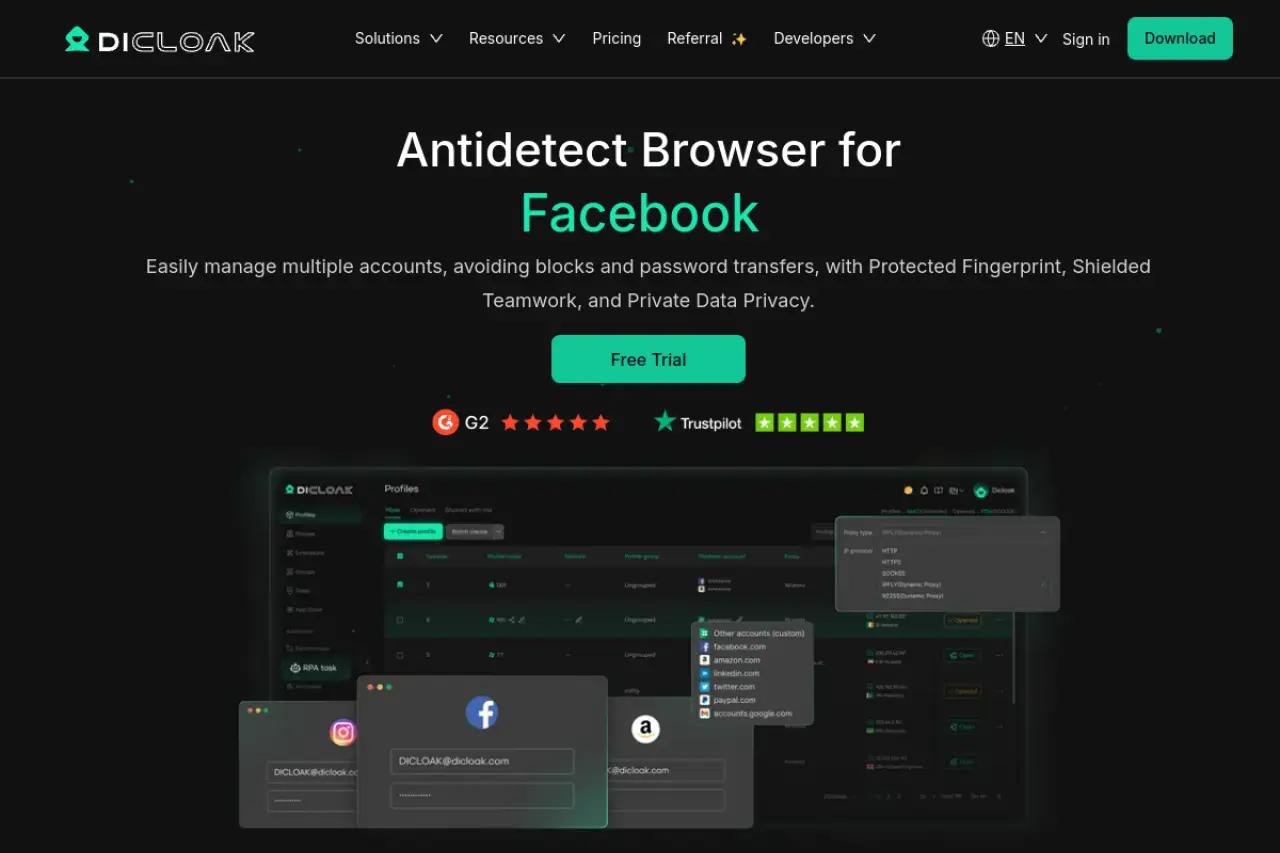
If you are looking for the strongest overall upgrade from your current setup, DICloak is our top recommendation. It perfectly balances secure browser profiles with features that save you time.
User-friendly RPA bots for warming up accounts
Robotic Process Automation means the software clicks, scrolls, and types for you. DICloak includes an automation system built right in. You do not need to write code to use it. You simply tell the bot to browse websites, click links, and act like a normal user. This warms up your accounts safely before you launch ad campaigns.
How the cloud sync keeps your team on the same page
When you hire an assistant, you need them to see exactly what you see. DICloak Synchronize your profiles across multiple devices using the cloud. It also offers flexible team collaboration tools. You can assign permissions, so your staff only accesses the profiles they need.
Pricing check: Free for 5 profiles, scalable for teams
You can start for free with 5 profiles. When you are ready to grow, the base plan costs just $8 a month. The Plus plan at $28.80 a month unlocks the full automation bots and a window synchronizer, making it highly cost-effective for growing agencies.
Dolphin{anty}: Best for social media and affiliate marketing
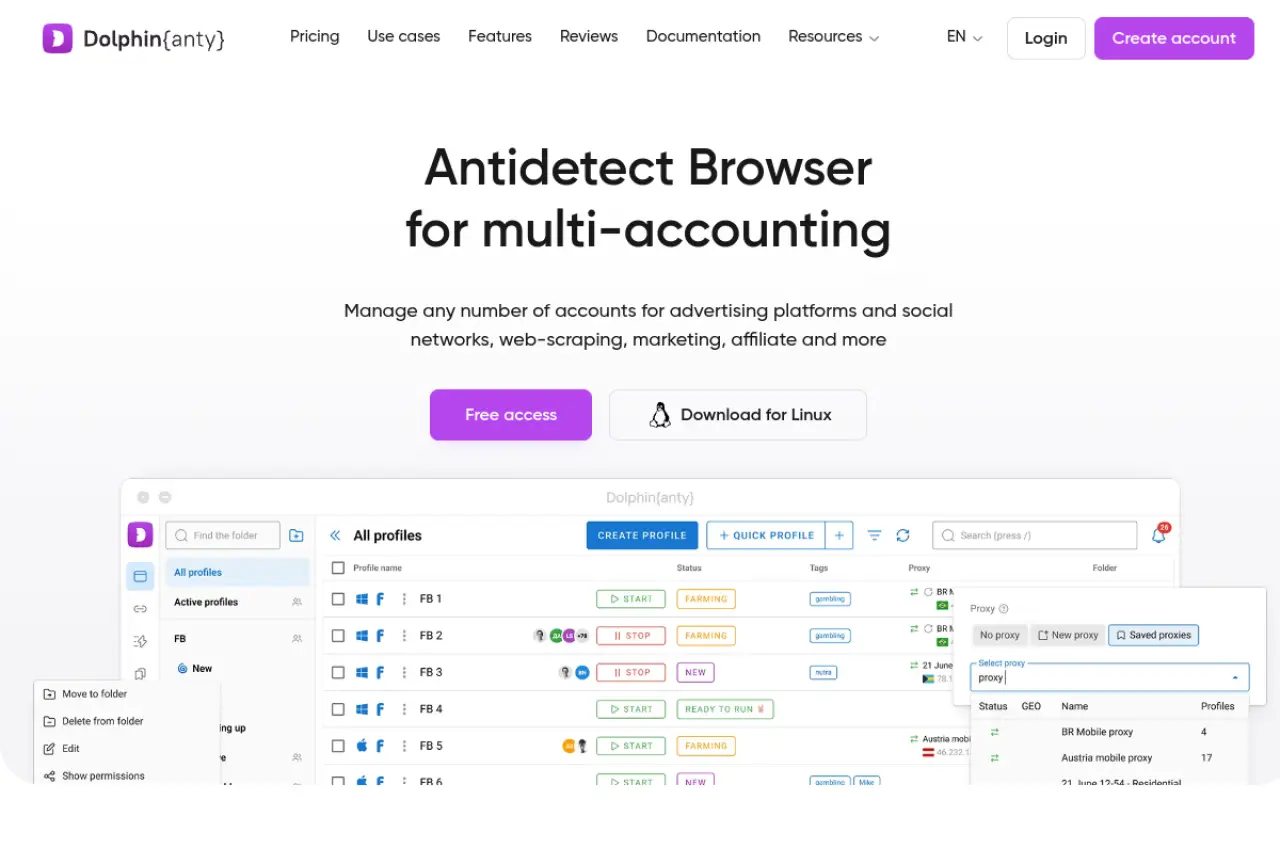
Many users search for a Genlogin vs Dolphin Anty comparison because both tools target media buyers and affiliate marketers. Dolphin{anty} focuses heavily on social media platforms like Facebook and TikTok.
Visual builders that don't require coding knowledge
Instead of writing scripts, Dolphin uses a visual scenario builder. You drag and drop actions to create workflows. It also features a cookie robot that visits sites automatically to collect cookies, making your browser history look real to tracking algorithms.
Mirroring your actions across multiple windows at once
A standout feature is the profile synchronizer. If you open ten browser windows, you can type in one window and the software copies your actions across the other nine. This speeds up repetitive daily tasks.
Pricing check: Solid free tier with premium options for scale
The free tier gives you 5 profiles. For $10 a month, you get 20 profiles and basic fingerprint management. As you scale up to 100 profiles, the price jumps to $89 a month.
Incogniton: Best for users who want isolated browsing profiles
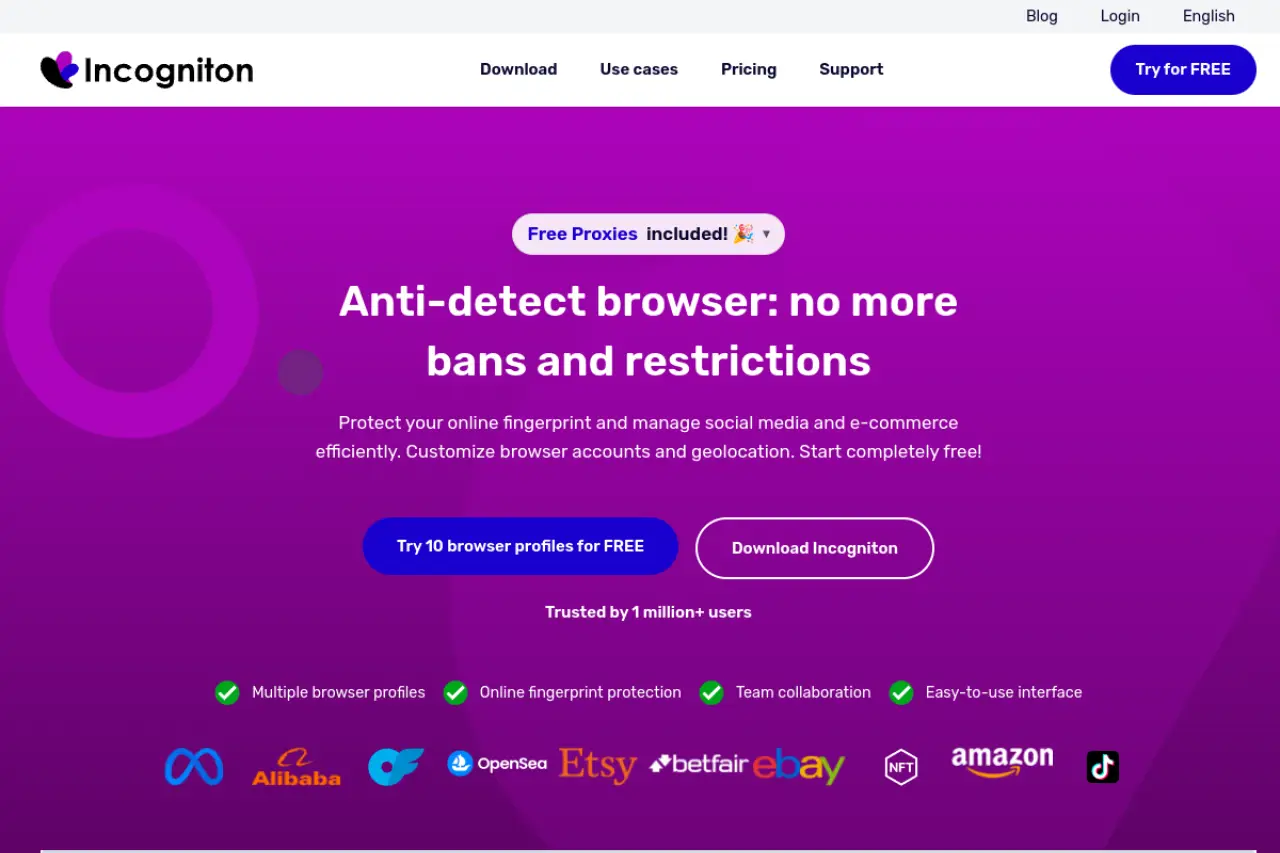
Incogniton is another strong choice if you want completely isolated profiles. It focuses heavily on simulating human behavior to bypass detection mechanisms.
Typing simulation tools that make you look like a real person
Websites track how fast you type. If you paste a password instantly, they know you are using software. Incogniton uses a paste as human tool. It types out copied text slowly, mimicking a real person at a keyboard.
Managing roles so assistants can't see private data
Security matters when sharing work. Incogniton lets you create specific team roles. You can hide certain profile details or passwords from virtual assistants while still letting them log in and work.
Pricing check: Includes a generous 10-profile free plan
You get 10 profiles for free. Upgrading to the $19.99 monthly plan keeps the 10 profiles but adds API access for automated account warming.
BitBrowser: Best budget-friendly choice for small businesses
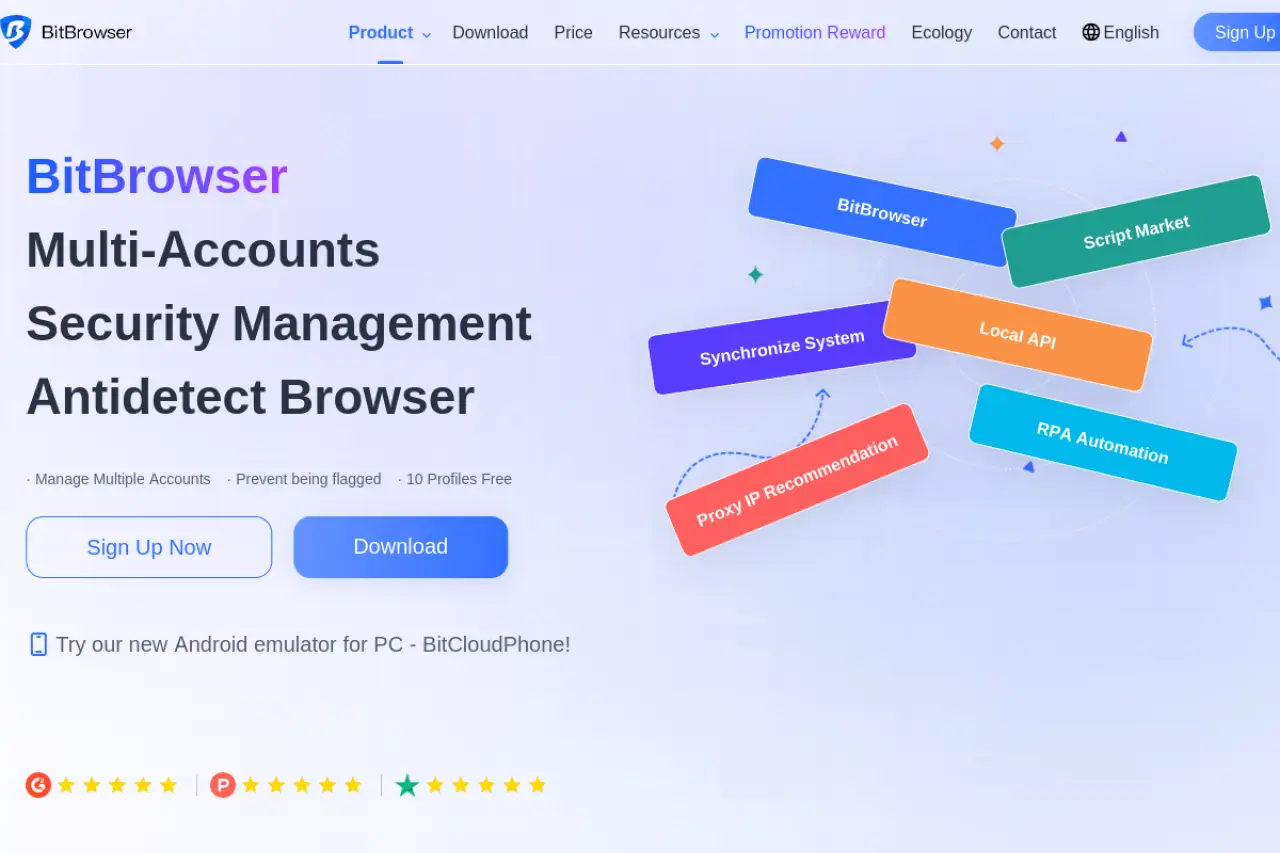
If cost is your primary concern, BitBrowser offers very cheap entry points. It is built on both Chrome and Firefox, giving you flexibility in how your profiles appear to websites.
Accessing Android environments through the cloud phone feature
Some apps only trust mobile devices. BitBrowser offers a cloud phone feature that simulates a real Android environment. This is very useful if your marketing strategy relies on mobile-only platforms.
The low-cost path to managing 50 or more profiles
It includes group control tools so you can manage dozens of accounts simultaneously. It also synchronizes data quickly using content delivery networks to keep your pages loading fast.
Pricing check: One of the most affordable paid plans available
The free plan covers 10 profiles. For just $10 a month, you expand to 50 profiles and unlock group control tools. This makes it an incredibly cheap antidetect browser for beginners.
Undetectable Browser: Best for scaling large account setups
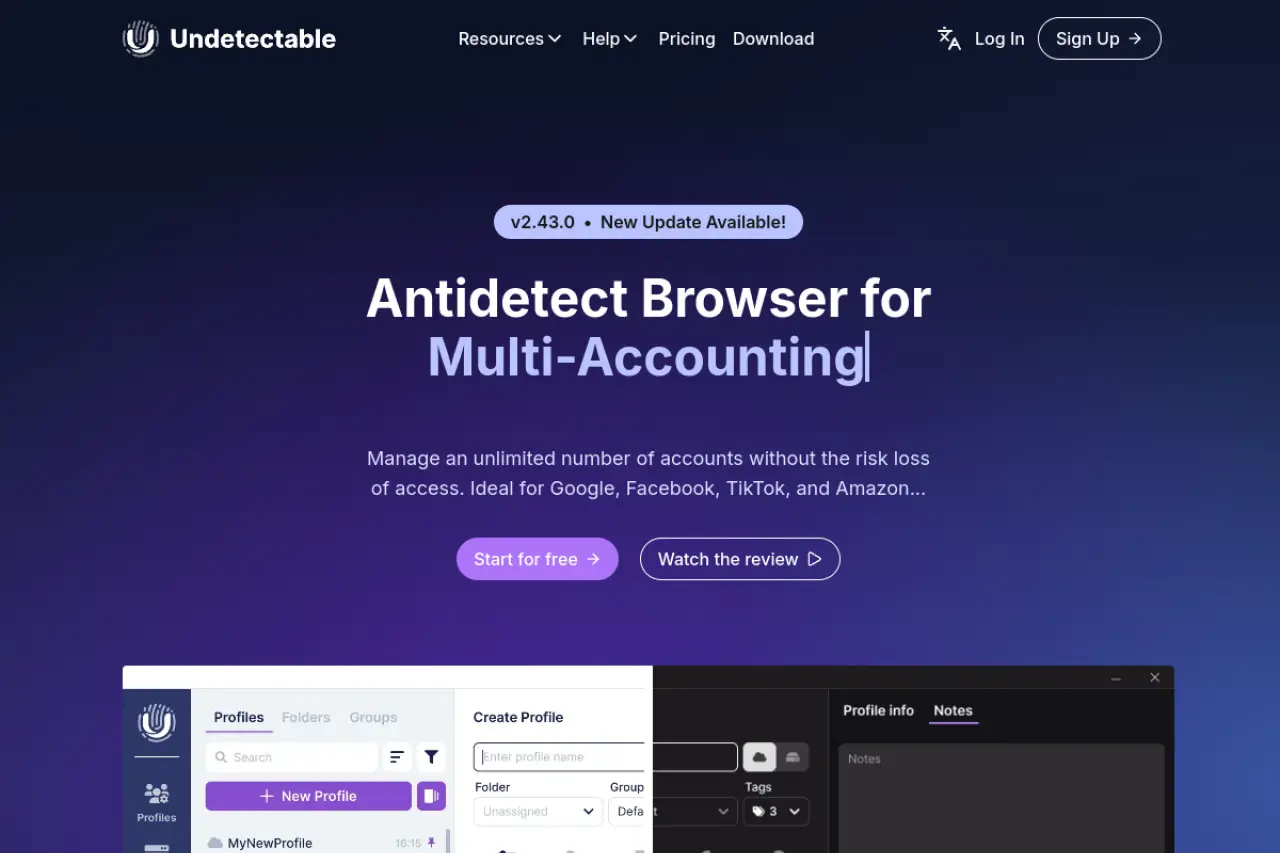
When you run hundreds of accounts, keeping your data safe becomes a top priority. Undetectable Browser is built for serious agencies and growth hackers who need total control over their data.
Storing profiles locally to keep your data more private
Most tools force you to store profiles on their servers. Undetectable lets you store an unlimited number of profiles locally on your own hard drive on all paid plans. This prevents third-party data leaks.
Using real device settings to avoid website detection
Instead of guessing what a real computer looks like, Undetectable has an internal store where you can buy real device fingerprints. You apply these verified settings to your profiles so websites never suspect you are using multi-accounting software.
Pricing check: Flexible options including unlimited local storage
The free plan gives you 5 cloud profiles. The base plan costs $49 a month. While it is more expensive upfront, the ability to store unlimited local profiles makes it highly valuable for massive operations.
Conclusion
The best Genlogin alternative depends on your workflow, budget, and team size. Some tools are better for low-cost scaling, while others are stronger for social media automation or large local profile storage. For most users, however, DICloak stands out as the best overall choice because it offers a stronger balance of usability, automation, team collaboration, and pricing. If you want a Genlogin alternative that feels practical for daily use instead of overly technical, DICloak is a smart place to start.
Frequently asked questions about Genlogin alternatives
Switching your multi-accounting software can feel overwhelming, especially when your business relies on stable profiles. You likely have questions about keeping your digital identities safe, migrating your data securely, and choosing the right pricing plan. Below are clear answers to the most common questions people ask when exploring Genlogin alternatives.
What is the best free Genlogin alternative for small projects?
If you only need a few profiles, DICloak is one of the best free Genlogin alternatives. It gives you 5 free profiles plus built-in automation, which makes it more useful than tools that only offer basic profile access.
How do I move my data to a Genlogin alternative without getting banned?
The safest way to move your accounts is to export your cookies from Genlogin and import them directly into your new software. You should also ensure your new profiles use the exact same proxy settings and timezone as your old ones. This keeps your digital identity consistent and prevents websites from triggering sudden security checks or account locks.
Which Genlogin alternatives are easiest for non-technical users?
DICloak is one of the easiest options for non-technical users because its automation tools do not require coding. It is a better fit for beginners and teams that want a simpler workflow without adding too much cost or complexity.
 Web Proxy Tools
 Free Tools
 Cookie Plugin
 UA Generator
 MAC Address Generator
 IP Generator
 IP Address List
 2FA Code Generator
 World Clock
 Anonymous Check
 WebRTC Leak Test
 UUID Generator
 Free Web Proxy Site
 Proxy Checker
 FB Ad Checker
 AI Web Scraping
 Free SMM Tools
 Twitter Shadowban Checker
 Instagram Name Checker
 UTM Generator
 Username Generator
 AI Hashtag Generator
 LinkedIn Headline Generator
 Social Media Image Resizer