Why Traditional Social Media Management Fails Content Creators
If you are trying to scale your reach, a basic account farming strategy is no longer enough. Many creators think they are safe using "Incognito Mode" or simply switching accounts on a single phone. This is a dangerous mistake. Modern platforms like TikTok and Instagram are much smarter than they used to be. They track your physical device, not just your username. If you want to grow without limits, you must understand why the old methods lead to instant bans.
The Death of the Single-Device Strategy
Years ago, you could easily run five Instagram pages from one iPhone without issues. Today, that behavior flags you as a "business" or a "bot." Platforms want real, organic users. When they see ten different logins coming from the exact same computer, they identify it as social media multi-accounting.
They assume you are spamming or manipulating the system. This leads to immediate blocks or identity verification loops. You cannot hide just by logging out or clearing your history. Even if you use instagram automation tools to schedule posts, the platform sees they all originate from one device. To them, it looks unnatural. To protect your assets, you need to stop acting like one person running ten accounts and start looking like ten different people.
How Platforms Link Multiple Accounts via Hardware IDs
Social platforms do not just look at your IP address. They read your specific hardware setup. They can see your screen resolution, your battery life, your installed fonts, and even your graphics card model. This collection of data creates a unique ID called a device fingerprint.
Even if you change your internet connection with a VPN, your hardware fingerprint stays exactly the same. This connects all your accounts together in a "chain." If one account gets flagged for a violation, the platform links the others because they share the same fingerprint. This is why you need digital fingerprint spoofing. This technology creates a unique, fake hardware profile for every account, making them look completely separate to the platform's security bots.
The '0 Views' Jail and Reach Suppression
The worst punishment for a creator is not an error message. It is silence. You upload a video, and it gets 0 or 5 views. This is commonly known as a shadowban. The algorithm has marked your specific device ID as low-quality or spam.
Because the platform links your accounts, a shadowban on one profile can poison the reach of your new profiles, too. It stops showing your content to new audiences entirely. Without proper shadowban protection, your hard work is wasted. You are essentially shouting into a void because the platform has secretly muted your device ID to protect its ecosystem from what it thinks is a bot farm.
The Hidden Science of Digital Fingerprinting and Account Bans
Since we know platforms track your hardware, we need to understand exactly how they do it. Most users think clearing cookies is enough, but modern sites use much advanced methods. They build a profile of your device called a "fingerprint." To run an effective account farming strategy without getting banned, you must understand these technical traps.
The only way to bypass this tracking is through digital fingerprint spoofing. This method takes your real device data and changes it slightly. It makes one computer look like ten different devices to the platform's security system.
Canvas Fingerprinting: The Invisible Tracking Pixel
This is the most common tracking method. When you visit a website, the site secretly asks your browser to draw a hidden image or text. Because every computer has a different graphics card and driver version, your computer draws this image in a unique way.
This unique drawing is your "Canvas Fingerprint." If you log into five different accounts, they all produce the exact same drawing. This links your accounts instantly. A high-quality canvas fingerprinting blocker does not stop the drawing. Instead, it adds a small amount of "noise" to the image. This changes the fingerprint just enough to look unique for every profile you create.
WebGL and Audio Context: Unique Hardware Signatures
Platforms also look deeper into your system using WebGL and Audio Context.
- WebGL: This checks your video card (GPU) to see exactly what model it is and how it renders 3D shapes.
- Audio Context: This measures how your computer processes sound signals.
Just like Canvas, these create a hardware signature that a VPN cannot hide. If you have a generic account farming strategy that ignores these settings, Facebook or TikTok will see that 20 accounts are all running on the exact same generic GPU driver. This is a major red flag.
WebRTC Leak Protection: Closing the IP Loophole
You might use a proxy or VPN to change your location, but browsers have a weakness called WebRTC. This is a feature used for video calls and voice chats directly in the browser.
The problem is that WebRTC can bypass your VPN and reveal your real IP address to the website. This is known as a "leak." If TikTok sees a US proxy IP but your WebRTC leaks a German IP, your account gets shadowbanned immediately. You need strict webrtc leak protection to ensure your public IP matches your proxy IP perfectly.
Behavioral Analysis and 'Bot-Like' Patterns
Finally, algorithms watch how you move. They track your mouse movements, typing speed, and click patterns.
- Bots often type instantly or paste text in zero seconds.
- Humans have variable typing speeds and move the mouse in curved lines.
If you use low-quality instagram automation tools, they often fail this test. They act too perfectly. To stay safe, you need tools that mimic human jitter and variable typing speeds. This prevents the platform from tagging your activity as "non-human."
How Antidetect Browsers for Content Creators Neutralize Tracking
You now understand how platforms track your hardware. You know that a simple VPN is not enough. To solve this, you need Antidetect Browsers for Content Creators. These tools do not just hide your IP address. They completely rebuild your digital identity from the ground up.
When you use a standard browser like Chrome, your digital fingerprint is static. It does not change. Antidetect browsers work differently. They allow you to change the underlying parameters of your browser for every single account you manage. This prevents platforms from linking your "Technology Tips" account to your "Personal Blog" account.
Browser Profile Isolation: Creating Virtual Containers
The core technology here is browser profile isolation. Imagine you have ten different physical laptops sitting on your desk. Each laptop has its own hard drive, its own cookies, and its own history. If you log into Instagram on Laptop A, it has no idea that Laptop B exists.
Buying ten laptops is expensive. Profile isolation does this virtually. It creates a separate "container" for each account.
- Cookies are separated: Data from one profile never leaks to another.
- Cache is isolated: Temporary files are stored in separate folders.
- Local Storage is unique: Even if a website saves a tracking file to your computer, it stays locked inside that specific profile.
This ensures that your account farming strategy remains safe. To the website, you are not one person running ten accounts. You are ten different people logging in from ten different devices.
Spoofing vs. Masking: Why Modern Tech Prefers Emulation
Many beginners try to "hide" their data. This is called masking. They use blockers to stop the website from reading their Canvas or WebGL data. This is a mistake.
Social media security systems are smart. If they ask your browser, "What graphics card do you have?" and your browser refuses to answer, that is suspicious. Normal users do not hide this info. Hiding leads to immediate flags or shadowbans.
The correct method is digital fingerprint spoofing (also called emulation). Instead of hiding, you provide "fake but real" data.
- Masking (Bad): Blocking the request. The website sees a "blank" space.
- Spoofing (Good): Answering with a fake ID. You tell the website, "I am using a Windows PC with a standard Intel driver."
By using spoofing, you blend in with the crowd. You look like a normal user, just a different normal user for every profile. This is essential for using Instagram automation tools safely without triggering bot detection.
Mobile Fingerprinting: Mimicking iOS and Android for Social Apps
Content creators face a unique challenge: platforms like TikTok and Instagram favor mobile users. If you upload Reels from a desktop PC, your reach is often penalized. You might get stuck at 0 views because the algorithm prefers "authentic" mobile creation.
Advanced antidetect browsers solve this with mobile fingerprinting. They do not just change the User-Agent string to say "Android." They emulate the physical properties of a phone.
- Touch Events: They simulate how a finger taps a screen, rather than a mouse click.
- Battery Status: They send fake data about battery level and charging status (APIs that desktop browsers don't usually use).
- Screen Orientation: They mimic the vertical aspect ratio of a smartphone.
This tricks the platform into thinking you are posting from a real iPhone or Samsung Galaxy. This "Mobile-First" approach is critical for avoiding the shadowban jail in 2026.
Top 12 Best Antidetect Browsers for Content Creators in 2026
We just covered how mobile fingerprinting and spoofing protect your accounts. Now, you need the right tool to apply that technology. Choosing the best antidetect browser 2026 is not just about hiding your IP. It is about workflow.
You need a browser that can manage browser profile isolation perfectly. If you run an agency, you need team sharing features. If you are a solo creator, you need automation to warm up accounts while you sleep. We tested the top tools on the market to see which ones actually prevent shadowbans for content creators.
Here is the quick comparison of the top 12 tools.
| Browser |
Best For |
Starting Price |
Free Plan? |
| DICloak |
Overall Best for Creators |
$8/mo |
Yes (5 Profiles) |
| Multilogin |
Enterprise Security |
€9/mo |
No |
| GoLogin |
Cloud & Android App |
$49/mo |
Trial |
| AdsPower |
Social Media Automation |
$9/mo |
Yes (2 Profiles) |
| Dolphin{anty} |
Affiliate & TikTok |
$10/mo |
Yes (10 Profiles) |
| Incogniton |
Bulk Profile Creation |
$29.99/mo |
Yes (10 Profiles) |
| Octo Browser |
Real Device Fingerprints |
€29/mo |
No |
| IXBrowser |
Free Scalability |
$3.99/mo |
Yes (Unlimited) |
| Kameleo |
Advanced Mobile Spoofing |
€59/mo |
Yes (Limited) |
| Nstbrowser |
Web Scraping & Data |
$29.9/mo |
Yes |
| Ghost Browser |
Simple Productivity |
$21/mo |
Yes (3 Identities) |
| Browser.lol |
Disposable Testing |
$9/mo |
Yes |
DICloak: Advanced RPA and Multi-Account Isolation
DICloak is our top recommendation for Antidetect Browsers for Content Creators in 2026. It combines powerful security with easy automation. Most browsers just hide your fingerprint. DICloak goes further by helping you "act" human using RPA (Robotic Process Automation).
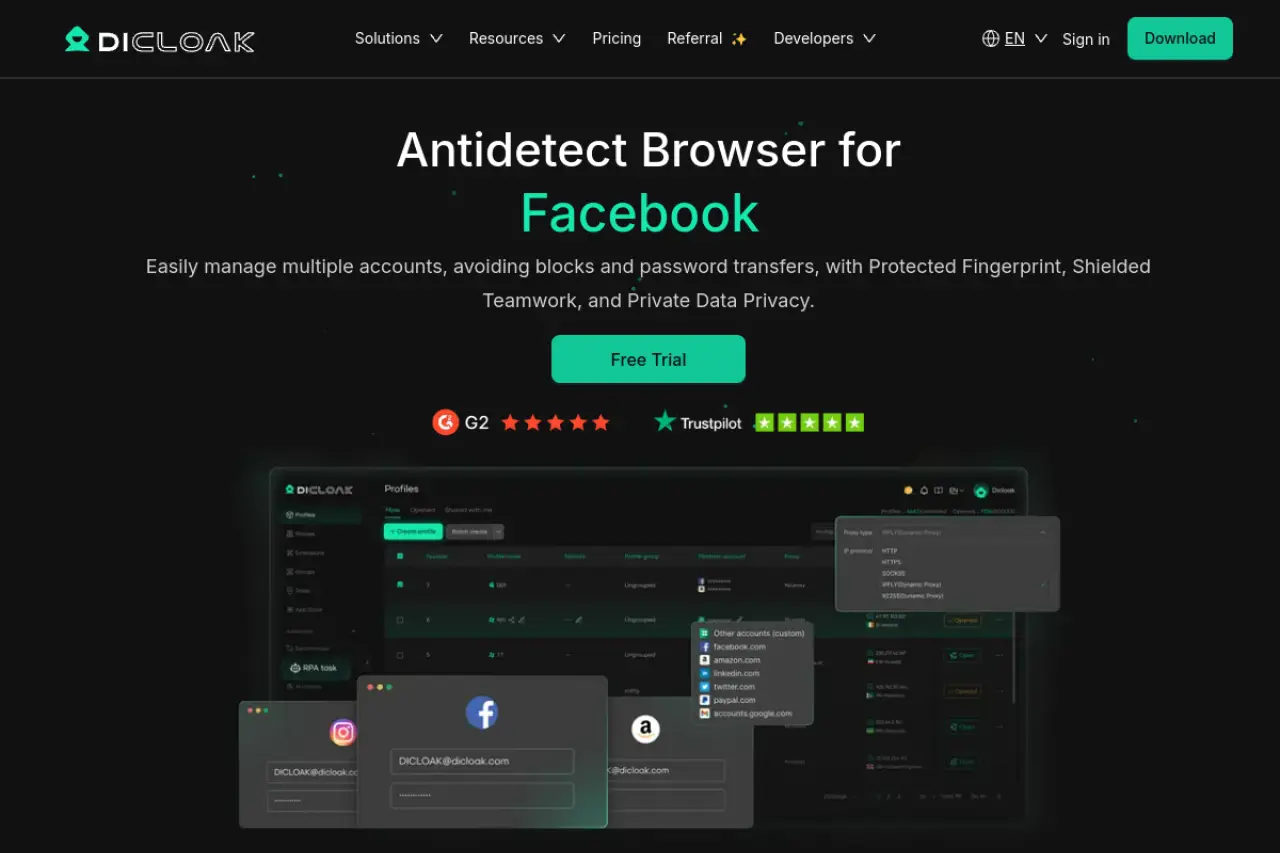
For creators, the biggest pain is "warming up" accounts. You cannot just create an Instagram account and post immediately. You must scroll and like posts for days. DICloak’s RPA bots can do this for you automatically. You can set a script to browse random websites or scroll through feeds, building trust with the platform before you ever post a video.
Key Features:
- Smart Automation: Built-in RPA bots handle repetitive tasks like account warm-up.
- Team Collaboration: Share profiles with editors without giving them passwords.
- Mobile Fingerprinting: Excellent emulation of mobile environments for TikTok and Reels.
Pricing:
- Free: 5 profiles (Great for starting out).
- Base ($8/month): Adds team sync.
- Plus ($28.8/month): Includes the RPA automation bots.
- Share+ ($138/month): Unlimited team members for agencies.
Verdict: DICloak is the most balanced tool. It offers enterprise-grade security at a price friendly to creators. The automation features alone save hours of manual work every week.
Multilogin: The Premium Standard for Enterprise Security
Multilogin is often called the grandfather of antidetect browsers. It is famous for its high security and stability. If you are managing high-value accounts for VIP clients, this is a safe choice.
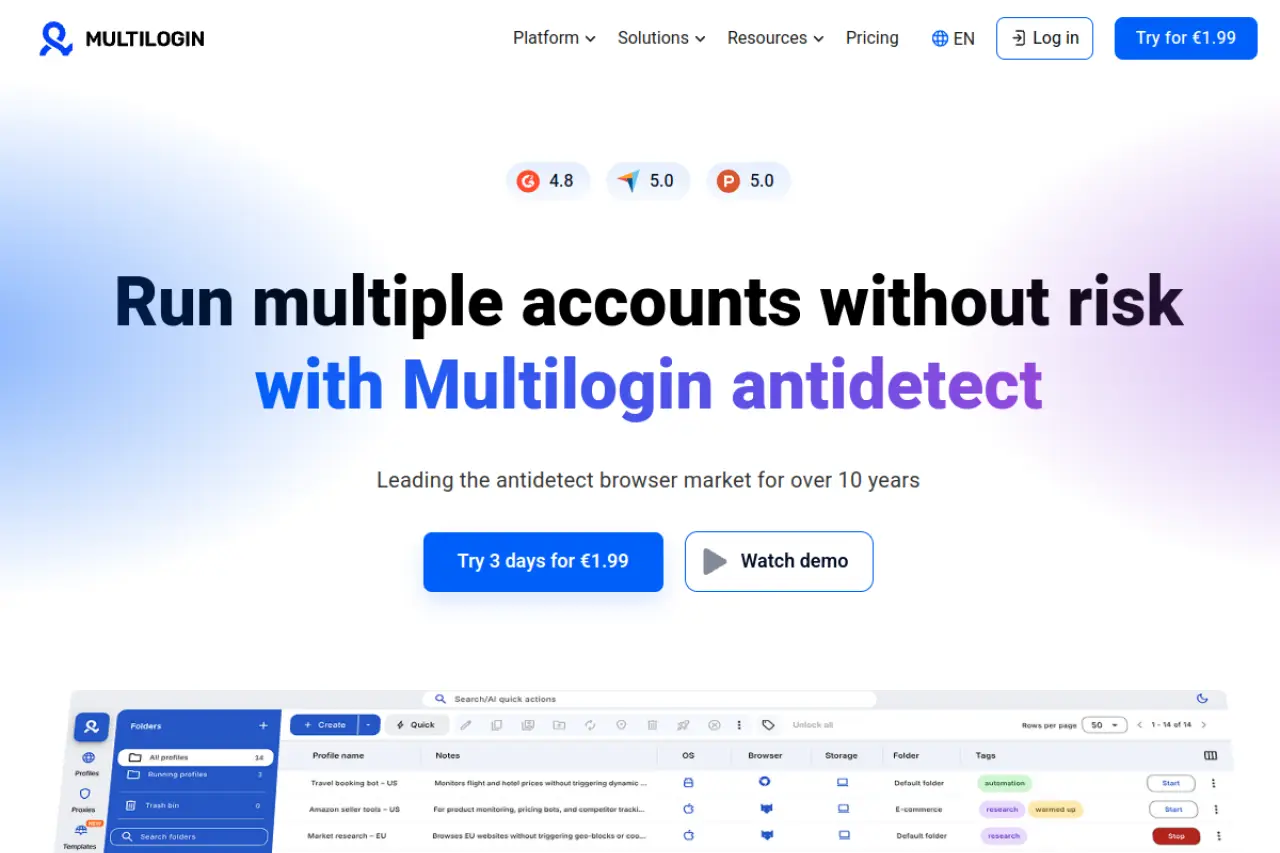
Multilogin uses two custom browsers: Stealthfox and Mimic. These are built from the ground up to prevent data leaks. They do not just mask your fingerprint; they completely replace it. This makes it very hard for platforms like Facebook or Google to detect you.
Key Features:
- Residential Proxies: Some plans include high-quality proxy traffic.
- Dual Engines: Choose between Chrome (Mimic) or Firefox (Stealthfox) cores.
- Cloud Storage: Profiles are saved in the cloud for easy access on any device.
Pricing:
- Pro 10 (€9/month): 10 profiles + 1GB proxy traffic.
- Pro 50 (€49/month): 50 profiles + 3GB traffic.
- Business (€159/month): 300 profiles for large teams.
Verdict: Multilogin is expensive but reliable. It is best for large agencies that cannot afford a single mistake.
GoLogin: Best Cloud-Based Profile Management
GoLogin stands out because it has a working Android app. This allows you to manage your account farming strategy from your phone, which is rare.
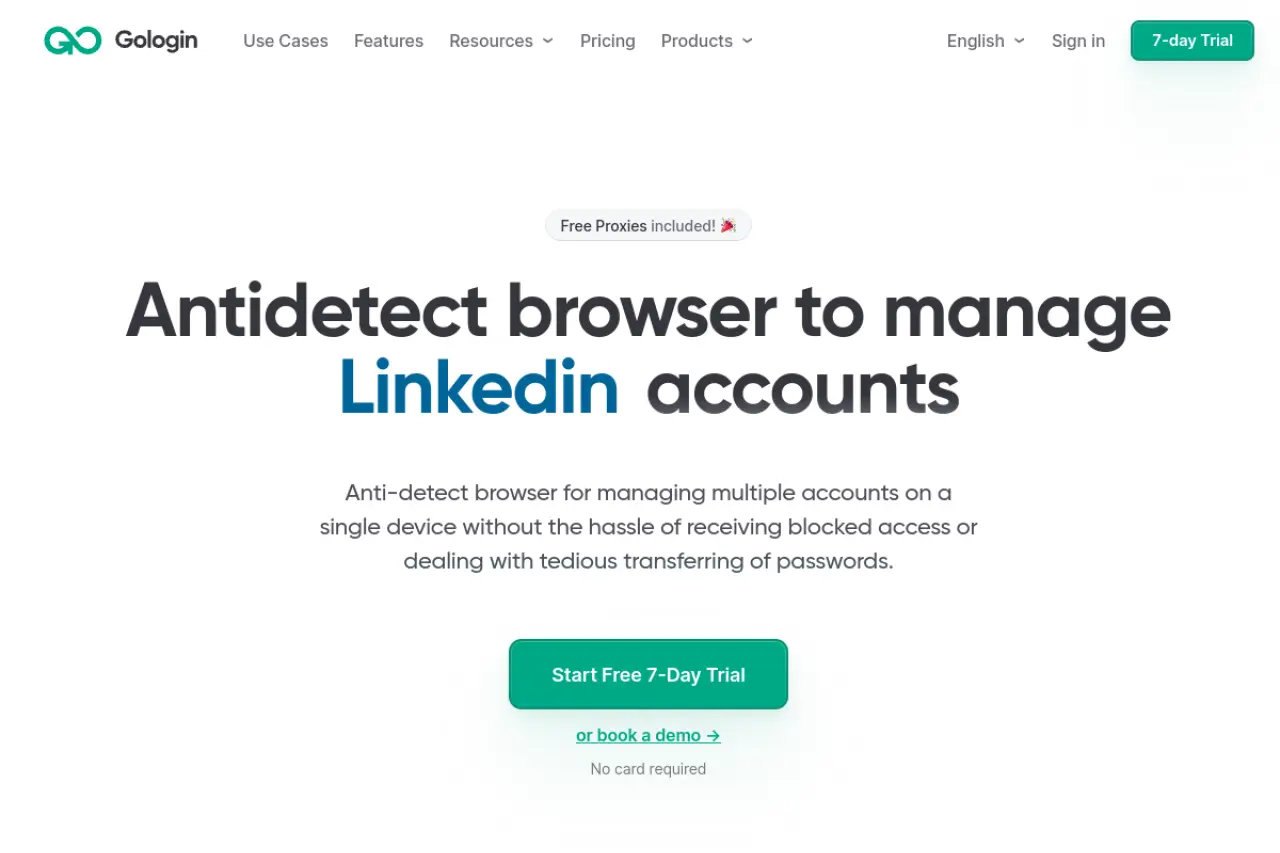
It runs profiles in the cloud. This means you do not need a powerful computer to run 50 accounts. The server does the heavy lifting. This is great for teams spread across the world. You can launch a profile, and it looks the same whether you are in New York or London.
Key Features:
- Cloud Launch: Run browsers on their servers, not your PC.
- Android App: Manage profiles on the go.
- Free Proxies: Includes basic free proxies (though we recommend paid ones for social media).
Pricing:
- Professional ($49/month): 50 profiles.
- Business ($119/month): 300 profiles.
- Enterprise ($199/month): 1,000 profiles.
Verdict: If you need to access accounts from mobile devices or weak laptops, GoLogin is the best choice.
AdsPower: The Leader in Social Media Automation
AdsPower is famous for its "Synchronizer." This feature lets you control one window, and ten other windows copy your exact mouse movements and typing.
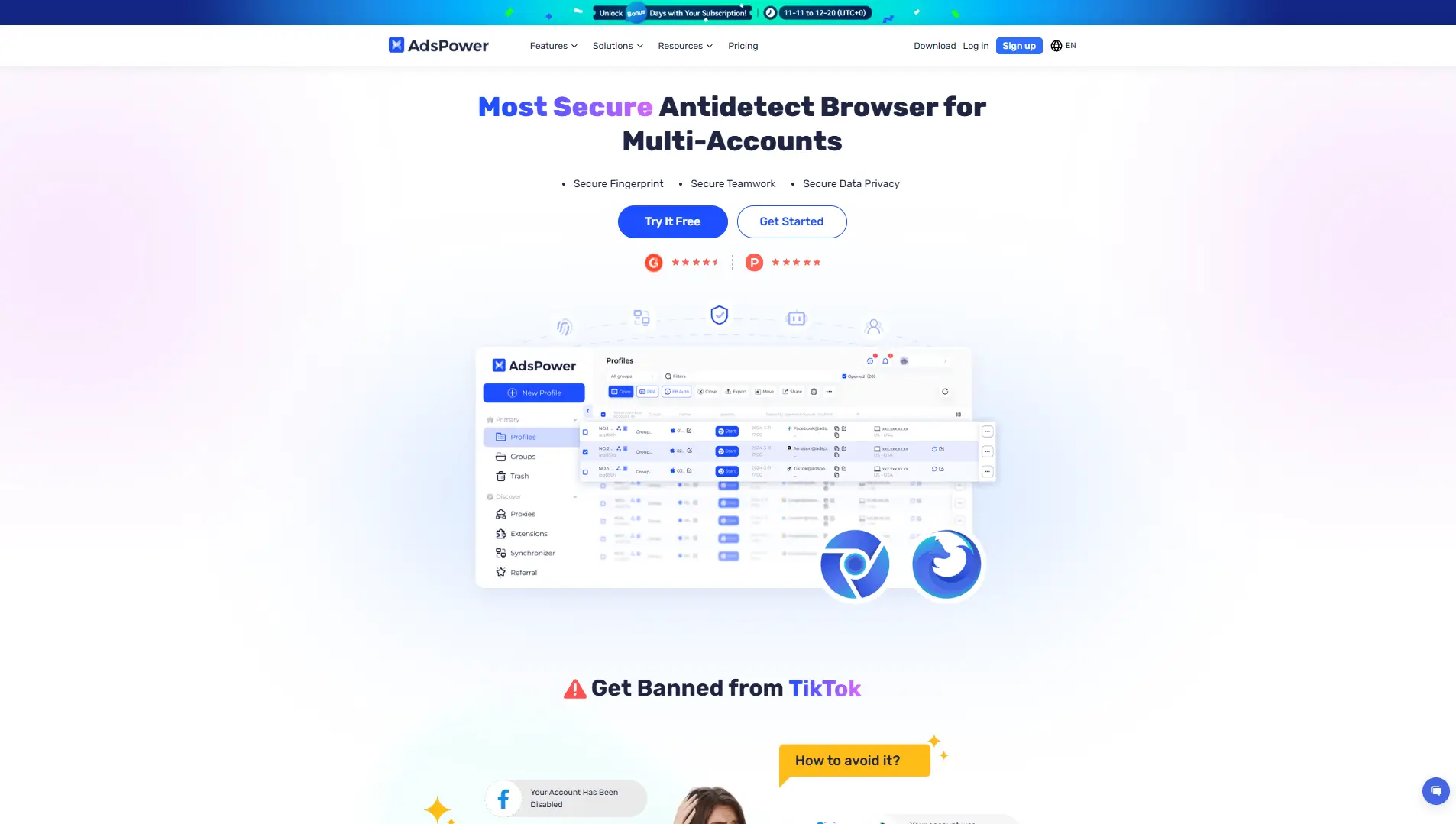
This is perfect for mass actions. If you need to change the bio link on 20 accounts at once, you do it once, and AdsPower does it for the rest. It supports both Chrome and Firefox engines, giving you flexibility in how you appear to websites.
Key Features:
- RPA Robot: drag-and-drop automation for tasks.
- Synchronizer: Control multiple windows simultaneously.
- Local API: Advanced users can code their own scripts.
Pricing:
- Free: 2 profiles.
- Professional ($9/month): 10 profiles.
- Business ($61/month): 200 profiles.
Verdict: AdsPower is the king of efficiency. If you run hundreds of affiliate accounts, the synchronizer is a must-have.
Dolphin{anty}: Optimized for Traffic Arbitrage and TikTok
Dolphin{anty} was built by affiliate marketers for affiliate marketers. The interface is very modern and fast. It is designed to handle thousands of profiles without lagging.
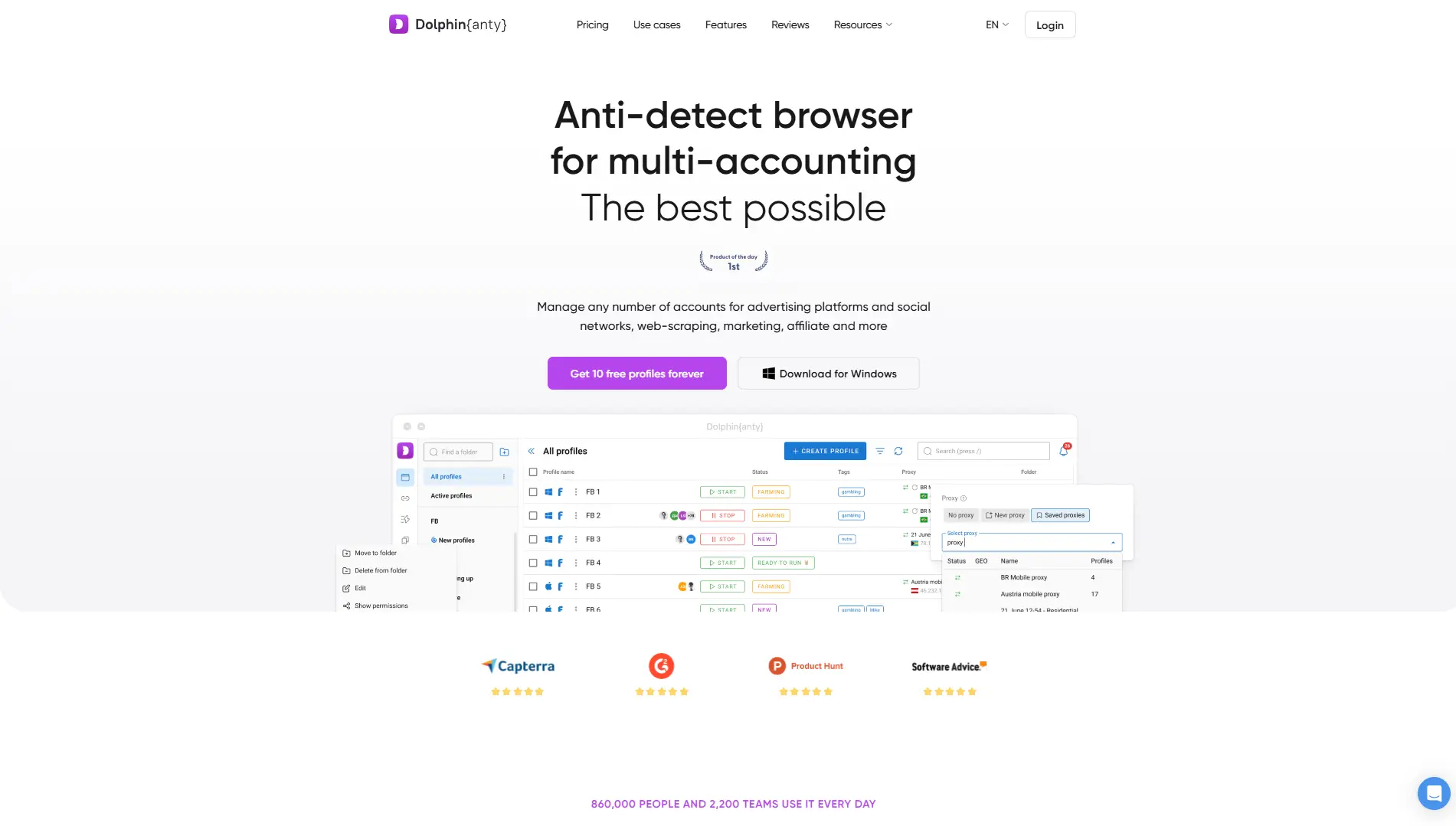
It has a specific focus on social platforms like Facebook and TikTok. It includes tools to quickly check if an account is valid or banned. You can also add statuses and tags to organize your profiles, such as "Warming Up," "Ready," or "Banned."
Key Features:
- Real Fingerprints: Uses a database of real user fingerprints.
- Status Tags: Organizing massive lists of accounts is easy.
- Scenario Builder: Create simple automation scripts.
Pricing:
- Free: 10 profiles (Generous free tier).
- Base ($89/month): 100 profiles.
- Team ($159/month): 300 profiles.
Verdict: This is the favorite tool for "Traffic Arbitrage" teams running ads on Facebook and TikTok. The UI is excellent.
Incogniton: Robust Bulk Profile Creation for Scaling
Incogniton is a strong contender for those who need to create many profiles quickly. It has a "bulk creator" tool that lets you generate 50 profiles in a few clicks.
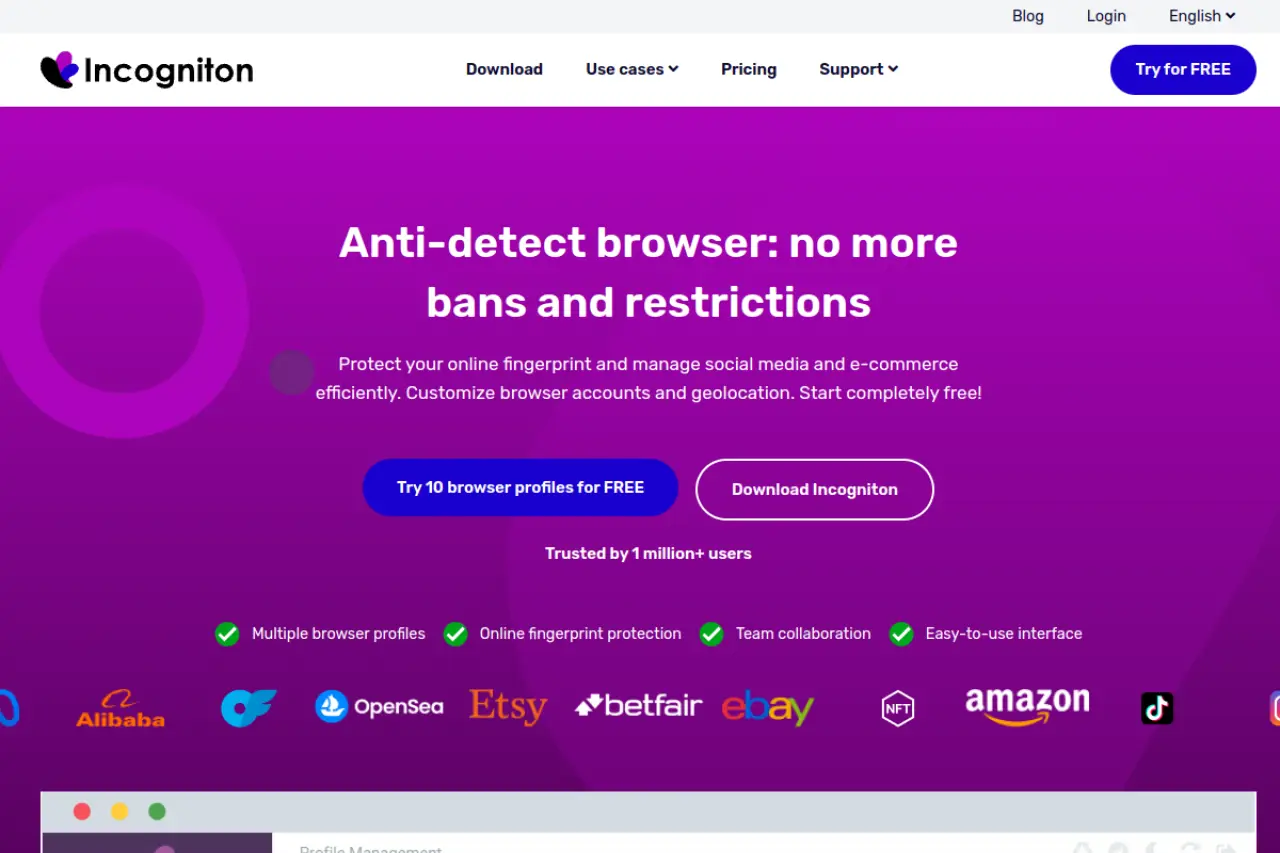
It also features a "Cookie Collector." This tool visits websites for you to build up a cookie history. When you finally log into Instagram or YouTube, your browser looks like it has been used for weeks, not seconds. This reduces the risk of immediate bans.
Key Features:
- Paste as Human: Simulates natural typing speed.
- Cookie Collector: Automates history building.
- Bulk Creation: Sets up dozens of profiles instantly.
Pricing:
- Starter (Free): 10 profiles.
- Entrepreneur ($29.99/month): 50 profiles.
- Professional ($79.99/month): 150 profiles.
Verdict: Great for medium-sized teams who need solid automation features without the high price of enterprise tools.
Octo Browser: Leveraging Real Device Fingerprints
Octo Browser claims to use "Real Device Fingerprints" rather than just generated ones. This means they take data from actual devices and use that to mask your identity.
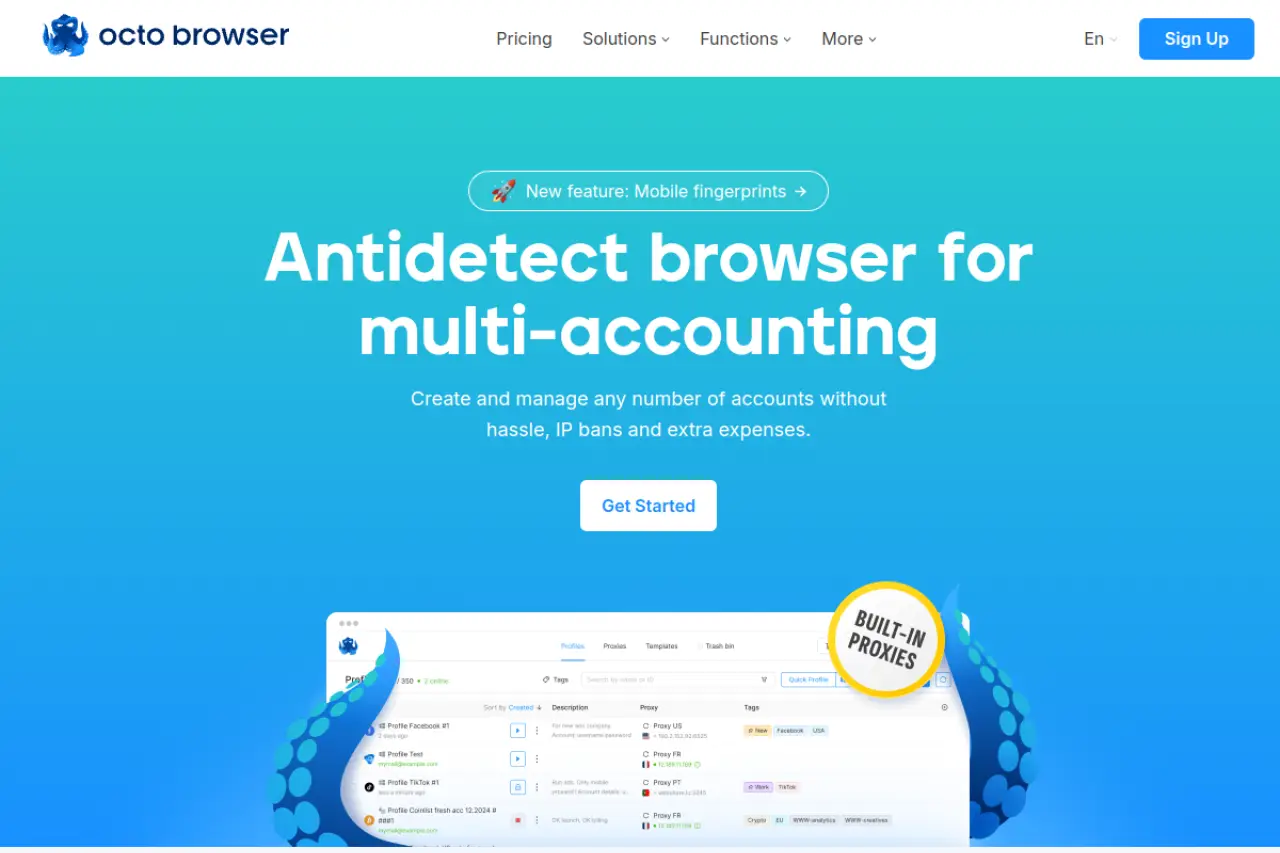
This approach can be safer for very strict platforms. If a generated fingerprint has a mismatch (like a screen resolution that doesn't match the graphics card), you get flagged. Real fingerprints avoid these logical errors.
Key Features:
- Fast Profile Creation: Very quick setup.
- Real Fingerprints: High-quality data spoofing.
- API Automation: Good for developers.
Pricing:
- Lite (€10/month): 3 profiles.
- Starter (€29/month): 10 profiles.
- Base (€79/month): 100 profiles.
Verdict: A solid choice for users who are paranoid about fingerprint inconsistencies. It is slightly more expensive per profile but offers high quality.
IXBrowser: The Top Free Alternative for Small Creators
IXBrowser is unique because it offers a "permanently free" plan with unlimited profiles. This sounds too good to be true, but it works well for basic needs.
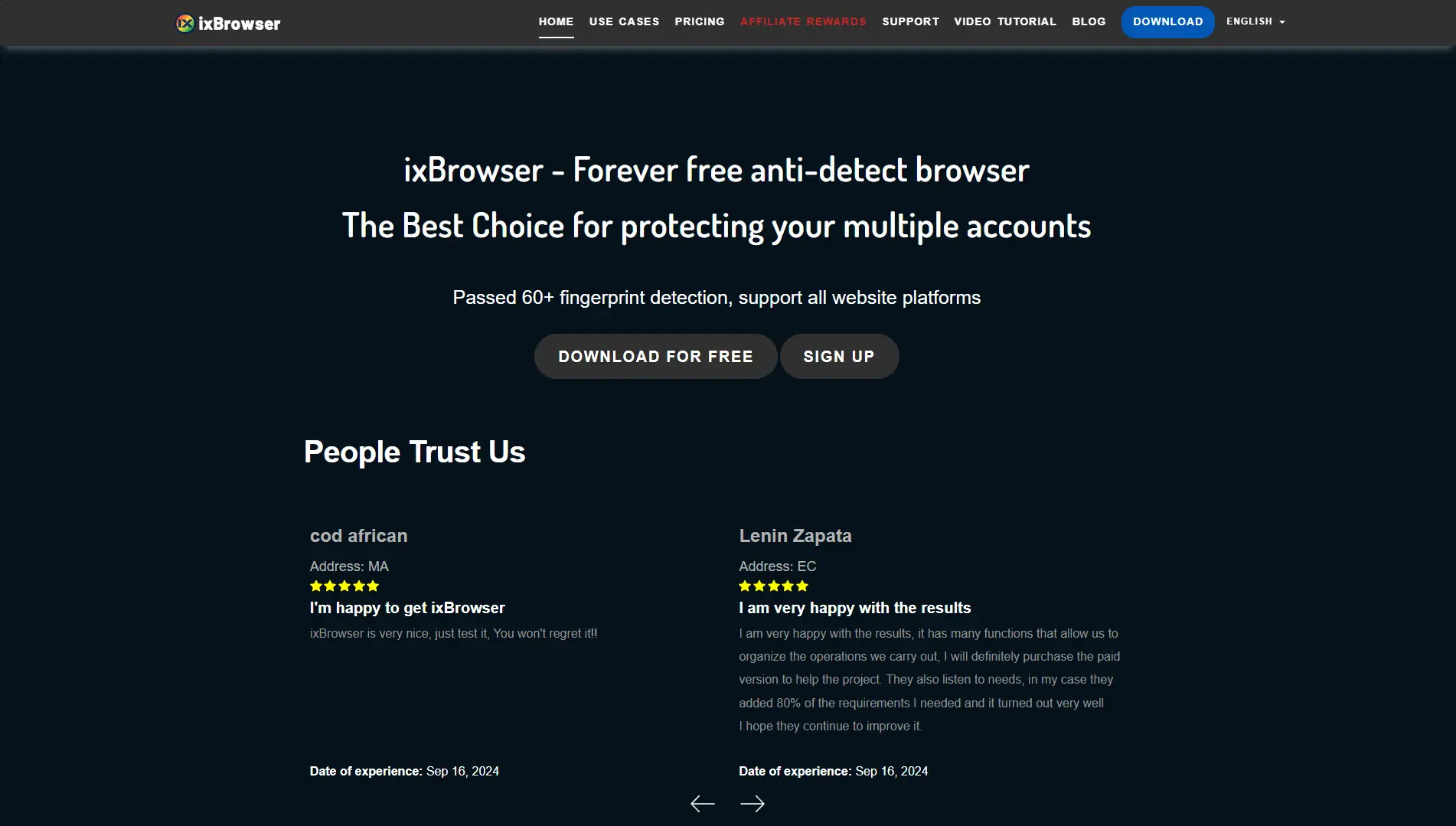
It is popular for cross-border e-commerce shops, but content creators use it too. The trade-off is that it might not have the advanced mobile emulation of DICloak or Kameleo. However, for managing older, trusted accounts, it is very cost-effective.
Key Features:
- Unlimited Profiles: Even on the free plan.
- Extension Support: Supports Chrome extensions easily.
- Team Seats: Paid plans add team collaboration.
Pricing:
- Free: Unlimited profiles (Limit 10 new creations/day).
- Professional ($3.99/month): Faster creation limits.
- Business ($9.99/month): 50 team seats.
Verdict: The best entry point if you have zero budget. Perfect for hobbyists managing 3-5 accounts.
Kameleo: Stealth Mobile Spoofing for Advanced Users
Kameleo is for the tech-savvy user. It allows for advanced mobile spoofing on Android and iOS. You can simulate touch events, gyroscope data, and battery status.
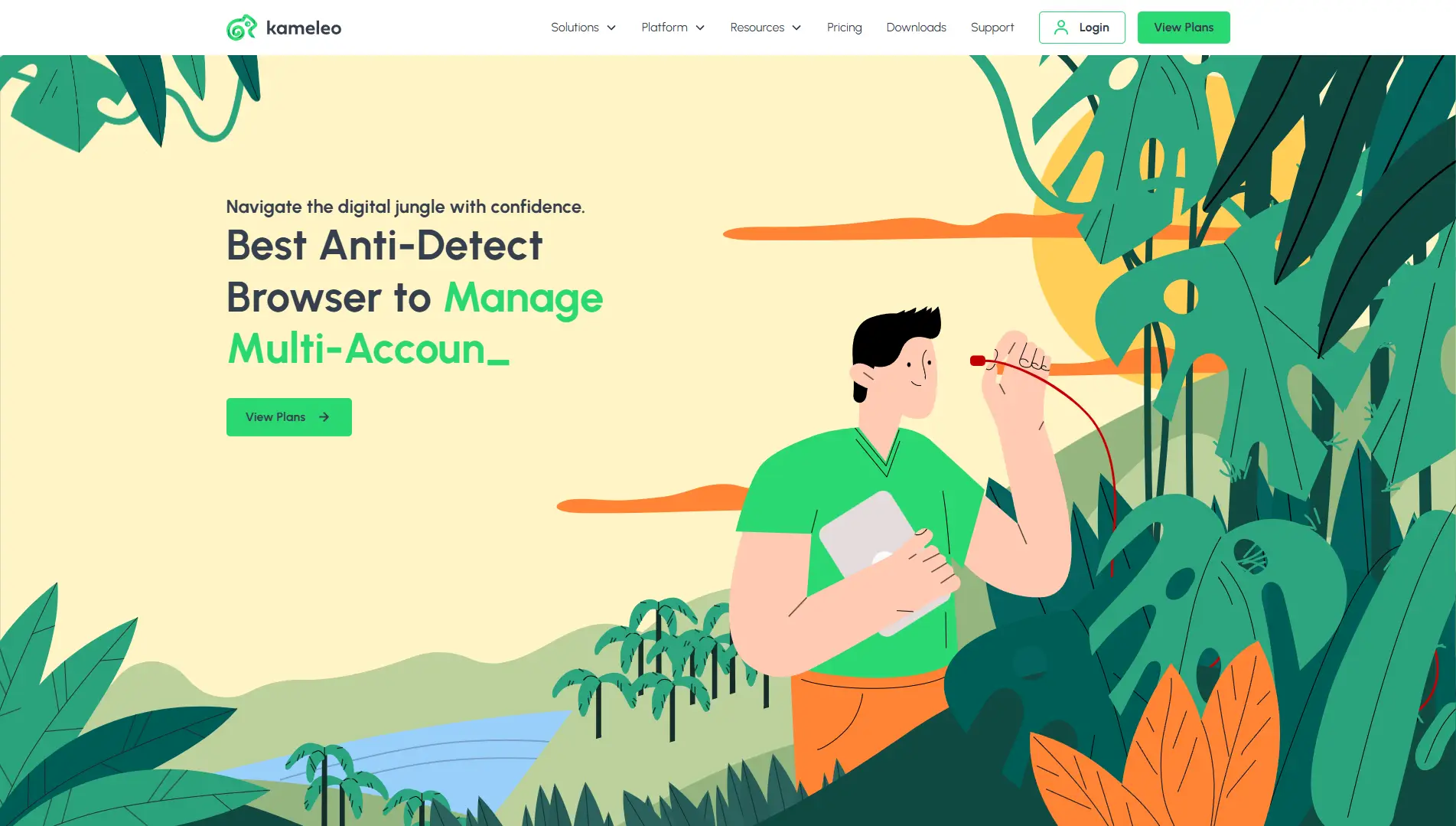
Kameleo connects to a mobile app on your real phone to "borrow" its fingerprint. This is very effective. It ensures that the data you send to TikTok is authentic because it comes from a real mobile device.
Key Features:
- Mobile Profiles: iOS and Android emulation.
- Canvas Spoofing: Intelligent masking modes.
- Unlimited Local Profiles: No limit on how many you save locally.
Pricing:
- Startup (€59/month): Unlimited local profiles.
- Business (€299/month): Adds mobile device simulation.
Verdict: If your main focus is mobile-only apps like TikTok or Snapchat, Kameleo’s mobile simulation is powerful, though expensive.
Nstbrowser: Web Scraping and Cloud Container Innovation
Nstbrowser is newer and focuses heavily on web scraping and data collection. It uses "Cloud Container" technology to ensure total isolation.
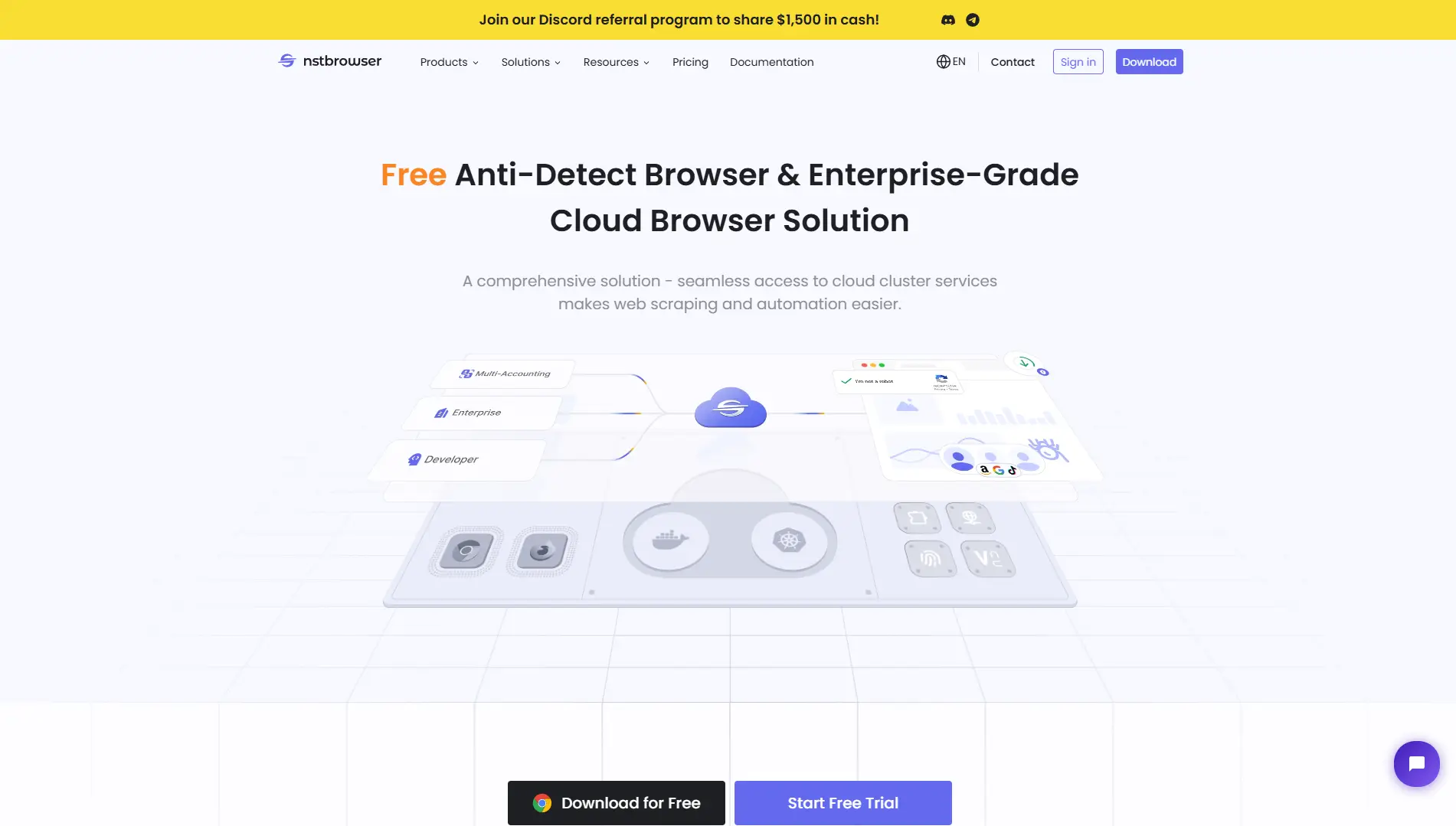
It has a built-in "Unblocker" and CAPTCHA solver. This is useful if your accounts constantly get hit with "Are you a robot?" checks. It is designed for scale, often used by companies collecting data rather than just posting content.
Key Features:
- CAPTCHA Solver: Auto-solves security puzzles.
- Cloud Containers: High-level isolation.
- Web Unblocker: Bypasses restrictions automatically.
Pricing:
- Free: Pay-as-you-go usage.
- Professional ($29.9/month): 3,000 launches/day.
- Enterprise ($59.9/month): 100,000 launches/day.
Verdict: Best for creators who also do data scraping or market research on a massive scale.
Ghost Browser: Workspace Productivity for Professionals
Ghost Browser is different. It is less about "spoofing" and more about productivity. It lets you create "Identities" within one window.
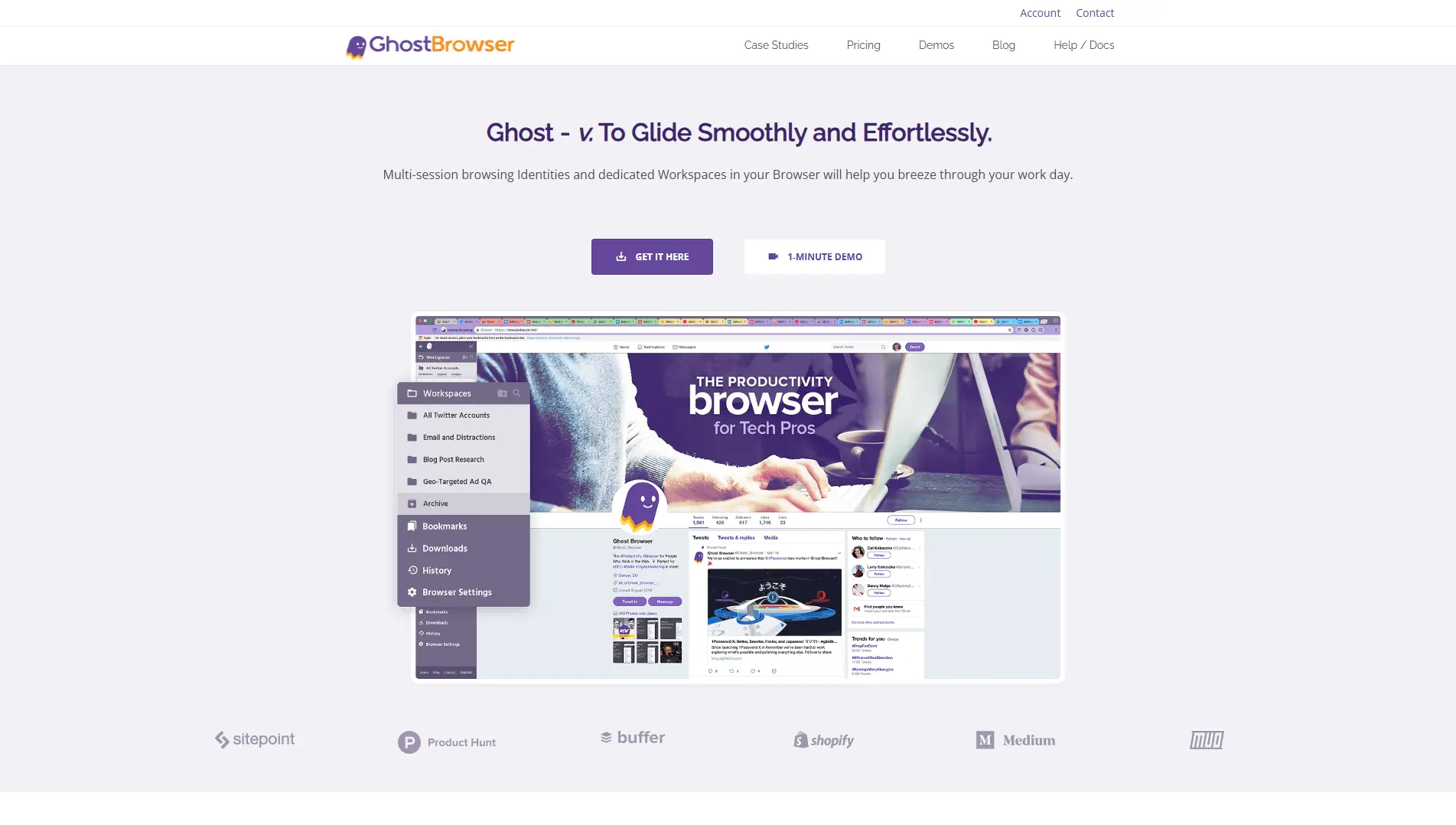
You can have a tab for Client A and a tab for Client B right next to each other. It effectively isolates the cookies. It is great for community managers who need to reply to comments quickly without switching entire browser windows.
Key Features:
- Identities: Color-coded tabs for different sessions.
- Workspaces: Save groups of tabs to open later.
- Ghost Proxy Control: Assign a proxy to a specific tab.
Pricing:
- Free: 3 identities.
- Basic ($21/month): Billed annually.
- Pro ($46/month): Includes proxy control.
Verdict: Excellent for day-to-day management where extreme stealth is not required, but speed and organization are.
Browser.lol: Disposable Sessions for Quick Testing
Browser.lol is a fun, lightweight tool. It gives you a "disposable" browser in the cloud. You open it, do your task, and when you close it, everything is destroyed.
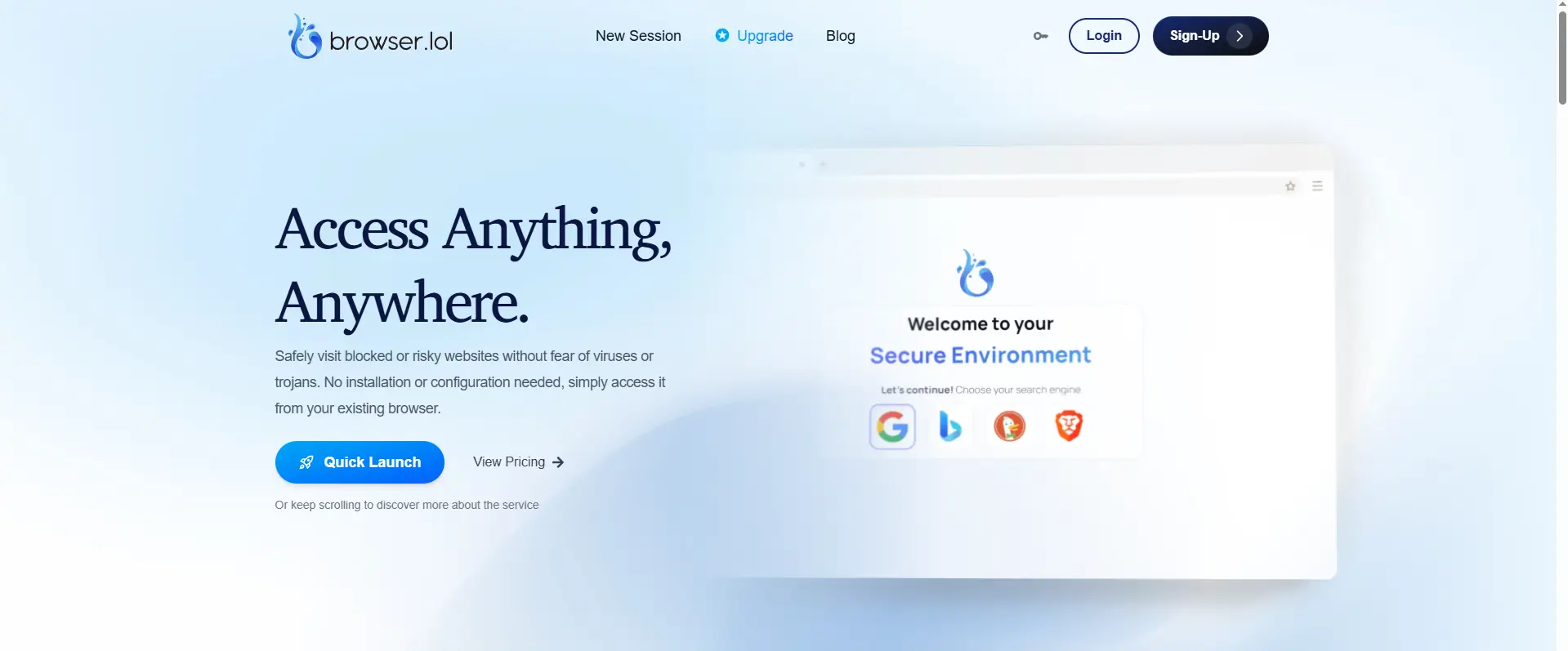
This is not for long-term account growth. It is for quick testing. Maybe you want to see how your video looks from a Japanese IP address without changing your main setup. You spin up a session, check, and delete it.
Key Features:
- No Installation: Runs entirely in your web browser.
- Residential IPs: Available on paid plans.
- Threat Analysis: checks links for safety.
Pricing:
- Free: Standard usage.
- Premium ($9/month): Unlimited session time.
Verdict: Perfect for one-off tests and checking your content from different locations without messing up your main profiles.
FAQ: Mastering Antidetect Browsers for Content Creators
You might still have questions after reading about the tools. This Antidetect Browsers for Content Creators FAQ covers the specific technical details you need to know. We will clear up the final doubts about safety, limits, and how the technology actually works to protect your income.
Are antidetect browsers legal for social media management?
Yes, using these browsers is generally legal. You are simply protecting your data privacy and organizing your business workflow. However, social media platforms have their own rules. If you use Instagram automation tools to spam users or harass people, you will get banned for your behavior. The browser is just a tool; how you use it determines your safety.
How many accounts can I run per browser profile?
The golden rule is strictly one account per profile. You should never log into two different Instagram or TikTok accounts in the same browser window. If you do, the cookies mix, and the platform links the accounts together. This destroys your browser profile isolation and risks a shadowban on both accounts.
What is the difference between spoofing and masking?
Think of masking as hiding your face with a black ski mask. It hides who you are, but it looks suspicious immediately to security systems. Digital fingerprint spoofing is different. It is like wearing a professional makeup disguise. You do not just hide; you look like a completely different, normal person. Platforms trust spoofing because it looks real, whereas they often block masking because it looks like a bot.
How does canvas fingerprinting affect my account reach?
Canvas fingerprinting is a technique where a website asks your browser to draw a hidden image to identify your graphics card. If you block this completely, the website knows you are hiding something. This lowers your "trust score" and can severely hurt your organic reach. Good antidetect browsers add tiny, unique noise to the drawing so you look like a unique, real user without revealing your true identity.
 Web Proxy Tools
 Free Tools
 Cookie Plugin
 UA Generator
 MAC Address Generator
 IP Generator
 IP Address List
 2FA Code Generator
 World Clock
 Anonymous Check
 WebRTC Leak Test
 UUID Generator
 Free Web Proxy Site
 Proxy Checker
 FB Ad Checker
 AI Web Scraping
 Free SMM Tools
 Twitter Shadowban Checker
 Instagram Name Checker
 UTM Generator
 Username Generator
 AI Hashtag Generator
 LinkedIn Headline Generator
 Social Media Image Resizer