The Financial Risk for Coupon & Cashback Hunters
Account bans are the single biggest financial risk for anyone in the coupon and cashback niche. When you lose an account, you lose both your time and your upfront investment. This section explains why relying on basic privacy tools is a guaranteed way to lose money.
The High Cost of Account Bans in Reward Farming
You spend real money to build a digital identity. You buy a high-quality residential proxy, a real SMS verification number, and aged emails. This setup cost usually runs between $3 and $5 per profile.
If a platform issues account bans before you withdraw, that money is gone forever. The math is brutal. If you run a farm of 50 accounts and get hit by a ban wave, you do not just lose potential profit. You lose your seed capital.
Referral abuse detection systems are designed to hurt your wallet. They often wait until you attempt a withdrawal to ban you. This maximizes the damage to your operation. A single linked mistake can destroy an entire month's worth of work. You cannot afford to be cheap with your security infrastructure.
Why Incognito Mode and Browser Clearing are Obsolete
Years ago, you could just open a "Private Window" or clear your cookies to create a new account. Those days are over.
Incognito mode only stops your computer from saving data locally. It does not stop websites from reading your device data. When you visit a site, your browser sends information about your screen size, battery level, and graphics card. This creates a unique ID called a fingerprint.
If you use Incognito mode for 10 accounts, the website sees 10 logins from the exact same specific computer. You are immediately flagged as a multi-account user. You need technology that actually alters your digital footprint, not just hides your browsing history. Browser fingerprinting is the primary way platforms catch simple arbitrage attempts today.
Platform Evolution: How Retailers Track Multi-Accounting
Major retailers like Temu and crypto exchanges use enterprise-grade security. They do not look at just one factor; they look at the whole picture to identify cashback arbitrage risks.
They track "velocity." This means they watch how fast you type and how quickly you click. Real humans hesitate. Scripts and hurried farmers do not.
They also analyze network consistency. If your IP address location says "New York" but your system time zone is "Los Angeles," you get flagged. They cross-reference payment methods instantly. Using the same virtual card funding source across multiple accounts is a common trigger for bans. To succeed in 2026, you must trick their AI into believing every account is a completely separate, unique human being on a unique device.
Why Antidetect Browsers for Coupon & Cashback Hunters are Essential
Retailers now use advanced tracking that goes far beyond simple cookies. If you are serious about scaling your income, you must stop these platforms from linking your accounts together. Antidetect Browsers for Coupon & Cashback Hunters are the only reliable solution.
These tools isolate your digital identities. They prevent Device ID tracking by creating a unique virtual environment for every single account. Instead of a website seeing one computer logging into 50 accounts, it sees 50 distinct computers. This technical separation is mandatory to protect your seed capital and ensure your withdrawals are approved.
Canvas and WebGL Fingerprinting Explained
Websites use a technique called browser fingerprinting to identify you without cookies. The most common method is Canvas Fingerprinting.
When you visit a cashback portal, the site secretly asks your browser to render a hidden image or text. Your specific graphics card and driver draw this image in a unique way. This drawing is converted into a hash code. If you log into ten different accounts from the same PC, that hash code remains the same. The platform instantly links your accounts and bans them.
WebGL fingerprinting works the same way but uses 3D graphics APIs. High-quality antidetect browsers like DICloak solve this by adding "noise" to the image. They alter a few pixels in the rendering process. This ensures every profile produces a 100% unique hash, making you look like a different user on a different device.
The Role of AudioContext and Font Enumeration
Retailers also scan your system configuration. Two critical data points are your AudioContext and your Font List.
AudioContext measures how your computer processes sound signals. It creates a signature based on your audio hardware. Font Enumeration checks the list of fonts installed on your operating system. A graphic designer will have hundreds of custom fonts, while a standard office PC will have only the basics.
If you run a farm of accounts, having the exact same rare fonts and audio signature across all of them is a red flag. It proves they are on the same machine. You need software that creates a custom, randomized list of fonts and audio inputs for each profile. This adds depth to your disguise.
Behavioral Analysis: How Patterns Betray Your Profiles
Technical data is only half the battle. Platforms also track how you act. They monitor your "velocity."
If you paste a password instantly into 20 accounts within one minute, the system flags you as a bot. Real humans hesitate. They move the mouse in curves, not straight lines. They browse around before buying.
Advanced browsers offer tools to mimic this human behavior. Features like "Cookie Robots" can automatically visit popular sites (like CNN or Amazon) to build a browsing history before you attempt a cashback offer. This warms up the account and increases its trust score. Using automation tools found in DICloak helps you replicate these human patterns at scale without doing the manual work yourself.
Geo-location and IP Consistency: The Silent Killers
Your network connection must be perfect. The most frequent error is a mismatch between your IP address and your system settings.
If you use a Residential Proxy located in New York, but your computer's system clock is set to London time, you will be banned. Platforms check for these inconsistencies immediately.
Another major risk is WebRTC. This is a browser feature used for video chat. It can leak your real local IP address even if you are using a proxy. Essential tools for hunters automatically sync your browser's timezone and geolocation to match your proxy. They also disable or patch WebRTC to prevent leaks, ensuring your location data is 100% consistent.
2026 Reviews: The Top 10 Antidetect Browsers for Coupon & Cashback Hunters Compared
We have discussed the risks. Now we look at the solutions. To succeed in coupon and cashback farming, you need Browser reviews that focus on security and scale. Standard privacy tools are not enough. You need software that creates a unique digital identity for every account you manage.
Below, we apply our selection criteria to the Best tools 2026. These Antidetect Browsers for Coupon & Cashback Hunters are ranked by their ability to prevent account linking and support automation.
Quick Comparison: Top Tools at a Glance
| Browser Tool |
Best For |
Starting Price |
Free Plan? |
| DICloak |
Overall Best Security & Automation |
$8/mo |
Yes |
| Multilogin |
Enterprise Teams |
€99/mo |
No |
| GoLogin |
Cloud-Based Flexibility |
$49/mo |
Trial |
| AdsPower |
E-commerce Automation |
$9/mo |
Yes |
| Dolphin{anty} |
Affiliate Marketing |
$10/mo |
Yes |
| Incogniton |
Privacy on a Budget |
$29.99/mo |
Yes |
| Browser.lol |
Disposable Sessions |
$9/mo |
Yes |
| Octo Browser |
Real Device Fingerprints |
€29/mo |
No |
| Kameleo |
Mobile Emulation |
€59/mo |
Yes |
| Ghost Browser |
Tab Management |
$21/mo |
Yes |
DICloak: Advanced Browser Fingerprint Synthesis
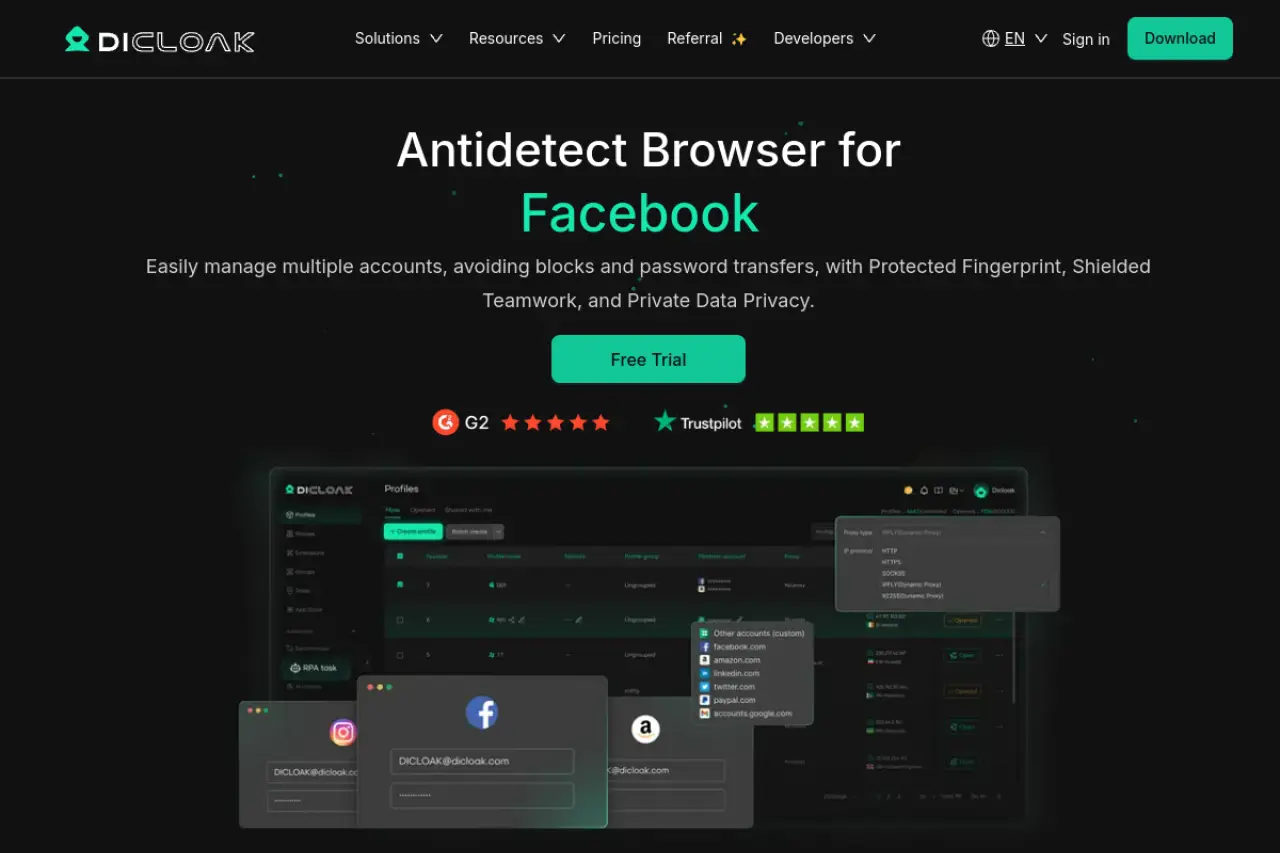
DICloak is a leading solution for advanced multi-account users in 2026. It leverages intelligent fingerprint synthesis to generate highly realistic browser profiles that closely align with real user behavior patterns. This helps reduce account linkage risks and maintain profile consistency on platforms such as Rakuten and Temu, where behavioral and device-based detection systems are increasingly sophisticated.
The standout feature is the built-in RPA (Robotic Process Automation). You can program the browser to automatically visit websites, scroll, and click links to "warm up" your cookies before you ever log in to claim a bonus. This automation saves hours of manual work.
- Price: Free (5 profiles), Base ($8/mo), Plus ($28.8/mo).
- Key Features: RPA automation bots, Window synchronizer, Team collaboration.
- Pros:
- High-quality "noise" injection for Canvas/WebGL.
- Affordable entry price for small teams.
- Strong automation for account warming.
- Cons:
- Advanced features require the Plus plan.
Verdict: The best balance of price, security, and automation for scaling a cashback business.
Multilogin: The Industry Standard for Enterprise Hunters
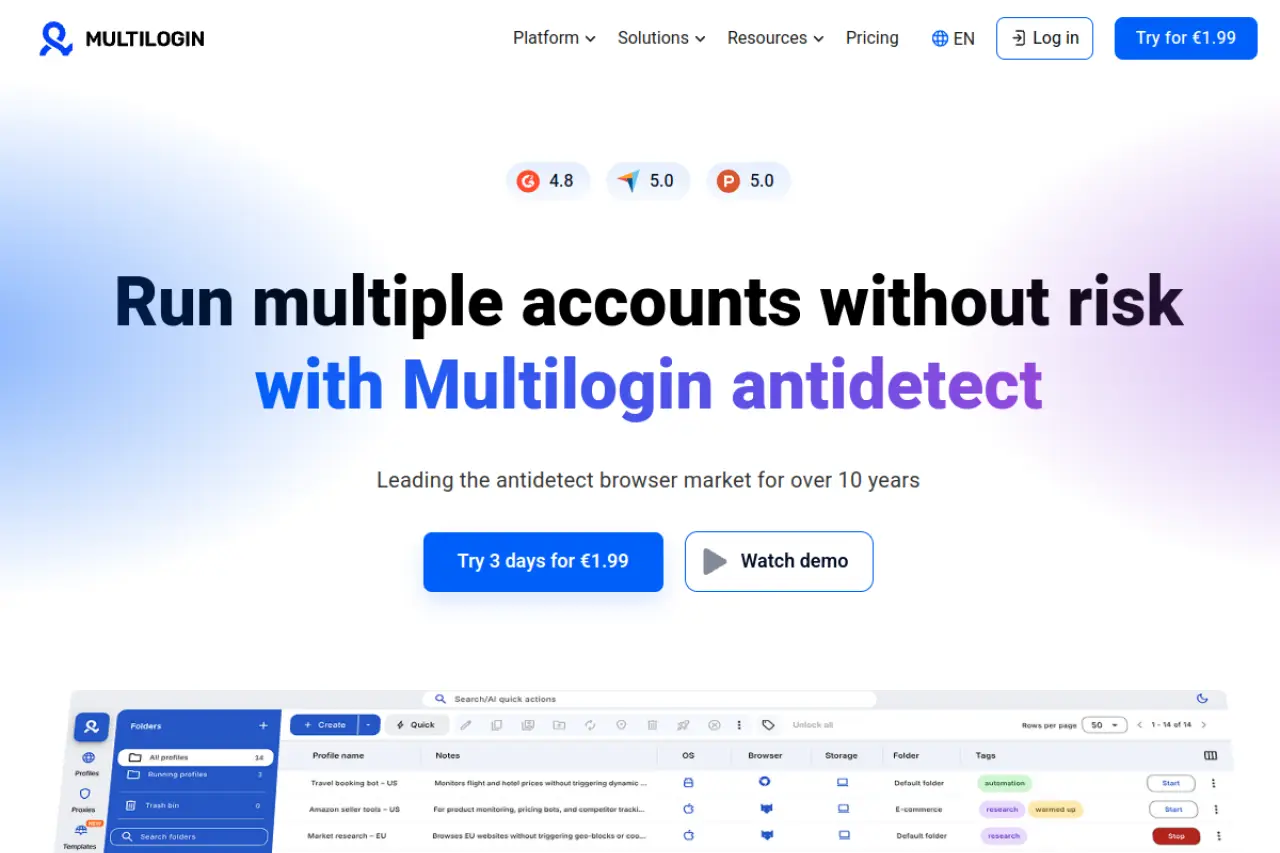
Multilogin is often called the "Ferrari" of antidetect browsers. It is designed for large agencies that manage thousands of accounts. It uses two custom privacy engines: Mimic (based on Chrome) and Stealthfox (based on Firefox). These engines replace the original browser core to ensure no data leaks occur.
For coupon hunters, Multilogin offers extreme stability. However, the cost is high. It is best suited for teams that have already validated their strategy and have the budget to pay for premium reliability.
- Price: Pro 100 (€79/mo), Business (€159/mo). No free plan.
- Key Features: Native residential proxies, Cloud phone profiles, Mimic & Stealthfox engines.
- Pros:
- Proven track record in the industry.
- Excellent documentation and support.
- Native automation support (Selenium/Puppeteer).
- Cons:
- Expensive for beginners.
- Strictly no free tier.
Verdict: A powerful choice for established teams with high revenue, but potentially overkill for solo hunters.
GoLogin: User-Friendly Cloud Profile Architecture
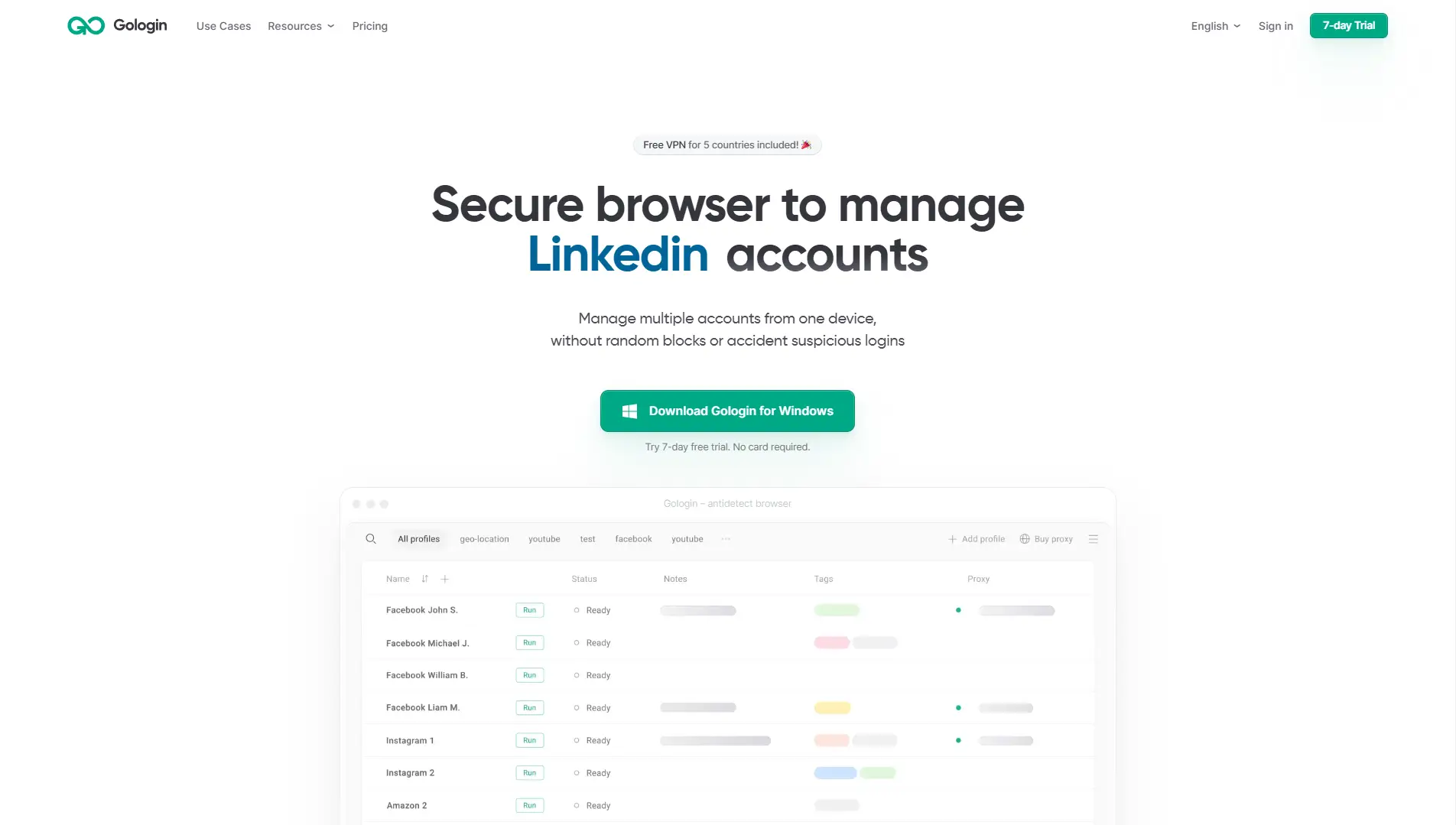
GoLogin separates itself by offering a robust cloud-based architecture. You can launch profiles directly in the cloud without rendering them on your local machine. This is useful if you have older hardware but need to run many profiles. It also includes a functional Android app, allowing you to manage your farm on the go.
The tool comes with free built-in proxies, though for serious cashback hunting, you should still purchase high-quality residential proxies to avoid bans.
- Price: Professional ($49/mo), Business ($119/mo).
- Key Features: Android mobile app, Cloud launching, Free proxies included.
- Pros:
- Very easy to use interface.
- Good mobile support for managing accounts remotely.
- Fair pricing for mid-sized teams.
- Cons:
- Free proxies are often flagged by major retailers.
- Cloud launching can be slow on weak connections.
Verdict: Excellent for users who need mobility and a simple interface.
AdsPower: Specialized Logic for E-commerce Arbitrage
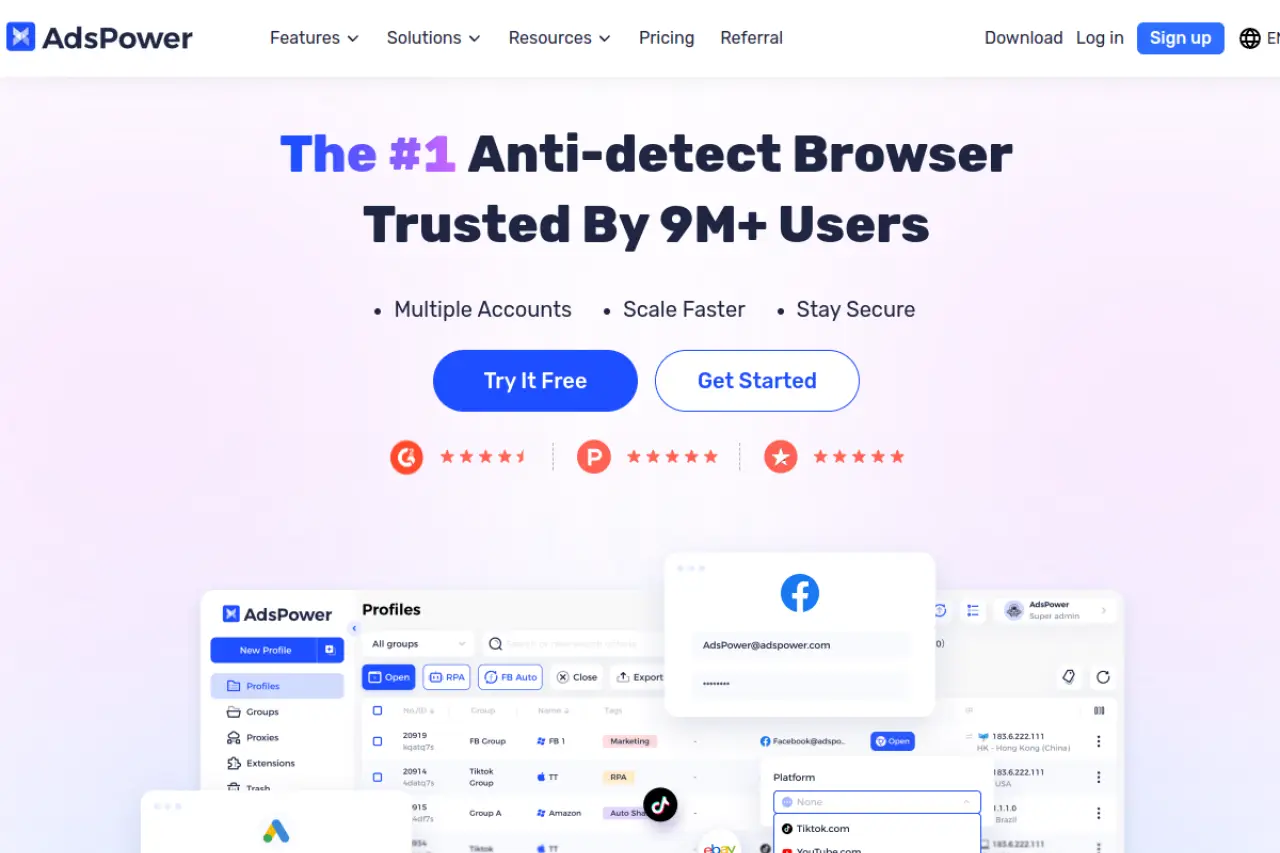
AdsPower is built specifically for e-commerce and social media management. Its "Synchronizer" feature is a game-changer for bonus hunters. You can open 10 browser windows, perform an action in one (like typing a search query), and the software replicates that action across all other 9 windows instantly.
This allows you to manage multiple cashback accounts simultaneously with the effort of managing one. It supports both Chrome and Firefox engines (SunBrowser and FlowerBrowser).
- Price: Free (2 profiles), Professional ($9/mo), Business ($61/mo).
- Key Features: No-code RPA robot, Window synchronizer, Local API.
- Pros:
- Extremely efficient for bulk actions.
- Flexible pricing based on the number of profiles.
- Strong automation tools without coding knowledge.
- Cons:
- Interface can be cluttered with many options.
- Learning curve for the RPA tools.
Verdict: The top choice for users who want to operate many accounts manually but simultaneously.
Dolphin{anty}: Optimized for High-Velocity Referral Chains
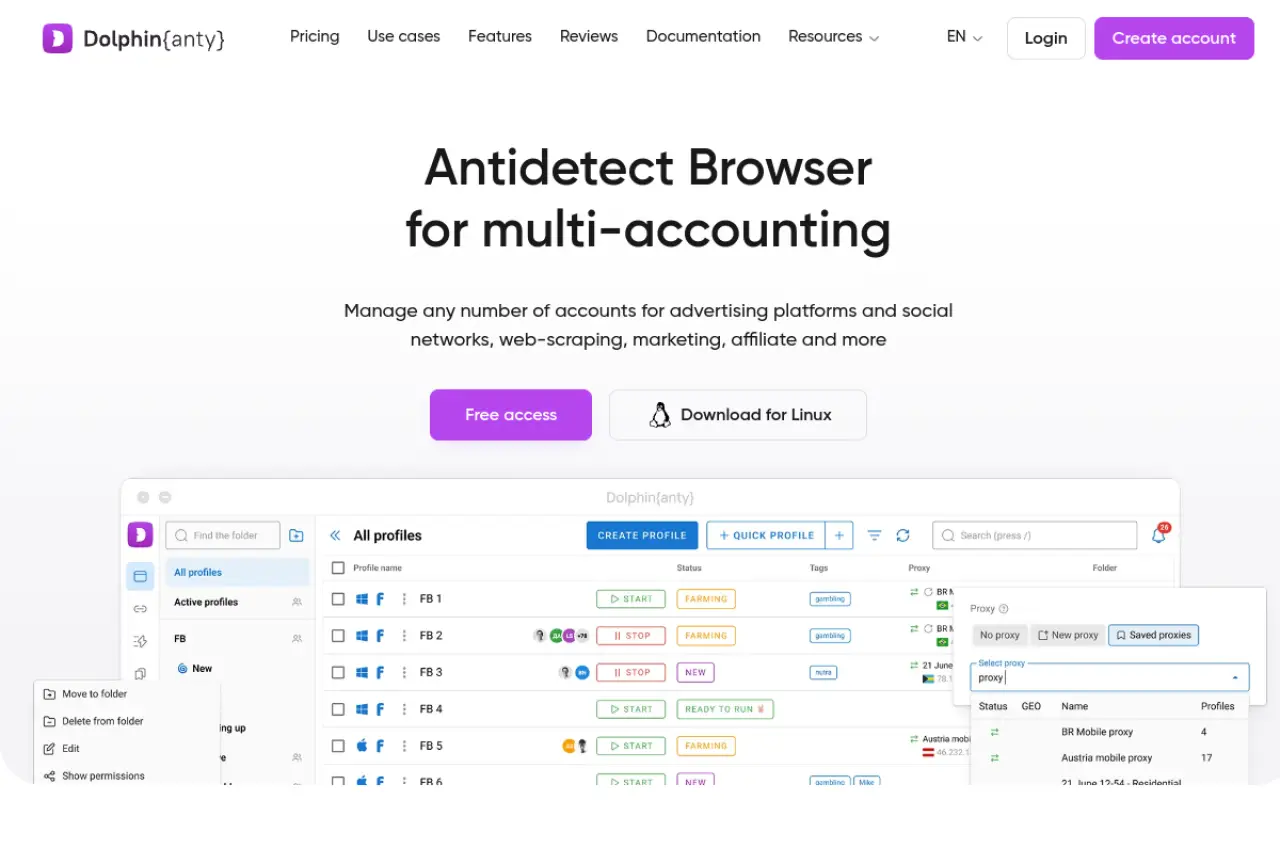
Dolphin{anty} was originally designed for affiliate marketers running ads on Facebook and TikTok. However, its features translate perfectly to referral farming. It has a very modern interface that makes tagging and organizing hundreds of profiles easy.
It includes a "Scenario Builder" that helps automate routine tasks. The "Smart Paste" feature mimics human typing speed, which is a subtle but effective way to trick fraud detection systems that look for bot-like inputs.
- Price: Free (10 profiles), Base ($89/mo).
- Key Features: Real browser fingerprints, Scenario builder, Cookie manager.
- Pros:
- Generous free plan for testing.
- Intuitive, modern UI.
- Fast profile loading speeds.
- Cons:
- Heavily branded towards ad affiliates.
- Higher tier pricing jumps quickly.
Verdict: Great for organized hunters who need to track the status of hundreds of referral links.
Incogniton: Secure Identity Management for Privacy Purists
Incogniton focuses heavily on data isolation. It allows you to create static browser profiles that retain cookies and cache securely over long periods. This is vital for "Aged" accounts. If you log into a cashback account three months later, Incogniton ensures the digital fingerprint is exactly the same as the last time.
It offers a "Paste as Human" typing emulation feature, similar to Dolphin, to bypass behavioral analysis checks.
- Price: Starter (Free/10 profiles), Entrepreneur ($29.99/mo).
- Key Features: Bulk profile creator, Selenium integration, Cookie collector.
- Pros:
- One of the best free tiers available (10 profiles).
- Strong focus on data consistency.
- Affordable paid plans.
- Cons:
- Slightly slower interface than competitors.
- Syncing features can be complex to set up.
Verdict: Ideally suited for users with a smaller budget who still need professional-grade protection.
Browser.lol: Quick-Access Virtual Session Isolation
Browser.lol takes a different approach. Instead of managing long-term profiles on your machine, it streams a browser from the cloud. This is a "disposable" browser profile. It is useful for quick checks or one-time verification tasks where you do not need to save the account history for months.
It requires no installation, making it the most portable option on this list. You can access it from any device, including a tablet or a library computer.
- Price: Free (limited), Premium ($9/mo), Lifetime ($24).
- Key Features: Cloud-based, No installation, Disposable sessions.
- Pros:
- Instant access with zero setup.
- Complete isolation from your local hardware.
- Very cheap lifetime option.
- Cons:
- Not suitable for long-term account farming (cookies are lost if not managed carefully).
- Limited fingerprint customization.
Verdict: A handy utility tool for quick tasks, but not a replacement for a full farm management suite.
Octo Browser: Kernel-Level Fingerprint Control
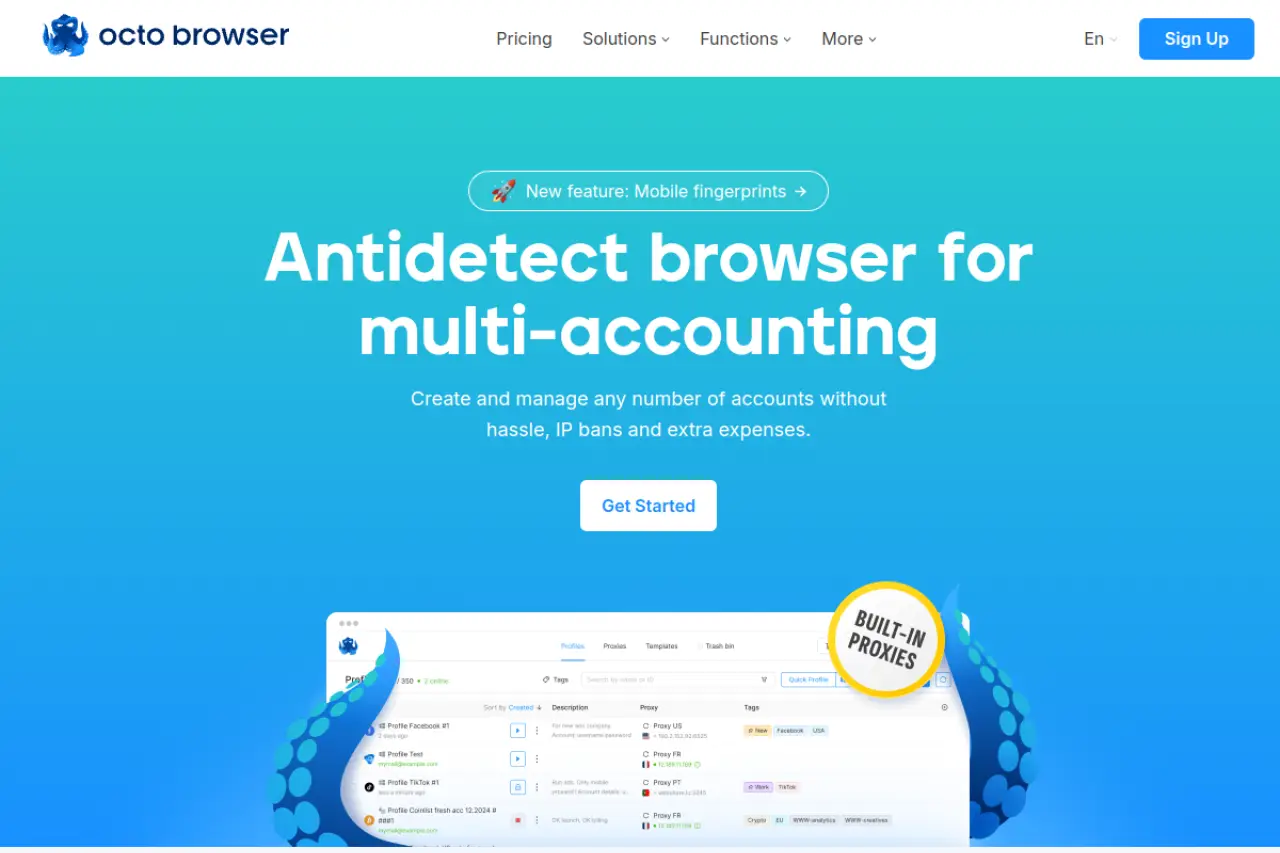
Octo Browser claims to use "real device" fingerprints rather than just spoofing them. This means it gathers data from actual physical devices and applies that configuration to your profile. This makes it very hard for anti-fraud systems to detect inconsistencies.
It is designed to be fast and lightweight. The interface is minimal, focusing on speed and the ability to handle heavy scripts via API automation without crashing.
- Price: Starter (€29/mo), Base (€79/mo).
- Key Features: Real device fingerprints, Unlimited devices, API automation.
- Pros:
- High-quality "Real" fingerprints reduce ban rates.
- Very fast performance.
- Good API for developers.
- Cons:
- Pricing is in Euros and slightly higher than average.
- Less "no-code" automation features for beginners.
Verdict: A technical powerhouse for those who understand how to use API scripts.
Kameleo: Mobile and Desktop Hybrid Protection
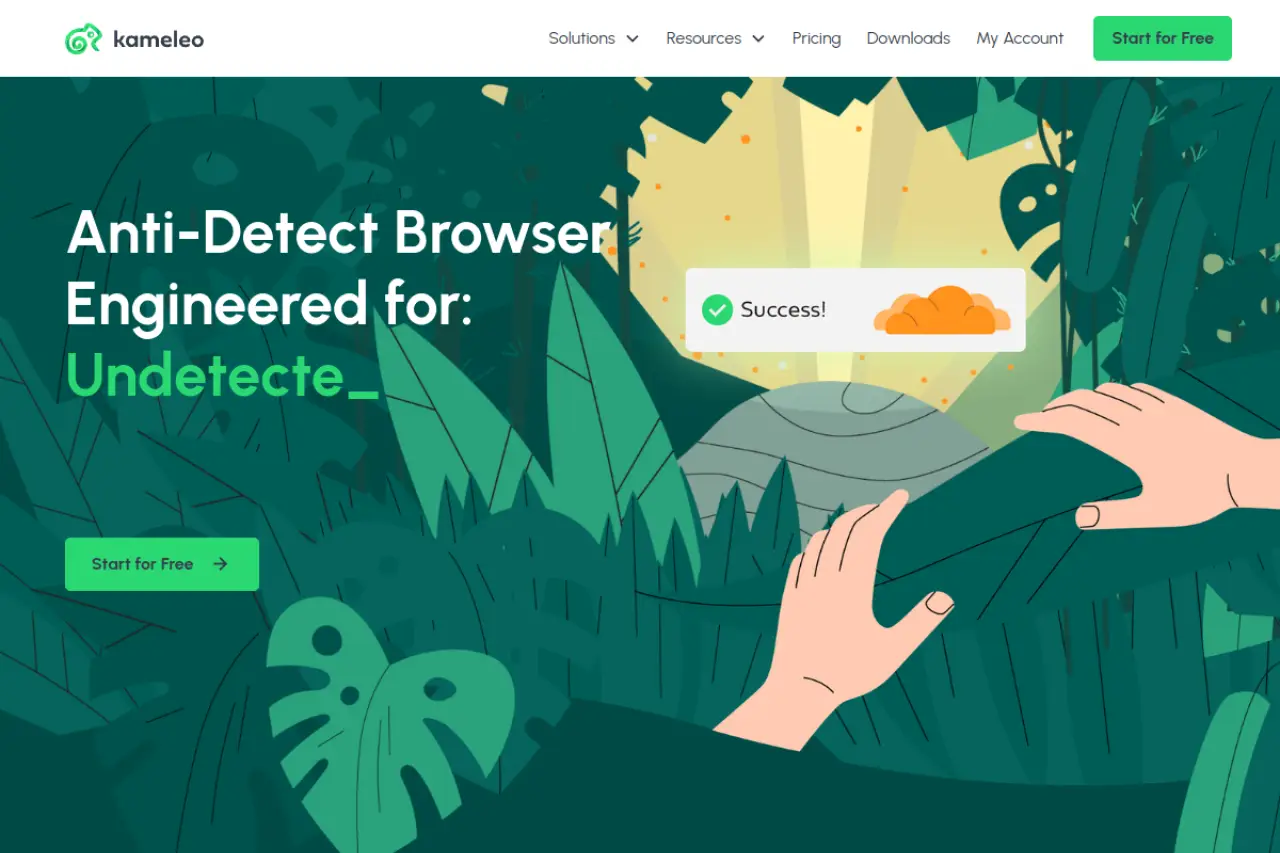
Kameleo is unique because it supports unlimited local profiles on its base plan. Its strongest selling point is mobile emulation. It can effectively spoof Android and iOS devices on a Windows PC. Since many cashback apps offer mobile-only bonuses, this is a critical feature.
It uses a "Stealth" platform that modifies the browser fingerprint at a deep level. It also supports external spoofing of Canvas API data to prevent image hashing detection.
- Price: Startup (€59/mo), Business (€299/mo).
- Key Features: iOS/Android mobile profiles, Unlimited local profiles, Canvas spoofing.
- Pros:
- Best-in-class mobile device emulation.
- Unlimited profiles (local storage only).
- Frequent updates to bypass new detection methods.
- Cons:
- No cloud sync on the cheaper plan.
- The interface is less modern than DICloak or GoLogin.
Verdict: Essential if your strategy focuses on mobile-app exclusive bonuses.
Ghost Browser: Tab-Based Multi-Session Productivity
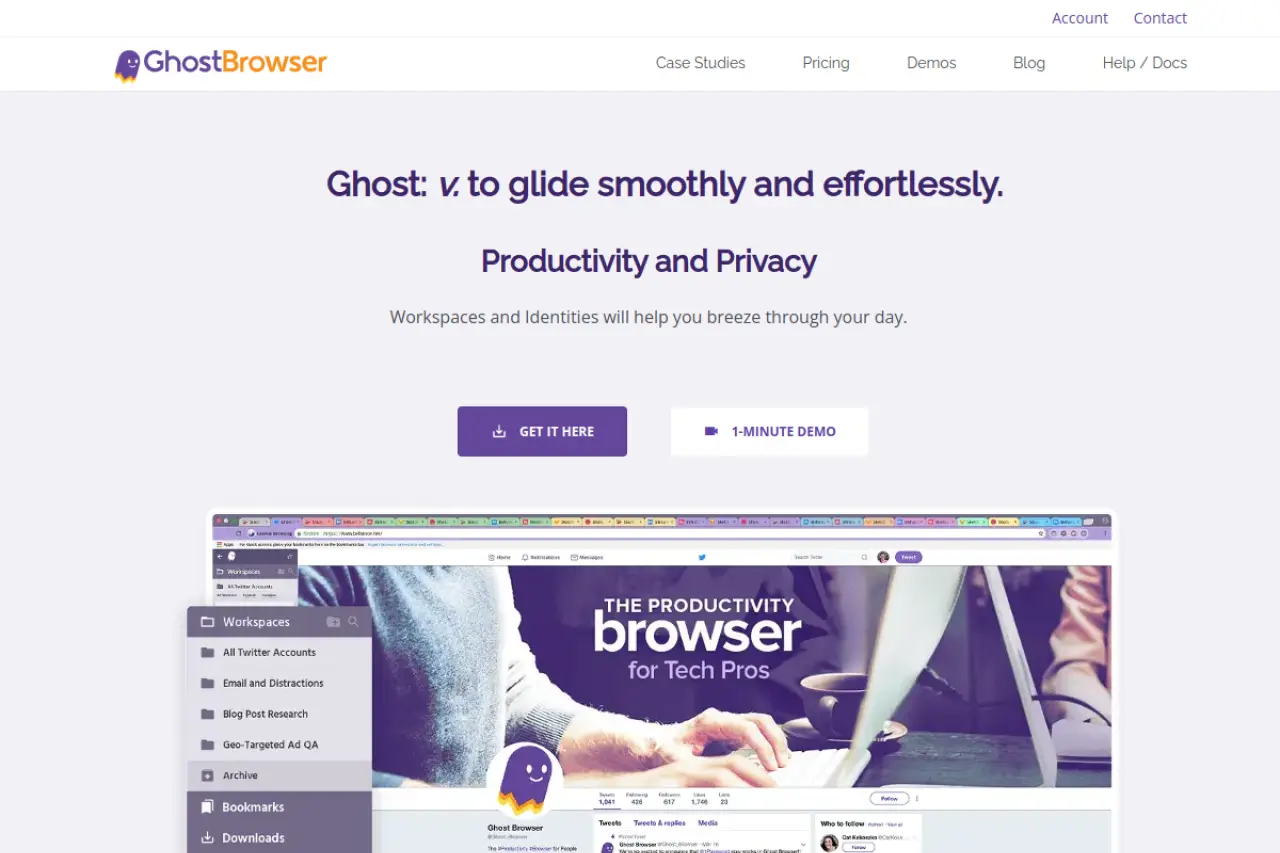
Ghost Browser is built on Chromium and focuses on productivity ("Identities"). It allows you to assign a different proxy and color code to each tab. While it does isolate cookies effectively, it does not offer the same deep fingerprint spoofing (Canvas, WebGL, Fonts) as DICloak or Multilogin.
It is great for "low-security" sites where IP address and cookie isolation are enough. For high-security financial apps, it may not be sufficient.
- Price: Free (3 identities), Basic ($21/mo).
- Key Features: Workspaces, Proxy per tab, Chrome extension compatibility.
- Pros:
- Very fast workflow for switching between accounts.
- Feels exactly like using standard Chrome.
- Easy to organize projects.
- Cons:
- Weaker fingerprint protection compared to antidetect-specific tools.
- Riskier for high-value targets.
Verdict: Good for organizing low-risk accounts, but use with caution for major cashback portals.
Scaling the Business: Operational Strategies for Antidetect Browsers for Coupon & Cashback Hunters
Buying software is only the first step. To make a profit, you need a strict process. This ensures your accounts stay alive long enough to payout. A professional operational workflow turns a chaotic experiment into a reliable business. Without a clear plan, even the best tools like DICloak cannot save you from mistakes. Below is the blueprint for a scalable Bonus farming SOP.
Establishing an SOP for Identity Procurement and Warming
The biggest mistake beginners make is rushing. They create an account and try to claim a bonus immediately. This triggers fraud filters instantly. You must build a credible "Digital Identity" before you ask for money.
Your Standard Operating Procedure (SOP) should follow this order:
- Acquire High-Quality Data: Do not use random fake names. Buy a coherent data set. This includes a verified residential address and a non-VoIP phone number.
- IP Consistency: Assign one high-quality residential proxy to each profile. Never change this IP during the account's life. If the IP rotates to a different city, the account is flagged.
- The Warm-Up Phase: A real user has history. A bot does not. You must browse the web before signing up. Visit top sites like Amazon, YouTube, and news portals. Scroll, click, and accept cookies.
Advanced tools automate this. For example, you can set a "Cookie Robot" to visit 50 sites over two days. This builds a history file that makes your browser look legitimate to security scanners.
The Referral Loop: Linking Multiple Rewards Without Detection
The core of this business is the referral bonus. Account A invites Account B. Both get paid. However, this is where most Antidetect Browsers for Coupon & Cashback Hunters fail if used incorrectly.
Retailers look for patterns. If Account A refers ten people in one hour, and all ten people have the same screen resolution or perform the exact same actions, you will be banned.
Rules for Safe Referrals:
- Stagger Your Timing: Do not create the referred account immediately after sending the link. Wait 24 to 72 hours.
- Vary the Hardware: Ensure each profile has a slightly different fingerprint (Canvas, Fonts, WebGL).
- Break the Chain: Do not create a long chain where A refers B, B refers C, and C refers D. If A gets banned, the whole chain dies. Instead, use a "Hub and Spoke" model. Have a trusted Account A refer Accounts B, C, and D. Then stop using Account A.
Frequently Asked Questions about Antidetect Browsers for Coupon & Cashback Hunters
Running a bonus farming operation is complex. New users often have concerns about safety, costs, and the technology involved. This Antidetect Browsers for Coupon & Cashback Hunters FAQ addresses the most common questions to give you clarity before you invest your capital.
Are antidetect browsers legal for coupon hunting?
Yes, using the software itself is legal. Antidetect browsers are legitimate tools used for privacy and ad testing. However, using them to create multiple fake accounts usually violates the Terms of Service of the retailer or cashback platform. This is a contract violation, not a crime, but it will result in your accounts being banned and your funds seized.
Do I still need proxies if I use an antidetect browser?
Yes, you absolutely need them. An antidetect browser hides your device fingerprint, but it does not hide your internet location. Without a proxy server, all your accounts will show the same IP address, leading to an instant ban. You must pair a high-quality residential proxy with your browser profile to look like a real user.
Can platforms detect that I am using an antidetect browser?
They can if your configuration is poor. Security systems look for mismatches, such as a Windows user agent running on Mac hardware or fonts that do not exist on a normal system. High-end tools like DICloak use sophisticated spoofing to blend in with normal traffic. However, even the best software cannot save you if your browsing behavior looks robotic or suspicious.
 Web Proxy Tools
 Free Tools
 Cookie Plugin
 UA Generator
 MAC Address Generator
 IP Generator
 IP Address List
 2FA Code Generator
 World Clock
 Anonymous Check
 WebRTC Leak Test
 UUID Generator
 Free Web Proxy Site
 Proxy Checker
 FB Ad Checker
 AI Web Scraping
 Free SMM Tools
 Twitter Shadowban Checker
 Instagram Name Checker
 UTM Generator
 Username Generator
 AI Hashtag Generator
 LinkedIn Headline Generator
 Social Media Image Resizer