YouTube auto-publishing bot
AI-powered intelligent video upload and publishing assistant

Say goodbye to tedious manual upload processes once and for all. This is a YouTube video publishing automation tool that supports the MCP protocol. Combined with DICloak's exclusive fingerprint anti-association technology, you can easily manage multi-channel content matrices by simply telling the AI video file the local path and publishing requirements, allowing the browser to fully automate uploading, metadata filling, and publishing by simulating a real person.
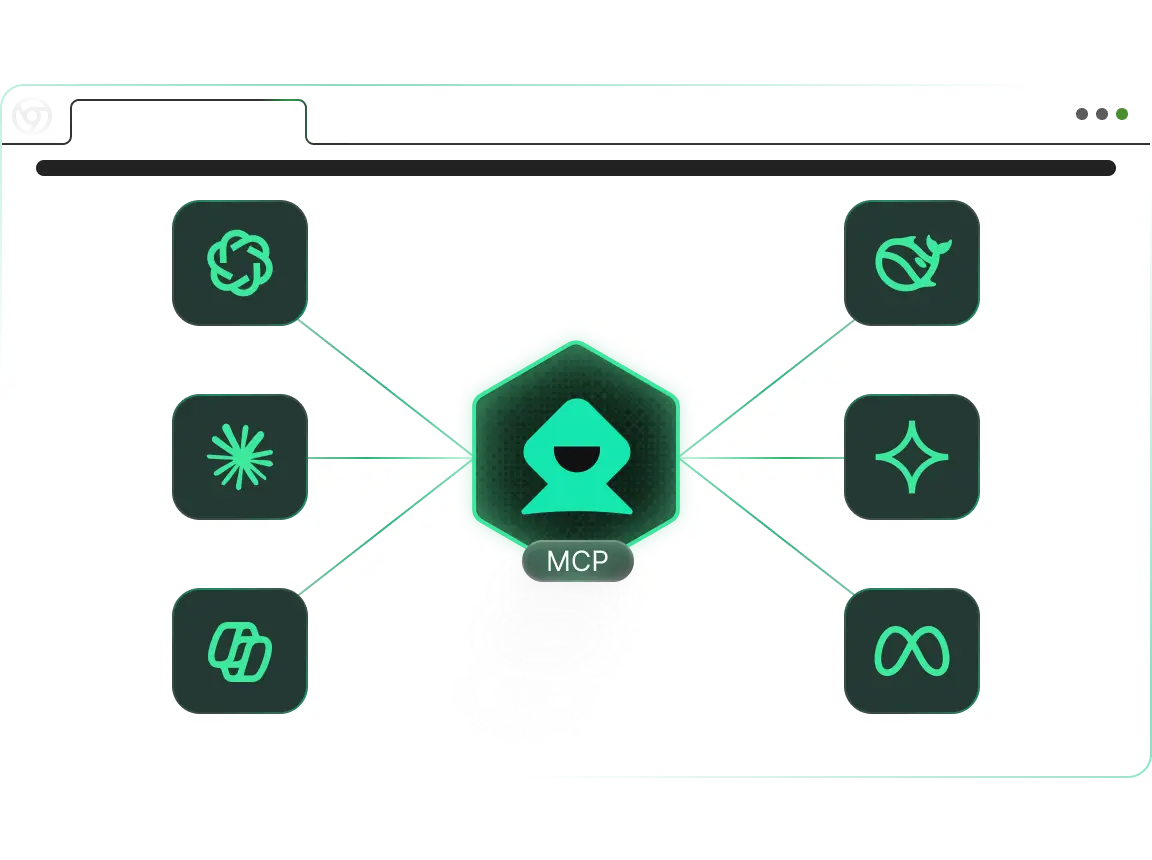

Youtube automatically publishes videos

How to use YouTube Automated Publishing Bot (MCP RPA): From conversation to publishing

Turn time-consuming video publishing efforts into a simple instruction. This tool connects your AI editor (e.g., Cursor/Claude) with the DICloak fingerprint browser via the MCP protocol. AI can directly read the local video file you specify, control the browser to complete the full process such as uploading, title filling, and tag setting, and support automatic waiting for timeout when uploading long videos.

1

Step 1: Connect and configure

Make AI connections Configure the DICloak MCP Server in Claude Desktop or Cursor. Make sure the DICloak client is running and logged in to the account environment of the target YouTube channel.

2

Step 2: Prompt

Natural language control Enter a directive that contains the file path and release details. For example: "Please call the 'Tech_Channel_01' environment and help me post a video. The video file path is 'D:/Videos/AI_Tutorial_v2.mp4'. Set the title to '2026 Latest AI Tool Review' and describe it to automatically generate an introduction to AI efficiency. Set to public one-click publishing. Due to the large file size (2GB), set the running timeout to 20 minutes to ensure the upload completes. "

3

Step 3: Automatically upload and publish

Intelligent managed execution The AI Agent will launch the browser, click the upload button, select the file from the local path, and fill in the title, description, and tags one by one like a real person. While waiting for the upload progress, the AI will monitor until it is successfully published and feedback on the video link.

Work Smarter with MCP RPA — Start with DICloak Now!

Try Now

Who Should Use YouTube Auto-Posting Bot (MCP RPA)?

1. MCN agencies and matrix operators

Solve pain points: cumbersome multi-account management. When managing dozens of channels, switching accounts and repeating uploads can be error-prone and inefficient. This tool can batch process publishing tasks in different environments, combined with fingerprint isolation, to eliminate the risk of account association.

2. Video Content Creators (YouTubers)

Solve the pain point: mechanical labor is time-consuming. Focus your efforts on creation rather than tedious background operations. AI automatically handles uploads, cover settings, and SEO tag filling, making the publishing process "invisible."

3. Carry and Edit Player

Solve pain points: high-frequency release requirements. Faced with the need to publish multiple videos every day, Prompt combined with local file paths to achieve assembly line automation and greatly improve content distribution efficiency.

4. Cross-border e-commerce marketers

Solve pain points: distribution of marketing materials. You need to distribute a large number of product demonstration videos to different brand channels. Use tools for unattended publishing to quickly capture YouTube search traffic.

Why is the YouTube Automated Publishing Bot (MCP RPA) the best choice for your needs?

"Talking to people" is code

Traditional automation requires writing complex Python Selenium scripts to handle file upload pop-ups, which is extremely high-threshold. MCP RPA lets you provide a file path (such as D:/video.mp4) and the AI automatically handles the OS-level file selection interaction.

The ultimate in anthropomorphic security

Unlike official API releases (which may throttle traffic or be flagged), we simulate real browser web page upload behavior. With DICloak's device fingerprint and mouse track simulation, your publishing behavior is completely consistent with real users in the eyes of the platform, and the weight is more secure.

Data privacy and localization

Your video files are uploaded directly from your local hard drive to YouTube without uploading them to any third-party relay server. Account cookies and credentials are always kept in the local environment, ensuring that your core assets are completely secure.

Seamless AI ecosystem integration

Designed for AI Native workflows. Perfectly compatible with Claude Desktop and Cursor. You can ask AI to generate video titles and descriptions for you, and then directly call this tool to publish, achieving "generation-publishing" integration.

Frequently asked questions about YouTube Auto-Publishing Bot (MCP RPA).

bg-img

Does it disconnect when uploading large files?

We have specially designed a timeout control mechanism. You can specify a timeout (such as 30 minutes) in the prompt, and the AI will patiently wait for the upload progress bar to finish running and will not judge the task as a failure due to the file size is too large.

Does publishing with the tool affect video traffic?

No, even better. Because we are simulating real "web upload" behavior, not an API call. This is often seen by YouTube's algorithm as a native creator behavior that helps to achieve normal initial recommendation weight.

Are custom tags and covers supported?

Yes. You only need to specify in the prompt "Please fill in the tags: AI, Tech, Review" or "Use the cover.jpg in the same directory for the cover", and the AI will understand and perform the corresponding settings.

What AI clients are supported?

Currently, editors that integrate the MCP protocol, such as Claude Desktop and Cursor, are mainly supported. This allows you to complete your video publishing work directly in the code editor or AI assistant.

Explore more MCP RPA tools in DICloak

Crawl Youtube video subtitles

Efficiently extract video subtitles for content organization, translation, and secondary creation, saving manual transcription time.

Learn More

Crawl Youtube video comments

Collect video review data in bulk to understand audience perspectives and needs, supporting content optimization.

Learn More

Youtube search for videos and browse the likes and comments

Visit YouTube, automatically search for keywords, play videos, and like and comment.

Learn More

Browse the specified Youtube videos by liking and commenting

One-click automatic viewing, liking, and commenting operations on YouTube videos, helping efficient interaction and traffic increase

Learn More

Cookie bots

Visit different websites to help collect cookies from different websites and save time at work.

Learn More

Keywords crawl Tiktok video information

Search for specific keywords to get data such as the author and number of likes on related videos.

Learn More
cta-bg

Boost Your Efficiency with DICloak MCP RPA — Start for Free