YouTube subtitle grabber
AI-powered video content to text assistant

A powerful tool for quickly getting the core content of your video. Combined with DICloak fingerprint anti-association technology, you can automatically extract the subtitle file (CC) of a given YouTube video and convert it into editable text data using natural language commands. No need for complex API configuration, allowing AI to directly "read" videos, accelerating content recreation and information acquisition.
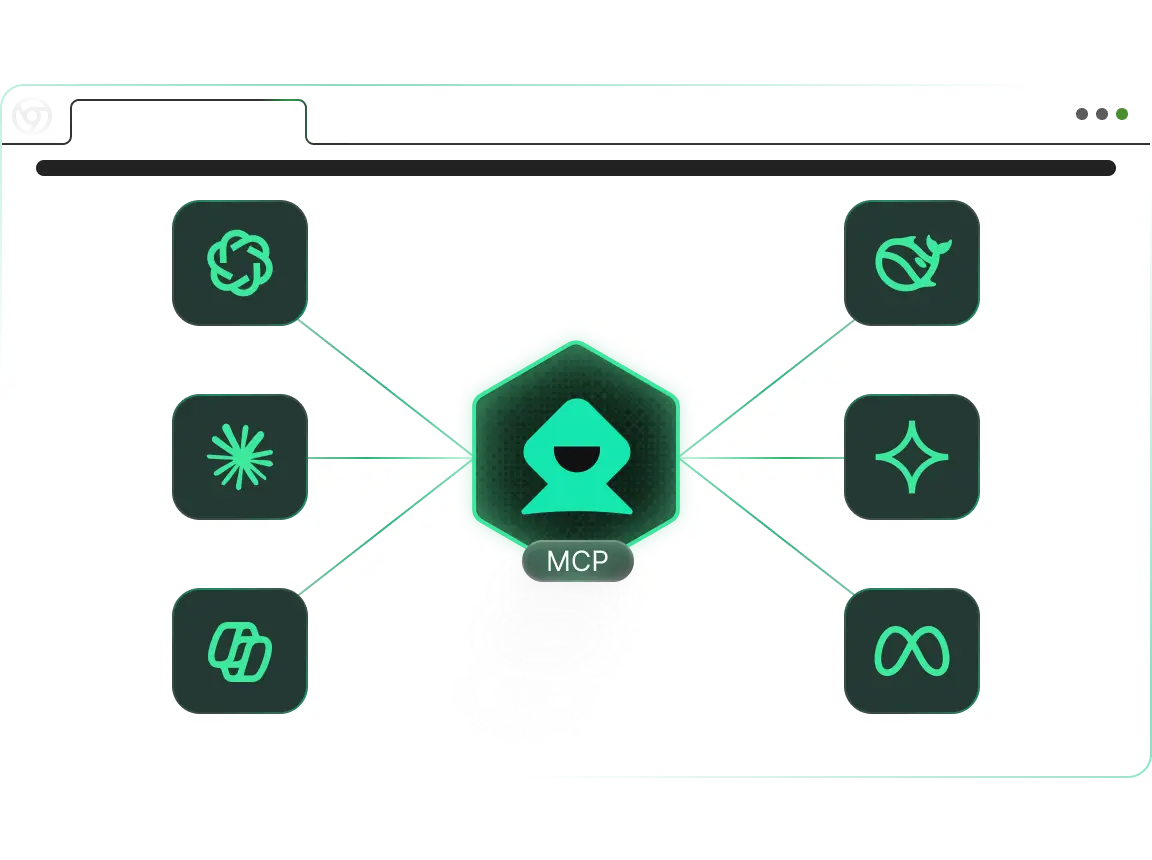
Crawl Youtube video subtitles

How to use YouTube Subtitle Scraper (MCP RPA): From video to text

Turn time-consuming "transcribery" or "manual copying" into automated tasks that can be completed in an instant. Connect your AI editor (e.g., Cursor/Claude) with the DICloak fingerprint browser via the MCP protocol. AI can directly read video pages, intelligently grab subtitle tracks, and feed them as context to large models for summarization, translation, or rewriting.

1

Step 1: Connect and configure

Make AI connections Configure the DICloak MCP Server in Claude Desktop or Cursor. Make sure that the DICloak client is up and ready for any fingerprint environment that can access YouTube properly.

2

Step 2: Prompt

Natural language control Tell AI directly what you need. For example: "Please call the 'US_Research_01' environment and help me extract the English subtitles of this YouTube video [insert URL]. Please grab the full content, remove the timeline, keep only the plain text, and help me summarize the 3 core points of this video directly after extraction. "

3

Step 3: Intelligent execution and processing

Automated collection and analysis The AI Agent will control the browser to access the video page, automatically locate the subtitle panel and scrape the content. After data acquisition, AI will not only deliver the text but also immediately re-process the subtitle content according to your requirements (e.g., summarization, rewriting) in one step.

Work Smarter with MCP RPA — Start with DICloak Now!

Try Now

Who Should Use YouTube Subtitle Scraper (MCP RPA)?

1. Repurposing

Solve the pain point: the video to article conversion efficiency is low. Need to convert trending videos into blog posts or tweets. Quickly obtain original copy by collecting subtitles, and then use AI to wash or polish the manuscript, greatly reducing the content production cycle.

2. Academic research and learners

Solve pain points: Watching long videos is time-consuming. Face hours of lectures or tutorials without having to read them from scratch. Directly capture subtitles and let AI generate summaries or extract key citations to quickly grasp core knowledge points.

3. Cross-border e-commerce and localization team

Solving pain points: language barriers and translation. Quickly capture foreign language subtitles of competing videos, use AI for accurate translation and localization analysis, and understand marketing rhetoric and product selling points in overseas markets.

4. SEO Optimizer

Solving pain points: keyword analysis. Analyze which long-tail keywords and hashtags are included in the top video subtitles to optimize the script structure of your videos and improve search rankings.

Why is YouTube Subtitle Scraper (MCP RPA) the best choice for your needs?

"Talking to people" is code

No need to install youtube-dl or write a Python crawler, and no need to worry about quota limits for the Youtube API. You simply make a request like a chat, and the MCP protocol automatically handles web page parsing and text extraction.

The ultimate in anthropomorphic security

Even if captions are captured, frequent visits may trigger captchas. The tool runs within the DICloak fingerprint environment, simulating the access behavior of real viewers, ensuring stability and concealment in high-frequency capture scenarios.

Data privacy guarantees

All acquisition and processing is done locally on your device. The extracted caption text goes directly into your AI context without going through any third-party SaaS platforms, protecting your research direction and creative inspiration.

Seamless AI ecosystem integration

Perfect for Claude Desktop and Cursor. It's not just "collection", it's "collection + application". You can have AI generate mind maps or rewrite scripts the next second after captioning, closing the loop of your workflow seamlessly.

Frequently asked questions about YouTube Subtitle Scraper (MCP RPA).

bg-img

Can I capture auto-generated CC?

Yes. As long as the caption option is available on the video page, whether uploaded by the creator or automatically generated by YouTube, the tool will recognize and extract it.

How fast is the collection?

Very fast. The entire subtitle file can usually be extracted within seconds of the page loading, which is countless times faster than manual copying or screen recording to text.

Do you support specific subtitle languages?

Yes. If the video contains subtitles in multiple languages, you can specify "Please download Spanish subtitles" or "Please download Chinese and its automatic translation subtitles" in the prompt, and the AI will try to switch and get the corresponding content.

What AI clients are supported?

Currently, Claude Desktop and Cursor, which integrate the MCP protocol, are mainly supported. This allows video content to instantly become a context that large models can understand.

Explore more MCP RPA tools in DICloak

Youtube automatically publishes videos

One-click automated YouTube video publishing, intelligently managing the entire workflow from upload to release to significantly boost operational efficiency.

Learn More

Crawl Youtube video comments

Collect video review data in bulk to understand audience perspectives and needs, supporting content optimization.

Learn More

Youtube search for videos and browse the likes and comments

Visit YouTube, automatically search for keywords, play videos, and like and comment.

Learn More

Browse the specified Youtube videos by liking and commenting

One-click automatic viewing, liking, and commenting operations on YouTube videos, helping efficient interaction and traffic increase

Learn More

Cookie bots

Visit different websites to help collect cookies from different websites and save time at work.

Learn More

Keywords crawl Tiktok video information

Search for specific keywords to get data such as the author and number of likes on related videos.

Learn More
cta-bg

Boost Your Efficiency with DICloak MCP RPA — Start for Free