Why are marketers looking for Swspybrowser alternatives right now?
If you manage multiple advertising or e-commerce accounts, you already know the sinking feeling of a sudden ban. For years, Swspybrowser was a standard tool for keeping these profiles separated. But recently, marketers are jumping ship and actively searching for the best Swspybrowser alternatives to protect their daily operations.
The simple answer is that website security has evolved. Platforms like Facebook and Amazon now use highly advanced tracking methods to scan your digital footprint. If your software uses outdated masking techniques, your accounts immediately look suspicious. Let's look at why sticking with aging technology puts your business at risk.
Quick Verdict: Which Swspybrowser alternative should you pick?
After seeing how quickly older spoofing tools fail, you need a modern replacement fast. We compared the top options on the market. If you want to skip the deep dive, here is the short answer. Our top recommendation is DICloak for its robust cloud syncing and team tools. However, if you compare price, workflow, and team features carefully, the gap between tools becomes clear very quickly. Here is a closer look at how the main options compare.
| Browser |
Best For |
Starting Price |
Free Tier |
| DICloak |
Automated workflows & teams |
$8/month |
5 profiles |
| Dolphin{anty} |
Affiliate marketers |
$10/month |
5 profiles |
| Incogniton |
Budget bulk management |
$19.99/month |
10 profiles |
| Octo Browser |
High-speed professional use |
€10/month |
None |
| Browser.lol |
Quick private sessions |
$9/month |
None |
The best all-around tool for growth and safety
When replacing an older tool, you want a platform that grows with your business. DICloak is the clear winner here. It gives you real browser profiles that isolate your digital fingerprint perfectly. A digital fingerprint is the unique trail of data your device leaves behind online. DICloak masks this trail so platforms like Amazon or Facebook see you as a completely normal user.
It stands out because of its seamless cloud synchronization and team features. If you manage an agency or e-commerce team, you can assign specific access rights without sharing passwords. Starting at just $8 a month, it is highly affordable. Plus, the batch operation tools save you hours when setting up new profiles. It is the smartest Swspybrowser alternative for marketers who want reliability without overpaying.
What free-plan users should pay attention to
If you are starting with a zero-dollar budget, the most important thing is to look beyond the word free and check whether the browser actually provides meaningful profile isolation. Some tools in this category offer limited free plans with a small number of browser profiles, but the real value depends on how much protection and workflow support you actually get. For individual testers or very small operations, a limited free plan can be enough for early setup and basic testing. Free plans can be helpful at the testing stage, but they often come with clear limits on automation, collaboration, or scaling. Some platforms also try to attract new users by increasing the number of free starter profiles, but profile count alone should never be treated as the main reason to choose a tool. Compared with aging legacy software, newer tools generally do a better job handling modern fingerprint surfaces such as WebGL and Canvas. Among the options discussed in this article, DICloak remains the stronger long-term choice for users who want both affordability and room to scale.
How we evaluate the best Swspybrowser alternatives for 2026
Now that you know the top contenders and what they cost, how did we actually pick them? Evaluating modern anti-detect browsers goes beyond just looking at the price tag. You need to know if the software actually keeps your business safe. We tested these Swspybrowser alternatives against strict criteria to ensure they hold up in 2026. Here is exactly what matters when comparing tools in this category.
How well does the tool prevent account links?
The biggest pain point for marketers is waking up to a chain of banned accounts. When one account goes down, you do not want the rest to follow. To stop this, a browser must flawlessly isolate your digital fingerprint. We test each tool to see if it truly builds a unique browser profile for every profile.
Testing for leaks that reveal your true location
Websites use background scripts to peek behind your proxy. If your proxy says you are in New York, but your browser leaks an IP address from London, you get flagged instantly. We push these browsers through rigorous leak tests. We ensure that your true location remains completely hidden from advanced detection mechanisms.
Checking if profiles stay truly separated
Sometimes, tracking cookies or local data bleed from one tab to another. We check if the software keeps each profile strictly sandboxed. This means if you log into an ad account on profile A, profile B has absolutely no record of it. Platforms like DICloak excel here by functioning as highly safe session isolation software.
Pricing vs. features: Are you getting a fair deal?
Good security should not consume your entire marketing budget. After verifying the safety of the browser profile, we look at the math. Are you actually getting good value, or just paying for a fancy dashboard? We compare what you get at every single pricing tier.
Looking for hidden costs in team plans
As your business grows, you will inevitably need help. Many platforms charge massive premiums the second you add a virtual assistant. We dig into the team pricing structures. We look for tools that offer granular permissions without forcing you into expensive enterprise tiers.
Evaluating the value of free profile tiers
A free plan is useless if it throttles your security. We evaluate free tiers to see if they offer real fingerprint spoofing or just basic IP masking. We want to ensure that even beginners using the best free antidetect browser 2026 options get actual protection against modern detection mechanisms.
The top-ranked Swspybrowser alternatives to keep your accounts safe
Now that we understand the strict security criteria, it is time to look at the platforms themselves. Finding a replacement for aging software means upgrading to modern browser profiles.
We have narrowed down the top five options for 2026. Each platform solves specific problems for marketers, affiliates, and e-commerce managers. Here is a quick comparison matrix before we dive into the dedicated reviews.
DICloak: Best for automated workflows and small teams
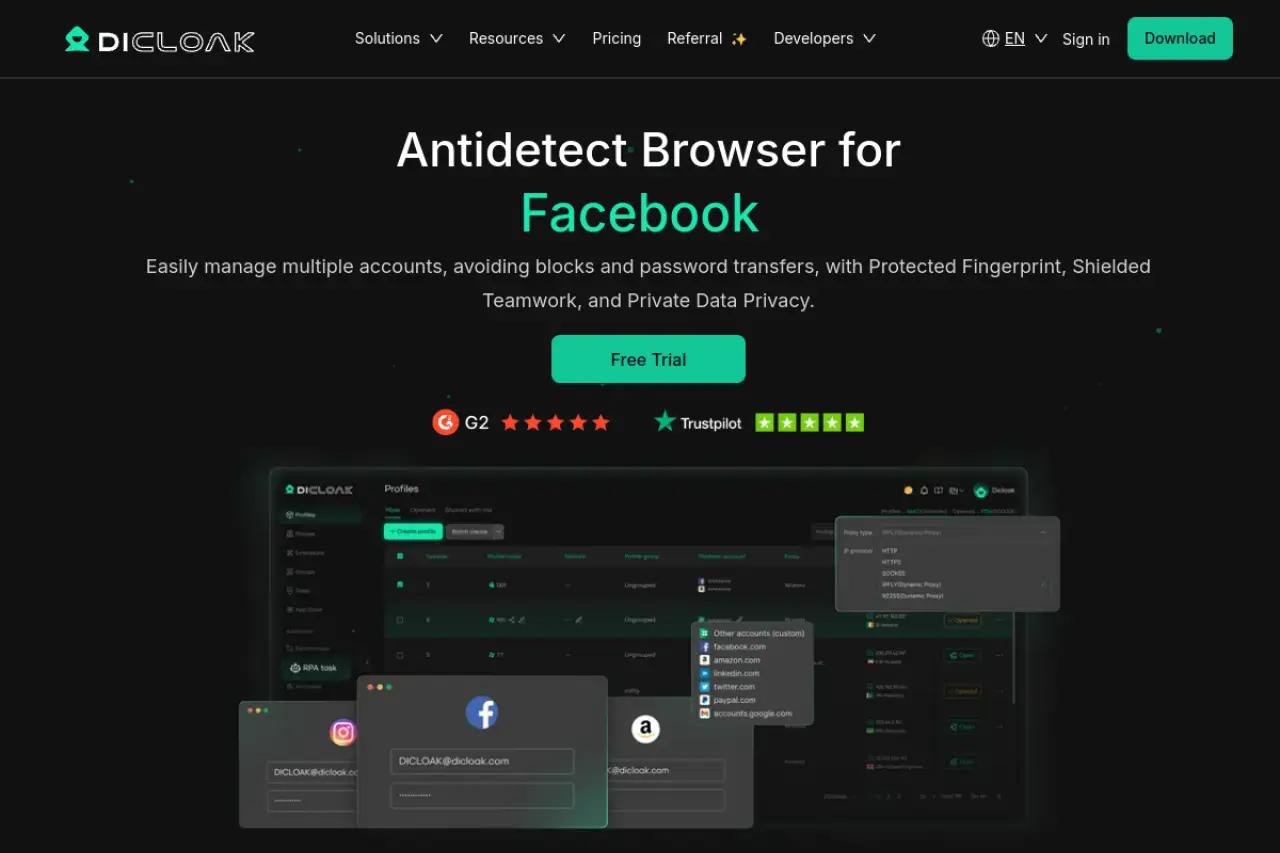
Price: Free plan ($0/month for 5 profiles), Base ($8/month), Plus ($28.8/month), Share+ ($138/month).
Key Features: Cloud data synchronization, multi-window synchronization, advanced browser fingerprint customization, secure environment isolation, robust team collaboration, batch profile operations, and RPA automation bots.
Pros & Cons: The major pro is its excellent session isolation software and highly granular permission settings. The main con is that advanced automation requires the Plus plan.
Verdict: DICloak is the best overall upgrade for teams scaling their operations.
Why it works for affiliate and e-commerce growth
Growing an e-commerce or affiliate business requires managing dozens of merchant accounts. If Amazon or Facebook spots a link between them, you risk a total ban. This platform creates perfectly isolated browser profiles. It masks your hardware fingerprint so each account looks like a completely different physical computer.
Limits to watch out for as you grow
The free tier is generous for testing basic proxy setups. However, you will hit limits quickly if you need automation. To access the window synchronizer and RPA bots for automated account warm-ups, you must upgrade to the $28.80 monthly plan.
Dolphin{anty}: Best for affiliate marketers needing a free start
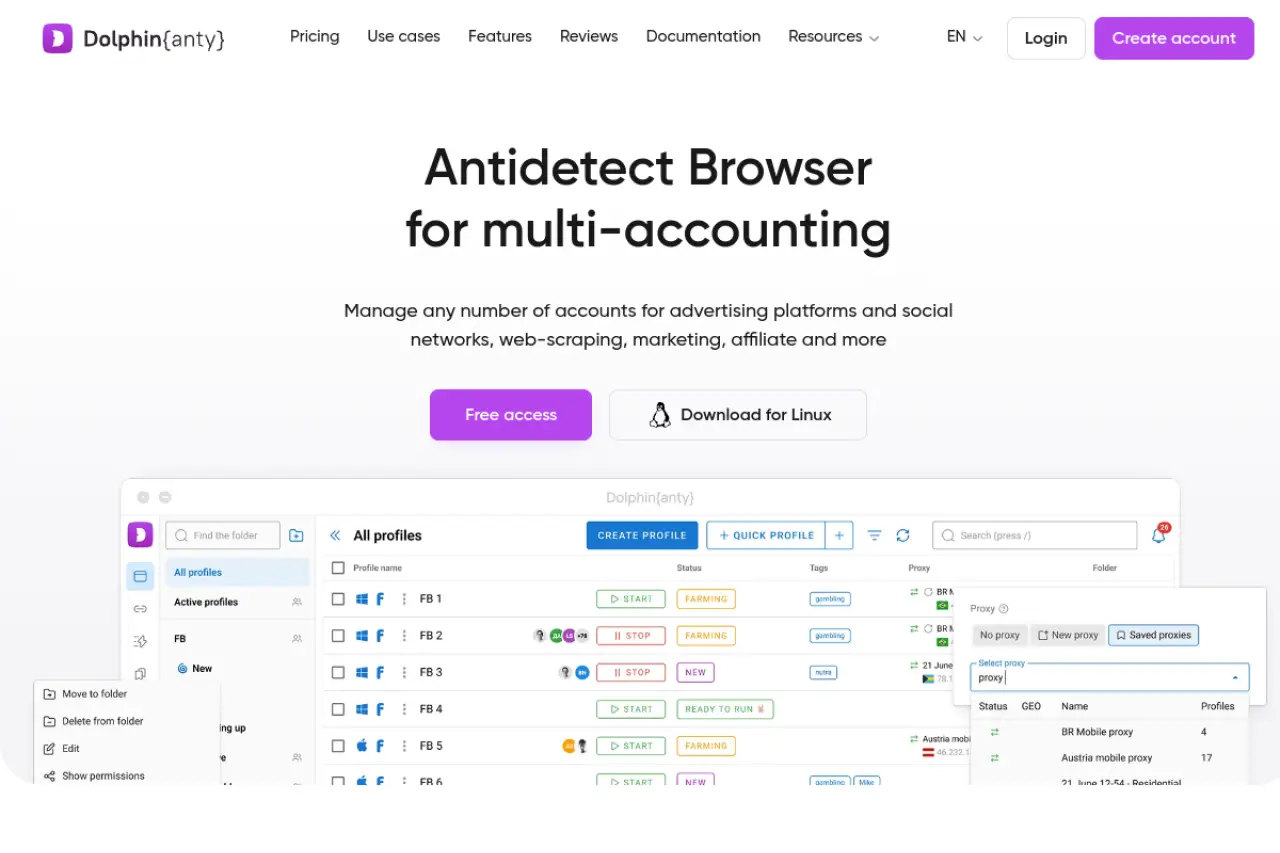
Price: Free ($0/month), Starter ($10/month), Base ($89/month), Team ($159/month).
Key Features: Visual drag-and-drop scenario builder, targeted anti-fingerprinting for WebGL and Canvas, quick proxy IP rotation.
Pros & Cons: The biggest advantage is the forever-free 5-profile plan and intuitive dashboard. A notable drawback is the steep price jump between the Starter and Base plans.
Verdict: Dolphin{anty} remains a solid choice for individual media buyers on a tight budget.
The benefit of the 5-profile forever-free plan
Beginners often hesitate to pay for software before making their first dollar. This forever-free plan removes that barrier. It provides actual fingerprint protection rather than just simple IP masking. You can safely launch your initial campaigns without financial risk.
Why social media buyers prefer this interface
Managing Facebook and TikTok ads requires speed. The dashboard is designed specifically for traffic arbitrage. You can copy proxies, rotate IPs, and launch automation scripts with just one click. This saves hours of manual data entry every week.
Incogniton: Best for bulk profile management on a budget
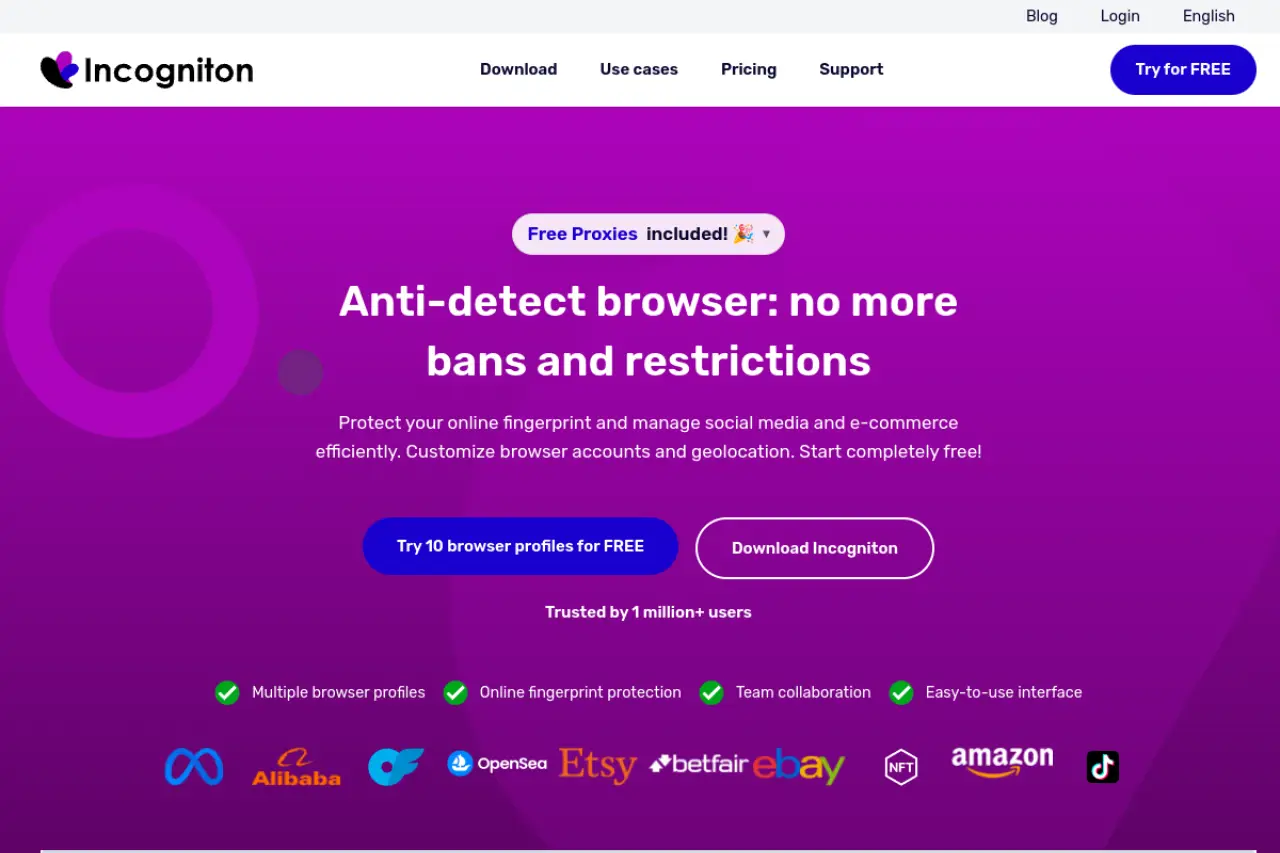
Price: Starter (Free), Starter Plus ($19.99/month), Entrepreneur ($29.99/month), Professional ($79.99/month).
Key Features: Bulk profile creator tool, built-in cookie collector, team management with separate logins.
Pros & Cons: The primary pro is the free 10-profile package. The con is that the user interface can feel slightly rigid compared to newer competitors.
Verdict: Incogniton offers the most volume for users who refuse to pay monthly fees right away.
How the built-in cookie collector saves you time
Brand new browser profiles look suspicious to anti-fraud systems. Real users have a history of visiting various websites. The built-in cookie collector automatically browses sites in the background. It gathers data to make your digital fingerprint look like a real, active human.
What to expect from the free 10-profile starter pack
You receive strong separation for up to 10 accounts. This is perfect for price comparison research or managing a small cluster of marketplace shops. Just remember that API access for advanced automation requires moving to the paid tier.
Octo Browser: Best for high-speed, professional-grade browsing
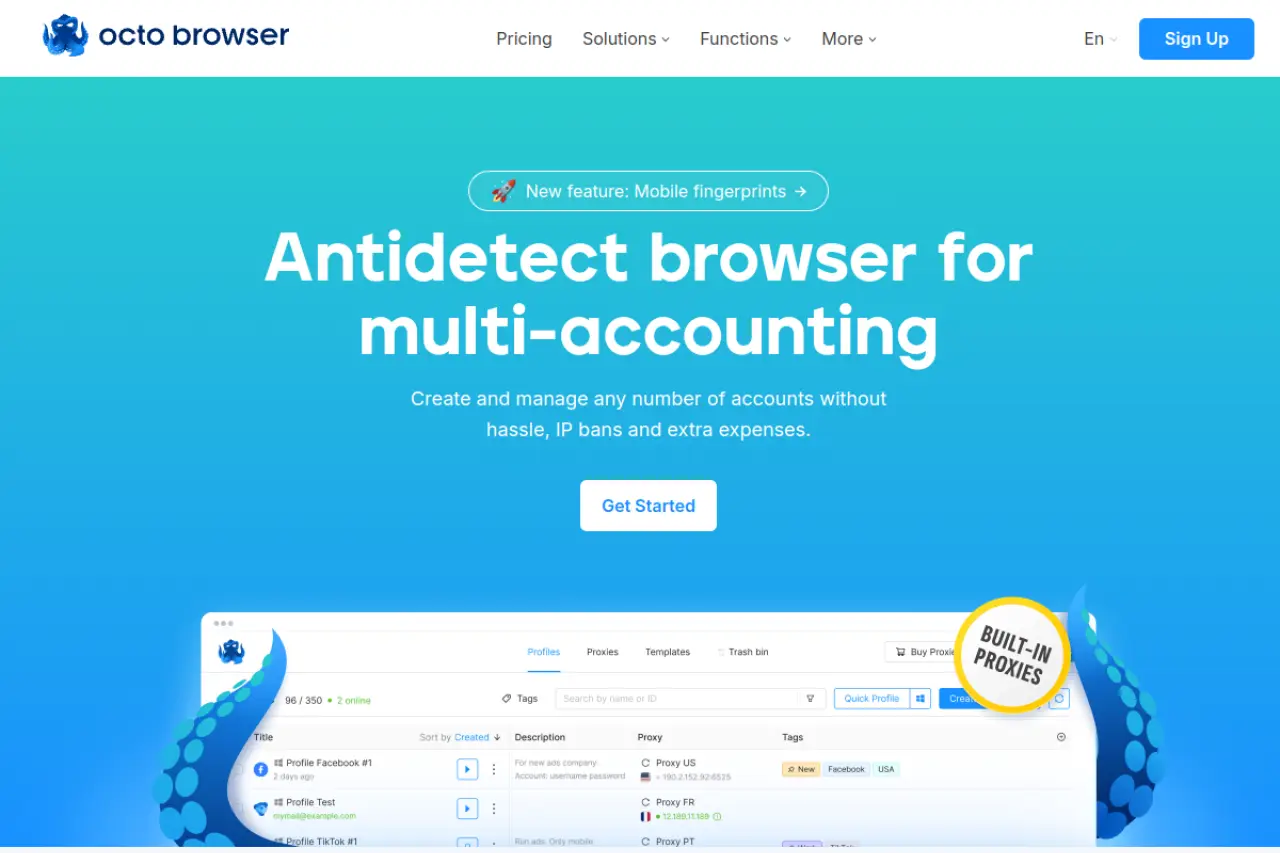
Price: Lite (€10/month), Starter (€29/month), Base (€79/month), Team (€169/month).
Key Features: Custom Chromium-based Octium kernel, integrated proxy shop, comprehensive universal API.
Pros & Cons: The main advantage is its incredibly fast and reliable fingerprint spoofing. The downside is the lack of a fully free tier and higher starting costs.
Verdict: Octo Browser is the premium upgrade for established agencies moving serious volume.
Why high-end users prefer the custom Chromium build
Standard browsers leak tiny hardware details. This tool runs on the Octium kernel, a custom engine built strictly for protection. It easily bypasses advanced detection mechanisms used by major ad networks and crypto airdrops.
Is the premium price worth it for your business?
If you manage hundreds of revenue-generating accounts, stability is worth the cost. The fast setup and direct proxy shop save valuable operational time. However, casual users might find the monthly fees too heavy for simple tasks.
Browser.lol: Best for quick, one-off private sessions
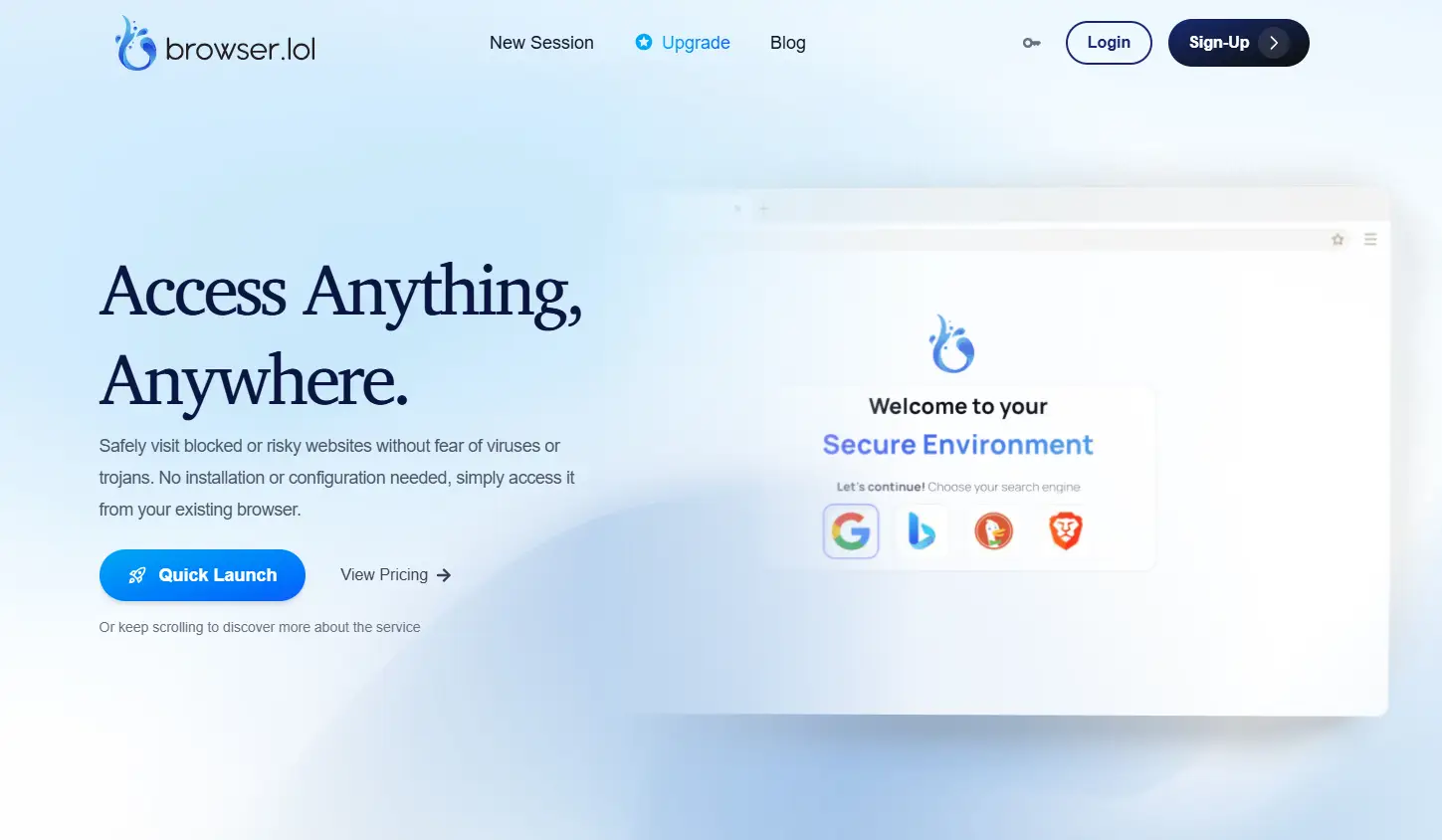
Price: Free ($0/month), Premium ($9/month), Browser Unlock ($24 one-time).
Key Features: Zero local footprint, cloud-rendered model, stateless ephemeral sessions.
Pros & Cons: It is perfectly sandboxed against local malware. However, it does not save session data for long-term account management.
Verdict: Browser.lol is fantastic for quick privacy checks but falls short as a complete multi-accounting platform.
When to use a cloud-based browser vs. a local app
Sometimes you need to view a competitor's website or check a link without revealing your IP. A cloud-based tool renders the page on a remote server. Your local computer never interacts with the site directly, ensuring total anonymity.
Why this is not for long-term account management
These are stateless ephemeral sessions. This means the second you close the tab, everything is wiped clean. You lose your cookies, history, and active logins. For daily affiliate marketing or e-commerce, you need a local app that saves your profile states.
Conclusion
Choosing a Swspybrowser alternative in 2026 is not just about price. It is about keeping accounts separated, reducing detection risk, and making daily multi-account work easier to manage. As platforms become stricter, outdated tools are simply harder to rely on.
Among the options discussed above, DICloak stands out as the most balanced choice for long-term use. It combines fingerprint protection, secure profile isolation, cloud sync, multi-window synchronization, batch operations, automation, and team collaboration in one platform. If you want a safer and more efficient way to manage multiple accounts, DICloak is the better place to start.
Frequently Asked Questions about Swspybrowser Alternatives
What is the overall best alternative to Swspybrowser in 2026?
DICloak stands out as the strongest overall replacement for multi-accounting in 2026. It combines affordable entry pricing, solid session isolation, cloud synchronization, and team management features that fit both solo users and growing operations.
Are there any completely free Swspybrowser alternatives for beginners?
Some tools in this space do offer free entry plans, but free access alone does not guarantee the level of protection needed for long-term multi-accounting. DICloak includes a free plan with five profiles, giving beginners a practical way to test profile setup, proxy configuration, and basic workflow needs before scaling further.
How do I transfer my accounts from Swspybrowser to a new browser?
The safest approach is to move your session cookies carefully, rebuild each profile with matching settings, and keep the same proxy environment during the transition. This helps reduce sudden fingerprint changes and lowers the chance of triggering security checks on important accounts.
 Web Proxy Tools
 Free Tools
 Cookie Plugin
 UA Generator
 MAC Address Generator
 IP Generator
 IP Address List
 2FA Code Generator
 World Clock
 Anonymous Check
 WebRTC Leak Test
 UUID Generator
 Free Web Proxy Site
 Proxy Checker
 FB Ad Checker
 AI Web Scraping
 Free SMM Tools
 Twitter Shadowban Checker
 Instagram Name Checker
 UTM Generator
 Username Generator
 AI Hashtag Generator
 LinkedIn Headline Generator
 Social Media Image Resizer