Amazon Automatic Search & Add-on Assistant
AI-powered smart e-commerce shopping bot

Redefine Amazon automation operations. This is an Amazon shopping process automation tool that supports the MCP protocol. Combined with DICloak's exclusive fingerprint anti-association technology, you can simulate the complete "search-browse-add" behavior link of real buyers by simply speaking a natural language command to the AI, safely and efficiently improving account weight and listing ranking performance.
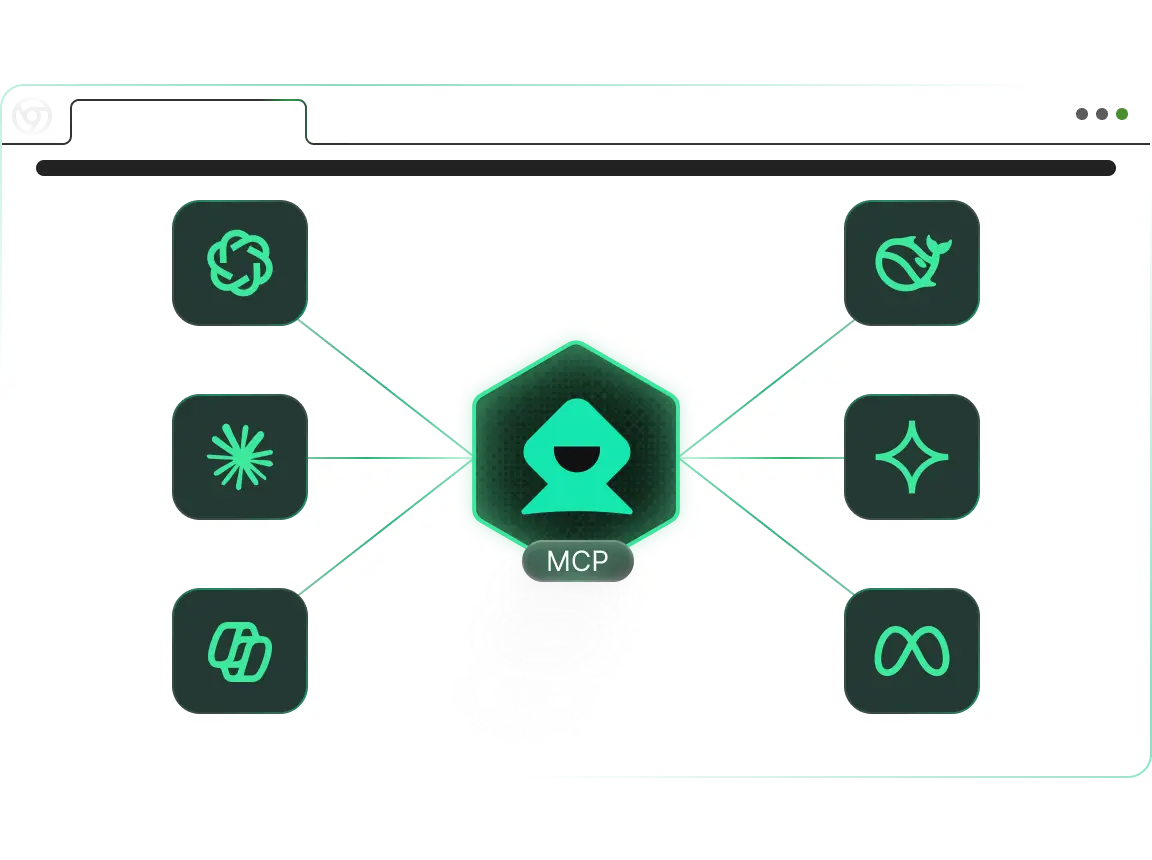

Amazon automatically searches for add-ons

How to use Amazon Automated Search and Upbuy (MCP RPA): From conversation to add-up

Simplify complex e-commerce operations tasks into a natural conversation. This tool connects your AI editor (e.g., Cursor/Claude) with the DICloak fingerprint browser via the MCP protocol. AI understands your shopping strategy and automatically commands the browser to perform keyword search, product filtering, detail page browsing, and add-to-cart operations, simulating human behavior throughout the process.

1

Step 1: Connect and configure

Make AI connections Configure the DICloak MCP Server in Claude Desktop or Cursor. Make sure that the DICloak client is up and ready with the customer account environment (logged in to Amazon) for the task.

2

Step 2: Prompt

Natural language control Describe your shopping tasks directly. For example: "Call the 'US_Prime_Account_07' environment and search for the keyword 'noise cancelling headphones' on Amazon. Simulate human browsing behavior, skip the ad space, find a product with a brand 'Sony' or 'Bose', browse 2 random products, and add the target product to your shopping cart. "

3

Step 3: Smart execution

Automated operation The AI Agent will take over the browser, enter keywords, scroll through the search results page like a real person, click to enter the details page, and perform the "Add to Cart" action after simulating reading (staying), and feedback the operation result after completion.

Work Smarter with MCP RPA — Start with DICloak Now!

Try Now

Who Should Use Amazon Automated Search & Add-On Bots (MCP RPA)?

1. Amazon evaluation/account maintenance team

Solve the pain point: low account weight. Direct orders for new accounts are easy to be controlled by risk. By simulating the real "search keyword-shopping-add-purchase" behavior, you can accumulate account activity and shopping intention tags, and you can effectively "maintain an account" even without checkout.

2. Amazon Sellers

Solve pain points: keyword ranking optimization. Search for specific keywords and perform add-ons through natural language control to improve your listing's click-through rate (CTR) and add-to-cart rate, helping to improve your keyword's organic ranking.

3. Product selection and competitive analysts

Solve pain points: price and inventory monitoring. Regularly automatically add competitors to the cart to test their actual inventory levels (Inventory Check), or monitor the price movement of the cart page for first-hand market intelligence.

4. Cross-border procurement/purchasing agent

Solve the pain point: repeated procurement is cumbersome. For businesses that purchase in bulk through Amazon, you can use Prompt to issue additional purchase instructions in batches, automatically completing the early product selection and order making work, saving a lot of manual time.

Why is Amazon Automated Search & Add-on (MCP RPA) the best choice for your needs?

"Talking to people" is code

No need to write Selenium scripts to handle complex Amazon page structure changes. You simply tell the AI to "search and add", and the MCP protocol automatically handles search box positioning, result filtering, and button clicks with minimal maintenance.

The ultimate in anthropomorphic security

Unlike direct traffic (low weight), we simulate a real "Search & Browse" traffic path. Combined with DICloak's fingerprint obfuscation and random mouse tracks, the behavior trajectory is exactly the same as that of real consumers.

Data privacy guarantees

Your buyer account cookies, browsing history, and shopping cart data remain entirely in your local environment without passing through any third-party cloud servers, ensuring absolute security of your core account assets.

Seamless AI ecosystem integration

Built for the AI Native era. Perfect support for Claude Desktop and Cursor. You can combine AI's reasoning capabilities to "determine which product is the most cost-effective" before performing "add-ons" to achieve a truly intelligent shopping agent.

Common problems with Amazon Automated Search and Add-on (MCP RPA).

bg-img

Will this operation cause the account to be linked?

Security is our biggest advantage. The tool runs in the DICloak fingerprint environment, and each account has its own IP, Canvas fingerprint, and hardware parameters, and the operation logic is completely isolated, eliminating the risk of association.

Can I specify searching for products from specific brands or price ranges?

Absolutely. The power of Prompt lies in its flexibility. You can say "Search for yoga mats priced between $20-$50" or "Only add items with the 'Best Seller' logo," and the AI will automatically filter them.

Will I be automatically checked out after adding a purchase?

The default command is usually only executed to "Add to Cart". If you need a Checkout feature, you can specify instructions in your prompt, but it is recommended that actions involving payments require manual confirmation or more granular prompt control.

What AI clients are supported?

It is currently perfectly compatible with editors that support the MCP protocol, such as Claude Desktop and Cursor. In the future, as more LLM applications support MCP, the scope of application will be further expanded.

Explore more MCP RPA tools in DICloak

Crawl Amazon product reviews

Visit the Amazon product page for 10 pages of review information, including: name, rating, title, content.

Learn More

Youtube automatically publishes videos

One-click automated YouTube video publishing, intelligently managing the entire workflow from upload to release to significantly boost operational efficiency.

Learn More

Cookie bots

Visit different websites to help collect cookies from different websites and save time at work.

Learn More

Crawl Youtube video subtitles

Efficiently extract video subtitles for content organization, translation, and secondary creation, saving manual transcription time.

Learn More

Crawl Youtube video comments

Collect video review data in bulk to understand audience perspectives and needs, supporting content optimization.

Learn More

Youtube search for videos and browse the likes and comments

Visit YouTube, automatically search for keywords, play videos, and like and comment.

Learn More
cta-bg

Boost Your Efficiency with DICloak MCP RPA — Start for Free