For a social media manager, an X account suspension isn't just an inconvenience—it's a direct threat to client relationships, campaign ROI, and brand reputation. The sudden loss of access can halt critical business operations, leaving you scrambling for answers and a path forward.
This guide provides that path. We will explain why X suspends accounts, detail how to recover your profile based on its status, and outline a proactive strategy to prevent future suspensions. Our goal is to equip you with the expert knowledge to resolve the immediate issue and implement a long-term strategy to safeguard your entire client portfolio.
Why Was Your X Account Suspended? Common Reasons Explained
Understanding the root cause of a suspension is the first step toward recovery. Most enforcement actions fall into a few key categories. By reviewing the common reasons below, you can better diagnose what went wrong with your account.
Spam and Inauthentic Behavior
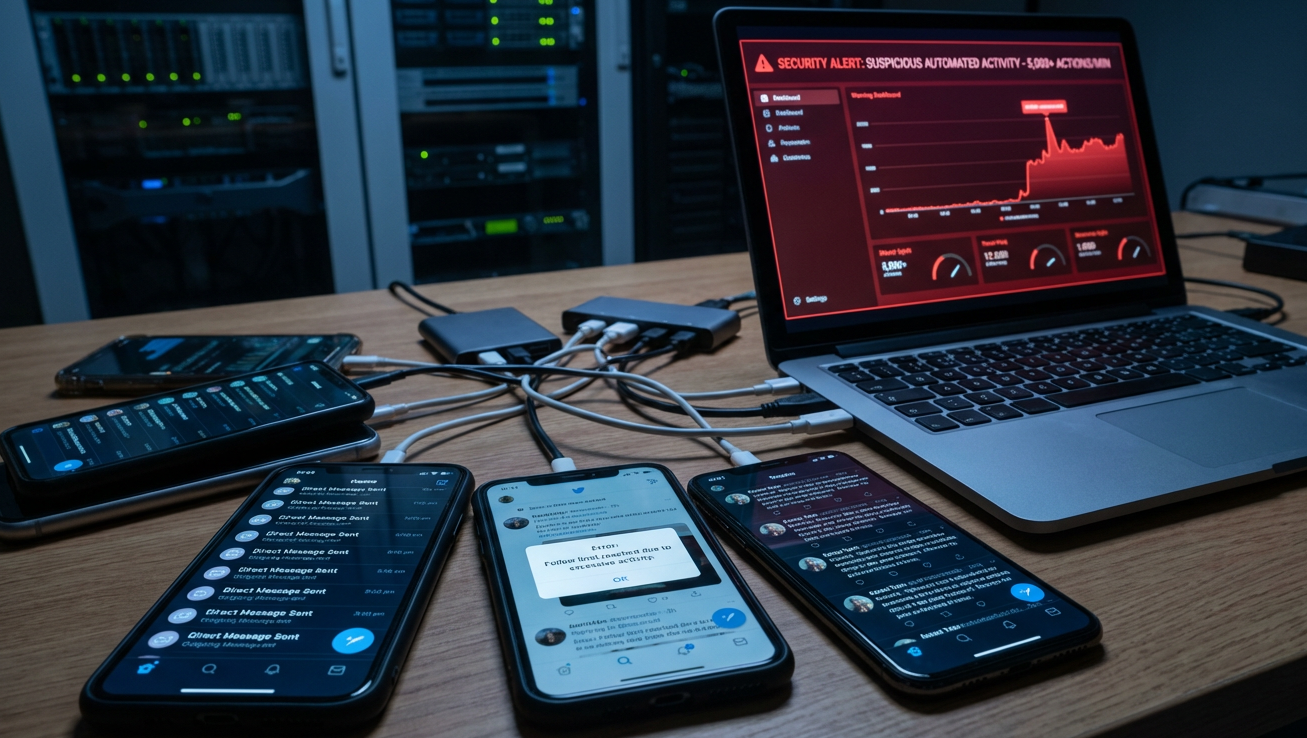
The vast majority of suspensions are related to spammy or fake accounts, which X views as a security risk to the platform and its users. A real person's account can sometimes be mistakenly flagged for these behaviors. Common triggers include:
- Mass actions, such as sending hundreds of Direct Messages.
- Excessive or aggressive retweeting.
- Following a large number of accounts in a short period.
- Using unauthorized automation tools for engagement.
- Posting repetitive or identical content across multiple accounts.
Account Security Risks
X may suspend an account if it suspects it has been hacked or compromised. This is a protective measure to reduce potentially malicious activity. This type of suspension can be triggered by:
- Suspicious login activity, such as repeated logins from different browsers or distant IP addresses that are unusual for your account.
Abusive Behavior and Content Violations
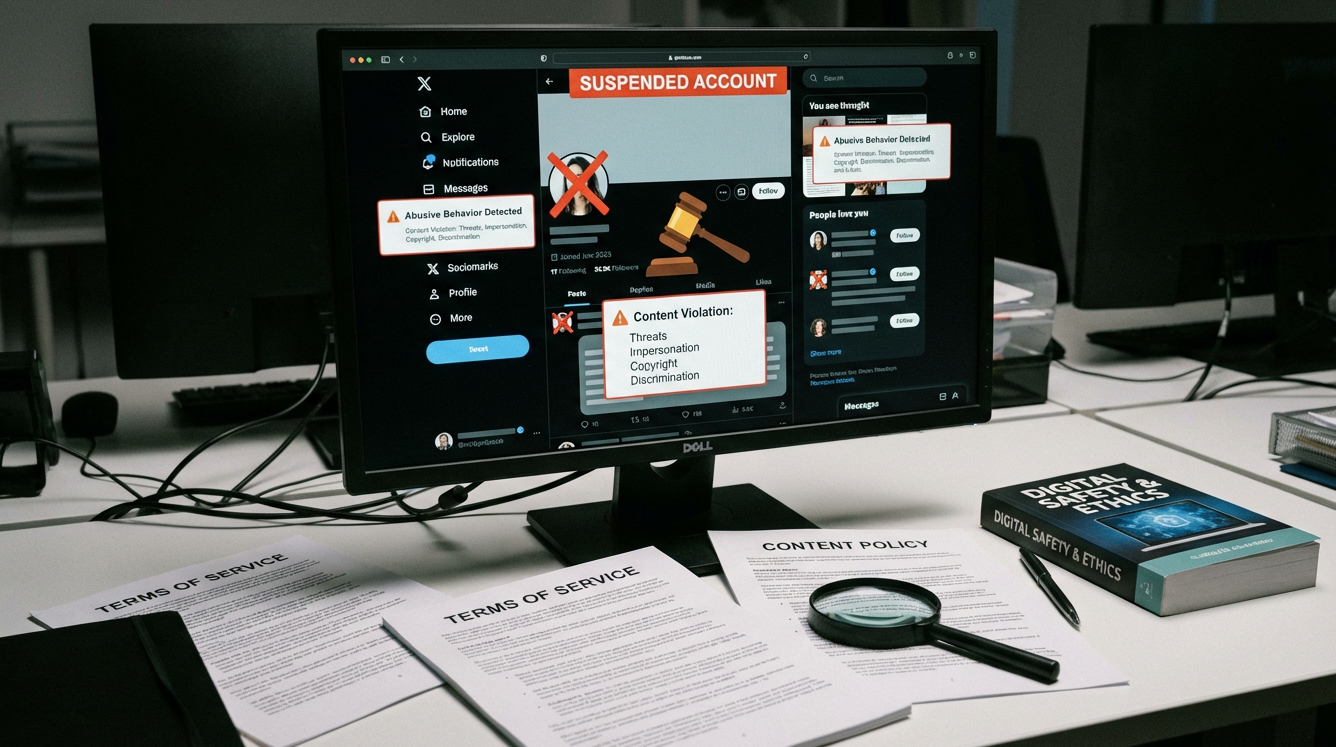
Violating X’s rules surrounding abusive content can lead to temporary or permanent suspension. These actions are taken when an account is reported or algorithmically flagged for breaking platform policies. Examples of violations include:
- Sending threats to others.
- Impersonating other people or organizations.
- Sharing copyrighted material (images, videos, music) without permission.
- Discriminating against or insulting other users.
Issues with Managing Multiple Accounts
While X has a more relaxed policy on multi-accounting compared to other platforms, there are clear limits. Users are generally permitted to operate up to a ten account limit from the same device. However, exceeding this limit or using multiple accounts to manipulate engagement — such as posting identical content or faking poll results — can lead to the suspension of all linked accounts. This poses a significant risk for professionals who legitimately require more than ten profiles, including:
- Marketing agencies
- Lead generators
- SMM specialists
- Dropshippers and e-commerce store owners
- Crypto businesses
Is Your X Account Locked, Limited, or Permanently Suspended?
The penalty for a violation depends on its severity. X uses three main types of restrictions, and identifying which one applies to you is crucial for determining the right course of action.
Locked Account
A locked account is typically a protective measure taken in response to suspicious activity that suggests an account may be compromised. To restore access, the user is usually required to verify their identity by confirming the email address or phone number associated with the account. Once verified, full functionality is restored.

Limited Account (Read-Only Mode)
A limited account, also known as read-only mode, is a temporary restriction for mild rule violations. During this period, you can still browse your timeline and respond to Direct Messages from followers, but you cannot post, retweet, or like content. This restriction typically lasts anywhere from 12 hours to one week.
Permanently Suspended Account
A permanent suspension is the most severe penalty, reserved for serious or repeated violations of X’s rules. In this case, the account is removed from public view, all features are disabled, and the user is prohibited from creating new accounts.
A Step-by-Step Guide to Recover Your X Account
Your recovery strategy depends entirely on the type of suspension your account is facing. Follow the steps below that correspond to your situation.
For Locked or Limited Accounts
If your account is locked or temporarily limited, the solution is often straightforward.
- Log in to your X account.
- Look for on-screen prompts. These will typically ask you to confirm your email address or provide a phone number to verify your identity.
- Follow the instructions carefully. For a security lock, completing the verification steps should unlock your account. For a read-only limitation, the primary solution is often to wait for the specified time period to end before your posting privileges are restored.
For Permanently Suspended Accounts
Filing an appeal is the only available option to recover a permanently suspended account. While X provides no official statistics, user reports consistently indicate that appeal success rates are slim, making the quality of your first submission paramount.
- Log in and access the form: First, log in to your suspended X account. Next, open a new browser tab and navigate to X's Help Center to file an appeal.
- Describe the problem: In the "Description of the problem" field, write a clear, factual, and concise explanation of what happened. Explain why you believe the suspension was a mistake.
- Maintain a professional tone: Use formal and respectful language. Avoid emotional outbursts, accusations, or threats, as this will not help your case.
- Provide evidence: If possible, reference specific tweet IDs or dates. Attach any screenshots or other evidence that contradicts the alleged violation and supports your claim.
- Submit only once: Submitting multiple appeals for the same issue can clog the system and delay the review process. Be patient and wait for a response.
Pro Tip: Frame Your Appeal Strategically.
Your tone matters. If you genuinely made a mistake, acknowledge it concisely and state you have reviewed the rules to prevent recurrence. If you believe the suspension was an error, present your case factually and professionally, referencing specific tweet IDs or dates as evidence. Avoid emotional language or threats; they are counterproductive.
How to Prevent an X Account Suspension When Managing Multiple Profiles
Recovering an account is reactive. A far better strategy, especially for professionals managing multiple clients or campaigns, is proactive prevention. For a professional managing dozens of client accounts, the risk model is exponential. A single, minor violation on one client's account—or even a false positive from X's algorithm—can trigger a catastrophic chain reaction, jeopardizing your entire portfolio due to browser fingerprinting. This is not a risk that can be managed reactively; it requires a proactive insulation strategy.
The Hidden Risk: Browser Fingerprinting
Websites like X don't just track your IP address; they use a sophisticated technique called browser fingerprinting to identify and link your accounts. A browser fingerprint is a unique profile created from dozens of data points, including your IP address, browser version, installed extensions, operating system, screen resolution, fonts, WebGL metadata, WebGPU information, and canvas hash. If one of your accounts is flagged for a violation, all other accounts sharing the same fingerprint are immediately at risk of being suspended as well.
Why VPNs and Multiple Devices Aren't Enough
Many users turn to common workarounds like VPNs or multiple devices, but these methods are fundamentally flawed. A VPN only changes your IP address, doing nothing to alter the dozens of other data points that form your device fingerprint, such as the User-Agent and hardware specifications. X's detection systems easily see through this partial disguise.
Using multiple physical devices is a potential but impractical alternative. Even if you could afford the hardware—at over $50 per cheap smartphone—the operational nightmare of juggling, charging, and updating dozens of devices makes this approach impossible to scale for any serious agency.
The most effective way to safely manage multiple X accounts is to use an antidetect browser. This specialized tool is designed to solve the browser fingerprinting problem by creating truly separate and isolated browsing environments.
Build a Digital Fortress for Each Client Account
DICloak allows you to create and manage multiple browser profiles from a single device. Each profile has a completely unique and authentic browser fingerprint. DICloak spoofs hundreds of parameters—including IP address, geo-location, cookies, WebGL, and Canvas data—making each profile appear to X as a distinct, genuine user operating from a different device. This complete isolation dramatically reduces the risk of chain bans, as your accounts are no longer linked by a shared digital footprint.

Strategic Features for Scalable & Secure Agency Operations
DICloak is trusted by 6,8000+ teams because it provides the features needed for secure and scalable multi-account management.
- Guaranteed Account Safety: Each account operates within its own isolated profile with a custom fingerprint and IP. This means one client's accidental violation will never risk another's account, creating true data isolation and protecting your agency from cascading failures.
- Flexible Proxy Configuration: You can seamlessly configure HTTP/HTTPS or SOCKS5 proxies to assign a unique IP address to each account profile. By assigning a unique residential proxy to each profile, you can geo-target campaigns and ensure each account appears as a legitimate, local user, further enhancing its authenticity.
- Streamlined Team Collaboration: Securely share profiles and manage permissions with your team without risky password transfers. This eliminates the dangerous and unprofessional practice of sharing passwords via spreadsheets or messages, which itself can trigger security locks on X.
- Safe Automation with RPA: Use the built-in Robotic Process Automation (RPA) tool to automate repetitive tasks in a way that appears natural. This allows you to automate routine engagement in a human-like manner, scaling your activity without tripping bot-detection algorithms that look for repetitive, robotic actions.
Protect your business assets and scale your operations without fear of suspension. Visit the DICloak website and sign up for the free plan to test its features and experience secure multi-account management before committing to a paid subscription.
Frequently Asked Questions about a Suspended X Account
How can I tell if my X account suspension is temporary or permanent?
Temporary suspensions typically provide clear on-screen recovery instructions, such as asking you to verify your email or showing a countdown timer until restrictions are lifted. A permanent suspension usually displays a definitive message stating the account will not be restored and offers no immediate recovery steps beyond filing an appeal.
How long does it take to hear back after submitting a suspension appeal?
While simple cases may be resolved in 48-72 hours, the timeline can vary significantly. Complex cases may take anywhere from one week to several months to review. It is important to submit your appeal only once, as sending multiple requests can restart your position in the queue and delay the process.
Can I create a new X account after being permanently suspended?
Creating a new account to evade a permanent suspension is a violation of X's rules. The platform uses algorithms to detect links between new and previously suspended accounts via IP addresses, device fingerprints, and other data points. A new account created for this purpose will likely be suspended as well.
What is the difference between a locked and a suspended X account?
A locked account is a temporary security measure, usually triggered by suspicious activity, which requires you to verify your identity to regain access. A suspended account is a penalty for violating X’s rules. A suspension can be temporary (a limited, read-only state) or permanent, and it restricts account functionality or removes the account entirely.
What are the first steps I should take if my X account is locked?
The first step is to log in to your account. You should see on-screen prompts guiding you through the recovery process. This typically involves verifying your phone number or email address to prove you are the legitimate owner and unlock the account.
Conclusion
Facing an X account suspension is a serious issue that threatens business continuity, but it is often manageable. The key is to understand why the suspension occurred, follow the correct recovery procedures, and—most importantly—adopt a proactive prevention strategy. For agencies and professionals whose livelihoods depend on managing multiple accounts, reacting to suspensions is not a sustainable model. By using a powerful tool like the DICloak antidetect browser, you can create a digital fortress for each client profile, ensuring safe, scalable, and uninterrupted operations on X.
 Web Proxy Tools
 Free Tools
 Cookie Plugin
 UA Generator
 MAC Address Generator
 IP Generator
 IP Address List
 2FA Code Generator
 World Clock
 Anonymous Check
 WebRTC Leak Test
 UUID Generator
 Free Web Proxy Site
 Proxy Checker
 FB Ad Checker
 AI Web Scraping
 Free SMM Tools
 Twitter Shadowban Checker
 Instagram Name Checker
 UTM Generator
 Username Generator
 AI Hashtag Generator
 LinkedIn Headline Generator
 Social Media Image Resizer