Many people search for a Workink bypasser because they want to skip extra steps and reach the final page faster. But before using any bypass tool, it helps to understand what Workink is, why its links feel frustrating, and what risks these tools may bring. In this guide, you will learn how Workink links work, which bypass methods people use in 2026, what problems these tools can cause, and what safer alternatives you should consider.
What is Workink
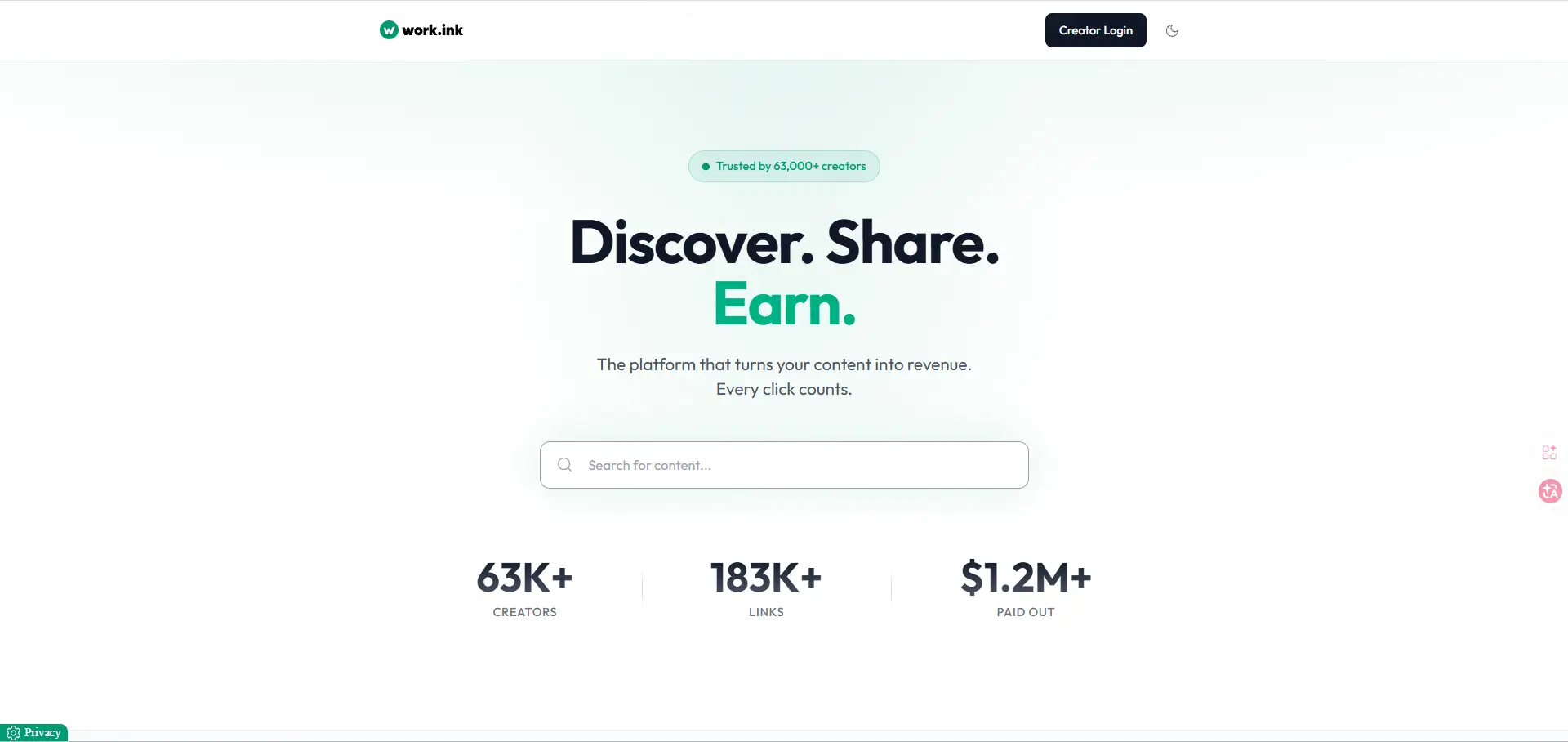
Workink, also written as work.ink, is a link monetization platform. It lets creators turn a normal link into a short link that asks visitors to complete one or more steps before they reach the final page. Those steps may include viewing an ad, clicking through a page, or finishing a small action. Work.ink says its goal is to help creators earn money from clicks, grow social accounts, and use tools like monetized links, pages, and a key system for software access.
In simple terms, Workink is best understood as a creator-focused ad link system. If you are reading about a workink bypasser, it helps to first know that the platform is built to slow direct access on purpose, because that delay is part of how creators earn. Once you understand that, the rest of the topic becomes much easier to follow.
Why Do Workink Links Require Bypassing?
Many users look for a workink bypasser because Workink links are built to slow direct access. The platform is designed to put a monetized step between the click and the final page. Work.ink openly promotes features like monetized links, key systems for software, and control over monetization levels, where a user may need to complete a required step before getting access.
Common frustrations users face with workink links
The biggest frustration is simple: people click for one thing, but get extra steps first. A user may expect a file, invite link, or tool page, then land on ads, redirects, wait screens, or a key flow instead. Work.ink’s own materials show that creators can place software access behind a key system and tune monetization settings, which explains why visitors often feel the path is longer than a normal link.
A practical example makes this clear. Someone trying to download a game add-on may click a shared link expecting a fast download, but instead has to pass through a redirect page and complete a step before getting the real URL. That is why searches for workink bypasser usually come from impatience, confusion, or distrust rather than curiosity about the platform itself. Some public user discussions also mention anti-adblock warnings and “anomalous activity detected” messages, which add even more friction for visitors who only wanted the final page.
How workink links impact user experience
Workink links change the experience by adding friction on purpose. For creators, that friction is part of the business model because it helps turn traffic into earnings. Work.ink even offers Premium subscriptions for users who want to skip ads on redirections and file downloads, which strongly suggests that the normal path often includes those extra steps.
For users, though, the effect can be negative. Every extra screen creates a chance for drop-off. Some people lose trust when they see multiple redirects. Others worry the page is unsafe, even when it is only ad-heavy rather than directly malicious. In real use, the experience often feels worse when the promised content is simple and the delay feels out of proportion. A one-click Discord invite or text key can start to feel annoying when it is placed behind several monetized actions. That is one reason the phrase workink bypasser keeps getting searched.
Are workink links harmful or just inconvenient?
In many cases, Workink links are more inconvenient than harmful by design. The platform itself is built as a monetization system, not automatically as malware. Its official pages focus on ad monetization, key systems, pages, and premium access rather than promising unsafe downloads or fake tools.
Risks of Using Workink Bypasser Tools
Many people search for a workink bypasser because they want to reach the final page faster. But bypass tools come with their own risks. In many cases, the bigger problem is not the Workink link itself. It is the tool, script, extension, or website that promises to skip it for you.
Can bypassing links compromise your device security?
Yes, it can. Many bypass tools ask users to install browser extensions, run bookmarklets, or visit third-party sites with broad browser access. Google warns that some extension permissions can give an add-on access to nearly everything you do online, including the sites you visit and sensitive browser data. Google also says users should compare an extension’s claimed purpose with the permissions it requests and its privacy practices before installing it.
This matters even more because malicious extensions are still a real problem in 2026. Recent security reporting described more than 100 Chrome extensions that looked useful on the surface but were found stealing data, injecting content, or creating backdoors. So if a so-called workink bypasser asks for “read and change all your data on all websites,” that is a serious warning sign, not a small detail.
Legal considerations when bypassing workink links
The legal side is not always simple. In some cases, using a bypass tool may mainly be a terms-of-service issue. In other cases, it could raise broader legal questions if the tool is used to get around an access control system or interfere with a paid or protected content flow. Work.ink is built around monetized access steps, key systems, and controlled link flows, so bypassing that system may conflict with the way the service is intended to work.
A careful way to say it is this: bypassing is not automatically a crime in every situation, but it can still violate platform rules, creator terms, or local law depending on how the link is set up and what the bypass tool does. Anti-circumvention law is also a real legal concept in the United States, especially when access controls are involved, though whether it applies in a specific case depends on the facts. This is one reason users should be cautious and not assume “it works” means “it is allowed.”
How to identify safe bypassing tools
The safest approach is to avoid installing bypass tools unless there is a strong reason and the source is highly trustworthy. A tool becomes more suspicious when it has a generic name, poor writing, no clear developer identity, no real privacy policy, or permissions that do not match its purpose. Google recommends reviewing ratings, reviews, privacy practices, and permission requests before installing any extension, and Chrome’s Enhanced Safe Browsing can also warn users when an extension is not trusted.
A simple real-world check helps here. If a workink bypasser claims it only skips a redirect but asks to read all browsing data, run on every site, or stay active all the time, the risk is likely too high. A safer choice is to avoid that tool, keep your browser clean, and remove extensions you do not truly need. Even trusted stores are not perfect, so “available in the Chrome Web Store” should not be treated as a full safety guarantee.
Best Bypass Workink Bypasser in 2026
There is no single perfect Workink bypasser in 2026. Most tools work for some links, then fail when Work.ink changes its flow. Right now, the names that appear most often online are Bypass.vip, Bypass.link, KeyBypass, Auto Link Bypasser, FastForward, and several Greasy Fork userscripts made for work.ink. Their availability and success rates can change quickly.
1. Bypass.vip
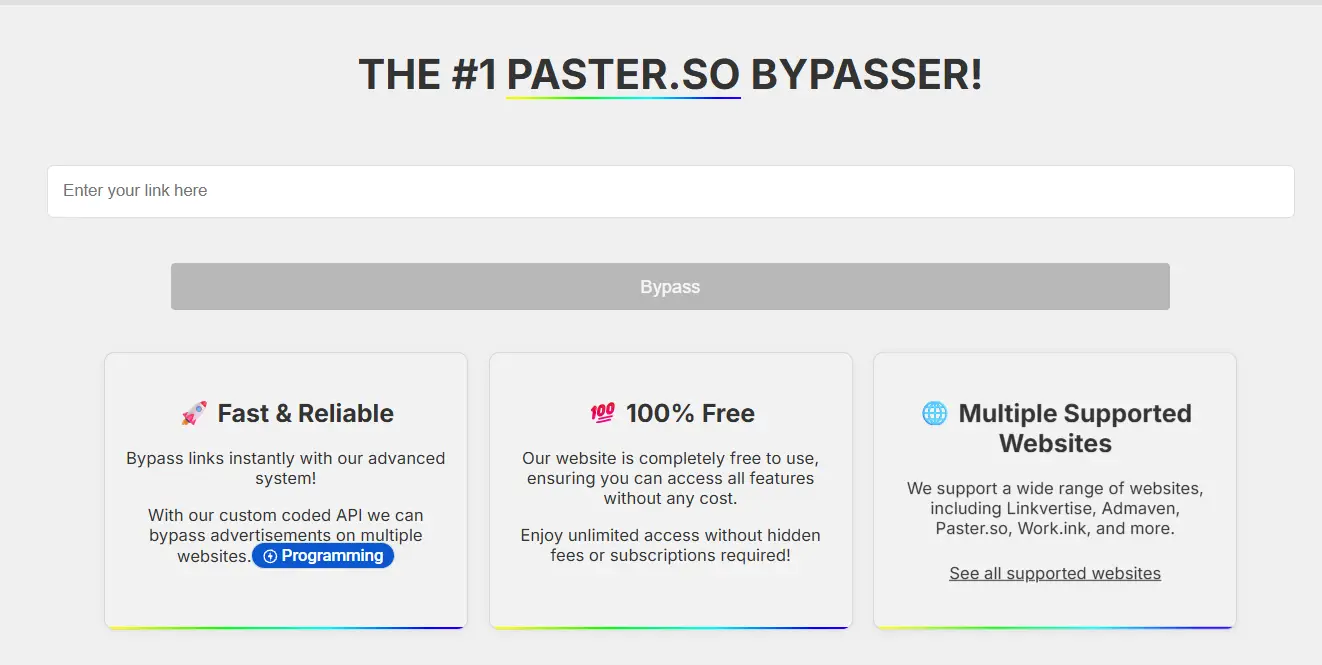
Bypass.vip is a web-based bypass tool that says it can skip Work.ink, Linkvertise, Lootlinks, and other ad-link services. It is one of the better-known names that still appears in 2026 search results.
Pros:
- Easy to use
- No full app install needed
- Supports multiple ad-link platforms
Cons:
- Reliability can change after platform updates
- You still need to trust a third-party site
- Safety and privacy are not guaranteed just because it is popular
2. Bypass.link
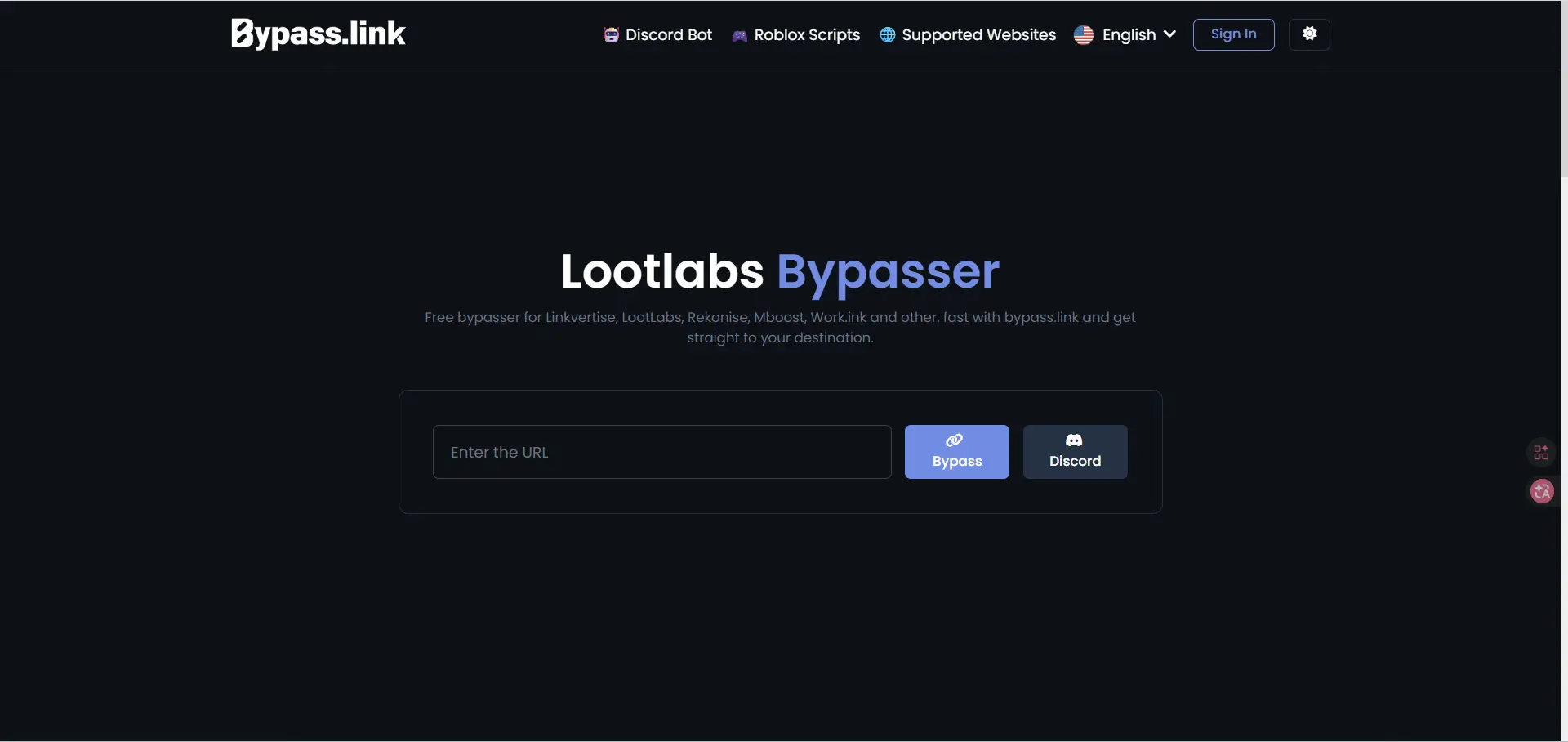
Bypass.link is another web tool that says it can bypass Work.ink and other major ad-link services. It presents itself as a simple direct-link resolver.
Pros:
- Clean and simple interface
- No browser extension required
- Supports several ad-link services
Cons:
- Results may vary by link type
- Web tools can stop working without notice
- Users still have to trust the site with the target URL
3. KeyBypass
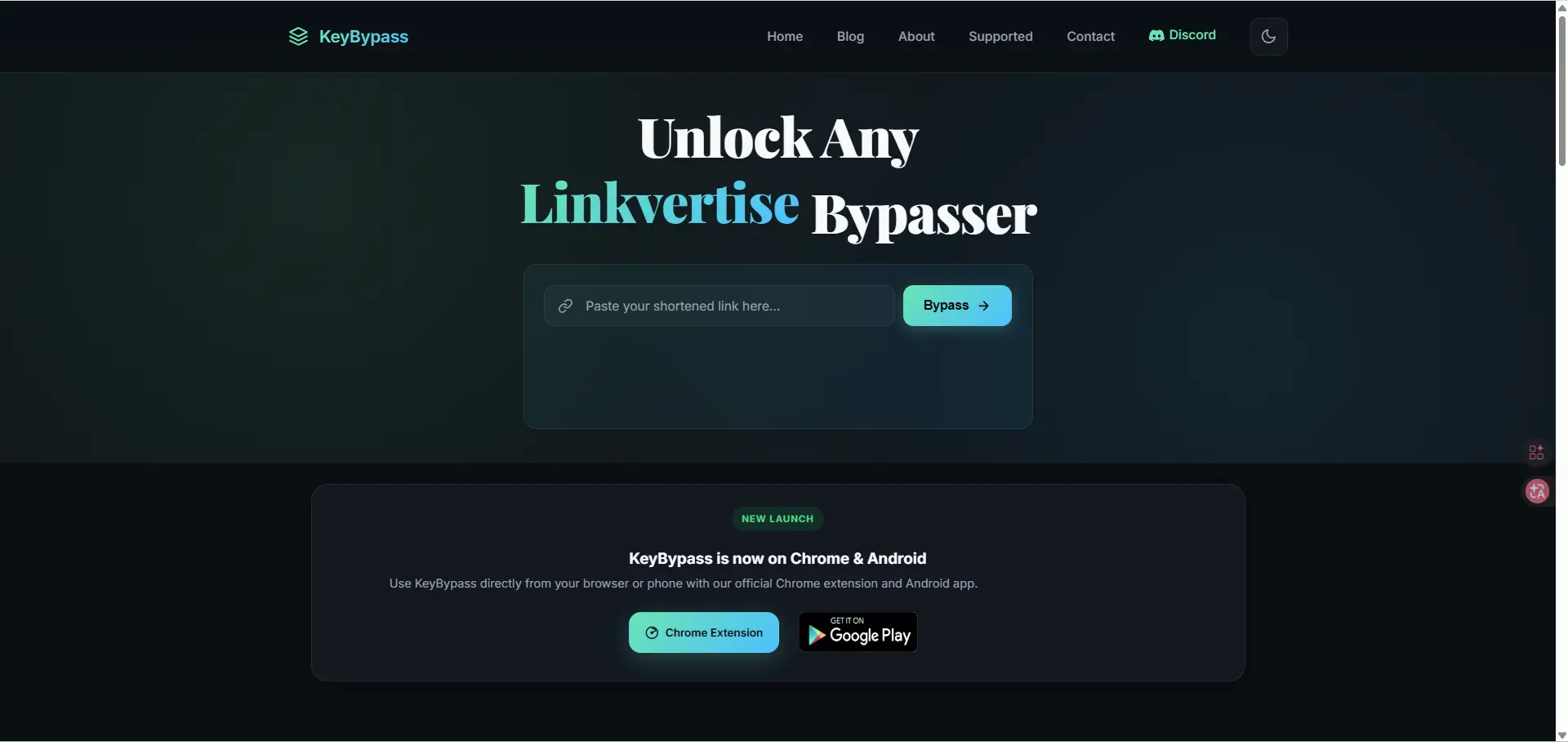
KeyBypass is a Chrome extension that says it can bypass Work.ink, Linkvertise, and similar shortener links with one click. It appeared on the Chrome Web Store in 2026 search results.
Pros:
- Quick one-click use
- Built for repeat use inside the browser
- Supports more than one link shortener
Cons:
- Requires extension installation
- Browser permissions may create privacy risk
- Extension safety depends on the developer, updates, and permissions requested
4. FastForward
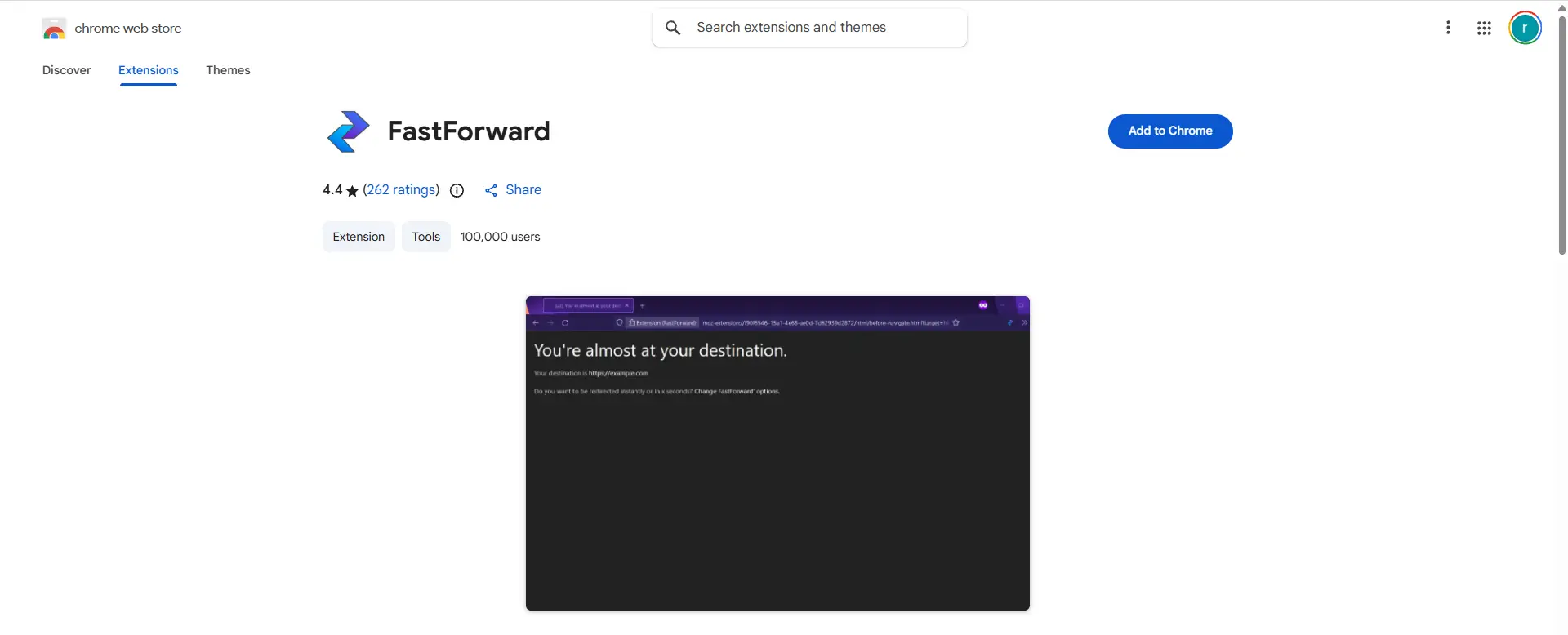
FastForward is an open-source browser extension project described as a tool for bypassing annoying link shorteners. It is the successor to Universal Bypass and is often mentioned in bypass discussions.
Pros:
- Open-source project
- Known name in the link shortener bypass space
- Good for users who prefer community-reviewed tools
Cons:
- Not focused only on Work.ink
- Some supported sites may work better than others
- Open-source does not automatically mean every release is safe or fully maintained
5. Greasy Fork Work.ink Userscripts
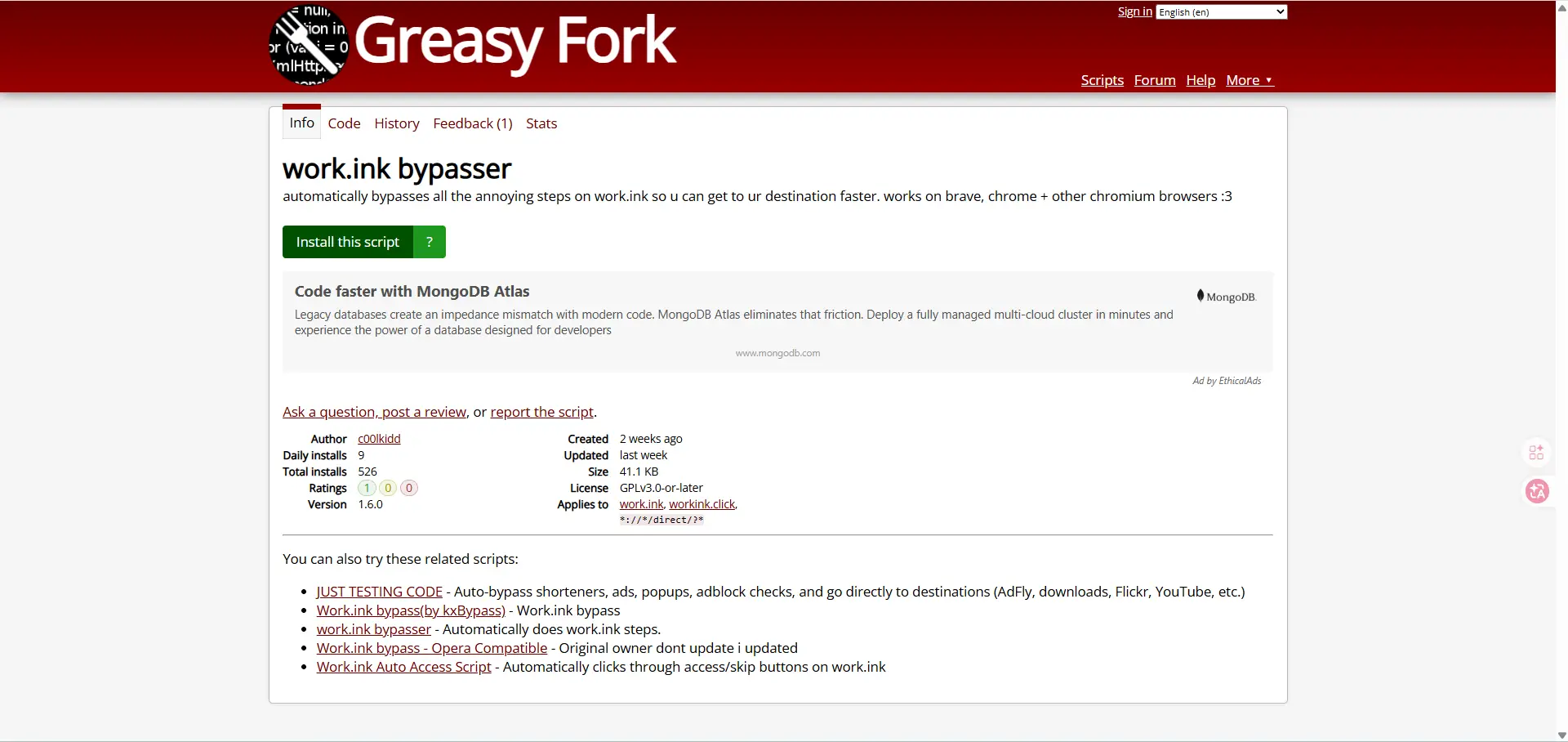
Several userscripts on Greasy Fork claim to bypass Work.ink directly, including older scripts and newer variants updated in late 2025 and early 2026.
Pros:
- Often built for Work.ink specifically
- Can be lightweight
- Some are updated when older ones break
Cons:
- Usually need Tampermonkey or a similar userscript manager
- Script quality varies a lot
- Low install counts or limited reviews make trust harder
Comparing Popular Workink Bypasser Methods
There are three common ways people try to deal with Work.ink links in 2026: manual clicking, browser extensions, and userscripts. None is perfect. Some are easier, some are faster, and some break quickly when Work.ink changes its flow. Public listings and user discussions show that web bypass sites, Greasy Fork scripts, and older extension-based tools are still being used, but reliability is mixed.
Manual bypassing vs. automated tools: Which is better?
Manual bypassing is slower, but it is often the simplest and lowest-risk option because it does not always require installing extra software. Automated tools are faster when they work, but they depend on scripts, extensions, or third-party sites that can stop working after a platform update. FastForward’s public issue tracker shows repeated reports that Work.ink bypass support broke or was not working, which is a good example of how fragile automated methods can be.
For most users, the better option depends on how often they face Work.ink links. If it only happens once in a while, manual handling is usually the safer choice. If it happens often, some users prefer automation, but that also adds more trust and security concerns. In simple terms, manual methods are usually safer but slower, while automated methods are usually easier but less stable.
How different bypassing tools handle workink links
Different tools use different approaches. Web-based tools try to resolve the final URL through their own site. Userscripts usually automate page actions directly in the browser, such as clicking through steps or skipping checks. Extensions try to handle redirects in the background, but support can vary a lot by domain and browser version. Greasy Fork listings in 2026 show multiple Work.ink-specific scripts, including “work.ink bypasser for 2026” and other Work.ink bypass variants, which suggests that many users now rely on script-based workarounds instead of one stable universal tool.
FastForward is still a known name in this space, but its public GitHub issues suggest Work.ink support has been unreliable for years. That makes newer userscripts look more active for this specific use case, even if they are less proven overall. So in 2026, the pattern seems clear: broad bypass tools are more convenient in theory, but Work.ink-specific scripts may react faster when the platform changes.
User reviews: Which methods work best in 2026?
User feedback in 2026 is mixed, but script-based methods appear to be the most actively used for Work.ink right now. Greasy Fork results show ongoing installs and recent updates for Work.ink bypass scripts, including one updated in April 2026 and another with steady install activity through March and April 2026. That suggests users are still finding value in these tools.
At the same time, user discussions on Reddit show that people still recommend bypass sites or Tampermonkey scripts when Work.ink becomes frustrating, but those comments also show no clear agreement on one best tool. Some methods work for one link and fail on another. That is why the most honest answer is simple: in 2026, Work.ink-specific userscripts seem to have the best short-term results, manual handling remains the safest low-tech option, and older universal bypass tools look less dependable for this platform.
Troubleshooting Workink Bypasser Issues
Workink bypass tools often fail for simple reasons. The link flow may have changed, the script may be outdated, the extension may not have the right access, or the page may detect unusual browser behavior. Public issue reports for FastForward show repeated cases where Work.ink support stopped working, which is a good reminder that many bypass tools break when the target site changes.
Why some bypassing tools fail to work
One common reason is that the bypass tool is no longer maintained. FastForward has multiple public issues about Work.ink not being bypassed, and one issue notes the project is no longer being actively maintained. When that happens, even a tool that worked before can fail on newer Work.ink pages.
Another common reason is browser setup. For userscripts, Tampermonkey may not inject scripts unless the right browser settings are enabled. Recent Tampermonkey reports show that Chrome users may need both Developer Mode and “Allow user scripts” turned on before scripts start working correctly, and site access settings can also block a script from running on a page.
A third problem is page detection. Some users report “Adblocker detected” or “anomalous activity detected” messages on Work.ink flows. That means the page may be reacting to browser protections, filtering tools, or unusual redirect patterns, even when the user thinks nothing special is running.
How to fix errors when bypassing workink links
Start with the basic checks. Make sure the tool is still updated, confirm it is enabled, and verify that it has permission to run on the site. If you are using a userscript manager, check whether the script actually appears on the page and whether the browser is allowing user scripts to run. These simple checks solve many cases where the real problem is not the link, but the browser configuration.
If the issue looks like a broken bypass, the safest conclusion is often that the site changed and the tool has not caught up yet. Public bug trackers for Work.ink bypass failures show this happens often. In that case, reinstalling the same old tool usually does not help much. It is better to verify whether the tool is still supported before spending more time on it.
If the error mentions ad blockers or unusual activity, treat that as a compatibility issue, not proof that your device is broken. Public discussions around anti-adblock behavior show that these warnings can vary from site to site, so one setup may work on one page and fail on another.
When to seek technical support for bypassing problems
You should look for technical support when the same problem keeps happening across multiple links, when the script or extension appears enabled but never runs, or when browser settings are clearly blocking it and basic checks do not fix the issue. For userscripts, support is most useful when you can confirm whether the script loaded, whether site access is allowed, and whether the tool still has active maintenance.
You should also stop and get help if the tool starts asking for unusual permissions, opens unexpected pages, or behaves in ways that do not match its purpose. At that point, the problem is no longer just functionality. It becomes a trust and security question. In 2026, that is an important distinction, because some bypass tools fail simply because they are outdated, while others are risky because they were never trustworthy in the first place.
Advanced Features in Workink Bypasser Tools
Most Workink bypasser tools are simple. They try to skip steps and reach the final link faster. Still, some tools offer extra features that make them easier to use, easier to manage, or more flexible across browsers. In 2026, the most common advanced features are browser-specific support, script customization, and shared bypass systems rather than full professional toolsets.
Supported languages and customization options
Language support is usually limited. Many Work.ink userscripts on Greasy Fork are written in simple English and often target a narrow group of users rather than a global audience. Greasy Fork itself supports multiple site languages, but that does not mean each script offers a full multilingual interface. In practice, most Workink bypasser tools focus more on basic function than polished language settings.
Customization is more common than language support. Some userscripts are updated for specific Work.ink flows, and different versions appear when older ones stop working. This shows that customization often happens at the script level, not through a rich settings panel. A user may choose one script for Chromium browsers and another for Opera-compatible use, but these are usually lightweight tweaks, not advanced dashboards.
How API access enhances bypassing efficiency
Most public Workink bypasser tools do not clearly advertise a formal API. In many cases, they are browser scripts or extensions, not developer platforms. That means users usually rely on front-end automation instead of structured API access.
The closest thing to an advanced shared system appears in tools like FastForward. Its Chrome Web Store listing says the optional “Crowd Bypass” feature records some shortened links and a hashed version of the user’s public IP address to help other users bypass links faster. That is not the same as an open public API, but it does show how shared data can improve speed and success rates across many users. From a feature point of view, this kind of shared bypass logic is more advanced than a basic local script.
Exploring browser compatibility for bypassing tools
Browser compatibility matters a lot because many Workink bypasser tools are browser-dependent. Several Greasy Fork listings for Work.ink specifically say they work on Brave, Chrome, and other Chromium browsers. That suggests Chromium support is the most common path in 2026.
Compatibility outside Chromium is more mixed. Some script listings mention Opera-compatible versions, which shows developers sometimes adapt tools for related browsers. FastForward is also listed in the Chrome Web Store, so its main public support path is clearly Chromium-based as well. For users, the practical lesson is simple: browser compatibility is not a minor detail. A tool may work well in Chrome or Brave, but fail in another browser if script injection, extension rules, or page behavior differs.
User Scenarios: When Workink Bypasser Tools Are Most Useful
People usually look for a Workink bypasser when they want to reach the final page faster and avoid extra redirect steps. Work.ink is built to monetize traffic, so the extra delay is part of the product, not a bug. That is why bypass tools are mostly discussed in situations where the user cares more about speed and convenience than the monetized path.
Bypassing ad-shortened links for faster access
One common scenario is simple link access. A user clicks a shared link expecting a file, invite page, or download, but lands on extra screens first. Since Work.ink is designed to help creators earn from clicks, many visitors see those added steps as friction and start looking for faster ways to reach the destination.
A good example is a person trying to open a small tool download or a Discord-related resource. If the final page is simple but the link flow adds delays, the user may feel the extra steps are not worth the time. In that kind of case, bypass tools are usually discussed as a convenience shortcut rather than as a core part of browsing. This pattern also matches the wider redirect-bypasser culture seen in public tool lists, where users describe these tools as a way to skip annoying link shorteners.
Using bypassers for paste sites and URL shorteners
Another common use case is when Work.ink sits in front of paste pages, keys, text links, or other short-form content. Work.ink promotes creator monetization features and controlled access flows, so it is often used in front of lightweight destinations where the visitor only wants a code, a short note, or a final URL.
That is why bypass tools are often grouped with general URL shortener bypass tools rather than treated as something completely separate. Public resources that discuss redirect bypassers usually place them in the same category as tools used for shorteners and similar stop pages. In real use, the appeal is clear: when the end result is only a paste, key, or short redirect, users tend to value speed more than the extra monetization layer.
How bypassers improve productivity for frequent users
These tools are most useful for people who run into this kind of link again and again. If someone only sees a Work.ink link once in a while, manual handling is usually enough. But for frequent users, repeated waits and repeated redirect pages can slow down routine browsing. That is why browser-based solutions like FastForward became popular in the wider link-shortener space: they were framed as a way to skip annoying shorteners automatically and save time.
In practice, the productivity gain is not really about one dramatic shortcut. It is about removing small delays over and over. A user who opens many short links each day may care less about one link and more about the total time lost across dozens of redirects. That said, reliability still changes often, so these tools are mainly useful when they save repeated effort, not when a person only needs one link once.
Enhancing Multiple Accounts with DICloak Antidetect Browser
Workink bypassers are a quick fix, but they’re not 100% stable. Managing multiple accounts is a different challenge altogether. Even if you’re creating content on Workink itself, you need a different kind of tool for account management.
Manage Multiple Social Media Accounts Safely
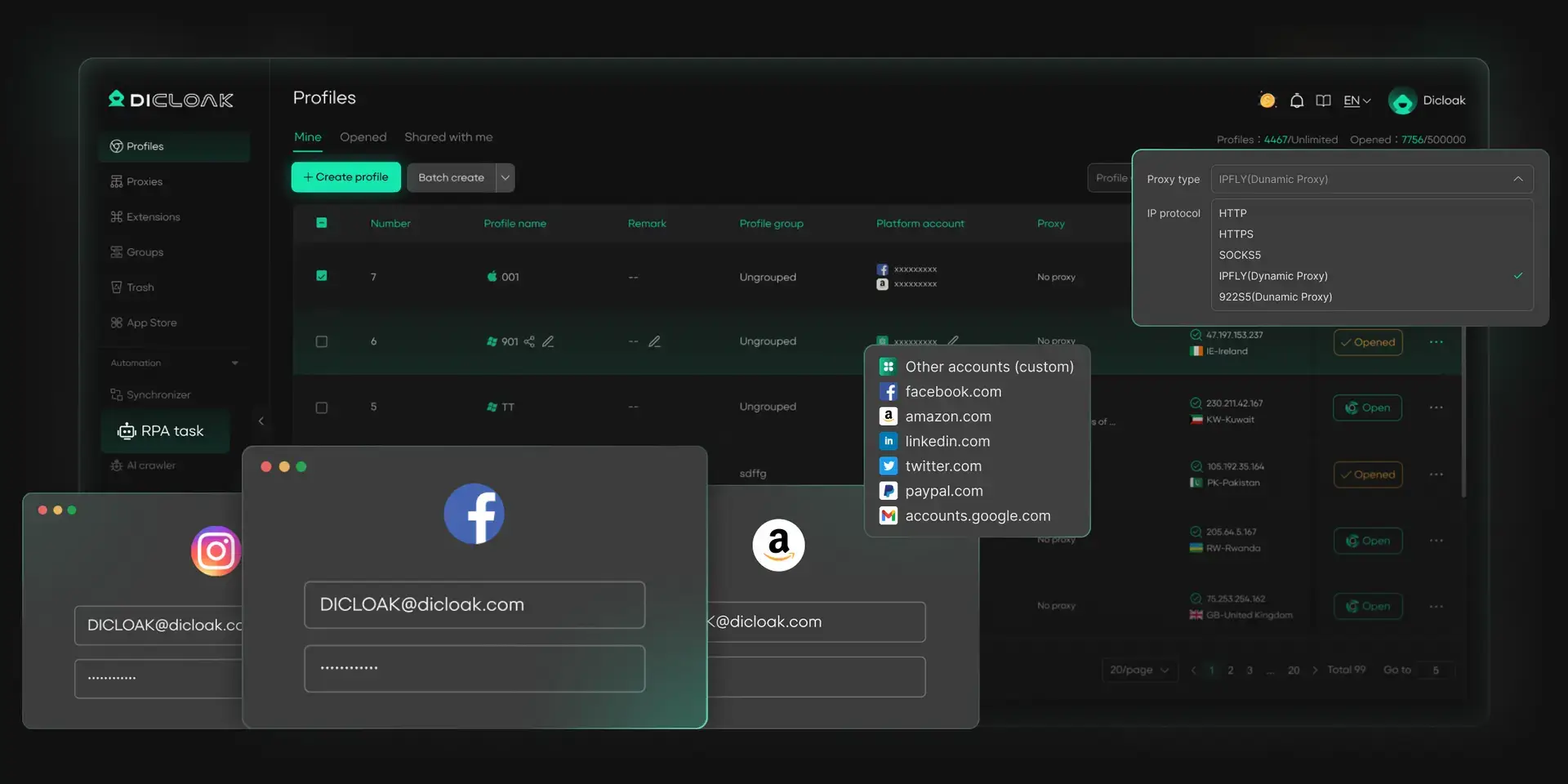
Handling many social media accounts can be challenging, especially for social media marketers or small businesses. DICloak provides the best way to manage multiple social media accounts on a single device. Each account gets a unique fingerprint and isolated browser profile, keeping accounts secure and independent. This reduces the risk of being banned on social media or flagged for suspicious activity while enabling smooth operations across all major social media platforms.
- Secure each account with unique fingerprints
- Run multiple accounts on one device without conflicts
- Maintain natural, consistent activity across accounts
Automate Account Engagement
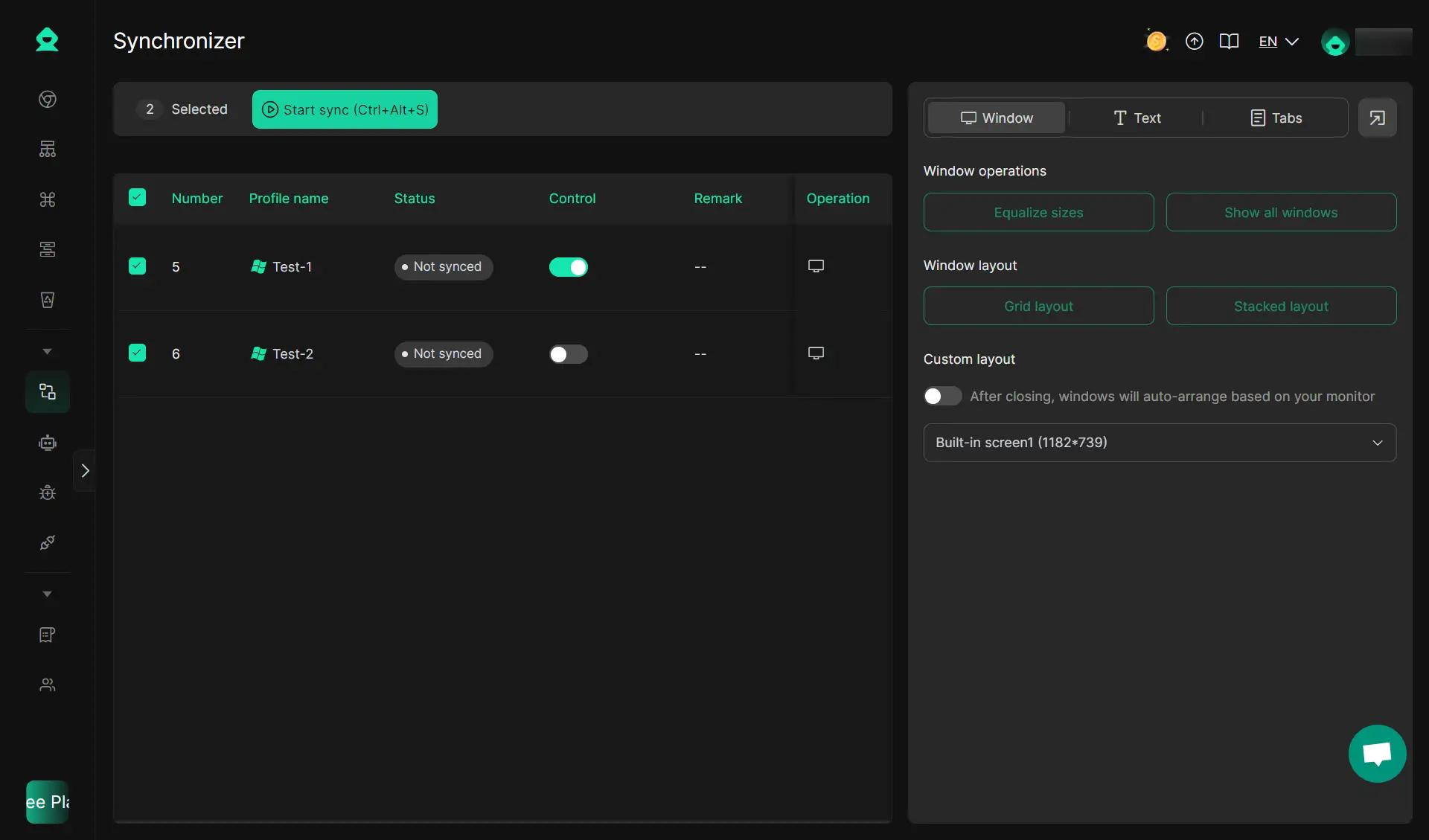
Keep your accounts active and engaging with DICloak’s built-in automation tools. Describe tasks in plain language, and DICloak' RPA handles repetitive actions automatically. The Multi-Window Synchronizer also supports you like, comment, and follow across multiple profiles and platforms simultaneously, mimicking real user behavior for safe social media browsing.
- Act like a real user to avoid detection
- Automatically like, comment, and interact
- Reduce repetitive tasks and save time
Boost Marketing Efficiency
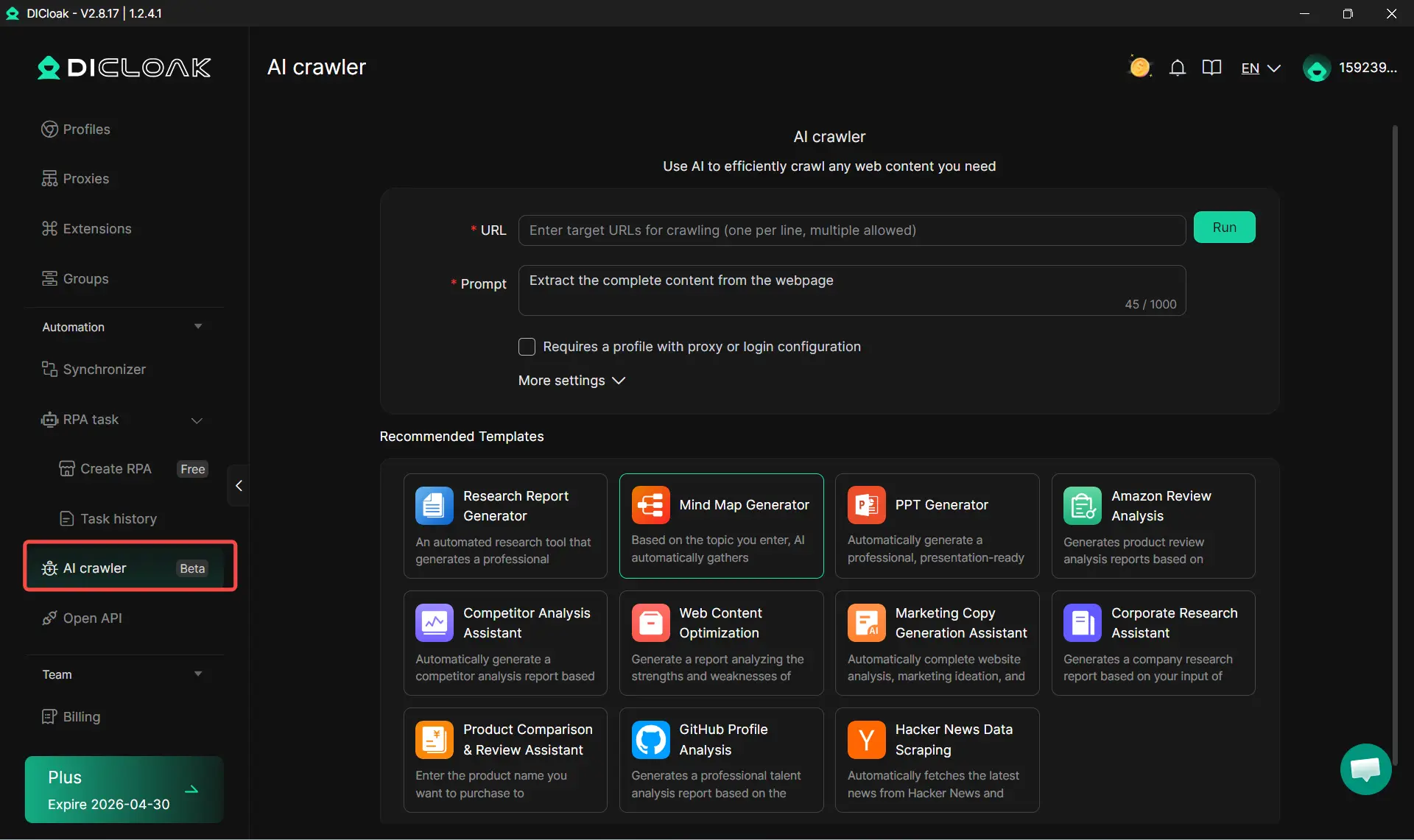
DICloak’s AI Crawlers help simplify social media marketing for small business and agencies. Collect and analyze data, generate content ideas, and create marketing copy effortlessly. You can also gather competitor or product information to optimize campaigns and refine strategies.
- Collect and analyze data efficiently
- Generate content ideas effortlessly
- Refine marketing strategies with AI insights
Start using DICloak today and take full control of your social media accounts safely and efficiently!
FAQs About Workink Bypasser
Is it legal to use a Workink bypasser in 2026?
It depends on how the link is set up and what the tool does. In many cases, it is more of a terms-of-service issue than a clear crime, but bypassing a monetized or controlled access flow can still create legal risk.
What are the best free tools for bypassing workink links?
Free options people still mention in 2026 include Greasy Fork userscripts made for work.ink, along with web tools like Bypass.vip or Bypass.link. In practice, Work.ink-specific userscripts appear more active right now, but results can change fast when Work.ink updates its flow.
Can bypassing Workink links expose personal data?
Yes. Some bypass tools, especially extensions and userscripts, may get access to browsing activity or page data. That risk is one reason users should be careful with tools that ask for broad browser permissions.
How do I know if a bypassing tool is safe?
Check whether it has recent updates, real user feedback, a clear developer identity, and a reasonable install count. Be more cautious if the tool is brand new, has almost no users, or offers no sign that anyone has tested it.
Are there alternatives to bypassing Workink links?
Yes. The simplest alternative is to use the link normally if the steps are short and the source is trusted. Another option is to ask the creator for a direct link or a mirror, especially if the Work.ink page is broken or too slow. That is often safer than relying on random bypass tools.
Conclusion
A workink bypasser may save time, but it is not always the safest or most reliable choice. Some tools work for certain links, while others fail, break, or create privacy and security risks. The best approach is to understand how Workink works, compare your options carefully, and avoid tools that ask for too much access. In 2026, speed matters, but safety and trust still matter more.
 Web Proxy Tools
 Free Tools
 Cookie Plugin
 UA Generator
 MAC Address Generator
 IP Generator
 IP Address List
 2FA Code Generator
 World Clock
 Anonymous Check
 WebRTC Leak Test
 UUID Generator
 Free Web Proxy Site
 Proxy Checker
 FB Ad Checker
 AI Web Scraping
 Free SMM Tools
 Twitter Shadowban Checker
 Instagram Name Checker
 UTM Generator
 Username Generator
 AI Hashtag Generator
 LinkedIn Headline Generator
 Social Media Image Resizer