For professional users and marketers, a "feature temporarily blocked" error is more than an inconvenience—it is a disruption to business operations. Facebook’s automated security systems are designed to flag any activity that deviates from standard human behavior or suggests a security compromise. Understanding the mechanics of these blocks is the first step toward rapid recovery and maintaining account stability for long-term growth.
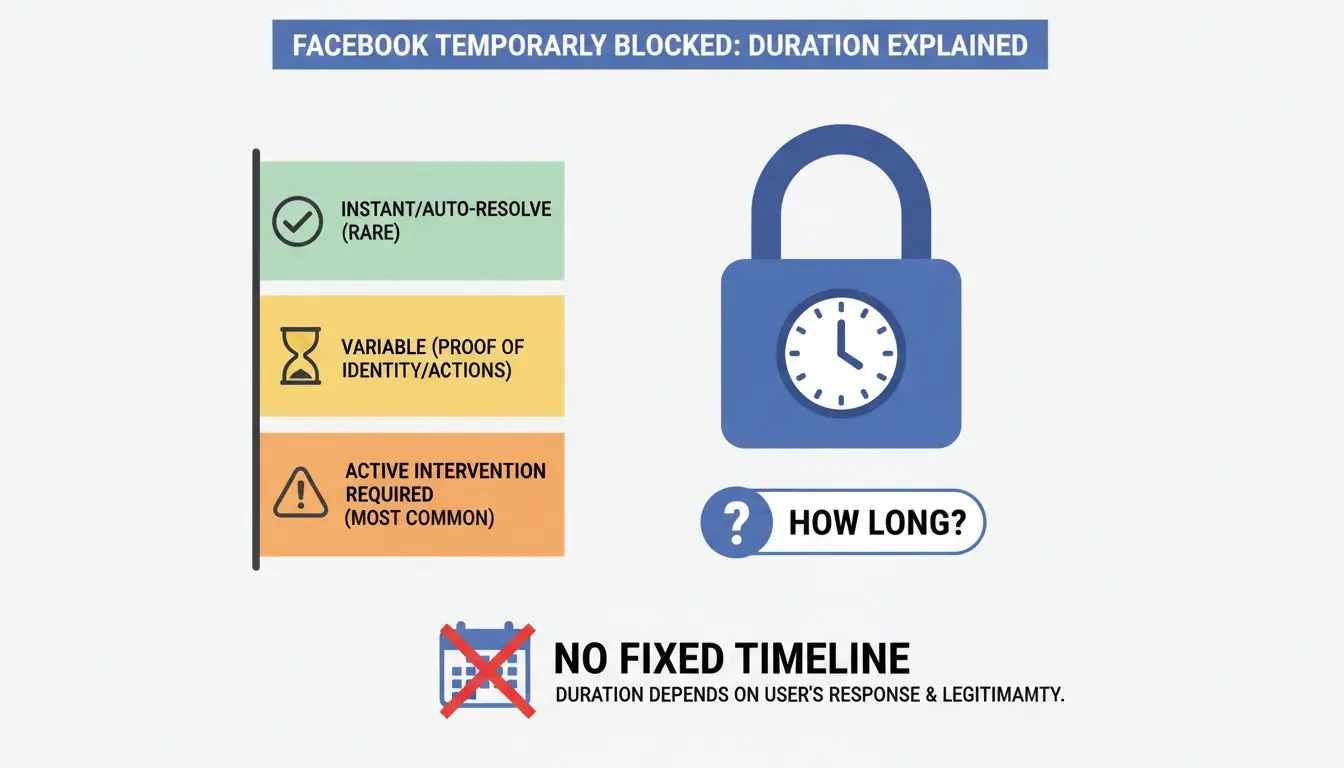
How long does the "feature temporarily blocked" error actually last?
Facebook does not provide a fixed timeline for temporary blocks. The duration is entirely dependent on the account holder's ability to prove their identity and the legitimacy of their actions. While some blocks may resolve automatically after a set period, most require active intervention.
Factors that speed up or slow down the unblocking process
The speed of restoration is directly linked to how promptly you complete the verification prompts. Providing requested authentication—such as confirming an email address, verifying a phone number, or answering security questions—usually leads to a swift restoration of the account. Conversely, ignoring these prompts or failing to provide the correct information can lead to the block being extended or the account being permanently disabled.
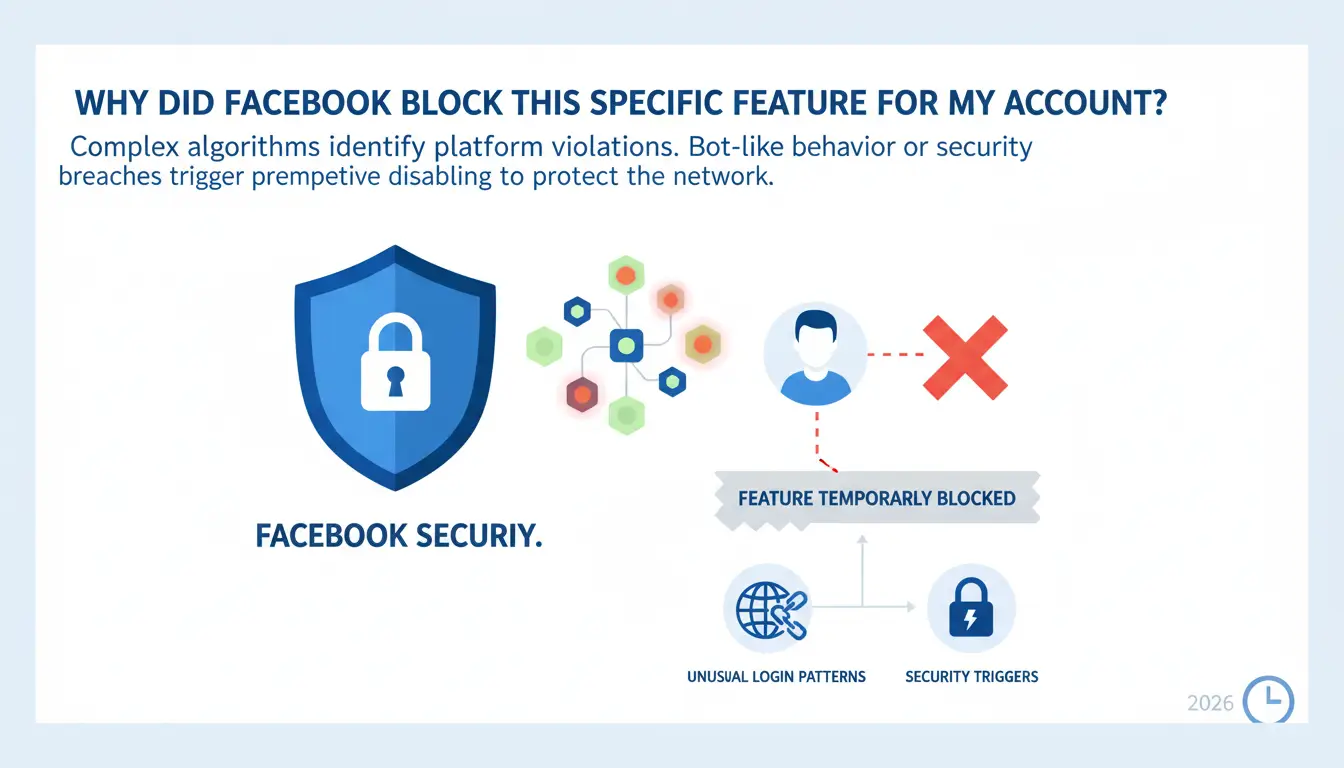
Why did Facebook block this specific feature for my account?
Facebook utilizes complex algorithms to identify behavior that violates platform regulations. If your account behavior mimics that of a bot or suggests a security breach, the system will preemptively disable specific features to protect the network.
Unusual login patterns and security triggers
Security blocks are often triggered by technical inconsistencies. Logging into an account from too many different devices within a short timeframe is a primary red flag. Similarly, changing your password multiple times in a single day can lead the system to believe your account is under a brute-force attack, resulting in a temporary lock to prevent unauthorized access.
Behavior-based triggers that look like spam
Actions performed at a high frequency are often categorized as spam by the automated moderation system. Specific triggers include:
- Sending a high volume of friend requests simultaneously.
- Joining an excessive number of groups in a short period.
- Over-interacting (liking, commenting, or messaging) beyond normal human limits.
- Spamming messages or mistakenly downloading malware that performs actions on your behalf.
- Using inaccurate account details, declaring an age under 18, or using impersonated accounts.
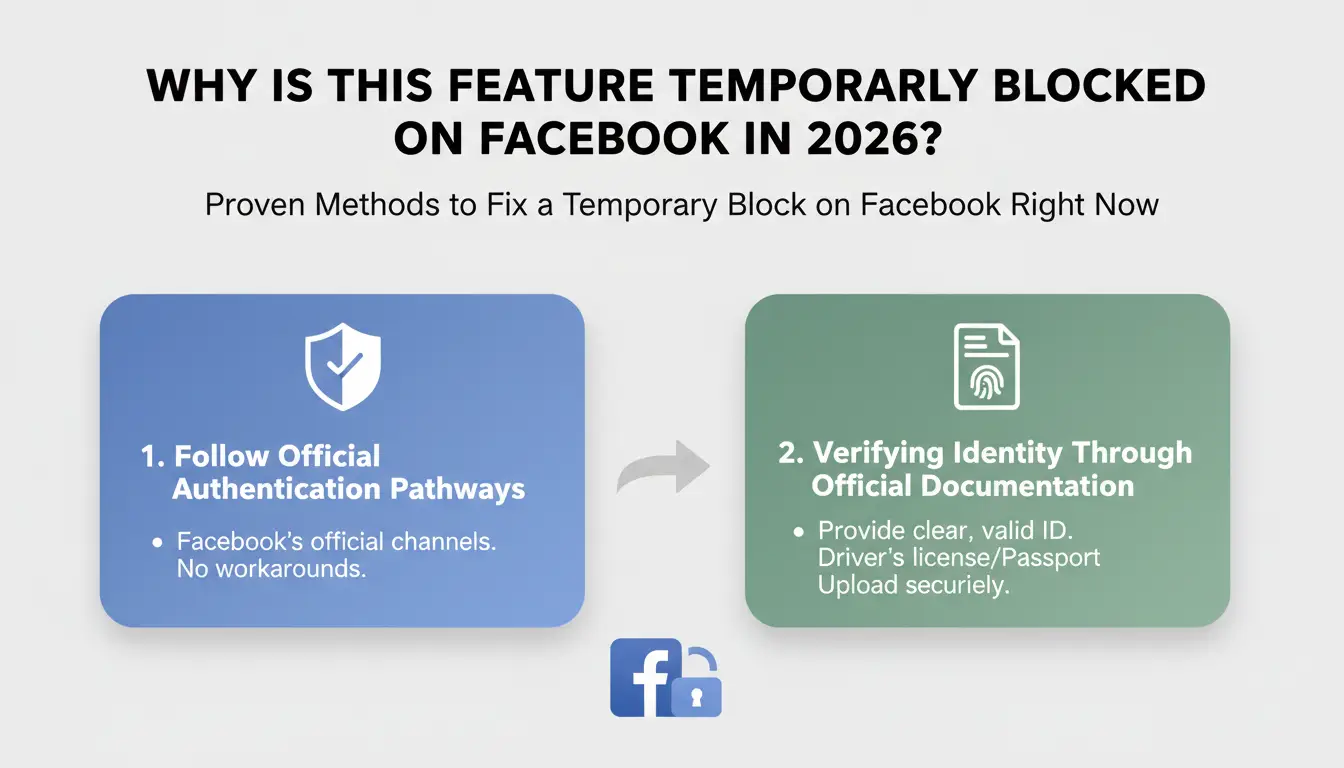
Proven methods to fix a temporary block on Facebook right now
Restoring an account requires following Facebook’s official authentication pathways. The following methods are the most effective for clearing temporary restrictions.
Verifying identity through official documentation
If Facebook requires formal identification, you must provide clear documentation to regain access. 1. Navigate to the official "Verify Facebook identity" link. You will see instructions on how to verify your identity; you can skip the introduction to move directly to the upload step. 2. Prepare a clear photo of a government-issued ID (ID card, CCCD/Citizen Identity Card, or Passport). You must take a photo of both sides clearly and ensure all information is sharp and legible. 3. Upload the file by tapping "Select file." 4. Enter the email address and phone number associated with the account and tap "Send."
Utilizing the "Verify Identity with Friends" feature
This method relies on "Trusted Contacts" to vouch for your identity. Follow this 8-step protocol precisely: 1. Access the login screen and select "Forgot password?" 2. Search for your account via the email or mobile phone number used during registration. 3. Select the option "No longer have access to these?" to continue. 4. Fill in the email address or phone number of one of your friends you can visit and tap "Continue." 5. Select "My Trusted Contacts" and enter the full name of one of the friends you previously added to your list. 6. Direct your friend to visit the recovery link: https://www.facebook.com/recover. 7. The friend will receive a unique login code after visiting the link. 8. Enter that code into the request box on your recovery screen to unlock the account.
Restoring access via phone number authentication
This is often the fastest recovery path. When the "temporarily locked" message appears, select "Continue" and then "Receive confirmation code sent to phone number." You will be required to pass a non-robot (CAPTCHA) test by entering the displayed text before being prompted for your phone number. Once the SMS code arrives, enter it to complete the authentication.
Technical troubleshooting: Is the block caused by your browser or app?
Sometimes, the "block" is a result of local data conflicts or browser fingerprints that have been flagged.
Clearing browser cache and cookies on Chrome
A cluttered browser profile can cause Facebook to malfunction. Follow these steps to refresh your environment: 1. Open the Chrome browser and click the three dots in the top right. 2. Select Settings. 3. Navigate to Security and privacy. 4. Click on Clear browsing data. 5. Select Cookies and other website data and Cached images and files. 6. Press Delete data (or "Clear data") to confirm. 7. Restart the browser and attempt to log in again.
Dealing with mistakenly downloaded malware
If your account was blocked due to suspicious automated activity you didn't initiate, your device may be compromised. Malware can hijack sessions to send spam, triggering Facebook's defense systems. Ensure your device is clean and scanned for malicious software to prevent recurring blocks.
What to do if you were blocked for violating community standards
Blocks resulting from "Community Standards" violations are handled differently than those triggered by "Suspicious Activity."
Appealing a block when no violation occurred
If you believe Facebook’s automated system flagged a post or account in error, you can submit an appeal. Navigate to the Facebook user support page and provide a detailed, specific explanation of why the content does not violate platform rules. Providing context increases the likelihood of a successful manual override.
Submitting a formal complaint for recognized violations
If the account is fully locked due to a violation and you cannot log in, visit the Facebook Help Center. You will need to provide your account name, contact information, and a photo of your ID (CCCD or Passport) in the "Choose Files" section. Review times vary from a few hours to a few days, depending on the volume of appeals Facebook is processing.
How to avoid being flagged by Facebook’s automated systems
Prevention is the most effective strategy for maintaining business continuity on Facebook.
Managing interaction frequency and "human-like" behavior
Avoid aggressive growth tactics. Sending dozens of friend requests or joining multiple groups in a single session is a guaranteed way to trigger spam filters. Space out your actions to mirror natural human browsing patterns and avoid being reported for suspicious activity.
Avoiding impersonation and inaccurate account details
Ensure all account information is accurate. Using fake names, impersonating others, or providing false birthdates (especially those making the user appear under 18) are high-risk behaviors that lead to immediate and often permanent blocks.
Professional workflows: Managing multiple accounts without triggering blocks
For marketers managing multiple profiles, standard browsers and basic IP anonymization methods are often insufficient. Facebook tracks more than just your IP; it uses "digital fingerprints" to link accounts. If one account is blocked, any other account sharing the same fingerprint—including parameters like User-Agent, screen size, device memory, fonts, and timezone—may also be blacklisted.
Using DICloak to isolate account environments
To support efforts in preventing IP and device parameter blacklisting, professionals use the antidetect browser DICloak. It is designed to create isolated environments where each account can appear distinct.
- Modification of device parameters: DICloak alters hardware fingerprints (User-Agent, screen size, device memory, fonts, and timezones) to help reduce account linking risk and make it more difficult for platforms to link your profiles.
- Proxy integration: DICloak can integrate with user-configured proxies to support a unique IP address for every profile, helping to ensure each account appears to originate from a distinct location.
- Isolated profiles: Each account operates in its own container, helping to prevent data leakage and "cross-contamination" between profiles.
- Teamwork and synchronization: Supports multiple team members to manage accounts while helping to manage security alerts related to location or hardware changes.
- Automation scripts: Can help reduce the risk of manual errors by automating repetitive actions in a way that helps mimic human behavior.
Frequently Asked Questions about Facebook Feature Blocks
Can I still use other features if one is blocked?
Yes, Facebook often applies partial blocks. You may be restricted from joining groups while still able to post on your timeline. However, a "temporarily locked" account status generally prevents all activity until verified.
How many friend requests are "too many" in 2026?
While there is no public threshold, sending dozens of requests in a short period will trigger a spam warning. Moderation is key to account longevity.
Will clearing my cache actually unblock a feature?
It will resolve local technical glitches or "stuck" sessions. If the block is a formal server-side penalty from Facebook, clearing the cache won't remove it, but it is a necessary first step in technical troubleshooting.
What identification is accepted for Facebook verification?
Facebook accepts official government-issued documents, including ID cards, CCCDs (Citizen Identity Cards), and Passports. Ensure photos show both sides clearly.
How long should I wait for an appeal response?
Depending on the current volume of appeals, response times typically range from a few hours to several days.
Does simply changing your IP address prevent feature blocks?
Simply changing your IP address only addresses one aspect of detection. It does not mask hardware fingerprints like fonts, screen size, or device memory. Integrating user-configured proxies with an antidetect browser like DICloak is significantly more effective for comprehensive account management.
Maintaining a functional Facebook presence in 2026 requires a proactive approach to security and a disciplined adherence to platform limits. By acting quickly when a block occurs and using professional tools to manage your digital footprint, you can minimize downtime and ensure your marketing efforts remain uninterrupted.
 Web Proxy Tools
 Free Tools
 Cookie Plugin
 UA Generator
 MAC Address Generator
 IP Generator
 IP Address List
 2FA Code Generator
 World Clock
 Anonymous Check
 WebRTC Leak Test
 UUID Generator
 Free Web Proxy Site
 Proxy Checker
 FB Ad Checker
 AI Web Scraping
 Free SMM Tools
 Twitter Shadowban Checker
 Instagram Name Checker
 UTM Generator
 Username Generator
 AI Hashtag Generator
 LinkedIn Headline Generator
 Social Media Image Resizer