In early 2024, Google settled a massive $5 billion lawsuit over its Incognito mode, ultimately agreeing to destroy billions of user records. The lawsuit revealed a startling truth: Google was tracking users the entire time, even when they believed their browsing was private. If you've ever used Incognito mode thinking it made you anonymous online, you're not alone. Millions of users shared this common misconception.
The reality is that Incognito mode's privacy protections are very limited. This article is a journey from that common myth to an empowered, strategic choice. We will explain what Incognito mode actually does, why it isn't a safe solution for real privacy, and introduce three powerful alternatives designed to meet different security needs.
What is Incognito Mode?
Definition of Incognito Mode
Incognito Mode is a private browsing feature built into all major web browsers. You may use it to search something you don’t want saved or to log into an account on a shared computer. While the feature works the same way everywhere, browsers use different names for it:
- Chrome: Incognito Mode
- Firefox: Private Browsing
- Safari: Private Browsing
- Microsoft Edge: InPrivate
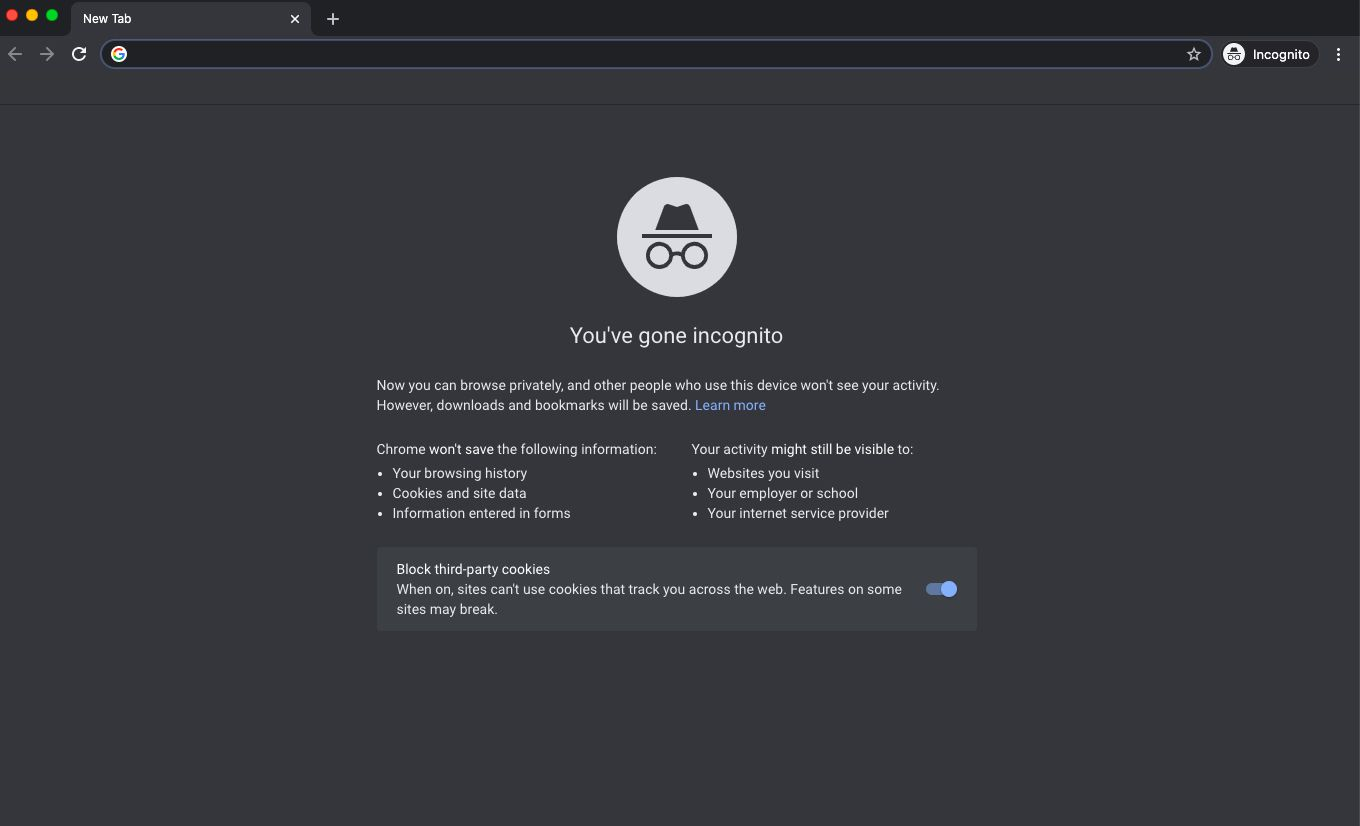
When you open an Incognito window, the browser creates a temporary session. During this session, it does not save certain data on your local device after the window is closed.
Purpose and Benefits of Using Incognito Mode
The main purpose of Incognito Mode is to prevent local data from being stored on your device. It does not make you invisible online.
While using Incognito Mode, your browser does not save:
- Browsing history: Pages you visit are not recorded.
- Cookies and site data: These are deleted once you close the window.
- Form and search entries: Your inputs won’t show up later as suggestions.
For example, if you log into your email on a shared computer using Incognito Mode, the next user won’t see your account or your browsing history. Many people also use it to test websites or avoid saved logins and old cookies.
A simple way to think about Incognito Mode is like renting a car for a short trip. When you return it, there’s no record in your personal garage. But the rental company still knows where the car went. In the same way, closing an Incognito window clears local traces, but your activity was never fully hidden.
Privacy and Security Implications of Incognito Mode
Limitations of Incognito Mode
Despite its name, Incognito Mode is not safe if your goal is real online privacy. Its protection is shallow. It only hides your activity from other people who use the same computer. It does not stop outside parties from seeing what you do online.
Incognito Mode does not change your IP address. It does not encrypt your traffic. It does not block advanced tracking methods. Once you understand this, the limits become clear.
Modern browsers even warn users about this. When you open an Incognito window, browsers like Chrome and Firefox clearly state that your activity may still be visible to others. Many users skip this message and assume they are anonymous, which leads to false confidence.
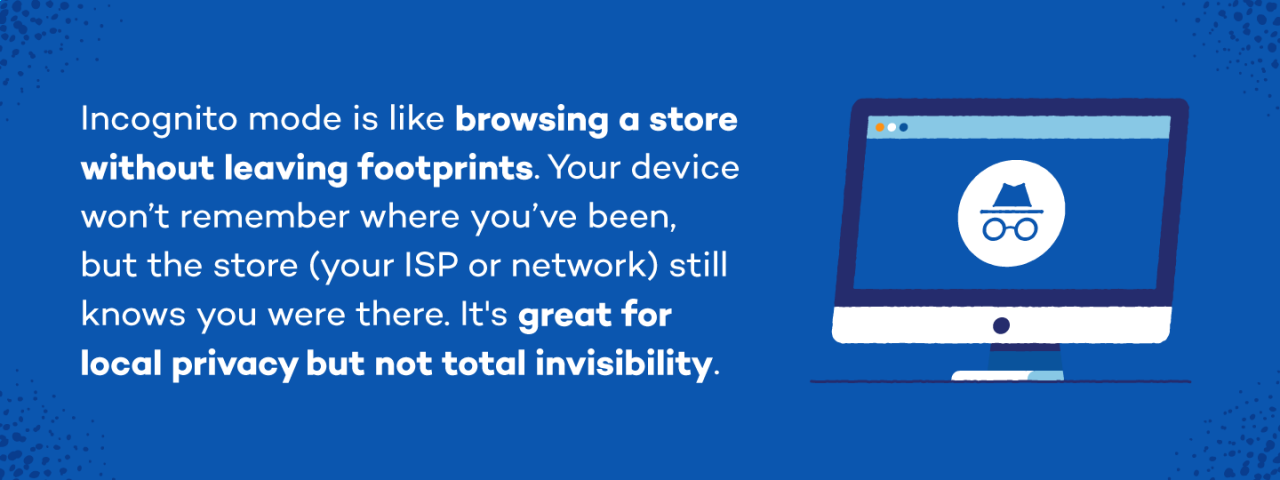
Who Can Still Track Your Activity?
Even when using Incognito Mode, several parties can still see or monitor your browsing activity:
- Your Internet Service Provider (ISP) Your ISP can see every website you visit and log it with timestamps. Incognito Mode does not hide this data.
- Your employer or school If you use a work or school network, administrators can track visited sites, time spent, and downloads, even in Incognito Mode.
- The websites you visit Websites still see your IP address, which shows your general location. They can track how you move through pages during a session.
- Government agencies With legal authority, browsing data can be requested from ISPs or websites, regardless of Incognito Mode.
In addition, many websites use browser fingerprinting. This method collects technical details like browser version, screen size, fonts, and system settings to create a unique profile of your device. Incognito Mode does not block this kind of tracking.
In short, Incognito Mode clears local traces, but your online activity is never truly hidden. It offers convenience, not real privacy.
Better Alternatives to Incognito Mode for Safe Browsing
While Incognito mode falls short of providing true privacy, several powerful alternatives exist that are designed for different use cases. Here are three effective options for safe and secure browsing.
Proxies
Proxies route your internet traffic through a different server, known as a proxy server. This process hides your real IP address, making it appear as though you are browsing from the proxy server's location.
Unlike other privacy tools, proxies are typically lighter and do not encrypt all of your traffic, which can result in faster connection speeds. This makes them an excellent choice for specific, targeted tasks. Proxies are a better choice in scenarios where you need to:
- Scrape data from websites without being blocked.
- Do market research across different geographic locations.
- Test how your website or content appears in different countries.
Another advantage is that proxies can be configured for specific applications, allowing you to route traffic from one program through the proxy while everything else uses your regular internet connection.
Secure, Privacy-Focused Browsers
For everyday browsing, secure, privacy-focused browsers offer a significant upgrade over standard browsers in Incognito mode. These browsers are designed from the ground up to block trackers and minimize the data that websites can collect about you.
They differ from anti-detect browsers because their goal is to protect a single browsing identity, not manage multiple separate identities.
- Brave is a popular choice that automatically blocks ads and trackers without requiring any extensions.
- Firefox is highly respected for its strong, configurable privacy settings, including robust tracking protection.
For maximum privacy, the Tor Browser routes your traffic through multiple encrypted layers, making it nearly impossible to trace your activity. However, this level of security comes with drawbacks: Tor is very slow, and many websites block traffic from its network or require users to solve endless CAPCHAs.
Anti-Detect Browsers
For ultimate privacy and managing multiple online identities, antidetect browsers are the professional standard. They work by letting you create separate browser profiles, with each profile having its own unique IP address and a unique browser fingerprint.
A browser fingerprint is composed of dozens of technical details that websites use to identify you, such as your timezone, fonts, and even graphics card data (WebGL). Antidetect browsers mask and modify these fingerprints, making each profile appear as a completely different user on a different device. This is ideal for professionals who are:
- Managing multiple social media or client accounts: Keep client data completely separate and secure.
- Running several e-commerce stores: Platforms like Amazon link accounts sharing the same browser fingerprint; DICloak prevents this by giving each store a unique digital identity, protecting your business from chain bans.
- Conducting competitor research: Gather intelligence without revealing your identity.
- Working in affiliate marketing or advertising: Manage multiple ad accounts safely on platforms with strict rules.
- Web scraping anonymously: Collect data without being detected or blocked.

A leading antidetect browser is DICloak. It's built less like a simple browser and more like a powerful command center for managing digital identities. Each DICloak profile functions like a virtual machine but is 12x cheaper and as fast as your computer. Its advanced features include:
- Advanced Fingerprint Spoofing: Creates unique digital identities by spoofing key elements like your IP address, cookies, and even complex graphics data like WebGL, WebGPU, and canvas.
- AI-Powered Automation: Automates repetitive tasks like scraping and browsing with AI, enhancing efficiency and saving you hours of manual work.
- Seamless Cloud Synchronization: Syncs your profiles and data across all your devices, allowing you and your team to work from anywhere.
- Advanced Data Security: Protects your accounts with robust data encryption and anti-scraping technology, ensuring your information stays private.
- Effortless Team Collaboration: Securely share profiles, manage permissions, and track activity logs for seamless teamwork without sharing passwords.
- Synchronizer: Syncs actions across multiple profiles simultaneously to streamline account management tasks like posting or updating information.
How to Choose the Best Incognito Mode Alternative for You
To find your perfect privacy tool, ask yourself one question: Am I protecting one identity, or managing many? Your answer creates a clear fork in the road and points directly to the right solution.
If you are protecting your single, everyday identity, then your goal is to reduce tracking and enhance personal privacy. A secure browser like Brave or Firefox is a great choice. It shields you from trackers and unwanted data collection during your daily activities.
If you are managing multiple professional identities, then your goal is to keep those identities completely separate and secure to avoid bans and maintain client confidentiality. In this case, an anti-detect browser like DICloak is the essential tool. It provides the isolation and advanced fingerprint management required for social media management, e-commerce, and digital marketing.
Frequently Asked Questions About Incognito Mode
Q1: What is the best alternative to Incognito mode?
The best alternative depends on your needs. For casual browsing, a privacy-focused browser like Brave or Firefox is ideal. For managing multiple accounts for business, an anti-detect browser like DICloak is the best choice.
Q2: Is any browser 100% untraceable?
No browser is 100% untraceable. While tools like the Tor Browser offer a very high level of anonymity, your online behavior (like logging into personal accounts) can still reveal your identity. However, the goal for professionals isn't always total untraceability, but rather the ability to manage separate, untrace_able-to-each-other_ identities, which is what tools like DICloak are designed for.
Q3: Does Incognito mode hide my IP address?
No, Incognito mode does not hide your IP address. The websites you visit can still see your IP and determine your approximate location.
Q4: Can my school or employer see my history if I use Incognito mode?
Yes. If you are on a school or work network, the network administrator can see all of your online activity, including the websites you visit, even if you use Incognito mode.
Q5: What is browser fingerprinting?
Browser fingerprinting is a method websites use to identify and track you by collecting technical details about your device and browser, such as your screen resolution, operating system, installed fonts, and browser version.
Conclusion
True online privacy requires more than simply opening an Incognito window. While private browsing modes offer a clean slate on your local device, they do little to protect you from being tracked online. To achieve real security and anonymity, you need tools designed for the job.
If you manage multiple accounts for your business, agency, or marketing efforts, it's time to move beyond the limitations of Incognito mode. DICloak is an anti-detect browser built to provide the security, efficiency, and scale that professionals need. With powerful features like AI-driven automation and isolated cloud profiles, DICloak is built for serious professionals who need to keep their digital assets safe and their workflows efficient.
Explore how DICloak can protect your business and streamline your operations. You can start with the free version available upon registration to experience the power of secure, multi-account management.
 Web Proxy Tools
 Free Tools
 Cookie Plugin
 UA Generator
 MAC Address Generator
 IP Generator
 IP Address List
 2FA Code Generator
 World Clock
 Anonymous Check
 WebRTC Leak Test
 UUID Generator
 Free Web Proxy Site
 Proxy Checker
 FB Ad Checker
 AI Web Scraping
 Free SMM Tools
 Twitter Shadowban Checker
 Instagram Name Checker
 UTM Generator
 Username Generator
 AI Hashtag Generator
 LinkedIn Headline Generator
 Social Media Image Resizer