If you are trying to understand whatsapp block a number or wondering how to tell if you're blocked on whatsapp, you are not alone. These are two of the most common WhatsApp questions because blocking changes what people can see, send, and do, but the signs are not always obvious. A missing profile photo, one checkmark, or no reply can look like a block, but those signs do not always prove it by themselves. WhatsApp’s own Help Center says blocked contacts can no longer call you or send you messages, and it also notes that if someone has blocked you, you may stop seeing some of their updates and message indicators.
This guide will explain what happens when you block a number on WhatsApp, how to spot the most common signs, how to avoid false conclusions, and what to do next if you think someone has blocked you. The goal is simple: give you a clear answer without guesswork, so you can understand the situation and handle it calmly.
How to Block and Unblock a Number on WhatsApp
If your goal is to whatsapp block a number, the process is simple, but it helps to know what changes right away. Many users also search how to tell if you're blocked on whatsapp, so understanding the block process from both sides makes the signs easier to read later.
How to block a number on WhatsApp step by step
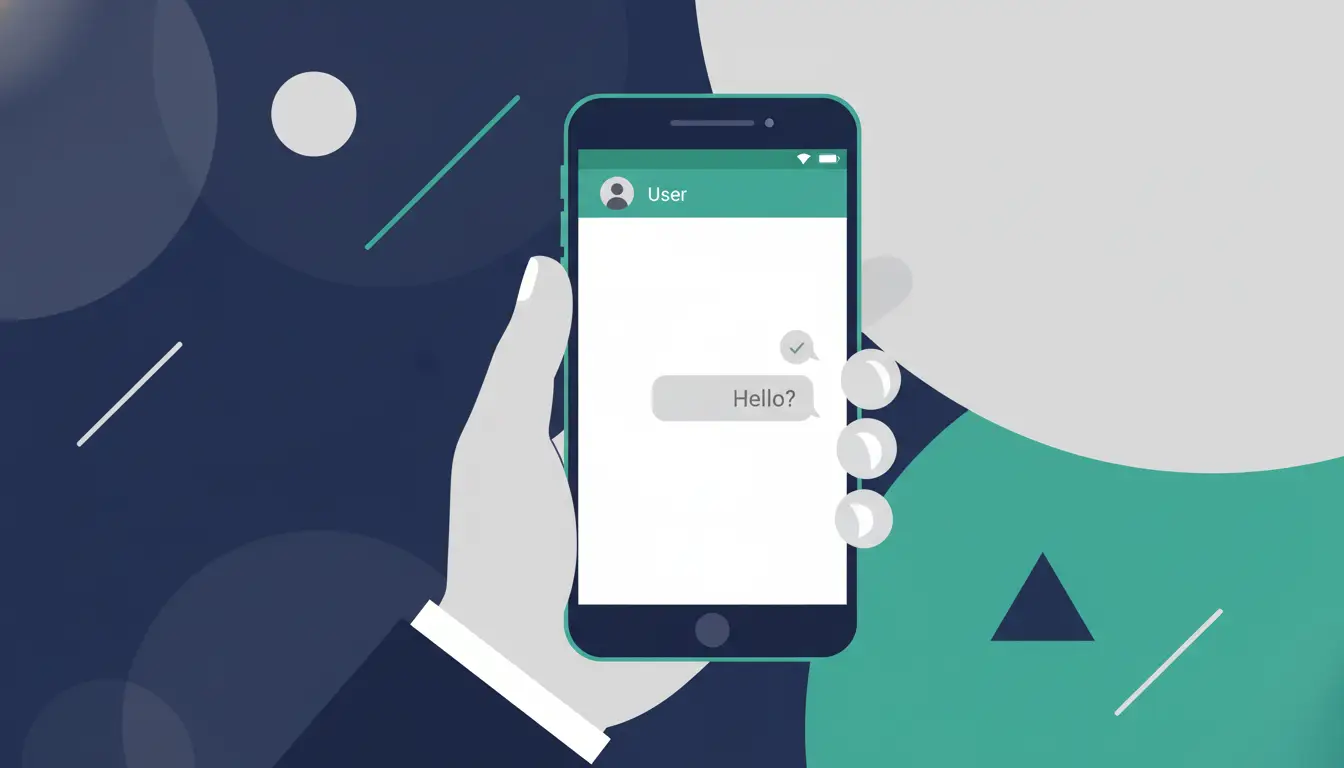
If you want to know how to block a number on whatsapp, open the chat with the person, tap their name or number, scroll down, and choose Block. On WhatsApp settings, you can also go to Privacy > Blocked contacts and add the contact there. WhatsApp shows these as standard ways to block someone.
How to block a number on WhatsApp step by step
If you want to know how to block a number on whatsapp, open the chat with the person, tap their name or number, scroll down, and choose Block. On WhatsApp settings, you can also go to Privacy > Blocked contacts and add the contact there. WhatsApp shows these as standard ways to block someone.
What happens right after you block a contact
Right after you block someone, they cannot send you new messages or call you on WhatsApp. WhatsApp also says some information becomes limited from their side, and if a person has blocked you, you may stop seeing read receipts, status updates, and some profile-related signals.
What Happens When You Block Someone on WhatsApp?
After learning how to whatsapp block a number, the next question is what actually changes. Blocking on WhatsApp mainly stops direct contact, but it does not erase everything instantly.
Can the blocked person still send messages or call you?
No. Once you whatsapp block a number, that person can no longer send you direct messages or call you on WhatsApp. This is one of the clearest effects of blocking a number in whatsapp. If they try to message you, the message will not reach you the normal way, and if they try to call, the call will not go through like a normal active connection.
Can they see your profile photo, status, or last seen?
Usually, no. WhatsApp says your last seen, online status, status updates, and any changes to your profile photo will not be visible to contacts you have blocked. This is one of the biggest reasons people later search how to tell if you're blocked on whatsapp, because these missing signs are often noticeable.
Still, one missing sign does not always prove a block by itself. WhatsApp also explains that privacy settings can hide things like profile details, last seen, or online status. So if you cannot see someone’s photo or activity, it may be a block, but it may also be a privacy setting or another account change.
How to Tell If You're Blocked on WhatsApp
After learning what changes when you whatsapp block a number, the next question is the other side of the problem: how to tell if you're blocked on whatsapp. The short answer is that WhatsApp does not send a direct block alert. Instead, you have to look at several signs together.
Why messages may show only one checkmark
One of the most common signs is that your messages show only one checkmark. On WhatsApp, one checkmark usually means the message was sent from your device but was not delivered to the other person’s phone. WhatsApp says this can happen if someone blocked you, but it can also happen if their phone is off, they have no internet connection, or there is another temporary issue.
Why you may stop seeing their profile photo, last seen, or online status
Another sign is that you stop seeing their profile photo, last seen, online status, or status updates. WhatsApp says these may no longer be visible if someone has blocked you. This is why many users start suspecting a block when a contact’s photo disappears or their online activity suddenly becomes hidden.
What happens when you try calling them on WhatsApp
Calling can give you another clue. WhatsApp says that if someone blocked you, any call you make to them will not go through. In real use, this usually means the call does not connect in a normal way, even after repeated tries.
Risks of Misreading WhatsApp Blocking Signs
After learning how to tell if you're blocked on whatsapp, it is just as important to understand how easy it is to get the signs wrong. WhatsApp’s own Help Center says there is no single confirmation sign by itself. Missing updates, one checkmark, or failed calls can happen for different reasons, not only because someone chose to whatsapp block a number.
Could it be a privacy setting instead of a block?
Yes, it could. WhatsApp lets users control who can see their last seen, online status, profile photo, and status updates. That means a person can hide these details without blocking a number in whatsapp at all. So if you stop seeing someone’s photo or activity, it may be a block, but it may also be a normal privacy setting change.
Why overchecking can lead to the wrong conclusion
Overchecking is risky because it makes small signs feel bigger than they really are. If you keep testing the same profile photo, message checkmark, and call result again and again, you may start treating a weak clue like proof. But WhatsApp says blocking signs must be read together, and even then they are still indicators, not a direct notification.
A calmer approach works better. Look at the full pattern, not one detail. If several signs appear together for a while, the chance of a block may be higher. But if only one thing changes, such as a missing profile photo, it is smarter not to jump to a conclusion too fast. That helps you avoid misunderstanding the situation or reacting too emotionally.
What to Do If You Think Someone Blocked You on WhatsApp
After looking at the signs, the next step is staying calm. If you think someone used whatsapp block a number, it is easy to react too fast. But WhatsApp’s Help Center says there is no single sign that proves a block by itself. That means the best response is usually careful, not emotional.
Should you reach out through another channel?
Sometimes, yes, but only if there is a real reason. If the matter is important, one short and respectful message through another normal channel can make sense. For example, if you need to confirm a work detail or a family plan, a simple text or email may be enough. But if the issue is not urgent, reaching out again may only add pressure. Since how to tell if you're blocked on whatsapp is never confirmed by one clue alone, it is smart not to assume too much too quickly.
How to respect boundaries and avoid making things worse
If someone really did block you, that is usually a sign they want space. In that case, pushing harder often makes things worse, not better. A healthier response is to avoid repeated calls, repeated messages, or trying to force contact through multiple accounts. WhatsApp also makes blocking easy on purpose, so users can stop messages, calls, and status updates from a contact when they want to.
Can You Block Someone Without Them Knowing?
After deciding how to respond, some users ask the opposite question: if you whatsapp block a number, will the other person be told? The short answer is no. WhatsApp does not send a direct block notification. But that does not mean the block is completely invisible. Over time, the other person may still notice changes and start wondering how to tell if you're blocked on whatsapp.
Does WhatsApp send a block notification?
No. WhatsApp’s Help Center does not say that a blocked contact gets an alert or message telling them they were blocked. Instead, the block works quietly in the background. That is one reason many users prefer blocking a number in whatsapp when they want more privacy without starting a direct conflict.
What signs can still reveal a WhatsApp block?
Even without a notification, some signs can still make the block easier to guess. WhatsApp says that if someone has blocked you, you may no longer see their last seen, online status, profile photo changes, or status updates. Messages may also stay on one checkmark, and calls may not go through normally. That is why people often search how to tell if you're blocked on whatsapp after noticing several of these changes together.
Still, these signs are not perfect proof by themselves. Privacy settings can hide last seen or profile details, and connection problems can also affect message delivery. So while a blocked person is not told directly, they may still become suspicious if enough signals change at once.
How to protect your privacy when blocking someone
If you want more privacy, blocking works best when combined with your normal WhatsApp privacy settings. WhatsApp lets users control who can see their last seen, online status, profile photo, and other account details. That means you do not have to rely on blocking alone if you want less visibility. For some users, this gives a cleaner and quieter way to manage contact boundaries.
How DICloak Can Support Safer WhatsApp Account Use
After learning how WhatsApp blocking works, it also helps to think about account safety on the device side. Many WhatsApp problems are not only about blocks. Sometimes they come from shared devices, mixed sessions, or messy account handling. In that kind of workflow, DICloak can work as a support tool.
Prevent shared-device risks during account recovery
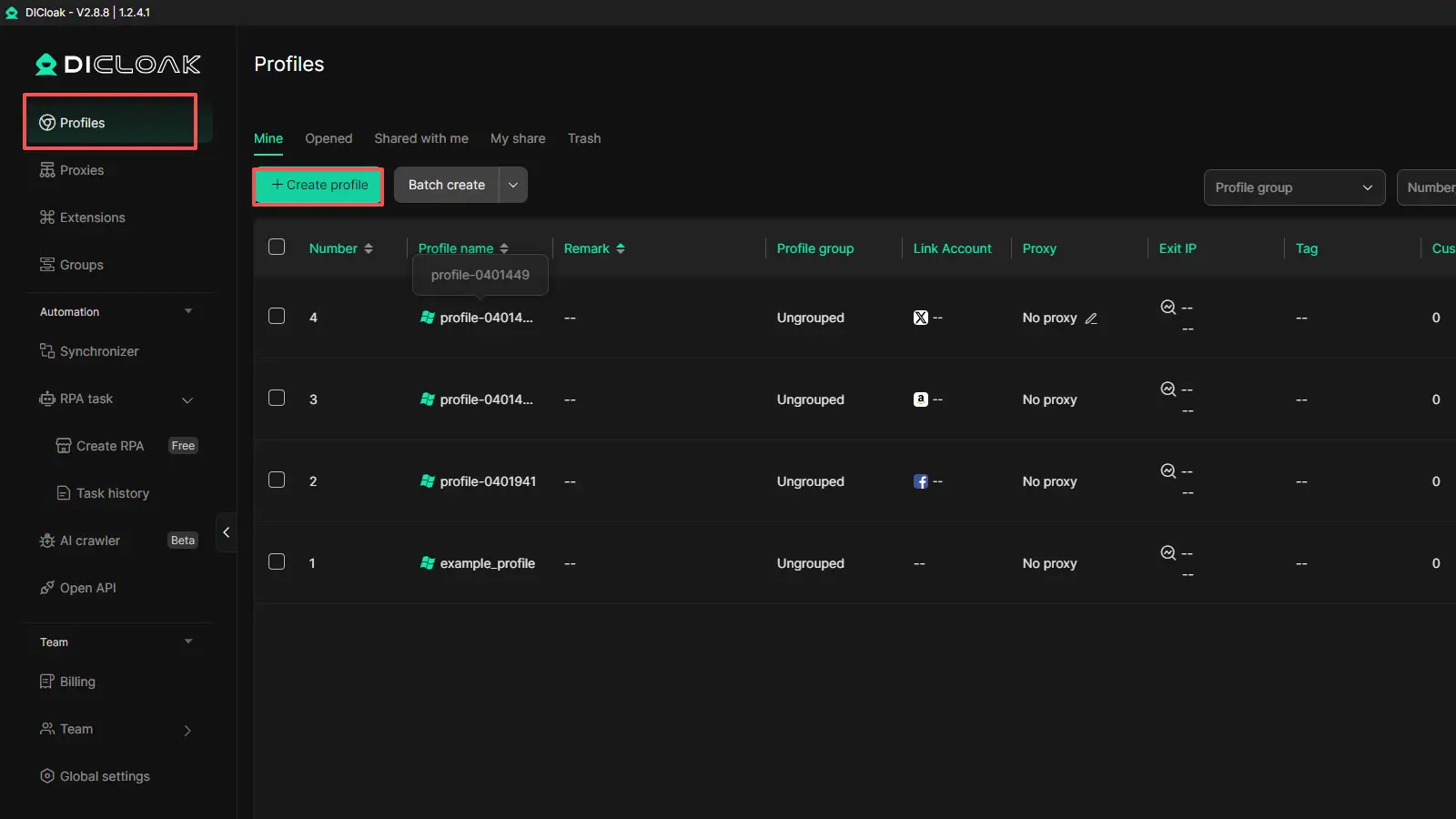
DICloak uses isolated browser profiles, which can help reduce the risk of exposing sessions or account data when a device is shared. This can make account recovery or login-related work safer to handle. Its profile system also helps keep sessions, cookies, and browser data separate. That can make WhatsApp-related account use cleaner on devices used by more than one person or for more than one account.
Reduce session mix-ups for safer WhatsApp use
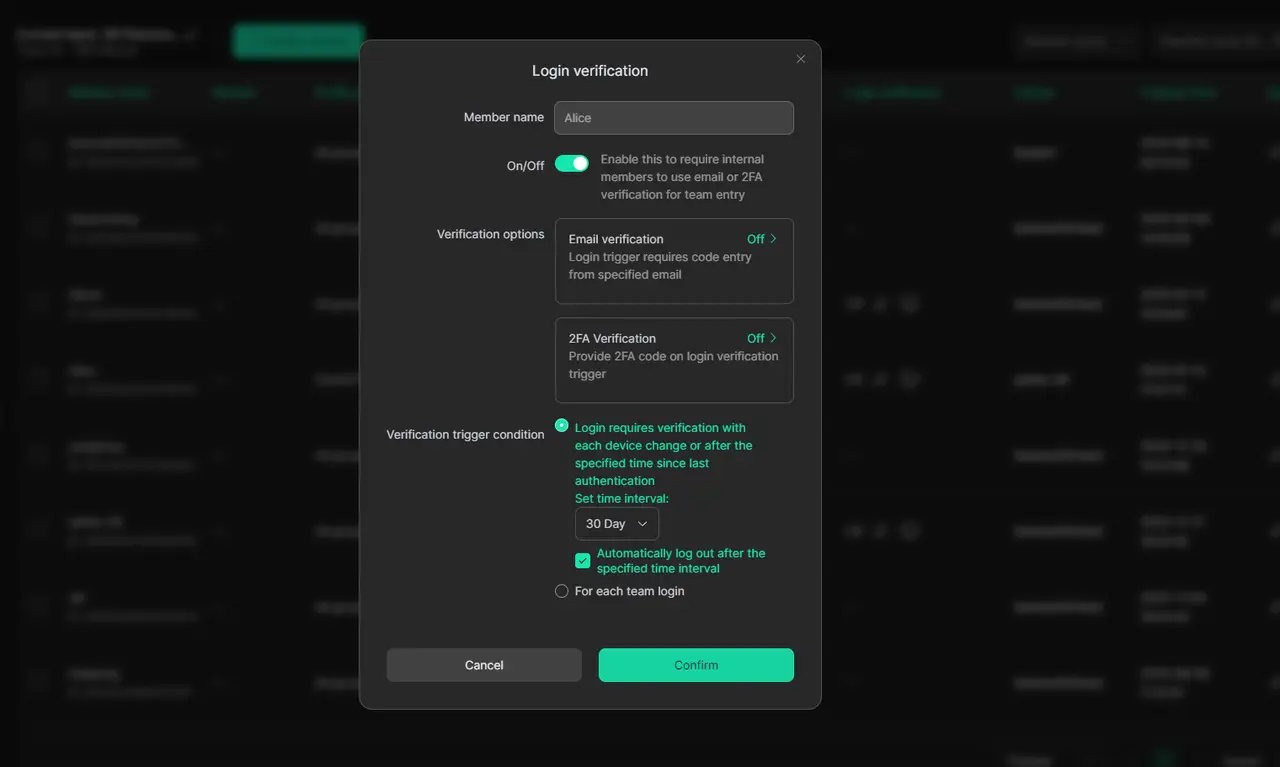
DICloak also includes permission controls, website access restrictions, and Security Protection Mode. These features can help reduce session mix-ups and make shared workflows easier to manage.
FAQ About WhatsApp Block a Number
Q1: How do you WhatsApp block a number without deleting the chat?
You can whatsapp block a number and still keep the old chat on your phone. Blocking stops new messages and calls from that person, but it does not automatically erase past conversations.
Q2: How to tell if you're blocked on WhatsApp if messages only show one checkmark?
If messages stay on one checkmark, it may be one sign when checking how to tell if you're blocked on whatsapp. But it is not full proof by itself. The other person may also be offline, have no internet, or have app problems.
Q3: Can someone still see your profile photo after you WhatsApp block a number?
Usually, no. When you whatsapp block a number, the blocked person may stop seeing your profile photo changes, status updates, last seen, and online status. Still, privacy settings can create similar signs.
Q4: Does WhatsApp block a number send a notification to the other person?
No. WhatsApp does not send a direct notification when you block a number on WhatsApp. But over time, the other person may notice signs such as missing profile details, one checkmark, or failed calls.
Q5: How to tell if you're blocked on WhatsApp without asking the person directly?
The best way to check how to tell if you're blocked on whatsapp is to look at several signs together. These may include one checkmark on messages, no profile photo, no last seen, and calls that do not connect. Even then, no single sign proves a block with full certainty.
Conclusion
If you want to whatsapp block a number or figure out how to tell if you're blocked on whatsapp, the most important thing is to understand how WhatsApp’s signs really work. Blocking can stop calls, messages, and some profile visibility, but the clues are not always perfect on their own. Privacy settings, connection issues, and account changes can look similar. In 2026, the safest approach is to look at several signs together, avoid jumping to conclusions too fast, and handle the situation calmly and respectfully.
 Web Proxy Tools
 Free Tools
 Cookie Plugin
 UA Generator
 MAC Address Generator
 IP Generator
 IP Address List
 2FA Code Generator
 World Clock
 Anonymous Check
 WebRTC Leak Test
 UUID Generator
 Free Web Proxy Site
 Proxy Checker
 FB Ad Checker
 AI Web Scraping
 Free SMM Tools
 Twitter Shadowban Checker
 Instagram Name Checker
 UTM Generator
 Username Generator
 AI Hashtag Generator
 LinkedIn Headline Generator
 Social Media Image Resizer