What is the real spoofer meaning in daily browsing?
In simple terms, a "spoofer" is a tool or technique used to forge digital data. Its job is to fake specific identifiers like your IP address, browser fingerprint, or device information. By doing this, it misleads websites about who you are and where you are browsing from.
When you visit a site normally, your browser shares a massive amount of real data. A spoofer replaces this with randomized or custom information.
| Data Category |
Real Data (Default) |
Spoofed Data (Manipulated) |
Impact |
| IP Address |
Your actual network ID |
A masked or proxy IP |
Reveals your physical city and ISP. |
| User Agent |
Your real browser and OS |
A fake device or system ID |
Tells sites if you are on a phone or PC. |
| Fingerprint |
Unique hardware signatures |
Randomized hardware details |
Allows sites to track you without cookies. |
Pro-Tip: Simply changing your IP address isn't enough anymore. Modern sites look at your "hardware signature." If your IP says you are in London but your timezone says New York, you will be flagged immediately.
How a spoofer hides your browser fingerprint
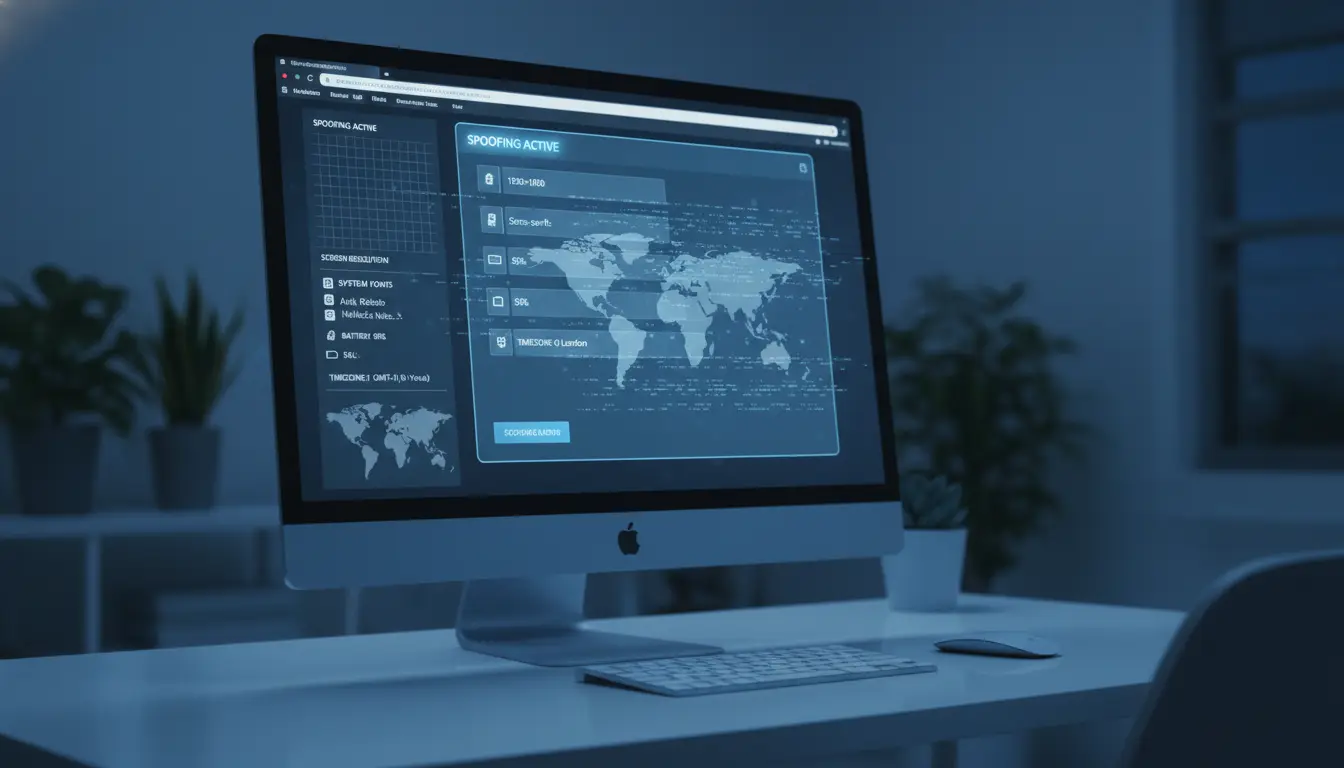
A browser fingerprint is a collection of small details about your device and software. This includes your screen resolution, the fonts you have installed, and even your battery level. Websites use this "fingerprint" to track you across the web, even if you delete your cookies or use "Incognito" mode.
A spoofer interferes with this passive tracking by falsifying these specific data points. Instead of seeing your unique setup, the website sees a generic or randomized configuration. This prevents the site from building a permanent profile of your activity.
Common data points that a professional spoofer can modify include:
- Screen resolution and color depth
- List of installed system fonts
- Local timezone and language settings
- Browser version and platform details
- Device-specific hardware information
Core Spoofing Techniques: From User Agents to Cookies
Spoofing comes in several forms depending on what data you need to hide. Here are the most common methods used today:
- User Agent Spoofing: This changes the text string that identifies your browser and operating system. For instance, a desktop user can pose as an iPhone user to access mobile-only versions of a website.
- Location Spoofing: This falsifies your geolocation data to bypass regional blocks. For example, a user in Europe can appear to be in the United States to access region-locked streaming libraries.
- Referrer Spoofing: This hides or changes the "Referrer" header, which tells a site which page you visited previously. For instance, you can make a website think you arrived via a Google search when you actually clicked a link from a private forum.
- Cookie Spoofing: This involves manipulating session data to change how a site tracks your current visit. For example, you can reset your session data to appear as a brand-new visitor, bypassing "article limits" on news sites.
Why people use a spoofer for privacy and testing
Privacy is the biggest reason people use spoofing tools. By masking your fingerprint, you stop advertisers and data brokers from following your every move. It is the best way to stay anonymous when sites gather data silently in the background. Spoofing is also vital for bypassing access restrictions. Many services are locked to specific regions or devices. A spoofer allows you to reach these services by faking the required location or hardware. Professional developers and QA teams rely on these tools daily. They use spoofers to test how a website looks on dozens of different devices. This allows them to find bugs without needing to buy hundreds of physical phones and computers.
Understanding the risks before using a spoofer
While spoofing is powerful, it does come with risks that you should weigh carefully.
- Legal and Ethical Implications: Spoofing is generally legal, but using it to bypass copyright laws or commit fraud can lead to trouble. Always check the terms of service for the sites you visit.
- Account Bans: Major platforms use AI to detect "inconsistent" data. If your spoofing tool is low-quality, the site may notice your fake data and ban your account.
- Security Risks: Be careful with free or untrusted tools. Some "free" spoofers are actually designed to steal your data or install malware on your computer.
Warning: To protect your digital identity, always choose reputable tools with transparent privacy policies and a proven track record.
Streamlining your workflow with DICloak
When managing multiple client social media accounts on one device, switching between them in a regular browser can increase the chance that platforms associate those accounts with each other. With DICloak, users can manage each account in a more separated browser profile, making day-to-day operations easier and more organized.
Separating accounts to reduce cross-account association
With DICloak, users can create separate browser profiles for different accounts. Each profile stores its own browser fingerprint settings, cookies, and session data, which helps reduce the risk of accounts being linked through the same browser profile.

Using custom-configured proxies for flexible access setup
With DICloak, users can assign a custom-configured proxy to each browser profile based on their own operational needs. This allows different profiles to run with different network settings in one dashboard, making account management more flexible and easier to organize.

Improving repetitive operations with the Synchronizer
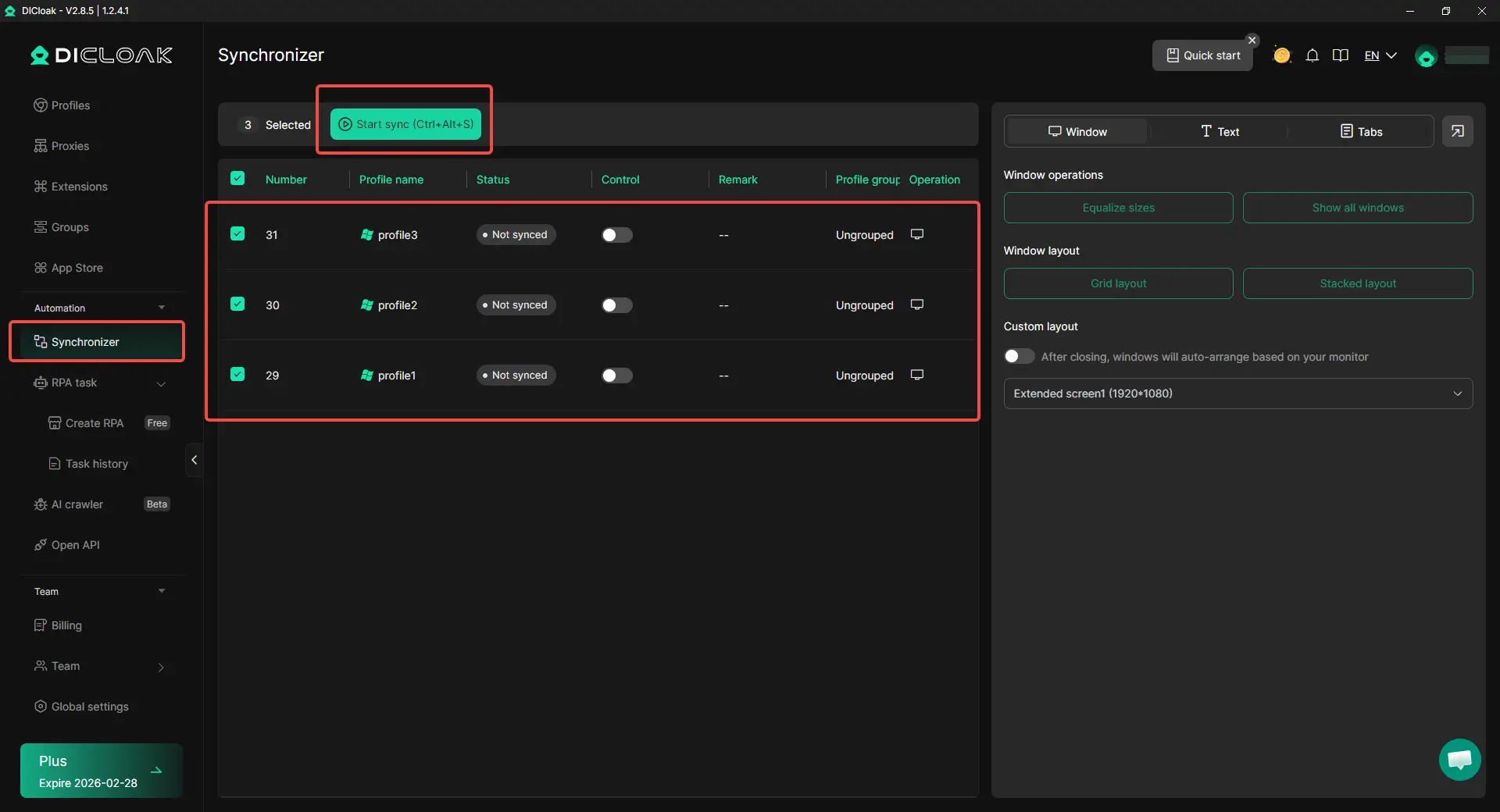
With DICloak, users can use the synchronizer to repeat the same actions across multiple browser windows at the same time. When handling routine tasks on several accounts, this can help improve efficiency and reduce manual repetition.
Conclusion
A spoofer is a professional tool for taking back control of your digital identity. It protects you from invasive tracking and helps you bypass restrictive filters. However, identity masking requires a smart approach. Using trusted tools like DICloak makes you can manage your digital footprint safely without being detected by platforms.
FAQ
Is it legal to use a spoofer for browsing?
Yes, using a spoofer for privacy is generally legal in most countries. However, using it to bypass copyright or commit fraud can have legal consequences.
Can websites tell if I am using a spoofer?
Basic spoofers are easy to detect, but professional tools like DICloak make detection very difficult. High-quality tools keep your fake data looks consistent and natural to security filters.
What is the difference between a user agent and a browser fingerprint?
A user agent is just one line of text identifying your browser. A fingerprint is a much larger collection of data, like your screen resolution and fonts, used to identify your specific device.
Will a spoofer protect me from all types of tracking?
It protects against the most common types, like fingerprinting and IP tracking. You still need to use common sense and avoid clicking on suspicious links to stay fully safe.
Do I need technical skills to use a professional spoofing tool?
No, professional tools are built for ease of use. DICloak uses a simple interface with preset configurations so you can start spoofing without writing any code.
 Web Proxy Tools
 Free Tools
 Cookie Plugin
 UA Generator
 MAC Address Generator
 IP Generator
 IP Address List
 2FA Code Generator
 World Clock
 Anonymous Check
 WebRTC Leak Test
 UUID Generator
 Free Web Proxy Site
 Proxy Checker
 FB Ad Checker
 AI Web Scraping
 Free SMM Tools
 Twitter Shadowban Checker
 Instagram Name Checker
 UTM Generator
 Username Generator
 AI Hashtag Generator
 LinkedIn Headline Generator
 Social Media Image Resizer