Understanding Visibility Filtering and the Need for Tools to Check Shadowban on Twitter
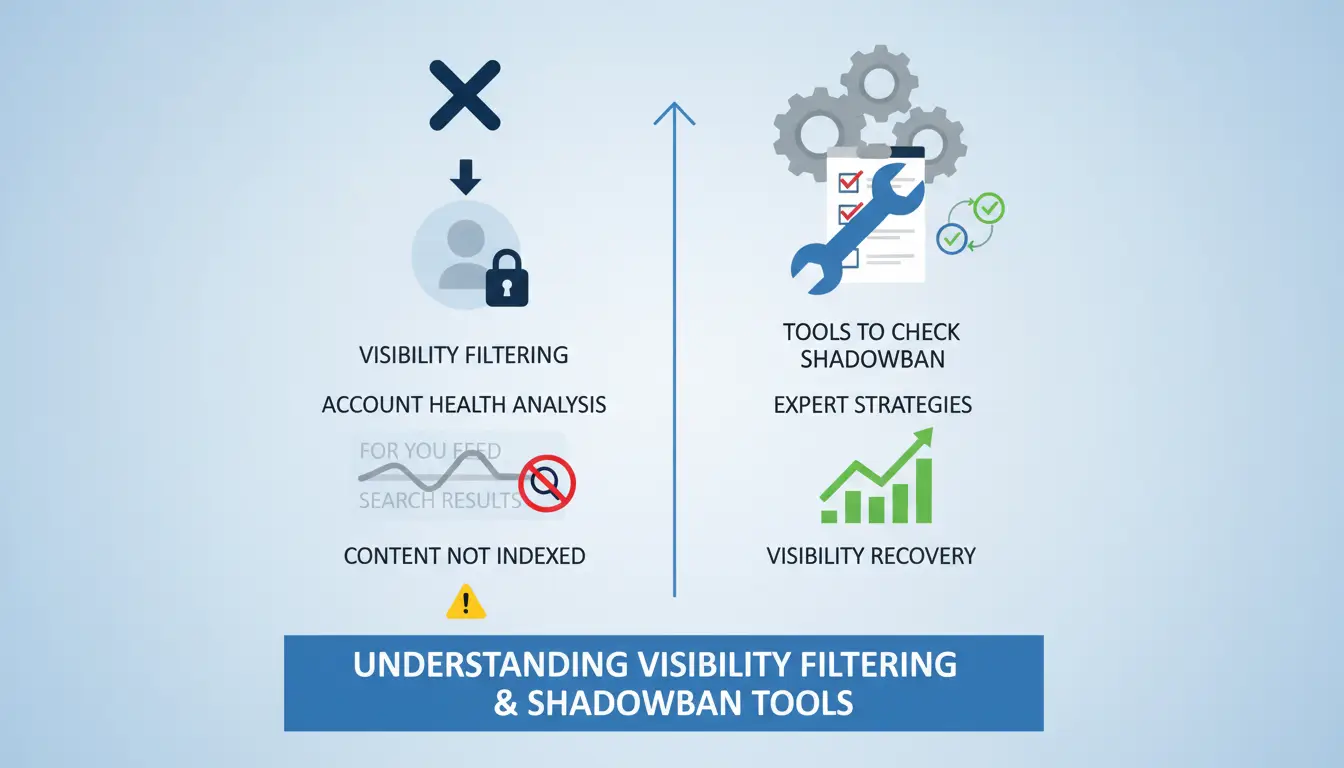
In the sophisticated landscape of modern social media security, "shadowbanning" is more accurately defined as visibility filtering. This is a real-time technical mechanism where Twitter (X) algorithms analyze account health to determine whether content should be indexed in the "For You" or "Search" feeds. Unlike a formal suspension, visibility filtering occurs without any notification, leaving the user in a state of silent suppression where likes vanish, replies are hidden under "Show more" tabs, and hashtags become effectively dead. Because the platform provides no alert, leveraging tools to check shadowban on twitter is the first step for any digital growth expert to diagnose whether an engagement drop is due to poor content or algorithmic blacklisting.
How Tools to Check Shadowban on Twitter Expose Hidden Filtering
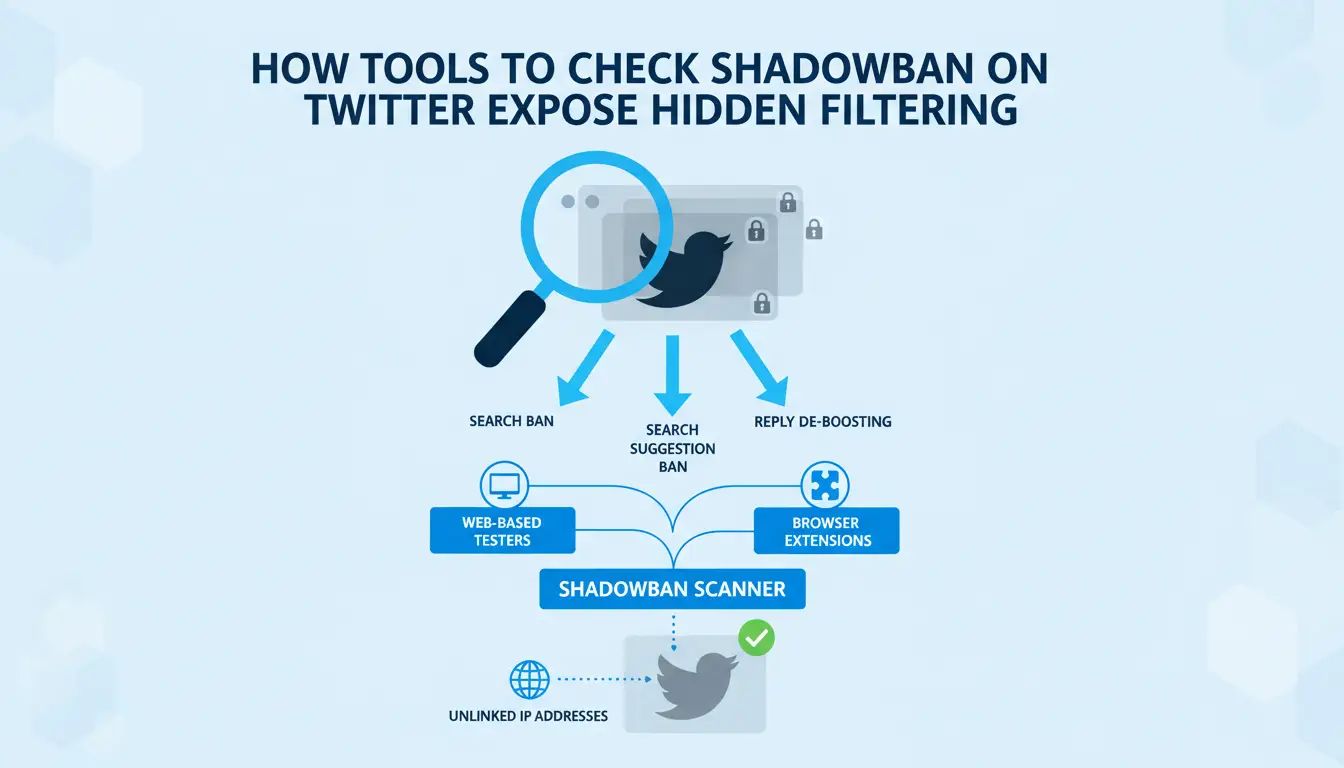
Detection tools provide transparency by scanning for specific algorithmic flags: search bans, search suggestion bans, and reply de-boosting. These tools—ranging from web-based testers to browser extensions like Shadowban Scanner—simulate search queries from unlinked IP addresses to see if your account exists in the public index. Consider a scenario where a growth marketer observes a 90% collapse in reach overnight; a manual check might be inconclusive, but tools to check shadowban on twitter can immediately confirm a "search ban" status, proving the platform has isolated the account from the global discovery engine.
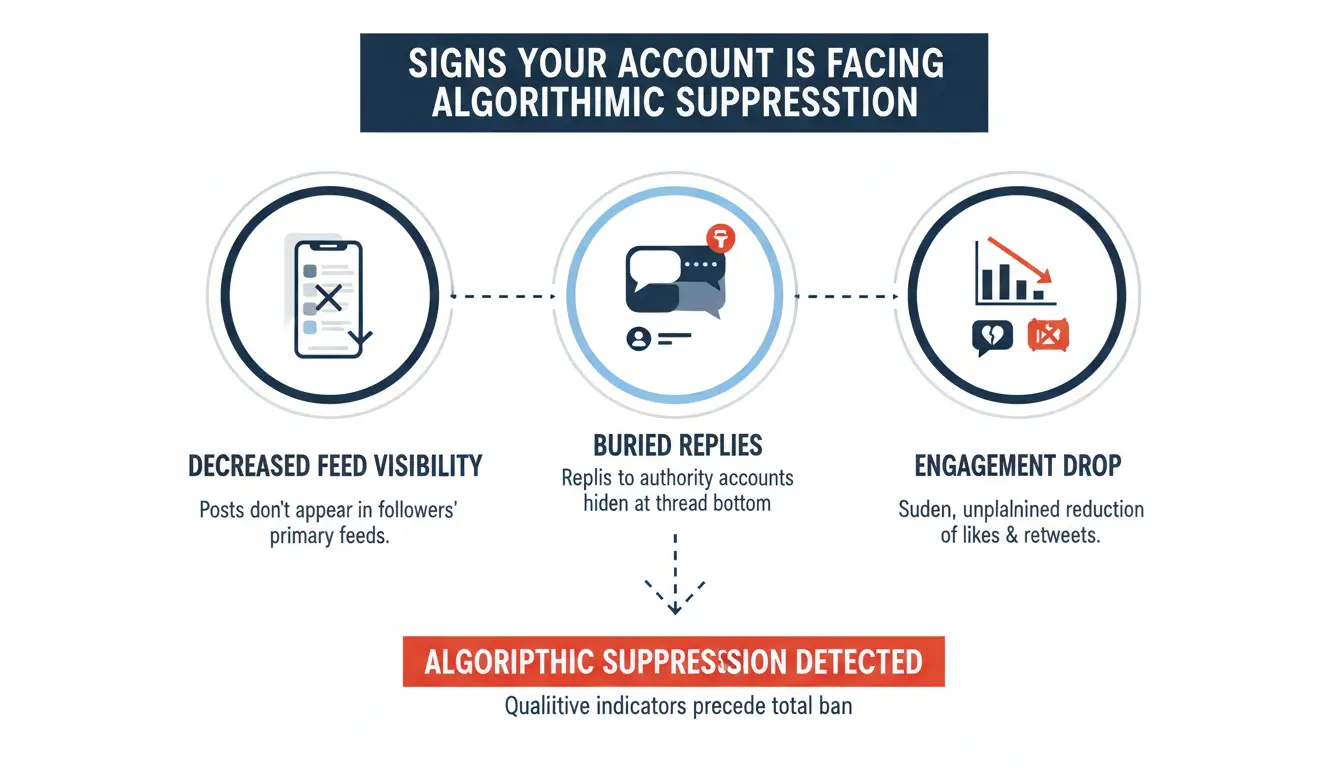
Signs Your Account Is Facing Algorithmic Suppression
Qualitative indicators of suppression often precede a total ban. If your followers report that your posts no longer appear in their primary feeds or if your replies to high-authority accounts are consistently buried at the very bottom of the thread, you are likely being filtered.
The Impact of Network-Level Fingerprinting
As a cybersecurity analyst, I look at the "digital exhaust" an account leaves behind. Twitter utilizes network-level fingerprinting to link accounts to a single identity. This involves tracking your TCP/IP stack, WebRTC leaks, Font Enumeration, and Canvas hashes. Canvas fingerprinting is particularly potent because it relies on how your specific GPU and driver combination renders pixels—a signal so unique it allows Twitter to bridge and "cluster flag" multiple accounts even if you use different emails or names.
Behavioral Patterns That Flag Automation
Heuristic detection systems look for "bot-like" signals. Aggressive follow/unfollow cycles, bulk tweeting within narrow windows, and rapid-fire replies trigger protective filters. When these patterns are detected, the system assumes the account is an automated script rather than a human user, leading to immediate reach restriction.
Pro-Tip: To mitigate heuristic detection, focus on inter-action latency. Avoid performing more than 15-20 actions in a single burst; human behavior is erratic and spaced out, whereas bots are precise and repetitive.
Comparing Manual Verification vs. Tools to Check Shadowban on Twitter
While automated scanners offer speed, a Senior Analyst relies on a combination of third-party tools to check shadowban on twitter and rigorous manual protocols to eliminate false positives.
Executing a Search Result Audit
To perform a clean audit, open an incognito window in a browser with a cleared cache. Search for your profile using the from:username operator. If your most recent posts do not appear in the "Latest" tab of the search results, your account has been de-indexed from the public search engine.
Implementing the Unique Tag Visibility Protocol
Post a tweet containing a completely unique, non-trending hashtag (e.g., #AlphaCheck_9921). From a separate account—one that does not follow you and has a different IP address—search for that tag. If the tweet is invisible in the public search results, the algorithmic suppression is confirmed.
Primary Triggers for Automated Account Restrictions
Automated restrictions are often the result of infrastructure failures. Repetitive hashtags and spammy links are common triggers, but the "cluster flag" is the most devastating. If you manage multiple accounts from the same IP address, Twitter’s security team views them as a single entity. If one account is flagged for "low quality" content, the entire cluster faces suppression.
Pro-Tip: High-value accounts must avoid datacenter proxies. These IP ranges are often pre-blacklisted by X’s security systems because they are associated with server farms rather than legitimate residential users.
Step-by-Step Recovery Protocols to Restore Reach
Recovery is not instantaneous; it requires a systematic reset of your algorithmic trust score.
- Halt Automation: Disconnect all third-party schedulers and bots for 48–72 hours.
- Delete Flagged Content: This is critical. Remove posts containing spammy links or unlabeled sensitive media before taking further action.
- The Cooling-Off Period: Cease all activity (likes, retweets, posts). During this time, clear your browser cookies and reset your local storage to prevent session persistence from linking you to your previous "risky" state.
- Submit an Appeal: Navigate to Help > Report a problem and submit a ticket. Politely state that your engagement has dropped and you believe your visibility has been incorrectly filtered.
Why Advanced Tools to Check Shadowban on Twitter Require Infrastructure Protection
Once reach starts to recover, standard browsing habits may not be enough for long-term account stability, especially when managing multiple profiles or fast-growing accounts. A more controlled setup can help reduce repeated risk signals. With DICloak, users can keep accounts in separate browser profiles, manage fingerprints more consistently, and reduce the chance of cookies, sessions, or device signals overlapping across accounts.
| Feature |
Standard Browser |
DICloak Infrastructure |
| Account Isolation |
Shared cookies and local storage |
Isolated sandboxes per profile |
| Fingerprinting |
Transparent (Canvas, WebRTC) |
Spoofed Canvas hashes and Font masks |
| IP Management |
Static/Shared (High Risk) |
Supports custom proxy configuration for unique IP per profile |
| Session Persistence |
Persistent tracking across tabs |
Encrypted, isolated cookie vaults |
| DNS/WebRTC Leak |
High Risk of IP exposure |
Built-in leak protection |
Deploying DICloak to Reduce Future Detection Risks
DICloak can help create a more controlled setup for managing multiple accounts. Instead of running every account in the same browser, users can keep each account in a separate profile with its own cookies, storage, fingerprint settings, and proxy configuration.
Isolating Browser Fingerprints at Scale
With DICloak, each profile can be configured with different browser fingerprint settings, such as OS version, screen resolution, hardware concurrency, and GPU-related signals. This may help reduce the chance of accounts looking too closely connected when they are managed from the same device or team setup. It does not guarantee that platforms will treat every account as a separate real user, but it can make account separation cleaner and more consistent.
Implementing Cleaner Network Isolation Strategies
Using DICloak together with stable, high-quality residential or ISP proxies can also help reduce network overlap. Each profile can be matched with its own proxy, so logins and daily actions appear more consistent. If one account faces a review or temporary restriction, this kind of separation may help lower the risk of other accounts being affected by shared IPs, cookies, or browser signals.
Essential FAQ for Twitter Account Health
Minor violations typically last 24–72 hours. However, more severe cases—often involving political content or controversial topics—can last weeks.
Does Twitter officially acknowledge these bans?
No. They officially refer to it as "visibility filtering," designed to reduce the reach of content that falls into low-quality or high-risk categories without violating terms enough for a full suspension.
Can I use tools to check shadowban on twitter and then appeal immediately?
Yes, but with one caveat: you must delete the problematic content first. Use a checker to identify the status, scrub your timeline of spammy links or excessive hashtags, and then use the "Report a problem" portal for the best results.
Conclusion
In today's platform environment, visibility issues are often linked to more than content alone. Tools that check shadowban on Twitter can help you spot an existing problem, but they are mostly reactive. For long-term growth on X, it is better to focus on stable account behavior, clean login patterns, and consistent account management. With DICloak, users can separate browser profiles, manage fingerprints, and pair each profile with a stable proxy to reduce signal overlap across accounts. This does not guarantee that reach will never drop, but it can make multi-account management cleaner, safer, and easier to control.
 Web Proxy Tools
 Free Tools
 Cookie Plugin
 UA Generator
 MAC Address Generator
 IP Generator
 IP Address List
 2FA Code Generator
 World Clock
 Anonymous Check
 WebRTC Leak Test
 UUID Generator
 Free Web Proxy Site
 Proxy Checker
 FB Ad Checker
 AI Web Scraping
 Free SMM Tools
 Twitter Shadowban Checker
 Instagram Name Checker
 UTM Generator
 Username Generator
 AI Hashtag Generator
 LinkedIn Headline Generator
 Social Media Image Resizer