Why You Need Antidetect Browsers for Social Media Automation in 2026
In 2026, relying on "Incognito Mode" or clearing cookies will destroy your business. Platforms like Facebook and TikTok now use advanced AI to track your physical hardware, not just your IP address. If you manage multiple accounts, you need Antidetect Browsers for Social Media Automation. These tools are no longer optional. They are the foundation of Identity Infrastructure Management. They stop platforms from linking your accounts together and banning your entire agency overnight.
AI-Driven Behavioral Analysis and the Death of Simple Multi-Accounting
The era of simple "hiding" is over. In the past, you could use a proxy to change your location and be safe. Today, that method guarantees failure. Platforms now use AI Behavioral Fingerprinting to analyze thousands of data points. They look at your screen resolution, your installed fonts, your graphics card, and even how fast you type.
If you log into five different accounts from the same computer, the platform sees the exact same hardware for all of them. This triggers a "Hardware Concurrency" flag. Once this happens, your accounts are linked. If one gets banned, they all get banned.
To survive, you must shift to Identity Infrastructure Management. You are not just masking your identity; you are curating new, high-trust digital lives. Each profile must have a unique digital fingerprint that stays consistent over time. You must also pair these profiles with high-quality residential proxies for social media automation. This makes your connection look like it comes from a real home, not a server farm.
This approach protects your social media agency workflow automation. It allows your team to manage hundreds of client accounts without "Session Bleed," where one team member's bad habits compromise the whole network. By isolating every digital footprint, you protect your revenue from arbitrary AI bans. You can learn more about how browser fingerprinting works to understand the technical risks you face.
The Technical Anatomy of Modern Browser Fingerprinting
You might have the highest quality residential proxies, but if your browser leaks hardware data, your accounts will be banned. Platforms like Meta and TikTok do not rely solely on IP addresses anymore. They look at your device's "Digital DNA."
Browser fingerprinting collects hundreds of tiny details about your computer. It looks at your screen resolution, installed fonts, and battery status. All these data points combine to create a single, unique ID for your device. If you log into ten different accounts from one computer, this ID remains the same. The AI sees one person running ten accounts and bans them all.
To understand your risk, you should run an anticommit browser fingerprinting test. This diagnostic tool shows you exactly what data platforms can scrape from your browser. It reveals the "leak" in your security setup that a simple proxy cannot fix.
How Platforms Read Your Graphics Card
One of the most accurate tracking methods is Canvas Fingerprinting. This technique is invisible to the user. When you visit a website, the site secretly instructs your browser to draw a hidden 3D image or text line.
Your specific graphics card, driver version, and operating system render this image in a unique way. It is like a digital signature. Even if you clear your cookies, your graphics card draws the image exactly the same way every time.
This creates a persistent link between all your accounts. To stop this, you cannot just "hide" the graphics card. That looks suspicious. Instead, you need software that adds "noise" to the drawing. This alters the image slightly for every profile, making each one look like it is on a completely different computer.
WebRTC Leak Protection for Social Media Safety
WebRTC (Web Real-Time Communication) is the technology that allows video and voice chats directly in your browser. While useful for regular users, it is a major security risk for agencies.
WebRTC has a nasty habit of bypassing your proxy settings. It can leak your real, local IP address directly to the website, even if your browser says you are in a different country. This is an immediate red flag for security algorithms.
Many amateur users simply disable WebRTC. This is a mistake. Real users do not disable WebRTC. If a platform sees it is turned off, they lower your Trust Score. You need advanced webRTC leak protection social media tools. These tools do not block the signal. Instead, they "inject noise" or fake the local IP address to match your proxy. This maintains the illusion of a legitimate connection without revealing your true identity.
Why Mobile Profiles Rule in 2026
In 2026, social platforms trust mobile devices far more than desktop computers. A desktop uploading five videos a day looks like an automation bot. A mobile phone doing the same thing looks like an active creator.
This is why mobile device fingerprint emulation is critical. You cannot simply resize your browser window to look like a phone. The platform checks for specific mobile hardware sensors. It looks for:
- Touch Events: Real phones use swipes, not mouse clicks.
- Battery Status: Phones have battery levels that change; desktops do not.
- Accelerometer Data: Phones move and rotate.
If you want to manage multiple tiktok accounts on pc safely, you must use a browser that simulates these deep hardware signals. By mimicking a specific device, like a generic Android phone, you gain a "Trust Score" advantage that desktop profiles cannot match.

How Antidetect Browsers for Social Media Automation Create Bulletproof Identities
We now understand the aggressive tracking technology used by platforms like Meta and TikTok. The solution is not to hide, but to blend in. This is where Antidetect Browsers for Social Media Automation come into play.
These tools do not just block trackers. Blocking trackers looks suspicious. Instead, these browsers create a complete, fake digital fingerprint that looks real. They allow you to manage hundreds of identities from one computer without ever getting linked. It is the effective way to build a scalable social media agency workflow automation system in 2026.
Virtual Workstations and Profile Isolation Logic
The core technology behind these tools is called profile isolation.
In a standard browser like Chrome, you can open a new tab or an Incognito window. However, these tabs still share core system data. They share your graphics card info, your font list, and your hardware parameters. If you log into five different Facebook accounts in five Chrome tabs, Meta knows they are all on the same device.
Antidetect Browsers for Social Media Automation work differently. They treat every profile as a completely separate "Virtual Workstation."
When you create a profile, the software builds a container. Inside this container, it creates a unique digital environment.
- Profile A might look like a Windows 11 PC using a Chrome browser.
- Profile B might look like a macOS laptop using Safari.
Crucially, nothing leaks between these containers. Cookies, local storage, and cache are strictly separated. This means you can run 50 accounts simultaneously. To the social platform, it looks like 50 different people logging in from 50 different devices across the world. This architecture prevents "chain bans," where one blocked account takes down your entire business manager.
Human Keystroke Simulation and Paste-as-Human Technology
Platforms do not just look at your device; they look at your behavior. In 2026, AI algorithms analyze how you type.
Bots and automation scripts usually paste text instantly. They fill a password field in 0.01 seconds. This is a clear signal that the user is not human. If you try to manage multiple tiktok accounts on pc, this speed will trigger a shadowban immediately.
To counter this, modern antidetect software uses Paste-as-Human technology.
This feature disables the standard clipboard API detection. When you copy a password or a caption and "paste" it into the browser, the software does not dump the text instantly. Instead, it simulates physical keystrokes.
- It types the letters one by one.
- It adds randomized delays (latency) between each key press, usually between 120ms and 240ms.
- It even simulates the micro-pauses a real human makes while thinking.
This fools the behavioral analysis AI. The platform sees a user typing manually, which is a high-trust signal. This simple feature is often the difference between an account that lasts for years and one that gets banned in 24 hours.
Automated Cookie Warming: Building the 'User' Foundation
A fresh browser profile is suspicious. Real users have a history.
If you create a new profile and immediately log into Facebook Ads Manager, you will be flagged. Why? Because a normal user does not buy a computer, install a browser, and log into a business tool within 30 seconds. A normal user visits news sites, shops on Amazon, and reads blogs first.
You need to replicate this history. This process is called "Cookie Warming" or "Farming."
Top-tier antidetect browsers include automated "Cookie Robots." You feed the robot a list of popular, safe websites (like Wikipedia, CNN, or Etsy). The robot visits these sites in the background before you ever log into your target platform.
- It accepts cookies from these trusted sites.
- It builds a local browser cache.
- It generates "interest data" that ad platforms can read.
When you finally log into Facebook, the platform scans your cookies. It sees that you have visited other legitimate sites. This signals that you are a real person, not a bot. However, this only works if you are using high-quality residential proxies for social media automation. If you build this history using a cheap datacenter IP, the platform will ignore the cookies and flag the IP address instead.
The Top 6 Antidetect Browsers for Social Media Automation: 2026 Performance Reviews
Understanding the technology is only half the battle. To actually execute a safe, scalable strategy, you need the right infrastructure. We tested the market leaders to see which tools genuinely prevent "Trust Score" degradation.
Below are the top 6 Antidetect Browsers for Social Media Automation ranked by security features, team scalability, and price-to-performance ratio.
| Browser Tool |
Best Use Case |
Free Plan Limits |
Starting Paid Price |
| DICloak |
High-Security Enterprise & Automation |
5 Profiles |
$8/month |
| Dolphin{anty} |
Affiliate Marketing & Arbitrage |
5 Profiles |
$10/month |
| Incogniton |
Growing Agency Teams |
10 Profiles |
$19.99/month |
| Browser.lol |
Disposable Testing Sessions |
Unlimited (Time Limited) |
$9/month |
| Octo Browser |
E-commerce Multi-Accounting |
None (3 profiles/€10) |
€29/month |
| MoreLogin |
Mobile/TikTok Automation |
2 Profiles |
$9/month |
DICloak: Fingerprint Customization for High-Security Platforms
DICloak is the standout leader for businesses that cannot afford downtime. While other tools focus on mass scale, DICloak focuses on fingerprint integrity. It is designed to pass the strictest checks from Facebook, Google, and Amazon. If you need to pair residential proxies configuration for social media automation with a browser that won't leak your identity, this is the solution.

Key Features:
- Built-in RPA Automation: Automate repetitive tasks (like warming up accounts or scrolling feeds) without knowing how to code.
- Deep Fingerprint Customization: You can adjust specific parameters like WebRTC, Canvas, and AudioContext to match your proxy's location.
- Window Synchronizer: Control multiple windows simultaneously. If you click "Like" in the master window, all other open profiles perform the same action.
Pros:
- Extremely high success rate for ad account longevity.
- Free plan includes 5 profiles, which is enough to start a small agency.
- The interface is clean and accessible for non-technical team members.
Cons:
- Currently available only on Windows and macOS.
Verdict: The best choice for serious agencies and enterprise teams prioritizing security over cheap bulk profiles.
Dolphin{anty}: The Affiliate Marketer’s Choice for Traffic Arbitrage
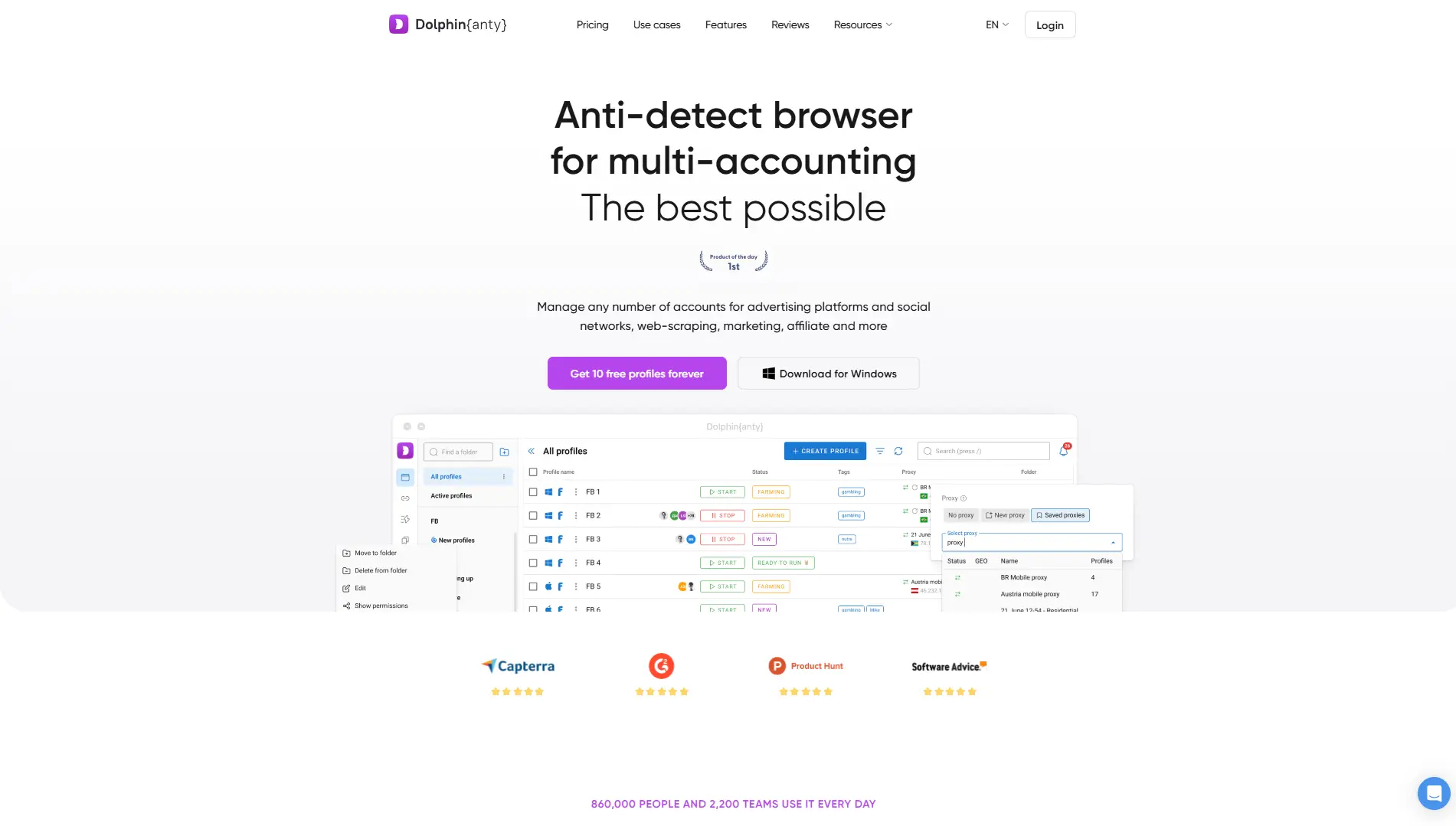
Dolphin{anty}'s interface is designed to help you launch hundreds of ads quickly. It integrates deeply with Facebook ads managers, allowing you to see ad spend and status directly in the browser list.
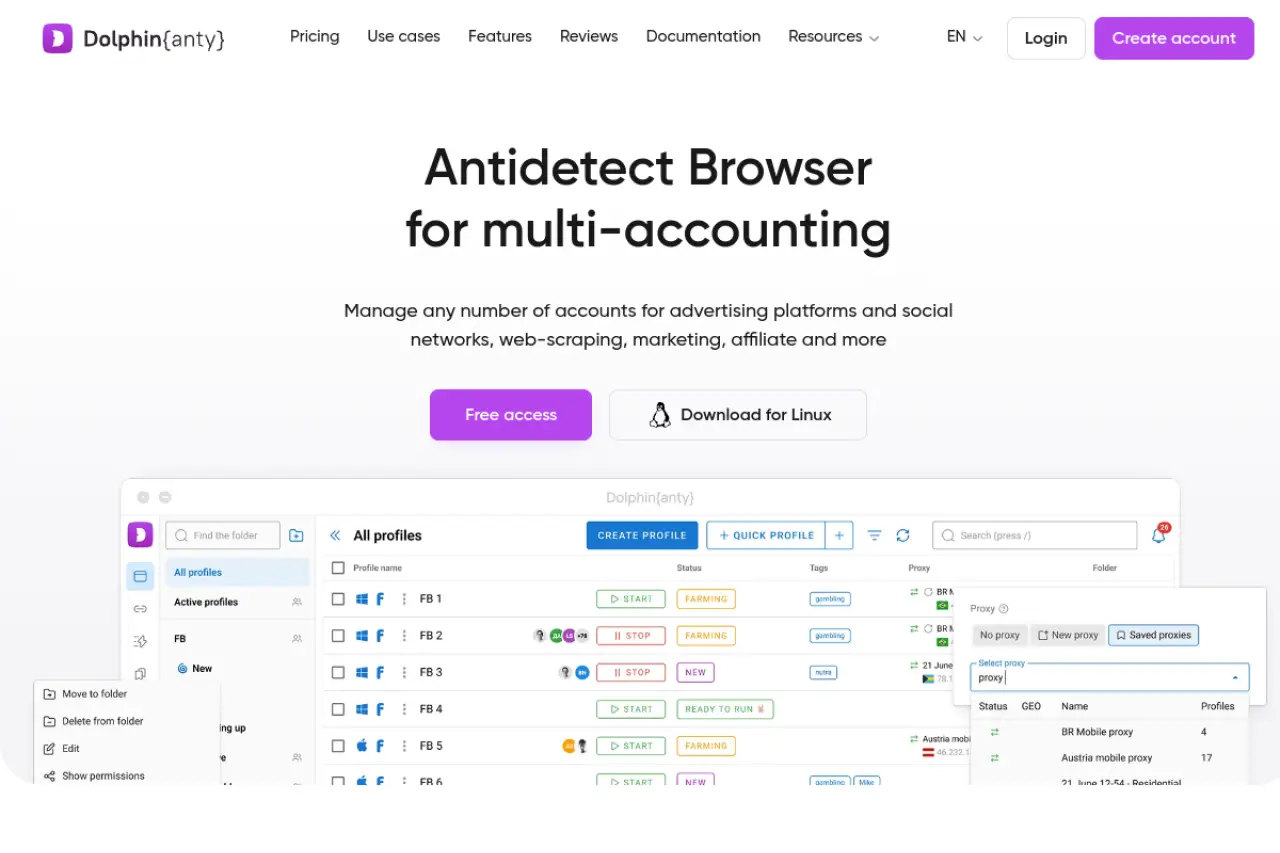
Key Features:
- Real Browser Fingerprints: Uses a vast database of real user fingerprints to blend in.
- Scenario Builder: Create simple scripts to automate routine actions.
- Bulk Operations: Change proxies or cookie data for 50 profiles in one click.
Pros:
- Excellent for managing large volumes of Facebook ad accounts.
- Strong API for developers.
- Intuitive "Note" system to track account status (e.g., "Banned", "Active", "Warming").
Cons:
- The interface can feel cluttered with too many profiles.
Verdict: If your business model involves high-volume traffic arbitrage, Dolphin{anty} is the choice.
Incogniton: Simplified Management for Growing Teams
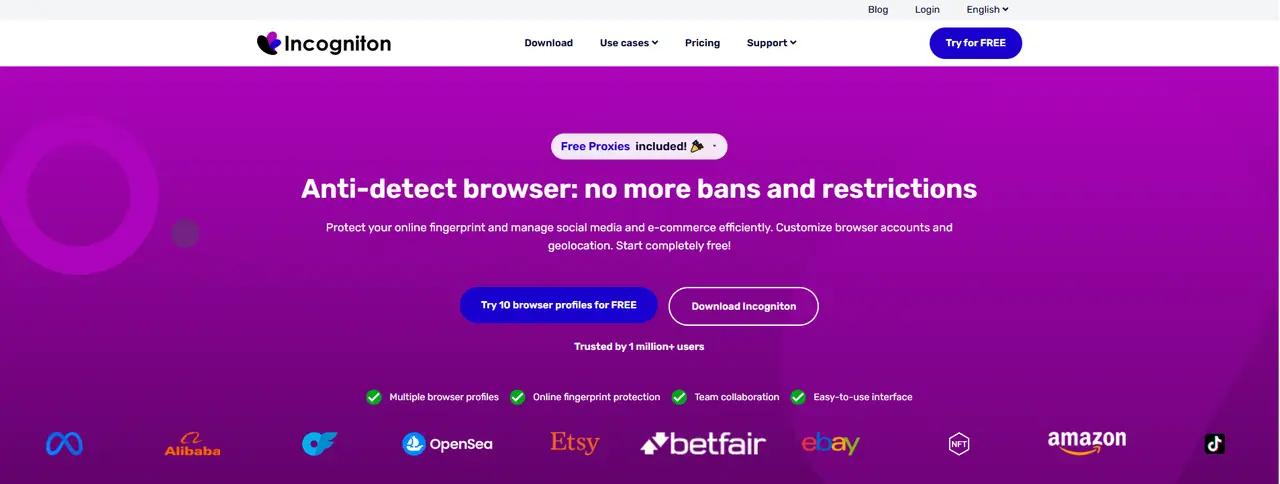
Incogniton strikes a balance between power and ease of use. It is particularly strong for agencies that need to manage staff access. You can assign specific profiles to specific team members, ensuring that a junior media buyer cannot accidentally access (or ban) a senior account.
Key Features:
- Cookie Collector: A built-in tool that visits websites to build cookie history automatically.
- Data Synchronization: Cloud sync keeps profiles updated across different devices.
- Paste-as-Human: Includes the typing simulation features discussed earlier.
Pros:
- Generous free plan (10 profiles).
- Selenium and Puppeteer integration for custom coding.
Cons:
- Slower to launch profiles compared to DICloak.
Verdict: A workhorse for growing social media agencies.
Browser.lol: Web-Based Disposable Sessions for Rapid Testing
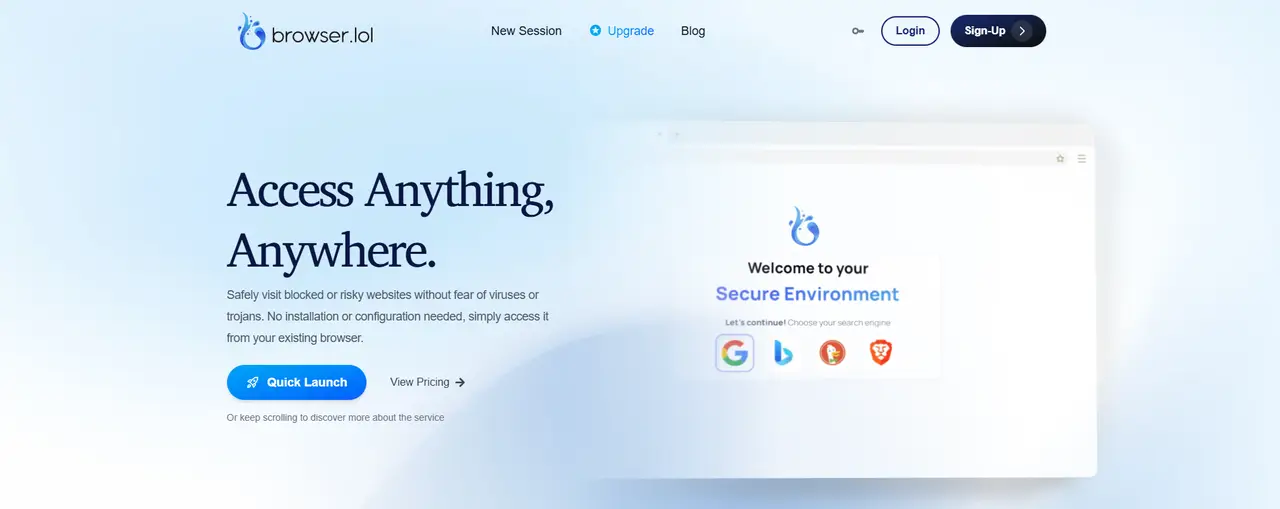
Browser.lol is not installed software but a cloud-based solution. It streams a browser to your screen. This is perfect for "burn" tasks or testing suspicious links without exposing your local machine.
Key Features:
- No Installation: Run it directly from your current browser.
- Disposable Environments: Close the tab, and the session is destroyed forever.
- Malicious Link Analysis: Great for checking landing pages safely.
Pros:
- Instant access.
- Zero hardware footprint on your computer.
Cons:
- Not suitable for long-term account farming (cookies are lost in free modes).
- Latency can be an issue if your internet is slow.
Verdict: It is for quick tests, but not for managing long-term business assets.
Octo Browser: Engineering for Multi-Accounting
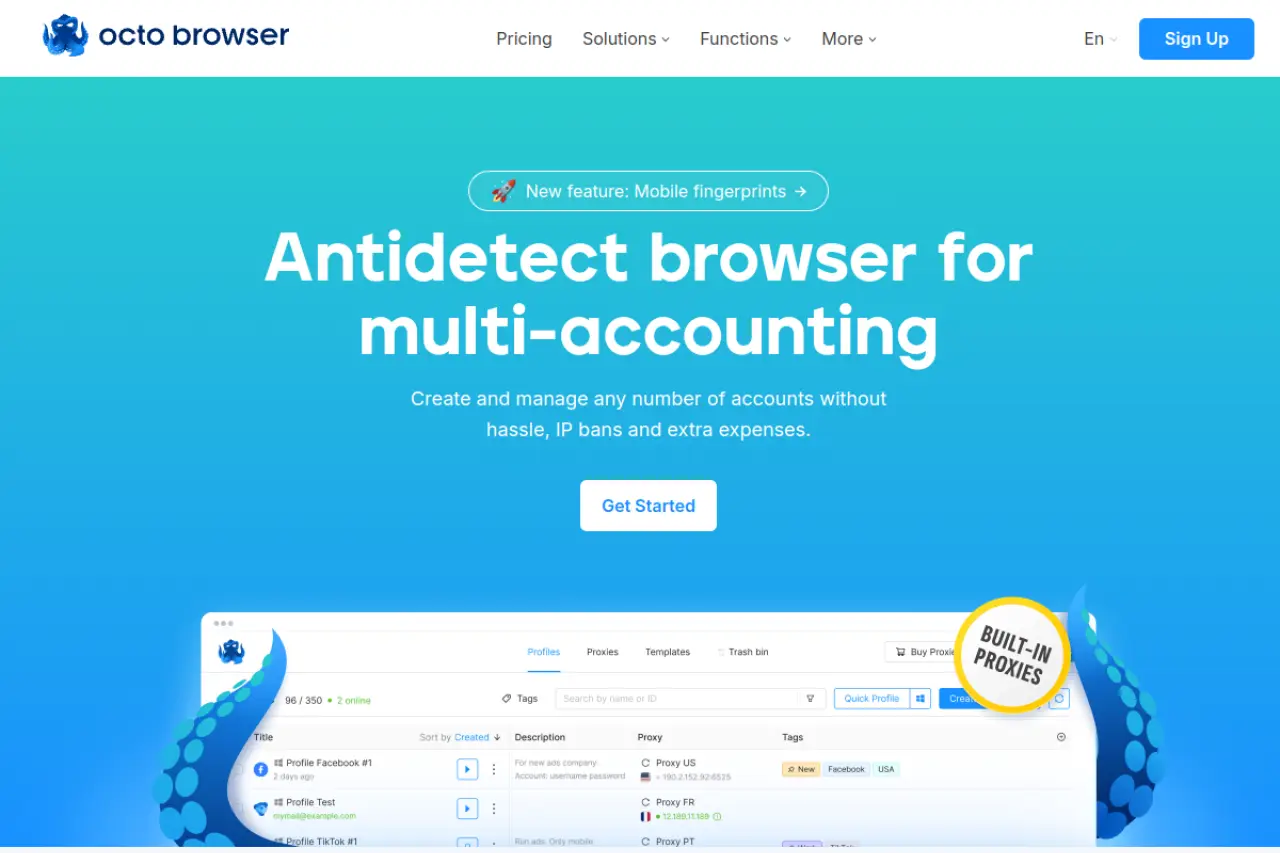
Octo Browser positions itself as a universal tool. It handles everything from crypto whitelists to e-commerce scraping. It is known for its "Real Device Fingerprinting," where it mimics specific hardware configurations found in the real world rather than generating random noise.
Key Features:
- Role-Based Access: Granular control over what team members can do.
- API Automation: documentation for API integration.
- Universal Proxy Support: Works with HTTP, SOCKS5, and SSH proxies.
Pros:
- Very fast kernel updates (matches Chrome updates quickly).
- High stability for large teams.
Cons:
- Pricing is in Euros and tends to be higher than competitors.
- No free plan (only paid trials).
Verdict: A tool for technical teams who need stability and API access.
MoreLogin: Android Cloud Emulation
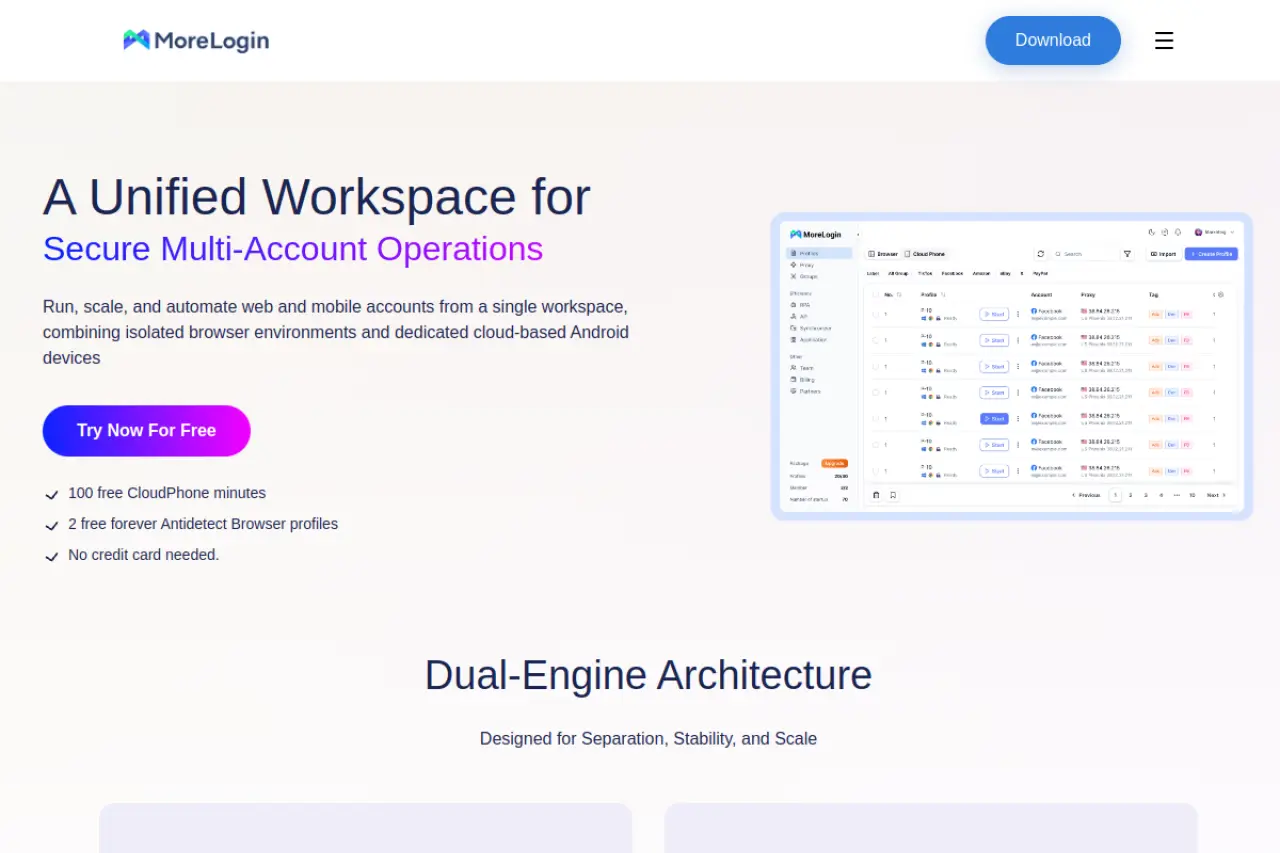
Instead of just pretending to be a mobile browser, MoreLogin emulates the current Android environment. This is critical if you need to manage multiple tiktok accounts on a PC. TikTok and Instagram trust mobile device fingerprints much more than desktop ones.
Key Features:
- Cloud Phone: Creates a virtual Android device in the cloud.
- Canvas Fingerprinting: Advanced protection against graphic rendering detection.
- Anti-Linking: Prevents platforms from linking your accounts together.
Pros:
- Best-in-class for mobile-first apps (TikTok, Instagram).
- Cost-effective scaling.
Cons:
- Desktop browser profiles are less robust than DICloak.
Verdict: The choice for TikTok agencies and mobile-app marketers.
Scaling Your Agency with Antidetect Browsers for Social Media Automation
Buying software is just the first step. To actually grow, you need strict processes. Antidetect Browsers for Social Media Automation are powerful tools, but they are only as good as the person using them. If you log in to 50 accounts on Day 1 and post ads immediately, you will get banned. It does not matter how good your browser fingerprint is. The platform’s AI will flag your behavior as "bot-like."
You need a Standard Operating Procedure (SOP). This creates a pattern that looks human. Below are the exact workflows successful agencies use in 2026 to build high-trust identities.
The 7-Day Facebook Ad Account Warmup Schedule 2026
Meta’s algorithms are aggressive. They look for "zero-history" accounts. A real user has a history of browsing the web before they ever make a Facebook account. To survive, you must mimic this.
Here is the Facebook ad account warmup schedule 2026 used by top arbitrage teams:
- Day 1: Identity Seeding. Do not go to Facebook.com yet. Use your antidetect browser (like DICloak) with a Residential Proxy. Visit news sites and blogs. This builds a "cookie history." The browser collects data that tells Meta, "This is a real person with interests."
- Day 2: The User Entry. Log in to Facebook. Upload a real photo (remove metadata first). Scroll the feed for 15 minutes. Like one non-political post. Close the browser.
- Day 3: Social Graphing. Join two local groups, such as "Buy/Sell Chicago" or a hiking club. Do not post. Add 3-5 suggested friends.
- Day 4: The Gamer Tactic. This is a secret weapon. Play a Facebook web game for 10 minutes. Bots rarely play games. This sends a high-trust signal to Meta. Enable Two-factor authentication (2FA) using a real SIM card.
- Day 5: Business Foundation. Create a Fan Page. Post one organic image. "Boost" this post for $2 using a legit credit card.
- Day 6-7: Launch. Let the boost run. Once the payment clears, create your Business Manager (BM). Wait 24 hours, then launch your main ads.
How to Manage Multiple TikTok Accounts on PC without Shadowbans
TikTok is mobile-first. Its security checks focus on device sensors, battery levels, and screen touches. If you try to manage multiple tiktok accounts on pc using a standard browser, you risk a "shadowban." This means you post videos, but they get zero views.
To fix this, you must use an antidetect browser that supports mobile fingerprint emulation.
The "Spectator" Strategy:
- Days 1-3: Do not post. Only watch. Scroll for 30 minutes a day. You must watch videos to the end. This signals you are a "high-retention viewer."
- Days 4-6: Search for your niche keywords. Follow 10 top creators. Copy a link to a viral video and paste it into a notepad. This simulates "sharing" behavior.
- Day 7: Post your first video. It is safer to film natively in the app. If you upload from PC, strip the metadata first.
Pro Tip: Use "Spark Ads" on your first organic post before running a full ad campaign. This warms up the ad account faster than a direct sales campaign.
FAQ about Antidetect Browsers for Social Media Automation
Managing digital identities is a complex technical challenge in 2026. Business owners often have lingering doubts about safety and compliance. Here are the answers to the most critical questions regarding Antidetect Browsers for Social Media Automation FAQ.
What is the best way to run an anticommit browser fingerprinting test?
You cannot rely solely on the "green checkmark" inside your browser software. To properly run an anticommit browser fingerprinting test, you must use third-party auditing tools. Visit sites like Pixelscan or Iphey immediately after creating a profile.
You are looking for a 100% trust score. Specifically, check for webRTC leak protection social media failures. If your real IP address leaks through WebRTC, your profile is compromised. Also, ensure your "Canvas Hash" remains consistent. If the hash changes every time you open the profile, platforms will flag this as suspicious behavior.
Why is my trust score low even with a residential proxy?
A high-quality IP address is only half the battle. Users often fail because of "Logical Mismatches" or lack of history. Using residential proxies for social media automation solves the IP ban issue, but it does not fix your browser fingerprint.
If your proxy is located in New York, but your computer's system time is set to London, you have a mismatch. Platforms like Meta detect this immediately. Additionally, a "clean" profile with zero cookies looks like a bot. You must "farm" cookies by visiting news sites and blogs before logging into social platforms to build a history.
How does human keystroke simulation prevent detection?
AI algorithms monitor how you enter data. A bot pastes a password instantly (0 milliseconds). A human types it character by character with varying speeds.
Keystroke simulation mimics this human rhythm. It introduces random "latency" (delays) between key presses. For example, it might take 120ms to type "A" and 240ms to type "B." This feature, often called "Paste-as-Human," prevents behavioral analysis tools from tagging your account as automated.
Is using Antidetect Browsers for Social Media Automation legal?
Yes, the software itself is legal. Antidetect browsers are privacy tools designed to protect data and manage digital fingerprints. They are used by ad verification companies, journalists, and security researchers.
However, using them to violate a platform's Terms of Service (ToS) is a different matter. Creating multiple fake accounts to spread spam violates the rules of Facebook or TikTok. For legitimate agencies, this is a risk management decision. You use these tools to protect your business assets from accidental bans, not to commit fraud.
What are the LinkedIn automation daily limits 2026 for warmed accounts?
LinkedIn remains the strictest business platform. Even with a high-trust, warmed-up account (older than 3 months), you must respect hard caps. The LinkedIn automation daily limits 2026 focus on human-like volume.
Do not exceed 30 to 50 connection requests per day. For direct messages, keep your volume between 80 and 100 daily. If you push beyond these numbers, LinkedIn's automated systems will trigger a verification checkpoint or a temporary restriction. Always prioritize quality interactions over raw volume.
 Web Proxy Tools
 Free Tools
 Cookie Plugin
 UA Generator
 MAC Address Generator
 IP Generator
 IP Address List
 2FA Code Generator
 World Clock
 Anonymous Check
 WebRTC Leak Test
 UUID Generator
 Free Web Proxy Site
 Proxy Checker
 FB Ad Checker
 AI Web Scraping
 Free SMM Tools
 Twitter Shadowban Checker
 Instagram Name Checker
 UTM Generator
 Username Generator
 AI Hashtag Generator
 LinkedIn Headline Generator
 Social Media Image Resizer