You log into Steam and see the dreaded “Account Suspended” banner. No warning, no clear answer, just locked out and a list of things you suddenly can’t do. Maybe you only wanted to trade an item, cash out a game skin, or join a friend’s match. Now you’re stuck searching for why a steam Account Suspended message even shows up, and what it really means for your games, your wallet, and the accounts you’ve built up over time.
It feels unfair. Sometimes users are sure they didn’t cheat, spam, or break the rules. Yet, support tickets go unanswered for days, and you’re left guessing whether the suspension is temporary, a full Steam account banned status, or just a lockout with a chance to recover. Missing the real reason or trying the wrong recovery step can drag out the downtime, or get your appeal denied without warning.
The real problem is, Steam’s own suspension messages often hide the details. Account actions like chargebacks, too many failed logins, or using flagged payment methods can all trigger a block. Sometimes it’s a security flag, not even a rule violation, that locks you out. If you skip the right checks or send a careless support message, you risk losing access for weeks, or worse, for good.
To make sense of it, you need to know what triggers each type of suspension, what mistakes slow down recovery, and which steps actually work in 2026. Start with the most common causes, most people miss them on their first try.
What Usually Triggers a Steam Account Suspension in 2026?
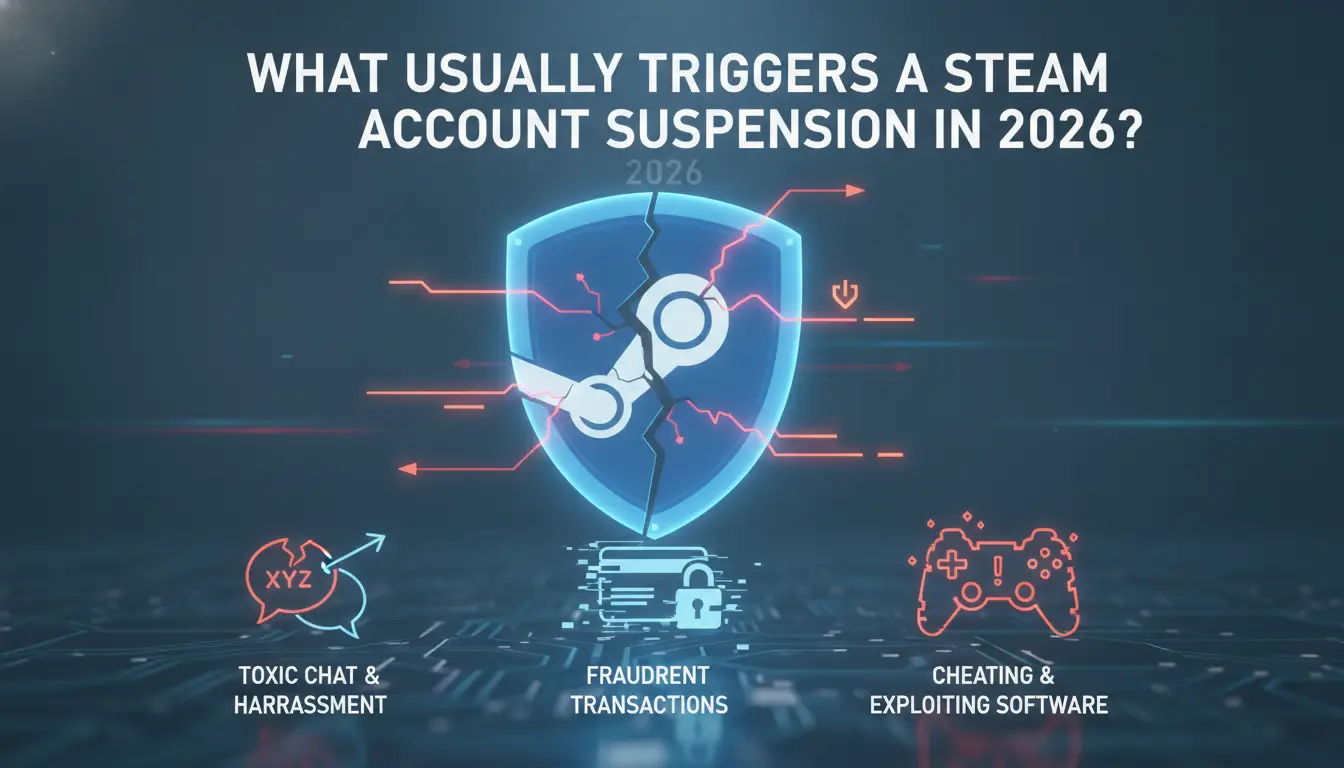
Getting blocked out of Steam usually isn’t random. The platform flags accounts for specific actions, some obvious, some hidden. If your account is suspended, it’s almost always tied to one of three patterns: cheating or tool misuse, payment or trading issues, or breaking community rules. Knowing which cause fits your case makes the next steps faster and avoids wasted appeals.
Cheating, Automation, and Third-Party Tools
Valve’s Anti-Cheat (VAC) system still catches game cheats, script automation, and suspicious tools in 2026. Account bans often follow when you run unauthorized mods, inject code, or use bots, even if you only tried them once. Detection isn’t limited to gameplay; launching flagged software alongside Steam can trigger a lockout days later.
Payment Issues and Account Trading
Payment failures and account trading are the minefields most people walk into without realizing. Steam monitors chargebacks, if you reverse a payment, your account can be locked within hours. Using stolen cards, flagged payment methods, or buying keys from unofficial sellers also risks a suspension. Here’s the real catch: once an account gets flagged, support often asks for proof of purchase and payment ownership. If you bought your Steam account or game keys from a third party, you almost never have the right receipts. This is where most recovery attempts stall. Even legitimate users can get stuck if their payment processor reverses a transaction after a refund dispute. Missing or mismatched receipts is the single biggest reason suspended Steam accounts stay locked for weeks. Trying to appeal without the right documentation usually leads to a permanent ban, not just a temporary lock. That’s why payment issues deserve more attention than “cheating”, you can’t just reinstall and hope support will reset your account.
Community and Policy Violations
Steam cracks down on toxic behavior and scams, but not all violations are obvious. Here’s what the platform flags:
- Harassment: abusive chat, threats, or targeted spam
- Scamming: phishing links, impersonating other users, or tricking people into unsafe trades
- Policy breaches: posting illegal content, bypassing Steam’s rules, or using loopholes to spread spam
Even a single flagged chat or trade can trigger a suspension. Repeat offenders get permanent bans, but first-timers usually see temporary locks. If you’re unsure, check your account’s notification history, Steam lists violation details in the support inbox.
Most suspensions trace back to just one of these three groups. If you know which mistake triggered your lock, you’ll find the right recovery path faster. The next step is to figure out exactly what kind of ban or suspension your account has, since Steam uses different messages and blocks for each reason.
How to Tell What Kind of Suspension or Ban Your Steam Account Has
When you see your Steam account restricted, the actual ban type decides what you can and can’t do, and what recovery steps work. Pay close attention to the message you get after logging in: the wording and options shown will point to the exact restriction.
Account Lock vs. Community Ban vs. VAC/Game Ban
Steam uses different labels and blocks for each type of restriction. Here’s how to spot them:
- Account Lock: You’re forced to confirm your identity (email or phone) before you can trade, buy, or play. Most menus are greyed out, and Steam says your account is “locked for your protection.”
- Community Ban: Profile, friends list, and group features are hidden. You can’t comment, post, or add friends. The ban notice appears at the top of your profile page.
- VAC/Game Ban: Only affects certain games. A red bar shows on your profile, naming the banned game. You can still use other Steam features, but can’t play on VAC-secured servers for that title.
Trade, Market, and Communication Restrictions
Trading and Steam Market bans work differently, they often hit without a full account lock. The system disables item trades, Market sales, or chat if it detects risky activity, flagged logins, or payment reversals. A common example: triggering too many failed login attempts will block trading for 7-15 days, even if your account isn’t locked. Trying to brute-force your way back in just resets the timer. If you see “You are unable to use the Community Market,” check for a pending payment, recent password reset, or device change. The mistake most people make here is ignoring the warning and forcing more failed actions, this can turn a temporary ban into a permanent block. If you’re unsure, stop and read the restriction message closely; it often names the condition and gives an estimated end date.
Next up: what to do right after you spot a restriction, delay can cost you weeks.
What to Do Immediately After Your Steam Account Is Suspended
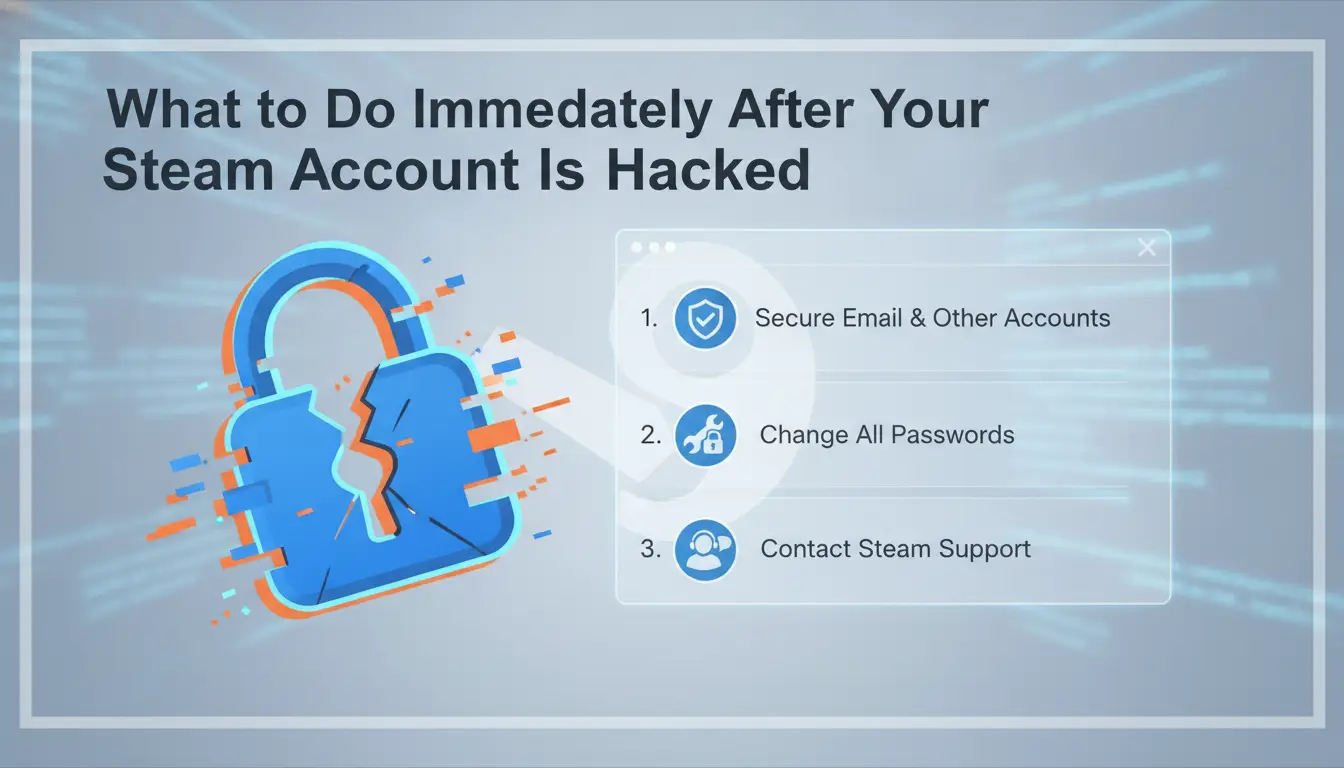
The single worst move after a Steam account suspension is rushing into random fixes or ignoring the lockout. You need to stop risky behavior, secure your access, and collect proof, any misstep here can make recovery take weeks instead of days.
Stop Risky Actions and Secure Your Email
Don’t log back in with devices or IPs that triggered the suspension, Steam tracks previous session fingerprints, and repeating risky actions can stack penalties or trigger a permanent ban. If your account was compromised, you should check your email for password resets or security alerts. If you see any login attempts you didn’t make, change your email password immediately. This step is quick, but skipping it lets attackers dig deeper or even reroute recovery emails.
Document the Suspension Notice and Account Details
Forget everything else until you’ve saved evidence. Steam’s support often asks for the exact suspension message, and missing it slows down appeals. Here’s what you need to grab right away:
- Take a screenshot of the suspension notice (including timestamp and Steam username).
- Copy your Steam account email and phone numbers tied to the profile.
- Save any linked payment receipts or transaction IDs from the past 30 days.
Avoid Common Mistakes That Make Recovery Harder
Trying to fix things by brute force can backfire fast. Creating a new account or logging in from random devices makes Steam flag you as a repeat offender, which can turn a temporary suspension into a full ban. The system also links browser fingerprints, so switching machines without clearing cookies won’t help.
- Don’t create new Steam accounts on the same device or browser.
- Avoid logging in from public Wi-Fi or shared networks.
- Hold off on sending multiple support messages, wait for a response before following up.
If you skip these checks, you risk getting locked out for good or having your appeal auto-denied. Now that your basic actions are covered, you can focus on preparing a proper recovery request. The next step is knowing how to approach Steam support to actually get your account back.
How to Appeal or Recover a Suspended Steam Account in 2026
If your Steam account is suspended, appeal steps in 2026 work differently than a few years ago. You need to move fast, gather proof, and use the right support channel. Miss the timing or send the wrong info, your odds drop.
Accessing Steam Support and Submitting a Ticket
- Go straight to Steam Support, skip email, since response times are much slower.
- Select “Account Issues” and then “Suspended or Banned Account.” This takes you to the correct appeal form.
- Fill in your username, email, and details about the suspension. Include screenshots of the suspension notice. If you leave out specifics, support may ask for more info, which adds days.
- Write a clear, factual explanation. Avoid emotional language, Steam support treats vague or angry messages as low priority.
Proving Account Ownership and Addressing Violations
- Attach proof of ownership if asked, purchase receipts, linked email screenshots, and any device info listed in your profile.
- If the suspension is for payment issues (chargeback, flagged card), provide bank statements or transaction IDs. Steam will not restore access without this.
- For security flags (like too many failed logins), explain recent account activity. If you used a new device or IP, mention it.
- If you are accused of breaking Steam rules, admit only what you know for sure. Guessing or blaming the system often leads to a denied appeal.
What to Expect: Timelines, Outcomes, and Permanent Bans
- Appeals for ownership or payment issues usually take 3-7 business days. Security flags can resolve in 24-48 hours, but Friday submissions may wait until Monday morning.
- If Steam support asks for more documents, send them within 24 hours. Delays here often mean you restart the queue.
- Permanent bans for major violations (like fraud or cheating) are final, no second review. If your account is locked for a minor issue, you’re more likely to recover access.
- If the appeal fails, you receive a short rejection notice. Don’t spam new tickets; wait for the official response before trying again.
The next step is avoiding mistakes that drag out the process or trigger a permanent ban, most users lose their chance by pushing too hard, too soon.
Mistakes That Make Steam Suspensions Worse (and How to Avoid Them)
Trying to fix a Steam account suspension the wrong way can turn a short lockout into a permanent ban. The biggest errors usually happen right after the first warning, missing these can close your window to recover for good.
Trying to Circumvent Bans with New Accounts or Devices
Steam tracks device fingerprints and payment history across accounts. If you rush to create a new profile or switch devices, Steam may link your old and new accounts, then block both. That move often triggers a wider ban, not just a fresh lockout.
Ignoring Official Communication or Providing False Info
Missing Steam’s emails or lying in your appeal is where users lose their shot at recovery.
- You can get flagged for fraud, which wipes out your support options.
- Always answer Steam’s questions honestly and on time, skipping a deadline or hiding info can trigger a permanent ban.
Using Untrusted Recovery Services or Tools
Third-party “unban” services often promise fast results but deliver scams or malware. If you hand over account info to these sites, you risk losing your Steam account and payment data. Stick to official support, outside tools usually make things worse, not better.
Missing any of these can lock your account for months. Next, you’ll see how group workflows can lower risk before trouble starts.
How Teams and Multi-User Workflows Can Reduce Steam Suspension Risk with DICloak
Why Multi-User Handling Increases Suspension Risk
Sharing Steam accounts or rotating team members often triggers suspension, IP, fingerprint, and device overlaps are the usual cause. Even one mismatch can leave a visible audit trail.
How to Use DICloak for Safer Account Management
Teams can use DICloak to set up a separate, isolated browser profile and user-provided proxy for each Steam account. This helps keep device fingerprints, cookies, and IP addresses unique per operator, lowering cross-link risk. Permission controls limit who can access each account profile.
Limits and Best Practices for Teams
- DICloak isolates sessions, teams still need clean proxies.
- Never reuse the same browser profile for multiple accounts.
- Audit permission settings before each handoff to avoid accidental leaks.
How to Prevent Future Steam Account Suspensions: Practical Tips for 2026
Worried about another lockout? Staying suspended on Steam once is hassle enough, these are the habits and checks that actually keep your account safe in 2026. Here’s where most users slip up, and what to do instead.
Safe Usage Habits and Security Settings
Two basics block most suspension triggers: always keep Steam Guard enabled, and use a password that’s completely unique (not just a variation of your email password). Phishing in 2026 is harder to spot, attackers clone trade offers or fake Steam Support messages, so never click links or download files sent by strangers. If a message or site asks for your credentials or wallet info outside the official Steam app, treat it as a scam, no exceptions.
- Never share your account login, even with “trusted” friends, shared logins are a top ban cause.
- Run automation scripts or bots only on new, clean profiles, never on your main account.
- Use proxies with clear, consistent IP addresses; switching locations too often can trigger security reviews.
Monitoring Account Health and Staying Updated
A quick check once a month can spot issues before they lead to a Steam account ban. Steam’s rules and enforcement change every year, so don’t assume what worked in 2024 is safe now.
- Review your Steam account’s login and device history for unknown access.
- Sign up for Steam’s official security update emails, policy tweaks often go out quietly.
- Re-read the latest Steam Subscriber Agreement whenever you notice new warnings or account prompts.
Sticking to these steps helps you avoid the repeat pain of suspension and keeps your Steam profile in good standing for 2026 and beyond. If you’re facing a permanent ban next, the next section digs into what’s really possible.
When a Steam Suspension Is Permanent: What Are Your Real Options?
If you’ve run through every appeal and your Steam account is still blocked, you’re likely facing a permanent ban, there’s no way to recover access.
Recognizing a Permanent Ban
- Ban message says “permanent” or “no further appeals”
- Support replies are copy-paste denials or closed tickets
- Login always fails, even after password resets
Alternatives and Cautions for Starting Over
Making a new Steam account can get you playing again, but reuse of payment info, device, or IP often links accounts and triggers another block. If you don’t change old habits, the same mistakes usually lead to another steam Account Suspended warning.
Frequently Asked Questions About steam Account Suspended
How long does a steam Account Suspended last in 2026?
Steam suspensions can last a few days, weeks, or be permanent. Minor issues like payment problems usually lead to temporary bans, often 7–30 days. Cheating, fraud, or repeated violations can cause permanent bans. Steam will notify you by email about the length and reason for your suspension.
Can I recover my games and inventory after a suspension?
If you successfully recover your suspended Steam account, you can access your games and inventory items again. However, if your account is permanently banned, you usually lose access to all games, items, and your wallet balance tied to that account.
Does using a proxy help avoid Steam bans?
Using a proxy might help protect your privacy, but it does not help you avoid bans. Steam’s systems can detect suspicious proxy activity, especially if you use it to bypass regional restrictions or cheat. This can trigger extra security checks or even lead to a ban.
What should I do if my appeal is denied?
If Steam denies your appeal, you usually cannot submit another appeal for the same violation. You can try again only if you have new, important evidence. Otherwise, you must accept the outcome. Creating new accounts to bypass a ban is risky and against Steam’s rules.
Is it safe to buy or sell Steam accounts after a suspension?
Buying or selling Steam accounts is not safe and violates Steam’s terms of service. Even if you get a working account, it can be flagged and banned later. This puts your games and inventory at risk and can lead to losing access again.
If your gaming access has been restricted, carefully review the notification for specific reasons and follow the recommended steps to resolve the issue. Protecting your account with added security measures can help prevent similar problems in the future. Try DICloak For Free
 Web Proxy Tools
 Free Tools
 Cookie Plugin
 UA Generator
 MAC Address Generator
 IP Generator
 IP Address List
 2FA Code Generator
 World Clock
 Anonymous Check
 WebRTC Leak Test
 UUID Generator
 Free Web Proxy Site
 Proxy Checker
 FB Ad Checker
 AI Web Scraping
 Free SMM Tools
 Twitter Shadowban Checker
 Instagram Name Checker
 UTM Generator
 Username Generator
 AI Hashtag Generator
 LinkedIn Headline Generator
 Social Media Image Resizer