On October 4, 2021, Facebook services were offline for about six hours after a router configuration change, based on Meta’s own engineering post about the outage. If your app feed will not load, messages fail, or login loops keep sending you back to the same screen, the hard part is knowing what failed: Facebook’s systems, your network, or your account session. When people search is facebook down, they usually need an answer in minutes, not a long troubleshooting list.
This guide gives you a fast check order you can run in under five minutes: confirm live incident signals on Downdetector’s Facebook status page, cross-check official platform health on Meta Status, then move to local fixes only if outage signals stay low. You will also learn which common fixes work fastest for normal users, including app restart, cache clear, browser session reset, and account recovery checks via the Facebook Help Center. That way, you stop guessing and move from “maybe down” to a clear next action. Start with the outage check flow.
Is Facebook down right now, and how can you confirm it in 2 minutes?
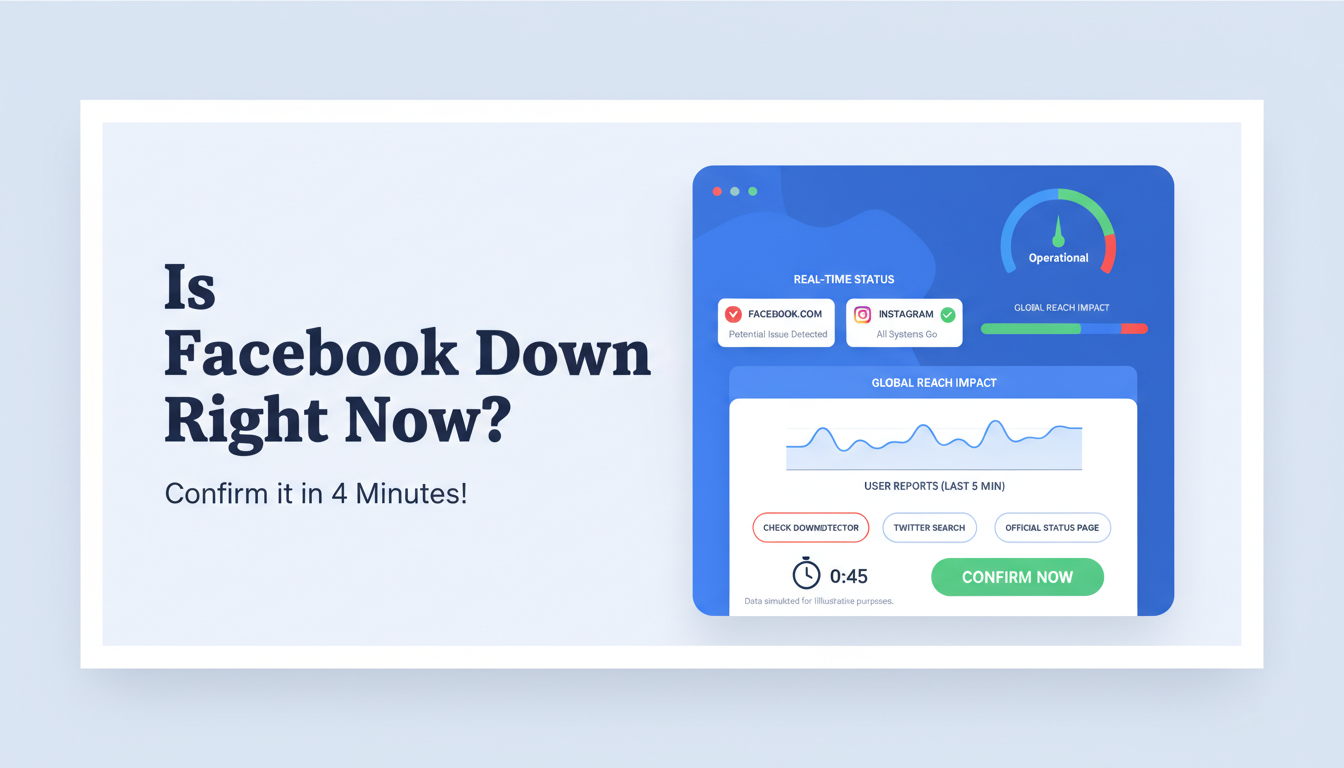
If you are asking “is facebook down,” run this quick flow before you change settings or reset your account. Use at least two independent signals before you decide it is a platform outage.
Check multiple outage signals instead of trusting one source
Open Downdetector’s Facebook status page and check the live report graph. Then open Meta Status to see whether Meta reports service issues.
| Signal |
What you check in 30 seconds |
How to read it |
| User reports |
Sudden spike on Downdetector |
Possible outage, continue checking |
| Official platform status |
Active incident on Meta Status |
Confirms platform-side issue |
| Social chatter |
Fresh posts about login/feed errors on X |
Helps confirm scope and timing |
If report spikes are high and social complaints appear at the same time, treat that as a strong outage signal.
Run a quick platform check: app, browser, and Messenger
Test Facebook in three places: mobile app, mobile browser, and desktop browser at facebook.com.
Then open Messenger separately at messenger.com.
This tells you if one surface fails while another still works. Example: feed does not load in app, but browser login works. That usually points to an app cache or session issue, not a global outage.
Use a 2-minute decision checklist to classify the issue
Use this checklist:
- Two or more outage sources show active problems across regions → wait and monitor.
- No broad outage signal, but your app and browser both fail → check account status in the Facebook Help Center.
- Only one device or one app fails → restart app, clear cache, sign in again.
If you still ask “is facebook down” after this flow, you now have proof for the next step instead of guessing.
How do you tell a global Facebook outage from a problem on your side?
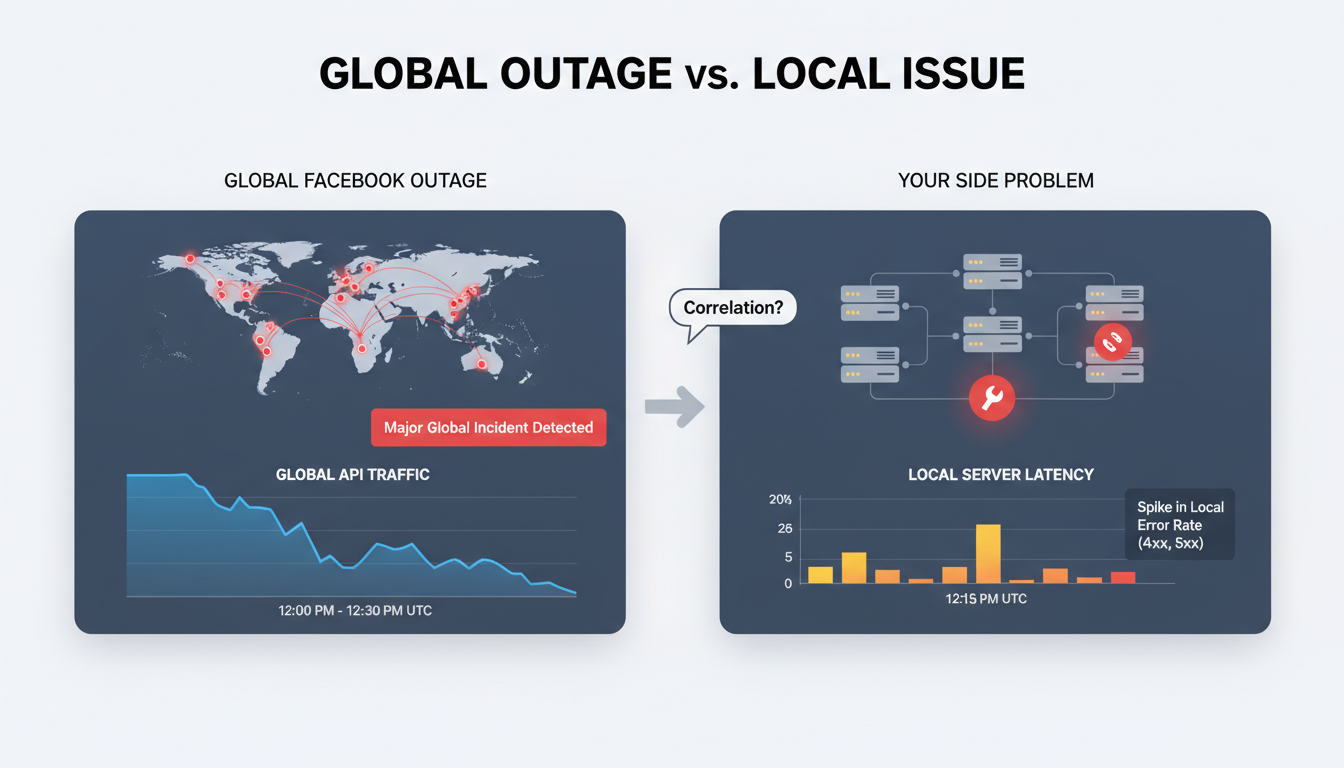
If you are searching is facebook down, you need a fast check, not a full tech audit. Use live incident signals, then test your own setup.
Signs Facebook is down for many users
- Check Downdetector’s Facebook status page for a sharp spike in reports across different regions at the same time.
- Confirm on Meta Status to see if Meta lists active incidents.
- Look at scope: if Feed, login, posting, and Messenger fail together on app and web, that points to platform downtime.
- If failures hit multiple regions and multiple features at once, stop local resets and wait for service recovery updates.
Signs the issue is local to your setup
- Open Facebook on a second device on the same network.
- Switch network (home Wi-Fi to mobile data, or the reverse). If one path works, your issue is local.
- Try another browser profile or private window. If only one profile fails, cached data is likely broken.
- If only one account has errors, check account warnings or lock status in the Facebook Help Center.
| What you see |
Likely cause |
Next action |
| Spikes across regions + multiple features broken |
Global outage |
Monitor status pages |
| Works on another device/network |
Local network or device issue |
Restart app/device, change network |
| One profile/app version fails |
Cache or session issue |
Clear cache, re-login, update app |
| One account fails |
Account-specific restriction |
Use account recovery/help checks |
Common false alarms that look like outages
- Expired login sessions can loop you back to sign-in pages.
- Cached errors can keep old failure screens after service is back.
- Stuck app updates can break loading until install completes.
- Brief DNS hiccups can block one domain while other apps still work.
What should you check first when Facebook is not working on your device?
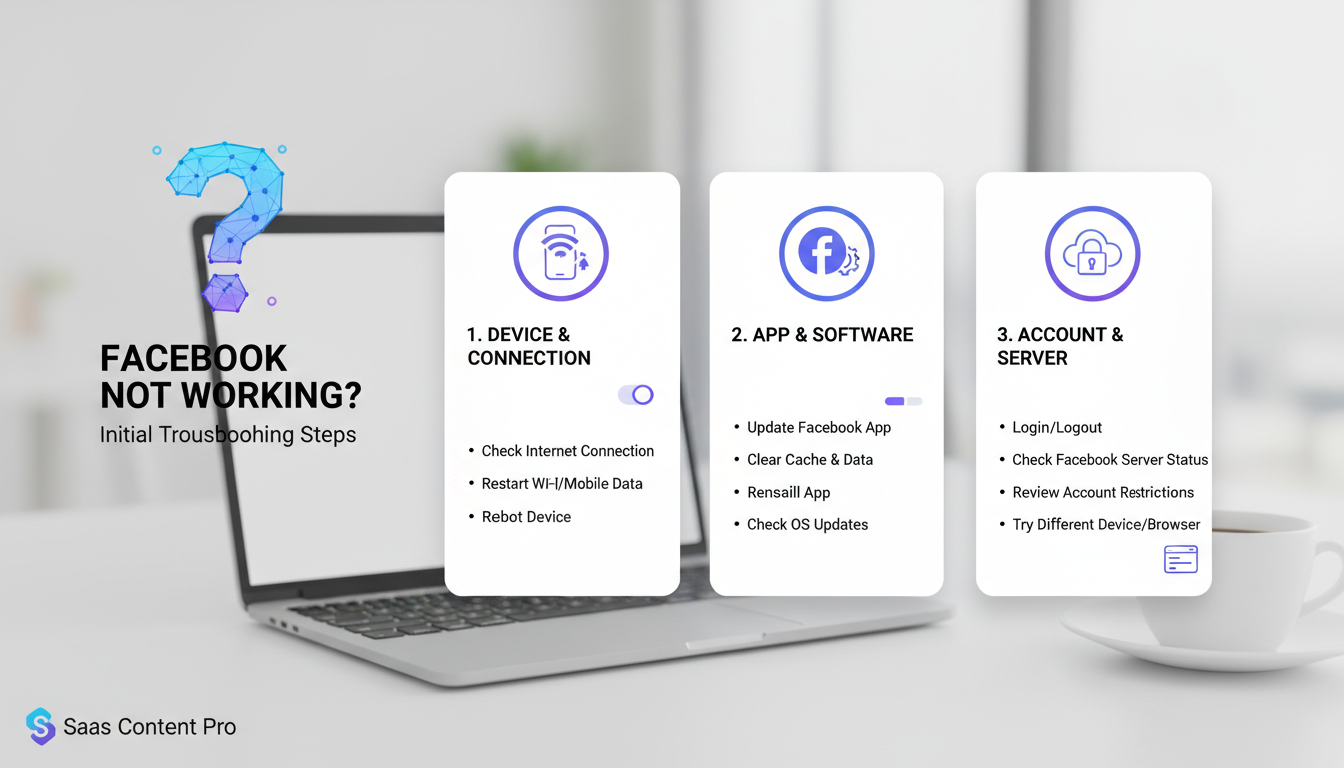
If you’re asking “is facebook down,” run this quick order before deep fixes. Check outage signals before changing settings. Open Downdetector Facebook status and Meta Status. If both show active incidents, wait and retry later. If outage signals stay low, move to local checks below.
Basic connection and app health checks
Switch from Wi-Fi to mobile data, then switch back. If one path works, your route or local network is the problem, not Facebook.
Check that your Facebook app is updated in your app store. Old builds can fail login or feed loading.
Confirm automatic date and time is on. Wrong clock settings can break secure login sessions.
Restart the phone once if pages still stall. This clears stuck network processes fast.
Browser-side fixes for Facebook web errors
On desktop or mobile web, clear cache and cookies only for facebook.com, then sign in again.
Open a private window and test posting or messaging. If private mode works, saved browser data is likely broken.
Turn off extensions one by one, especially ad blockers, script blockers, and privacy tools. Retry after each change.
If login still fails, check account alerts in the Facebook Help Center.
App-side resets for mobile Facebook problems
Force close the app, reopen, and test feed refresh.
If it still fails, clear app cache (Android) and retry.
On iPhone, offload or reinstall the app if crashes continue.
Before reinstall, confirm you can access your email, phone number, and backup codes so you can log in again without delay.
How can you fix the most common Facebook errors when it seems down?
If you are asking “is facebook down,” match the fix to the symptom. A single reset step can waste time and lock you into extra login checks.
Feed not loading, blank pages, or endless refresh loops
Check live outage signals before touching your device: Downdetector Facebook status and Meta Status. If both stay quiet, move to local cleanup.
Clear only Facebook site/app cache, then sign in again. On web, sign out, close all Facebook tabs, then remove cookies for facebook.com and reload. On mobile, force-close the app and reopen.
Fast isolation trick: open Facebook in another browser profile or a private window. If the feed works there, your main profile has broken session data, not a platform outage.
Login failures, code loops, and session expiration issues
Use the exact login email or phone tied to the account. One wrong alias can trigger repeated “session expired” screens. Then check security alerts at Facebook Help Center and confirm any blocked sign-in notice.
If two-factor codes loop, verify device time is set to automatic. Wrong clock settings can break code validation. Avoid third-party recovery pages. Use only official endpoints like facebook.com/login/identify for reset and recovery.
If a new device keeps failing, remove stale trusted sessions from Security settings, then sign in again from one device only.
Posting, commenting, or messaging actions not sending
Failed actions can come from short platform delays or account-level limits. Check Meta Status again. If systems look healthy, test with a plain text post.
If text sends but media fails, reduce file size, rename the file, and retry on stable network. Large videos and heavy image sets fail more often during short congestion windows.
If nothing sends across app and web, check account quality and restriction notices in Account Status. That tells you if this is a policy block, not “is facebook down.”
What if Facebook is up, but specific features like Messenger or Pages are still down?
If you ask “is facebook down” and your feed loads but Messenger fails, you are likely seeing a partial outage. One Facebook service can fail while others still work. Check live reports on Downdetector and confirm component status on Meta Status.
Why partial outages happen on large platforms
Facebook runs separate systems for feed, messaging, Pages, and ads. A bug in one backend can break one feature only. Regional updates can also roll out at different times, so users in one country may see errors while others do not. Cached app data can add confusion, since old data may load in one place and fail in another.
Feature-by-feature checks for Messenger, Groups, Pages, and Ads Manager
Test each feature in its own session before you open a support ticket. Use app and web to isolate the issue.
| Feature |
Quick check |
What to record |
| Messenger |
Send message on app and web |
Error text + time |
| Groups |
Open group, post, refresh |
Failed action + time |
| Pages |
Switch to Page, publish draft |
Publish error + time |
| Ads Manager |
Load campaign list in browser |
Load code + time |
Save screenshots and exact timestamps. Support can act faster when you include both.
Workarounds while one feature remains unstable
Use web if app fails, or app if web fails. If Messenger is unstable, move urgent chats to email or SMS until status clears. If Pages posting fails, queue content and publish from another device. If you still ask “is facebook down,” recheck Meta Status after 15–30 minutes.
How can social media teams reduce disruption when Facebook feels down but multi-account workflows are the real issue?
Why multi-account teams misread internal conflicts as platform outages
Teams often search “is facebook down” after sudden logouts, blocked actions, or failed page switches. The platform may be fine. The issue is often local: two staff members using the same browser profile, mixed cookies across ad accounts, or rapid IP changes from shared networks.
Use a quick triage order: check live reports on Downdetector, confirm official service health on Meta Status, then test one clean profile with one account. If the clean profile works, you are likely dealing with account-environment conflict, not a platform outage.
How DICloak helps stabilize team operations during Facebook instability
You can use DICloak to isolate each account in its own browser fingerprint and profile. That cuts cross-account cookie bleed and random re-verification loops. You can also bind a dedicated proxy per profile, set role-based access, and keep action logs for audit. The core fix is simple: one account environment per workflow owner.
During a spike of “is facebook down” checks, this setup helps teams prove whether failures come from Meta or from internal session collisions.
Practical setup for agencies and social teams
Create one profile per Page or ad account. Assign one owner and one backup owner. Lock who can export cookies or edit proxy settings.
Run repeated checks with batch actions and RPA, such as login status checks, inbox load tests, and page publish tests. Keep recovery steps documented, and route account access issues to the Facebook Help Center only after your clean-profile test fails. This avoids panic resets and keeps campaigns running.
When should you report a Facebook outage, and what details actually help?
When to report vs when to wait
When you search “is facebook down,” report only after basic checks fail on your side. Check Downdetector and Meta Status in the same 2–3 minute window. If both show a live incident, wait and avoid duplicate noise. If global signals stay quiet but your login, feed, or Ads Manager still fails, send a report.
What to include in an effective outage report
A useful report has exact time (with timezone), region, device, app or web version, affected feature, and the full error text. Add a screenshot and short steps another person can repeat.
Tools like DICloak let you map one Facebook asset to one isolated browser profile, with independent proxies per profile. That setup cuts cookie and session mix-ups, so your team does not mistake local conflicts for a platform outage.
How to track updates without wasting time
Set fixed check intervals, like every 15 minutes, instead of constant refresh. Track official status pages and your internal chat at the same time.
You can use DICloak role-based access plus operation logs to trace who changed what during an incident. Use batch operations and RPA for repeat health checks and controlled updates while conditions are unstable.
What should you do while waiting for Facebook to come back online?
If you are asking “is facebook down,” switch from checking to continuity in under 10 minutes. Confirm outage signals on Downdetector and Meta Status, then run this playbook.
Use a short fallback communication plan
- Send one outage notice through email, SMS, and one backup channel (X, Instagram, Slack, or WhatsApp).
- Use a clear line: “Facebook is down; support is active at support@yourdomain.com.”
- Pin temporary contact details on your website header and Google Business Profile, so people see where to reach you.
Protect unfinished work and avoid duplicate actions
- Save every draft locally before retrying posts, messages, or ad edits.
- Keep a simple retry log with time, action, and result.
- Wait 15 minutes between retries unless Meta Status reports recovery, so you avoid duplicate publishing later.
- If account access fails after recovery, check Facebook Help Center.
Build a simple post-outage recovery checklist
- After service returns, verify posts, ads, inbox replies, and scheduled tasks.
- Match live results against your retry log, then remove duplicates.
- If you search “is facebook down” during incidents, store this checklist in your team SOP and update it after each outage.
Frequently Asked Questions
How long is Facebook down when a major outage happens, and when should I report it?
Major outages usually last from a few minutes to a few hours. Login errors may clear quickly, but DNS, routing, or backend failures take longer because engineers must restore systems across regions. If you keep asking is facebook down after 30–60 minutes and outage reports are still rising, report the issue instead of only waiting.
Can Facebook be down in one country but working in another if I search is facebook down?
Yes. Facebook can fail in one country or city while working elsewhere. Internet routes differ by ISP, and local data centers, peering links, or government network filters can break access in one area only. That is why is facebook down checks should include reports from your region, not just global status pages.
If users ask “is facebook down,” does that always include Messenger and Instagram?
Not always. Facebook, Messenger, and Instagram share parts of Meta’s infrastructure, so one backend issue can hit all three at once. But service-specific problems also happen, such as Facebook Feed failing while Messenger still sends messages. When checking is facebook down, test each app separately: login, posting, chat, and media uploads.
Can browser extensions make it look like Facebook is down?
Yes. Ad blockers, script blockers, privacy tools, and security extensions can block key Facebook scripts and break login, comments, or the news feed. That can look like an outage when Facebook is actually online. Run a quick isolation test: open Facebook in a clean profile or incognito mode with extensions off, then compare behavior.
Where should I check first the next time I wonder is facebook down?
Use a fast order. First, check live outage trackers and Meta’s official channels. Second, test on another device or mobile data to rule out your Wi‑Fi. Third, test specific features like login, feed, and messages. Last, do local fixes: restart app, clear cache, disable extensions, and check DNS/router settings.
When Facebook seems down, the smartest first step is to verify the issue through official status updates, reliable outage trackers, and a quick check of your own network. Most interruptions are short-lived, and a simple troubleshooting routine helps you respond calmly, avoid misinformation, and decide your next move with confidence.
Try DICloak For Free
 Web Proxy Tools
 Free Tools
 Cookie Plugin
 UA Generator
 MAC Address Generator
 IP Generator
 IP Address List
 2FA Code Generator
 World Clock
 Anonymous Check
 WebRTC Leak Test
 UUID Generator
 Free Web Proxy Site
 Proxy Checker
 FB Ad Checker
 AI Web Scraping
 Free SMM Tools
 Twitter Shadowban Checker
 Instagram Name Checker
 UTM Generator
 Username Generator
 AI Hashtag Generator
 LinkedIn Headline Generator
 Social Media Image Resizer